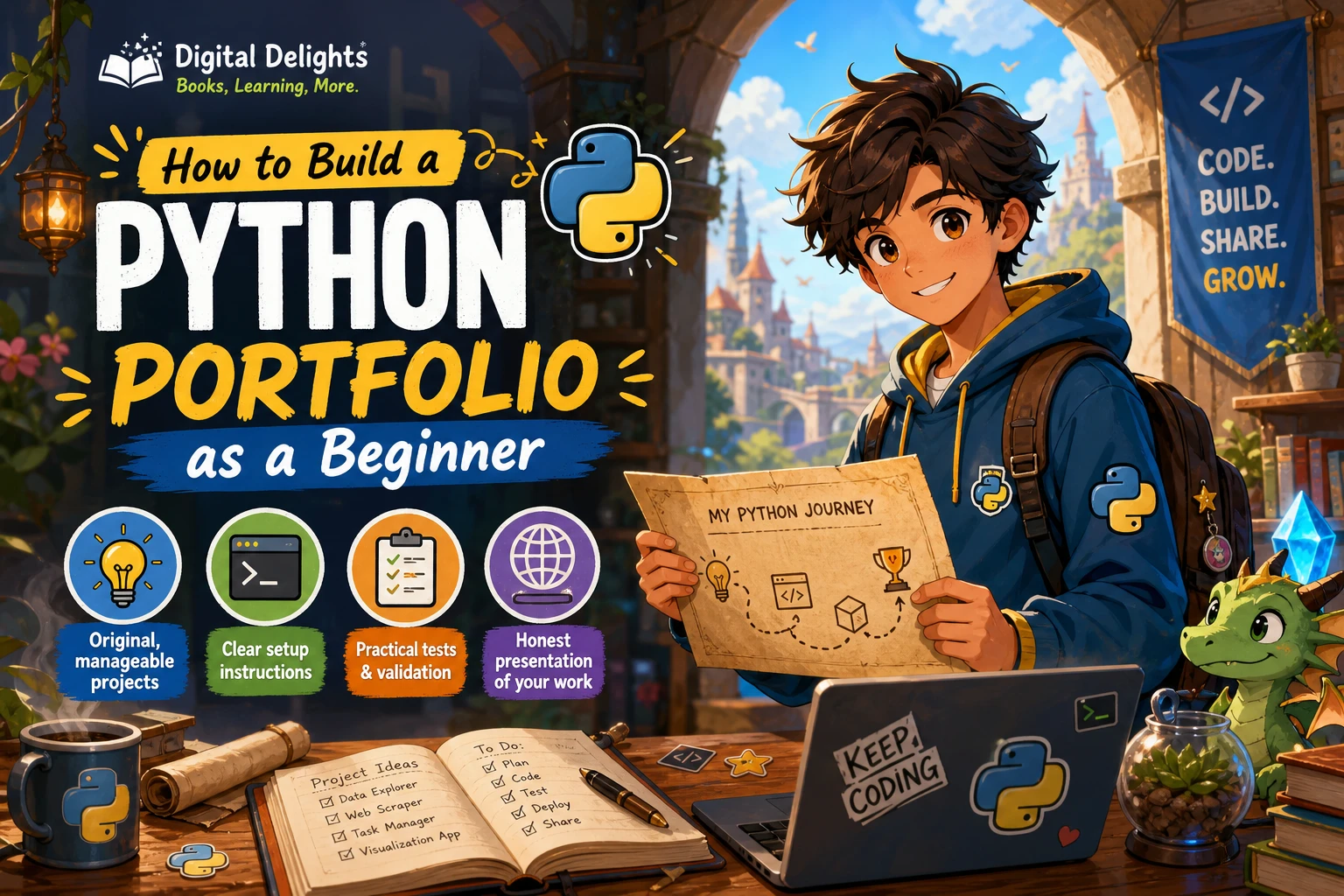
How to Build a Python Portfolio as a Beginner
A beginner Python portfolio should make it easy to understand what you built, how it works, and what you learned. A few finished, clearly explained projects can show more than a long list of exercises copied from tutorials. There is no established ideal number of projects: choose work you can explain and run, and make each project demonstrate a different skill or interest.
Start with manageable ideas, such as a command-line tool, a program that reads or organizes data, and a project connected to a hobby or a problem you want to solve. Then document the setup, show that the code works, and share it in an organized way. This guide walks through those steps without treating any particular project type as a hiring guarantee.
What should a beginner Python portfolio demonstrate?
A portfolio is a collection of evidence, not just a gallery of project names. Each project can show how you approach a problem, use Python fundamentals, handle ordinary errors, and help another person understand your code. For a first portfolio, prioritize work that is complete, distinct, and easy to run over an ambitious project that is difficult to explain.
You do not need to master every Python feature before starting. The official Python tutorial covers scripts and modules, as well as input and output and virtual environments—skills you can gradually apply as projects grow beyond short interactive exercises. Read the Python tutorial’s section on modules.
Choose projects that show different skills
Pick projects that give you a reason to practise different parts of the language. The examples below are starting points, not a required checklist or a formula for getting hired.
| Project direction | What you could practise | Possible example |
|---|---|---|
| Command-line utility | Functions, conditionals, loops, input validation | A unit converter, quiz, or simple task list |
| File-handling project | Reading and writing files, organizing data, handling missing or invalid input | A program that summarizes expenses from a CSV file |
| Data-focused project | Exploring a dataset, calculating useful summaries, communicating results | A small report based on a dataset you can explain |
| Interest-led project | Applying code to a subject you care about | A book tracker, sports-results summary, or hobby inventory |
Choose a project with a clear purpose and a scope you can finish. A simple tool that reliably solves one problem is often easier to present than a large app with unfinished features. If you are unsure where to begin, write down a small inconvenience you encounter, then ask whether a short Python program could reduce it.
Make the project reveal your decisions
Try to include more than the minimum happy path. Consider what should happen if a user enters text where a number is expected, a file is missing, or a list has no items. You do not need to handle every imaginable edge case, but thoughtful choices make your project easier to understand and use.
For a data project, explain where the data came from and what your program does with it. For a command-line tool, show a realistic sample of the input and output. A reader should be able to tell what problem the project addresses without first studying every line of code.
Make each project your own
Tutorials and books can teach techniques, but a portfolio project should show that you can make decisions beyond following instructions. If you use a tutorial as a starting point, identify what you changed, added, or reconsidered. That might mean adding a feature, changing the data source, improving input handling, or reorganizing a script into functions or modules.
- Write down the problem or learning goal before you code.
- Build the smallest working version first.
- Change or extend the project in a way you can explain.
- Keep notes about difficulties and the choices you made.
- Be clear about any tutorial, template, or external code you relied on.
When you describe the work, be specific: “I added input validation and a CSV export” tells a reader more than “I made it better.” Do not claim features or skills that the project does not demonstrate.
Document projects so others can run them
A project is more useful to a reviewer when they can understand its purpose and follow the setup. Include a README or equivalent project guide with the information someone needs to try the program.
- Purpose: What does the project do, and who might find it useful?
- Features: What can someone currently do with it?
- Example: Show a sample command, input, output, or screenshot where relevant.
- Setup: Explain how to obtain the code and start the program.
- Environment: State the Python version you used and list any dependencies.
- Limitations: Mention known issues or features you have not implemented.
Keep setup instructions aligned with the project as it exists. If a project needs third-party packages, document how to install them. Python’s venv module creates an environment isolated from the base installation’s packages, which can help keep project dependencies separate. See the official venv documentation for its behavior and usage.
For additional structured practice, Python Bookcamp: Exercises and Projects is catalogued as covering Python fundamentals through lessons and case studies. It can serve as practice material; adapt what you learn into your own project rather than presenting an exercise unchanged as original work.

Python Bookcamp: Exercises and Projects
Beginners who want structured Python lessons, case studies, and project practice.
Show that the code works
Run the project from a clean start and check the instructions against what actually happens. Test typical use as well as a few likely mistakes, such as blank input or an invalid value. Fix errors you find, and make the expected behavior clear when the program cannot proceed.
Tests can make your project’s behavior easier to verify. Python documents unittest for automated tests and doctest for checking examples in documentation. They are useful options, not requirements for every tiny beginner project. Use them when they fit the project, and explain how to run them. See the Python documentation on development tools.
Even without a formal test suite, include evidence that you checked the program: provide a clear example, make sure the documented steps work, and do not describe unimplemented behavior as complete.
Publish and present the portfolio
Store each project in an organized repository on a code-hosting service, then link to the projects from a simple profile or portfolio page if you have one. You do not need a custom-designed website to begin. A short introduction and a small number of well-presented projects can give readers a useful starting point.
Before sharing, check that the repository is understandable without private context: use descriptive file names, remove unnecessary temporary files, include setup instructions, and make the main entry point apparent. If you publish a page or profile, keep its project descriptions consistent with the code and documentation.
Common beginner portfolio mistakes
- Listing unfinished work as complete. Label experiments honestly, or finish a small usable version before featuring it.
- Submitting tutorial work without meaningful changes. Explain the source and show what you independently added or learned.
- Leaving out setup instructions. A reader should not have to guess which command or package is needed.
- Making every project the same. A few projects that exercise different skills can show a broader range of learning.
- Overstating what the project proves. Describe the code and your contribution accurately; no portfolio can promise an interview or job.
- Choosing scope that keeps expanding. Define a small first version, finish it, and list possible future features separately.
Frequently asked questions
How many projects should a beginner Python portfolio have?
There is no evidence-based ideal count in the sources used for this article. Focus on a manageable collection of finished projects that you can explain and run rather than aiming for a specific number.
What are good Python portfolio projects for beginners?
Start with a small command-line tool, a file- or data-handling program, or an idea connected to an interest. Choose projects that let you demonstrate different skills, but treat these as options rather than employer requirements.
Do beginner portfolio projects need to be large?
No. A small project can be worth presenting when it has a clear purpose, works as described, and includes understandable instructions. A larger project is not automatically stronger if it is unfinished or difficult to run.
Can I include a project based on a tutorial?
Yes, if you are transparent about the starting point and make meaningful changes you can explain. Document what you added or adapted, and avoid presenting someone else’s tutorial solution as entirely your own work.
What should I build next?
Choose the next project based on a skill you want to practise or a problem you want to solve. If your current work is mostly command-line scripts, for example, try a file-based project or a small data task. Keep the scope clear enough to finish and document.
Build a portfolio one finished project at a time
A beginner Python portfolio takes shape through a practical cycle: choose a small problem, build a working solution, make it your own, test it, and explain how to run it. There is no need to wait until you know every part of Python. Start with what you can do now, then let each completed project point to the next skill you want to practise.
If you are still working through the fundamentals, Introduction to Python Programming is a catalog resource covering core Python concepts, problem-solving, and an introduction to data science. You can also browse the Python learning resources category for related material.
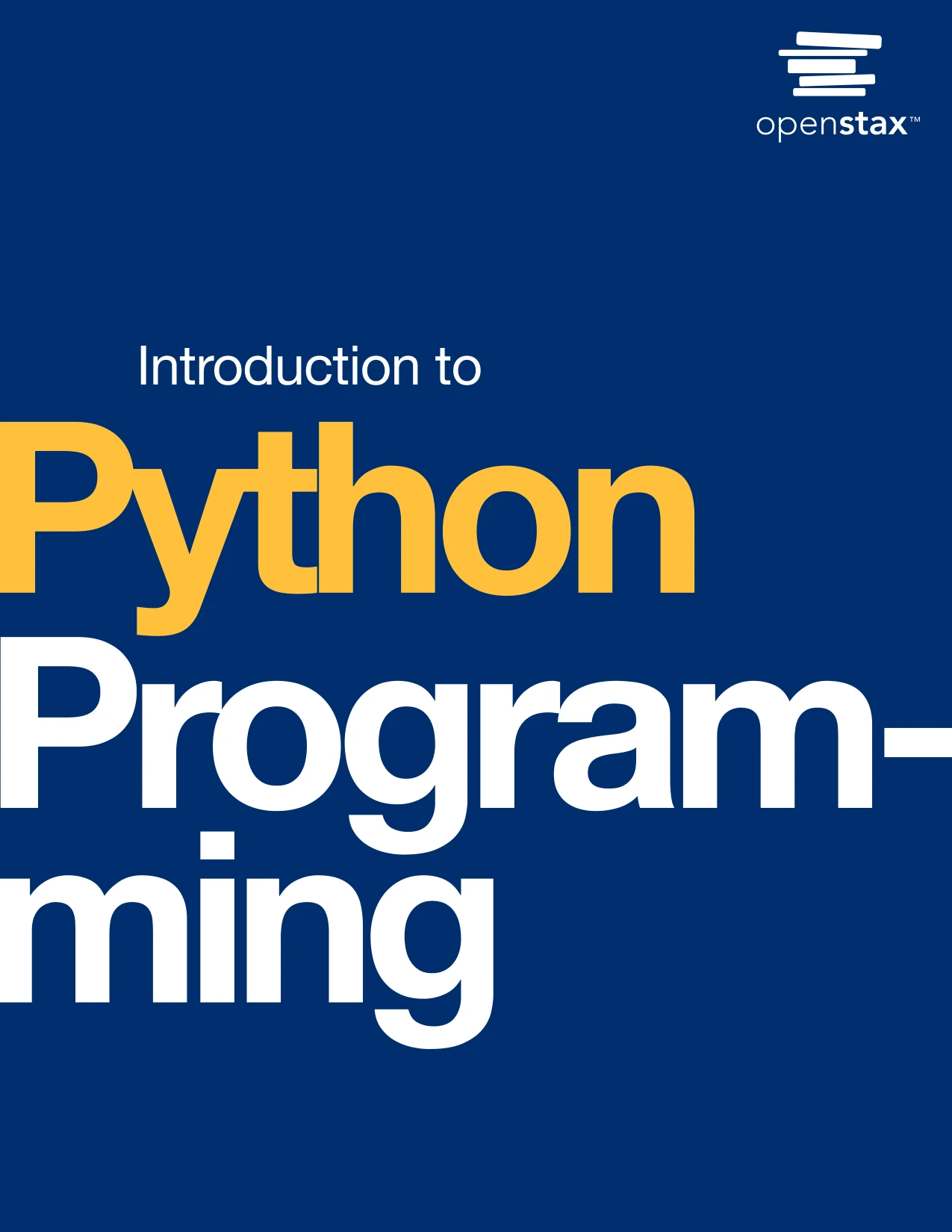
Introduction to Python Programming
By Udayan Das
Learners seeking a broad introduction to Python, problem-solving, and data science foundations.