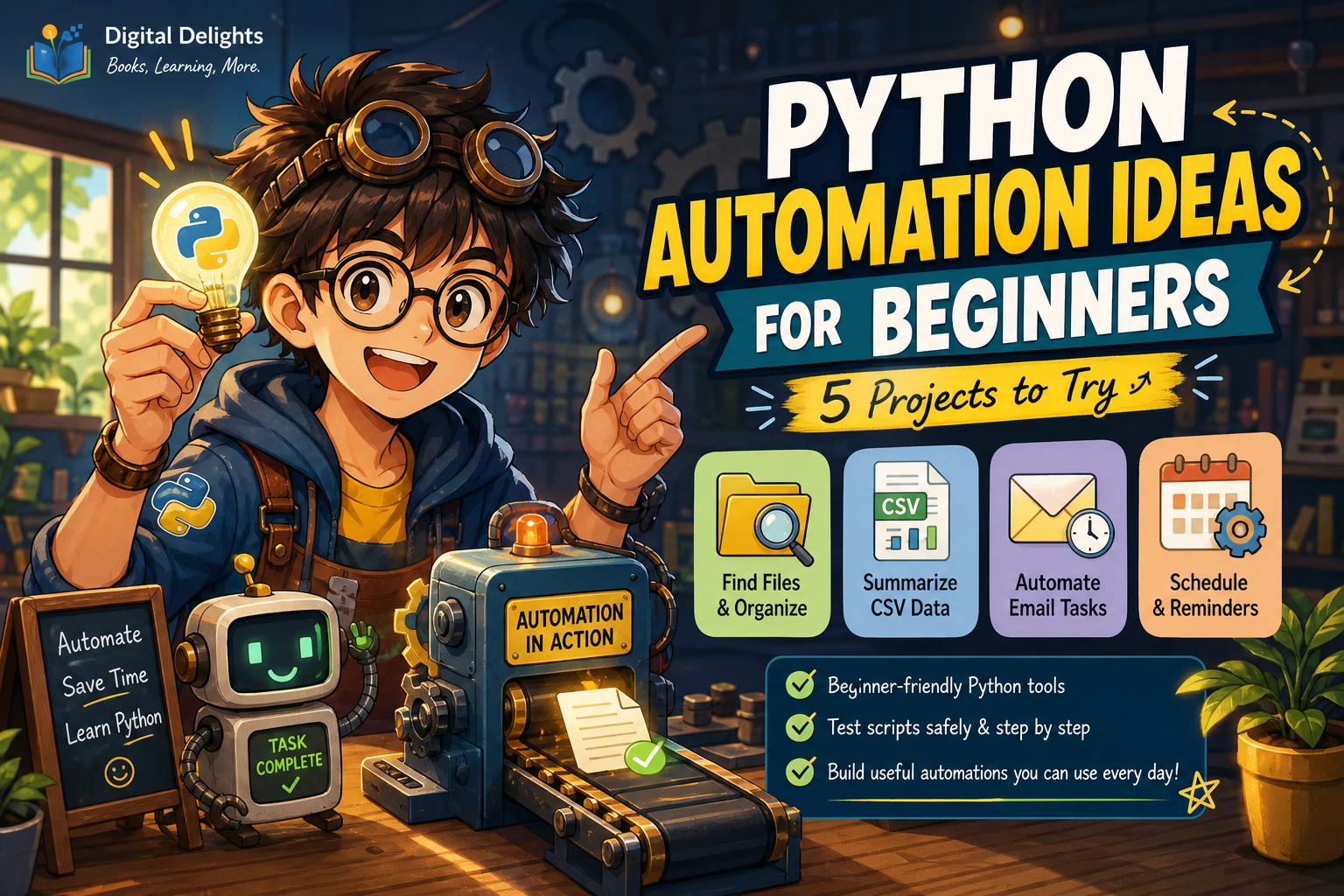
What Can You Automate with Python?
Python can automate many computer tasks that follow repeatable steps: sorting files, preparing spreadsheet data, checking logs, sending notifications, and working with online services. The best candidates are tasks with clear rules and predictable inputs—not every action you can perform on a screen.
What a script can do depends on its permissions, the applications or services involved, and how much maintenance the workflow needs. Start with a small, low-risk task, test it on copies of your data, and only then decide whether to let it run unattended. Below are practical examples, the main caveats, and a straightforward way to choose your first project.
Everyday files and folders
File operations are a natural first automation project because the task is often easy to describe: find files matching a rule, then sort, rename, copy, or archive them. For example, a script could group downloads by file type, add a date to a set of report filenames, find files with a particular extension, or copy selected documents to a backup folder.
Python’s standard library includes tools for working with files and directories, as well as archives and common data formats. That means some basic file workflows can be built without installing an extra package. See the Python standard library overview for a tour of built-in capabilities.
Preview changes before making them
A script that renames or moves the wrong files can create a mess quickly. Begin with a preview that prints what the script would do, rather than changing anything. Test against a temporary folder containing copies of representative files. Add safeguards such as checking that the destination exists and that a target filename is not already in use before enabling changes.
from pathlib import Path

folder = Path("sample_files")

for path in folder.iterdir():
    if path.is_file() and path.suffix.lower() == ".txt":
        proposed_name = path.with_name(f"archive_{path.name}")
        print(f"Would rename: {path.name} → {proposed_name.name}")
This example only prints a proposed action; it does not rename files. That makes it suitable for learning how to identify candidates before adding a carefully tested change step.
Spreadsheets, documents, and data
Python can help prepare recurring data: combine files, check for missing values, convert between formats, extract selected fields, or produce a consistent output for a report. The standard library covers common formats such as CSV, JSON, and XML. For a task involving Excel workbooks, specialized libraries or an application’s own features may be needed, depending on what you want to read or change.
A useful first spreadsheet workflow might be to collect several similarly structured CSV exports into one file, standardize a date column, or flag rows that need review. Keep the original files unchanged while you develop the script, and compare its output with a small set of examples you have checked manually.
If your work is specifically Excel-heavy, Automating Excel with Python: Processing Spreadsheets with OpenPyXL focuses on workbook reading, writing, editing, formatting, and related spreadsheet workflows. For readers who want a broader bridge between spreadsheet work and Python, Python for Excel Users: Know Excel? You Can Learn Python is described in the catalog as an introduction to Python fundamentals for Excel users, including automation-oriented examples.
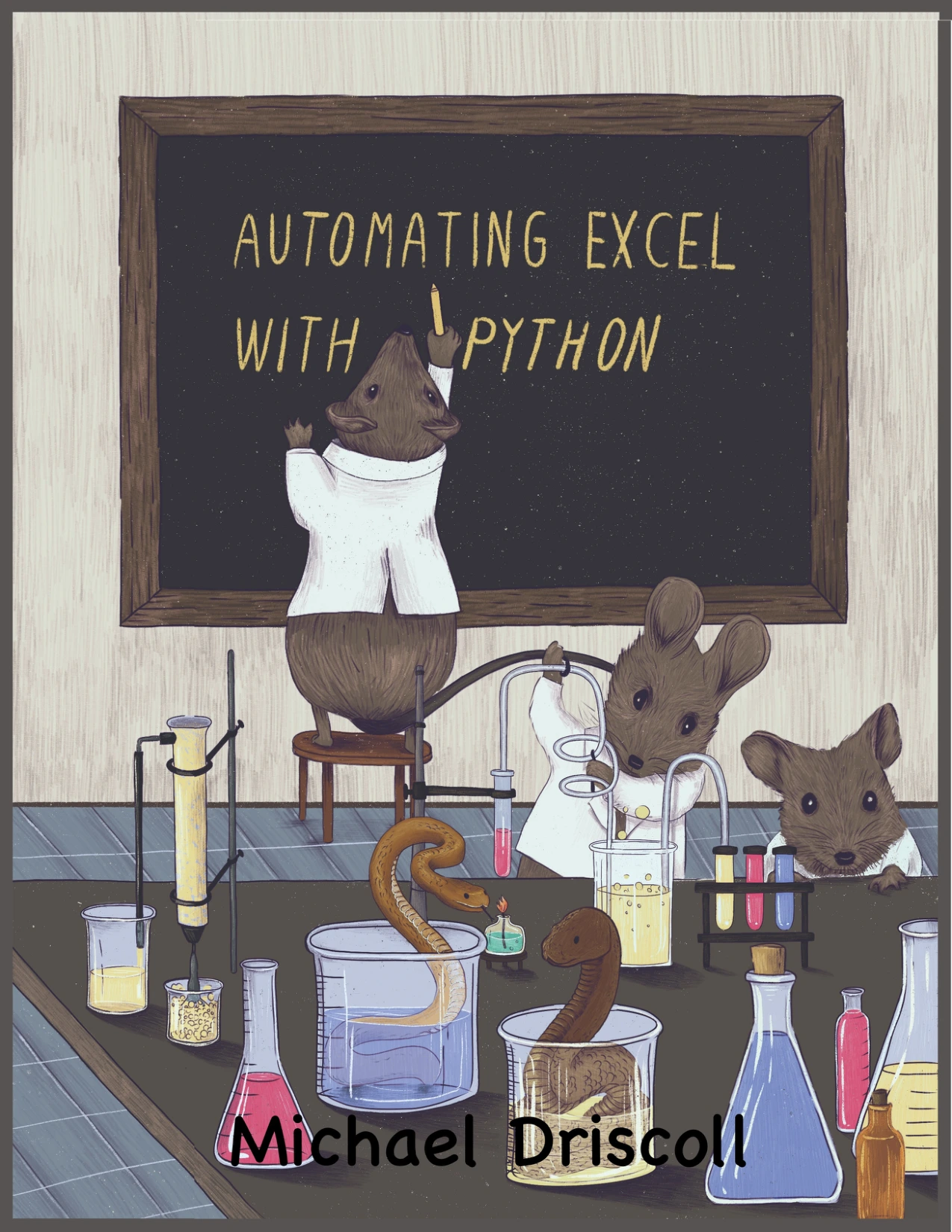
Automating Excel with Python: Processing Spreadsheets with OpenPyXL
Readers looking to work with workbook data, formatting, and recurring spreadsheet tasks.
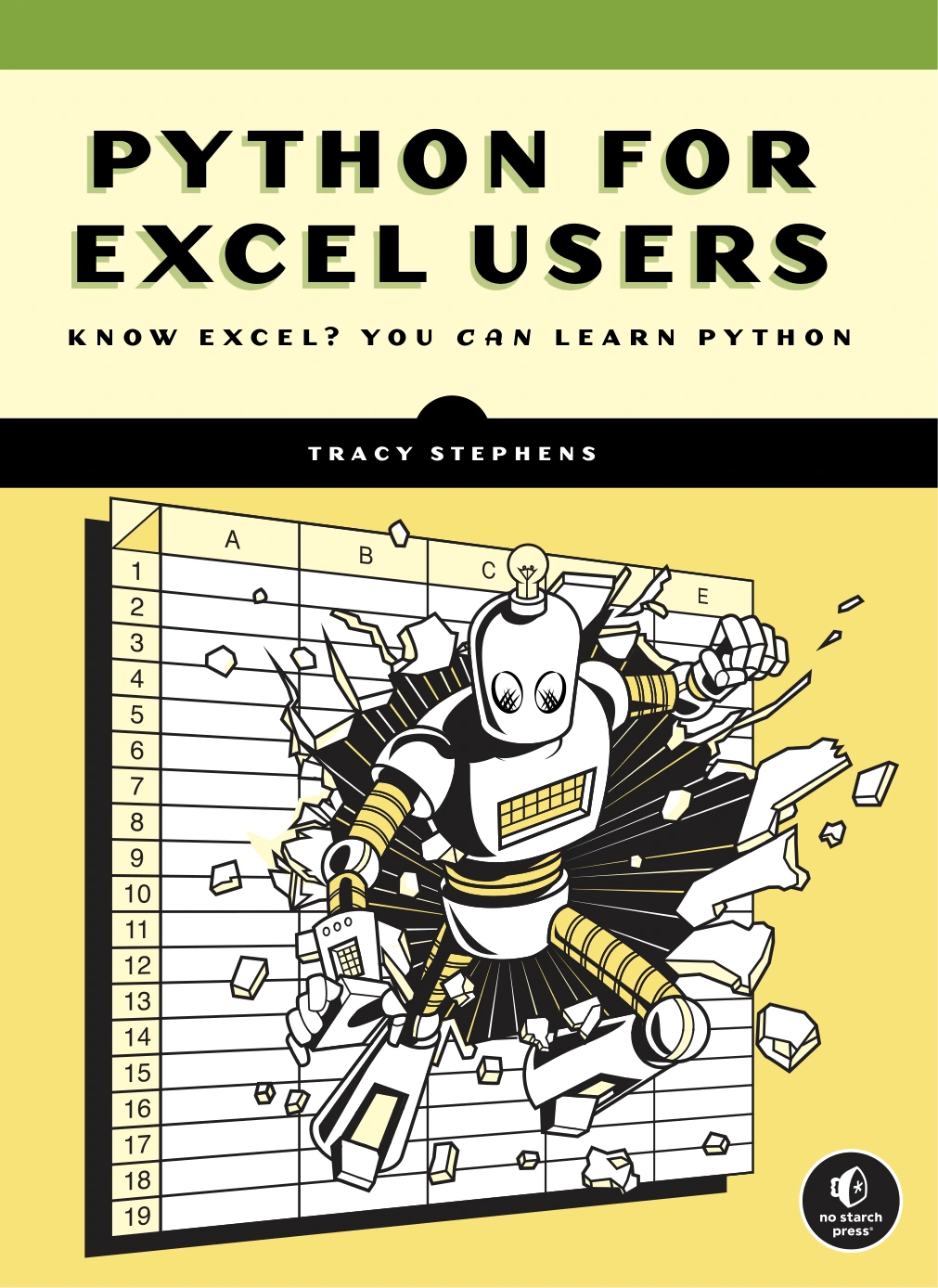
Python for Excel Users: Know Excel? You Can Learn Python
Excel users who want to learn Python fundamentals and explore automation.
Repetitive web and online tasks
Python can interact with online services in different ways. If a service offers an API for the task, that is often a more direct and predictable approach than trying to control the site as if you were clicking through it. The Python standard library also includes facilities related to internet access, though a particular service may require its own client library, account, credentials, or configuration.
Browser automation and web scraping are other possibilities—for example, gathering information from pages or carrying out a repeated browser workflow. These methods can be fragile: a website redesign can break a script, and pages may rely on logins or other checks. Before automating access or submissions, review the site’s terms and applicable policies. Do not assume that a page being publicly visible means automated collection or interaction is permitted.
For a specific online task, check whether the service provides an approved API or built-in export first. That may be simpler to maintain than a script that depends on page layout or browser behavior.
Email, notifications, and scheduled jobs
A script can support routine messaging tasks, such as preparing a notification when a local process finishes or sending a report through a configured service. Email automation may require account setup, credentials, permissions, and service-specific settings. Avoid putting passwords or secret keys directly into a script that might be shared or stored in a public repository.
Scheduling is a separate step from writing the automation itself. You can arrange for a script to run periodically using tools available in your operating system or other scheduling software. Before scheduling it, check how it behaves when a file is missing, a network connection fails, or the task is triggered more than once. A scheduled script should also make its status and errors visible, such as by writing a log or sending a suitable alert.
System and administrative tasks
Python can help with recurring system checks, such as reviewing selected log entries, collecting information from files, or running a command-line tool as part of a defined workflow. The exact approach can vary by operating system, and commands that work on one machine may not work unchanged on another.
Give a script only the access it needs. Be especially cautious with actions that delete files, change system settings, create accounts, or affect other people’s data. Test such workflows in a non-production environment when possible, and make the script report what it did rather than silently making consequential changes.
For readers interested in the administrative side, Mastering Python Scripting for System Administrators covers Python fundamentals alongside topics such as command-line arguments, debugging, testing, file and directory work, and administrative automation.
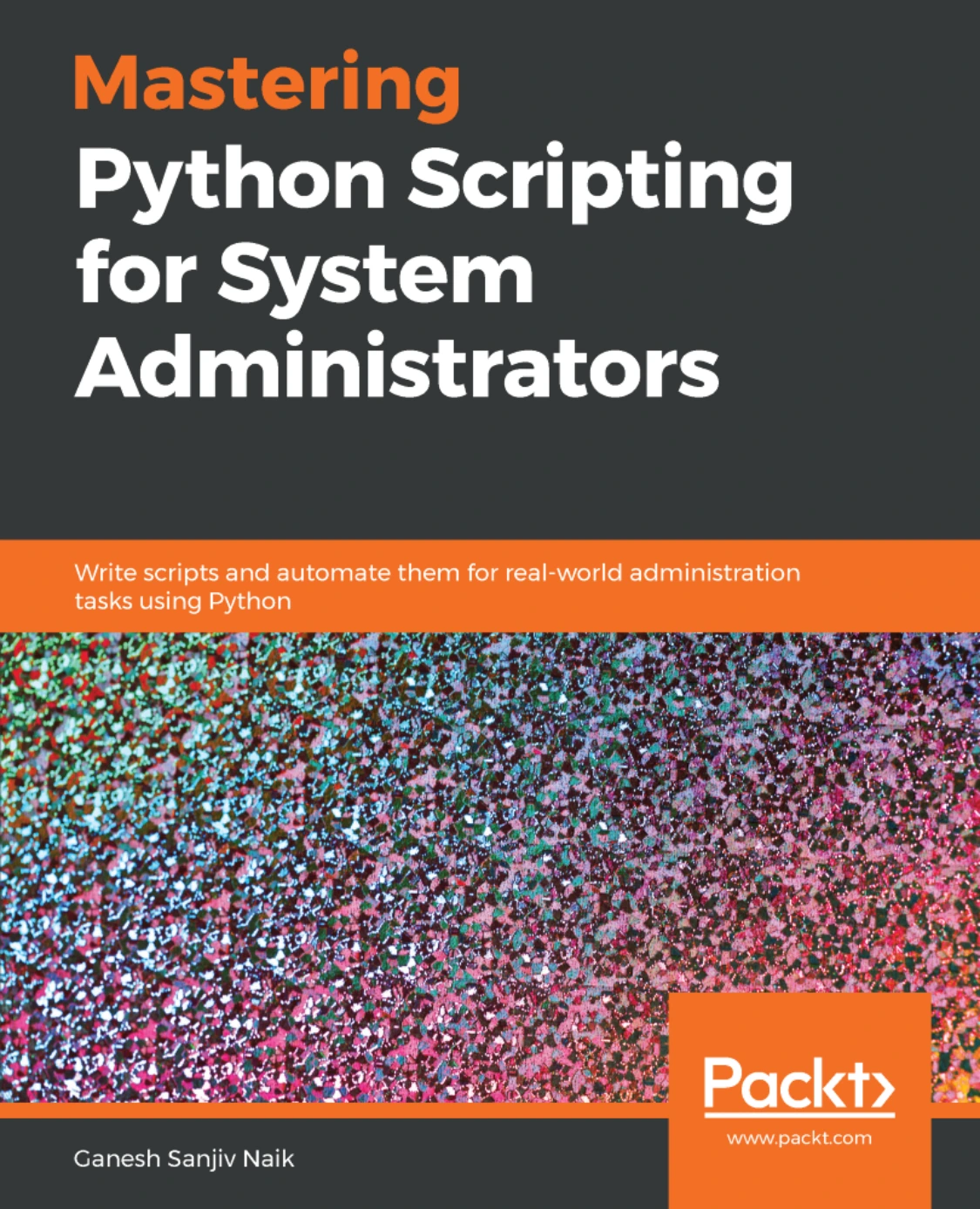
Mastering Python Scripting for System Administrators
Readers interested in Python scripting for system administration tasks.
Hardware and Raspberry Pi projects
Python automation can also connect software to physical devices. With suitable hardware and supporting tools, a Raspberry Pi project might read a sensor, control an output, or run a small monitoring task. These projects involve more than code: the board, components, wiring, libraries, and electrical requirements all matter.
If you want a guided hardware route, Raspberry Pi Cookbook: Software and Hardware Problems and Solutions, Fourth Edition is cataloged as a practical collection of Raspberry Pi recipes spanning Python, Linux, sensors, and hardware projects.
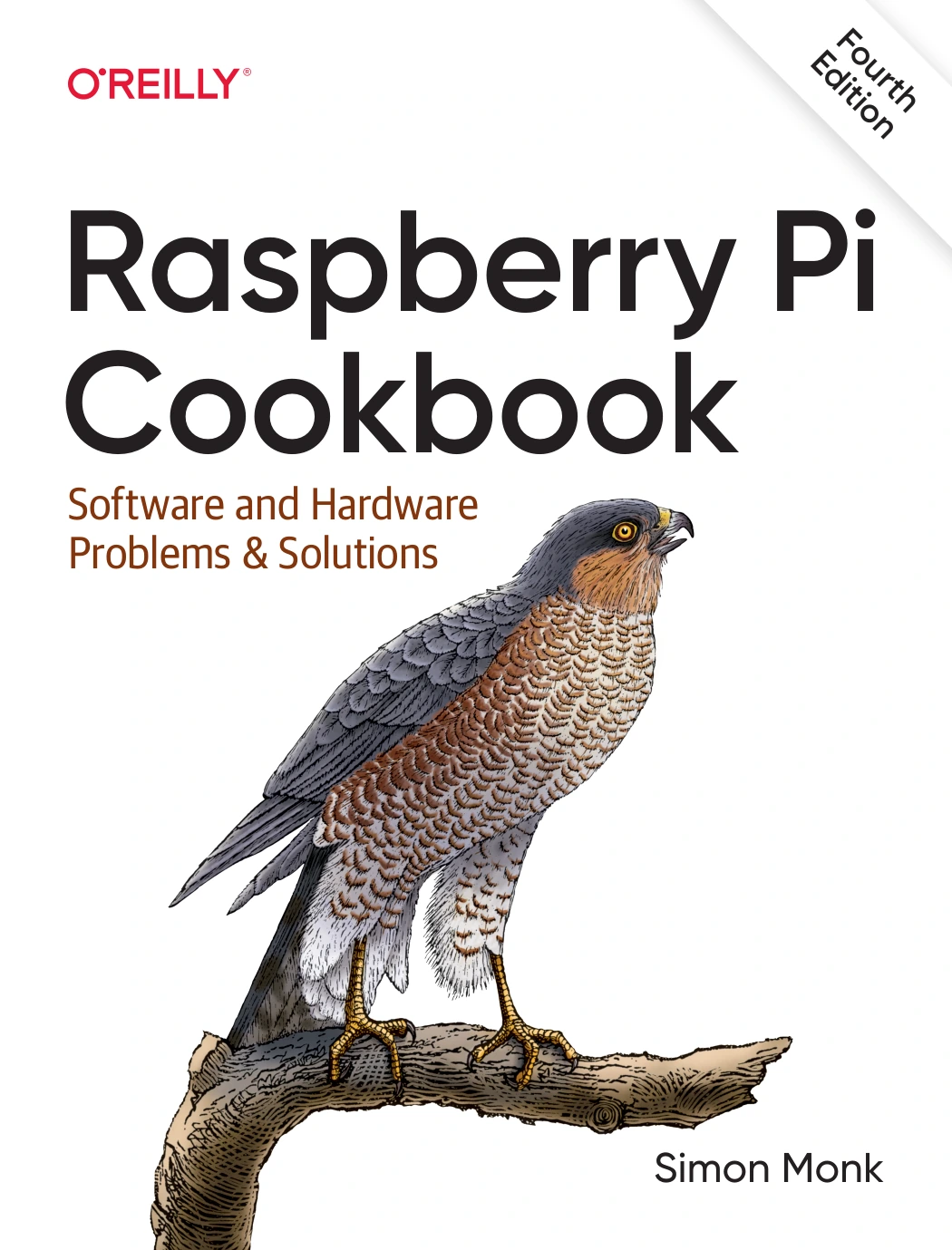
Raspberry Pi Cookbook: Software and Hardware Problems and Solutions, Fourth Edition
By Simon Monk
Readers exploring Python alongside Raspberry Pi, sensors, and hardware projects.
What should you automate first?
Choose a task that happens repeatedly, has clear rules, and would be easy to check. A simple file report or a preview of spreadsheet changes is a safer first project than automatically submitting forms or modifying important records.
- Describe the steps. Write down the task as a short sequence, including the input and expected result.
- Check for a simpler option. A built-in feature, saved template, or approved API may already solve the problem.
- Start with a preview. Have the script list proposed changes or create a separate output file instead of overwriting originals.
- Test representative cases. Include ordinary examples and likely exceptions, such as empty files or duplicate names.
- Add error handling and a record. Make failures visible and keep enough information to understand what happened.
- Schedule only after testing. Run it manually first and confirm its behavior before setting it to run unattended.
If you are new to coding, a practical, task-based resource may make it easier to connect Python basics with automation projects. Automate the Boring Stuff with Python, 3rd Edition is presented in the catalog as a beginner-focused guide to useful tasks such as file organization and data handling. For short, focused coding practice, Python Programming Exercises, Gently Explained offers 42 exercises.
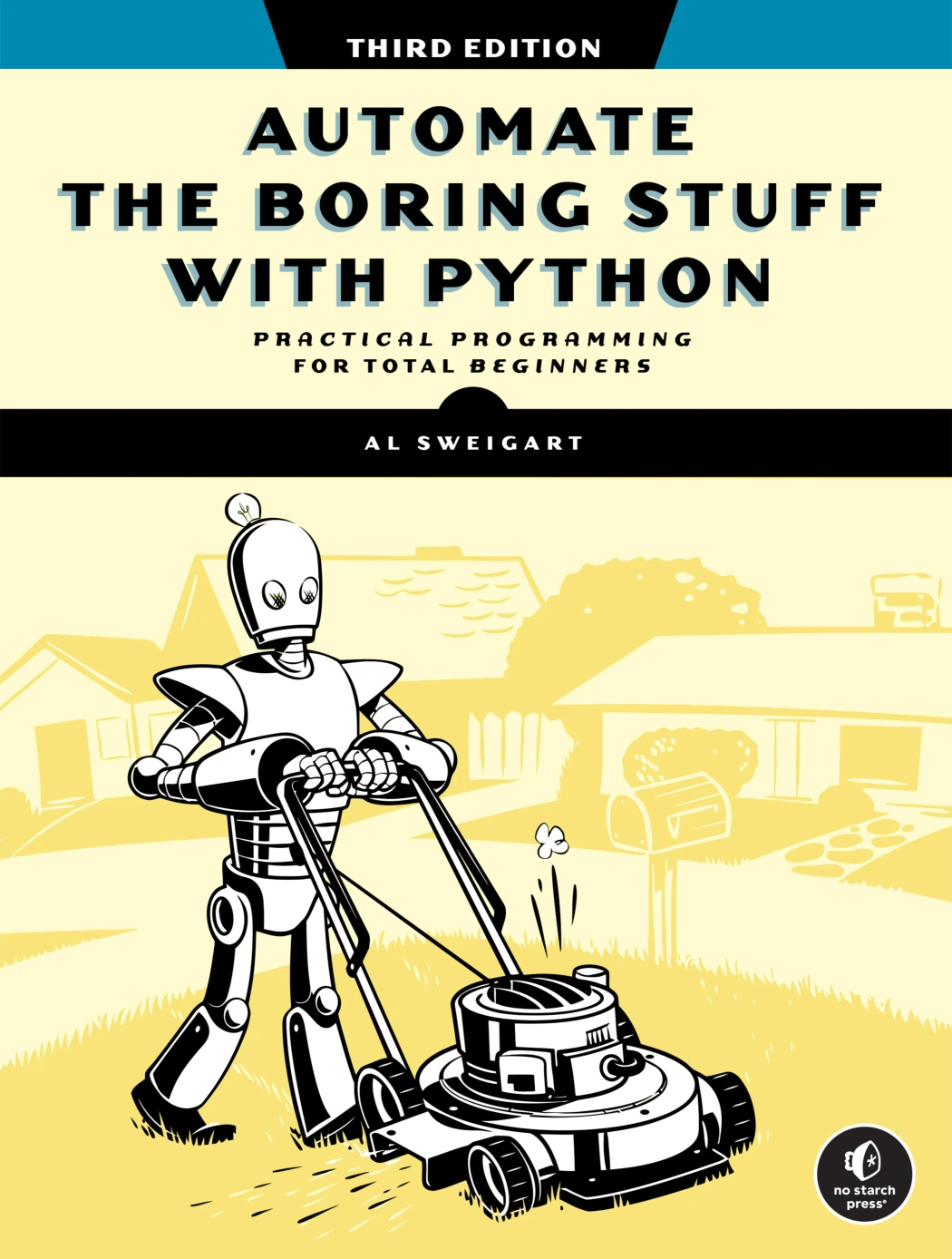
Automate the Boring Stuff with Python, 3rd Edition
By Al Sweigart
Beginners interested in applying Python to everyday computer tasks.
Python Programming Exercises, Gently Explained
By Al Sweigart
Learners who want to practise Python through short exercises.
When Python automation may not be the right choice
Automation is not automatically better than doing a task manually. A one-time task may take less effort to complete by hand than to script, test, and maintain. A built-in feature or official API might also be more dependable than a custom workaround.
Think carefully before automating anything where an error could send the wrong message, expose private information, alter important records, or cause financial or operational harm. Consider how often the task changes, whether you can monitor failures, and whether you are allowed to automate the system involved. The likely benefit depends on the individual workflow; the available sources do not establish a universal time saving or reliability level.
Frequently asked questions
Do I need to know Python before automating tasks?
You need enough Python to understand and safely adapt the script you plan to run. If you are starting from scratch, learn basic variables, conditions, loops, functions, and file handling before relying on automation that changes or sends data. The official Python tutorial is aimed at readers new to Python who already have some programming familiarity, so complete beginners may prefer a resource designed to introduce programming concepts first.
Can Python automate Excel?
Yes, Python can be used in spreadsheet workflows, including tasks such as reading, editing, and organizing workbooks. The right method depends on the workbook and the change you need. Test on copies, verify the output, and check whether a library or application feature fits the task.
Can Python automate websites?
Python can interact with web services and browser workflows, but the method and permissions depend on the site. Prefer an approved API where available, review the site’s rules, and expect browser-based scripts to need maintenance if the site changes.
Can Python run tasks on a schedule?
Yes. A script can be started by scheduling tools available on your computer or server. Test it manually first, decide how failures will be reported, and confirm that the task is safe to repeat before scheduling it.
Conclusion
Python can automate work with files, data, spreadsheets, online services, email, system tasks, and supported hardware. The most sensible first project is small, repeatable, low-risk, and easy to verify. Start with a preview, test on copies, and add safeguards before allowing a script to make changes or run on a schedule.
For further reading, the Python standard library overview shows the range of tools available without relying on third-party packages. For practical project ideas, match a learning resource to the work you actually want to automate—whether that is spreadsheets, general computer tasks, or system administration.