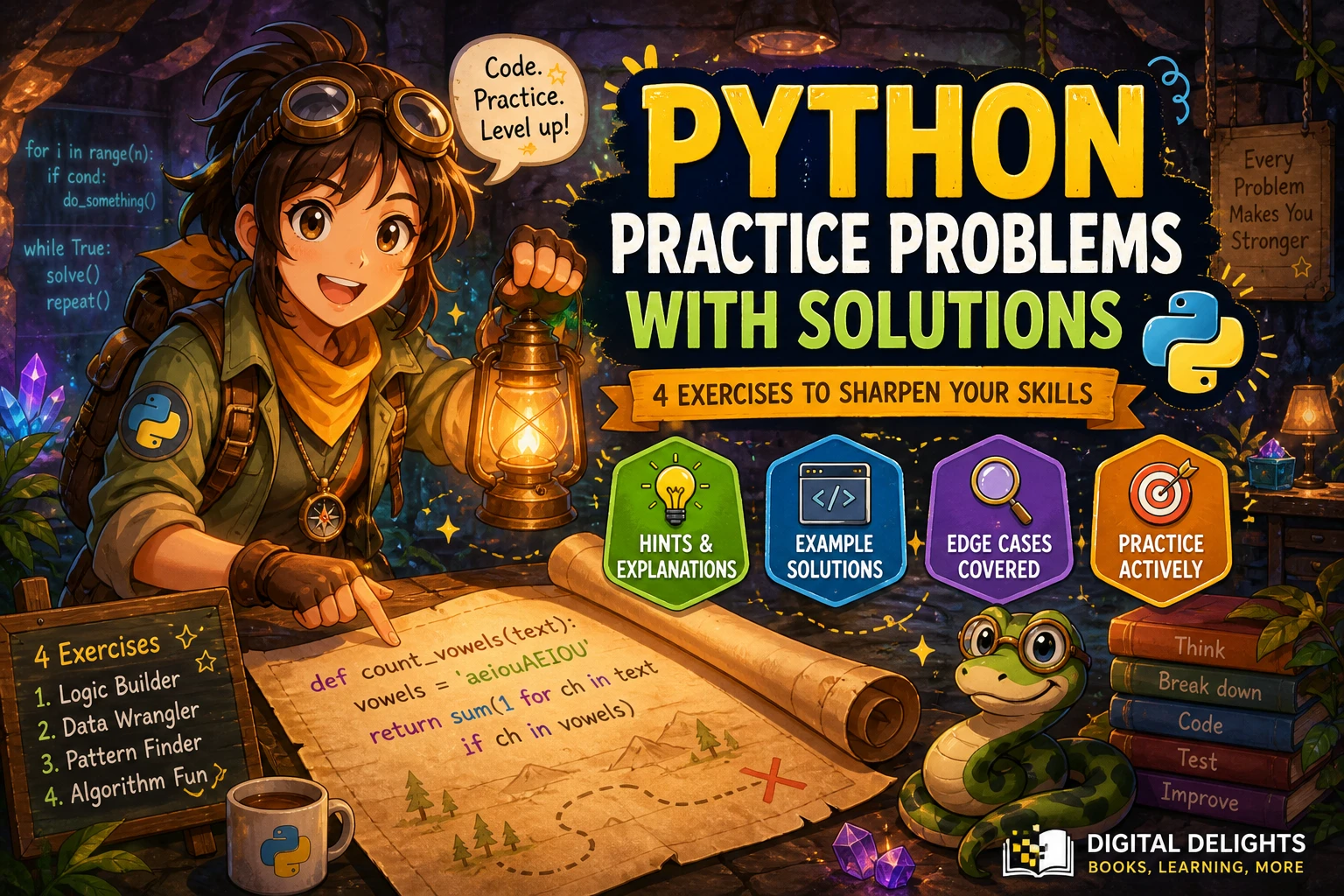
Python Practice Problems with Solutions
Reading a solution can make a programming problem look easy; writing one yourself is where you find out what you understand. Use the Python practice problems below as a short progression: try each prompt first, check the hint only if you get stuck, and then compare your code with the example solution. The aim is not to copy a particular answer, but to understand the logic and practise checking different inputs.
You will work through basic arithmetic, strings, lists, and a simple algorithm. Each exercise includes an expected result, a hint, a solution, and extra cases to consider. If you are choosing a learning resource as well, the comparison later in this guide explains how several practice-focused books differ.
What to know before trying these Python problems
You do not need advanced Python to start. Be comfortable with variables and common types such as integers and strings, if statements, loops, functions, and basic lists. Dictionaries are useful for the final challenge but are introduced in its explanation.
The official Python Tutorial moves through expressions and basic types, control flow, functions, and data structures. It also notes that some programming familiarity is helpful, so complete beginners may want to learn those building blocks before taking on multi-step exercises.
Python practice problems with solutions
For each exercise, read the prompt and sample before opening the solution. The examples show one reasonable approach; other implementations may also be correct if they follow the stated requirements.
1. Beginner: Convert seconds into hours, minutes, and seconds
Problem: Write a function that accepts a non-negative integer number of seconds and returns the equivalent hours, minutes, and remaining seconds as a tuple.
Example: 3665 should return (1, 1, 5).
Hint: divmod() returns a quotient and remainder. Divide first by the number of seconds in an hour, then divide the remainder by the number in a minute.
Solution:
def split_seconds(total_seconds):
    hours, remainder = divmod(total_seconds, 3600)
    minutes, seconds = divmod(remainder, 60)
    return hours, minutes, seconds

print(split_seconds(3665))  # (1, 1, 5)
Why it works: The first division separates complete hours from the leftover seconds. The second separates complete minutes from what remains. Because the input is defined as non-negative, the returned values are all non-negative.
Try these cases: 0 returns (0, 0, 0); 59 returns (0, 0, 59); and 3600 returns (1, 0, 0). Decide how your program should handle negative input if you want to extend the prompt.
2. Beginner: Count vowels in a string
Problem: Write a function that counts the letters a, e, i, o, and u in a string, without treating uppercase and lowercase as different.
Example: "Python is useful" should return 5.
Hint: Convert the text to lowercase, then count each character that belongs to a set of vowels.
Solution:
def count_vowels(text):
    vowels = set("aeiou")
    count = 0

    for character in text.lower():
        if character in vowels:
            count += 1

    return count

print(count_vowels("Python is useful"))  # 5
Why it works: Lowercasing lets one membership check handle both cases. The set makes the intended group of vowel characters explicit. Spaces, punctuation, and consonants do not match, so they do not increase the count.
Try these cases: An empty string returns 0; "AEIOU" returns 5; and "rhythm" returns 0 under this exercise’s definition of vowels.
3. Early intermediate: Remove duplicates while keeping order
Problem: Given a list, return a new list containing each value only once, keeping the order of its first appearance.
Example: ["red", "blue", "red", "green", "blue"] should return ["red", "blue", "green"].
Hint: Keep track of values you have seen, but build the result in a list so the original order is preserved.
Solution:
def unique_in_order(items):
    seen = set()
    result = []

    for item in items:
        if item not in seen:
            seen.add(item)
            result.append(item)

    return result

print(unique_in_order(["red", "blue", "red", "green", "blue"]))
# ["red", "blue", "green"]
Why it works: The set records whether an item has appeared before, while the result list records first appearances in sequence. This version is intended for hashable values, such as strings and integers; lists themselves cannot be added to a set.
Try these cases: An empty input returns an empty list; a list with no repeats stays unchanged; and a list containing the same value several times returns one copy. Consider what output you expect for [3, 3, 1, 3, 1].
4. Challenge: Find the first repeated character
Problem: Return the first character that appears for a second time as you scan a string from left to right. Return None if no character repeats. Treat uppercase and lowercase as different characters.
Example: "swiss" should return "s": the second s encountered is the first repeated character.
Hint: Use a set to remember characters already visited. Return as soon as the current character is in that set.
Solution:
def first_repeated_character(text):
    seen = set()

    for character in text:
        if character in seen:
            return character
        seen.add(character)

    return None

print(first_repeated_character("swiss"))  # s
print(first_repeated_character("python"))  # None
Why it works: The loop checks each character in order. A character is returned at the first point where it has already been seen; if the loop finishes, there was no repetition. This returns the first repeated character by the point it is encountered, not necessarily the character whose first occurrence was earliest in the string.
Try these cases: An empty string returns None; "aabb" returns "a"; and "Aa" returns None because this prompt distinguishes case.
A practical routine for solving Python exercises
- Restate the task. Write down what the function receives, what it should return, and any rules about order, capitalization, or valid inputs.
- Work through a small example. Trace the values by hand before writing code. This often reveals which information your program needs to keep track of.
- Write a first attempt. Focus on a clear solution before trying to shorten or optimize it.
- Test normal and boundary cases. Include an empty input, a smallest useful input, and a case that tests the main rule. Add unusual cases when the prompt permits them.
- Compare with the solution. Identify the idea behind any difference. Then close the answer and try to explain or recreate the approach from memory.
- Make one variation. Change a requirement, such as ignoring letter case or returning all repeated characters, and update your code.
When a result seems wrong, print intermediate values or use a debugger to follow the code one step at a time. Checking an answer means more than seeing the sample output: the solution should also match the problem’s stated behavior on other valid inputs.
Common mistakes when practising Python
- Reading the answer too soon: Give yourself time to interpret the prompt and form a plan. If you need help, use the hint before reading the full solution.
- Testing only the example: A single sample may not reveal a boundary error, a case-sensitivity issue, or a mistaken assumption about empty input.
- Copying code without tracing it: For each loop or condition, ask what the variables contain and why the next step follows.
- Assuming one answer is uniquely correct: Different code can satisfy the same requirements. Compare clarity and behavior, not just line-by-line similarity.
- Ignoring the prompt’s assumptions: State whether inputs may be empty, negative, or contain a particular kind of value. Handle only what the task requires, but do not leave essential behavior ambiguous.
Choosing a Python practice resource
Practice materials vary in how much instruction they provide and how demanding the problems are. Choose based on what you want to do next: build basic fluency, work through a broad exercise collection, or stretch your problem-solving skills. The descriptions below are based on catalog information, not comparative testing.
| Resource | Practice style described in the catalog | May suit readers who |
|---|---|---|
| Python Code Examples – 1: Solved Exercises to Practice | 90 solved examples focused on variables and logical or conditional structures. | Want short, solved examples around early Python concepts. |
| The Python Workbook: A Brief Introduction with Exercises and Solutions | A concise introduction followed by a broad exercise collection; the catalog describes 212 exercises and solutions for approximately half. | Want a workbook format with varied practice alongside brief topic introductions. |
| Python Workout, Second Edition (MEAP V03) | An exercise-led sequence covering a range of Python topics, with opportunities to attempt problems and compare approaches. This catalog listing is identified as an early-access MEAP edition. | Already know some Python fundamentals and want deliberate practice across more topics. |
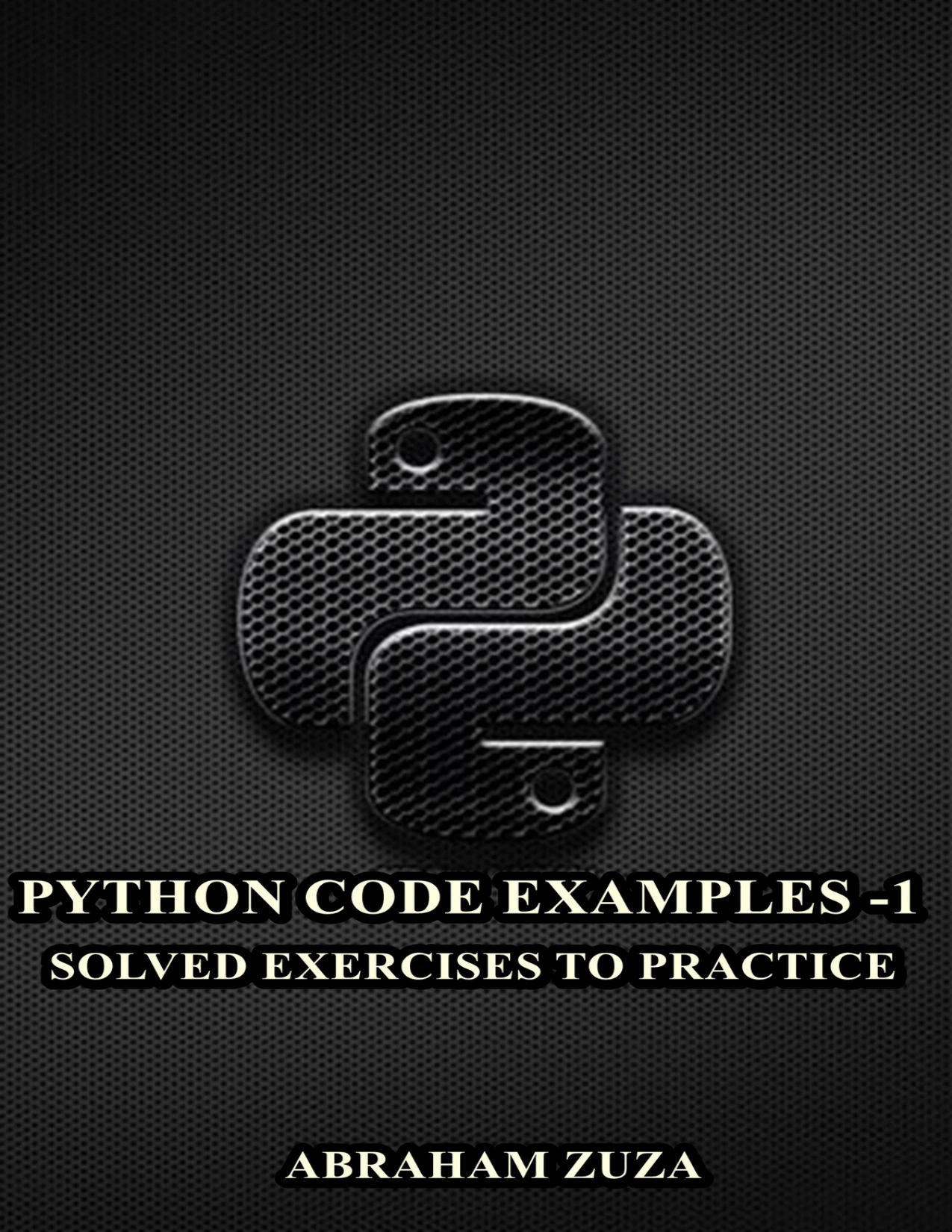
Python Code Examples – 1: Solved Exercises to Practice
By Abraham Zuza
Readers looking for examples covering variables and conditional logic.
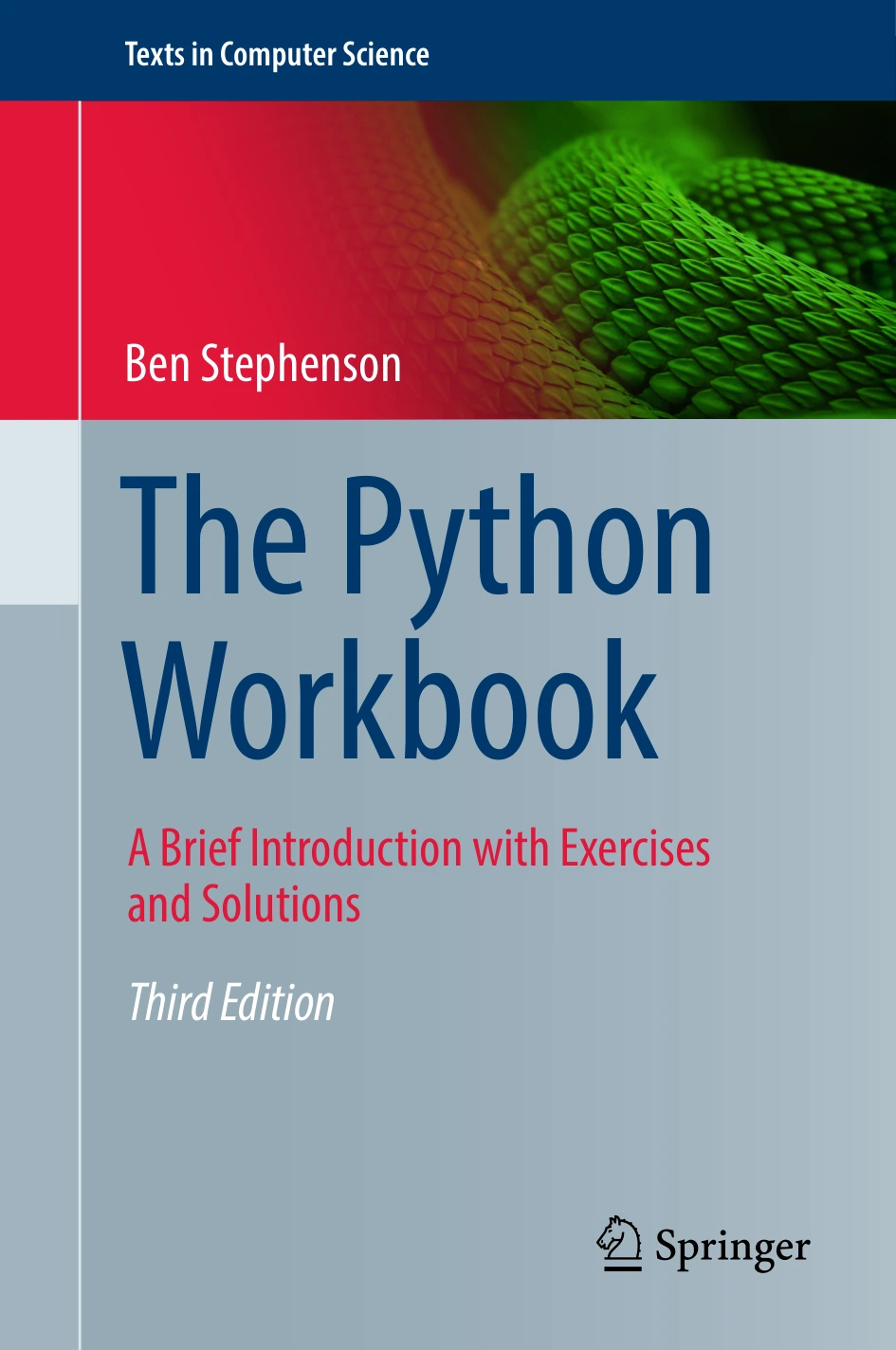
The Python Workbook: A Brief Introduction with Exercises and Solutions
Learners who want brief topic introductions and a varied exercise collection.
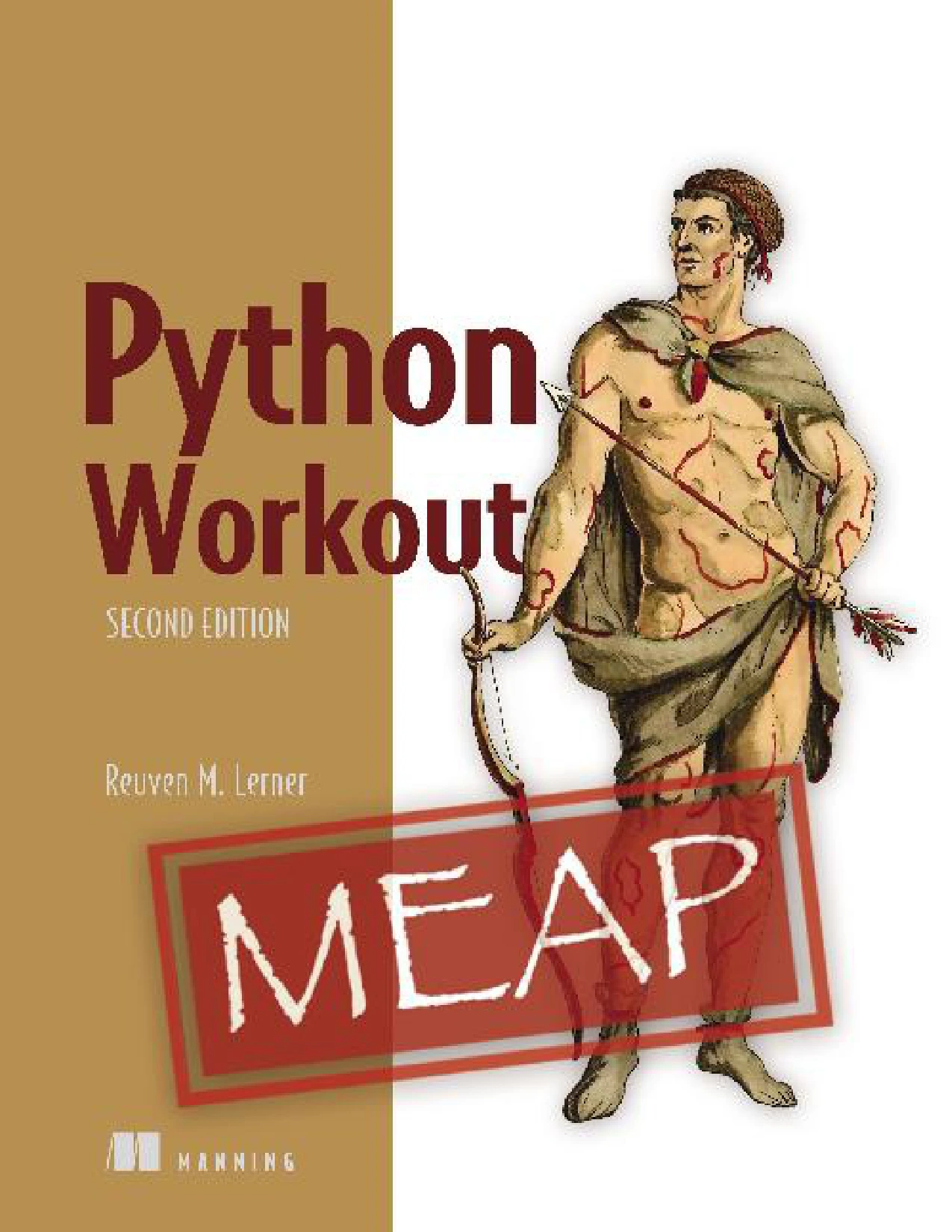
Python Workout, Second Edition (MEAP V03)
Readers who know fundamentals and want more deliberate problem-solving practice.
These are different formats rather than a quality ranking. Check the product page for the current edition and details before choosing. If you are just beginning, a resource centered on basic concepts may be a more comfortable starting point than a challenge-heavy collection. For additional options, browse the verified Python category.
Frequently asked questions
Do I need to know Python before trying practice problems?
Start with variables, basic types, conditionals, loops, and simple functions. Lists are useful for many beginner exercises. You can learn dictionaries as you reach problems that use them. If these building blocks are unfamiliar, study them first and then return to the exercises.
When should I look at a Python problem’s solution?
After you have understood the prompt and made a genuine attempt. If you are stuck, use a hint or trace a small example. When you read the answer, focus on its reasoning, then try to reproduce the solution without looking.
How can I tell whether my solution is correct?
Compare its output with the requirements, not just one sample. Test a typical input, a boundary case, and an input that checks the central rule. For larger exercises, add more tests for the different behaviors the prompt describes.
Is there only one correct Python solution?
Usually not. Several implementations can meet the same requirements. A useful solution should produce the required results and be understandable; for more advanced problems, efficiency may also matter.
What should I practise after basic exercises?
Work with lists and dictionaries, write functions that combine several steps, and solve small problems that require you to break a task into parts. Once those feel familiar, explore algorithms or practical projects that use Python for a purpose that interests you.
Keep practising one idea at a time
Good Python practice is not about collecting answers. It is about understanding the task, writing a clear attempt, checking more than one case, and learning from a comparison. Start with the four exercises here, then choose problems that gradually introduce new concepts rather than jumping straight to advanced algorithms.
Sources
- The Python Tutorial — Python 3 documentation, for its progression through Python fundamentals and its guidance on assumed programming familiarity.