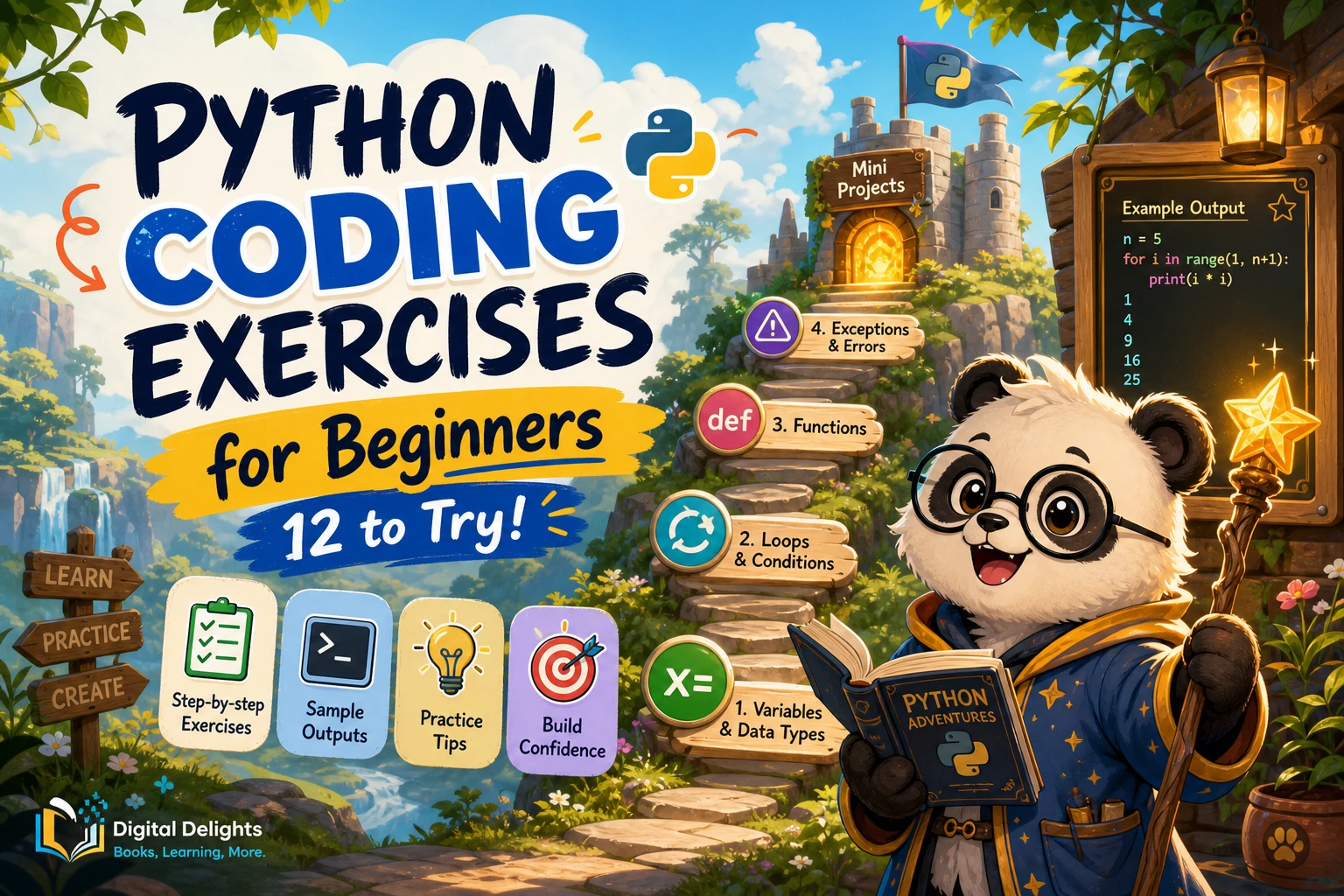
Python Coding Exercises for Beginners: 12 to Try
Python coding exercises are most useful when they match what you have just learned. Start with short tasks—printing a message, using a variable, or making a simple calculation—then build toward decisions, loops, collections, and functions. You do not need a large project to begin practising; a small program with a clear expected result is enough.
If you are completely new to programming, take time to understand what values, variables, and instructions mean before tackling a long exercise list. The official Python tutorial is useful as a reference, but it says it is intended for people new to Python who already have a basic understanding of programming. The exercises below start with those basic ideas and gradually add complexity.
Work through the prompts in order, run your code with more than one input, and revise it when the result differs from what you expected. Sample outputs are included to help you check your reasoning.
Beginner Python exercises, in a useful sequence
This sequence follows common Python topics, from simple expressions through control flow, data structures, functions, and errors. It is a practical progression, not a claim that one order is best for every learner. The official tutorial covers similar subject areas, including data types, control flow, data structures, functions, input and output, exceptions, and classes (Python Tutorial).
1. Print a greeting
Prompt: Display a greeting such as Hello, Python!.
Expected behavior: The program prints the message on its own line.
print('Hello, Python!')This first task checks that you can run a Python statement and see its output.
2. Store and display a value
Prompt: Store your name in a variable called name, then print a greeting that includes it.
Example output: If name is Sam, display Hello, Sam!.
name = 'Sam'
print(f'Hello, {name}!')
Try changing the value and running the program again. Notice that the output changes because the variable holds different text.
3. Add two numbers
Prompt: Set two numbers in variables and print their sum.
Example: With first = 8 and second = 5, the result should be 13.
first = 8
second = 5
print(first + second)
As a variation, print the difference, product, and quotient. Consider what should happen if you try to divide by zero; that case needs a deliberate response rather than an ordinary calculation.
4. Convert minutes to hours and minutes
Prompt: Given a whole number of minutes, display the equivalent number of hours and remaining minutes.
Example: For 135, display 2 hours and 15 minutes.
total_minutes = 135
hours = total_minutes // 60
minutes = total_minutes % 60
print(f'{hours} hours and {minutes} minutes')
The operators // and % return the whole-number quotient and remainder. Try values such as 60, 61, and 0 to check boundary cases.
5. Count characters in a word
Prompt: Ask the user for a word and print how many characters it contains.
Example behavior: For the input python, display 6.
word = input('Enter a word: ')
print(len(word))
Test an empty response and a word with spaces. Decide whether spaces should count; the built-in len() counts every character in the string.
6. Classify a number
Prompt: Ask for an integer and report whether it is positive, negative, or zero.
Example behavior: Input -3 should produce Negative; input 0 should produce Zero.
number = int(input('Enter an integer: '))
if number > 0:
    print('Positive')
elif number < 0:
    print('Negative')
else:
    print('Zero')
Here, the program converts the input text to an integer before comparing it. What happens if the user types a word instead? You will return to that problem in the input-validation exercises.
7. Check whether a number is even
Prompt: Ask for an integer and print whether it is even or odd.
Example behavior: 12 is even; 7 is odd.
number = int(input('Enter an integer: '))
if number % 2 == 0:
    print('Even')
else:
    print('Odd')
Try zero and a negative integer as well as positive values. Checking a range of inputs helps reveal assumptions that one example may not expose.
8. Print a multiplication table
Prompt: Ask for a number and print its products from 1 through 5.
Example behavior: For 3, print 3, 6, 9, 12, and 15, one per line.
number = int(input('Choose a number: '))
for multiplier in range(1, 6):
    print(number * multiplier)
Change the range so it prints through 10. Pay attention to the end value: the stop value in range() is not included.
9. Add the numbers in a list
Prompt: Calculate the total of a list of numbers.
Example: For [4, 2, 9], the total is 15.
numbers = [4, 2, 9]
total = 0
for number in numbers:
    total += number
print(total)
Once you understand the loop, compare it with sum(numbers). Try an empty list and decide what result you expect.
10. Count words with a dictionary
Prompt: Count how often each word appears in a short sentence.
Example: For red blue red, the counts should be red: 2 and blue: 1.
words = 'red blue red'.split()
counts = {}
for word in words:
    counts[word] = counts.get(word, 0) + 1
print(counts)
For a next step, convert the sentence to lowercase before splitting so that Red and red are counted together. Punctuation handling can be a later extension.
11. Write a function to calculate a rectangle’s area
Prompt: Create a function that accepts a width and height and returns their product.
Example behavior: A width of 4 and height of 3 should return 12.
def rectangle_area(width, height):
    return width * height

print(rectangle_area(4, 3))
Try calling the function with different values. Then decide how you want the function to handle a negative width or height; making that rule explicit is part of defining the task.
12. Make integer input safer
Prompt: Ask for an integer and give a clear message if the input cannot be converted.
text = input('Enter an integer: ')
try:
    number = int(text)
except ValueError:
    print('Please enter a whole number.')
else:
    print(f'You entered {number}.')
Test a valid integer, a decimal such as 3.5, and text such as hello. A decimal string is not an integer string, so this example reports it as invalid.
How to work through a Python exercise
- Restate the task. Write down what information the program receives and what it should produce.
- Choose a small example. Work out the expected result yourself before coding.
- Break the task into steps. For the minutes conversion, for example, find whole hours, find the remainder, and display both.
- Write the smallest working version. Avoid adding extra features before the required behavior works.
- Run it and compare. Check the actual output against your expected output.
- Revise and test again. Change one thing at a time so you can tell which change affected the result.
When something goes wrong, identify what kind of problem you are seeing. A syntax error means Python cannot parse the code as written, often because of a missing colon or mismatched punctuation. A runtime exception occurs while the program runs, such as when converting unsuitable text to an integer. Python’s documentation distinguishes errors and exceptions and demonstrates handling invalid integer input (Errors and Exceptions).
How to check and extend your solutions
Do not rely on one successful run. For each exercise, consider three kinds of input:
- Typical: A normal value, such as
135minutes. - Boundary: A value at an edge, such as
0,60, or an empty list. - Unexpected: A value outside the expected form, such as letters where an integer is requested.
After the basic version works, add one small variation. Ask for a second word, print a longer table, ignore letter case, or validate a value before using it. If you consult a hint or worked solution, first attempt the problem and note where you got stuck. Then close the answer and try to rebuild the solution in your own words. The right amount of hinting and practice varies; the sources available here do not establish one universally best method.
When to move from exercises to small projects
Short exercises let you focus on one idea at a time. A small project brings several ideas together. Try one when you can explain the basic steps in the exercise you are practising, even if you still need to look up syntax.
Number-guessing game
Choose a target number and let the player make guesses. Use input, integer conversion, comparisons, a loop, and feedback such as “too high” or “too low.” Decide what should happen when the guess is correct or the input is invalid.
Basic task list
Keep tasks in a list and offer a simple text menu to add, show, or remove an item. This combines lists, loops, conditionals, and functions. Begin with tasks stored only while the program is running; saving them to a file can be a later addition.
Common beginner stumbling blocks
- Reading without writing code: After learning a concept, try a small task that uses it.
- Overlooking indentation: Python uses indentation to show which statements belong inside a loop, function, or condition.
- Testing only one input: A program that works for one example may fail on zero, empty values, or unexpected text.
- Ignoring the error message: Read the final line and the indicated location, then check the relevant code. Error messages are clues, not merely obstacles.
- Adding features too early: First meet the prompt’s expected behavior; extend the program after that works.
- Moving on without understanding: If you copied a solution, try explaining each line and making a small change without looking.
Choosing Python practice resources
Some learners want a collection of problems; others need explanations alongside exercises. The right fit depends on what you need to practise and how much guidance you want. Catalog descriptions can tell you a resource’s stated coverage, but they do not establish its quality or learning outcomes.
| Resource | Stated focus | May suit |
|---|---|---|
| Learn Python Quickly and Python Coding Exercises | Introductory topics such as operators, strings, loops, functions, files, and classes, plus coding exercises. | A beginner looking for an introduction paired with practice prompts. |
| Python and jQuery Coding Exercises | Python tasks including calculations, sorting, and list manipulation, alongside jQuery exercises. | A reader who wants a broad exercise collection and is also curious about jQuery. |
| 1000 Python Examples | Examples, exercises, and solutions spanning basic and more advanced Python topics. | A learner who wants a large reference-style collection to browse by topic. |
| Python Workout, Second Edition (MEAP V03) | Practice-focused exercises on Python topics including numbers, strings, collections, files, and functions; the catalog identifies it as an early-access MEAP edition. | A reader who already knows some Python and wants to practise applying language features. |
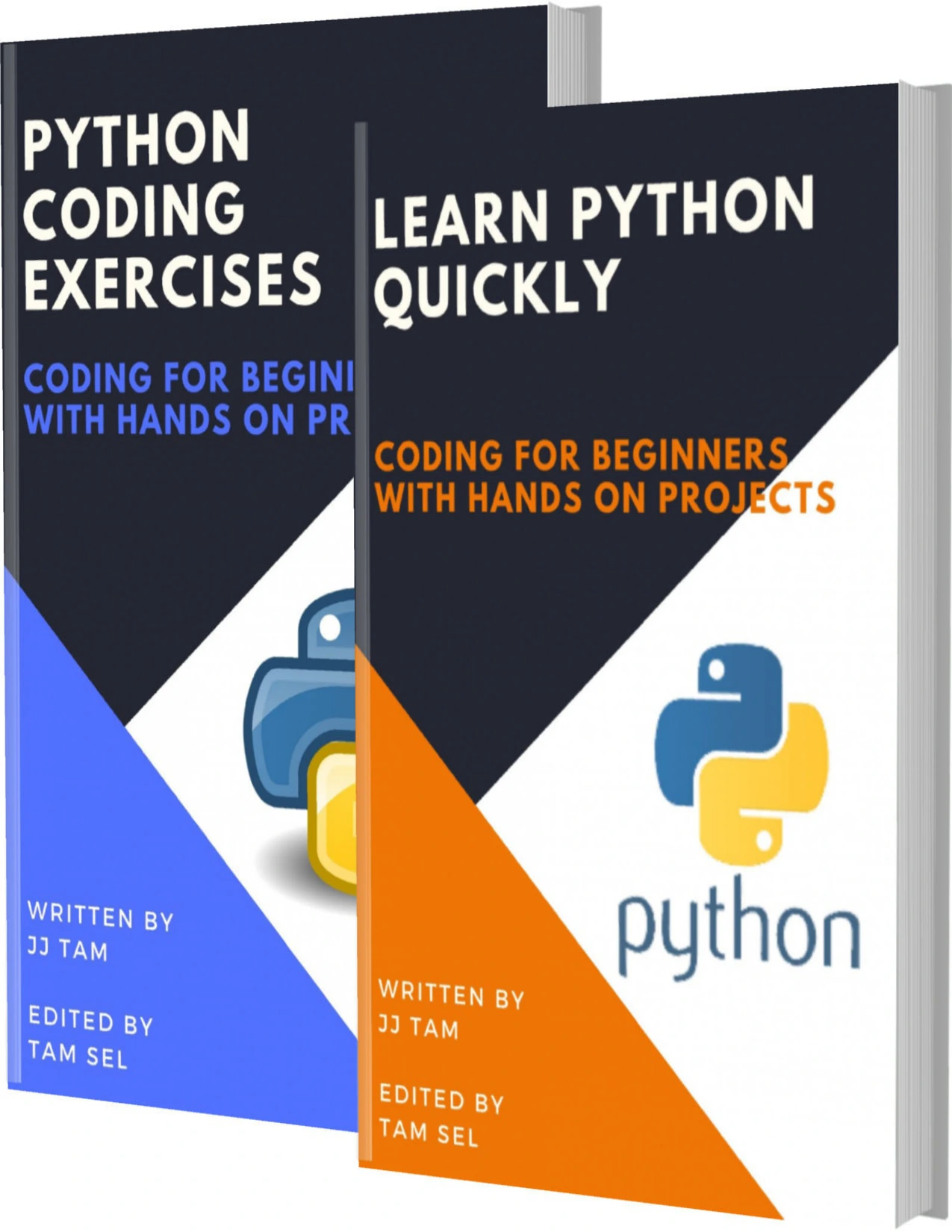
Learn Python Quickly and Python Coding Exercises: Coding for Beginners with Hands-on Projects
By JJ Tam
Beginners seeking topic explanations alongside practice problems.
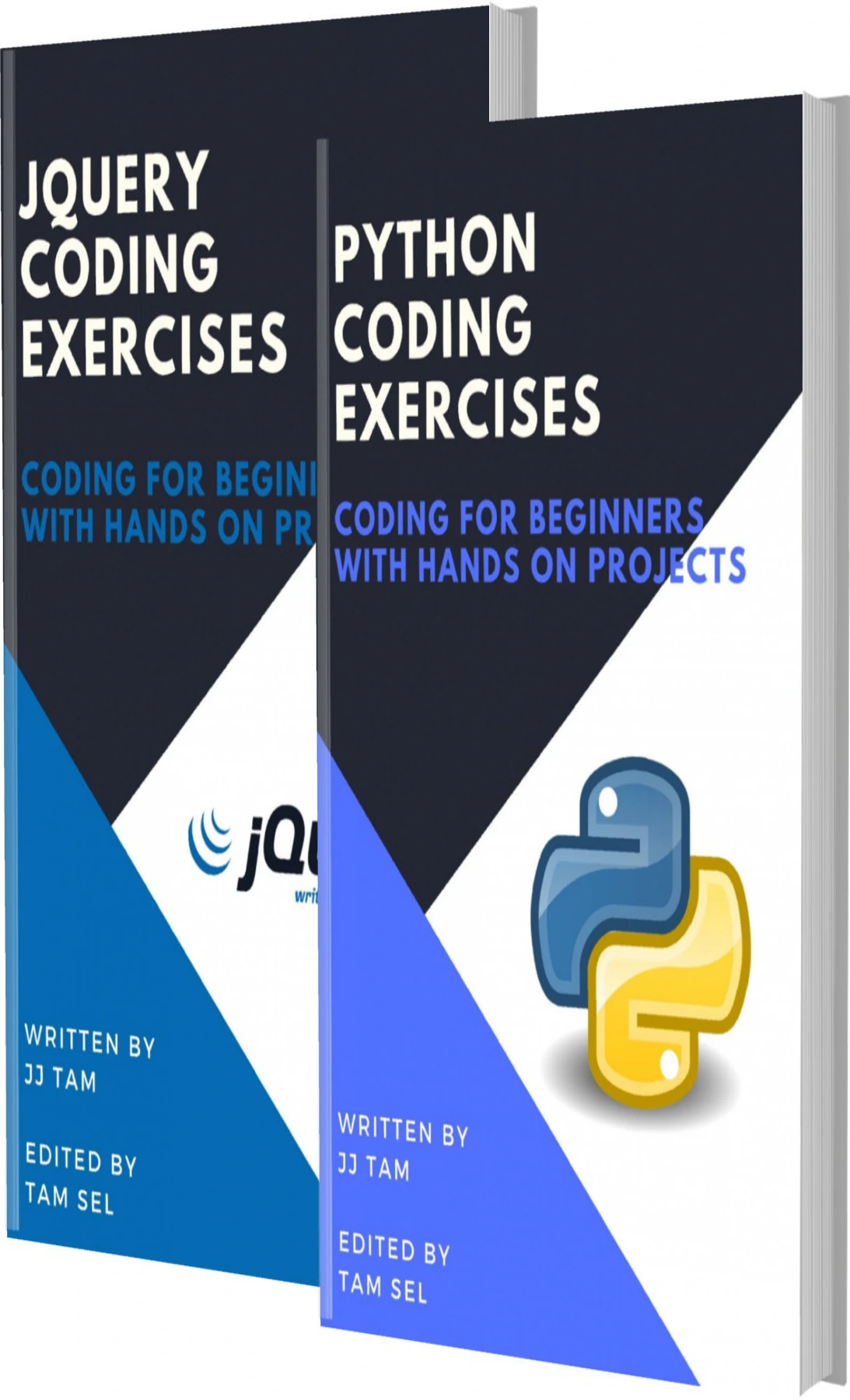
Python and jQuery Coding Exercises: Coding for Beginners
By JJ Tam
Readers interested in varied Python exercises who may also want to explore jQuery.
By Gábor Szabó
Learners who want many examples to browse across a range of Python topics.
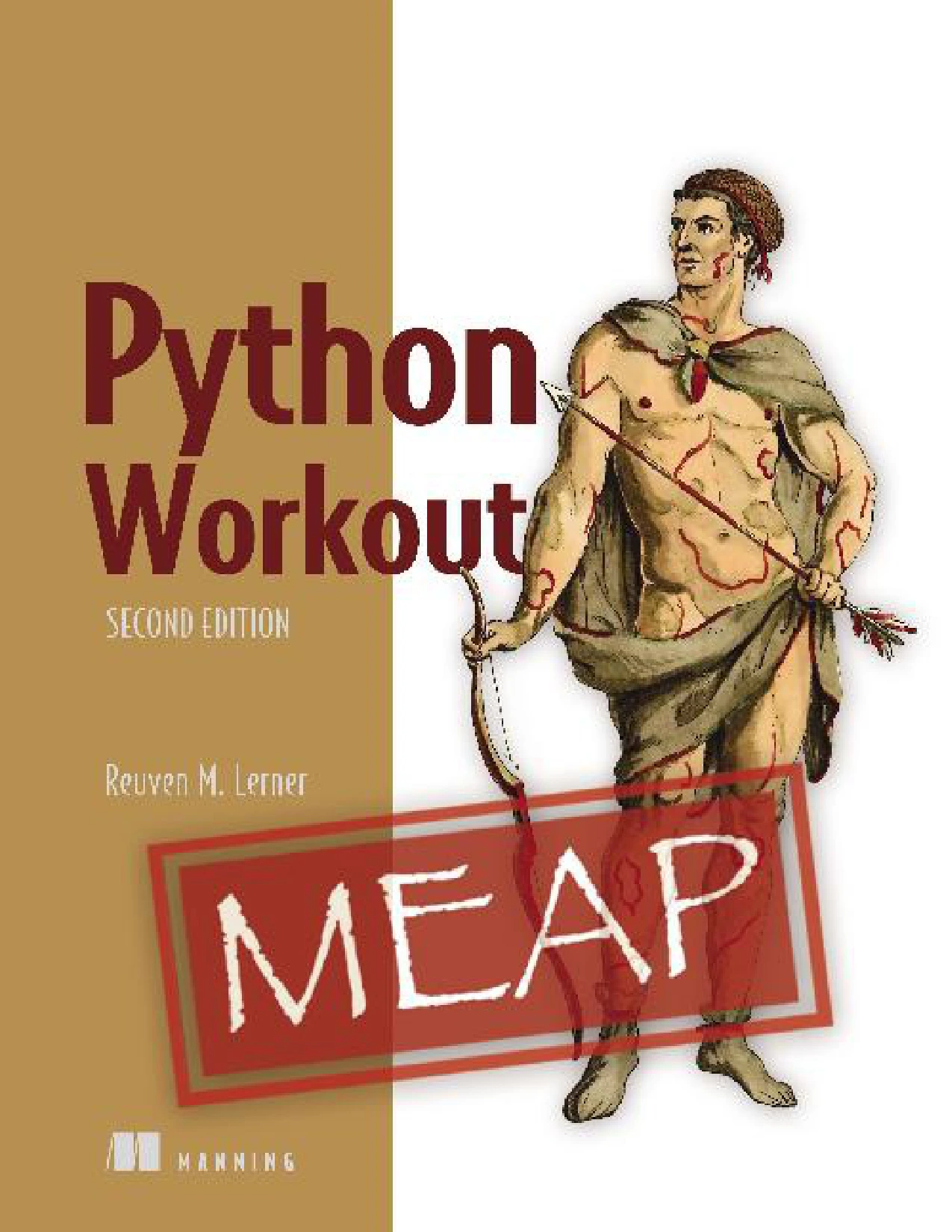
Python Workout, Second Edition (MEAP V03)
Readers with some Python familiarity who want to work through topic-based exercises.
For a broader browse, visit the Digital Delights Python books and learning resources category. Compare the stated topic coverage with your current level before choosing; a resource that assumes some familiarity may be less suitable as a first introduction.
Frequently asked questions
Do I need to know programming before trying Python exercises?
No. Start with basic prompts that explain the expected input and output, such as printing a message or adding two numbers. Some reference material assumes you already understand programming basics, so check its stated audience before using it as your only guide.
How often should I practise Python?
Choose a routine you can maintain and focus on writing and checking code rather than counting sessions. The research available for this article does not establish a single ideal practice frequency.
How can I tell if my Python solution is correct?
Run it with a typical input, at least one boundary case, and—where relevant—an invalid input. Compare the output with what the prompt asks for, and check whether the program follows the rules you set for unusual cases.
When should I start building projects?
You can start with a small project as soon as you can combine a few basics, such as input, conditions, and a loop. Keep the first version simple, then add features one at a time.
Which Python version should a beginner use?
Use a stable Python 3 release and follow setup instructions that match that release and your operating system. Check the official Python download page for current release information; avoid relying on prerelease features in beginner exercises.
Conclusion
Begin with small Python coding exercises that have clear expected behavior, then practise testing and explaining your solution. Progress from variables and calculations to conditions, loops, collections, functions, and input handling. Once those pieces make sense, combine them in a modest project. The aim is not to finish every prompt quickly; it is to understand what your code does, how it responds to different inputs, and what you would change next.