Best Python Exercises for Beginners
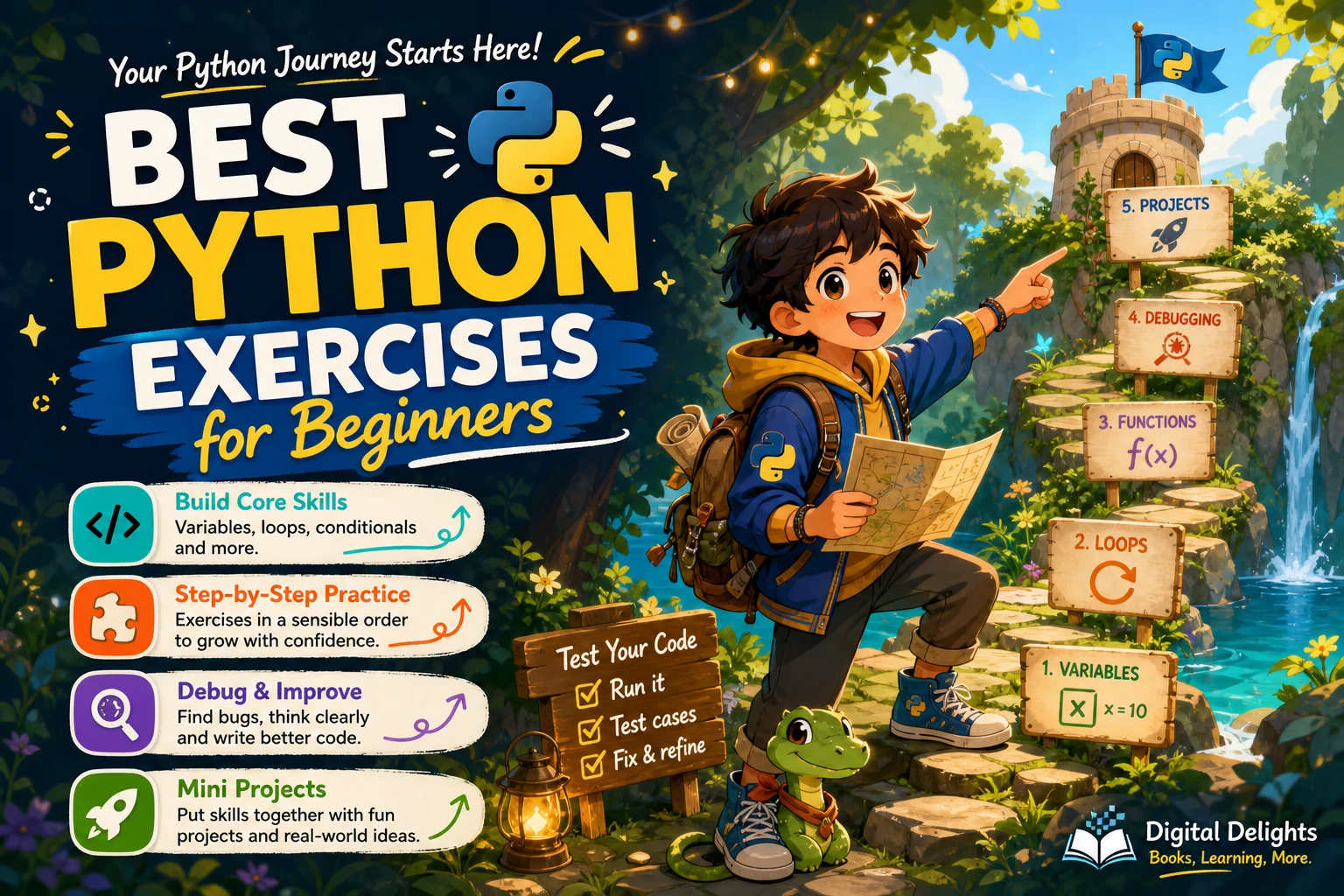
Knowing Python syntax is not the same as being able to solve a problem with it. The most useful beginner practice starts with small tasks you can finish, check and explain—then gradually combines those skills in larger programs. Begin with output and variables, move through strings, conditionals, loops, collections and functions, and use debugging practice along the way.
Below is a step-by-step set of Python exercises for beginners, including what each task helps you practise and ways to extend it. You do not need to complete every challenge in one sitting. Pick exercises that use concepts you have already met, try them before looking at a solution, and test your code with more than one input.
How to get more from each Python exercise
- Check the prerequisites. If a task uses loops, make sure you have met loops first. An exercise should stretch your understanding, not require several unfamiliar ideas at once.
- Write down an example. Note a sample input and the output you expect. This gives you something concrete to check against.
- Try a solution before seeking help. Work on the problem for a while, break it into smaller steps, and use a hint or reference only when you are stuck.
- Test different cases. Try ordinary values as well as boundary cases, such as an empty string, zero, or a list with one item.
- Explain your code. If you can describe what each part does and why, you are practising problem-solving rather than just copying syntax.
A useful progression is to start with expressions and strings, then add control flow, functions, data structures and error handling. That broadly follows the subject areas in the official Python Tutorial. The tutorial is written for people new to Python, though, and does not necessarily assume they are new to programming; if you have never coded before, take unfamiliar terms slowly and pair it with a gentler introductory resource.
Python exercises for beginners, from first steps to projects
1. Output and variables
Start by making a program display information and store simple values. These tasks help you get comfortable running code and seeing how a variable holds data.
- Print a greeting: Display a short welcome message. Then change the message and run the program again.
- Make a personal-details card: Store a name, a favourite colour and a hobby in separate variables, then print them in readable sentences.
- Predict before you run: Assign a value to a variable, change it, and print it at different points. Write down what you expect to see before running the code.
Try next: Ask the user for one piece of information and include their response in the greeting. If the input looks different from what you expected, inspect its type before using it in a calculation.
2. Strings and arithmetic
Once you can store and display values, practise working with text and numbers. Keep each task small enough that you can check the result yourself.
- Format a name: Ask for a first name and a surname, then display a greeting that includes both.
- Convert a measurement: Convert a value from one unit to another using a conversion factor you define. Include the units in the result so it is clear what the number means.
- Calculate a total: Ask for the price of several items, add them, and display the total. For an extension, ask how many of each item were purchased.
- Find an average: Store a few numeric scores, calculate their average and display it in a sentence.
Check your work: Test with whole numbers and decimal values. Consider what should happen if a user enters text where a number is expected; handling that safely can become a later exception-handling exercise.
3. Conditionals
Conditionals let a program choose what to do based on a value or comparison. Practise writing clear conditions before adding more branches.
- Classify a number: Ask for a number and report whether it is positive, negative or zero.
- Make a simple grade message: Ask for a score and assign a result using boundaries you choose. Decide what should happen at each boundary before coding.
- Check a password length: Ask for a short string and report whether it meets a minimum-length rule. This is a practice exercise, not a secure password checker.
Try next: Test values just below, exactly at and just above each boundary. Boundary testing often reveals mistakes in comparison operators and condition order.
4. Loops
Loops repeat instructions. Use them to avoid writing the same operation many times and to process a sequence of values.
- Print a number sequence: Display the integers from one up to a limit entered by the user.
- Calculate a running total: Add the numbers in a chosen range and display the sum.
- Repeat a guessing prompt: Choose a target number and let the player keep guessing until they get it right. Give a higher-or-lower hint after each attempt.
- Count down: Print a countdown from a chosen starting number to zero, then display a final message.
Check your work: Think about where the loop starts and stops. Try a small limit first, and make sure the loop can reach its stopping condition.
5. Lists and dictionaries
Collections let you work with multiple related values. A list is useful when order matters; a dictionary connects keys with associated values.
- Find the largest value: Given a list of numbers, work out which value is largest. First try comparing values yourself; later, compare your approach with Python’s built-in tools.
- Count repeated items: Given a list of words or names, count how often each appears. A dictionary can store each item and its count.
- Build a small lookup: Create a dictionary of a few items and their descriptions or prices. Ask for a key and display the matching value.
- Filter a list: Make a new list containing only values that meet a rule, such as numbers above a threshold.
Try next: Check what happens when the list is empty, contains one value, or includes duplicates. For a dictionary lookup, decide how your program should respond when the requested key is missing.
6. Functions
Functions give a name to a reusable piece of work. Take an exercise you have already solved and move its logic into a function with a clear input and result.
- Turn the unit converter into a function that accepts a measurement and returns the converted value.
- Write a function that accepts a list of scores and returns their average.
- Create a function that classifies a number as positive, negative or zero.
- Give each function a second test case so you can check it with different inputs.
As a rule of thumb, use a return value when another part of the program needs the result. Printing is useful for showing information to a person; returning a value makes it easier to reuse and test the calculation.
7. Debugging practice
Debugging is part of programming, not a separate advanced skill. When a program fails, read the error message, locate the line it identifies, and check what the program was expecting at that point.
- Syntax check: Find a missing colon, unmatched bracket or misspelled keyword in a short program.
- Type check: Inspect a calculation that combines text and a number. Work out which value needs converting or whether the calculation should be redesigned.
- Logic check: Find a condition that gives the wrong result at a boundary, such as a score equal to the cutoff.
- Loop check: Trace the value that changes on each pass and identify why a loop might run too many times or not stop.
Change one thing at a time and rerun the program. That makes it easier to see whether your fix addressed the cause or merely changed the symptom.
8. Combine the basics in a mini-project
Choose a project that uses concepts you already know. A small finished program is more useful practice than a large project you cannot yet break into manageable steps.
- Text-based quiz: Store a few questions and answers, ask each question, check the response and keep score.
- Number-guessing game: Combine a loop, conditionals and user input. Add a limit on the number of guesses once the basic version works.
- Simple expense tracker: Ask for several expenses, store them in a list, calculate a total and display the entries. Add categories only after the basic version is reliable.
Before coding, list the program’s steps in plain language. Build one feature at a time, test it, and then add the next. If a project feels too difficult, remove features rather than abandoning the fundamentals.
A repeatable routine for solving Python problems
- Restate the task. Write down what the program receives and what it must produce.
- Work through a small example by hand. This can reveal the steps your program needs to follow.
- Break the task into parts. For example, get input, calculate a result, and display it.
- Write the simplest version. Avoid adding optional features until the basic case works.
- Test normal and unusual cases. Include boundaries, missing data or empty collections where they make sense.
- Review and explain. Remove confusing repetition and make sure you can describe why the solution works.
If you want a structured source of additional practice, Python Workout, Second Edition (MEAP V03) is described in the catalog as an exercise-focused resource covering topics such as numbers, strings, collections, files and functions. The listing identifies it as an early-access MEAP edition, so check that status and edition details before choosing it.
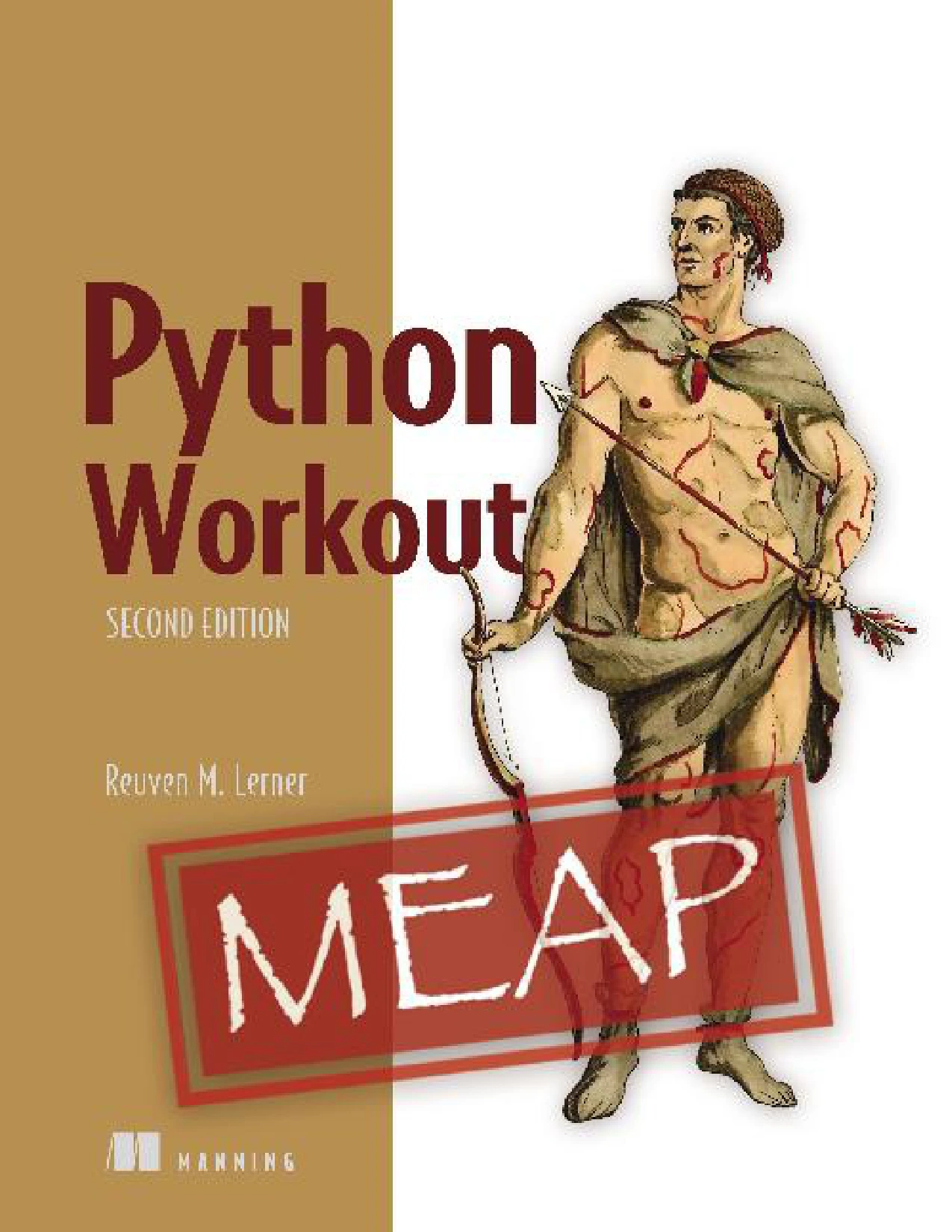
Python Workout, Second Edition (MEAP V03)
Learners who want practice across numbers, strings, collections, files and functions, and who are comfortable checking the listing’s MEAP early-access status.
For learners who prefer short programs with a concrete goal, Tiny Python Projects focuses on small, testable command-line programs and includes practice with strings, lists, dictionaries and files. If you want a broader introduction with exercises alongside fundamentals, Getting Started with Python covers basics as well as topics such as debugging and file handling. These are different formats, not a universal ranking; choose according to whether you need focused drills, compact projects or a broader guided introduction.
Beginners and self-directed learners interested in compact command-line projects involving Python fundamentals.
By Thomas Theis
Readers looking for a guided route through Python basics, exercises, debugging and later topics such as files.
Common mistakes to avoid
- Checking the solution too soon: Give yourself time to interpret the prompt and try a smaller version of the problem first.
- Copying without tracing: If you use an example, change the inputs and explain each step before moving on.
- Starting with an oversized project: Build and test a small working version, then add features one at a time.
- Testing only one input: A program may work for one example and fail at a boundary or with an empty collection.
- Ignoring errors: Read the message and inspect the line it points to. An error is information about what needs attention.
Frequently asked questions
What should a complete beginner try first?
Start with a program that prints a message, then use variables to store simple values and display them. Once you can run and change a short program, move to strings and arithmetic before adding conditionals and loops.
Should beginners use solutions to Python exercises?
Solutions can help you learn, but try the problem first. If you are stuck, look for a small hint, return to your attempt, and compare with a full solution only after you have made a reasonable effort. Then close it and reproduce the idea in your own code.
When are beginners ready to build projects?
You can try a small project as soon as you can combine the concepts it needs. A text quiz can practise input, conditionals and variables; a number-guessing game adds a loop. Start with a minimal version and extend it as your skills grow.
Is the official Python Tutorial suitable for someone new to programming?
The official tutorial is useful for learning Python topics, but it says it is intended for people new to Python rather than people new to programming. If you are learning your first programming language, pair it with an introductory resource that explains basic programming ideas as well as Python syntax. See the Python Tutorial’s introduction for its stated audience.
Build confidence one exercise at a time
Good beginner Python practice is not about solving the hardest challenge first. It is about choosing a task that fits what you know, testing your assumptions and steadily combining familiar ideas. Work through output, data, decisions, repetition, collections and functions; practise debugging throughout; then use those building blocks in a small project. A clear progression makes it easier to see what you understand and what to practise next.