Best Free Resources to Learn Python
Choosing the best free resources to learn Python depends on what you already know. If you are new to programming, begin with Python.org’s Python for Beginners hub, which points to setup guidance, tutorials, documentation, and other learning materials. If you already understand basic programming ideas such as variables, loops, and functions, the official Python Tutorial offers a structured route through the language.
One distinction matters: the official tutorial is intended for people who are new to Python, not necessarily people who are completely new to programming. Treat the beginner hub as a place to choose a starting route, and use the language and library references later when you need to look up details. This guide explains which free official resource fits each situation and how to study without getting stuck in a cycle of reading tutorials.
The best free Python resources by learner need
There is no evidence here to establish one resource as universally best. The most useful choice depends on your experience and whether you need a guided introduction or a reliable reference.
1. Python.org’s “Python for Beginners”: best starting hub for newcomers
Python for Beginners is a practical first stop if you are working out what to learn, how to get set up, or where to find additional material. Python.org’s page brings together links to installation guidance, editors, sample code, tutorials, documentation, introductory books, and resources in other languages.
It is a hub rather than a single step-by-step course, so use it to choose a suitable next resource rather than trying to study every link at once. If you have never programmed before, look for an introductory path that explains general programming ideas as well as Python syntax.
- Choose it if: you are unsure where to begin or want official links to several kinds of learning material.
- It can help with: finding setup guidance, tutorials, sample code, and official documentation.
- Keep in mind: it is a directory of starting points, not a promise that every linked resource suits an absolute beginner.
2. The official Python Tutorial: best for learners with programming basics
The official Python Tutorial walks through the interpreter, language basics, control flow, data structures, modules, files, exceptions, classes, and packages. It is a useful structured guide for someone who already has a little programming experience and wants to learn how those concepts work in Python.
The tutorial explicitly says it is not designed for people entirely new to programming. If words like “loop” or “function” are unfamiliar, begin with a gentler introduction that teaches those ideas first, then return to the official tutorial as a reference or next course. Its examples can be read without following along, but running the code in a Python interpreter makes it easier to practise and check your understanding.
- Choose it if: you understand basic programming concepts and want a direct, Python-focused guide.
- Use it for: following topics in sequence, testing examples, and revisiting specific language features.
- Do not expect: a complete introduction to programming from zero.
3. The official language reference: best for precise syntax questions
The Python Language Reference describes the formal syntax and semantics of the language. It is most helpful when you have encountered a specific feature and want a precise explanation, rather than when you need a first lesson in how to program.
Reference documentation is written to describe the language accurately, not necessarily to teach it in the gentlest order. Keep it nearby for targeted questions—such as how a particular expression is interpreted—but learn the fundamentals from a tutorial or course that explains ideas progressively.
4. The standard-library reference: best for finding built-in tools
The Python Standard Library reference explains modules and tools included with Python. It becomes more useful as you start writing programs and wonder whether Python already provides a way to handle a task, such as working with dates, files, or common data formats.
It is a lookup resource, not a beginner course. Search it for a particular module or function when you have a question; you do not need to read the entire reference before you can build small programs.
Which free Python resource should you choose?
| Your situation | Good starting choice | How to use it |
|---|---|---|
| New to programming and Python | Python.org’s beginner hub | Use it to find a beginner-friendly course or tutorial that teaches programming fundamentals alongside Python. |
| Know basic programming, new to Python | Official Python Tutorial | Work through its topics and run examples as you go. |
| Need to check how Python syntax works | Language Reference | Look up a specific language feature after meeting it in a lesson or project. |
| Need to find a built-in module or function | Standard Library reference | Search for the tool relevant to your task rather than reading it cover to cover. |
The simple decision is: if you are learning what programming is, choose a beginner course through the Python.org hub. If you already know the basic concepts, start with the official tutorial. Use the references alongside either route when a specific question comes up.
A practical way to learn Python using free resources
Free material is most useful when it leads to regular practice. A manageable study routine can be as simple as choosing one main learning path, writing code while you study, and using official documentation to answer focused questions.
- Choose one main tutorial. Start with a course or guide that matches your experience. Avoid trying to complete several beginner tutorials at the same time.
- Run the examples. Type or adapt short examples instead of only reading them. Change a value, alter a condition, or add another case, then observe what happens.
- Use documentation to answer a question. When a lesson introduces a feature you do not understand, look up that specific term in the official tutorial or relevant reference.
- Build small projects as you progress. Once you can use basic variables, conditions, loops, and functions, apply them to a small task—for example, a number-guessing game, a simple expense tracker, or a program that formats a list of names.
- Check version instructions. Follow the Python version specified by your course or project when there is one. If you install Python separately, check the official Python release information and the course’s setup directions rather than assuming every resource uses identical instructions.
You do not need to master every feature before making something. Small projects reveal which concepts you understand and give you concrete questions to take back to the tutorial or documentation.
Common mistakes when learning Python for free
- Starting with reference material as if it were a course. Language and library references answer precise questions; they are not necessarily arranged as a gentle first curriculum.
- Collecting tutorials instead of completing one. Switching resources whenever a topic becomes difficult can leave the basics unfinished. Stick with one main path long enough to practise its core ideas.
- Reading without writing code. Recognizing an example on the screen is not the same as being able to create or debug a similar program. Make changes and run them.
- Trying to learn every library at once. Start with Python fundamentals. Add libraries when a project gives you a reason to use them.
- Assuming every “free” resource has the same terms. The sources covered here are official Python resources. If you add a third-party course, book, or practice platform, check its current access conditions and any limitations directly.
Optional paid companion for a more structured introduction
The resources above are free. If you prefer to add a book alongside them, Digital Delights lists Programming for Idiots: Python Programming for Beginners as a separate downloadable resource; it is not a free resource. Its catalog description says it introduces Python 3, the interpreter, IDLE, numeric types, and basic operators for readers new to coding. Treat it as an optional companion, not a replacement for the free official materials.
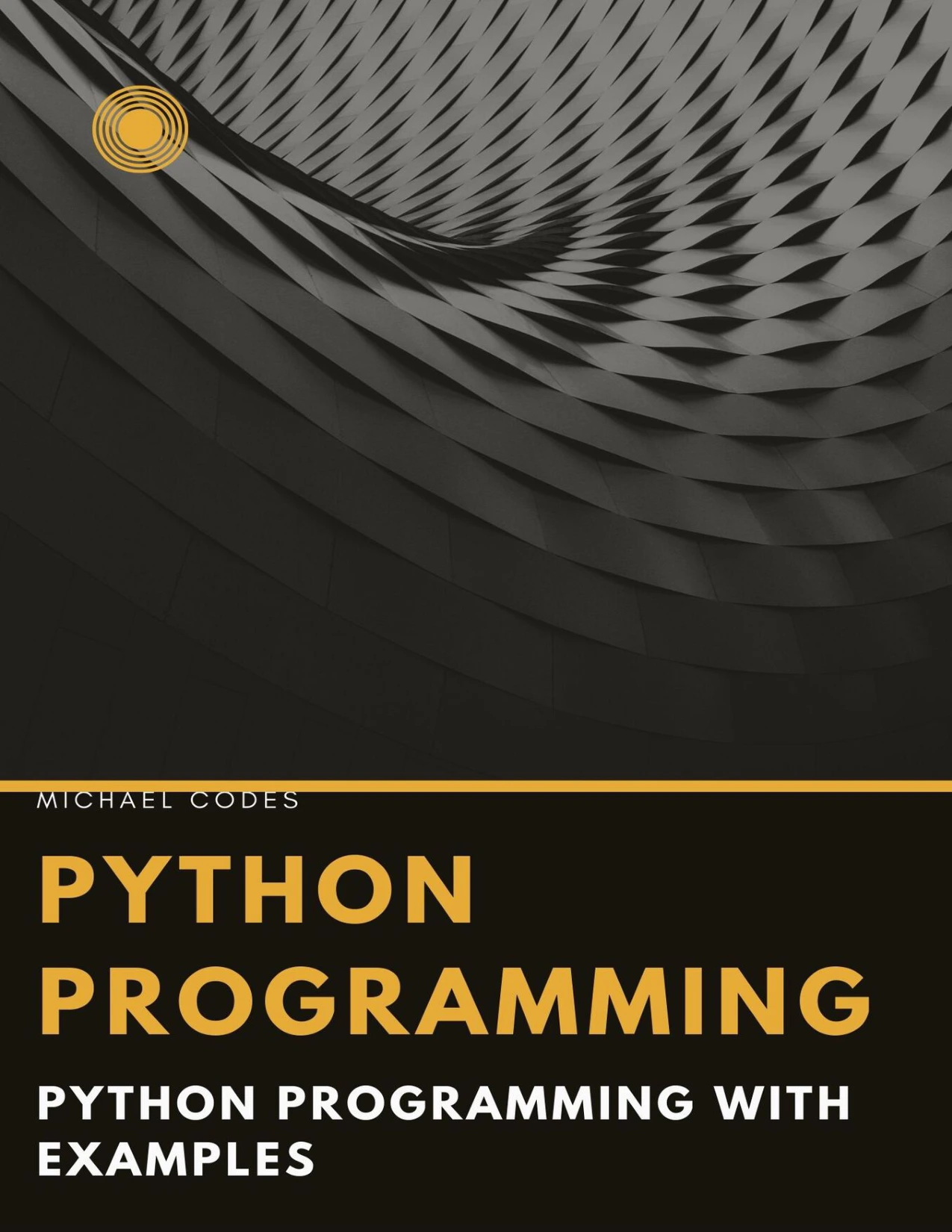
Programming for Idiots: Python Programming for Beginners
Readers new to coding who want a book covering Python 3, IDLE, numeric types, and basic operators.
Frequently asked questions
Is Python suitable as a first programming language?
Python can be a starting language, but the choice of learning material matters. If you are new to programming, choose an introductory course that explains general concepts as well as Python. The official Python Tutorial itself is intended for people new to Python, not people with no programming background.
Is the official Python Tutorial beginner-friendly?
It is beginner-oriented for learners who already understand basic programming. Python’s documentation states that the tutorial is not designed for people entirely new to programming. If you are starting from zero, use Python.org’s beginner hub to find a more introductory route, then return to the official tutorial when you have the fundamentals.
Do I need to install Python to start?
The supplied sources point to Python installation guidance, but they do not establish one setup method as best for every learner. Follow the setup instructions for the course you choose. When you are ready to run examples locally, use the official Python download and installation information and make sure it is compatible with your tutorial’s instructions.
How can I check that a tutorial matches my Python version?
Check the version named in the tutorial and compare it with the version required by your course or project. Python.org’s release pages provide official release details. Avoid assuming that every course’s screenshots or setup steps match whichever version you happen to install.
Official Python sources
- Python For Beginners — Python.org
- The Python Tutorial — Python documentation
- The Python Language Reference
- The Python Standard Library
- Python release information — Python.org
Conclusion: start at the right level
For a first-time programmer, begin at Python.org’s beginner hub and choose a course that teaches programming basics. If you already understand those basics, the official Python Tutorial is a stronger direct starting point. In either case, write and run code as you learn, then use the language and standard-library references to solve specific problems. A focused path and steady practice are more useful than trying to read every resource at once.