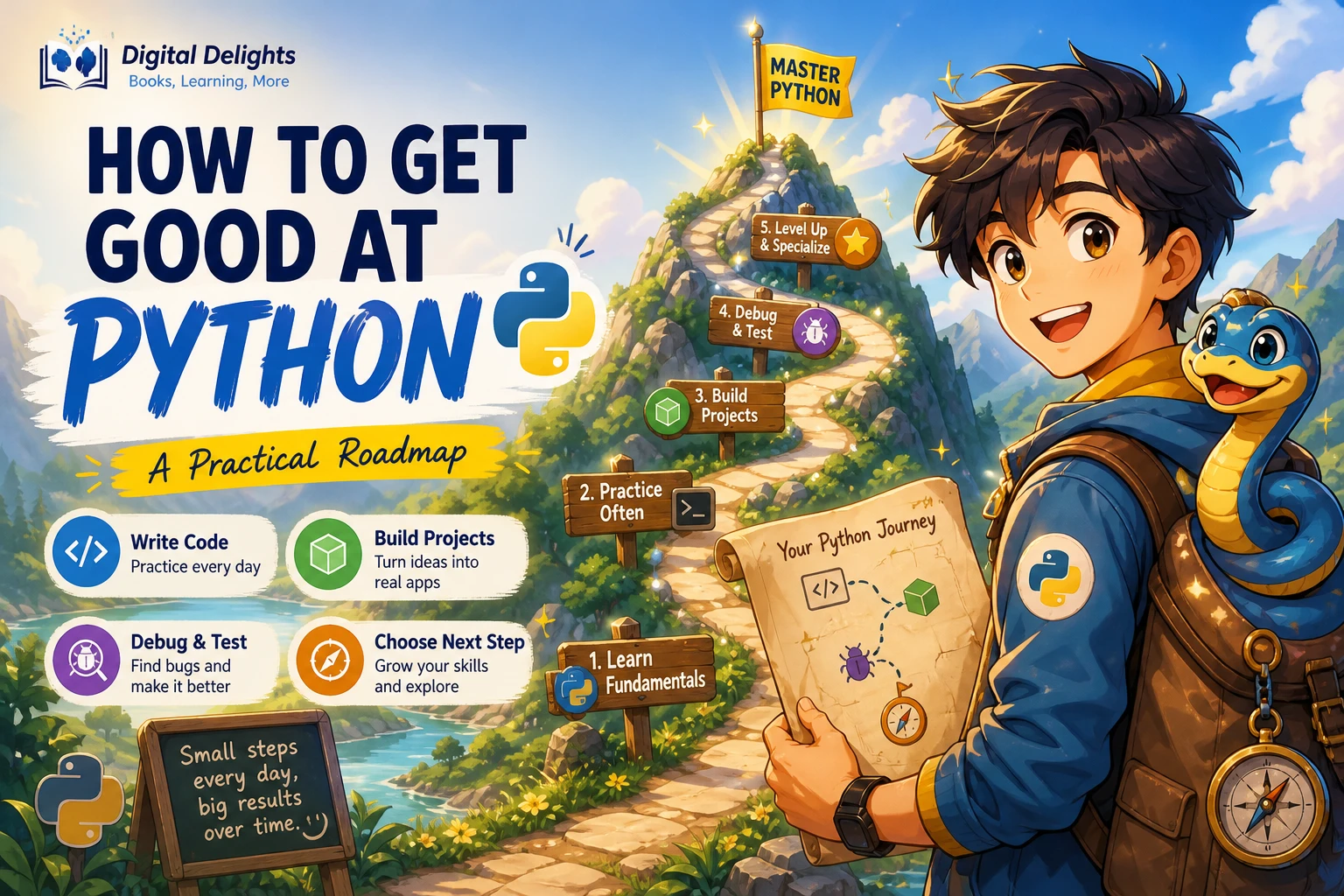
How to Get Good at Python: A Practical Roadmap
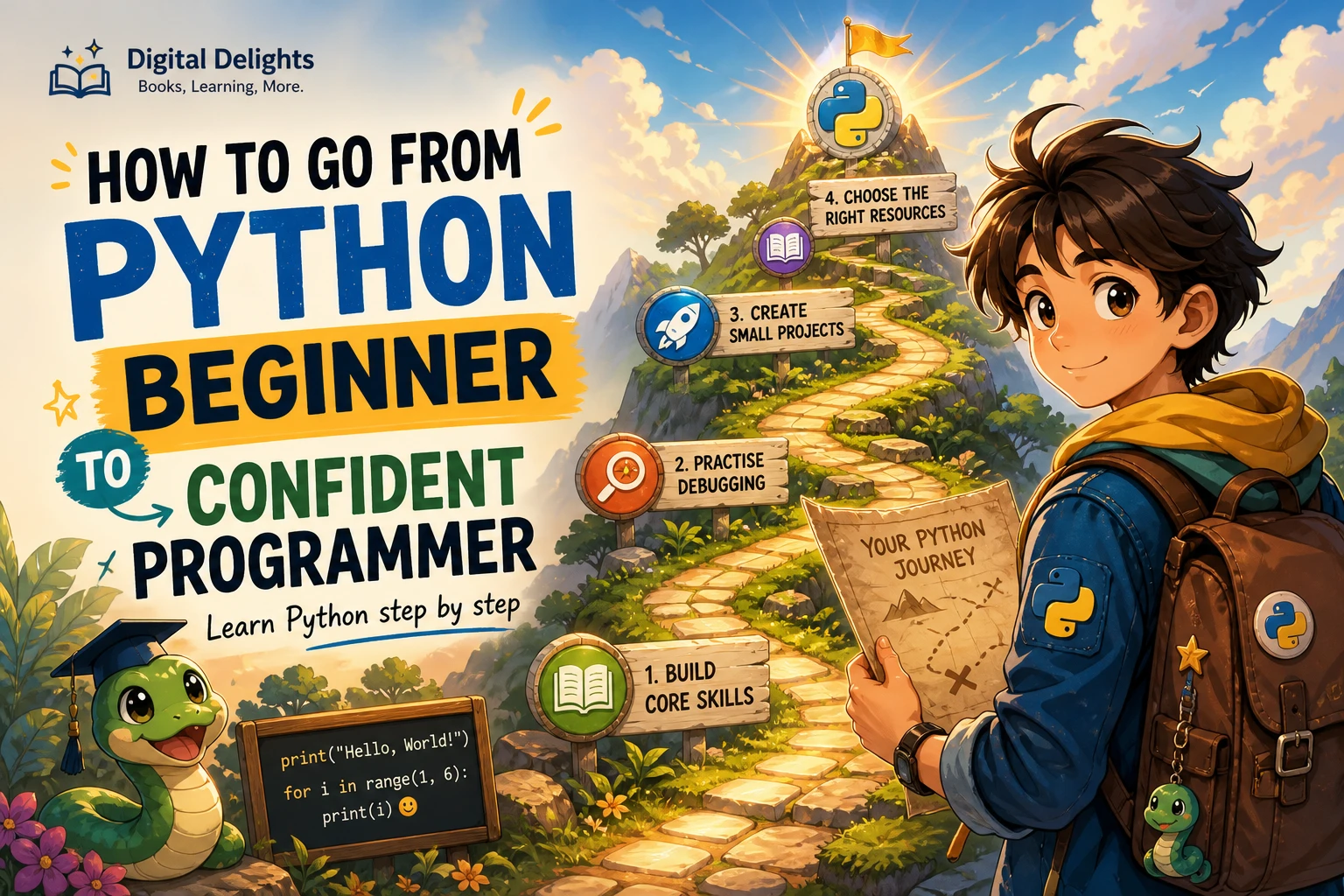
Getting good at Python means more than recognizing syntax or following a tutorial. It means being able to turn an idea into a small program, explain how your code works, find and fix problems, and improve the result. The most useful path is straightforward: learn the core language, practise by writing code yourself, build projects that gradually combine what you know, and review your work.
You do not need to master every Python library before you begin making useful things. Start with fundamentals, use errors as clues, and choose projects that give you a reason to apply each new skill. This guide lays out that process, including what to study first, how to practise, and how to choose a next direction.
What does it mean to be good at Python?
There is no single test or fixed milestone that makes someone “good” at Python. A practical measure is whether you can work through a problem with increasing independence. For example, you can:
- Break a task into smaller steps and express those steps in code.
- Choose suitable data types and collections for the information you are handling.
- Use functions to make code easier to understand and reuse.
- Read an error message, investigate its cause, and make a deliberate fix.
- Test whether your program behaves as intended, including for less obvious inputs.
- Explain your decisions and revise the code when requirements change.
That ability grows through repeated practice, not by memorizing every feature of the language. You can begin while still looking things up; knowing how to find and apply reliable documentation is part of programming.
Start with Python fundamentals
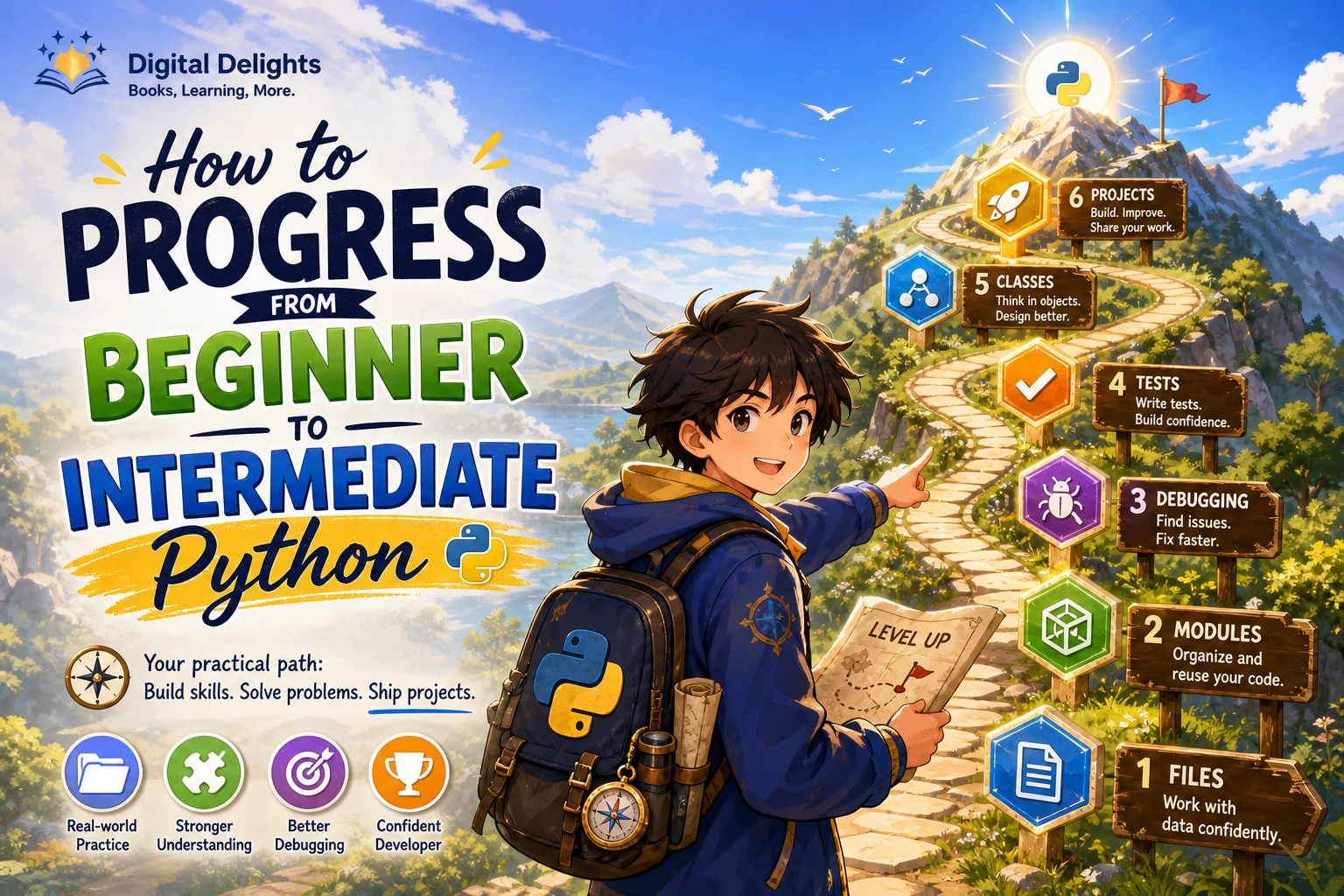
Build a working grasp of the ideas that appear in everyday programs. The official Python tutorial covers practical language topics such as control flow, data structures, modules, input and output, exceptions, classes, and parts of the standard library. It is a useful reference as you learn, alongside regular hands-on coding.
Learn these concepts in a useful order
- Values and variables: Work with numbers, strings, and Boolean values, and learn how names refer to data.
- Conditions: Use
if,elif, andelseto make a program respond to different situations. - Loops: Use
forandwhilewhen a task needs to repeat. - Core collections: Practise with lists and dictionaries first, then learn when tuples and sets are useful.
- Functions: Give a focused task a name, pass information in, and return a result when appropriate.
- Modules and imports: Split code into files or use functionality provided by Python and installed packages.
- Files and exceptions: Read and write data, and handle expected problems such as a missing file or invalid input.
Do not treat this as a one-time checklist. Revisit the fundamentals as your projects become more demanding. Understanding a concept well enough to use it in a new situation matters more than racing through a list of topics.
Set up a simple practice environment
Choose a way to run Python code and keep it convenient to use. An editor, an interpreter, and a folder for your practice projects are enough to begin. You do not need a particular kind of computer or a complicated development setup to learn the language. Check the official Python site for a currently maintained release when installing, since version information changes over time.
If you want a guided introduction, Python Illustrated is described in the catalog as a beginner-friendly, visual introduction that starts with setup and moves into core programming concepts. Another structured starting point is Python Programming: The Fundamental Beginner’s Guide to Learning Python, whose listed topics include installation, variables, conditions, loops, collections, and functions. A book can give your learning structure, but you will still need to run, change, and write code yourself.
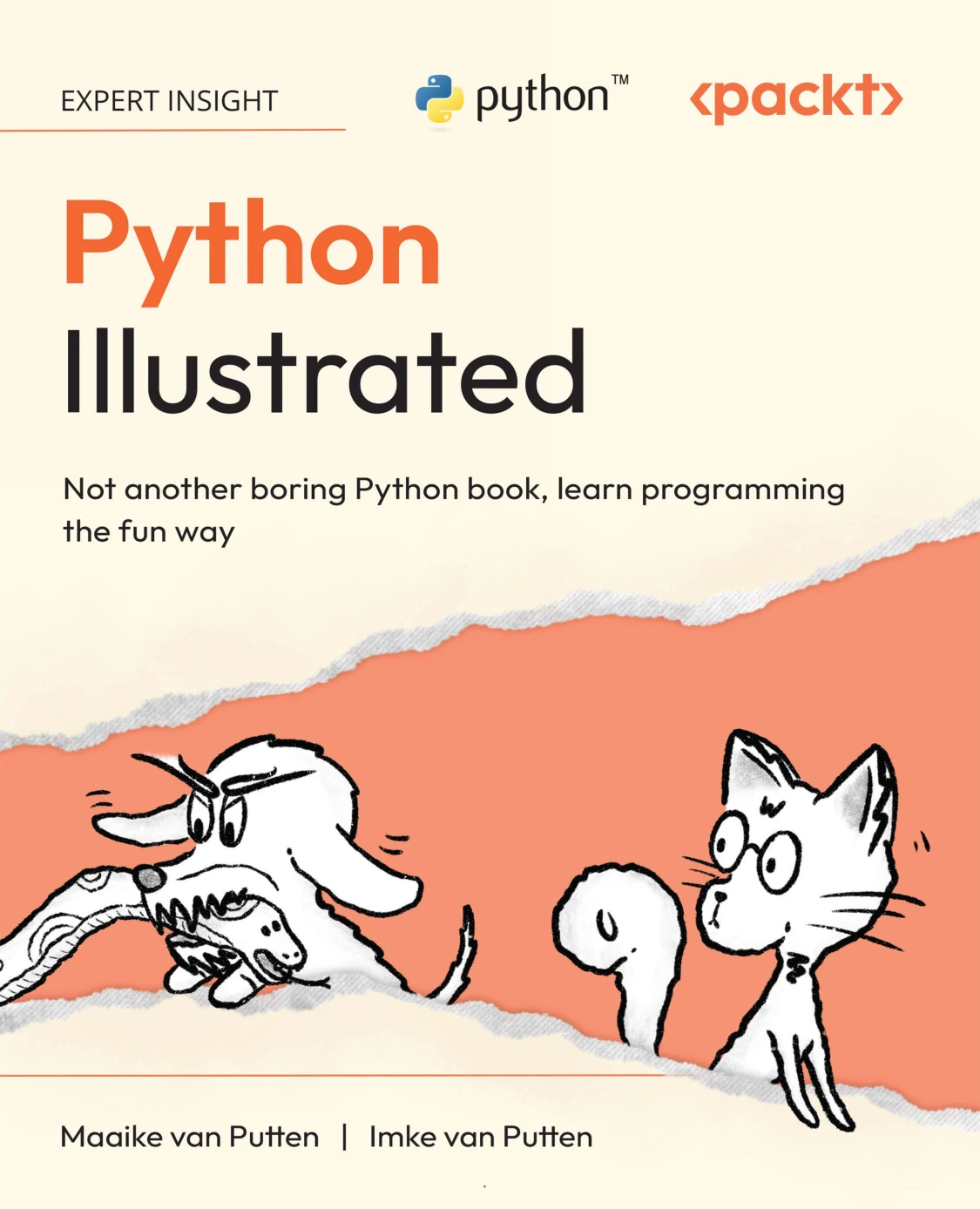
Learners who want a visual introduction that starts with setup and builds into core Python concepts.
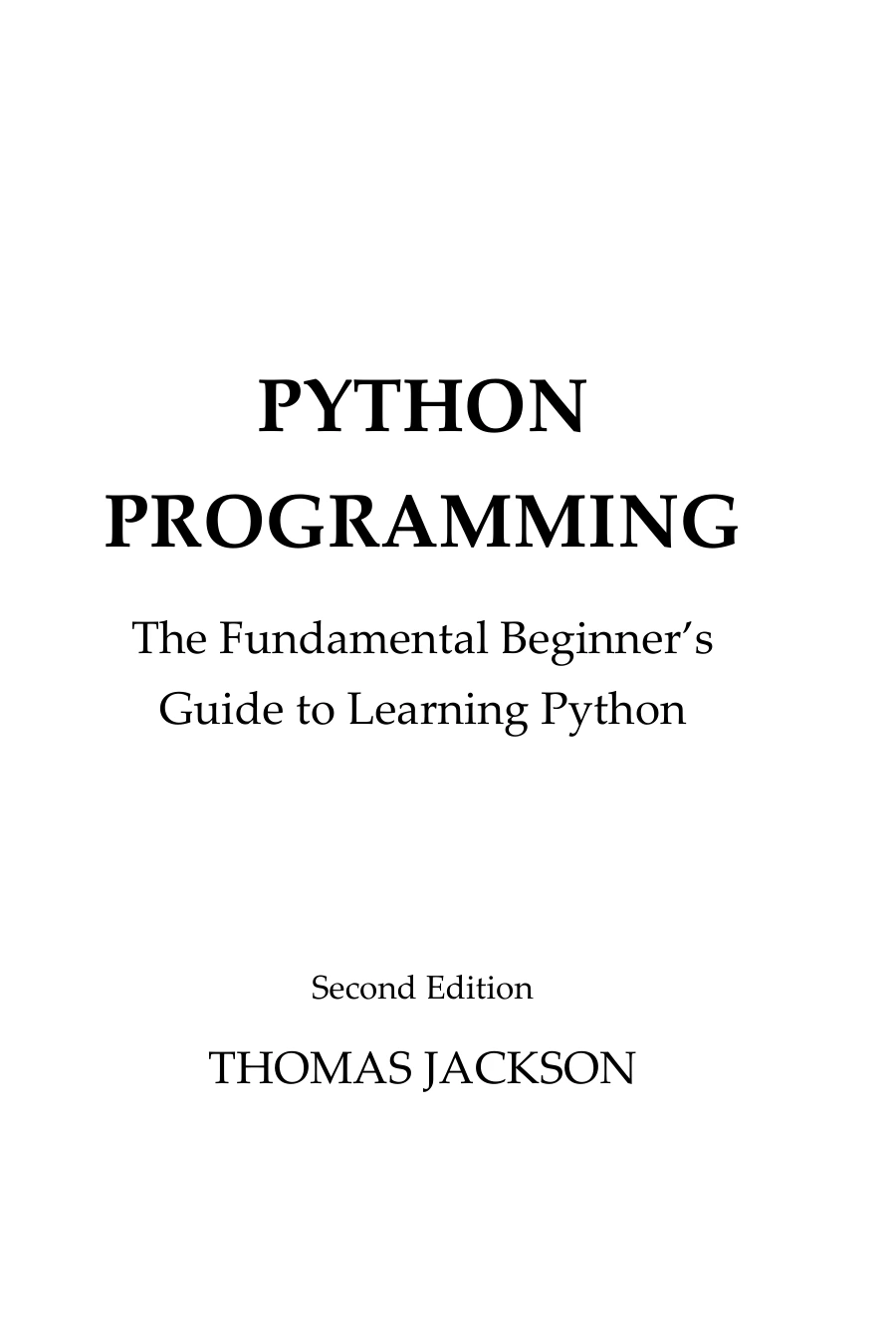
Python Programming: The Fundamental Beginner’s Guide to Learning Python
New programmers looking for material covering installation, basic syntax, collections, and functions.
Use a repeatable practice loop
Reading explanations helps you understand ideas, but writing code shows you where your understanding is incomplete. A useful practice routine is to take one small concept and put it to work in a program of your own. Treat the following cycle as practical guidance, not a formula proven to work identically for every learner.
- Choose one idea. For example, practise loops, dictionaries, functions, or reading a file.
- Write a small program from a prompt. Try to begin without copying a complete solution.
- Run it and inspect the result. Check whether it handles the input and situation you intended.
- Investigate errors. Read the message, identify the relevant line, and test a specific change rather than changing several things at random.
- Revise the code. Rename unclear variables, simplify repeated logic, or add a missing case.
- Explain what you learned. Make a brief note about the error or concept and what helped resolve it.
For example, after learning conditionals and functions, write a small program that asks for a temperature and returns a simple label such as “cold,” “mild,” or “warm.” Then decide what should happen if the user enters text instead of a number. That follow-up forces you to consider both the ordinary case and an input that could cause trouble.
When you get stuck, reduce the problem. Try a smaller input, print an intermediate value, or temporarily isolate the part that is failing. Debugging is not separate from learning Python; it is one way you learn how your code actually behaves.
Build projects that grow gradually
Projects help connect separate language features. Begin with something small enough to finish, then add requirements of your own. You do not have to invent a large application to practise programming well.
Begin with small utilities
Try a command-line number guessing game, a unit converter, a simple quiz, a shopping list, or a script that organizes information you already have. Each can be adapted to practise different ideas. A guessing game, for instance, can start with input and conditions; later, add a limited number of attempts, a score, or a function that checks each guess.
Extend a project instead of copying a tutorial
A tutorial project is a useful starting point, but make the next step your own. Change its rules, add a feature, or adjust it to solve a small problem you care about. Before adding a feature, write down what the program should do. Then implement one part, test it, and move to the next.
As a project grows, you will practise skills that isolated exercises may not bring together: deciding how to represent information, dividing work into functions, handling unexpected input, and tracking down bugs across multiple steps. Keep the scope manageable. A finished small tool that you understand is more useful practice than a large project that remains a pile of copied code.
Learn to test and organize your code
When a program produces the expected result once, that does not guarantee it will work with different inputs or after you change it. Test important behavior with a few deliberate examples. For a function that adds a tax amount, check an ordinary price, a zero value, and any input limits your program expects.
Python’s documentation describes doctest for checking examples in documentation and unittest for more extensive tests in separate files. You can start with simple checks and learn a testing framework as your code needs it; you do not need an elaborate test suite for your first short script.
Make code easier to follow by using descriptive names and functions with clear responsibilities. If several lines perform one distinct task, consider putting that task in a function. A class may be useful when a program has related data and behavior that belong together, but object-oriented programming is not a prerequisite for writing useful beginner projects. Learn it when the structure of a project gives you a reason.
For a later-stage look at code structure, Python How-To: 63 Techniques to Improve Your Python Code covers practical techniques and questions around writing clearer Python. For readers ready to focus more deeply on design and maintainability, Practices of the Python Pro addresses topics including functions, classes, modules, testing, and software design. These are resources to consider as your needs develop, not required first steps.
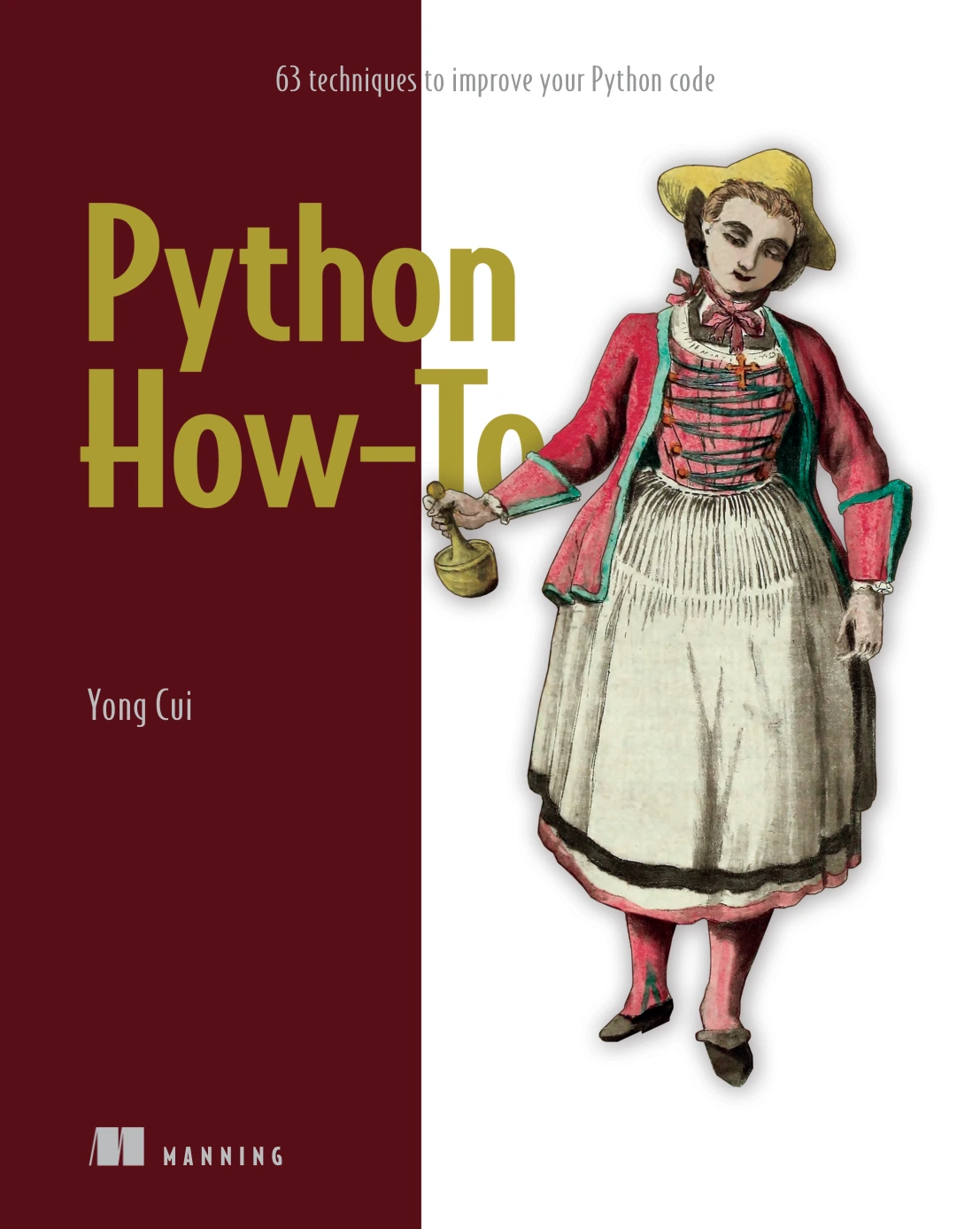
Python How-To: 63 Techniques to Improve Your Python Code
By Yong Cui
Learners ready to improve the clarity and maintainability of their Python code.
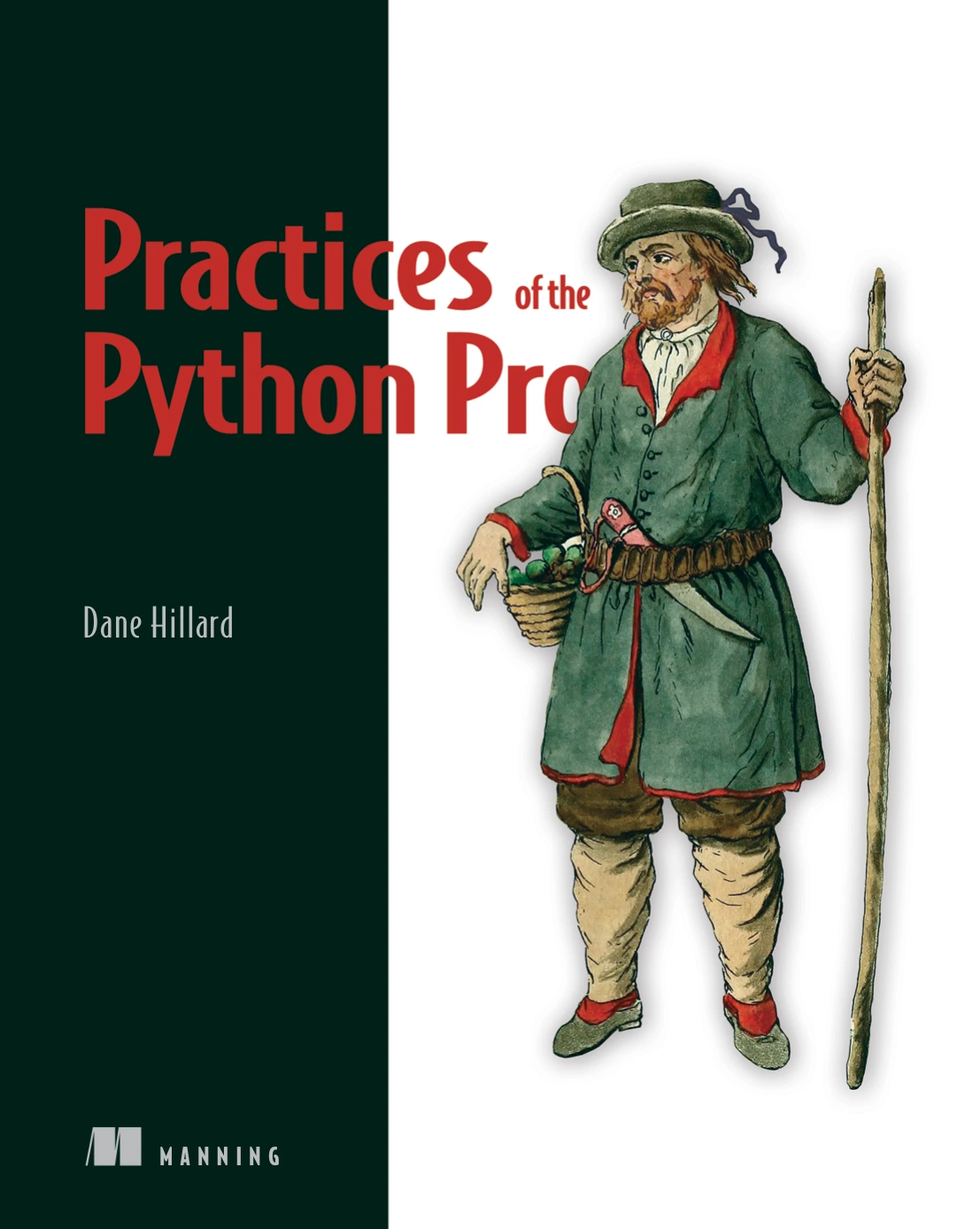
By Dane Hillard
Readers looking to explore design, testing, and code organization in larger Python programs.
Avoid common habits that slow progress
- Watching or reading without coding: Pause regularly and try to recreate the idea in a blank file. Adjust it so you are not only repeating the example.
- Copying a solution without understanding it: After following an example, close it and explain the main steps in your own words. Then change one requirement and try again.
- Trying to learn every library at once: Learn enough core Python to solve small problems, then choose tools that match a project.
- Starting with an oversized project: Reduce the idea to one useful feature that you can complete and test.
- Treating errors as proof you cannot code: Errors are information about what the program did and where your assumptions may be wrong. Read them and investigate one possibility at a time.
- Moving on before applying a concept: Before beginning a new topic, use the current one in a small task without following every line of a finished solution.
Choose a direction based on something you want to make
Once the fundamentals are becoming familiar, choose a practical area to explore. You do not need to commit to a specialization permanently; a small project can help you find out whether the work interests you.
- Automation: Write scripts to handle repetitive file or information tasks. If you want examples aimed at systems work, Pro Python System Administration focuses on Python projects involving areas such as monitoring, logs, APIs, and infrastructure.
- Data analysis: Learn how to work with tables, clean information, and summarize results. Hands-On Data Analysis with Pandas covers data collection, wrangling, analysis, and visualization using Python and pandas.
- Web development: Explore how a Python application can serve information to a website or another client. Django for APIs: Build web APIs with Python and Django covers API concepts and projects using Django and Django REST Framework.
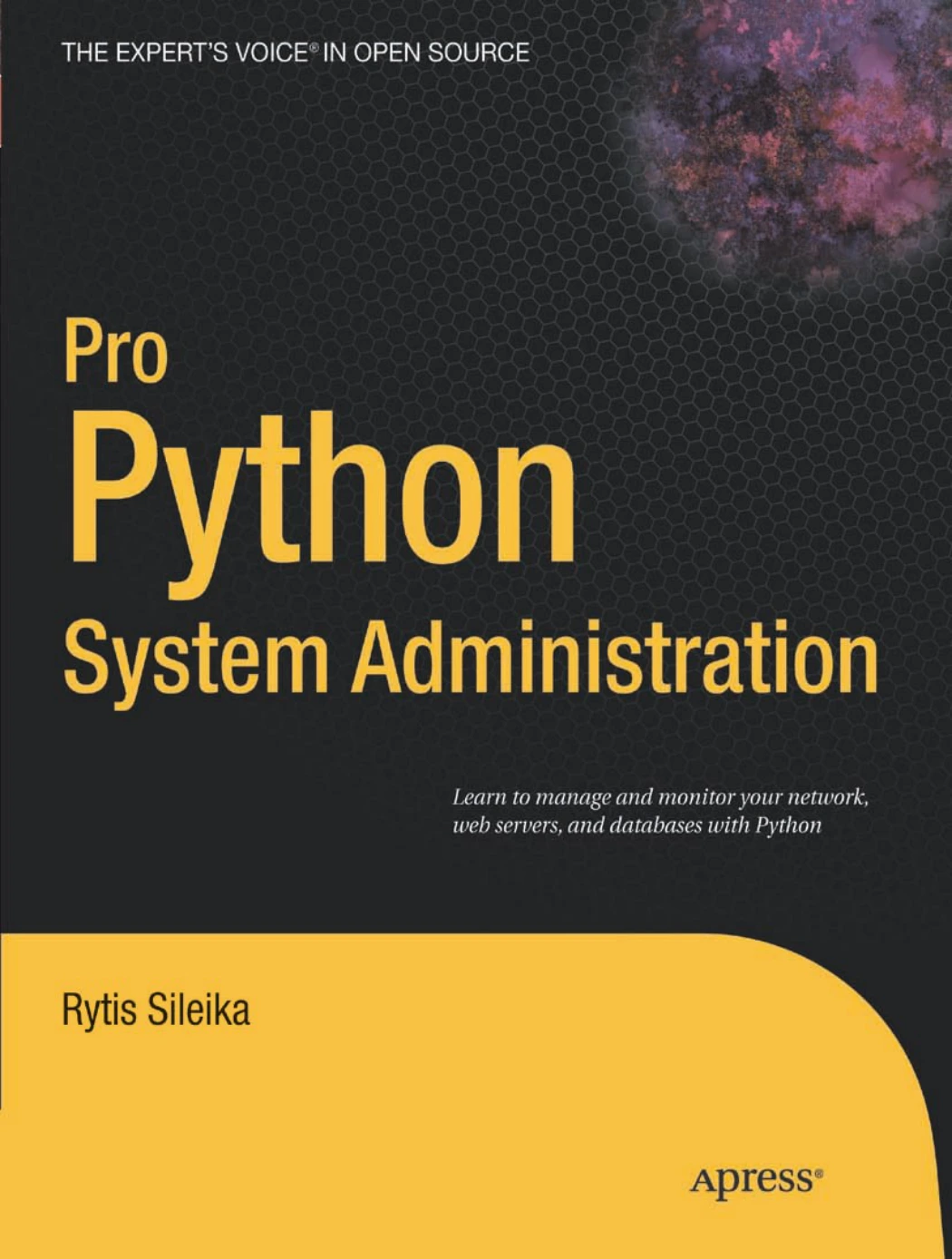
Pro Python System Administration
Learners interested in Python projects involving monitoring, logs, APIs, and infrastructure.
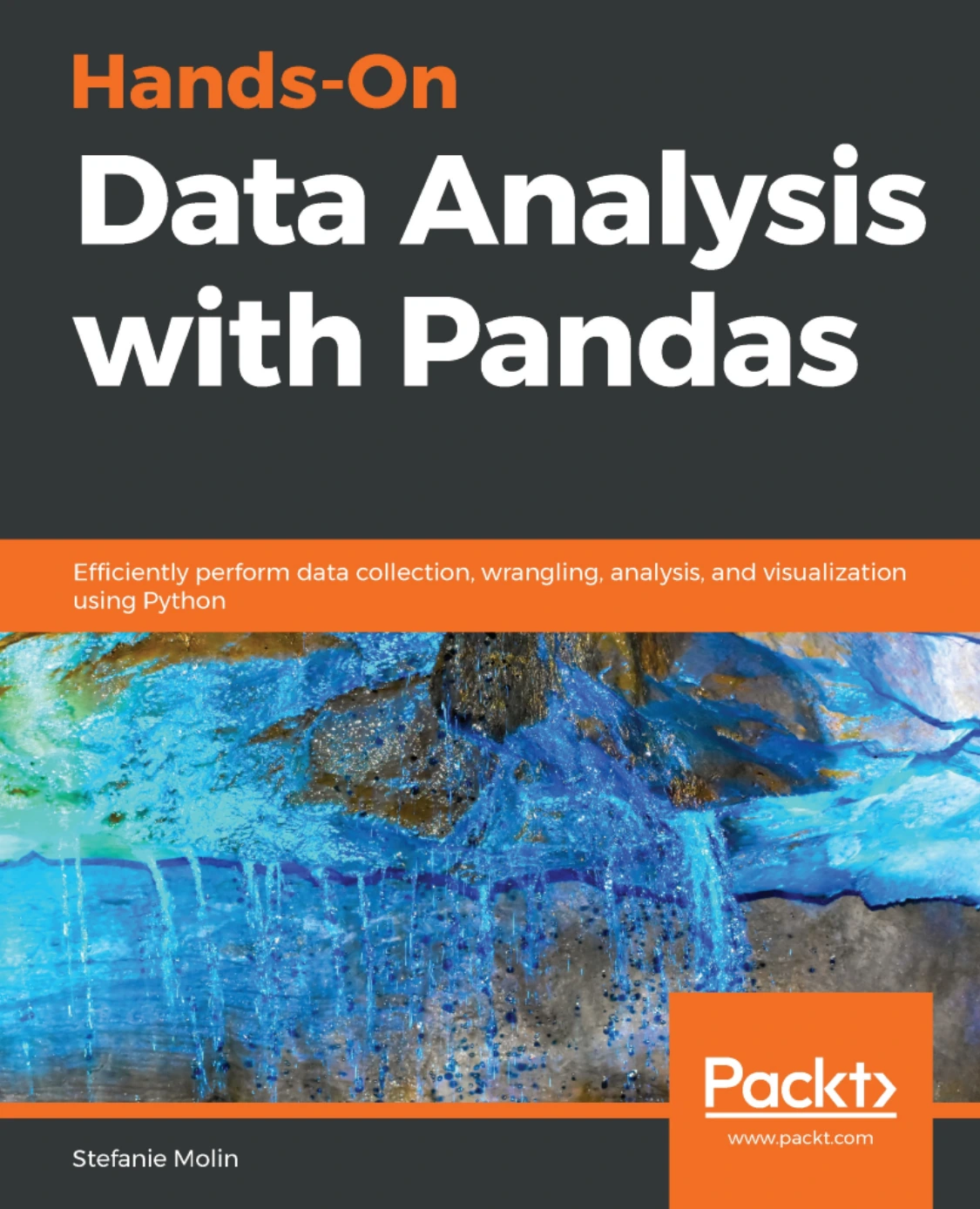
Readers who want to explore data collection, wrangling, analysis, and visualization with pandas.
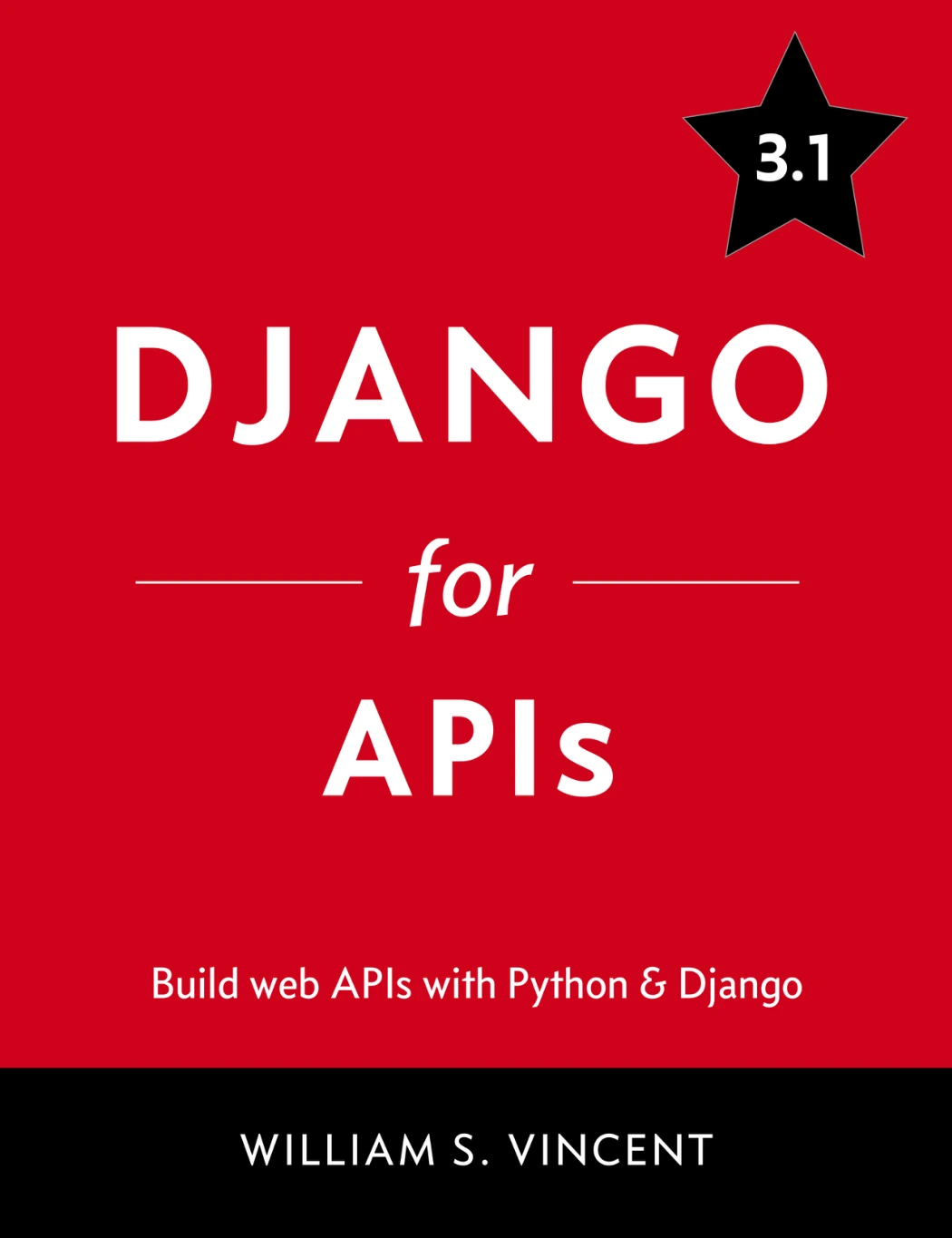
Django for APIs: Build web APIs with Python and Django
Learners with an interest in API concepts and projects using Django and Django REST Framework.
Pick the direction that gives you a concrete reason to keep coding. You can learn the relevant library or framework when the project calls for it, while continuing to strengthen the Python fundamentals underneath.
How to choose a learning resource
Choose a resource for the specific job you need it to do. A beginner guide can help introduce the language in sequence; an exercise-focused or code-quality resource can support practice and review; a specialization book can help once you have the relevant foundations. No single book removes the need to experiment with code.
| What you need | Catalog resource | Why it may fit |
|---|---|---|
| A visual, guided introduction | Python Illustrated | Its catalog description presents a visual beginner path from setup into core Python concepts. |
| A traditional fundamentals guide | Python Programming: The Fundamental Beginner’s Guide to Learning Python | Its listed material includes foundational syntax, collections, and functions. |
| Improving existing Python code | Python How-To: 63 Techniques to Improve Your Python Code | It focuses on practical techniques for clearer, more maintainable Python. |
| Exploring data analysis | Hands-On Data Analysis with Pandas | It covers a Python data-analysis workflow using pandas. |
Use the official tutorial as a reference for language fundamentals, and choose a book when you want a particular style of explanation or a structured route through a subject. Digital Delights also has a Python books and resources category for browsing related titles. Whichever resource you choose, set aside time to write code that is not already supplied for you.
Frequently asked questions
Do I need programming experience before learning Python?
No particular previous programming experience is required to begin with the fundamentals. Start with small examples, make sure you can run Python code, and add concepts one at a time. If you already know another language, you may recognize some programming ideas, but you will still need to learn Python’s syntax and conventions.
What should I learn first in Python?
Start with values and variables, conditions, loops, common collections, and functions. Then practise modules, file input and output, and exceptions. Put each topic to use in a small program before trying to cover advanced areas.
How should I practise Python?
Write small programs from a clear task, run them, check how they behave, and revise them. Try not to rely on copying complete solutions. When you hit an error, use its message and your own observations to investigate the cause, and note anything you want to remember.
When should I learn object-oriented programming?
Learn the basics when you can connect them to a program that would benefit from grouping related data and behavior. You can write many useful small programs with functions and built-in data structures before classes become necessary.
How long does it take to get good at Python?
There is no reliable fixed timeline for everyone, and the available sources do not define a measurable threshold for being “good.” Progress depends on what you are trying to build, your starting point, and how you apply what you learn. Judge progress by whether you can solve increasingly unfamiliar problems with less step-by-step guidance.
Conclusion: make, debug, and improve
To get good at Python, move from recognizing code to using it independently. Learn the fundamentals, practise through small programs, expand those programs into projects, and get comfortable testing and improving what you write. You do not have to know every library or settle on a specialization before you begin.
Choose one manageable task, write a first version, and improve it based on what happens when you run it. That cycle gives you a practical way to build skill while creating programs you can understand and explain.