What Should You Learn After Python Fundamentals?
Once you can write simple Python scripts, it is tempting to look for the next long list of topics to master. A more useful next step is to build a small, complete project, then learn the skills that help you make that project reliable and useful. There is no single required sequence: the best direction depends on what you want to create.
Start by checking your fundamentals, then practise organizing code, managing dependencies, testing changes, and debugging. After that, choose a path such as automation, web development, data work, or machine learning. This roadmap gives you a practical way to decide what to learn after Python basics without trying to study every advanced topic at once.
What Should You Learn After Python Basics?
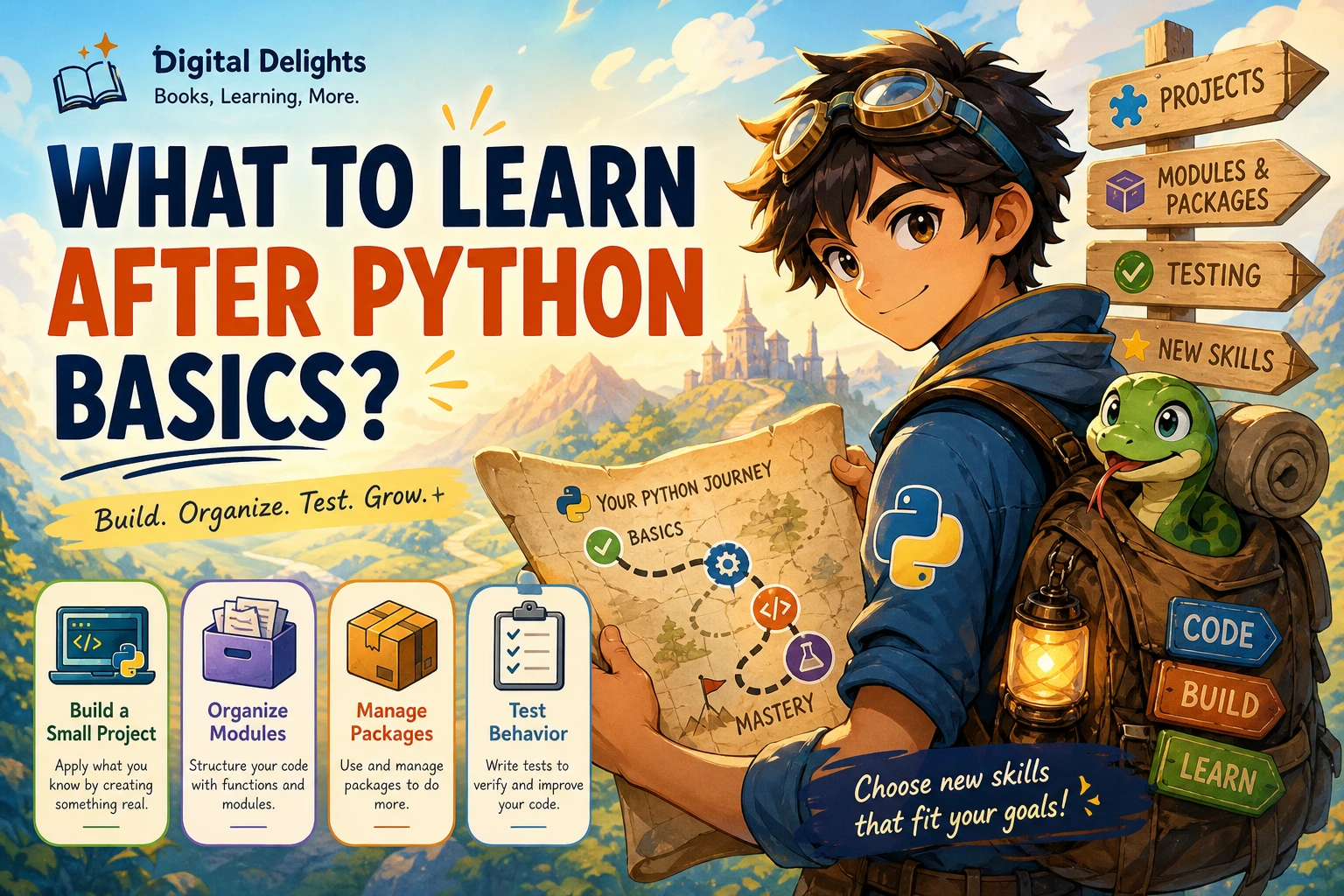
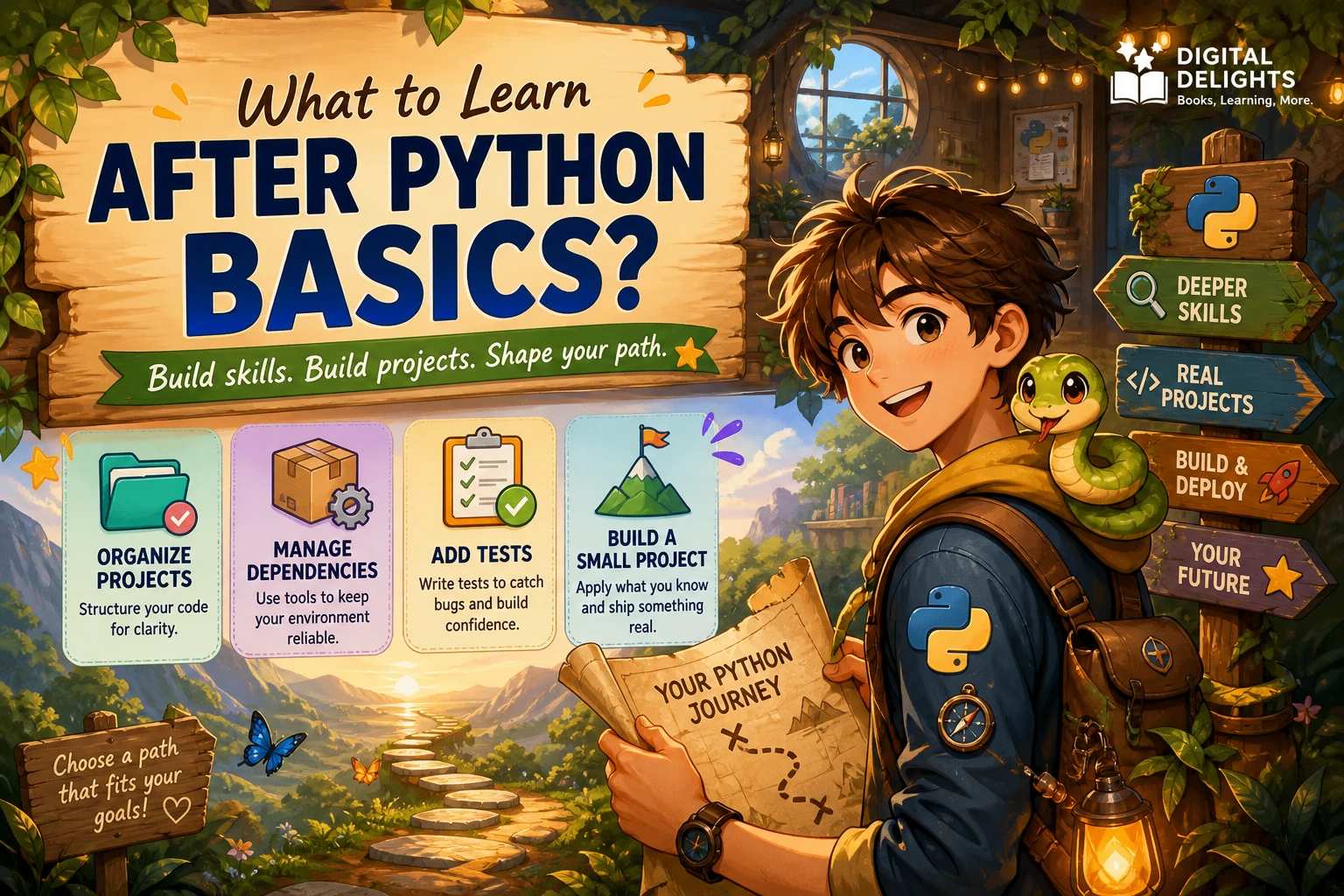
In brief: turn your scripts into a small, maintainable project, learn the tools that support that work, and then specialize according to your goal. A sensible sequence is:
- Check that you can use core Python without relying on step-by-step instructions.
- Organize code into functions and modules, and learn to manage project dependencies.
- Add tests and practise debugging as you build.
- Complete one modest project from start to finish.
- Choose a direction—such as automation, web development, data, or AI—and learn its relevant tools.
This is a practical recommendation, not an official or universal syllabus. You can learn classes, type hints, and other language features when a project gives you a reason to use them; you do not need to master every advanced feature before building anything.
Check Whether Your Python Fundamentals Are Solid
Before moving on, make sure you can combine the basics to solve a small problem. You do not need perfect recall, but you should be able to write and explain a short program without copying each line from a tutorial.
- Write and call functions, including functions that accept inputs and return results.
- Use strings, lists, dictionaries, and sets to represent and work with information.
- Use loops and conditionals to process data and make decisions.
- Read a simple error message, locate the relevant code, and try a fix.
- Write a script that accepts input, performs a task, and produces a useful result.
If one of these still feels unfamiliar, practise it inside a small program rather than pausing all project work. A hands-on refresher such as Python Bookcamp: Exercises and Projects uses exercises and case studies to work with core concepts. For a more project-centred approach, Tiny Python Projects focuses on building small programs and includes testing practice. These resources can support practice; neither needs to be treated as a mandatory course sequence.

Python Bookcamp: Exercises and Projects
Learners who want guided hands-on practice with Python concepts and small programs.
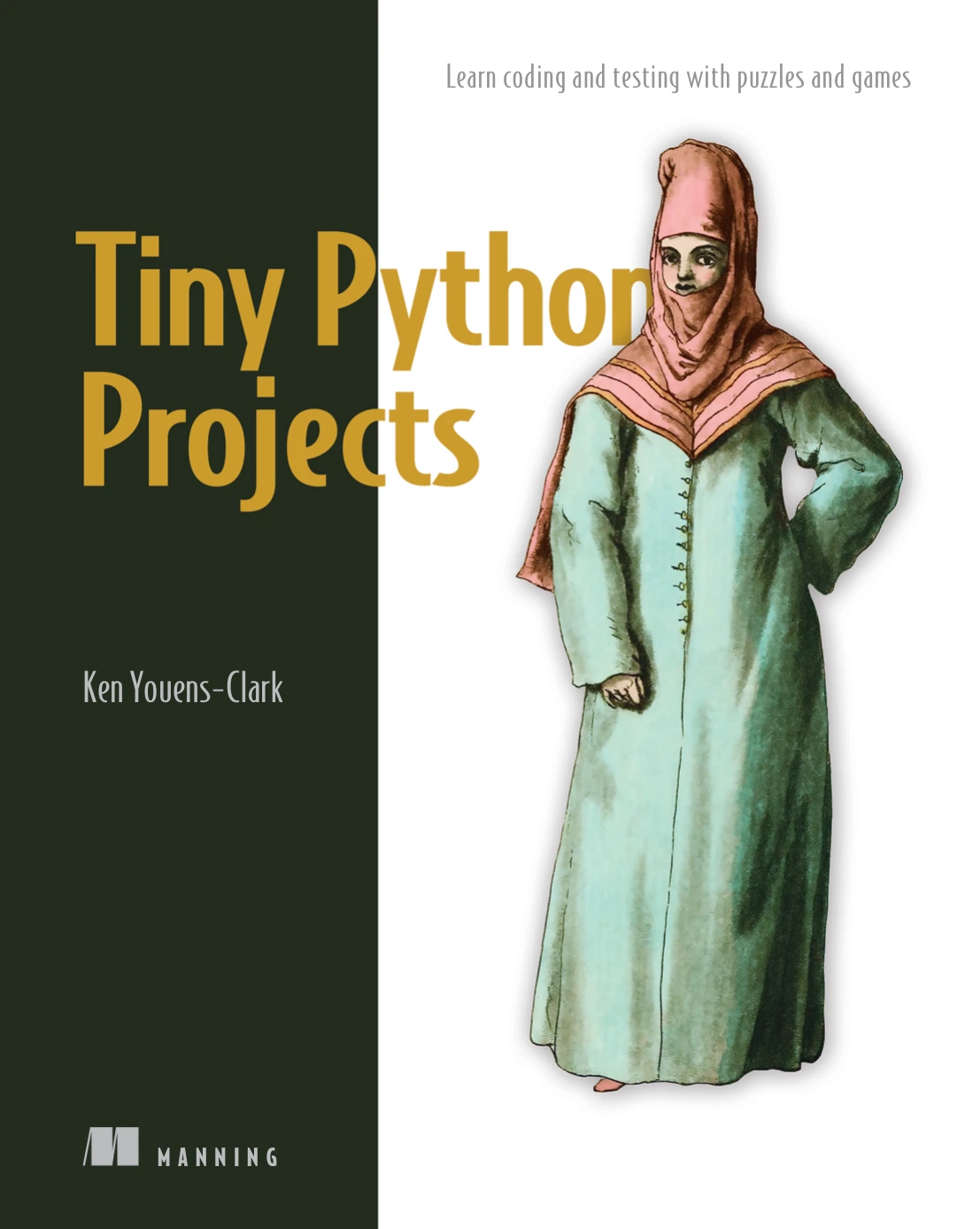
Learners ready to practise by building and testing compact Python projects.
Learn to Turn Scripts Into Maintainable Projects
A one-file script is a good way to start. As the program grows, the next challenge is making it easier to understand, change, and run again. You can learn these habits alongside a project instead of studying them all in isolation.
Organize code with functions, modules, and packages
Functions give a task a clear name and help avoid repeating the same logic. When related code no longer fits comfortably in one file, move it into modules and import the pieces you need. A package can group related modules into a clearer structure. The official Python tutorial explains how modules and packages help organize code: Python documentation on modules.
For example, a small file-organizing tool might have one function that identifies file types, another that chooses a destination folder, and a separate part that handles the command-line interface. The goal is not to create many files for their own sake; it is to make responsibilities understandable.
Use a virtual environment for project dependencies
Projects may rely on external packages, and different projects can need different package versions. Learn how to create a virtual environment and install dependencies for the project you are working on. Python’s tutorial describes virtual environments as a way to isolate project packages: Python documentation on virtual environments and packages.
In practice, this means setting up an environment for the project, installing only the packages it needs, and noting those dependencies so you can recreate the setup later. This is more useful than installing every library globally and hoping projects do not interfere with one another.
Add tests and practise debugging
A program that appears to work with one example may fail on a different input. Write a few checks for the behaviours that matter, including an ordinary case and at least one awkward or unexpected input. Python’s built-in unittest framework supports automated test cases and their organization; see the Python unittest documentation.
Testing does not replace understanding errors. Run the program, inspect the error message, narrow down which part failed, and make one change at a time. A small, reproducible example is often easier to diagnose than a large program with several untested changes.
Learn classes and type hints when they help
Classes can be useful when a program needs to represent related data and operations together. They are not a required upgrade for every script: a few clear functions and ordinary data structures may be simpler. Likewise, type hints can make intended inputs and outputs easier to read in some projects, but you can introduce them gradually. Choose these tools when they make the code easier to reason about, not because you believe you must use them in every program.
Choose a Python Learning Path That Matches Your Goal
Once you can organize and test a modest project, choose one area to explore. The paths below are options, not a ranking. Pick the one that connects to a problem you actually want to solve.
| Path | Useful next topics | Starter project idea |
|---|---|---|
| Automation | Working with files, command-line inputs, and repeatable workflows | Sort a folder of sample files into named folders |
| Web development | HTTP basics, APIs, routes, templates, and a Python web framework | Build a small page that displays information from a public API |
| Data work | Loading, cleaning, summarizing, and visualizing data | Create a short report from a small, clearly documented dataset |
| Machine learning or AI | Data preparation and analysis before working with model libraries or AI tools | Explore a small dataset or build a narrowly scoped model experiment |
| General software development | Project structure, testing, debugging, and version control | Improve an existing script with tests and clear usage instructions |
If you want to automate repetitive work
Start with tasks that have clear inputs and outputs: renaming files, extracting information from text files, or creating a repeatable report. Learn to handle paths and errors carefully, and test with copies of sample files before using a script on important data. Add command-line options only when they make the tool more convenient to use.
If spreadsheets are central to your work, Python for Excel Users: Know Excel? You Can Learn Python is specifically aimed at connecting spreadsheet knowledge with Python, including automation and data tasks.
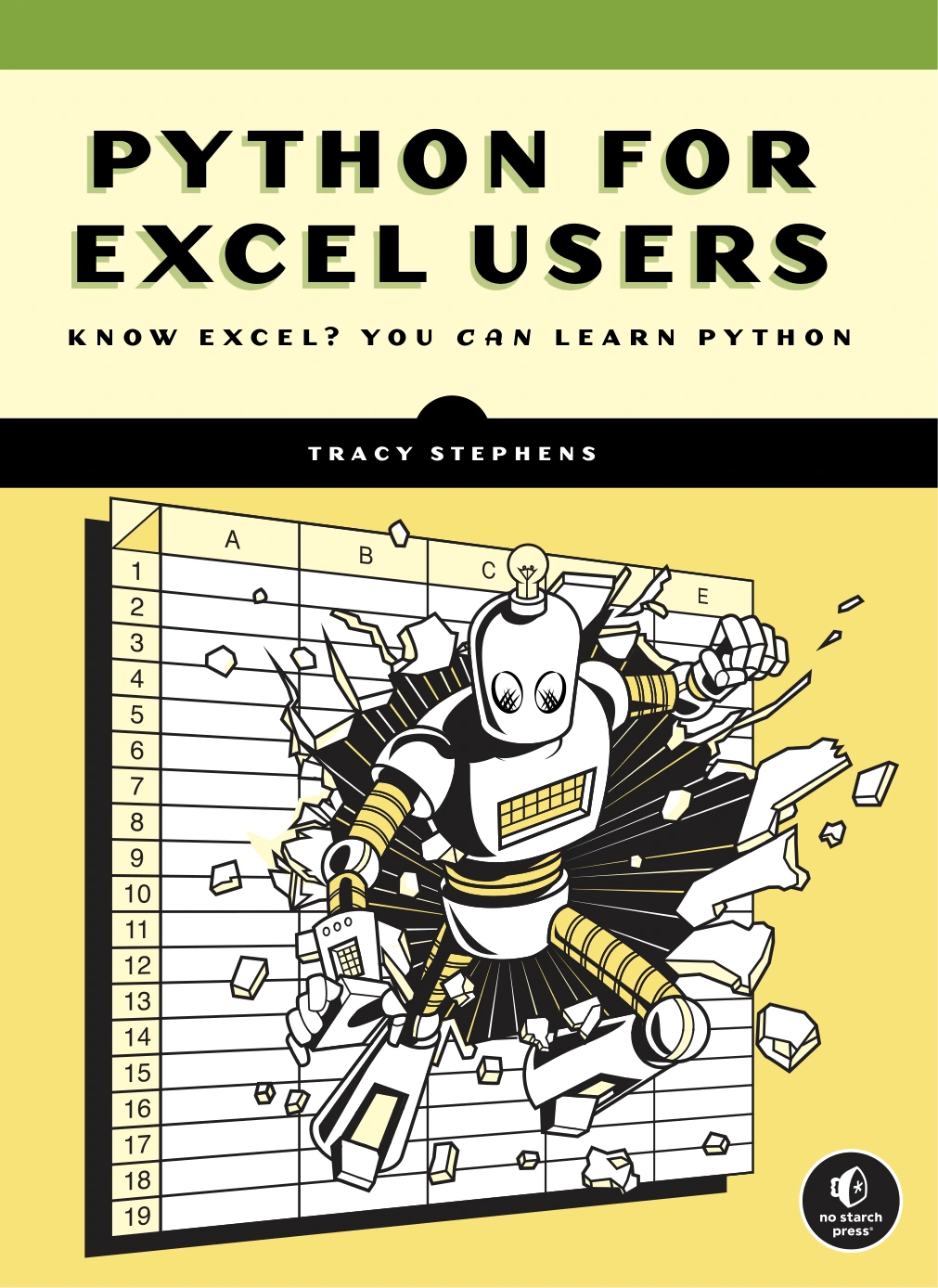
Python for Excel Users: Know Excel? You Can Learn Python
Excel users interested in learning Python for spreadsheet automation and data tasks.
If you want to build web applications
Learn enough about how web requests and responses work to understand what your application is doing. Then try a framework and build a small application with a few routes and templates. Add a form or connect to an API once the basic flow makes sense. Keep the first project narrow; authentication, databases, and deployment can wait until the simple version works.
A Quick step by step guide to learning web development with Python and Flask covers Flask topics including routes, templates, and forms, making it a possible introduction for learners interested in a first web application.
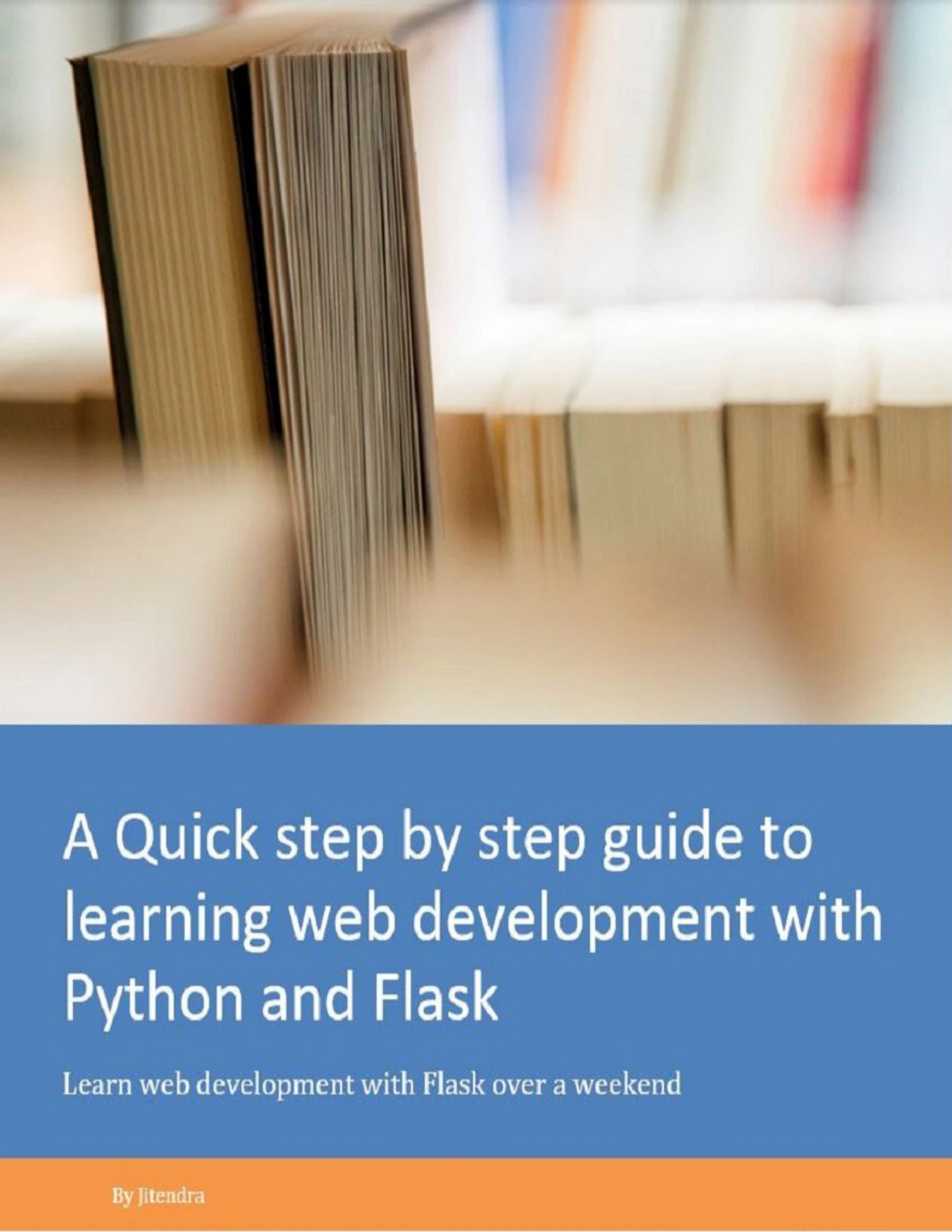
Python learners looking for an introduction to Flask routes, templates, and forms.
If you want to work with data
Practise moving from raw information to a result someone can understand. Load a small dataset, check for missing or inconsistent values, calculate a few summaries, and create a clear visualization or report. Focus on understanding the data and explaining the result before adding more advanced tools.
If you want to explore machine learning or AI
Build on your programming and data-handling skills rather than jumping straight from basic syntax into complex models. Learn how to prepare data, run a simple experiment, and interpret what the output does and does not show. Then choose material that matches the particular area you want to study.
For learners ready to explore applied machine learning, Hands-on Scikit-Learn for Machine Learning Applications focuses on Python-based classification, regression, and model tuning. The catalog describes it as intended for readers with intermediate programming skills, so it is better treated as a later step than as a first Python tutorial.
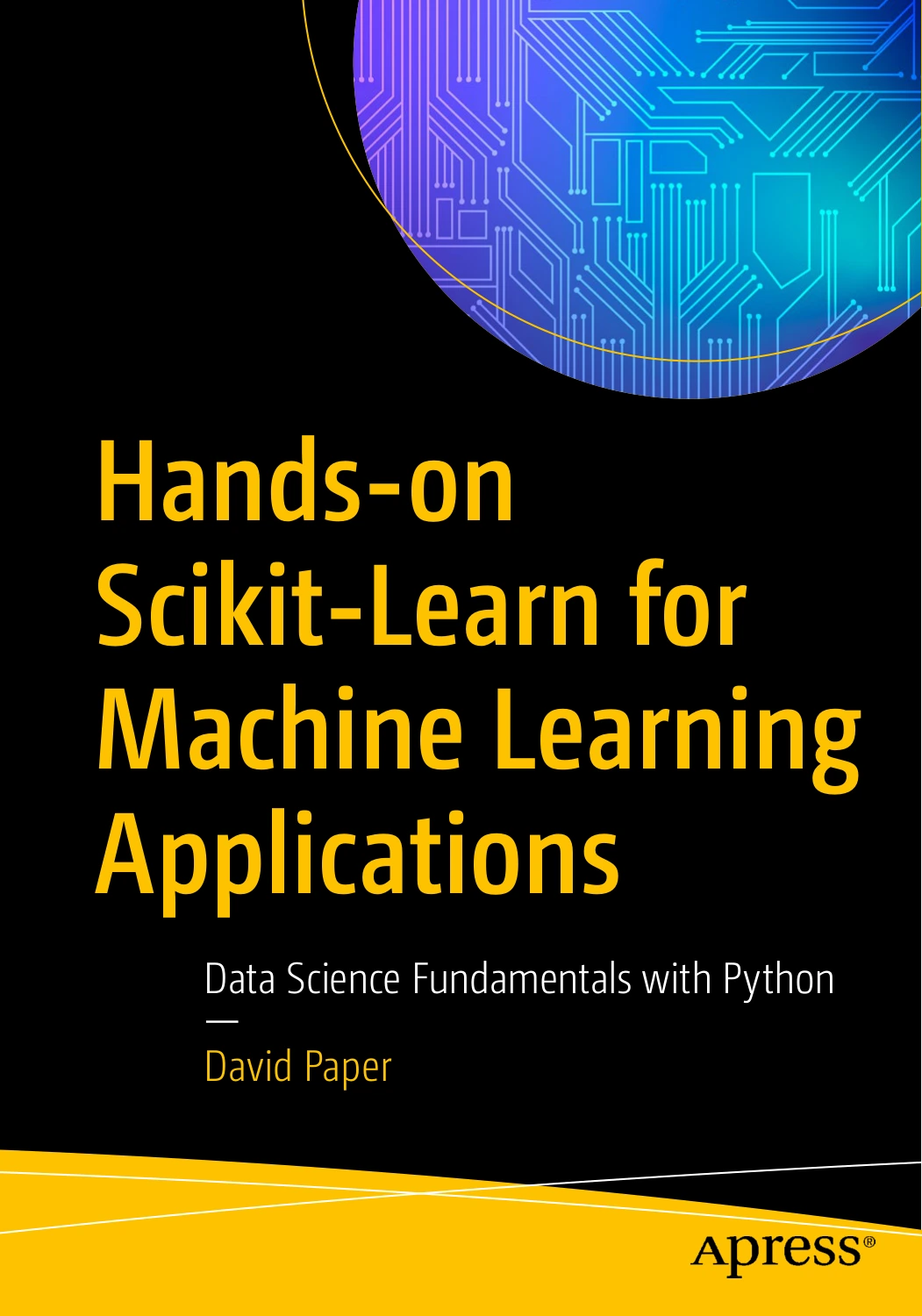
Hands-on Scikit-Learn for Machine Learning Applications: Data Science Fundamentals with Python
By David Paper
Readers with intermediate programming skills who want to explore applied machine learning with Python.
Practise With One Small, Complete Project
A project does not need to be original or large to teach you something. Choose one with a clear finish line and enough room to practise the skills you are learning. For example, a file organizer could:
- Read files from a test folder.
- Group them by extension or another simple rule.
- Show a preview of the planned changes before moving anything.
- Handle missing folders or unexpected file types clearly.
- Include tests for the sorting rules and a short usage note.
Other manageable options include a small API-based utility or a data report. Whichever you choose, write down what the program should do, finish a basic version, and then improve one weakness at a time. Python Bookcamp: Exercises and Projects may suit readers who want structured exercises and case studies, while Tiny Python Projects offers a project-based way to practise small programs and testing.
Common Mistakes When Deciding What to Learn Next
- Collecting courses instead of writing code. Choose one resource and use it to finish a project, rather than repeatedly restarting at the beginning.
- Trying to learn every advanced topic at once. Pick a direction first, then study the tools that help with that goal.
- Copying examples without changing them. Modify inputs, add a feature, or explain each function in your own words to check that you understand the program.
- Overusing advanced structures. Classes and elaborate architecture are not automatically better than a small, clear solution.
- Ignoring version compatibility. Check which Python version and package versions your learning material or project expects. The official Python What’s New notes describe changes between Python releases.
How to Choose a Learning Resource
Choose a resource based on the skill you want to practise next, not just on its title. Before committing, check whether it matches your current level, whether it includes examples or exercises, and whether its subject fits the project you have in mind. A fundamentals refresher, a project workbook, and an applied specialist text serve different purposes; one is not a substitute for all the others.
For more practice-focused options, compare Tiny Python Projects with Python Bookcamp: Exercises and Projects. If you want to strengthen your general Python understanding before branching out, The Python Apprentice covers topics including functions, modules, exceptions, testing, and debugging, according to its catalog description.
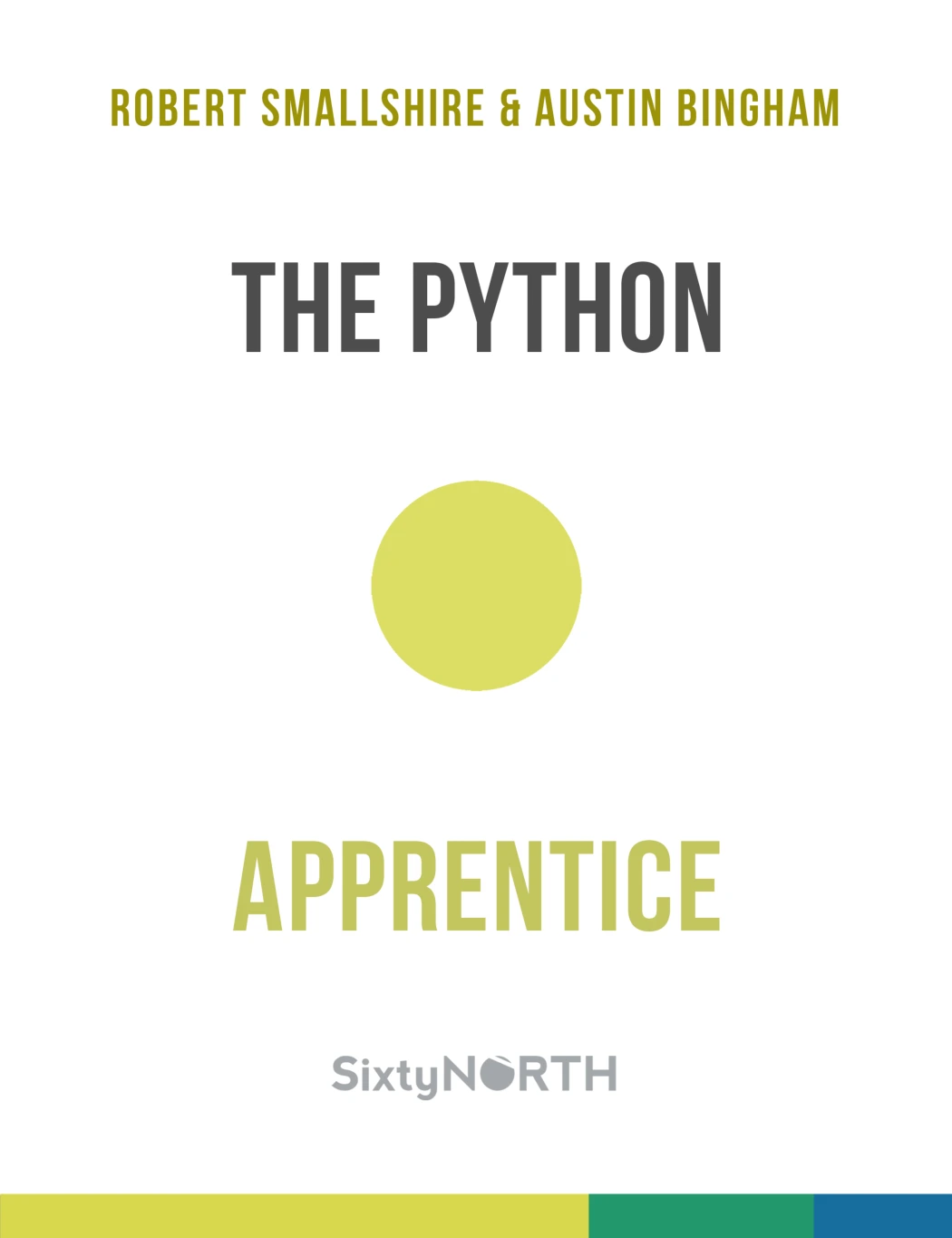
Learners who want a structured refresher and stronger general Python foundations.
Frequently Asked Questions
Should I learn OOP, testing, or virtual environments first?
There is no single best order established by the supplied documentation. For a project that uses external packages, learn virtual environments early enough to keep its dependencies separate. Add tests as soon as the project has behaviour worth checking. Study object-oriented programming when your program benefits from grouping related data and behaviour. You can learn each skill in context rather than treating one as a gate before the others.
Do I need to learn data structures and algorithms after Python basics?
You should be comfortable with common Python collections such as lists and dictionaries, and understand how your program uses them. More formal study of algorithms and data structures can be valuable, especially if your goals call for it, but it does not need to delay every practical project. Let your goals and the problems you encounter guide how deeply you study the subject.
When should I choose a Python specialization?
Choose a direction when you can name a problem or kind of work that interests you, even if your first project is small. You do not need to make a permanent choice. A short automation task, basic web application, or introductory data report can help you discover which work you want to explore further.
How do I know I am ready for a real project?
You are ready to begin a small project when you can write a basic script using functions, collections, loops, and conditionals, and can work through simple errors. You do not need to know every language feature first. Keep the scope modest, look up documentation when needed, and build a working version before adding extras.
Should I learn Python classes before building projects?
No. Some projects benefit from classes; others are clearer with functions and basic data structures. Start with the simplest structure that makes the program understandable, then learn classes when the design gives you a reason to use them.
A Practical Next Step
After Python fundamentals, do not wait until you feel ready to learn everything. Choose a small problem, organize the code, manage its dependencies, and test the behaviour that matters. Then use what the project reveals to choose your next topic. That approach keeps learning connected to something you can make—and gives you a clearer basis for deciding whether automation, web development, data, AI, or broader software development is the right next direction.