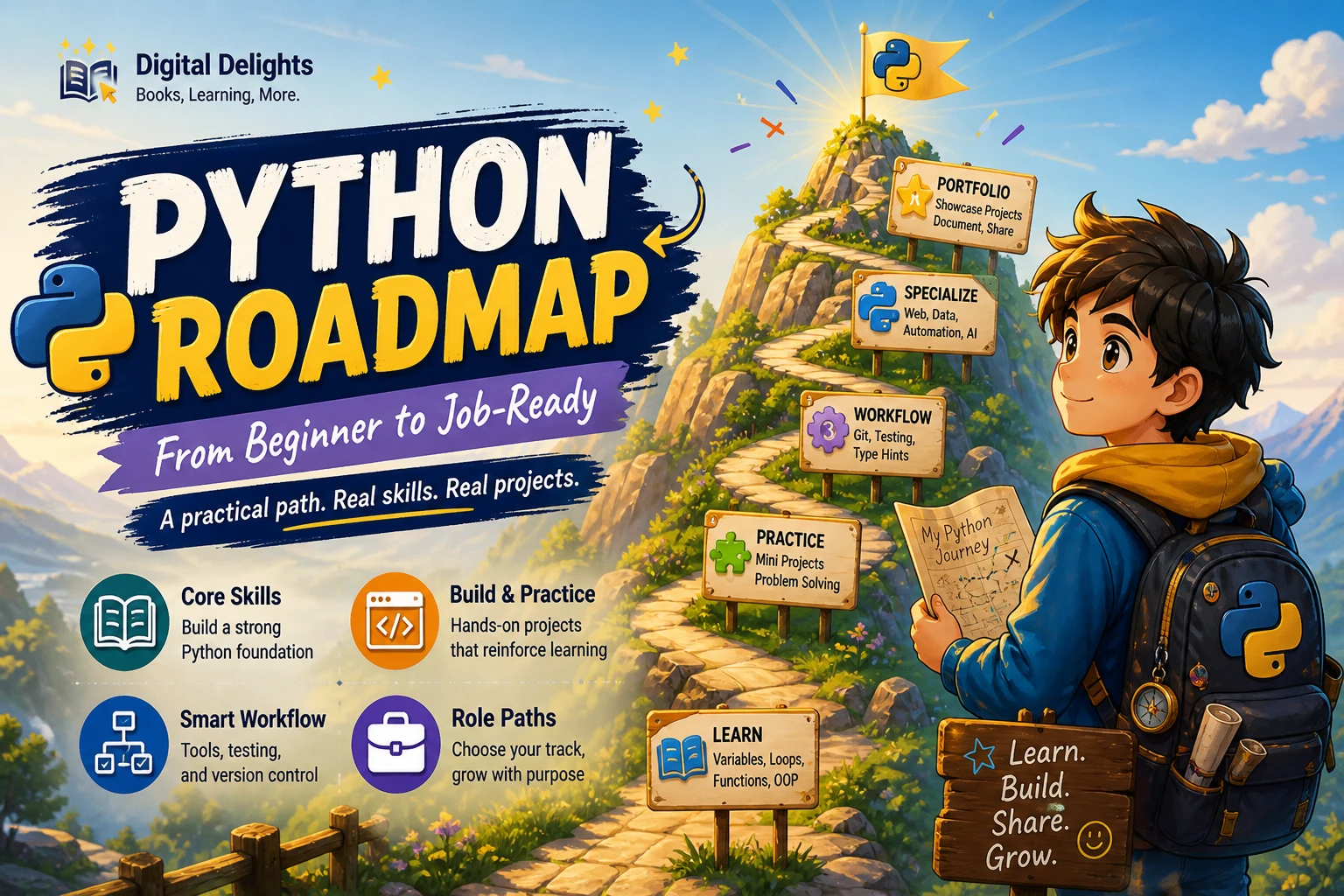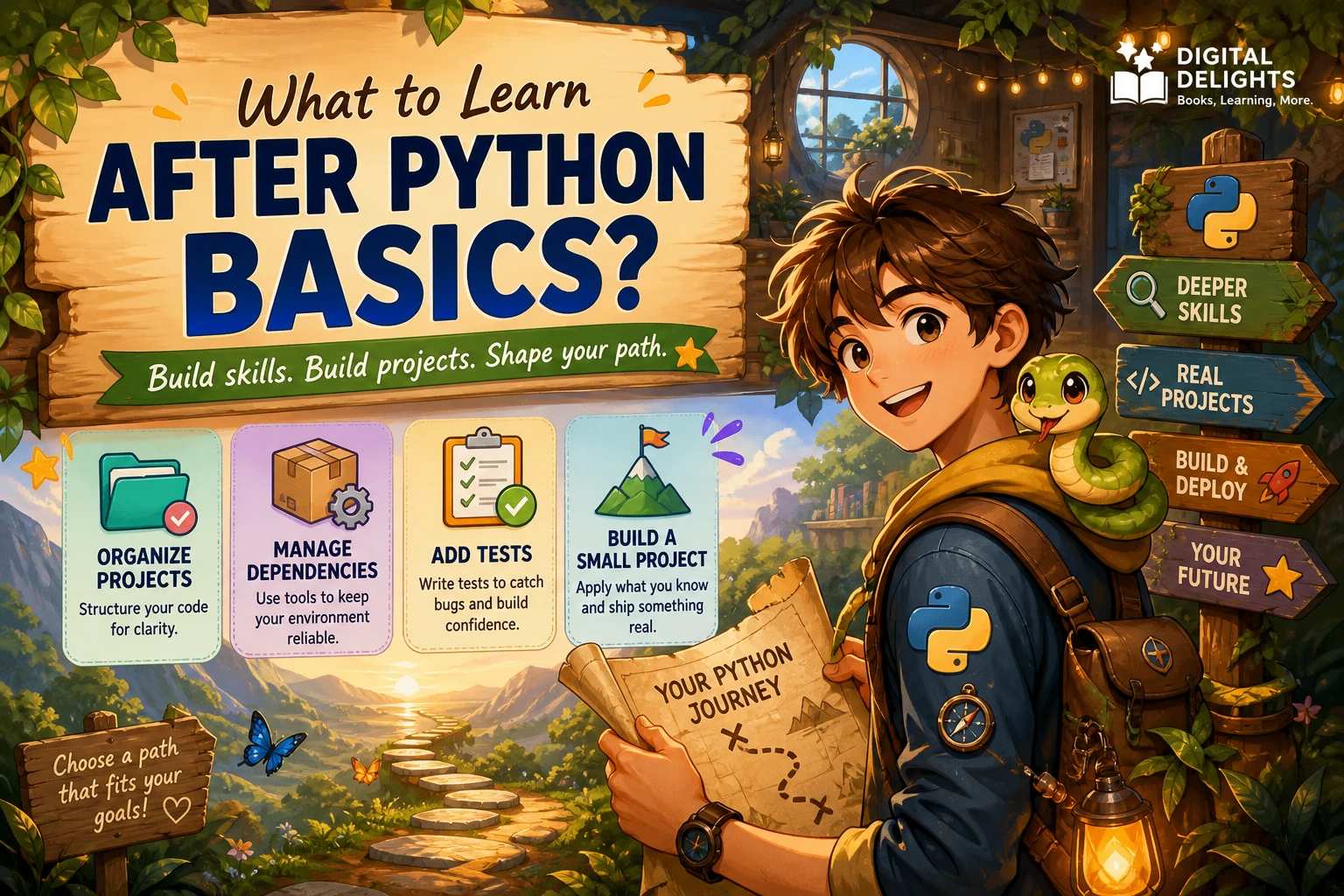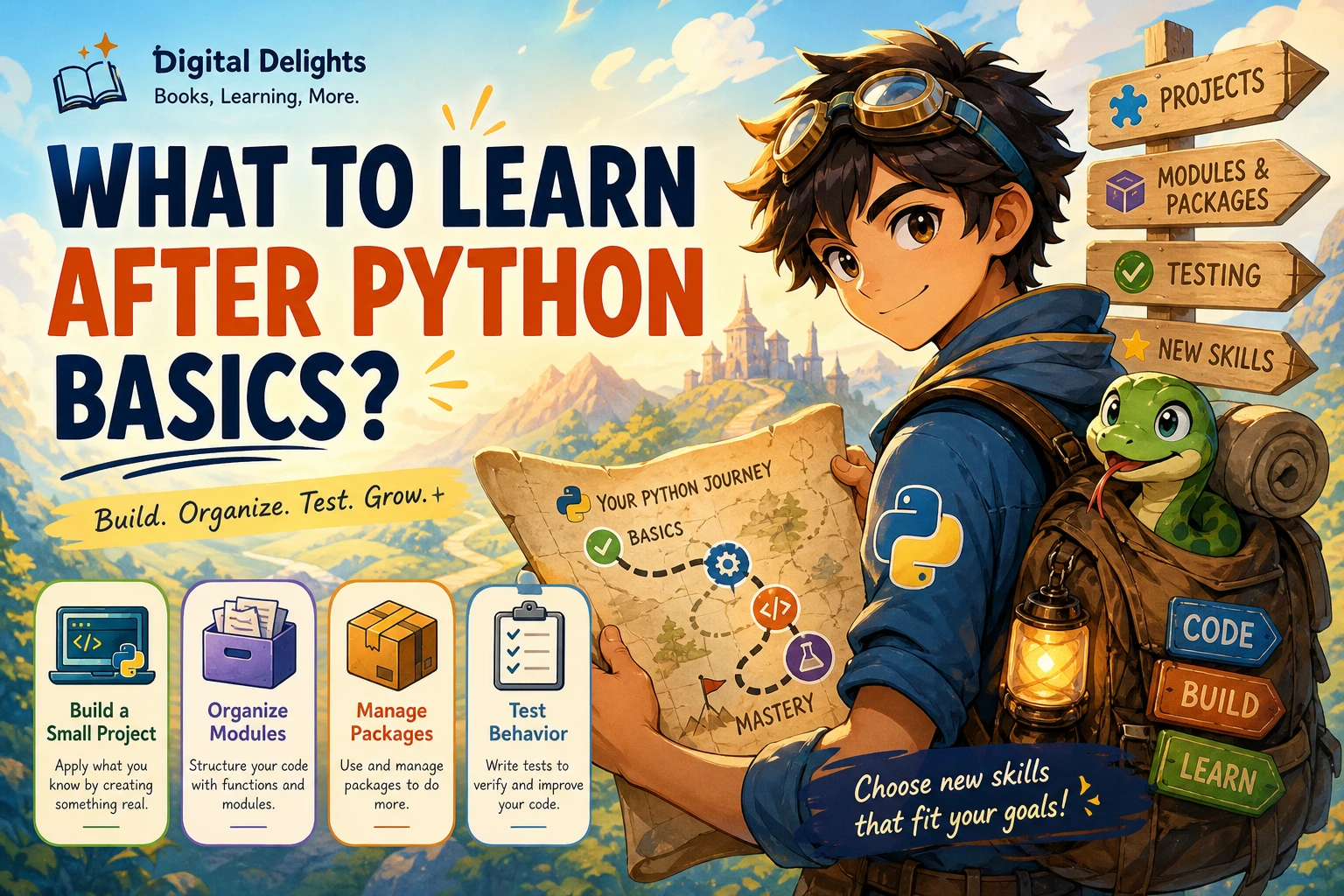
What Should I Learn After the Basics of Python?
If you can write short Python programs but are unsure what to study next, start by building one small project from beginning to end. There is no single advanced topic every learner must tackle first. A project gives you a practical reason to learn the next skill you need—whether that is organizing files, handling dependencies, debugging, or testing.
A useful progression is to make a project work, improve its structure, and check that important parts behave as expected. Then add optional topics such as type hints, object-oriented programming, or asynchronous code when they solve a problem you have actually encountered. This approach turns “what to learn after Python basics” into a manageable question: what would help me finish and maintain my next program?
Start with a small, complete Python project
Choose something small enough to finish, but meaningful enough to involve more than a single line of code. Examples include a command-line expense tracker, a folder-organizing script, a quiz with saved scores, or a simple personal reading list. Keep the first version modest: a working tool is more instructive than an ambitious project that remains unfinished.
As you build, notice where you get stuck. Do you struggle to break a task into smaller steps? Is one file becoming hard to navigate? Are changes breaking earlier features? Those are useful signals about what to learn next.
The official Python tutorial’s “What Now?” guidance points learners toward applying Python to real-world problems and exploring the standard library. Treat the library as a resource to consult when a project calls for it, not a list you must memorize in advance.
Strengthen the foundations that make projects easier
Before collecting advanced topics, build habits that help you write and improve everyday programs. These skills apply across different kinds of Python projects.
Break problems into steps and debug deliberately
When a program does not work, avoid changing several things at once. First, describe the expected behavior. Then reproduce the problem with a small example, inspect relevant values, and test one change at a time. Breaking a feature into smaller functions or steps can also make it easier to identify where the result goes wrong.
For a reading-list program, for example, separate the work into actions such as adding a title, listing saved titles, and removing an entry. If removing a title fails, you have a narrower area to inspect than if every operation lives in one large block of code.
Organize growing code into modules
A short script may be clear as one file. As features accumulate, separate related code into modules and use imports to connect them. You might keep file-reading logic apart from the program’s menu or user interaction. This makes responsibilities easier to locate and can help you reuse code.
Python’s tutorial explains how modules divide code and structure namespaces. You do not need a complex package structure for every small script; split files when it makes the project easier to understand.
Use a virtual environment for project dependencies
When a project needs third-party packages, learn to create and activate a virtual environment for it. A project-specific environment helps keep its installed packages separate from those used by other projects. It is especially useful when different projects depend on different package versions.
The Python documentation on virtual environments and packages explains this separation. Follow the instructions for the Python version and operating system you are using, and check a project’s requirements before changing its environment.
Add tests for important behavior
Tests let you check that important parts of a program produce expected results. Begin with a few cases that matter: a normal input, an empty input, and an input at a boundary or likely error condition. You can test a function before and after changing it rather than relying only on a quick manual check.
Python’s standard-library unittest documentation describes test cases and test runners. You do not need to test every line before a project is useful. Start with behavior that would be costly or confusing to break.
Add optional skills when your project calls for them
Some topics are valuable, but they are not mandatory steps on one universal ladder. Learn them when your project gives you a reason.
Type hints: useful for clarity and tooling
Type hints can make the expected kinds of inputs and outputs more visible to readers and can support tools such as editors and type checkers. They are not a substitute for understanding what the code does, and Python does not enforce annotations at runtime. Try adding hints to a few functions when their inputs or return values are unclear, then decide whether they help your project.
The official documentation for typing explains annotations and related tools.
Object-oriented programming: learn it when it fits
Classes can be helpful when a program needs to represent related data and operations together, or when several objects follow the same structure. They are not required for every script. A small data-cleaning task or one-purpose command-line utility may be clearer with functions and ordinary data structures.
When you notice repeated state or behavior that is difficult to manage, experiment with a simple class and compare it with a function-based design. The goal is not to use classes everywhere; it is to choose a structure that makes the program easier to follow.
Asynchronous programming: save it for a relevant need
Async programming is a specialized tool, not a general upgrade to ordinary Python. Consider exploring it if your project has a clear need to coordinate many operations that spend time waiting, such as network requests. For a small local script, learning modules, dependencies, and tests is often more directly useful.
The supplied asyncio documentation describes asynchronous programming and related applications. Because that link is to a prerelease-version documentation page, check the documentation for your own target Python version before relying on version-specific details.
Choose a project that points toward your next direction
You do not have to choose a permanent specialization before you build. Try a project that interests you, then follow the questions it raises. These prompts offer different ways to practise Python without treating any one of them as the required next step:
- Automate a repeated task: create a script that renames files or summarizes information from a folder. Pay attention to file handling, error cases, and clear output.
- Work with text: search a collection of notes or logs for terms and summarize matches. Practise reading files and handling varied input.
- Build a small web feature: make a simple page or service if you are curious about web development. You will have a practical reason to learn the framework and concepts the project requires.
- Explore data: answer a question using a small dataset. Focus first on understanding the data and producing a useful result, then learn additional tools as needed.
- Make a personal utility: build a quiz, habit log, or reading list. Start with a basic version and add persistence or tests only when the project needs them.
If you want structured practice before choosing your own project, Python Bookcamp: Exercises and Projects is catalogued as covering Python fundamentals through exercises, case studies, and projects. For a resource focused on code quality after you have a working program, Python How-To: 63 Techniques to Improve Your Python Code covers practical techniques involving topics such as data structures, functions, and type hints. These are options for different learning needs, not rankings or guarantees of results.

Python Bookcamp: Exercises and Projects
Learners who want exercises, case studies, and projects to practise Python fundamentals.
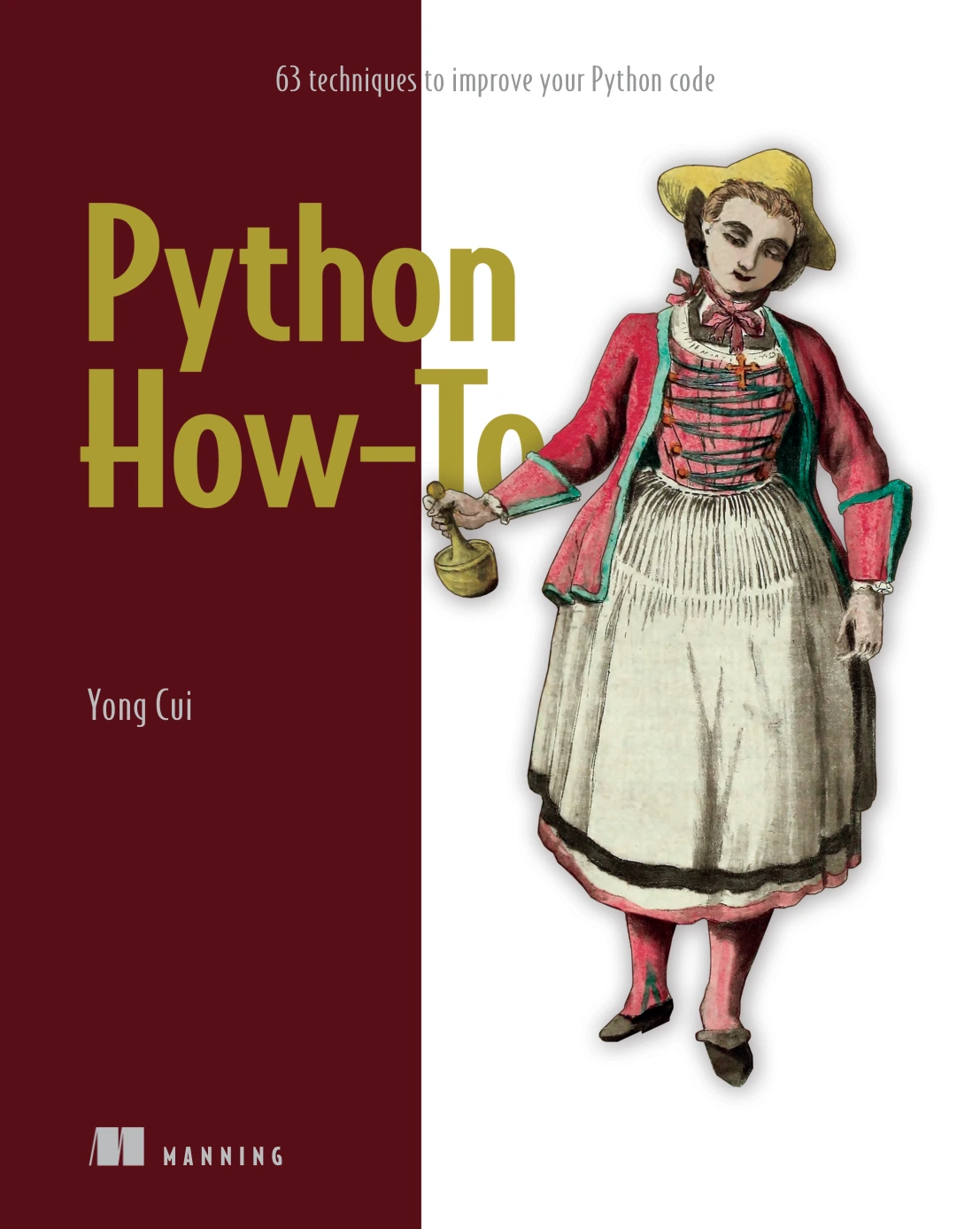
Python How-To: 63 Techniques to Improve Your Python Code
By Yong Cui
Learners ready to explore practical techniques involving data structures, functions, and type hints.
A simple learning plan for what comes next
- Pick one small project. Write down what it should do and what you will leave out of the first version.
- Build a working version. Use the Python you already know. Look up unfamiliar standard-library features or documentation as questions arise.
- Improve the structure. Separate responsibilities into functions, and split code into modules if that makes it easier to navigate.
- Check important behavior. Try realistic inputs and add tests for the parts you do not want to break.
- Adopt tools as needed. Set up a virtual environment when the project uses packages; consider type hints or classes when they make the code clearer.
- Review what you learned. Choose your next topic based on a real obstacle or a new project idea, rather than trying to study every advanced feature at once.
Keep the project small enough that you can revisit it. Improving a program you understand is a practical way to learn how code changes affect other parts of the project.
Common detours to avoid
- Trying to study every advanced topic first. You do not have to master classes, async code, or type systems before making a useful program.
- Collecting tutorials without writing code. Use explanations to answer specific questions, then apply the idea in your own project.
- Adding tools without a problem to solve. A new framework or package adds concepts to learn. First decide what the project needs.
- Making the first project too large. Reduce its scope until you can build a complete basic version, then extend it.
- Assuming one learning order suits everyone. Your next useful topic depends on what you are trying to build and where you encounter difficulty.
Frequently asked questions
Should I learn object-oriented programming next?
Not automatically. Learn the basics of classes when a project would benefit from grouping related data and behavior or managing repeated object structures. If functions and simple data structures keep your current project clear, you can continue using them.
When should I start testing Python code?
Start when you have behavior you want to preserve—especially when you are changing code that already works or handling several input cases. Begin with a few important examples and build from there. Python includes the unittest framework, documented in the official library reference.
Do I need type hints?
No. Type hints are optional and Python does not enforce them at runtime. They can help communicate expectations and support development tools, so try them when they make a function or project easier to understand.
Do I need to learn async Python now?
Only if your project has a relevant need, such as coordinating many operations that spend time waiting. If you are building ordinary scripts or learning how to organize and test code, you can defer async programming.
What is the best Python project for a learner?
Choose a small project you care about and can finish. A personal tracker, file-organizing script, quiz, or text-search tool can all provide useful practice. The best fit is the one that gives you a clear goal and exposes a skill you want to improve.
Keep learning through things you build
After Python basics, focus on moving from isolated exercises to a small, complete program. Build it, organize it as it grows, check important behavior, and add tools when they solve a real problem. That gives you a flexible learning path without treating every advanced subject as compulsory.
For further reading, consult the official Python documentation pages linked above, and browse the Python learning resources available through Digital Delights when you want a book or structured practice to support your next project.
Sources
- 13. What Now? — Python 3.12.15 documentation
- 6. Modules — Python 3.13.16 documentation
- 12. Virtual Environments and Packages — Python 3.14.7 documentation
- unittest — Unit testing framework — Python 3.10.21 documentation
- typing — Support for type hints — Python 3.14.7 documentation
- asyncio — Asynchronous I/O — Python 3.16.0a0 documentation