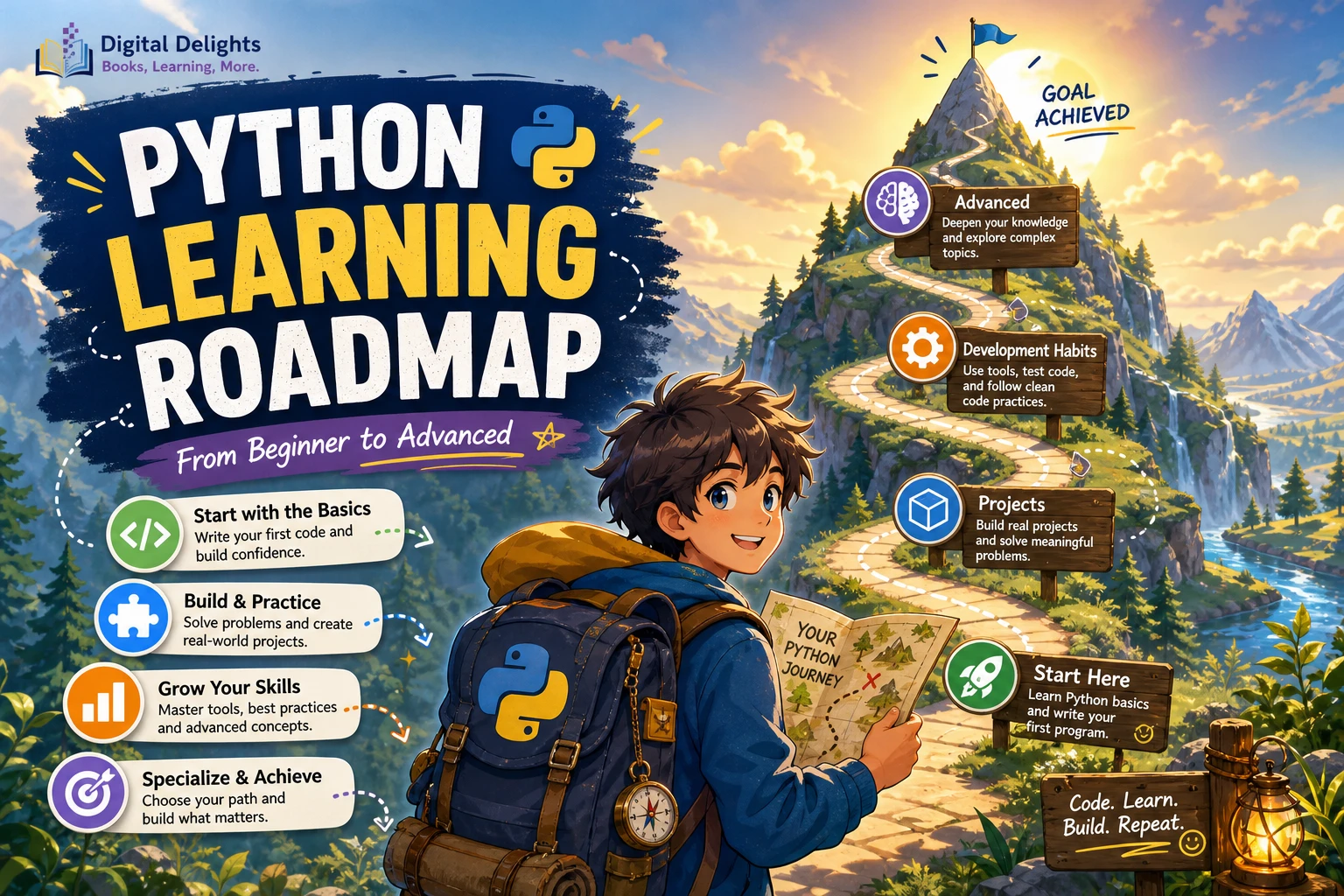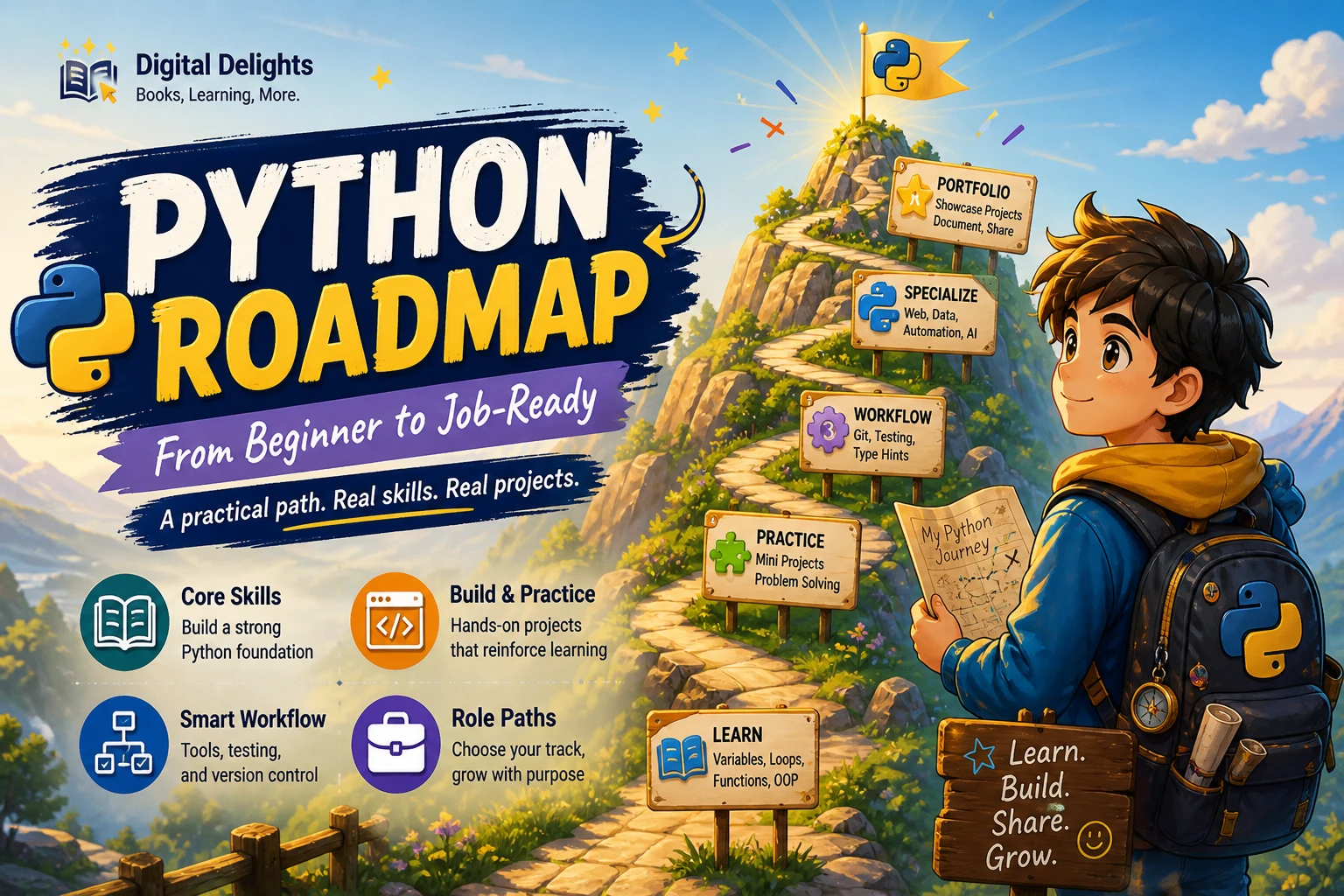
Python Roadmap: From Beginner to Job-Ready
Learning Python is a strong start, but “job-ready” is not a single finish line. The skills expected of a web developer, data analyst, and automation-focused programmer can differ, and finishing a course by itself does not demonstrate that you can build or maintain software. A more useful goal is to learn the language fundamentals, practise them in original projects, adopt a reliable development workflow, and then focus on the work you want to do.
This Python learning roadmap follows that sequence. It gives complete beginners a starting point, helps programmers new to Python move efficiently, and shows how to build evidence of your skills without promising a fixed timeline or employment outcome.
What does “job-ready” mean for a Python learner?
There is no single definition that applies to every role. For practical planning, treat readiness as the ability to complete and explain work relevant to a target role: write understandable code, test its behavior, handle errors, document important decisions, and improve the project when requirements change.
That is a working standard for this roadmap, not a universal hiring rubric. Requirements vary by employer, role, seniority, and region. Before choosing advanced topics, review recent descriptions for the kinds of jobs you are interested in and note which tools and responsibilities recur.
Start at the right level
If you are new to programming
Begin with the basic ideas behind code: values, decisions, repetition, and breaking a task into smaller steps. Learn what a variable stores and how a program follows instructions before trying to memorize every Python feature. At first, it is normal to need help tracing what a short program does.
If you already know another language
You can move more quickly through familiar programming ideas, but do not assume every language behaves the same way. Spend time with Python’s syntax, built-in collections, functions, modules, exceptions, and common conventions. The official Python tutorial is intended for people new to Python who already have some basic programming understanding; it may not be the best sole starting point for someone entirely new to programming. Read the official Python tutorial’s introduction.
Choose a stable Python release
Check the official downloads page when you install Python, and use a stable release unless a course, project, or employer asks for a different version. The supplied release information lists Python 3.14.8 as the latest 3.14 release on October 9, 2026; release status can change, so confirm it before publication or installation. Check Python.org downloads.
Learn Python fundamentals in a practical order
Build a foundation that lets you read and write small programs before moving into a specialization. You do not need to master every topic before making projects; return to fundamentals as your projects give them context.
- Syntax and simple values: Learn how Python statements are written, how indentation structures code, and how to work with numbers, strings, and booleans.
- Variables and collections: Store information in variables, then organize related values with lists, dictionaries, tuples, and sets. Practise choosing a structure that matches the task.
- Conditions and loops: Use conditional logic to make decisions and loops to repeat work. Trace each step when the result is not what you expected.
- Functions: Give a task a clear name, accept inputs, and return a result. Functions help divide a larger problem into smaller pieces that can be understood and tested.
- Files, exceptions, and modules: Read and write data, respond to likely errors, and organize code so it can be reused. Learn how imports connect your program to other modules.
- Debugging: Reproduce a problem, inspect the values involved, isolate the section responsible, and check whether your change fixes the cause rather than hiding the symptom.
For a gentle introduction that includes installation, core syntax, functions, and an initial look at data analysis, consider Python for Beginners by William Wizner. Another option, Python Coding & Programming: The Complete Manual, covers setup and fundamentals alongside topics such as files, error handling, and modules. Treat either as a structured learning resource, not a guarantee of job readiness.
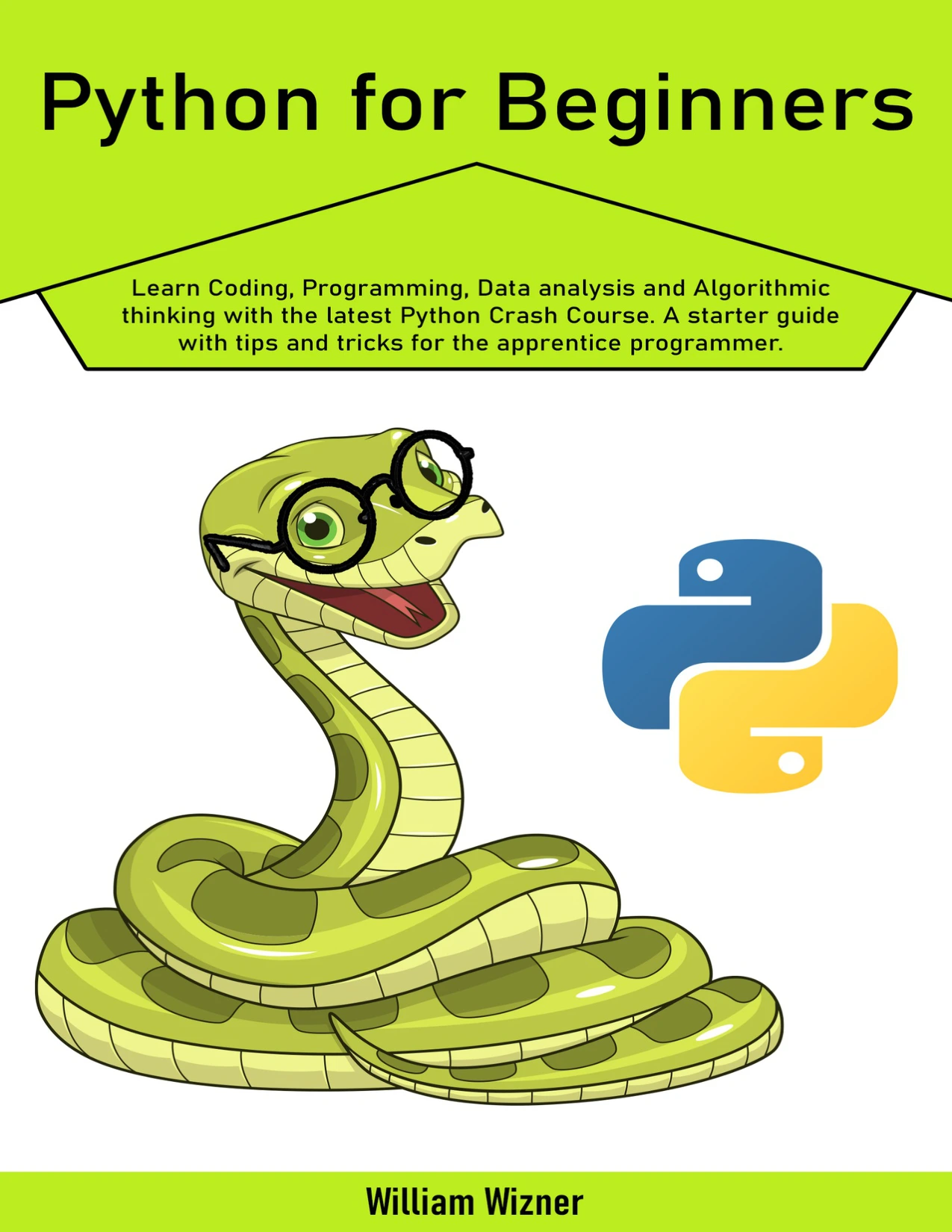
Learners who want a structured introductory resource covering core Python concepts.
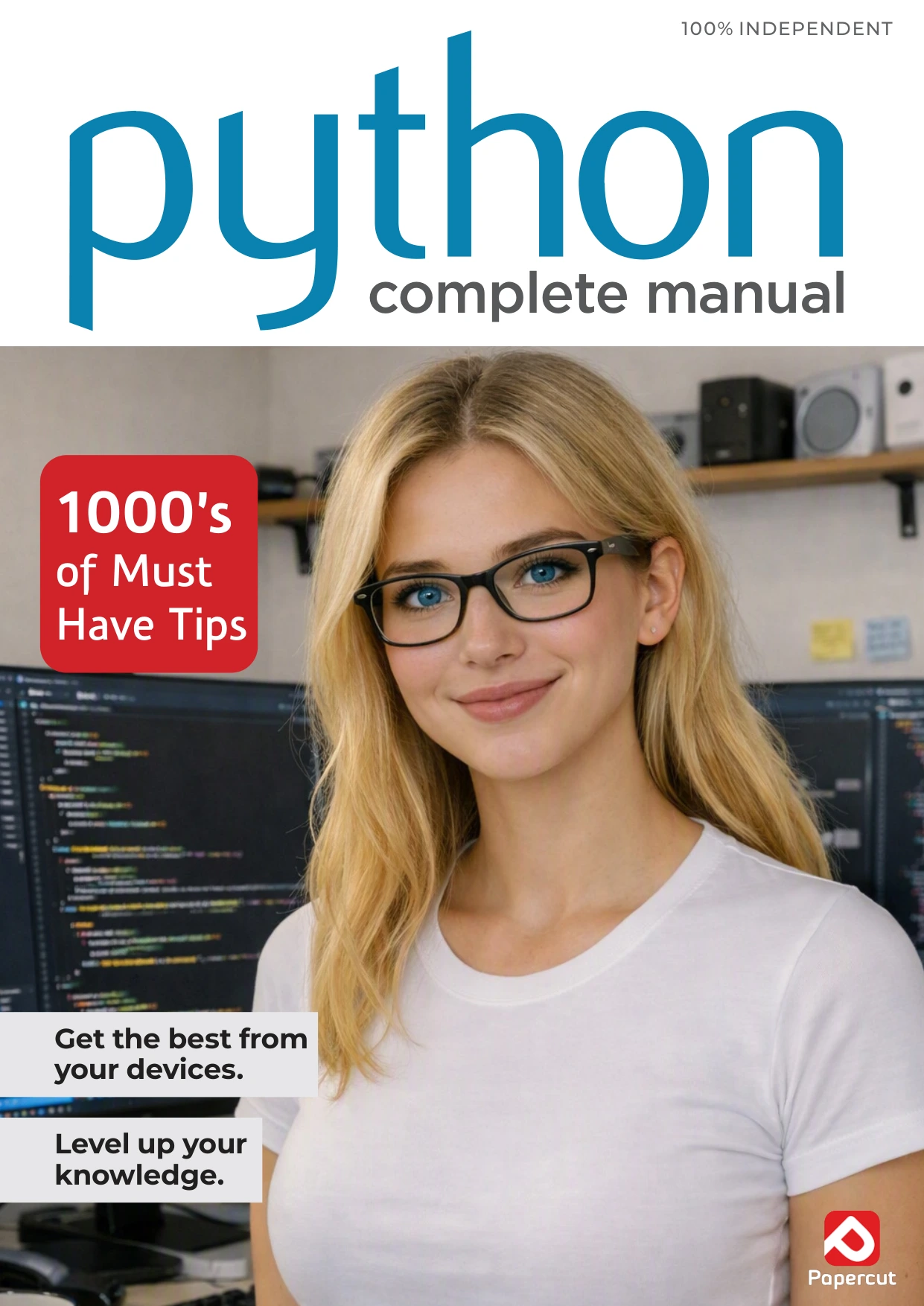
Python Coding & Programming: The Complete Manual
Beginners looking for a broad guide that moves from first steps into practical topics.
Practise while you learn
Use short exercises to strengthen individual skills, then combine those skills in small projects. Exercises make it easier to focus on one idea; projects reveal where concepts have to work together. Neither replaces the other.
For example, after learning strings, collections, functions, and file handling, make a simple reading log that can add, list, and search entries. Start with a clear, limited version. Then add one improvement at a time, such as input validation or saving the entries to a file.
Project ideas for building confidence
- Command-line task list: Practise functions, conditions, collections, and saving data.
- File organizer: Work with paths and files, and plan how the program should behave when it encounters an unexpected file.
- Small data report: Read a permitted dataset, calculate a few useful summaries, and explain what the results do and do not show.
- Simple API-backed utility: Request data from a service, handle unsuccessful responses, and present the result clearly. Follow the service’s rules and use only data you are allowed to access.
To make a project genuinely yours, write down the problem it solves, sketch the simplest workable version, and implement it without copying a complete tutorial solution. It is fine to consult documentation and examples. Make sure you can explain the code you keep and adapt it when the requirements change.
Adopt a professional workflow as projects grow
Professional habits are easier to learn when a project first becomes large enough to need them. Start with a single-file exercise; add version control, tests, and environment management as your work expands. A tidy workflow makes your project easier for you and other people to understand, run, and review.
- Git: Record changes in small, descriptive commits. Use version history to see what changed and to recover from mistakes.
- Tests: Check important expected behavior and edge cases. Test inputs and outcomes that matter to the project rather than aiming for a test count without a purpose.
- Virtual environments: Keep project dependencies separate instead of relying on an unexplained collection of packages installed on one computer. Python’s
venvdocumentation describes isolated environments and recommends treating them as recreatable rather than moving or committing them to source control. Read the Python virtual environment documentation. - Dependency records: Document the packages and setup steps needed to run the project so another person can recreate the environment.
- Readable documentation: Explain the project’s purpose, how to start it, what it needs, and any known limitations.
Try the workflow on a small project: create an isolated environment, record dependencies, make a few meaningful commits, and write down how to run the tests. You will understand these tools better by using them to solve actual project problems than by collecting definitions.
Choose a role-focused Python path
After you can write and organize basic programs, choose one direction to explore. Python is used in different kinds of work, but knowing Python alone does not establish that you are prepared for any specific role. The table below is a planning aid, not a claim about universal employer requirements.
| Possible direction | What to explore next | Project that could demonstrate practice |
|---|---|---|
| Web development | HTTP, APIs, a Python web framework, databases, and how an application is tested and run. | A small web application with documented setup, sensible error handling, and tests for important behavior. |
| Data analysis | Working with tabular data, cleaning and summarizing information, visualizing results, and explaining uncertainty or limitations. | A reproducible analysis using a documented dataset, with clear steps and conclusions. |
| Automation | File and system operations, command-line tools, error handling, and safeguards for actions that change data. | A utility that automates a repetitive task and explains its inputs, outputs, and safety checks. |
| Machine learning | Data preparation, model evaluation, and the tools and concepts relevant to a defined problem. Keep core Python and data skills in view. | A small, well-explained experiment that documents the data, evaluation approach, and limitations. |
Pick one branch based on the work you want to try, not because you think you must study every Python specialty at once. If data work appeals to you, Python for Data Science by Ted Wolf is a catalog resource covering Python foundations, data science topics, and practical exercises. Use it as one possible guide to that branch, and evaluate its material against your own goals.
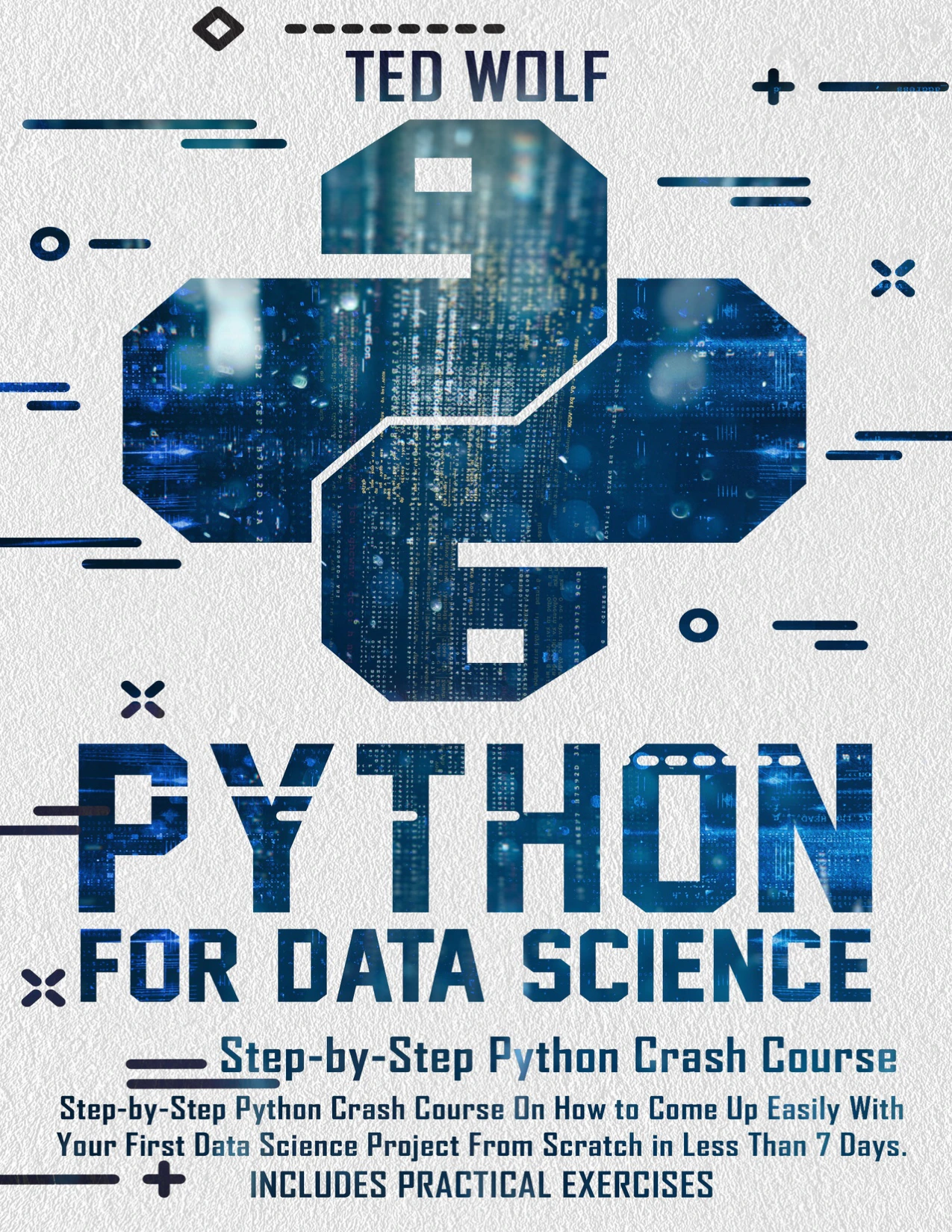
By Ted Wolf
Learners with an interest in Python data science topics and practical exercises.
Build a portfolio that makes your work understandable
A portfolio is useful when it lets someone inspect how you approach a problem, not simply count the projects listed. A few focused projects that you can explain are more informative than a long list of unfinished tutorial copies.
For each project you choose to share, aim to include:
- A short explanation of the problem and intended user.
- Instructions for setting up and running the program.
- Readable code organized around clear responsibilities.
- Tests or examples showing important behavior.
- A note about design choices, trade-offs, and limitations.
- A clear account of what you built yourself and which external resources or data you used.
Practise describing a project without reciting its source code: what problem did you solve, what alternatives did you consider, how did you check the result, and what would you improve next? If you cannot yet explain a section, revisit it before presenting the project as evidence of your skills.
Use a readiness checklist and choose your next step
There is no reliable universal timeline for becoming job-ready. Progress depends on your starting point, available study time, the role you are targeting, and the complexity of the work you practise. Instead of relying on a calendar estimate, use this checklist to find the next gap in your learning:
- Can you write a small Python program without following a complete solution line by line?
- Can you use functions and appropriate data structures to keep that program understandable?
- Can you investigate a bug and explain how you verified the fix?
- Can another person follow your setup instructions and run the project?
- Can you explain the important design choices and limitations?
- Have you practised a project related to the kind of Python work you want to pursue?
If several answers are no, choose one small project and address those gaps deliberately. If most are yes, compare your skills with current job descriptions for your target role and identify the specific tools or responsibilities you have not practised yet. The goal is a credible, role-relevant foundation—not a promise that any roadmap or book guarantees employment.
Frequently asked questions
Do I need prior programming experience to learn Python?
No. Complete beginners can start with basic programming ideas and a resource designed to introduce programming from the beginning. Some technical references, including the official Python tutorial, assume readers already understand basic programming concepts, so check prerequisites before choosing a guide.
How should I practise Python?
Combine focused exercises with small projects. Exercises help you work on one concept at a time; projects help you connect concepts and make decisions. Start with a limited project, then improve it in manageable steps.
When should I choose a Python specialization?
Once you can write small programs using core Python concepts, explore one direction—such as web development, data analysis, or automation. You can sample different areas first, but focusing on one project path makes it easier to practise relevant tools in depth.
What does “job-ready” mean for a Python learner?
It depends on the role. A useful practical goal is to build and explain projects relevant to that work, test important behavior, document setup, and understand your code’s limitations. Check current role descriptions for additional expectations; this article does not establish a universal hiring standard.
Sources and further reading
- The Python Tutorial — Python 3.14.7 documentation
- Download Python | Python.org
- venv — Creation of virtual environments — Python 3.14.8 documentation
Browse the Python book collection for more learning resources. Choose materials that match your current level and target direction, and pair reading with your own practice.