Python Learning Roadmap: Beginner to Advanced
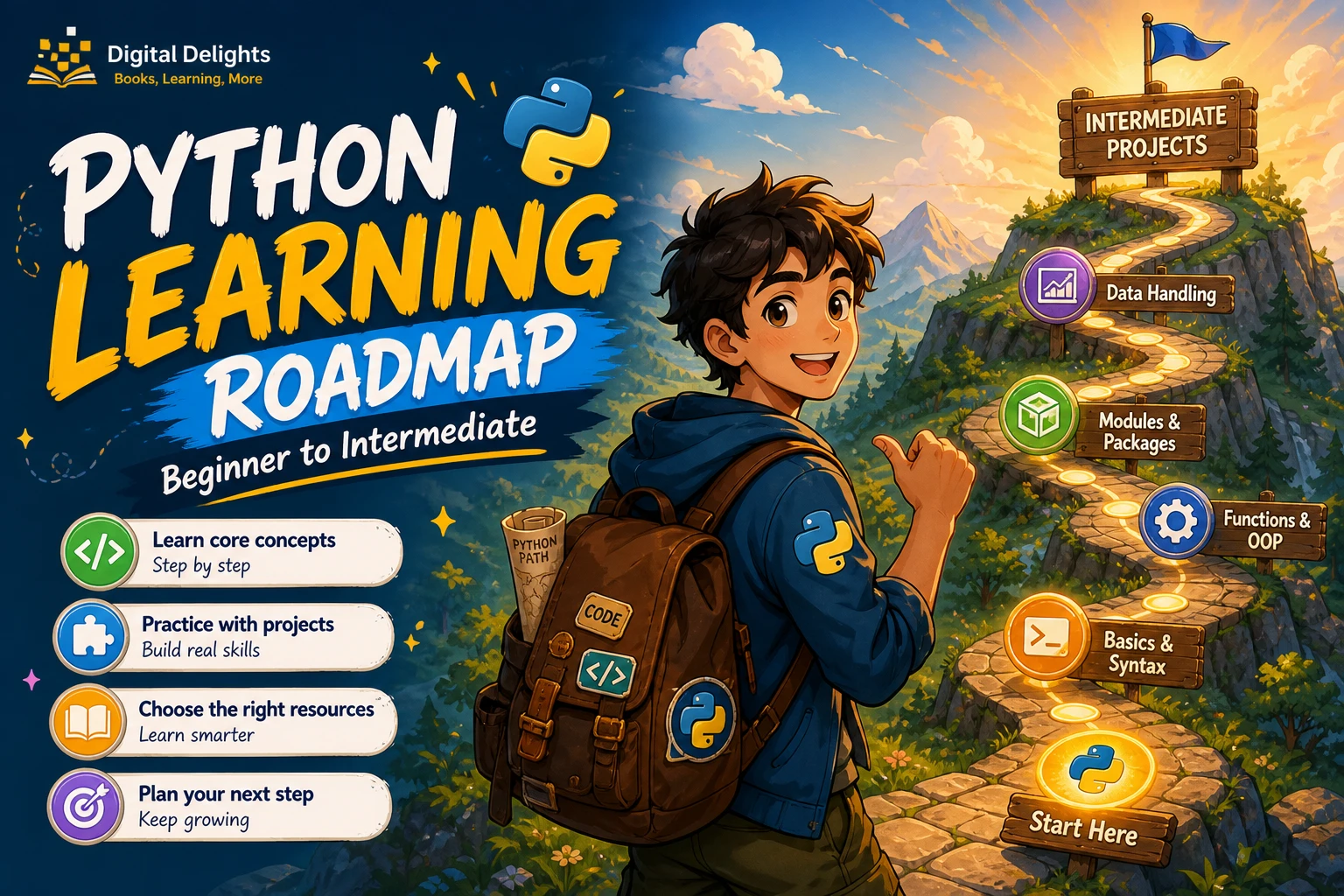
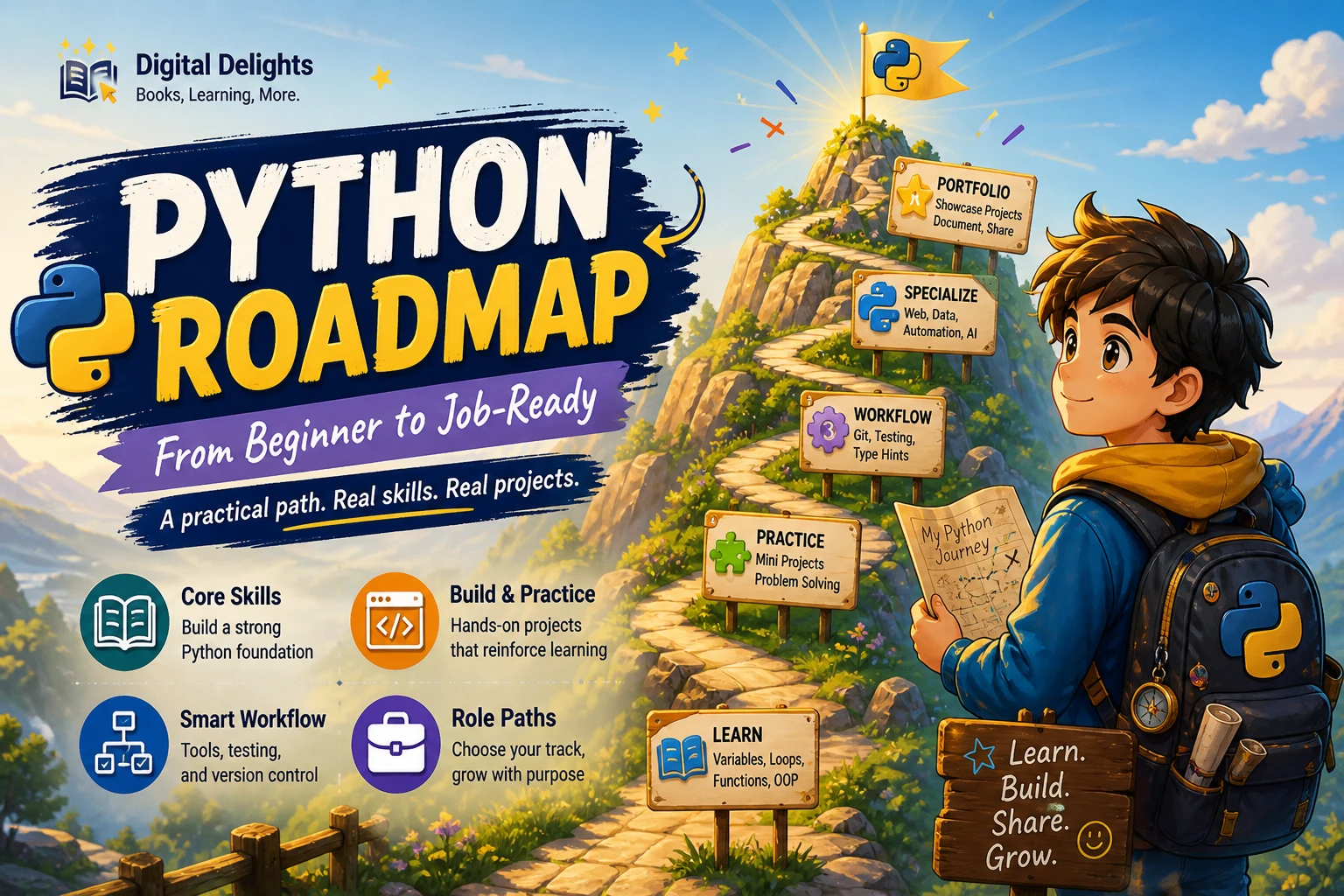
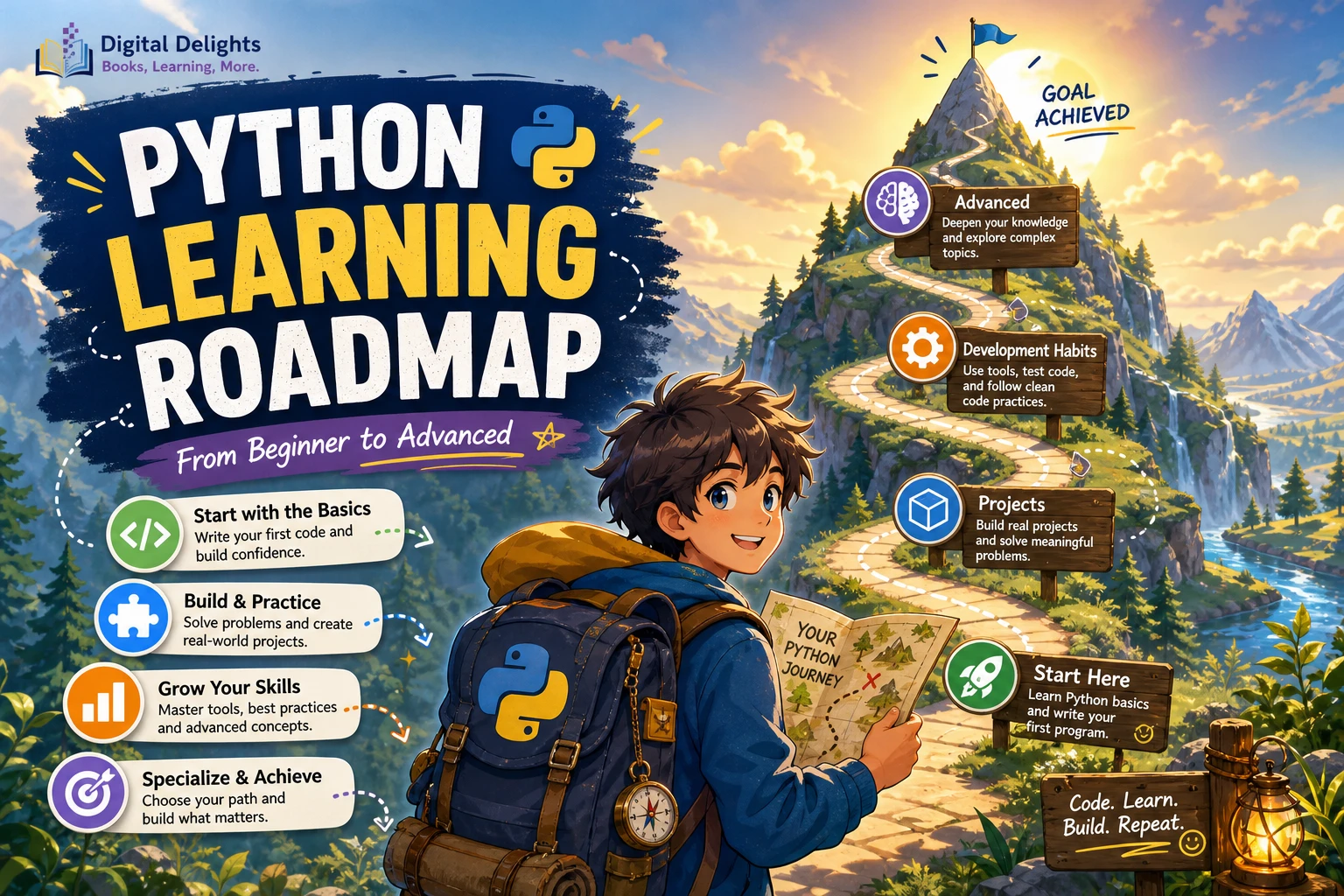
Learning Python is easier to manage when you follow a progression rather than jumping between tutorials: start with fundamentals, build small projects, adopt habits that make projects easier to maintain, then explore advanced concepts and a specialization. If you have programmed before, you may move through the early stages faster; if this is your first language, give yourself time to practise each step.
This Python learning roadmap is a practical sequence, not a universal curriculum or a promise of how quickly you will progress. Use it to decide what to study next and, more importantly, what to build with it.
The Python learning roadmap at a glance
- Learn the basics: values, variables, conditions, loops, functions, and debugging.
- Use core language features: collections, files, exceptions, modules, and introductory object-oriented programming.
- Build small projects: combine fundamentals to solve simple problems.
- Adopt project habits: learn the command line, Git, environments, project structure, packages, and tests as your work grows.
- Explore intermediate and advanced Python: study features such as generators, decorators, and type annotations when they help with your projects.
- Choose a direction: focus on automation, data work, web development, machine learning, or another goal.
There is no need to master every Python feature before making something useful. Advance when you can explain the idea you are using, apply it in a small program, and work through basic mistakes without copying every line.
Stage 1: Set up Python and learn the fundamentals
Install a supported Python release and choose an editor that lets you write and run a simple script. Check the official Python release information for version details, and check compatibility if a course or project specifies a particular release. You do not need a complicated development setup to begin.
Start by learning how to:
- Store values in variables and work with numbers, strings, and Boolean values.
- Collect related values in lists and dictionaries.
- Use
ifstatements to make decisions. - Repeat work with
forandwhileloops. - Write functions to give a task a name and reuse it.
- Read error messages and make small debugging changes.
Practise by writing short programs: a unit converter, a number-guessing game, or a simple prompt that asks for information and responds to it. Change the examples you follow. Try a different input, add a condition, or split a repeated action into a function.
Stage 1 milestone
You are ready to move on when you can write a small program from a short description, run it, and investigate common mistakes without needing to copy every line from a tutorial. You do not need to remember every syntax detail; looking up a feature is part of normal programming.
The official Python Tutorial is useful for learning the language, but its documentation says it is intended for people new to Python rather than people new to programming. If this is your first coding experience, pair it with a beginner-oriented explanation and plenty of small exercises. For a structured introduction, Python Programming for Beginners: Learn Python in a Step by Step Approach, Complete Practical Crash Course to Learn Python Coding covers fundamentals including variables, control flow, data structures, functions, files, and exceptions, according to its catalog description.
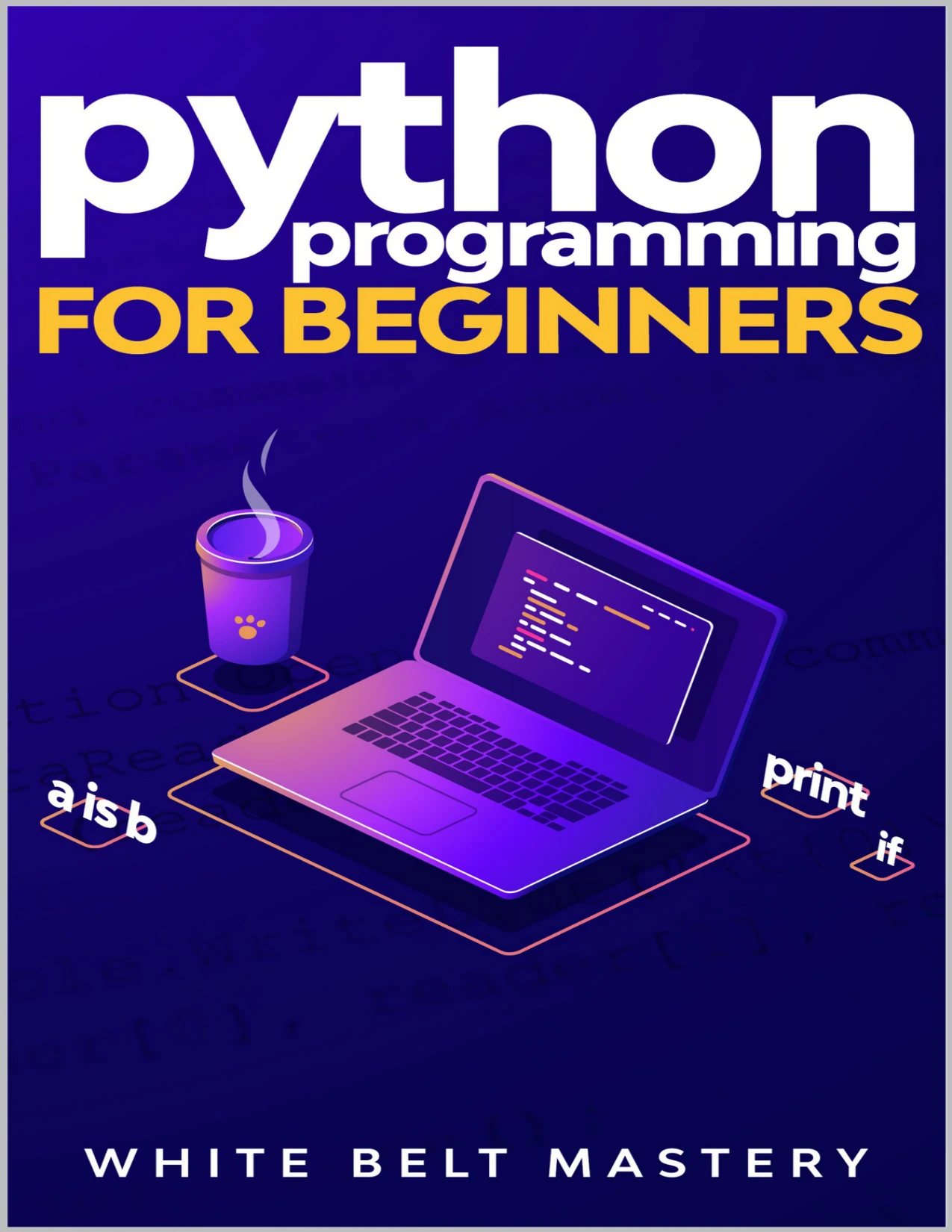
New learners looking for step-by-step coverage of variables, control flow, data structures, functions, files, and exceptions.
Stage 2: Work with core Python features
Once basic programs feel familiar, learn the tools that help you handle more varied tasks. Practise with lists, tuples, sets, and dictionaries; read and write files; use exceptions to handle expected problems; and organise related code into modules. Add basic object-oriented programming—classes and objects—when it helps represent a concept or organize a program, rather than treating it as a rule that every short script must follow.
Useful practice tasks include a text-file word counter, a contact list saved to a file, or a script that reads a CSV file and summarizes its contents. For each task, begin with the simplest working version. Then improve one thing at a time: validate input, handle a missing file, or move repeated logic into a function.
Stage 2 milestone
You can complete a small task using more than one feature—for example, read a file, process a collection of values, and handle a missing-file error. You can also explain how the main parts of your code fit together.
Stage 3: Build complete beginner projects
Projects help reveal what a tutorial can hide: how to turn a vague goal into steps, how to handle unexpected input, and how separate pieces of code work together. Keep the first version small enough to finish.
- Command-line task tracker: add, view, and remove tasks. Save them to a local file after the basic version works.
- File-organizing script: sort files into folders by type. Test it on a sample folder and avoid changing important files until you understand the script’s behavior.
- Personal reading or spending log: record entries, list them, and calculate a simple total or count.
Break a project into actions you can check off. For a task tracker, that might mean first displaying a menu, then adding one task, then showing the task list, and only afterward saving data. When something fails, reduce the problem: inspect the input, check the value at the point where it changes, and test a smaller piece of the program.
Stage 3 milestone
Finish a small project that someone else can run, include a short explanation of how to start it, and make at least one improvement after the first working version. A modest finished project teaches more about building software than a long list of unfinished tutorials.
Stage 4: Adopt habits that help projects grow
You can start Python without learning a full development workflow. As soon as you have projects with multiple files or outside packages, however, a few habits make your work easier to reproduce and maintain:
- Command line: learn how to move between folders, run scripts, and inspect project files.
- Git: save changes in a history so you can review or undo work.
- Project structure: keep code, data, notes, and configuration organized rather than placing everything in one file.
- Virtual environments: use a separate environment for a project’s Python packages. Python’s
venvdocumentation explains how to create these isolated environments. - Packages: learn how to install and use a dependency when the project genuinely needs it.
- Tests: check that important behavior still works after you change the code. Python’s standard library includes
unittestfor writing and running tests.
Learn these tools in context instead of trying to memorize them all before building anything. For example, create a virtual environment when your project needs an external package, or add a test after you have a function whose behavior you want to protect.
Stage 5: Explore intermediate and advanced Python
There is no single checklist that makes someone an advanced Python programmer. The right next topics depend on the programs you want to write. These concepts are useful to explore as your projects call for them:
- Comprehensions for creating collections concisely when the logic remains clear.
- Iterators and generators for working through values one at a time.
- Decorators for wrapping or extending function behavior.
- Context managers for managing resources and setup or cleanup actions.
- Type annotations for documenting expected types and supporting tools that inspect code.
- Standard-library fluency so you can check whether Python already provides a tool for a common task.
Later, depending on your work, you may also study concurrency, performance measurement, packaging, and deployment. These are not prerequisites for every Python learner. Learn them when a real project gives you a reason to understand them.
Stage 5 milestone
Take an existing project and improve it: clarify its structure, add tests for important behavior, document how to run it, or replace a confusing section with a clearer design. The aim is not to use the most advanced feature available; it is to make the program easier to understand and maintain.
Stage 6: Choose a Python specialization
After building a foundation, choose one direction to explore through a substantial project. You can change direction later; specialization is a way to focus your next steps, not a permanent commitment.
| Direction | Possible first substantial project | What to explore next |
|---|---|---|
| Automation | Automate a repetitive task involving files or reports. | File handling, command-line use, APIs, and error handling relevant to the task. |
| Data work | Load a dataset, clean selected fields, and produce a useful summary. | Data structures, data-handling libraries, and clear presentation of results. |
| Web development | Build a small application that accepts and displays information. | A Python web framework, HTTP basics, databases, and deployment for that application. |
| Machine learning | Follow a small, well-scoped example using data you can inspect and understand. | Data preparation, model evaluation, and the specific libraries used by the project. |
For readers whose next goal is machine learning, Python: 2 Books in 1: Learn Python Programming for Beginners and Machine Learning combines beginner Python material with an introduction to machine learning topics, based on the catalog description. It is a more relevant choice once you are ready to connect Python fundamentals with that specialization; it is not a substitute for practising the basics.
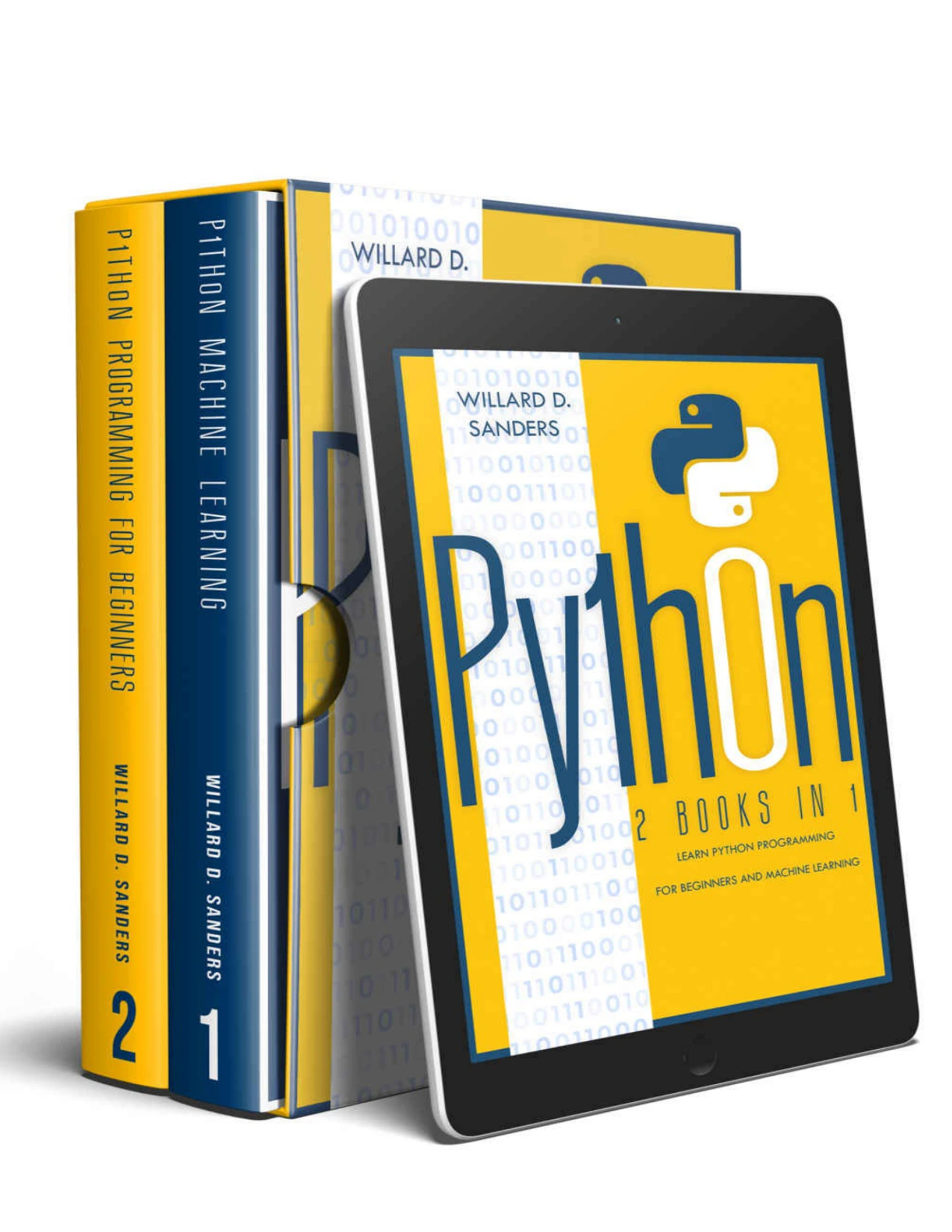
Python: 2 Books in 1: Learn Python Programming for Beginners and Machine Learning
Readers who have started learning Python and want a combined introduction to Python programming and machine-learning topics.
Choose a project with a clear outcome, then learn the tools it requires. That approach helps you avoid trying to study every framework or library before you know what you want to make.
Common mistakes to avoid on your Python roadmap
- Hopping between tutorials: choose one starting resource and make small changes to its examples before switching.
- Waiting too long to build: begin projects while they are still simple. You can learn new features as the project needs them.
- Trying to learn every framework: select tools that serve a specific project or goal.
- Equating advanced with complicated: readable, well-tested code is often more useful than clever code.
- Treating the roadmap as a race: progress depends on prior experience, practice, and the time available. The sources here do not establish a universal time-to-competence.
Frequently asked questions
Do I need programming experience before learning Python?
No. Beginners can start with basic programming concepts and small exercises. The official Python Tutorial is written for people new to Python who already have some programming knowledge, so first-time coders may prefer to pair it with a beginner-focused guide.
Do I need advanced math to learn Python?
Not for general-purpose Python fundamentals. The mathematics you need depends on what you want to do later. A data or machine-learning project may call for more math than a file-organizing script or a basic web application.
When should I choose a specialization?
After you can write small programs and have completed at least one simple project, start exploring the kind of work that interests you. You do not need to wait until you know every language feature. Pick a manageable project in that area and learn its tools as needed.
How do I know when to move to the next stage?
Use the milestones as practical checks, not exams. Move forward when you can apply the current ideas in a small program, explain the main steps, and investigate basic errors. It is normal to revisit earlier topics as projects become more challenging.
What should I learn after Python basics?
Build a small project, then choose the next skill based on what it needs. That may mean files and exceptions, Git and virtual environments, testing, or a specialization-specific library. There is no need to learn every advanced topic in advance.
Your next step
Choose one small project you would genuinely like to finish. Write down its simplest useful version, build it with the Python fundamentals you know, and look up the next concept only when you encounter a clear need for it. That cycle—build, debug, improve, and learn—is a practical way to move from beginner fundamentals toward more advanced Python.
To explore more learning resources, browse the Python category at Digital Delights.