Python Learning Roadmap: Beginner to Intermediate
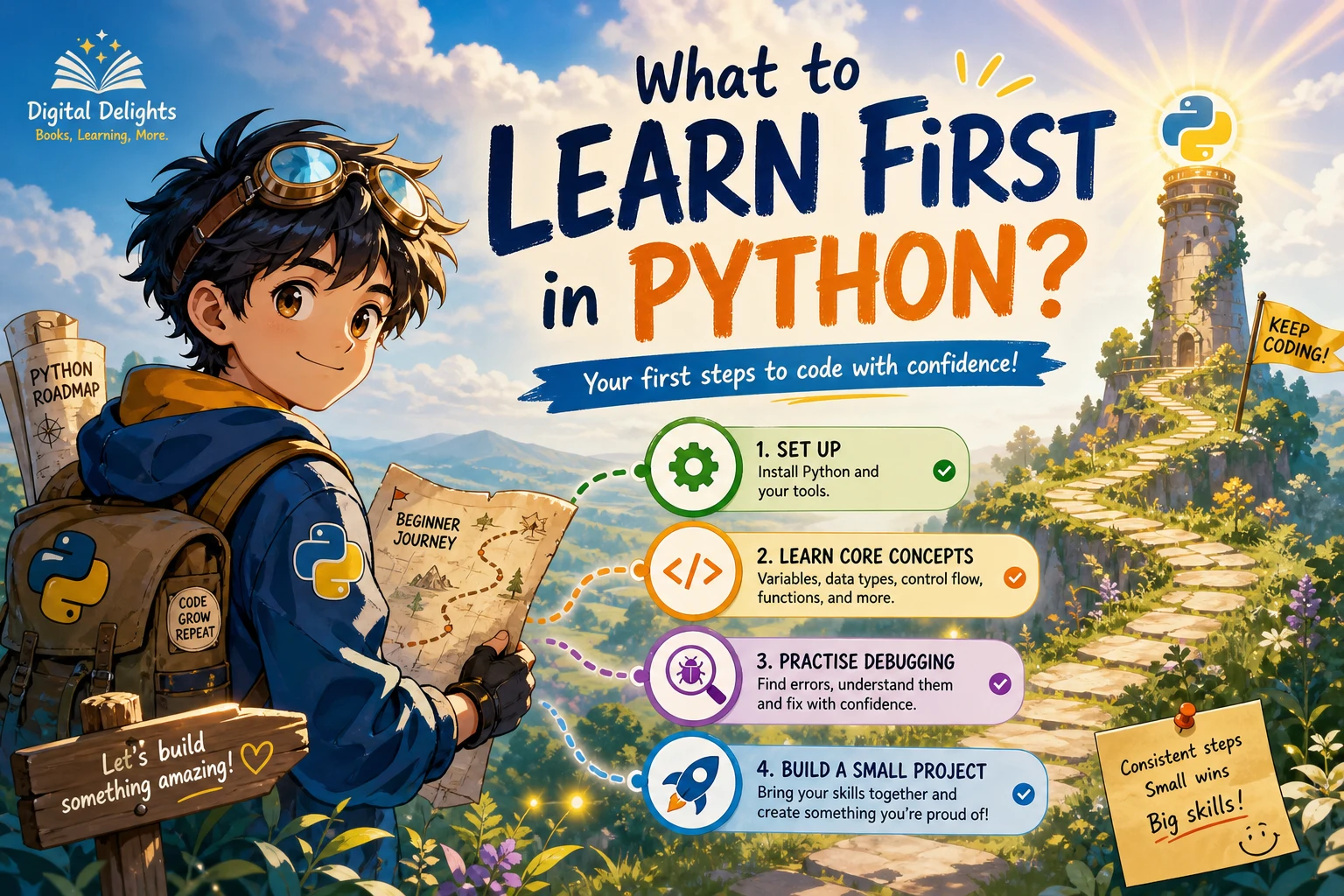
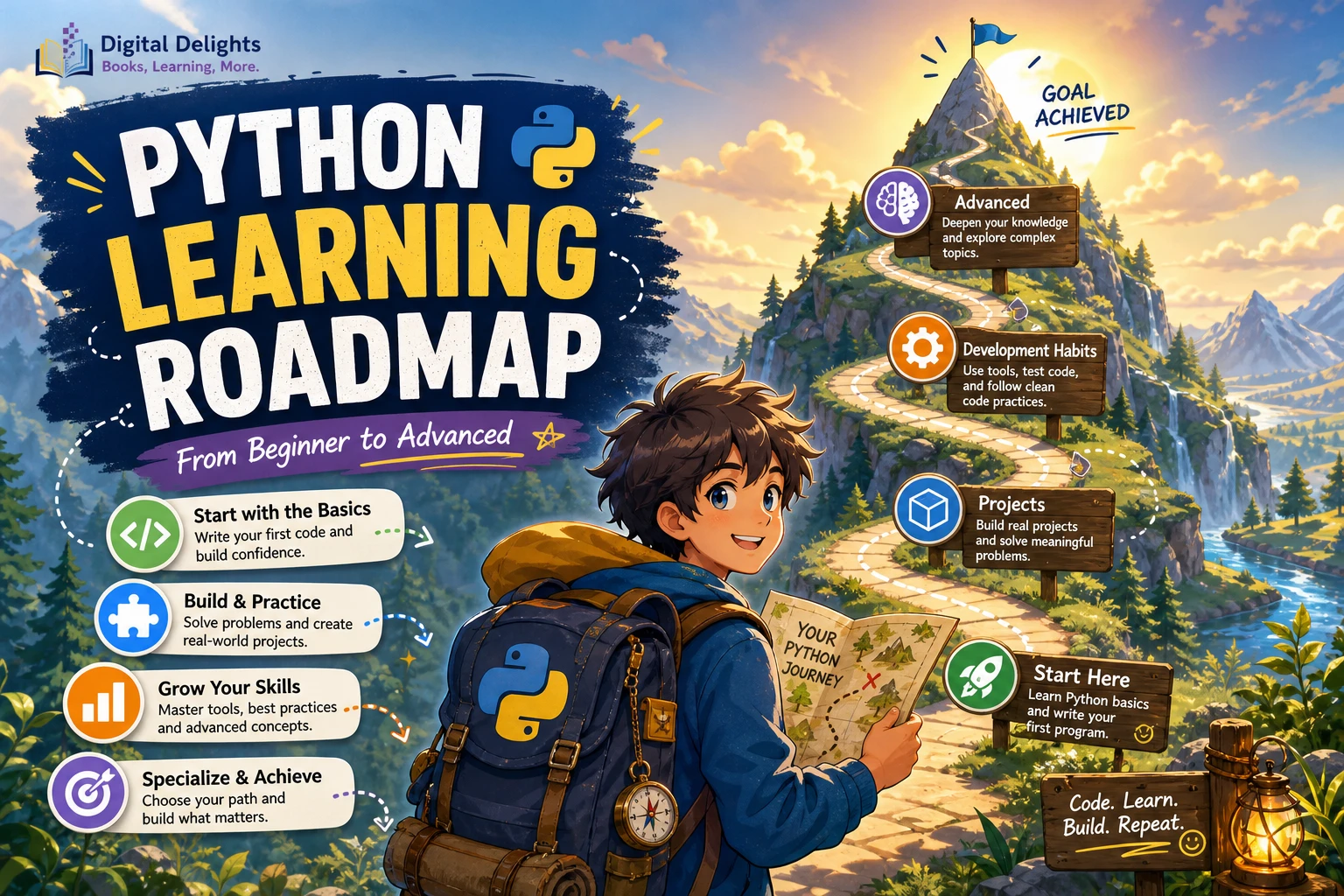
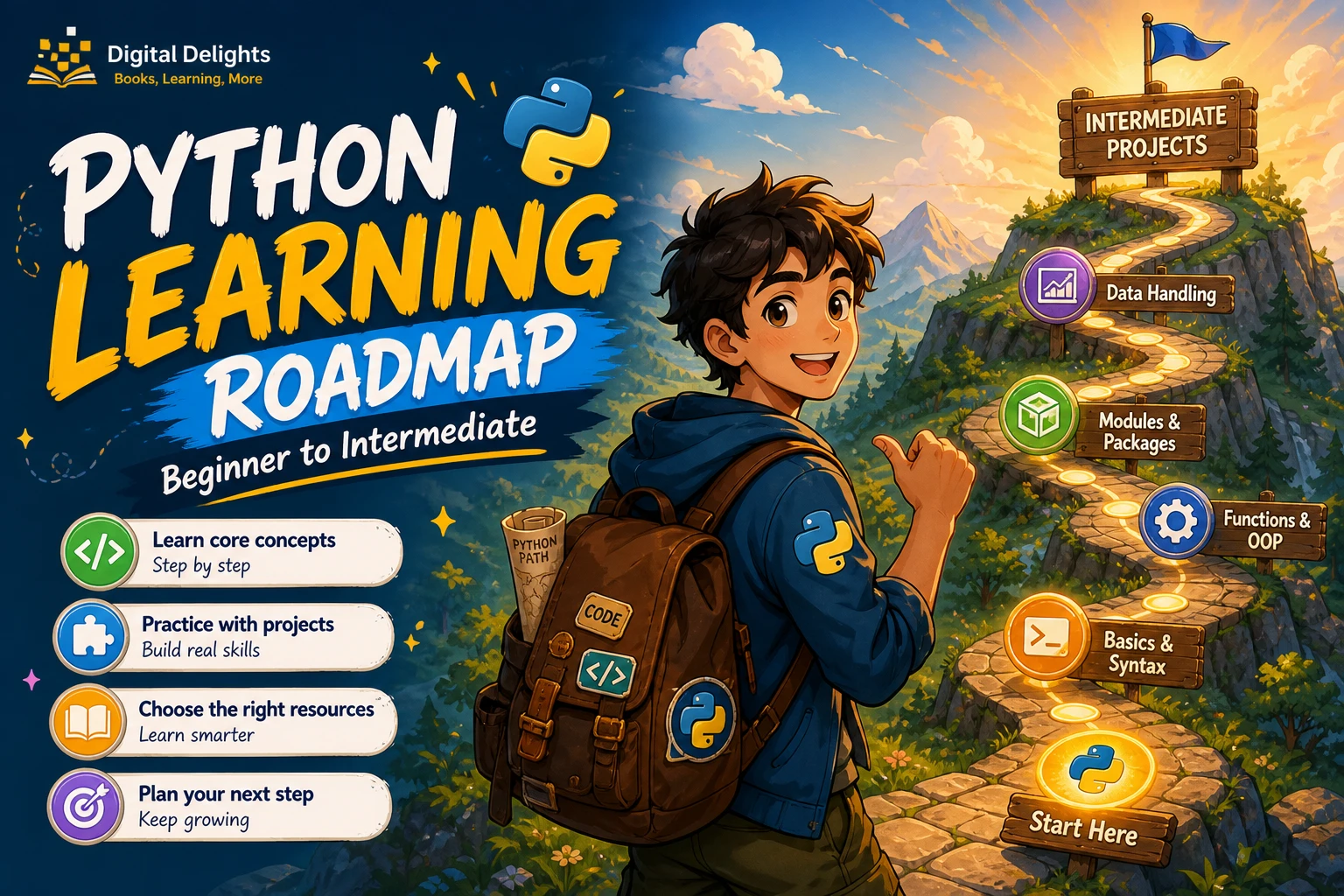
Learning Python can feel like an endless list of syntax, libraries, and tutorials. A more useful approach is to move through a few clear stages: learn the fundamentals, practise using Python’s built-in data structures, build small projects, then add tools that help you organize and check your code.
This Python learning roadmap is for beginners and self-directed learners. It does not set a fixed timeline or promise a particular outcome. Instead, it uses practical milestones: you are making progress when you can combine concepts in a program, explain your choices, and investigate problems without relying on a copied solution.
What you need before starting
You need a computer, basic familiarity with saving and finding files, and a Python installation. You do not need prior programming experience to begin learning the language fundamentals. Advanced mathematics is not a prerequisite for general-purpose Python; specialized areas such as data science or machine learning can introduce additional mathematical ideas later.
Install a current stable Python version from the official Python downloads page, or use the version recommended by your course or learning resource. Tutorials can refer to different versions, so check that their instructions match the Python version you use. The official Python tutorial is a useful reference for language topics, though Python’s documentation describes it as an introduction rather than a comprehensive guide.
Stage 1: Learn Python fundamentals
Start by learning how to run a short script and how Python represents and works with information. The aim is to understand what your code does, not to memorize every feature at once.
- Scripts and output: Write a small file, run it, and display a result.
- Variables and basic types: Store values such as text, whole numbers, decimal numbers, and true-or-false values.
- Expressions: Use operators to calculate, compare values, and combine conditions.
- Conditionals: Use
if,elif, andelseto make a program respond to different situations. - Loops: Repeat an action with
forandwhileloops. - Functions: Give a task a name, pass in information, and return a result.
After each topic, make a small change to an example and predict what will happen before running it. For instance, write a function that converts a temperature, calculates a simple total, or checks whether a number meets a condition. These are practice exercises, not applications you need to perfect.
If you prefer a structured introduction, Python Programming for Beginners: Learn Python in a Step by Step Approach, Complete Practical Crash Course to Learn Python Coding covers foundational topics including variables, control flow, data structures, functions, files, and exception handling.
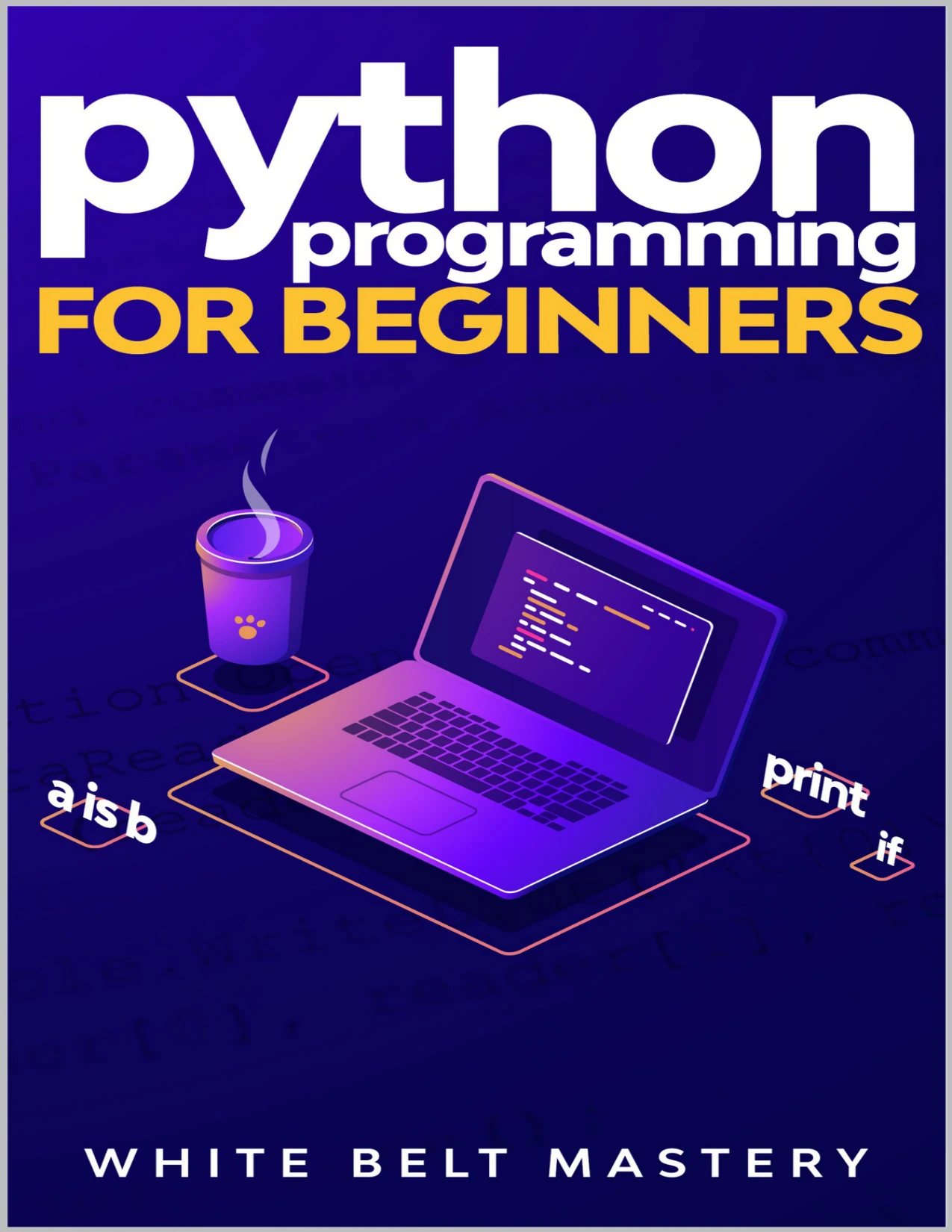
New learners who want coverage of core syntax, functions, data structures, files, and exceptions.
Stage 2: Build core programming fluency
Once you can write short programs with decisions, loops, and functions, practise working with collections of information and code spread across files. The official tutorial’s progression includes data structures, modules, errors, and classes, which provides a useful overview of the language’s central areas.
- Strings: Combine, inspect, format, and clean text.
- Collections: Use lists and tuples for sequences, dictionaries for key-value data, and sets when you need distinct values.
- Files: Read and write text files, then try simple structured formats such as CSV or JSON when a project calls for them.
- Modules and imports: Put related code in separate files and import what another part of the program needs.
- Exceptions: Handle expected problems, such as missing files or invalid input, deliberately rather than letting them derail the whole program.
- Tracebacks and debugging: Read the error message, find the relevant line, and reduce the problem to a small example.
A productive debugging habit is to ask what value the program had at the point of failure and what you expected instead. Add a temporary print statement or use a debugger to inspect the values, then test your explanation. The point is to learn how to investigate—not to avoid errors altogether.
Stage 3: Build small projects early
Projects reveal whether you can use several ideas together. Begin as soon as you know enough to make a small program; you do not need to finish every topic in a course first. Choose an idea with a clear boundary, complete a basic version, and add features only after that version works.
Project ideas that grow with your skills
- First steps: A unit converter, quiz, or number-guessing game can practise input, output, conditionals, and loops.
- Next step: A command-line to-do list or reading log can add functions, collections, and file storage.
- More involved: A small data-cleaning script or personal expense summary can combine file handling, reusable functions, and error handling.
For each project, write down what it should do before coding. Split the goal into small tasks, such as collecting input, checking it, processing the information, and displaying or saving the result. Run the program after each change. When it works, improve one thing: make a function clearer, handle a likely input error, or add a short test.
For learners who want a practice-led resource, Python Bookcamp: Exercises and Projects covers fundamentals through case studies and project work, including functions, collections, exceptions, debugging, and files.

Python Bookcamp: Exercises and Projects
Learners who want exercises and case studies using Python fundamentals.
Stage 4: Add intermediate Python practices
Intermediate learning is less about collecting advanced syntax and more about managing programs with several parts. You can introduce the following tools as your projects create a reason to use them.
Use classes when they clarify the problem
Classes can group related data and behavior, but not every small program needs one. Start with functions and familiar collections. Consider a class when a project has several related objects with their own data and operations, and the structure makes the code easier to understand.
Explore the standard library
Python includes modules for common tasks. Before adding an outside dependency, check whether a standard-library module already fits the job. A broader learning resource such as Python 101 covers core language topics as well as standard-library tools, debugging, testing, and packaging.
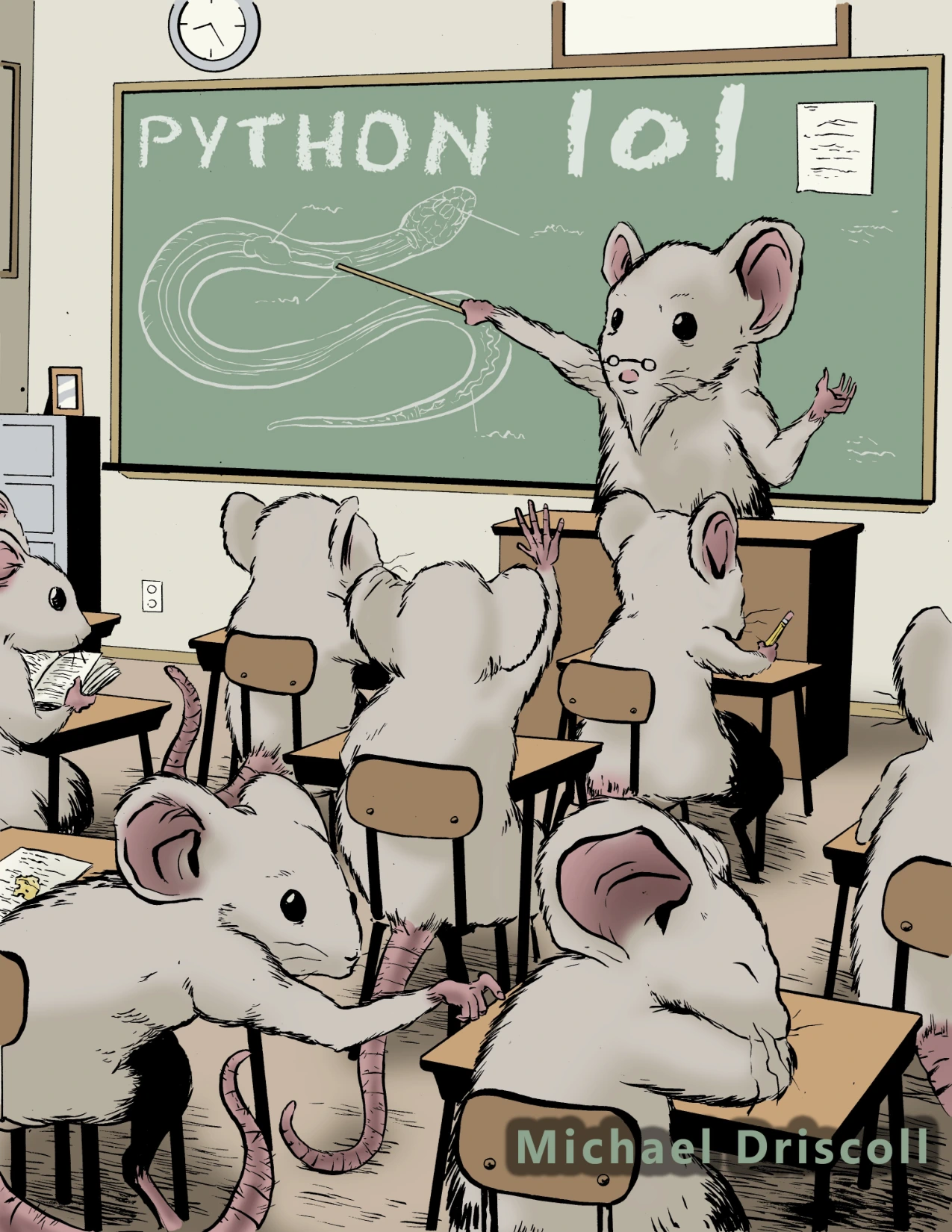
Learners looking for coverage that includes standard-library topics, debugging, testing, and packaging.
Isolate project dependencies
When a project needs packages beyond Python itself, learn to create a virtual environment and install dependencies for that project. Python’s documentation on virtual environments and packages explains how venv provides an isolated environment and how packages can be installed with pip. This is especially useful once you work on more than one project with different dependencies.
Write simple automated tests
Tests let you check that code produces expected results, and they make it easier to notice when a later change breaks something that used to work. Start with a function whose output is predictable, then write a test for a normal case and an edge case. Python’s development tools documentation describes options including unittest and doctest.
Treat type hints as helpful annotations
Type hints can make a function’s expected inputs and outputs easier to read, particularly in a larger project. They are optional support, not a requirement for writing Python. The typing documentation notes that Python’s runtime does not enforce annotations; external tools can use them for checks.
How to tell you’re progressing
There is no single official definition of “intermediate Python,” and progress depends on what you are trying to build. Use these practical checks instead of counting tutorials completed:
- You can make a small program from a short description without copying the whole solution.
- You can break a task into functions or other manageable pieces.
- You can choose a suitable collection for the information you need to store.
- You can read a traceback, identify where an error occurs, and test a possible fix.
- You can explain the main choices in your code, including what you would change next.
- You can organize a modest project across files and use an isolated environment when dependencies require it.
You do not need to meet every milestone before exploring a new topic. Use them to identify what to practise next, not as an exam or a guarantee of professional readiness.
Common learning traps to avoid
- Jumping between tutorials: Pick one main learning path and use other references to answer specific questions.
- Copying code without tracing it: Change a value, remove a line, or rewrite a small section so you can see how the program responds.
- Waiting too long to build: A small project can begin with only a few fundamentals. Add features as your knowledge grows.
- Trying to master every advanced topic first: Learn a tool when a project gives you a reason to use it. You do not need to study every framework or library to become more capable.
- Treating errors as proof you are stuck: Errors are information. Read the traceback and isolate the smallest part of the code that reproduces the issue.
Choose a direction after the foundations
Once you can write and organize small programs, choose a project based on what interests you. Python can support different kinds of work, and each path adds its own tools and concepts:
- Automation: Explore scripts that organize files or reduce repetitive tasks.
- Data work: Learn how to load, inspect, and summarize data; statistical knowledge becomes more relevant as the questions become more analytical.
- Web development: Learn a web framework and the surrounding concepts needed to build an application.
- Hardware projects: Use Python with a device such as a Raspberry Pi to connect code with physical components.
These are optional specializations, not prerequisites for learning Python. Choose one based on the kind of thing you want to make, then learn the additional tools that project requires.
Choosing a Python learning resource
A useful resource should suit your current task: learning the basics, getting more practice, or referring back to a wider range of topics. These catalog titles cover different needs; this is a fit guide, not a ranking or a claim about learning outcomes.
| Your current need | Resource | Why it may fit |
|---|---|---|
| A structured first pass through Python | Python Programming for Beginners: Learn Python in a Step by Step Approach, Complete Practical Crash Course to Learn Python Coding | Its listed topics include fundamentals, functions, data structures, files, and exceptions. |
| More exercises and project practice | Python Bookcamp: Exercises and Projects | The description emphasizes case studies and practice with core Python concepts. |
| A wider guide to Python topics and tools | Python 101 | The listed coverage extends from fundamentals to standard-library topics, debugging, testing, and packaging. |
For additional titles, browse the Python collection at Digital Delights. Compare a resource’s scope with the next skill you want to practise, and check that examples align with the Python version you are using.
Frequently asked questions
Do I need experience with another programming language to learn Python?
No prior programming experience is necessary to begin with Python fundamentals. Start with running scripts, variables, conditions, loops, and functions, then practise combining them in small programs.
How long does it take to move from beginner to intermediate Python?
There is no fixed timeline established by the supplied documentation. Your progress will depend on your goals, practice, and the complexity of the projects you choose. Focus on what you can build and explain rather than a deadline.
When should I learn virtual environments?
Learn the basics when a project needs external packages or when you are working across projects with different dependencies. The official Python documentation explains how virtual environments isolate a project’s installed packages.
When should I start testing my Python code?
You can begin once you have a function with a result you can predict. Write a check for a normal input and one unusual or boundary case, then explore a test framework such as unittest as your projects grow.
Do I have to learn classes before building projects?
No. You can make useful small programs with functions and collections. Learn classes when grouping related data and behavior would make a particular project clearer.
Are type hints required in Python?
No. Type hints are optional annotations that external tools can use; Python does not enforce them at runtime. They can help communicate intent, especially as a project grows.
Sources and further reading
- The Python Tutorial — Python 3.12.14 documentation
- Virtual Environments and Packages — Python documentation
- Development Tools — Python 3.14.8 documentation
- typing — Support for type hints — Python documentation
Conclusion
A practical Python learning roadmap moves from fundamentals to fluency, then uses small projects to reveal what to learn next. Build something modest, debug it, and improve it before reaching for a new library or advanced concept. As your programs grow, add project structure, environments, and tests when they solve real problems. That steady cycle of learning, applying, and reviewing is a useful way to progress from first scripts toward intermediate Python.