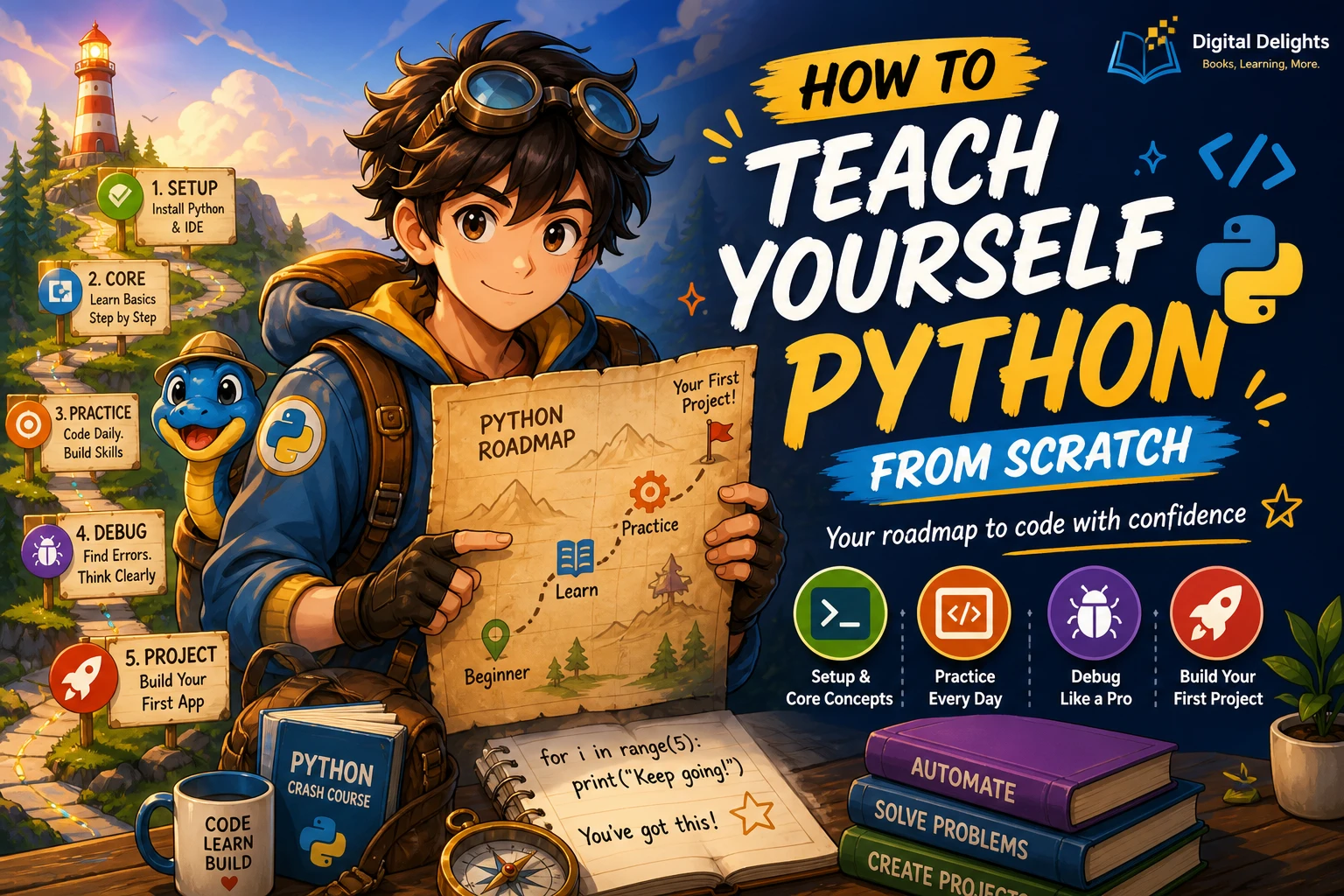
How to Teach Yourself Python from Scratch
To teach yourself Python, choose one beginner-friendly resource, set up a working coding environment, and learn the basics by writing small programs. Then combine those basics into a project you can explain, change, and debug without following a tutorial line by line. You do not need to pick a specialization before writing your first script.
The difficult part is often deciding what to learn next. Installation instructions, programming terminology, and ambitious project ideas can compete for your attention before you have made anything work. This guide gives you a practical order: start with a small goal, learn one concept at a time, practise deliberately, and measure progress through what you can build rather than how many chapters you finish.
If you already know another programming language, you can move through the early exercises more quickly. If programming itself is new, give yourself space to understand the ideas as well as Python’s syntax.
How to Teach Yourself Python: The Roadmap
- Choose a small goal: a quiz, a calculator, or an expense summary.
- Run a saved script: learn where your code lives and how Python executes it.
- Learn the fundamentals: values, decisions, repetition, collections, and functions.
- Practise actively: predict, write, run, modify, and explain your code.
- Build a small independent project: add files, input validation, and simple checks.
- Choose a direction: explore automation, data analysis, or web development when you have a foundation.
These are suggested learning milestones, not a fixed timetable or a guarantee of mastery.
1. Set a Small, Useful Learning Goal
Begin with something you can describe in one sentence. “Ask five quiz questions and display a score” is a workable first goal. “Build a complete learning platform” is not.
A useful beginner project has a small amount of input, a clear rule, and visible output. For example:
- Quiz: accept an answer, check it, and update a score.
- Expense summary: store a few amounts and calculate their total.
- Text helper: count words or find lines containing a particular term.
Write down what your first version will do—and what it will not do. An expense summary does not need bank connections, a graphical interface, or cloud storage. Keeping those features out makes it easier to identify the programming concepts you actually need.
You can change your goal later. Its purpose is to give your early exercises a destination, not to lock you into a career path.
2. Install Python and Run Your First Script
Understand the interpreter and the editor
The interpreter runs Python code. The editor is where you write and save it. Some applications combine an editor, a run button, and debugging tools in one interface; that does not make them a different programming language.
For your first exercises, a simple editor is enough. Avoid spending your opening sessions comparing plugins and configuring elaborate development environments.
Choose a supported stable Python release
Use the official Python downloads page to choose a supported stable Python 3 release for your operating system. Avoid a prerelease for your first learning environment. If your learning resource uses third-party libraries, check its version requirements before choosing an interpreter.
- Windows: follow the official Windows installation route. In a new terminal, try
py --versionorpython --versionto identify an available interpreter. - macOS: use the official macOS installation route, then check
python3 --versionin Terminal. - Linux: first check
python3 --version. If you need to install Python, follow your distribution’s package instructions. Do not replace the system interpreter just to match a tutorial.
Installation interfaces and command names can differ. If a command is not recognized, check the installation guidance rather than repeatedly installing more editors. Your editor also needs to use the interpreter you installed.
Save and run a program
Create a folder for your exercises. Inside it, save a file named hello.py containing:
name = input("What is your name? ")
print(f"Hello, {name}!")
Open a terminal in that folder and run the file using the command available on your computer:
# Windows, if the py command is available
py hello.py

# macOS or Linux
python3 hello.py
If your installation uses python, use python hello.py instead. The commands above are alternatives; you do not need to run all of them.
An interactive Python session executes statements as you enter them. A saved .py file lets you keep, edit, and rerun a program. Learn both, but save your exercises so you have something to revisit.
Ready to move on: you can save the file, run it again, and change the greeting without repeating the installation process.
3. Learn the Fundamentals in a Practical Order
Do not wait until you understand the entire language to make something. Pair each new concept with a small task. The following sequence keeps the early work manageable.
| Stage | What to learn | Small exercise | Checkpoint |
|---|---|---|---|
| Values and input | Variables, strings, numbers, conversion, and output | Calculate the cost of several items | Explain why text input needs conversion before arithmetic |
| Decisions | Comparisons, Boolean values, and if/elif/else | Check whether a quiz answer is correct | Explain which branch runs for different inputs |
| Repetition | For loops and while loops | Ask several questions and keep a score | Explain what makes the loop stop |
| Collections | Lists and dictionaries | Store expenses with categories | Choose between an ordered collection and named fields |
| Functions and modules | Parameters, return values, imports, and reusable code | Move a repeated calculation into a function | Call the function with different inputs |
| Files and exceptions | Reading, writing, and handling expected errors | Save and reload project data | Handle a missing file or invalid input deliberately |
Make type conversion visible
Try this short example:
quantity = int(input("How many notebooks? "))
price = 3.50
total = quantity * price
print(f"Total: {total:.2f}")
If you enter 2, the program prints Total: 7.00. Here, input() supplies text, and int() converts suitable text into an integer. The final line displays the result with two decimal places.
Entering two instead will produce a conversion error. That is a useful next exercise: first understand why it fails, then learn how to handle that input. Do not mistake a working example with valid input for a finished application. This calculation is an arithmetic exercise, not production financial software.
Learn functions before adding unnecessary complexity
When a calculation or decision appears repeatedly, practise moving it into a function. Give the function a clear input and return its result. This makes it easier to reason about one part of a program at a time.
Learn classes after you are comfortable with functions, collections, and files. You can build useful beginner scripts without designing an object-oriented structure first.
4. Choose One Main Resource and Use Documentation Alongside It
A main resource provides an order to follow. Documentation helps answer specific questions. They serve different purposes, and you do not need a shelf full of beginner books before starting.
Look for a resource that states its prerequisites, explains setup, introduces concepts progressively, and gives you code to work with. Before choosing, inspect any available contents or sample pages and ask:
- Does it assume I already understand programming?
- Does it explain how to save and run code?
- Does it cover functions, collections, files, and errors?
- Can I practise between explanations rather than only read?
- Does its setup guidance match my operating system?
- Are software versions and required libraries identified?
Compare beginner resources by your starting needs
The supplied Digital Delights catalog supports these beginner options. Their coverage overlaps, so treat them as alternatives—not a required reading sequence.
| Resource | Who it may suit | Catalog-supported coverage |
|---|---|---|
| Python Coding for Beginners (19th Edition) | A complete beginner seeking step-by-step tutorials and a visual introduction | Windows and Linux setup, core language concepts, files, troubleshooting, graphics, and practical projects |
| Python Programming: The Fundamental Beginner’s Guide to Learning Python | A first-time programmer who wants setup explained alongside the language | Installation, editors and PyCharm, first programs, variables, operators, conditions, loops, collections, and functions |
| Python Complete Manual – 26th Edition, 2025 | A learner looking for a manual-style path from setup to small projects | Windows and Linux setup, scripts, variables, input, functions, loops, modules, errors, data, and files |
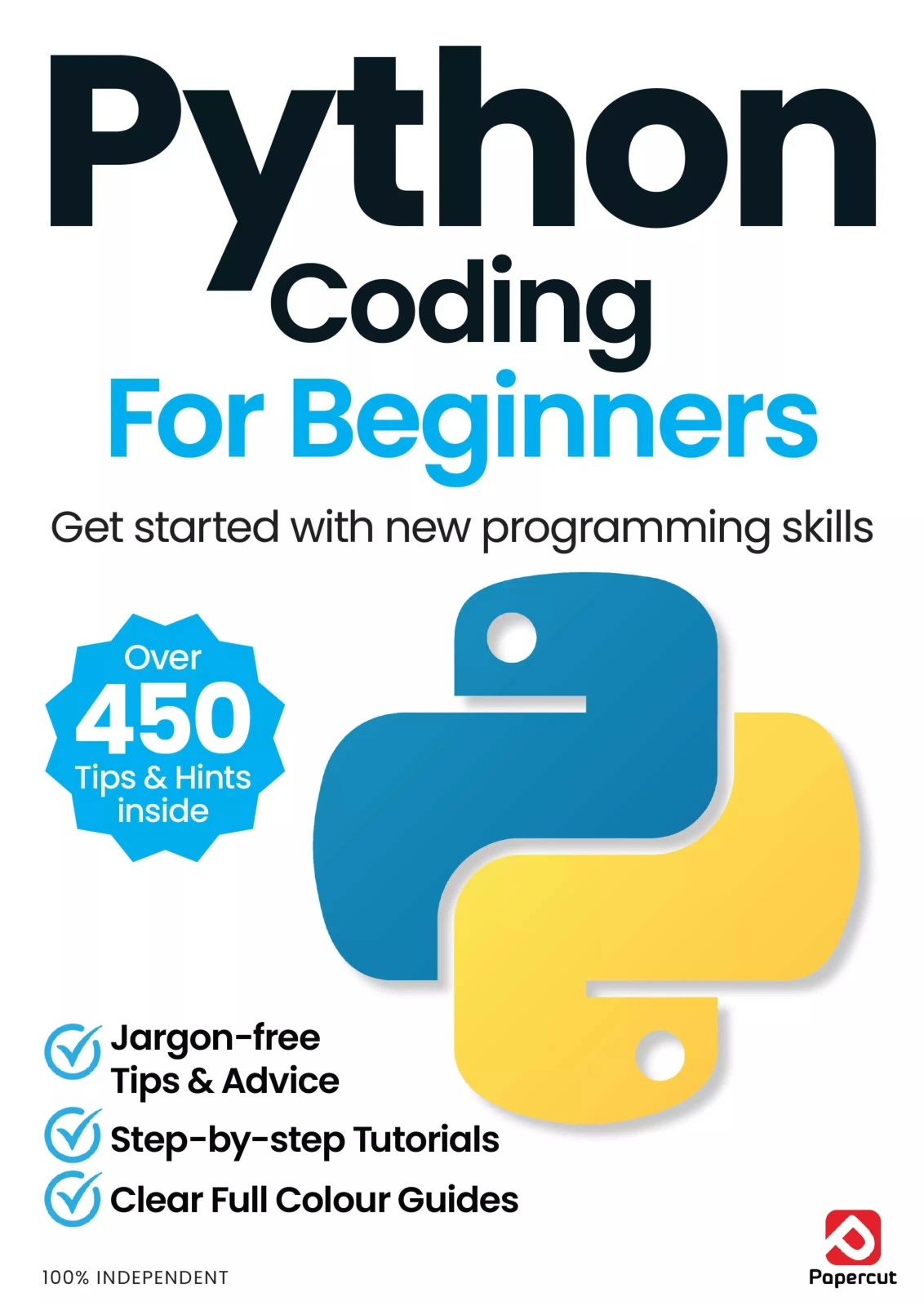
Python Coding for Beginners (19th Edition)
By Papercut
First-time programmers seeking a visual, step-by-step introduction with Windows and Linux setup coverage.
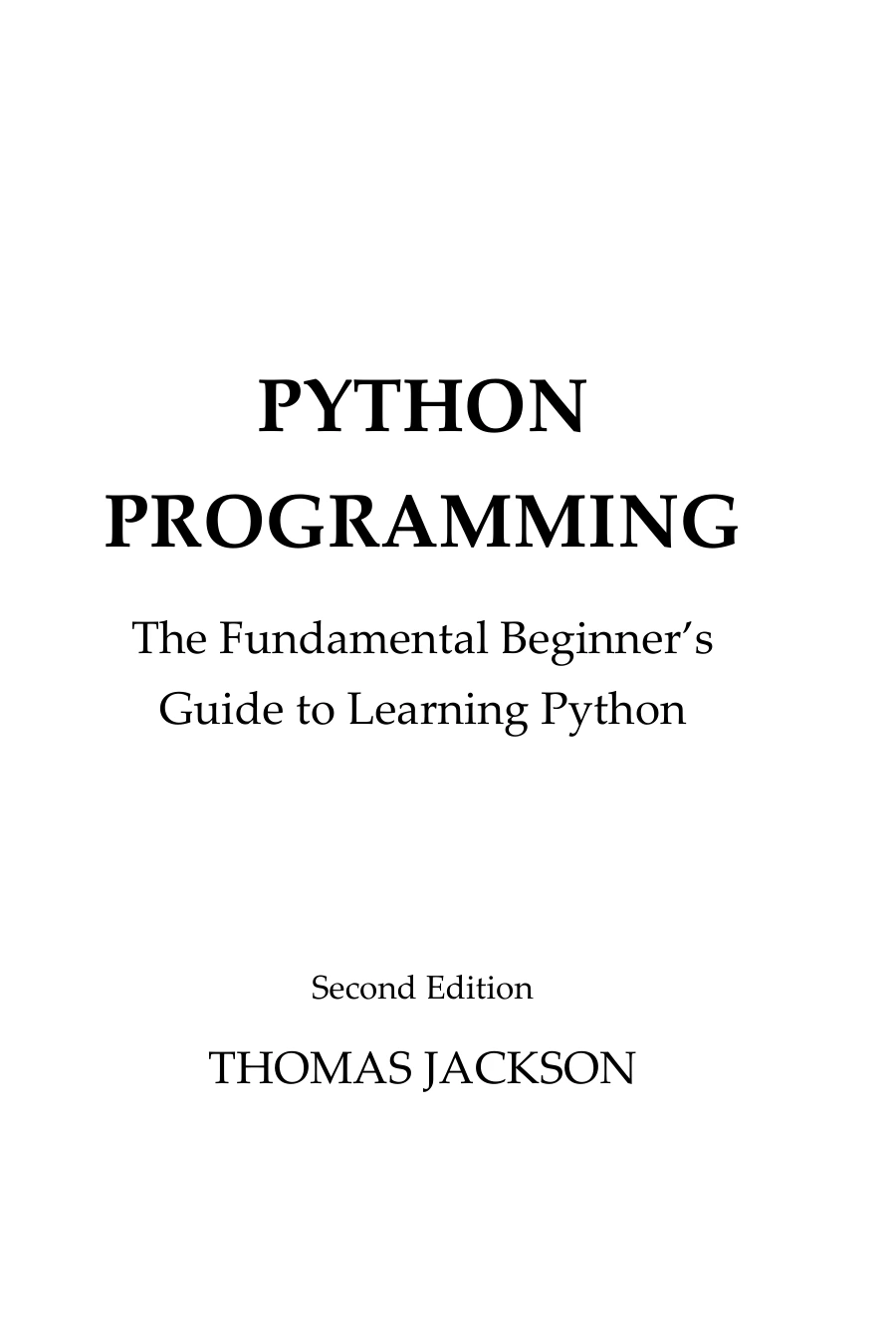
Python Programming: The Fundamental Beginner’s Guide to Learning Python
Learners who need installation, editor choices, first programs, and foundational language concepts explained from the beginning.
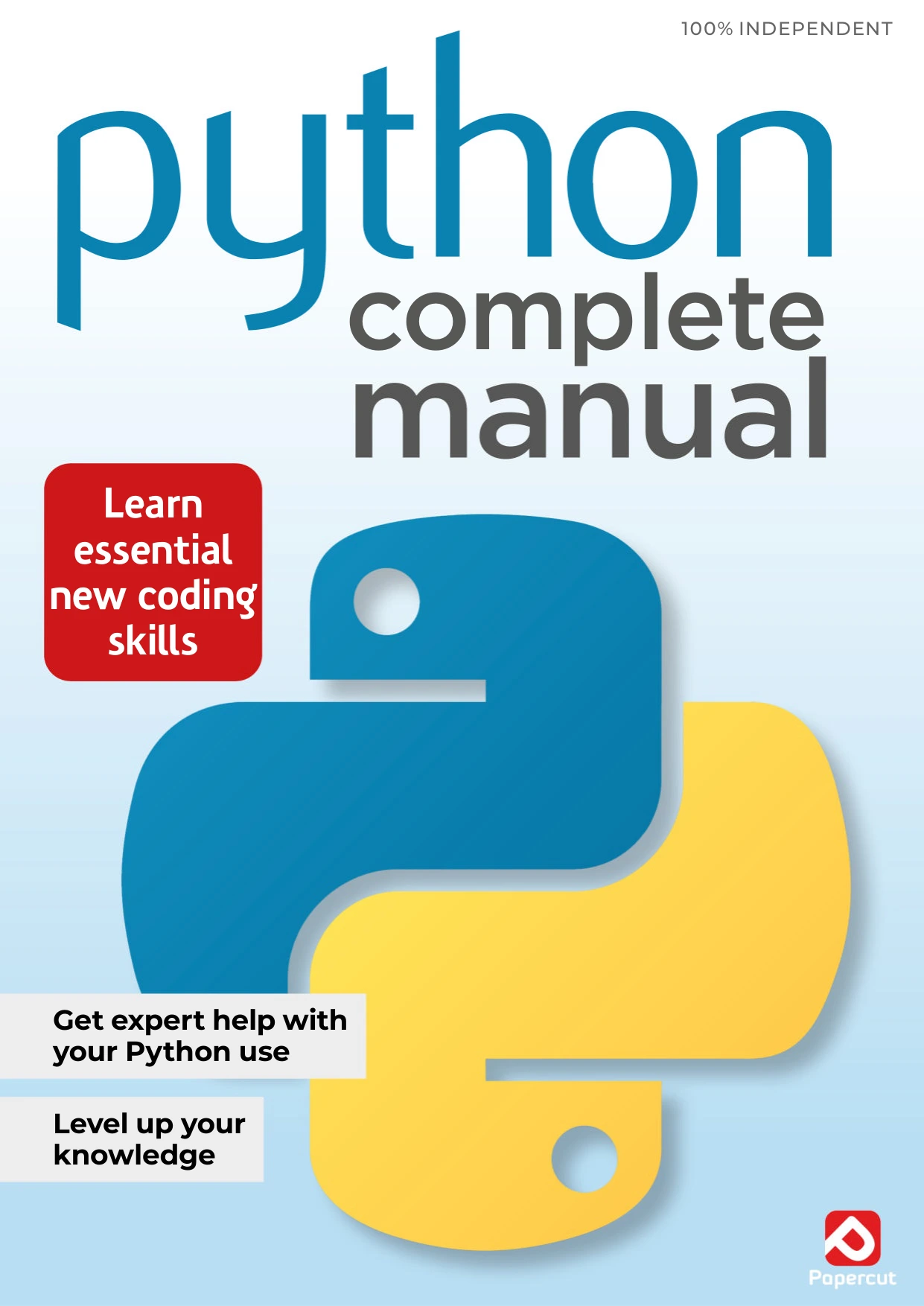
Python Complete Manual – 26th Edition, 2025
Beginners who prefer a structured manual introducing Windows and Linux setup, functions, loops, modules, errors, and files.
The catalog descriptions do not establish that one resource teaches more effectively than another or that every example works unchanged with your chosen Python release. Choose according to the available contents and your learning needs, then spend your effort writing code.
Use the official tutorial as a reference
The official Python Tutorial explicitly assumes a basic understanding of programming. It is useful for checking language concepts, but it should not automatically be your only starting course if you have never programmed before.
As you learn, use it to revisit a topic such as loops, data structures, modules, or exceptions. Read the relevant section, try an example, and return to your project.
5. Practise, Debug, and Build Increasingly Independent Projects
Use a practice loop that requires thinking
- Predict: write down what you expect a short example to output.
- Write: enter the code yourself.
- Run: compare the actual result with your prediction.
- Modify: change an input, a condition, or a data structure.
- Explain: describe why the result changed.
- Rebuild: later, recreate the idea without the example open.
Typing alone is not the goal. Making a prediction and explaining the result reveal whether you understand the program or merely recognize its appearance.
Progress from guided exercises to your own project
A number-guessing game gives you practice with input, comparisons, and repetition. Start with a fixed secret number. Later, add a randomly chosen number, an attempt counter, and invalid-input handling.
Next, build an expense tracker in small versions:
- Version one: store a few sample expenses and display their total.
- Version two: accept new expenses from the user.
- Version three: summarize amounts by category.
- Version four: save and reload data from a file.
- Version five: handle invalid entries and missing files.
Write the requirements before searching for solutions. You can look up syntax, but try to decide the program’s structure yourself.
Turn errors into specific questions
When Python reports an error, read the final exception message, then inspect the relevant location in your code. The reported location is a starting point; the underlying cause may be earlier.
- SyntaxError: inspect punctuation and the surrounding statement.
- NameError: check spelling and whether a name has been defined.
- TypeError: inspect the values and types involved in the operation.
- ValueError: check whether a value is suitable for the requested conversion or operation.
Change one thing at a time. If the problem is unclear, reduce it to the smallest example that still fails. An editor’s debugger can help you pause execution and inspect variables; temporary print statements can also make a small program easier to follow.
Check normal input, empty input, invalid input, and boundary cases. For an expense tracker, ask what should happen when there are no entries or when someone enters a negative amount. Decide the intended behavior before implementing it.
If you ask a forum or an AI assistant for help, include the relevant code, the exact error, and what you expected. Prefer an explanation or a hint before accepting a complete replacement program. Remove private data and credentials from anything you share.
6. Learn Packages When a Project Needs Them
Your first exercises do not need a collection of third-party libraries. Start with built-in features and the standard library. Add a package when you can explain what problem it solves.
pip installs Python packages. A virtual environment keeps a project’s installed packages separate from other environments. This matters when projects require different package versions, as explained in the official guide to virtual environments and packages.
From your project folder, create an environment using your working interpreter command:
# Windows, if py is available
py -m venv .venv

# macOS or Linux
python3 -m venv .venv
Activation depends on your shell:
# Windows Command Prompt
.venv\Scripts\activate.bat

# Windows PowerShell
.venv\Scripts\Activate.ps1

# macOS or Linux with bash or zsh
source .venv/bin/activate
After activation, python -m pip --version helps identify the pip associated with that environment. Use python -m pip install followed by the package name specified in your project’s instructions when you actually need a dependency.
If activation is blocked or a command differs on your system, consult the official guidance. Avoid changing security settings or installing packages system-wide simply to bypass an error you have not understood.
7. Measure Progress and Choose Your Next Direction
A useful progress check is whether you can:
- Explain the purpose of each part of a small program.
- Change a requirement without restarting the tutorial.
- Find and fix a deliberately introduced bug.
- Check several inputs and describe the expected results.
- Rebuild the main functionality from your own notes.
Looking up syntax is allowed. The aim is to become less dependent on someone else’s step-by-step solution, not to memorize every function.
Choose a direction based on work you enjoy
- Automation: explore files, folders, text processing, and repetitive tasks. Work on copies of files before writing scripts that modify important data.
- Data analysis: start with small CSV files, summaries, and charts before adding more complex datasets and tools.
- Web development: learn basic HTTP concepts and HTML, then try a small application with one framework.
- Machine learning: first strengthen your Python, data-handling, and relevant mathematical foundations. Advanced model-building is not a prerequisite for learning the language.
If text processing becomes a recurring need, Python re(gex)? is a focused next-step resource. Its catalog description covers Python’s pattern-matching tools through examples, summaries, and exercises. Use it after ordinary string operations feel comfortable; not every text problem needs a regular expression.
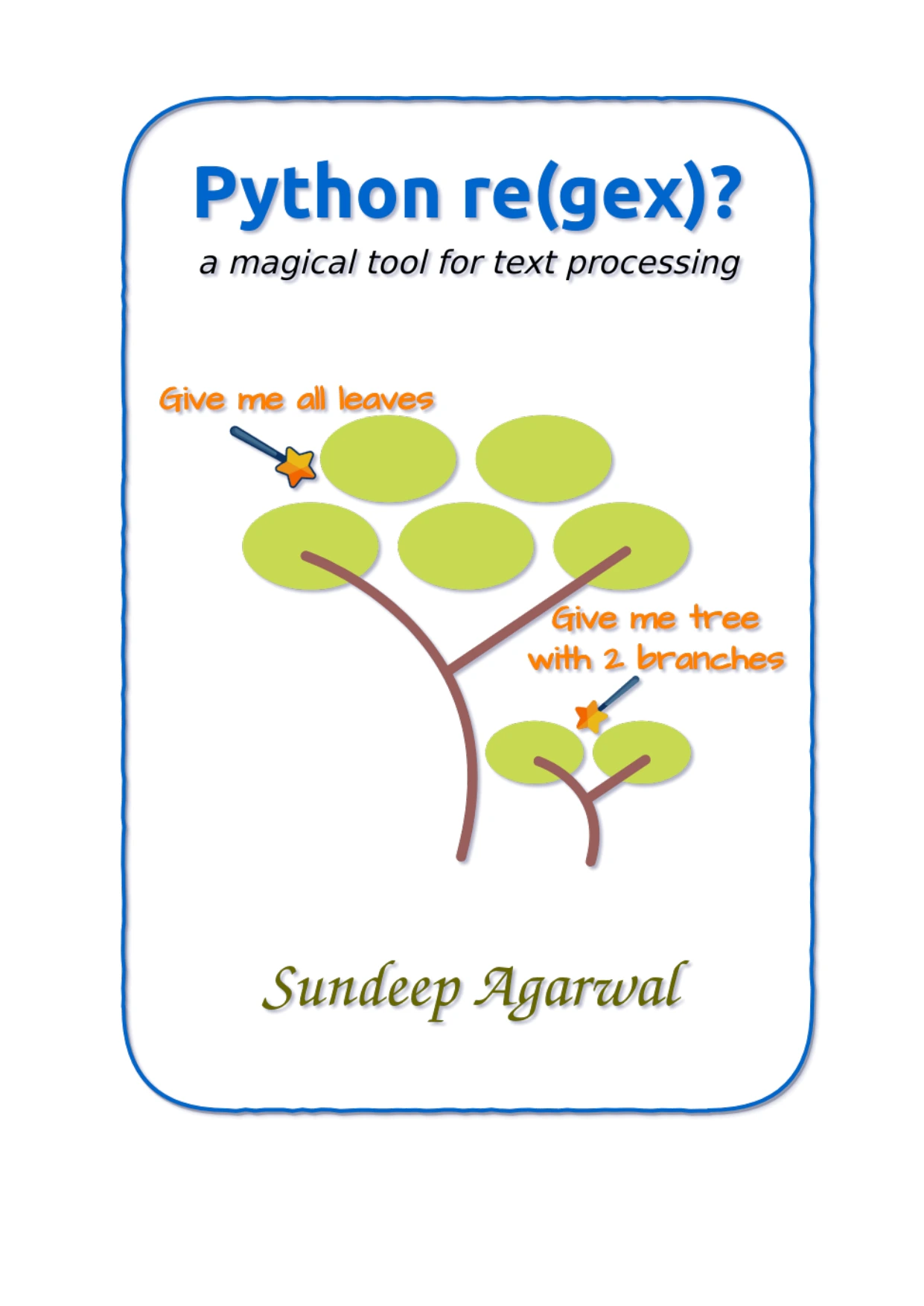
Learners comfortable with basic string operations who want examples and exercises on Python pattern matching.
For further reading, browse the Python learning resources at Digital Delights with a specific gap in mind. A focused next resource is more useful than another general introduction chosen without a purpose.
Frequently Asked Questions
Can I learn Python without previous coding experience?
Yes. Choose material intended for first-time programmers, not just experienced programmers who are new to Python. Begin with input, output, variables, and small decisions before tackling larger applications.
Do I need advanced mathematics to start?
Not for the exercises in this roadmap. Basic arithmetic and careful reasoning are enough to begin writing quizzes, text helpers, and simple trackers. Particular areas, such as quantitative finance or machine learning, can introduce additional mathematical requirements.
How long will it take to learn Python?
There is no reliable universal timeline in the supplied evidence. Your starting knowledge, available practice time, and goals all affect the scope. Judge your progress through increasingly independent programs rather than a promised number of days.
When am I ready to build projects?
Start tiny projects as soon as you can combine input, variables, and output. Increase the scope as you learn conditions, loops, collections, and functions. You do not need to finish a whole book first.
Should I use books, videos, or documentation?
Choose one main resource that explains concepts clearly to you and gives you opportunities to practise. Use other formats to clarify a specific difficulty, not to repeatedly restart the same introductory material.
Do I need to memorize Python syntax?
No. Learn the underlying ideas and practise retrieving the syntax you use often. Looking up a method is different from copying an entire solution without understanding it.
Your Next Step: Run One Script and Change It
Create hello.py, run it, and make it behave differently. Then choose one small project and identify the next concept it requires.
The practical route to teaching yourself Python is a repeated cycle: learn an idea, use it, inspect the result, and revise your code. Keep your first goals small enough to finish, and let each working program give you a concrete reason to learn the next thing.