Best Python Books for Learning by Doing
A Python example can look perfectly clear on the page and still leave you unsure what to type into an empty editor. That is the gap a hands-on book should help you close. Look for a resource that asks you to write code, change its behavior, diagnose mistakes, and eventually solve a problem without following every line.
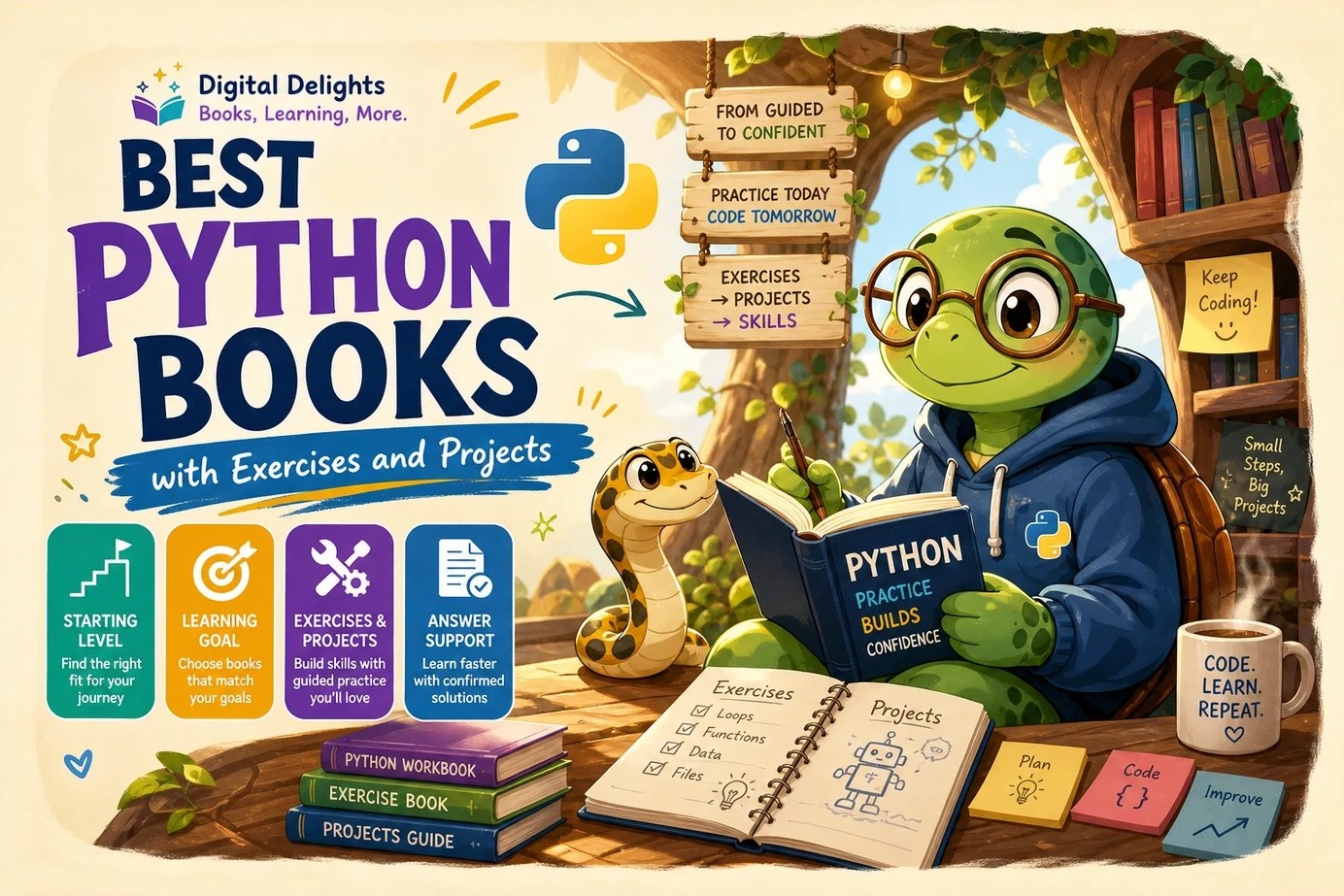
The best Python books for learning by doing depend on where you are starting. The Python Workshop is a strong fit for beginner exercises woven into instruction. Python Bootcamp offers a rapid introduction with questions, exercises, and projects. If you already have a foundation and want structured automation practice, consider Automate the Boring Stuff with Python Workbook as a companion rather than assuming it replaces a textbook.
Below, compare practice formats, choose a resource for your goal, and use a simple workflow to turn reading into independent programming.
Quick picks: Best Python books by learning goal
These selections come from the supplied Digital Delights catalog. “Best” means a useful match for the stated reader need—not a tested ranking or proof that one book produces better learning outcomes.
| Book | Starting level | Practice format | Reason to choose it | Limitation to consider |
|---|---|---|---|---|
| The Python Workshop | Beginner | Sequenced examples and exercises | Practice accompanies fundamentals, data structures, functions, and later topics | Check its notebook setup and any package requirements before starting |
| Python Bootcamp: A Rapid Crash Course Featuring Q&A Sessions, Exercises, and Projects | Beginner | Questions, exercises, and projects | A rapid, practice-led introduction to Python 3 | The catalog’s opening setup description focuses on Windows |
| The Practice of Computing Using Python | Beginner seeking a broader foundation | Chapter exercises and problem solving | Connects Python programming with algorithms and computer science fundamentals | A broader textbook approach may not suit someone seeking only quick scripts |
| Coding For Dummies, All New Edition | Beginner exploring programming | Examples and beginner projects | Combines general coding concepts with Python and JavaScript | Not exclusively a Python book |
| Automate the Boring Stuff with Python Workbook | Beginner using a companion text, or returning learner | Questions, exercises, mini-projects, and solutions | Structured practice with fundamentals and practical automation tasks | Confirm the matching main-book edition and standalone suitability |
| Python for Data Science: A Hands-On Introduction | Learner interested in data work | Example-driven data workflows | Connects Python data structures with files, APIs, databases, and analysis | Check the preview to judge whether its pace matches your programming foundation |
| Coding for Kids: The Complete Guide Python Programming for Kids, Learn to Code with Games | Young beginner | Turtle graphics and small games | Gives programming concepts a visual or playful purpose | Its audience and project style will not suit every adult learner |
A practical default: choose one beginner book as your main route. Add a workbook or a subject-specific resource only when you can identify the practice you are missing.
What makes a Python book genuinely hands-on?
A book does not become hands-on simply by containing code. A useful distinction is whether it gives you opportunities to make decisions, rather than only reproduce decisions the author has already made.
- Clear prerequisites: you can tell whether it starts from zero or expects you to understand functions and collections.
- Manageable progression: exercises use concepts that have already been introduced, with new challenges added gradually.
- Independent work: some tasks describe the required behavior without supplying the entire implementation.
- Feedback: solutions, expected results, or tests give you a way to check your reasoning.
- A reason to build: projects connect syntax with an outcome you care about.
- Usable setup guidance: you know which interpreter, editor, files, and packages the examples require.
Not every supplied catalog entry confirms all these features. Treat this list as a preview checklist, not as a claim that every recommended book meets every criterion.
Exercises and projects solve different problems
A focused exercise isolates a skill: counting items in a dictionary, writing a function, or handling an unexpected input. A project asks you to combine skills and decide how the pieces fit together.
If you struggle to write a loop without checking a reference, more focused exercises may be the useful next step. If individual language features feel familiar but you cannot organize a complete program, choose a small project with a clear finish line.
Beginner books: Choose the kind of practice you will actually do
The Python Workshop: For practice woven into the lesson
The Python Workshop introduces fundamentals through a workshop format. The catalog describes early work with notebook-based experimentation, operators, strings, conditionals, and exercises, followed by loops, functions, and collections. Later material includes algorithms, file handling, and graphing.
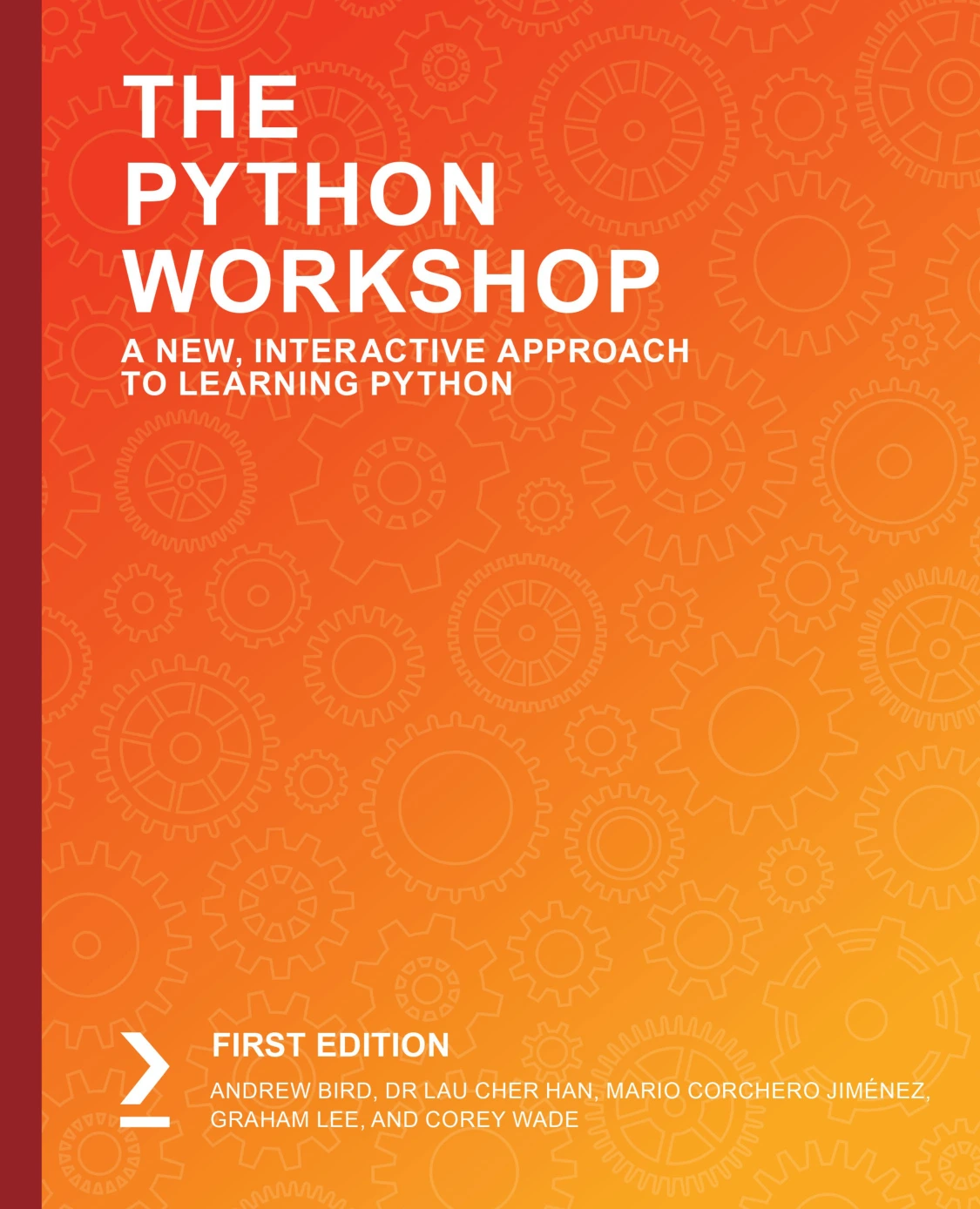
By Andrew Bird
Beginners seeking sequenced coding exercises alongside fundamentals and data structures.
Who it suits: a self-directed beginner who wants regular coding tasks rather than a long stretch of explanation before practising.
What to check: look at the notebook instructions and an exercise sample. Ask whether you can understand the task, identify the expected result, and attempt it before consulting an example.
As an extra practice habit, rewrite a notebook exercise as a small script once you understand it. That is an editorial suggestion, not a stated feature of the book.
Python Bootcamp: For a rapid introduction with questions and projects
Python Bootcamp: A Rapid Crash Course Featuring Q&A Sessions, Exercises, and Projects by Vaskaran Sarcar combines introductory explanations with questions and practical work. The supplied catalog describes Python 3 setup, running code from the command prompt or IDLE, and troubleshooting installation issues.
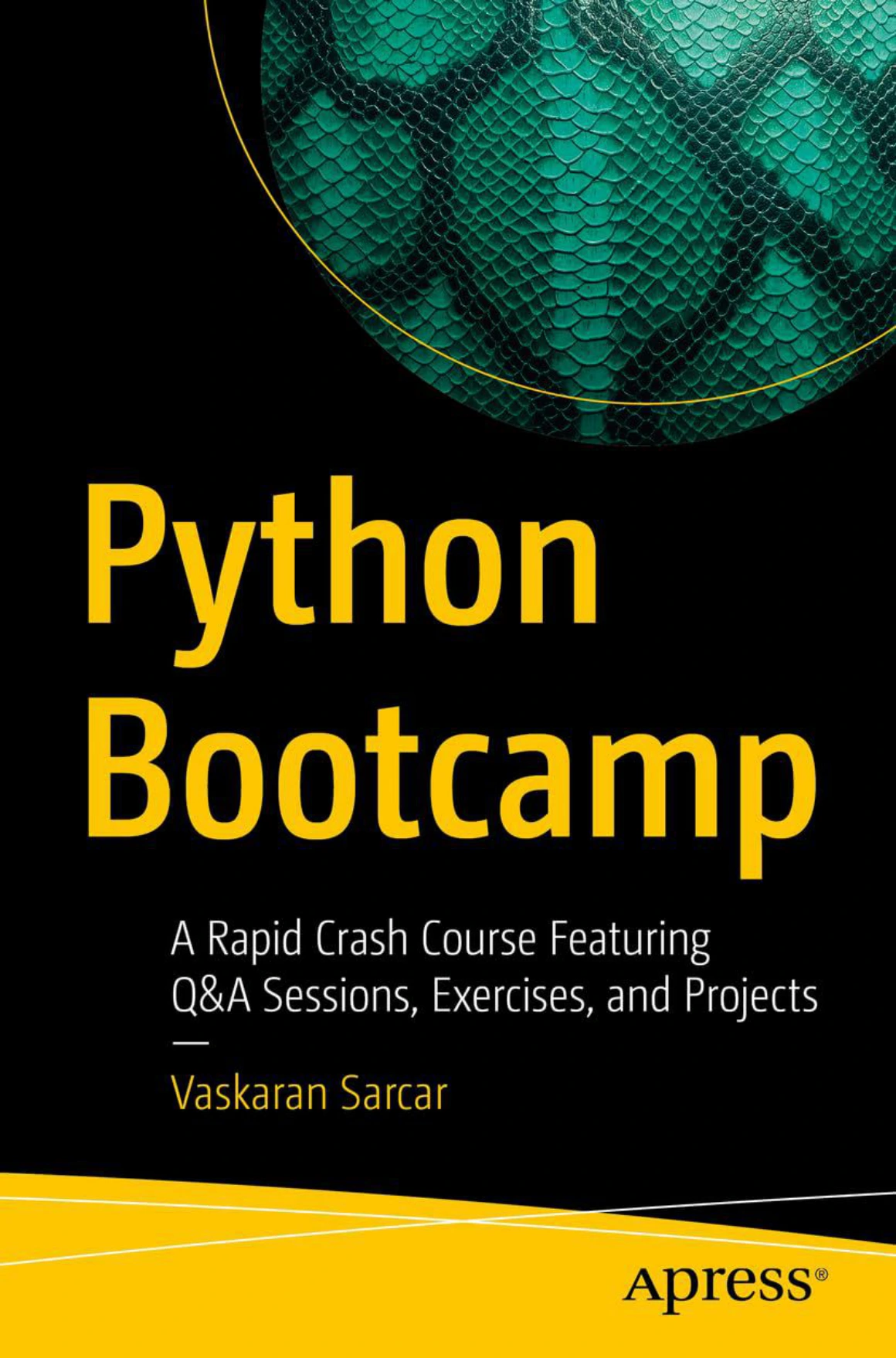
Python Bootcamp: A Rapid Crash Course Featuring Q&A Sessions, Exercises, and Projects
New programmers who prefer explanations interspersed with questions and practical work.
Who it suits: a new programmer who prefers a brisk, question-led introduction and wants exercises and projects alongside it.
What to check: the opening setup material described in the catalog is Windows-focused. If you use another operating system, confirm how much additional setup guidance you will need. The supplied Apress publisher page provides a reference for the title.
A crash-course format is a pacing choice, not a promise of rapid mastery. Pause whenever you cannot explain an example or reproduce its central idea.
The Practice of Computing Using Python: For problem-solving foundations
The Practice of Computing Using Python by William Punch and Richard Enbody takes a broader computing approach. Its catalog description identifies chapter exercises covering control structures, algorithms, collections, functions, files, classes, recursion, and exceptions, with early chapters assuming no programming experience.
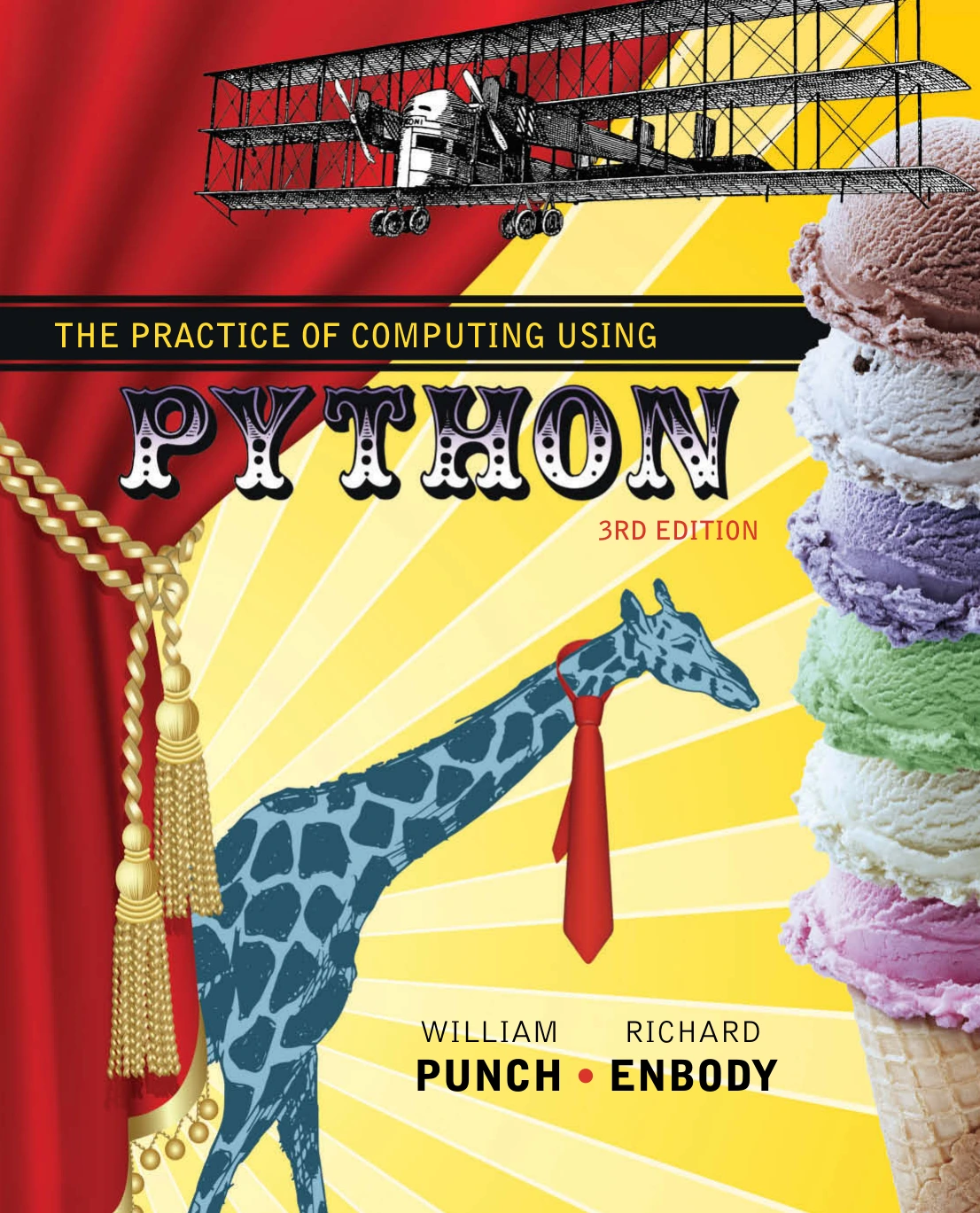
The Practice of Computing Using Python
Beginners wanting chapter exercises and foundations in algorithms, collections, and program development.
Who it suits: someone who wants to understand how to develop a solution, not just how to reproduce a useful script.
What to check: review the progression and exercise style before committing. Its breadth can be helpful for a substantial foundation, but unnecessary if your immediate goal is narrowly defined.
For this route, write a plain-language plan before coding: what information enters the program, what decisions it makes, and what result it should produce.
Coding For Dummies, All New Edition: For a wider introduction to coding
Coding For Dummies, All New Edition by Paul McFedries introduces general programming ideas before developing Python and JavaScript skills. The catalog identifies Python projects including an anagram guessing game and a text analyzer, alongside coverage of collections, functions, files, libraries, APIs, and error handling.
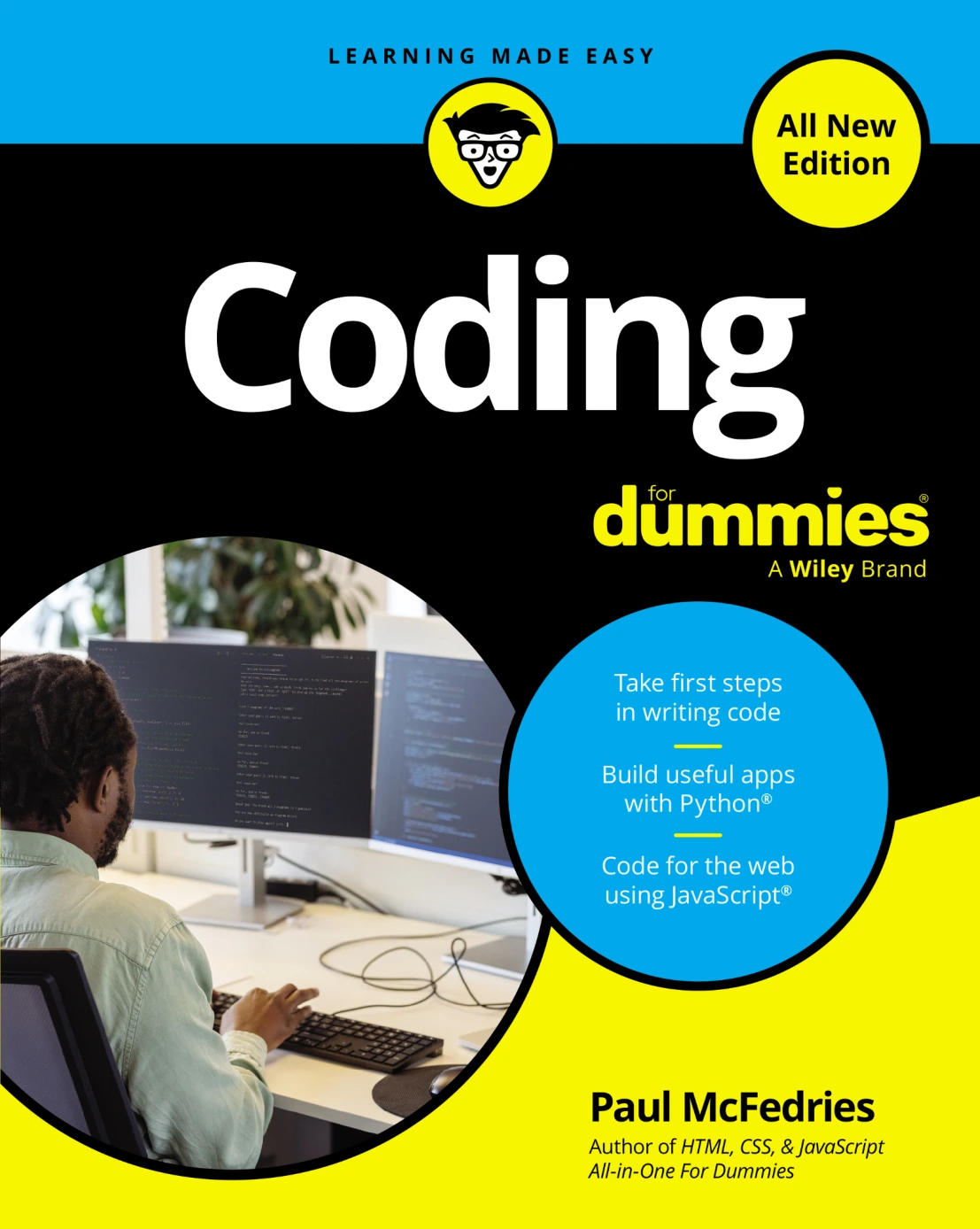
Coding For Dummies, All New Edition
New learners interested in Python projects and a wider introduction that also includes JavaScript.
Who it suits: a beginner who is interested in programming broadly and may also want to explore browser coding.
What to check: how much of the book serves your immediate Python goal. Covering more than one language is useful breadth for some readers, but divided attention for others.
After the basics: Choose a workbook or a practical direction
Automate the Boring Stuff with Python Workbook: For structured practice
Automate the Boring Stuff with Python Workbook by Al Sweigart is a companion workbook, not the main automation textbook. The catalog describes fill-in-the-blank and short-answer questions, coding exercises, mini-projects, and solutions at the back.
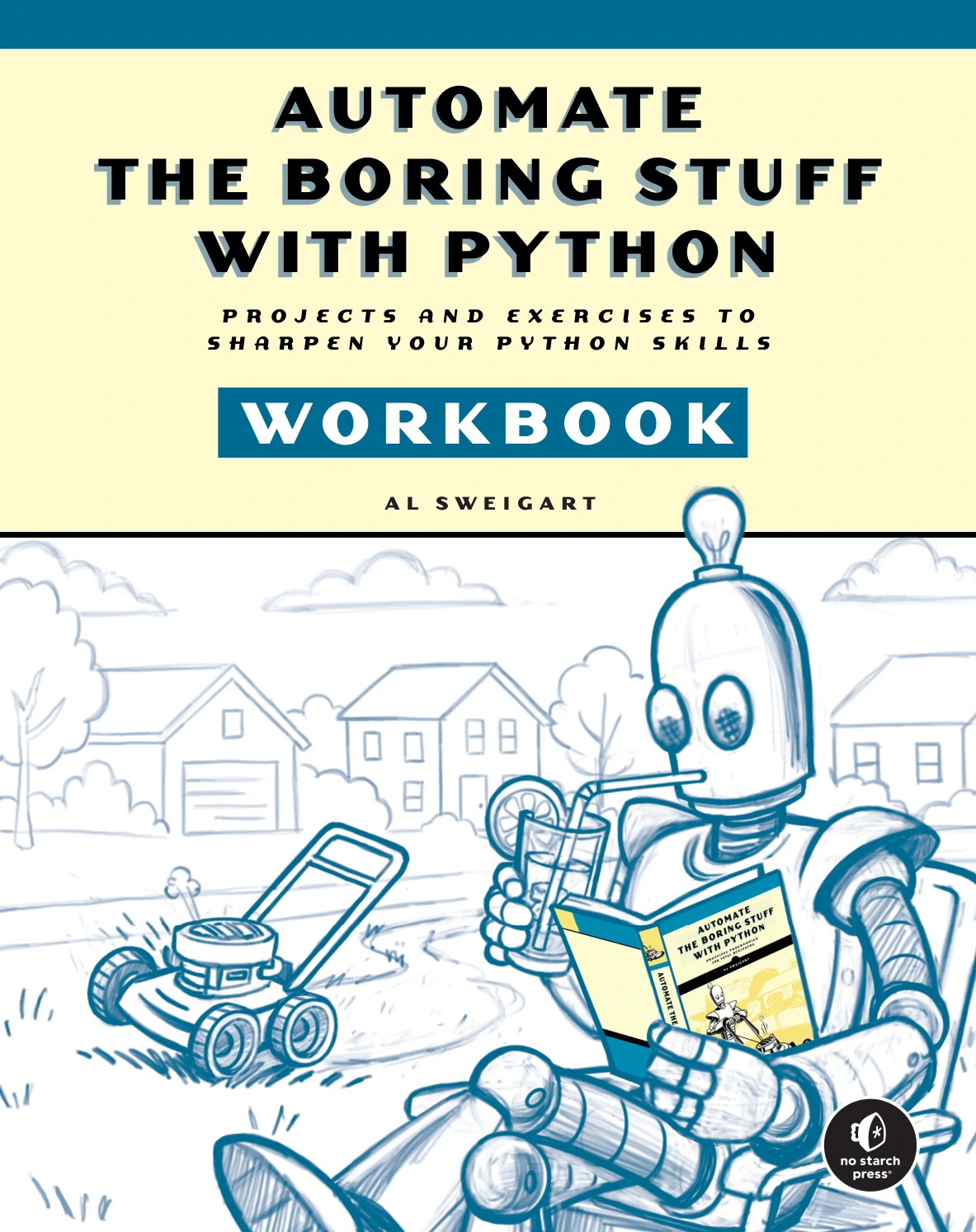
Automate the Boring Stuff with Python Workbook
By Al Sweigart
Learners using corresponding instruction or returning to fundamentals and automation exercises.
Its listed practice areas include variables, loops, functions, regular expressions, file handling, web scraping, spreadsheets, and databases. The supplied publisher listing for the workbook identifies the resource separately from the main book.
Who it suits: a learner following the corresponding instruction, or a returning programmer seeking structured practice with practical tasks.
What to check: which edition of the main book it follows, and whether the explanations are sufficient for your current level. The supplied material does not settle those questions.
For file-related experiments, work on copies in a dedicated practice folder. First make your program report the changes it would make before allowing it to modify files.
Python for Data Science: A Hands-On Introduction: For data-motivated learners
Python for Data Science: A Hands-On Introduction by Yuli Vasiliev follows an example-driven route through Python data structures and data work. The catalog describes accessing information through files and APIs, working with databases, and using libraries for analysis. The supplied No Starch Press page is the publisher reference.
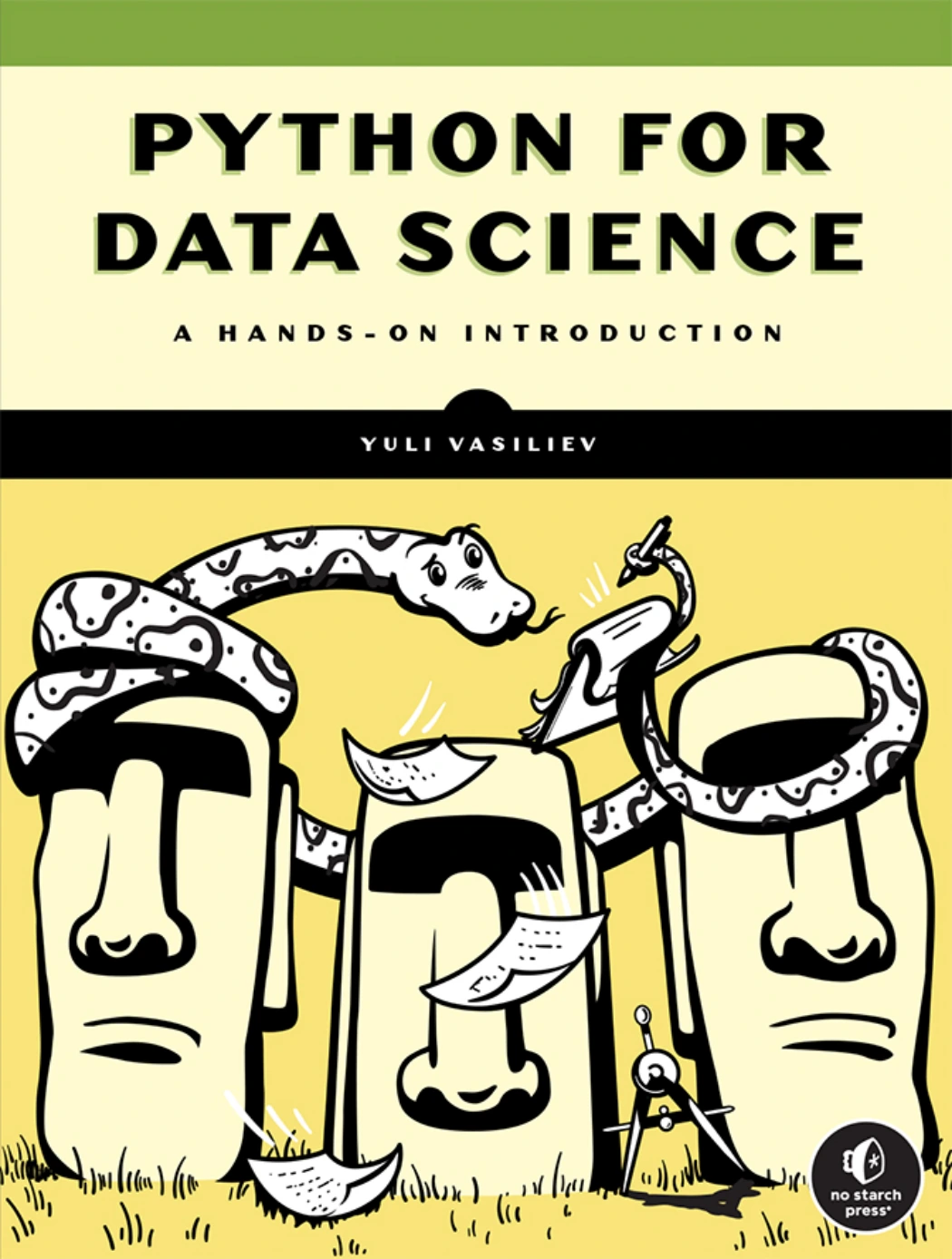
Python for Data Science: A Hands-On Introduction
Readers motivated by data structures, files, APIs, databases, and analysis workflows.
Who it suits: someone whose motivation is answering questions with data rather than making games or exploring general application development.
What to check: whether the early examples feel manageable and what external tools they require. A data-focused introduction should not be assumed to cover every general programming skill at the depth you need.
A useful independent extension is to analyze a small table of your own: household expenses, reading records, or practice-session notes. Define a question first, then decide which data you need.
Coding for Kids: For visual experiments and games
Coding for Kids: The Complete Guide Python Programming for Kids, Learn to Code with Games by Alice Guillen introduces beginner concepts through Turtle graphics and projects such as Rock, Paper, Scissors and a Magic 8 Ball.
Who it suits: young learners who want code to produce a visible result or a playable interaction.
What to check: the reading level, setup requirements, and how much adult assistance the learner needs. The supplied catalog does not establish a precise age range for this title.
To move beyond copying, let the learner choose a small change: different drawing colors, a new game response, or an additional rule. Ask them to explain which part of the program must change.
Turn a chapter into independent Python practice
You can apply this workflow to almost any example or exercise. Its purpose is to make your understanding visible.
- Run and explain. Get the original example working, then describe its inputs, decisions, and outputs in your own words.
- Predict a change. Before editing, write down what you expect a different value or condition to do.
- Modify one requirement. Add a small behavior without changing everything at once.
- Rebuild from the task description. Close the supplied solution and write your own version. Consult documentation when needed, rather than trying to memorize every detail.
- Test deliberately. Try ordinary inputs, empty inputs, and an input likely to expose a weakness.
- Record the lesson. Keep a short note about the mistake, its cause, and how you corrected it.
Original mini-project: Build a simple text analyzer
This is an editorial exercise, not an excerpt or assignment taken from any recommended book.
Task: accept a sentence, split it into whitespace-separated tokens, count them, and report the longest token. Handle empty input without attempting to select a longest token.
text = input("Enter a sentence: ")
words = text.split()

if not words:
    print("No words entered.")
else:
    longest = max(words, key=len)
    print("Word count:", len(words))
    print("Longest token:", longest)
For this exercise, “word count” means the number of whitespace-separated tokens. Punctuation remains attached, so hello! and hello have different lengths. That limitation gives you a clear next requirement to investigate.
- Test: try an empty line, one word, repeated spaces, and two equally long words.
- Modify: also report the number of characters in the original input.
- Extend: count repeated tokens, then decide whether capitalization should matter.
- Rebuild: write a function that accepts text and returns results rather than printing them.
The important step is not adding every feature. It is deciding what the program should do and checking whether your code actually does it.
Common mistakes that make hands-on books less useful
- Copying without predicting: before running a short example, describe the output you expect.
- Reading solutions immediately: make an attempt first. If stuck, identify the missing concept before opening the full answer.
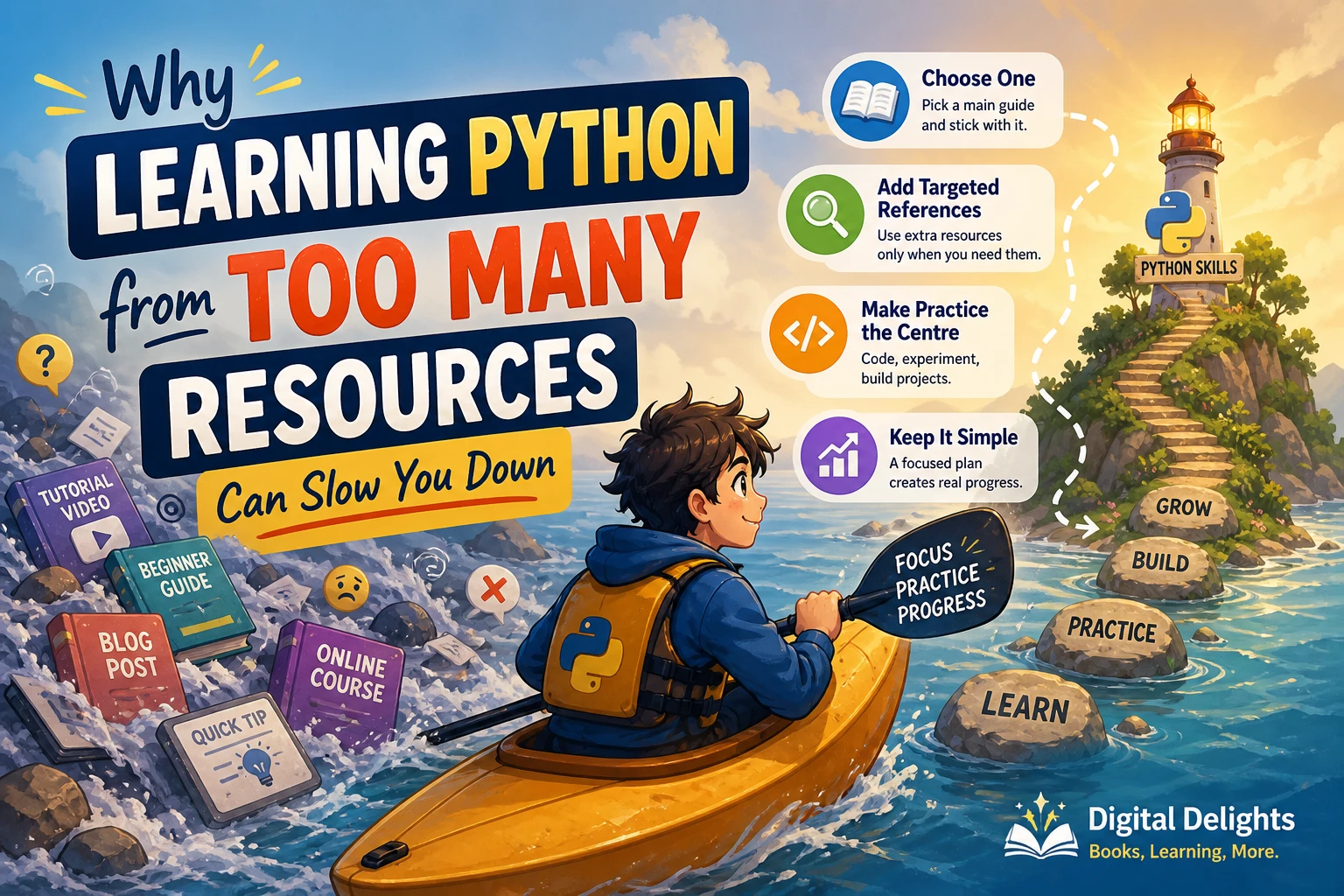
- Switching books whenever a topic gets difficult: use another explanation to resolve a specific question, then return to your main route.
- Starting a project that is too large: define a small version that works before adding interfaces, accounts, or external services.
- Ignoring setup instructions: distinguish a programming mistake from a missing package, file, or incompatible environment.
- Measuring only pages completed: track programs you can explain, modify, and recreate.
Frequently asked questions
Which Python books suit complete beginners?
The Python Workshop and Python Bootcamp are suitable candidates for practice-led introductory learning. The Practice of Computing Using Python offers a broader foundation, while Coding For Dummies, All New Edition introduces coding across Python and JavaScript. Choose according to the format and scope you prefer.
Should I choose Python exercises or projects?
Choose exercises when you need fluency with individual concepts. Choose small projects when you need practice combining them. A useful routine is to complete focused exercises, then apply the same ideas in a program with a clear purpose.
Can a workbook replace a Python textbook?
Do not assume it can. A companion workbook may rely on explanations elsewhere. For Automate the Boring Stuff with Python Workbook, check the matching main-book edition and sample pages before treating it as your only learning resource.
What Python version should I install?
Check the book’s instructions and project requirements first. Use the official Python downloads page for the interpreter. Do not assume that every example or third-party package has been verified against every newer release.
Do I need to finish every chapter before building something?
No. Build a small program with the concepts you already understand. A text counter, simple quiz, or expense summary gives you a manageable way to practise. Expand it as you learn additional features.
How can I tell whether I am learning rather than copying?
Change a requirement, explain the consequences, and implement the change without following a supplied solution. If you can also test your result and explain an error you fixed, you have stronger evidence of understanding than simply reaching the final page.
Choose one main book and start building
For a beginner who wants frequent exercises, start by comparing The Python Workshop with Python Bootcamp. Choose The Practice of Computing Using Python if broader problem-solving foundations are your priority. Add the automation workbook when you need companion practice, or move toward data-focused work once that goal becomes clear.
You can explore the Python book collection at Digital Delights for related resources. Before choosing, inspect the contents, setup guidance, and a sample exercise. Then give yourself a concrete first task: complete one lesson, change one example, and build one small program without copying it line by line.
Sources and selection notes
Book profiles draw on the supplied Digital Delights catalog, Digital_Delights_product_1008_1235.xlsx, and the publisher references linked beside relevant profiles. Installation guidance links to Python’s official website. The practice workflow and mini-project are original editorial guidance.
These descriptions support comparisons of content and intended use, not claims of superior learning outcomes. This guide does not claim firsthand testing, and project compatibility should be checked against the particular edition and environment you plan to use.