What Should You Learn After Intermediate Python?
If you can write functions, work with common data structures, use classes, and split code across files, the next step is usually not collecting more syntax. It is learning to build Python programs that are organized, testable, and maintainable—and then choosing a direction that fits what you want to make.
A practical roadmap is to strengthen project structure, testing, debugging, and Python fluency; complete a project that uses those skills; and then specialize in an area such as data science, web apps, or automation. There is no single required sequence after intermediate Python, so treat this as a flexible plan rather than a formal standard.
What does “intermediate Python” mean?
There is no universal definition. For this guide, an intermediate learner can generally write functions, use lists and dictionaries, handle basic classes and exceptions, and create a program made up of more than one file. You may already have experience with some of these and still be building confidence in others.
The official Python tutorial is aimed at readers who already understand programming and helps them work with Python modules and programs. That points toward a useful next challenge: applying familiar language features to larger pieces of software, rather than learning advanced syntax for its own sake. Read the Python tutorial.
What should you learn after intermediate Python?
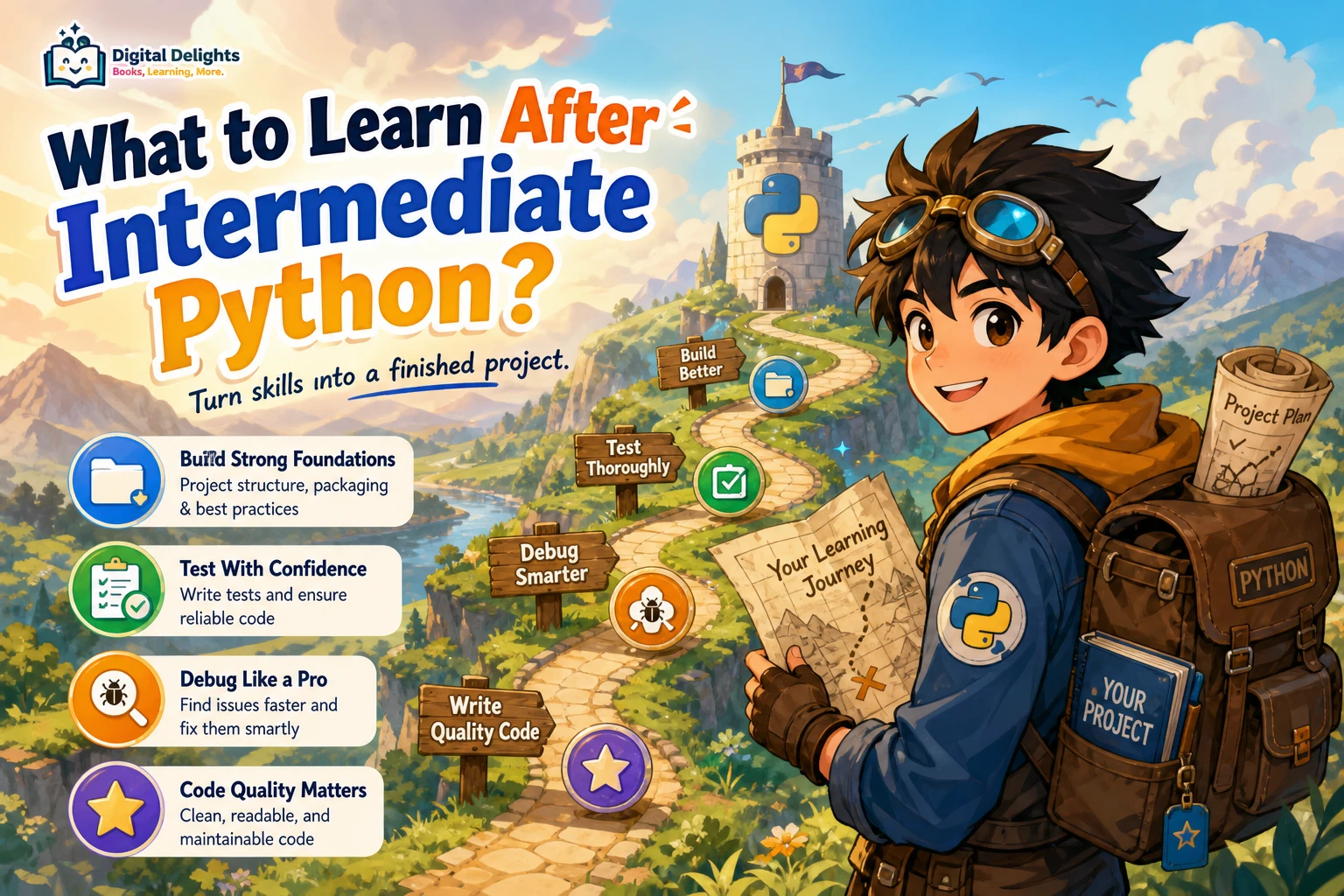
Start with the skills that make ordinary projects easier to build and maintain: organize code into modules, isolate project dependencies, write tests, debug systematically, and use clear Python idioms. Then put those skills to work in a complete project. Once you have a practical foundation, choose a specialization based on the kind of problems you want to solve.
A practical next-step sequence
1. Organize code into modules and packages
As a project grows, putting everything in one file makes it harder to find related code and change it safely. Learn to divide a program into modules with clear responsibilities, import code where it is needed, and group related modules into packages. Aim for a structure that helps a reader understand where functionality belongs.
Also learn to create a virtual environment for each project. A virtual environment isolates that project’s installed dependencies, which helps prevent packages required by separate projects from interfering with one another. It uses the Python interpreter from which it was created, however, so it does not automatically choose a different Python version. See the Python documentation on modules and packages.
2. Test and debug your programs
When a program has several parts, running it once and checking whether it appears to work is not enough. Learn to write small, repeatable tests for important behavior, including edge cases and situations where input is invalid. Tests help you notice when a change breaks something that used to work.
Practise debugging by reducing a problem to a small example, checking assumptions, reading error messages carefully, and inspecting values at useful points. Python’s built-in unittest framework includes tools for test cases and fixtures; its documentation is a useful reference for learning the basics. Explore the unittest documentation.
3. Improve code clarity and Python fluency
Move beyond code that merely runs. Review how you name functions and variables, choose data structures, handle exceptions, and break a task into manageable pieces. Learn iterators and generators when they help process sequences without building unnecessary intermediate collections. Use comprehensions when they make transformations easy to read, not simply because they fit on one line.
Type hints can clarify expected inputs and outputs and support editor features and external type-checking tools. They are not runtime validation: Python does not automatically enforce annotations when your program runs. Validate untrusted input explicitly where correctness or safety depends on it. The Python typing documentation explains the role of annotations.
4. Build a complete project
A project gives you a reason to connect structure, tests, debugging, and readable code. Choose something small enough to finish but substantial enough to include several parts. Examples include a command-line file organizer, a personal reading log, a small data-cleaning tool, or a web app that displays information from a dataset.
Try to finish the whole workflow: define the problem, plan a few features, build a first working version, test important behavior, document how to run it, and improve one or two rough edges. A finished, understandable project is more useful practice than a folder of half-completed tutorials.
Choose a Python specialization that fits your goal
You do not need to decide on a permanent career direction before continuing. Pick a short-term goal that gives your practice focus. The right branch depends on what you want to build, what problems interest you, and which tools your intended projects require.
| Direction | Good fit if you want to… | Possible next focus |
|---|---|---|
| Data analysis and machine learning | Explore datasets, answer questions with data, or experiment with predictive models. | Data preparation, visualization, model evaluation, and a machine-learning library such as scikit-learn. |
| Python web apps | Turn a script or data workflow into an interactive application people can use. | Choose a framework suited to the project, learn its basic app structure, and practise deployment. |
| Automation | Reduce repetitive tasks involving files, spreadsheets, or routine data processing. | Build reliable scripts, handle errors, work with relevant file formats, and make repeated runs safe. |
| Deeper Python knowledge | Understand language behavior and write more deliberate, idiomatic code. | Explore object behavior, descriptors, metaclasses, byte-oriented programming, and other advanced features as needed. |
Concurrency and asynchronous programming are useful when a project has a suitable workload, such as managing many operations that spend time waiting. They are not universal prerequisites. First understand the problem you are trying to solve; then choose an approach that matches it.
For data science and machine learning
Start by learning how to inspect, clean, and represent data before moving directly to complex models. Practise explaining what a model’s results mean as well as running the code. For a resource focused on applied classification, regression, and model tuning with Python, Hands-on Scikit-Learn for Machine Learning Applications may suit learners ready to work through machine-learning examples.
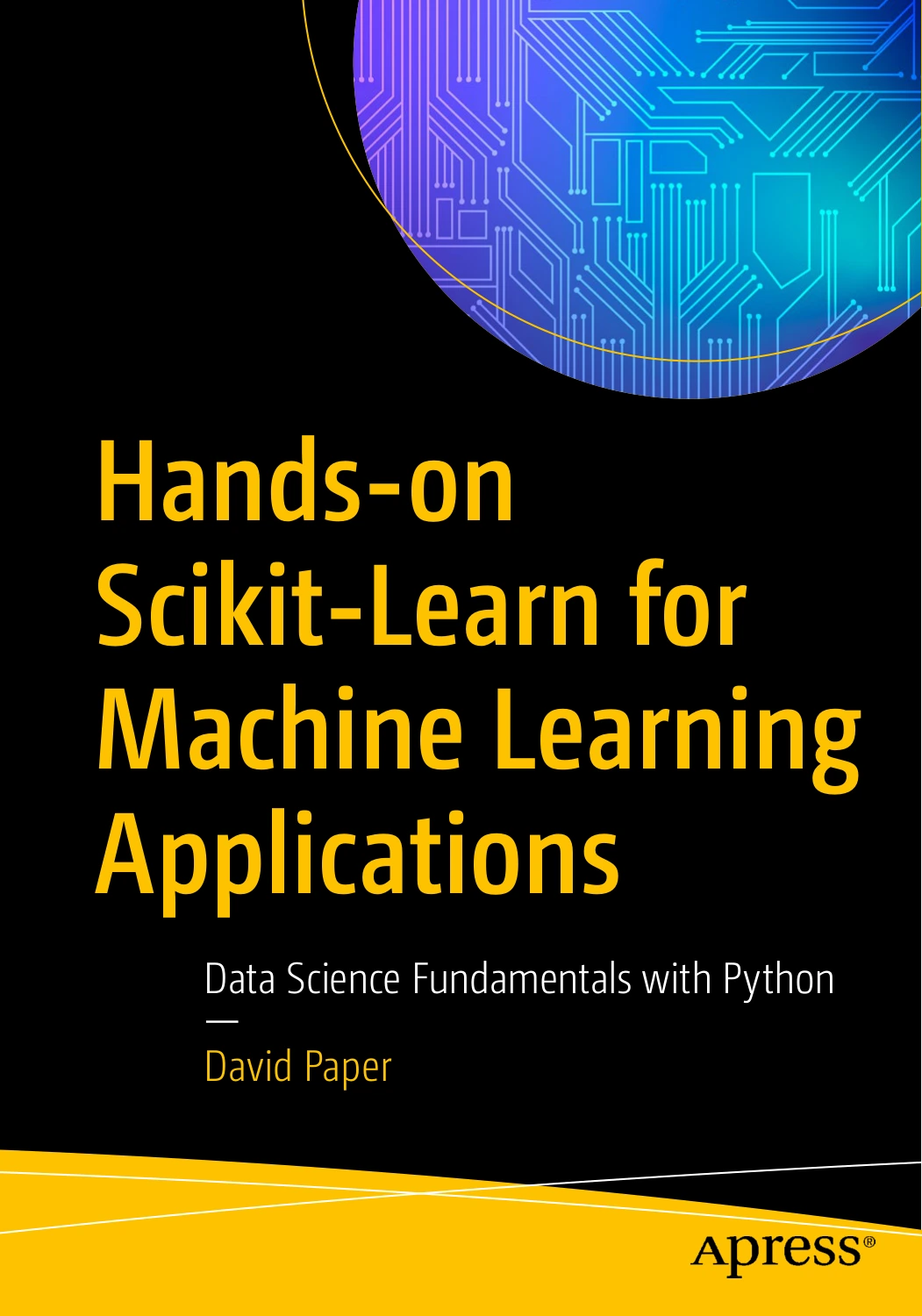
Hands-on Scikit-Learn for Machine Learning Applications: Data Science Fundamentals with Python
By David Paper
Python learners ready to work through applied classification, regression, and model-tuning examples.
For Python web apps
Choose a small app with a clear purpose—for example, a searchable record of personal projects or a dashboard for a dataset you understand. Learn the framework’s basic interaction and deployment workflow rather than trying to master every web technology at once. Web App Development Made Simple with Streamlit focuses on building interactive applications with Python and covers Streamlit features and deployment.
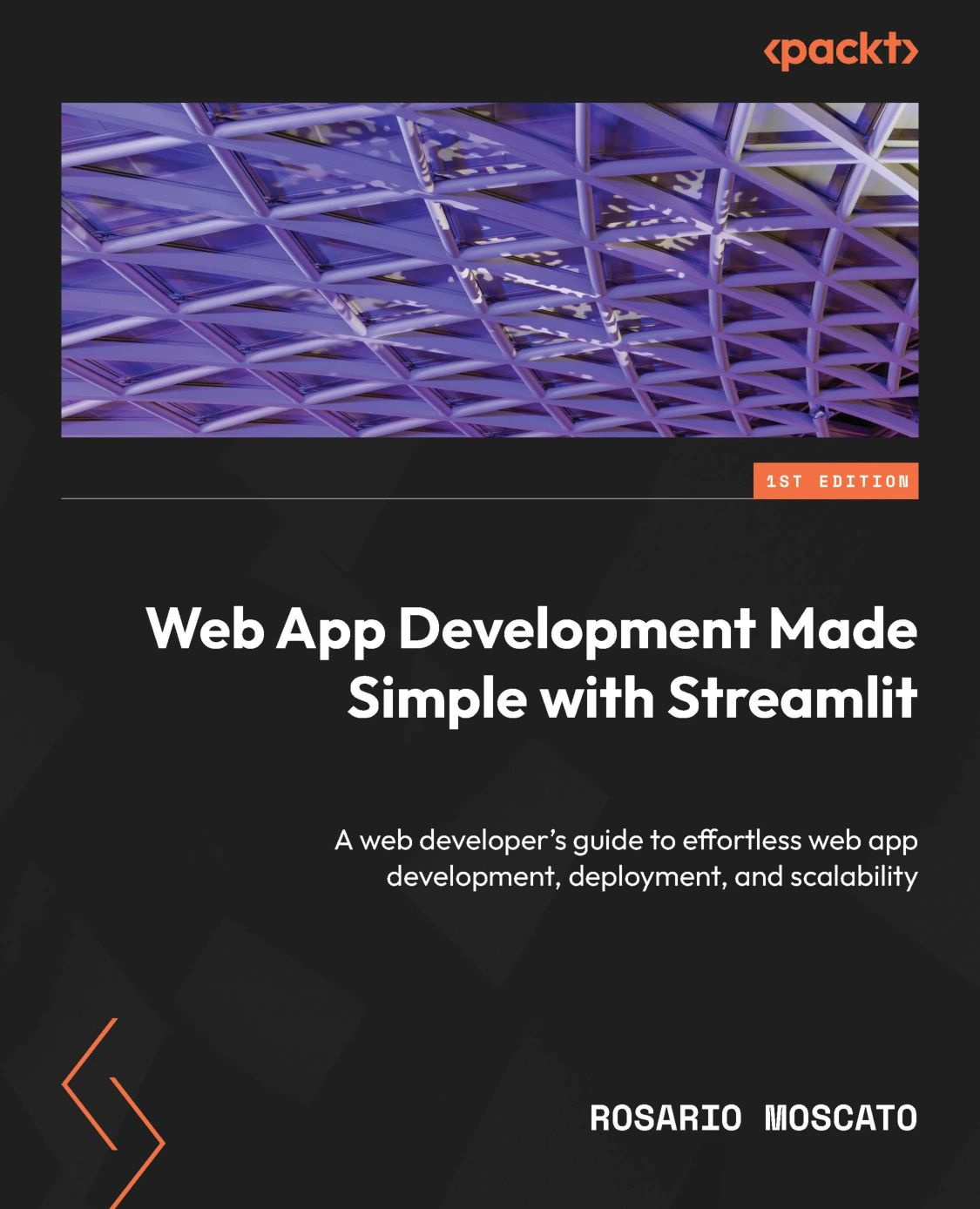
Web App Development Made Simple with Streamlit
Python developers who want to explore Streamlit features and deployment for interactive apps.
For automation
Pick a repetitive task with a predictable input and output, such as renaming files or transforming a spreadsheet. Make a small version first, test it on sample data, and account for missing or unexpected inputs before using it on important files. If spreadsheets are part of your work, Python for Excel Users is aimed at Excel users learning Python, including spreadsheet automation and data handling.
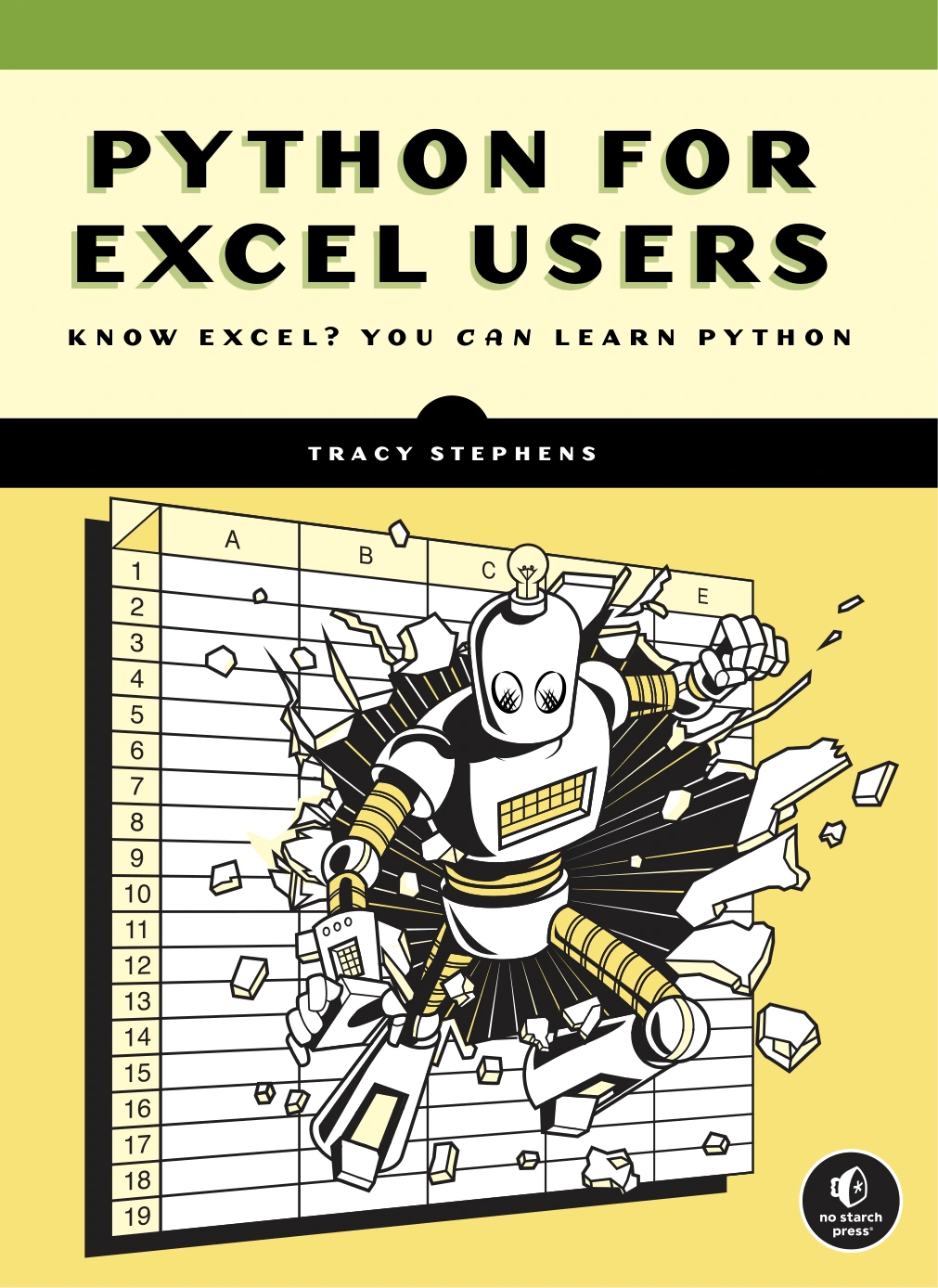
Python for Excel Users: Know Excel? You Can Learn Python
Excel users learning Python for spreadsheet automation and data handling.
For deeper Python fluency
Study advanced features when they solve a real problem or help you understand code you encounter. The goal is not to use every sophisticated feature; it is to recognize when a clear, simpler approach is preferable. The Python Master covers advanced topics including descriptors, metaclasses, and byte-oriented programming, making it a possible reference for readers ready to investigate Python’s internals.
A simple learning plan you can adapt
- Choose one project. Write down what it should do in a sentence and define a small first version.
- List the skills it requires. You might need file handling, a package, a web interface, data cleaning, or tests.
- Learn only the next needed skill. Use documentation or a focused learning resource, then apply the idea immediately.
- Build in small, working steps. Keep the program runnable as you add features, and check important behavior along the way.
- Review and explain your work. Improve naming or structure, document setup, and note what you would change next time.
This project-led method keeps learning connected to a concrete outcome. If you want more focused practice before or during a project, Python Bookcamp: Exercises and Projects centers on exercises, case studies, and practical Python programs.

Python Bookcamp: Exercises and Projects
Learners seeking Python exercises, case studies, and practical programs.
For targeted advice on writing clearer, more maintainable code, Python How-To: 63 Techniques to Improve Your Python Code covers practical Python techniques across areas such as data structures, functions, iterables, and type hints. To browse more options, visit the Python books and resources category.
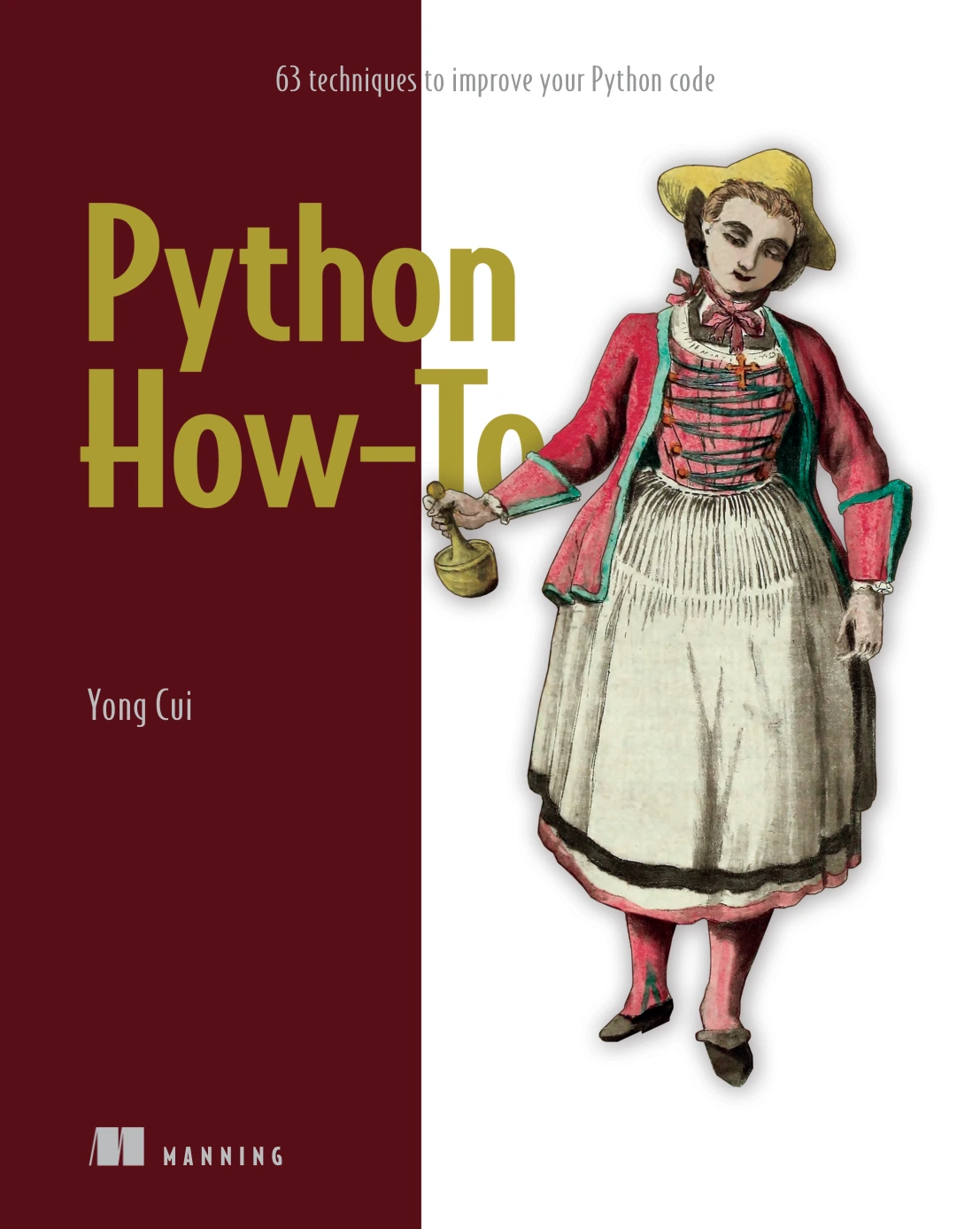
Python How-To: 63 Techniques to Improve Your Python Code
By Yong Cui
Python programmers looking for focused techniques across data structures, functions, iterables, and type hints.
Common mistakes to avoid after intermediate Python
- Collecting tutorials without finishing projects. Tutorials can introduce ideas, but use what you learn to make something complete and testable.
- Chasing advanced features too early. Metaclasses or intricate concurrency patterns are not the default answer to everyday code problems.
- Treating type hints as checks on real input. An annotation can describe an expected type, but validate external data when your program needs that guarantee.
- Trying to learn every specialization at once. Explore broadly if you are curious, but choose one small project to give your next learning phase direction.
- Ignoring project setup and repeatability. Record how to install dependencies and run tests so the project is easier to revisit.
Frequently asked questions
Should I specialize immediately after intermediate Python?
No. You can first strengthen project structure, testing, debugging, and code clarity. If you already have a clear goal, choose a specialization and learn the relevant tools through a small project. You can change direction later.
Should I learn algorithms after intermediate Python?
Learn algorithms and data structures when they help you reason about a problem, choose an efficient approach, or prepare for a specific course or interview. They can be valuable alongside practical project work, but you do not have to postpone building useful programs until you have studied every algorithm.
When should I learn asynchronous programming?
Study it when your application’s workload makes asynchronous I/O or concurrency relevant. It is not a required milestone for every Python learner. First identify the bottleneck or use case, then compare the available approaches for that task.
Are type hints enough to validate data?
No. Type hints can help describe intended types and support tools, but Python does not enforce them at runtime. Check and validate data explicitly when it comes from users, files, APIs, or another source you do not control.
What is a good first project after intermediate Python?
Choose a small problem you understand and can finish, such as a command-line organizer, a data-cleaning script, or a simple interactive app. Include at least a little structure and testing, and write down how to run it. The best first project is one that gives you a reason to practise the skills you want to improve.
Conclusion: move from knowing Python to building with it
After intermediate Python, focus first on making programs easier to organize, test, debug, and maintain. Then complete a project and use it to discover which direction interests you—data work, web apps, automation, or deeper language knowledge. You do not need to master every advanced feature. Build with purpose, learn the next skill your project needs, and let your goals guide what comes after.