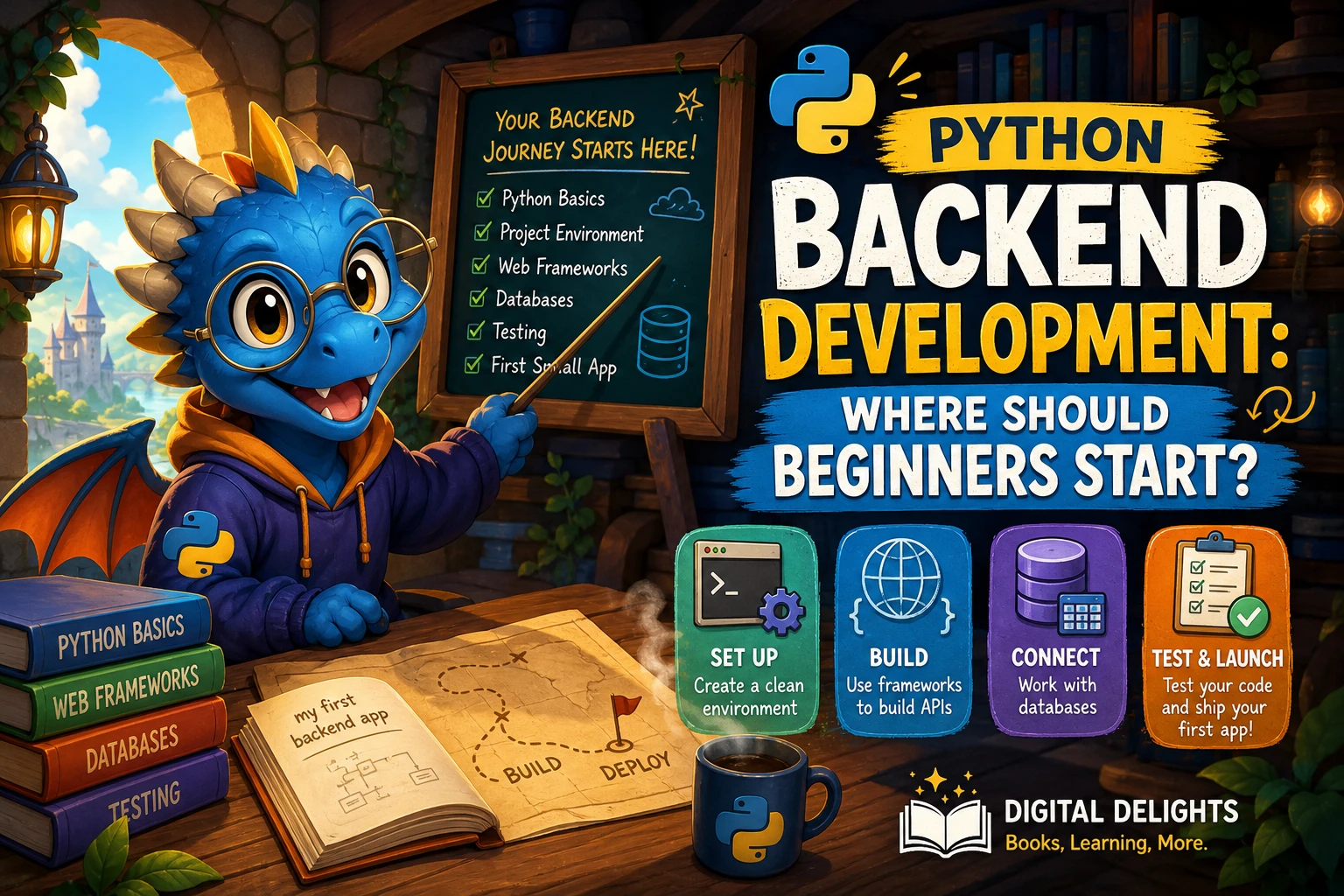
Python Backend Development: Where Should Beginners Start?
If you want to build websites or APIs with Python, start with the language’s fundamentals—not by trying several web frameworks at once. Learn to write small programs, work with data, use functions, and handle errors. Then move on to web concepts, choose one framework for a modest project, and add data storage and tests as your understanding grows.
The right starting point depends on whether you have programmed before. Python’s official tutorial says it is intended for people who are new to Python but already understand basic programming; if you are completely new to coding, begin with a gentler introduction to programming first. This guide lays out a practical route from those first concepts to a small backend project.
What Does Python Backend Development Involve?
Backend development is the work behind an application’s interface. A backend receives requests, applies rules, works with stored information, and sends a response. For a simple task app, for example, the backend might receive a request to create a task, check that its title is valid, save it, and return the result.
- Requests and responses: A client, such as a browser or another program, asks the server to do something. The server returns information or an outcome.
- Application logic: The rules that determine what the program should do with a request and its data.
- Data storage: A database or other storage system that lets an application keep information between requests.
- APIs: Interfaces that let software exchange data or request actions from another software service.
You do not need to master every backend topic before writing your first application. The aim at the beginning is to understand how these pieces fit together and practise them one at a time.
A Beginner’s Learning Path for Python Backend Development
A useful sequence is Python fundamentals, project environments and packages, basic web concepts, one framework, data storage, and testing. Treat this as a flexible learning route rather than a strict prerequisite checklist: you can revisit earlier topics as your project raises new questions.
1. Learn the Python basics
Be comfortable reading and writing short programs before adding a framework. Focus on:
- Variables, strings, numbers, and Boolean values
- Lists and dictionaries
- Conditions and loops
- Functions, parameters, and return values
- Imports, modules, and exceptions
- Reading and writing simple files
Practise by making small command-line programs: a checklist, a unit converter, or a script that searches a list of records. These exercises help you see how input, decisions, and output work before a web framework adds more concepts.
If you want a structured introduction, the catalog’s Python Programming Cookbook for Absolute Beginners covers Python 3 setup and fundamentals such as data types, conditions, loops, functions, and classes. It may suit someone who wants to build a base before turning to web development.
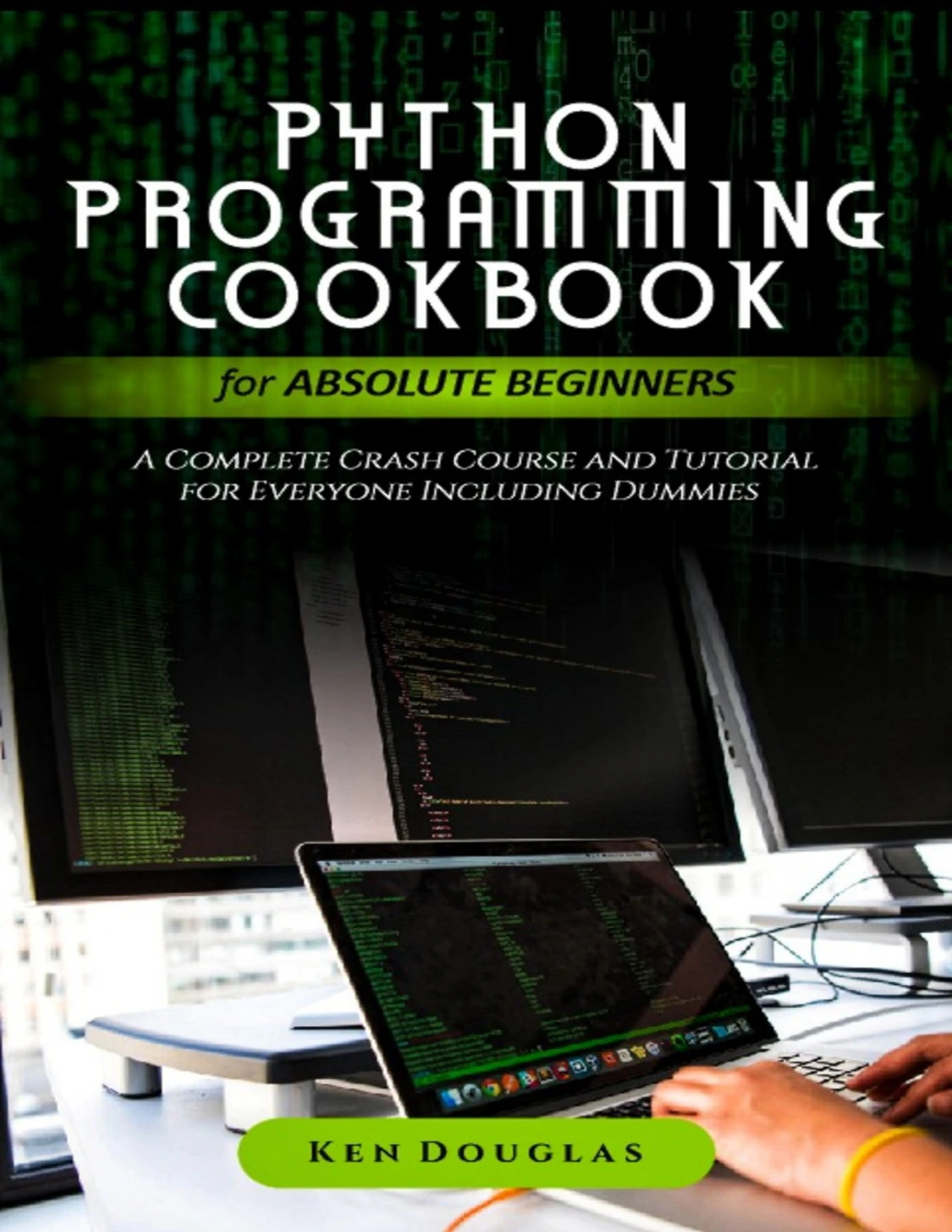
By Ken Douglas
Readers starting from zero who want coverage of Python 3 setup, core language concepts, and functions.
2. Use a separate environment for each project
Once you begin installing packages, learn how to create a virtual environment for your project. An environment keeps that project’s installed packages separate from other Python work, helping reduce package-version conflicts. The official Python virtual environments guide explains the purpose of environments and package installation. Activation steps differ between operating systems and shells, so follow instructions that match your setup.
You do not need to learn every packaging tool immediately. Start by understanding what an environment does, how to install a dependency into it, and how to record the dependencies your application needs.
3. Learn the web concepts your application uses
Before building a backend, get a simple mental model of how a web request travels: a client asks for a page or action, the application handles it, and the server sends a response. Learn what routes are—the rules that connect a URL and request to a piece of application code—and how forms or API inputs reach that code.
It is enough to start with the request-response cycle, URLs, routes, forms or JSON input, and basic response status. You can explore authentication, deployment, caching, and other larger topics after you have a working small application.
4. Choose one framework for a project
A framework gives you a set of tools and conventions for building an application. Do not choose one because someone calls it universally best or easiest. Think about what you want to build, how much structure you want to learn at once, and which current tutorials and documentation you can follow.
| Framework | How to think about it as a beginner | A possible learning fit |
|---|---|---|
| Flask | A smaller, flexible starting point in a broad, older framework comparison. | A small web application where you want to add pieces gradually. |
| Django | The same comparison describes a more integrated, database-oriented approach. | A project where learning an integrated web application structure is part of the goal. |
| FastAPI | Consider it when your project is specifically API-focused; verify its current tools and requirements in the framework’s own documentation. | A small API where you want to practise accepting and returning data. |
The Flask and Django descriptions above are broad orientation, not a current feature-by-feature comparison: the supplied framework-selection chapter dates to 2016. Frameworks change, and this source set does not establish which option is easiest, fastest, or most popular today. Check the current official documentation for the framework you choose, including Python version compatibility, before following setup instructions.
For a first project, the best choice is often the one that matches your goal and lets you finish a small application without switching tools halfway through. Read a short introduction, build one feature, and continue only if the framework’s approach fits the project.
5. Add a database when the project needs persistent information
First make a route work with a small amount of temporary or example data. Then add a database so information remains available after the application stops running. Begin with a few straightforward records and learn how your application creates, reads, updates, and deletes them.
Keep the first data model simple. A task might have a description and a completion status; a note might have a title and body. Learning to represent and validate this information is more useful at first than designing a complicated schema for features you have not built.
6. Test the behavior you rely on
Testing is not only a final polish step. A small test can check whether a function handles expected input or whether an application rule behaves as intended. Python includes unittest, a standard-library framework for writing and running tests; its official documentation explains test cases and automated execution.
Begin with a test for one important rule, such as rejecting a blank task title. As the application grows, test the behavior that would be inconvenient or risky to check manually every time.
What Should Your First Backend Project Be?
Choose a project small enough to finish, but substantial enough to connect the concepts. A task tracker, reading list, or notes application can work as a browser-based app or a simple API. Pick one; do not try to build a complete commercial product for your first exercise.
- Write down the smallest useful behavior. For a task tracker, that might be viewing tasks and adding one.
- Create one route or endpoint. Make it return a simple response before adding complex logic.
- Accept and check input. Decide what fields are required and what should happen when information is missing or invalid.
- Save and retrieve data. Add a small database-backed record once the basic flow makes sense.
- Test a key rule. Write a test for an important outcome or validation rule.
- Improve one piece at a time. Add editing, deletion, or another small feature only after the earlier behavior works.
This progression makes errors easier to understand. If the application breaks after you add a database, for example, you can focus on that change instead of debugging a large set of new features all at once.
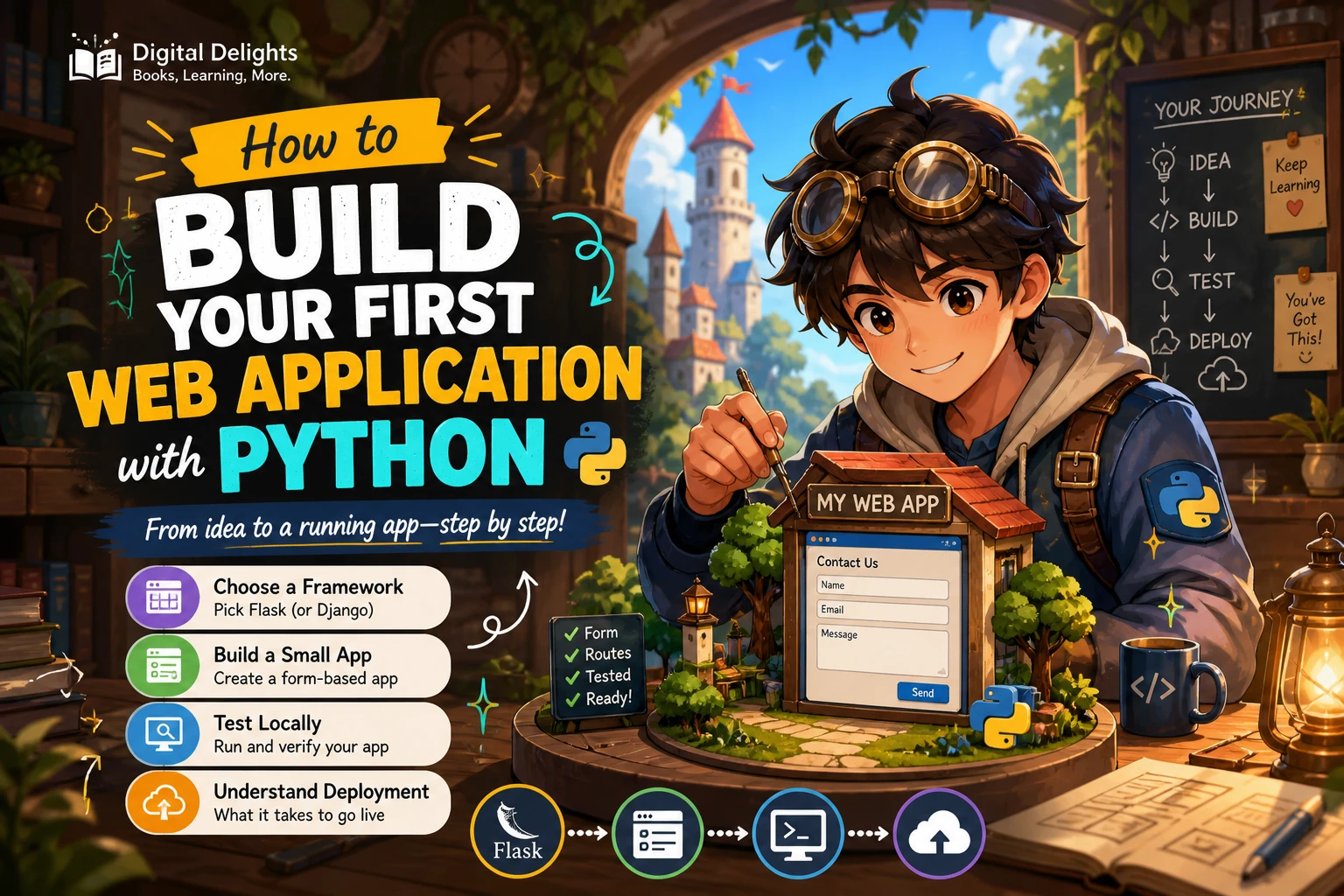
A short, focused resource can help when you reach the framework stage. A Quick step by step guide to learning web development with Python and Flask: Learn web development with Flask over a weekend is listed as covering web basics, Flask, routes and views, templates, and forms. It may be relevant if you have Python basics and want a compact introduction to building a first Flask web application.
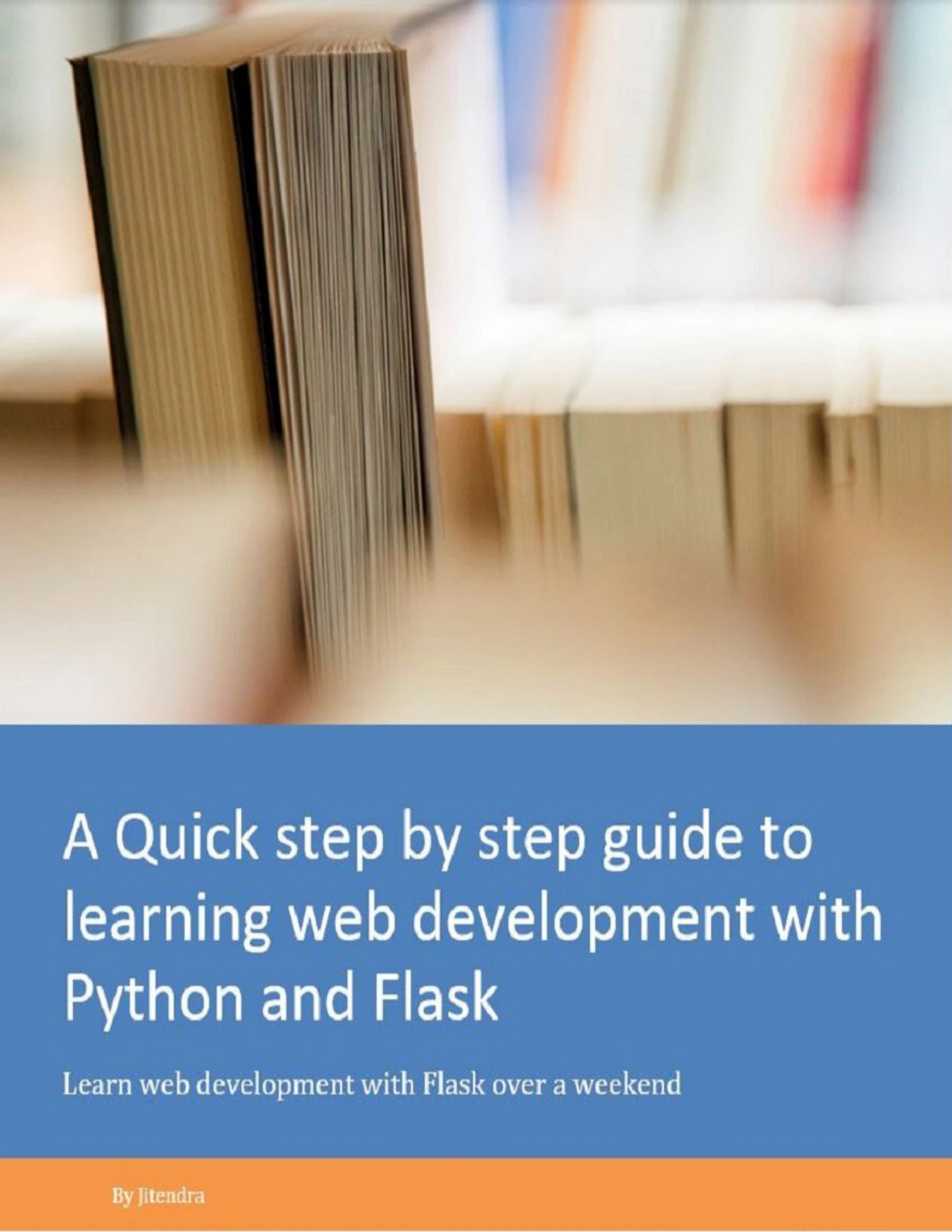
Learners ready to explore web basics, routes, templates, and forms with Flask.
Common Beginner Detours to Avoid
- Starting with framework syntax before learning Python: You may end up copying patterns without understanding the functions, data structures, or errors involved. Build a few small Python programs first.
- Switching frameworks whenever a tutorial gets difficult: Different frameworks will not remove the need to understand requests, application logic, and data. Finish a modest project with one framework before comparing alternatives.
- Copying code without changing or explaining it: After following an example, make a small change and explain what you expect to happen. That turns passive reading into practice.
- Putting off tests until the application is large: Start with one important rule. Small tests are easier to understand when the project is still small.
- Trying to learn every backend topic at once: You can defer advanced deployment, scaling, and security details while learning how a small application works. Add topics when your project gives you a reason to study them.
Frequently Asked Questions
Do I need to know Python before learning backend development?
You need enough Python to read and write basic application logic. Learn variables, collections, conditions, loops, functions, imports, and exceptions before making a framework your main focus. If you have never programmed before, start with introductory programming concepts; the official Python tutorial itself expects some familiarity with programming basics.
Should I start with Flask, Django, or FastAPI?
Choose based on the project and the kind of structure you want to learn, not a claim that one framework is best for everyone. Flask can be a reasonable route for a small web app, Django may fit a goal of learning a more integrated application structure, and FastAPI is worth considering for an API-focused project. These are starting points for comparison, not rankings. Check current official framework documentation before choosing.
Do I need to learn databases before building an app?
No. You can first build a route that returns a simple response or works with example data. Learn basic database operations when your project needs to keep information between requests. That way, you can focus on one new concept at a time.
Where to Go Next
Start with a small Python program, then create a separate project environment and learn enough web vocabulary to understand what your framework is doing. Build one small app, add persistence when needed, and test an important behavior. A clear sequence and a finished practice project will give you a firmer foundation than sampling several frameworks without completing anything.
For more learning material, browse the Python books and resources at Digital Delights. Choose a resource that matches the stage you are working on, whether that is Python fundamentals or a first Flask application.
Sources and Further Reading
- The Python Tutorial — official guidance on the tutorial’s intended audience and Python fundamentals.
- Virtual Environments and Packages — Python documentation on project environments and packages.
- unittest — Unit testing framework — Python documentation on the standard-library testing framework.
- What’s the Right Framework for You? — Python Web Frameworks — a 2016 framework-selection chapter used only for broad conceptual orientation, not current feature claims or rankings.