

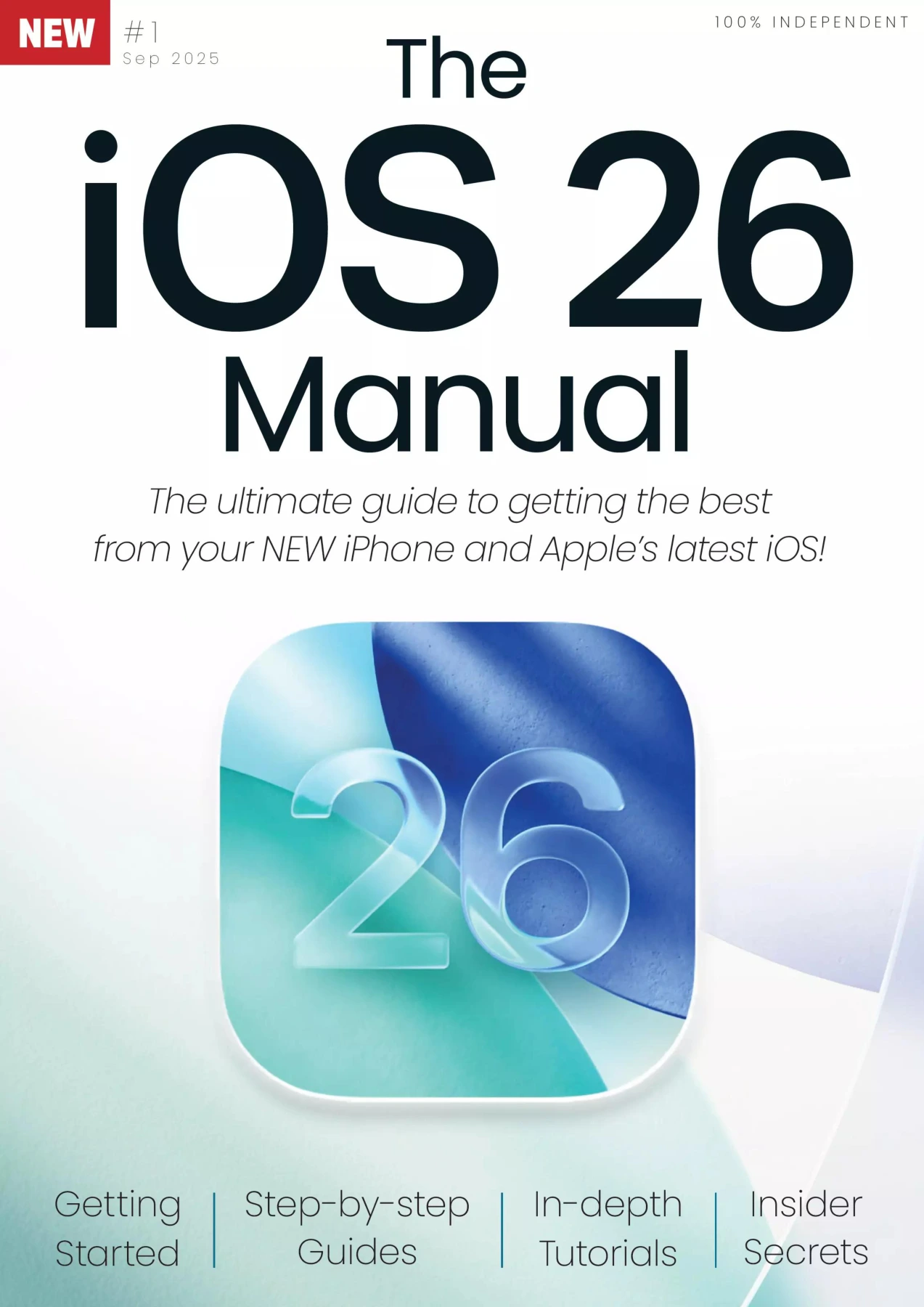
The iOS 26 Manual Issue 01
Original price was: $4.00.$2.00Current price is: $2.00.

Papercut
Product Specs:
- File Type: PDF
- File Size: 86.9 MB
- Book Language: English
- Total Page Count: 146
- Instant Download
There is a particular kind of clarity that comes from a well-organized manual. This 146-page guide to Apple’s iOS 26 takes that clarity and runs with it, offering a step-by-step tour of what has changed and still works on the iPhone. Instead of assuming you already know every shortcut, it starts with the basics and builds toward advanced tools.
Understanding the Liquid Glass Shift 📱
One of the most striking updates in iOS 26 is the new Liquid Glass design language. The manual explains how this translucent, reactive interface changes the look of the Lock Screen, Home Screen, Control Centre, and built-in apps. It also shows how the design carries across Apple devices while keeping the iPhone experience familiar.
What’s New in iOS 26
The guide breaks down the headline features, including:
- The new Games and Preview apps
- Live Translation for Messages, FaceTime, and Phone
- Redesigned Camera app and Lock Screen
- CarPlay improvements
- New AirPods tools like Camera Remote
- Updated Battery settings and Accessibility options
Practical Guides for Everyday Use
From First Steps to Advanced Functions, the content moves through core topics such as setting up the iPhone, using Face ID, navigating the Home Screen, connecting online, and making calls. Later chapters dive into built-in apps like Mail, Safari, Messages, Notes, Camera, Photos, Maps, and Health, then explore tools like StandBy, iCloud Drive, Focus Filters, Siri, and Apple Intelligence.
Who Should Read This Manual
If you own an iPhone 11 series or later (or an iPhone SE 2nd generation or newer) and want to get more from iOS 26, this manual is built for you. Beginners will appreciate the clear walkthroughs, while experienced users can jump straight to the new features and advanced settings.
Digital Delights is pleased to offer this independent guide from Papercut, designed to help you turn Apple’s latest software into something genuinely useful.
User Reviews
Be the first to review “The iOS 26 Manual Issue 01”
You must be logged in to post a review.
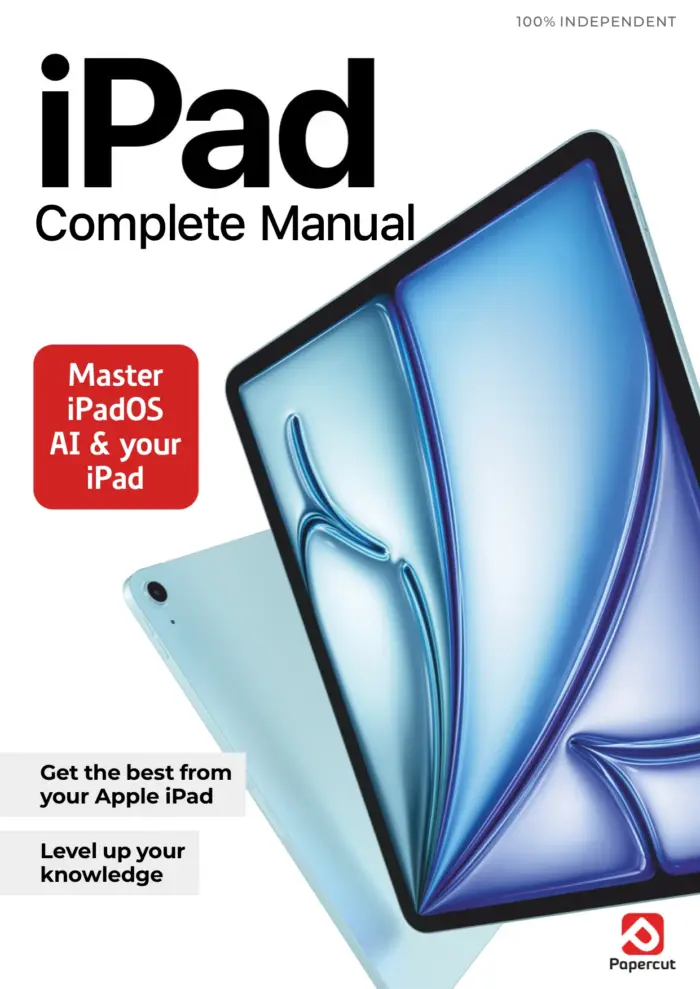
iPad The Complete Manual: 7th Edition 2025
Sold by Papercut
GoPro For Beginners – 20th Edition
Sold by Papercut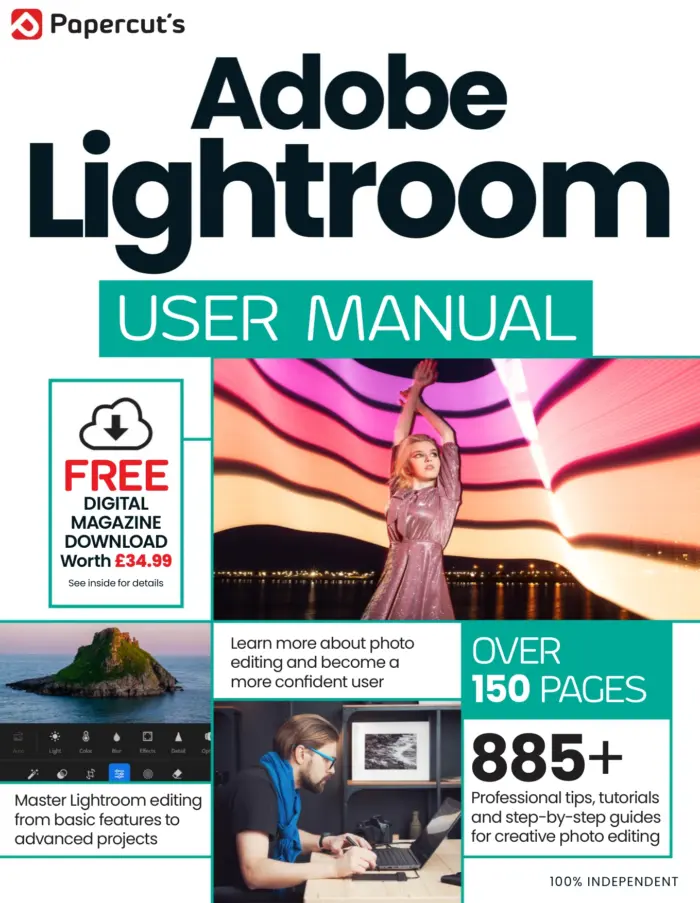
Adobe Lightroom User Manual Issue 7
Sold by Papercut
iPhone User: The iPhone 17 Issue (Autumn 2025)
Sold by Papercut
Canon Complete Manual – 27th Edition, 2026
Sold by Papercut
Original price was: $4.00.$2.00Current price is: $2.00.






There are no reviews yet.