

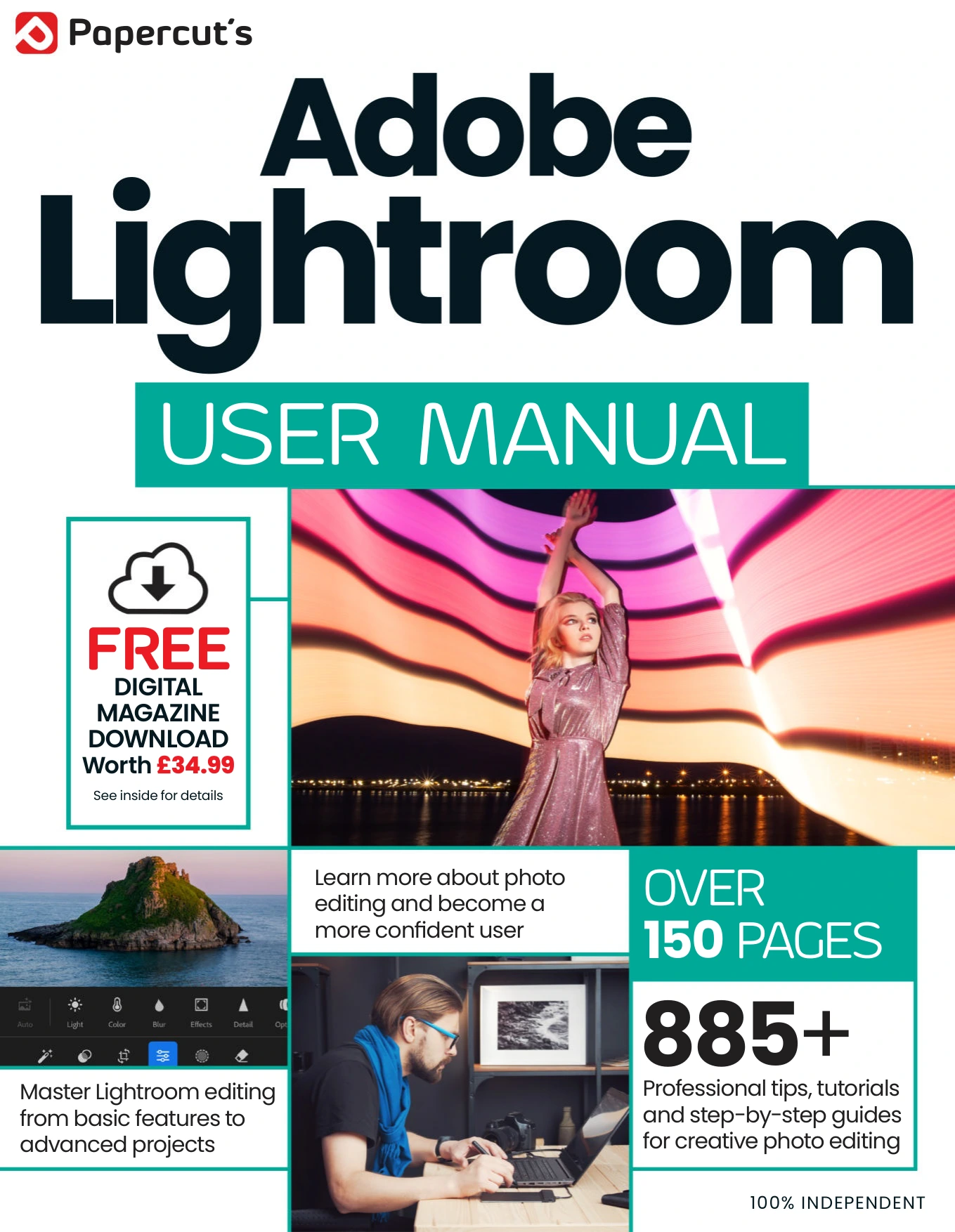
Adobe Lightroom User Manual Issue 7
Original price was: $46.80.$23.40Current price is: $23.40.

Papercut
Product Specs:
- File Type: PDF
- File Size: 78.6 MB
- Book Language: English
- Total Page Count: 162
- Instant Download
Learn Lightroom with a practical, photographer-first guide
Adobe Lightroom User Manual is built for readers who want a clear path through one of the most widely used photo editing tools around. Rather than treating Lightroom as a mystery box, this guide walks through the software in a logical, hands-on way — from getting started and organising images to refining edits, applying presets, and preparing finished work for sharing or publishing.
The material gives particular attention to the difference between Lightroom Classic and the cloud-based Lightroom experience, which makes it useful for photographers deciding how they want to work. It also includes newer features such as AI masking and generative remove, so the coverage feels grounded in the current Lightroom workflow rather than an outdated snapshot of the app.
What the manual covers
- The history of Lightroom and how it compares with Photoshop
- Importing, sorting, rating, and organising photographs
- Core Develop tools for exposure, colour, tone, and detail control
- Masking, presets, and more advanced image adjustments
- Lightroom on mobile devices and cloud-based syncing
- Output modules including print, book, slideshow, web, and publishing
Designed for real-world editing workflows 📷
This is a guide that keeps returning to the practical side of photography. The structure moves from essentials to more advanced editing, then outward into output and publishing, so readers can follow the full process rather than learning isolated tools in a vacuum. That makes it especially helpful for photographers who want to build confidence with Lightroom while keeping their workflow efficient and organised.
A solid fit for photographers and photo editors
If you want a reference that explains Lightroom’s core features in a straightforward, step-by-step style, this manual is a strong choice. It suits hobbyists, enthusiasts, and working photographers who prefer to learn by doing and want a guide that keeps pace with the software’s evolving feature set.
At Digital Delights, this title belongs in the hands of readers who want more control over their images and a better grasp of Lightroom’s editing environment.
User Reviews
Be the first to review “Adobe Lightroom User Manual Issue 7”
You must be logged in to post a review.

The Ultimate Photoshop Manual 2024
Sold by Papercut
Windows 10 Tricks and Tips – 20th Edition 2024
Sold by Papercut
Make Your Own PC Tricks & Tips – 23rd Edition 2026
Sold by Papercut
Windows 11 User Manual – Issue 5, 2024
Sold by Papercut
Cloud Computing User Manual
Sold by Papercut
Coding & Programming The Complete Manual: Winter 2025
Sold by Papercut Original price was: $46.80.$23.40Current price is: $23.40.





There are no reviews yet.