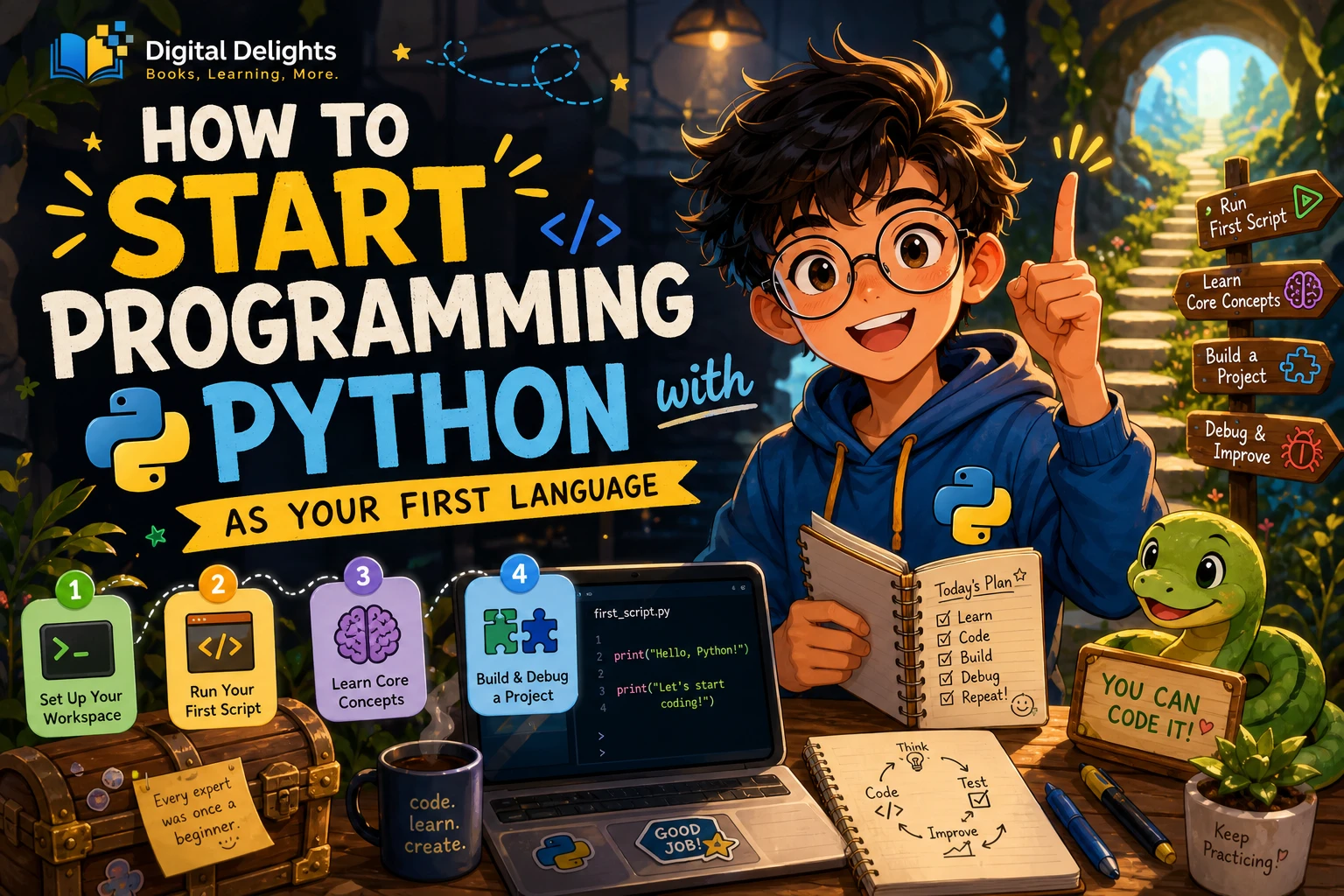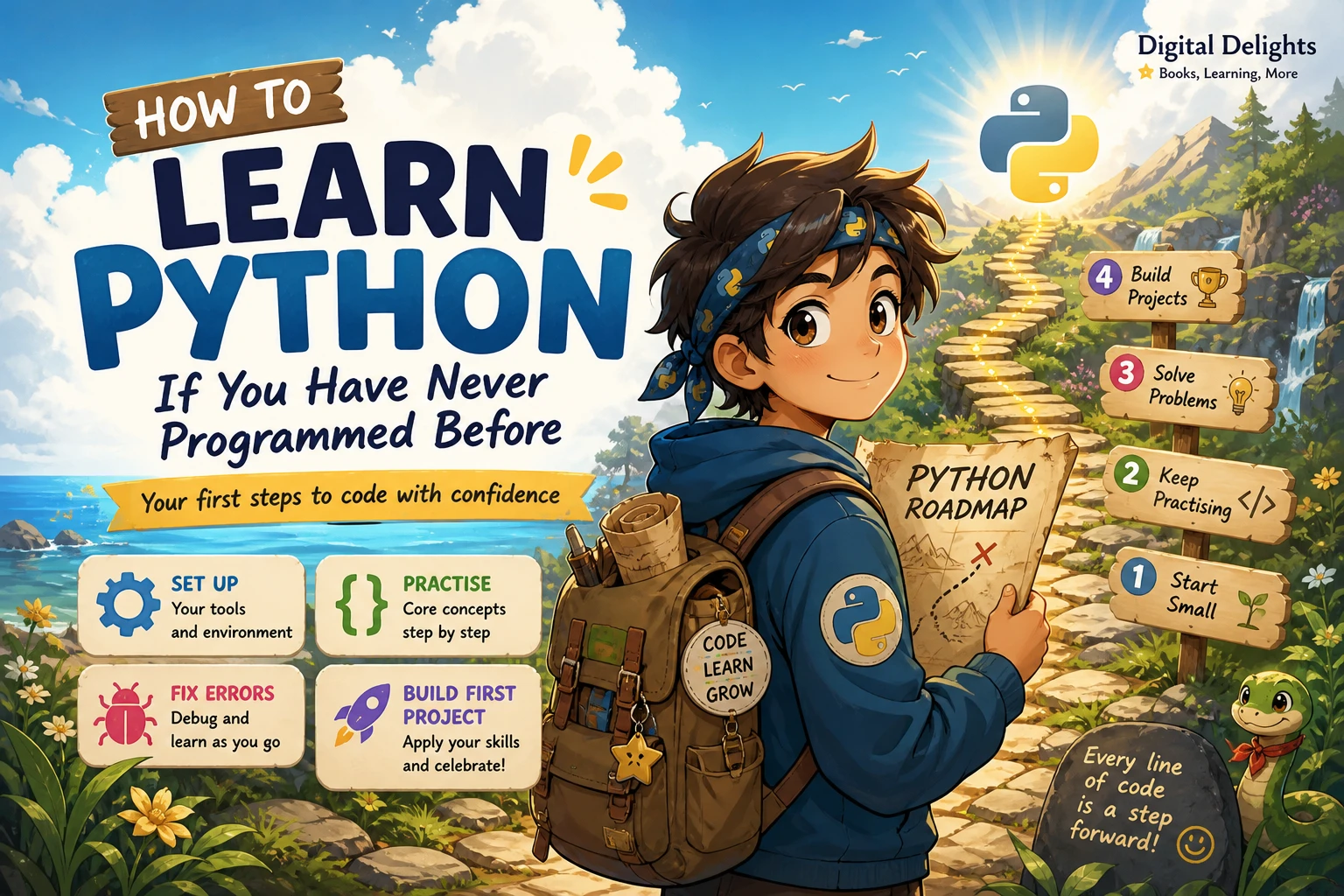
How to Learn Python If You Have Never Programmed Before
If you have never programmed, start small: choose one place to write and run Python, learn a few fundamentals at a time, and practise by changing short examples. Then use those skills to make a simple program of your own. You do not need to begin with advanced tools, specialist libraries, or a large project.
This guide gives you a practical roadmap from your first program to a beginner project. It also explains how to select a learning resource and how to tell when you are ready to move on. The goal is not to master Python on an arbitrary deadline; it is to understand what your code is doing and steadily become able to write more of it yourself.
The short answer: follow this Python learning roadmap
- Install Python or choose a beginner-friendly environment.
- Write and run a tiny program, such as a greeting.
- Learn variables, values, input, and output.
- Practise decisions, loops, lists, and dictionaries.
- Use functions to organize repeated steps.
- Read error messages and fix small problems.
- Build a simple project that interests you.
Move forward when you can explain and modify the current idea—not when you have memorized every detail.
1. Understand what programming and Python mean
A program is a set of instructions that tells a computer what to do. A simple program might take a name as input, combine it with a greeting, and display the result. That basic pattern—input, processing, output—appears in programs of many sizes.
Python is the programming language: it is the vocabulary and rules used to write those instructions. A few other terms are useful to distinguish:
- Interpreter: software that runs Python code.
- Code editor or IDE: an application where you write and save code. An IDE combines an editor with additional programming tools.
- Terminal or command prompt: a text-based place to give your computer commands, including commands to run a saved program.
- Library: reusable code that adds capabilities to a program. You can learn basic Python before using specialist libraries.
You do not need to understand every tool before writing your first line. Start with one environment and learn the parts you need as they come up.
2. Set up one place to write and run code
Choose a setup that lets you concentrate on learning rather than comparing editors. You can install Python and use a simple editor or beginner-oriented IDE, or use a browser-based coding environment if you prefer not to install software at first. Browser tools vary, so check that the one you choose supports the features required by your lessons.
For installation, follow current instructions for your operating system rather than relying on old screenshots from a book or video. The official Python downloads page provides the download starting point. Windows users can consult the official Python documentation for Windows, which explains the current installation and launch options. Instructions can change, so check the documentation that matches your system.
Write and run your first saved program
Create a file named hello.py in your editor and enter:
print("Hello, Python!")Save the file, then run it using the method provided by your editor or the command line. If it runs correctly, it should display:
Hello, Python!Interactive mode lets you enter and run one instruction at a time, which is useful for trying small expressions. A saved script is a file containing instructions you can run again or change later. Both are useful; do not worry if you start with only one.
3. Learn Python fundamentals in a useful order
Programming concepts make more sense when you can connect each one to something you have already tried. Work through the following topics gradually, and write small examples as you go.
Start with output, values, and variables
Use print() to display information. Then practise with numbers, text (called strings), and variables, which give names to values so a program can use them later.
name = "Mina"
print("Hello, " + name)
Try changing the name and message. Next, read a value from the user with input(). Remember that input arrives as text; if you need to do arithmetic with it, learn how to convert it to a number.
- Practice: store a favourite book, meal, or place in a variable and print a sentence about it.
- Ready to move on when: you can change a variable and predict how the output will change.
Add comparisons and decisions
Programs can make choices with conditions. A condition checks whether something is true, such as whether a number is greater than zero. An if statement runs one block of code when its condition is true; an else block can provide another path.
- Practice: ask for a number and print whether it is positive, negative, or zero.
- Ready to move on when: you can explain which branch runs for a few different inputs.
Use loops for repeated work
A loop repeats instructions. A for loop is useful when you want to process items in a sequence or repeat something a known number of times. A while loop continues while a condition remains true, so make sure its condition can eventually change to avoid an endless loop.
- Practice: print the numbers from one to five, then change the starting or ending value.
- Ready to move on when: you can describe what makes the loop stop.
Organize information with lists and dictionaries
A list holds an ordered collection of values, such as several quiz questions or tasks. A dictionary stores values under named keys, which is handy when information has labels such as a person’s name and score. Practise adding, retrieving, and changing items before trying to combine several data structures.
- Practice: make a list of three errands and print them one by one.
- Ready to move on when: you can retrieve an item and explain how its position or key identifies it.
Write functions and try basic file handling
A function is a named block of code that you can call when you need it. Functions help keep a program organized and reduce repeated instructions. Once you are comfortable with small programs, try basic file handling so a program can save or read information. Learn file operations from a current guide and begin with a test file, not important personal data.
- Practice: write a function that displays a greeting, then adjust it to accept a name.
- Ready to move on when: you can call your function and explain what information it receives and returns or displays.
4. Practise actively instead of only reading or watching
Reading an example can make code look familiar without showing whether you can use it yourself. A useful practice cycle is:
- Read: focus on one short example or concept.
- Predict: say what you think the code will do before running it.
- Run: compare the actual result with your prediction.
- Modify: change a value, message, or condition and run it again.
- Recreate: close the example and write a similar version from memory, checking a reference when needed.
For example, extend the greeting program: ask for a name, greet the user, and ask a simple question. Then add a condition that responds differently to one particular answer. This small change-and-test process helps connect individual concepts without requiring a complicated project.
If you use an AI assistant or a hint, ask for an explanation of the specific line or error you do not understand. Then make a small change and see whether you can predict its effect. Treat generated code as something to inspect and learn from, not something to submit or reuse without understanding.
5. Learn to read errors and ask useful questions
Errors are part of programming. An error message can point to a line or describe a problem, but you may still need to work out what caused it. Read the message carefully, check the line it identifies, and compare the code with what you intended to write.
Common early mistakes include:
- Indentation problems: Python uses indentation to show which instructions belong inside a condition, loop, or function. Keep the spacing consistent.
- Misspelled or undefined names: a variable used under a different spelling from the one where it was created may not be recognized.
- Unexpected types: text and numbers are different kinds of values. Convert input when you need to calculate with it.
- Unclosed punctuation: check that quotes, brackets, and parentheses are paired.
When you are stuck, reduce the problem to the smallest example that still shows the issue. If you ask someone for help, include the relevant code, what you expected, what actually happened, and the complete error text. Remove passwords, private information, and other sensitive details first.
6. Build a small first project
Choose a project that solves a modest problem or simply interests you. A finished, understandable program is a more useful first target than an ambitious idea with many unfamiliar parts.
| Project idea | Concepts to practise | A manageable first version |
|---|---|---|
| Quiz | Input, strings, conditions, score variables | Ask three questions and count correct answers. |
| Expense summary | Numbers, lists, loops, totals | Enter a few amounts and display their sum. |
| Text-based task list | Lists, input, loops, functions | Let a user add and display tasks during one run. |
Build the project in steps. First make one feature work; then add another. For a task list, that might mean displaying a fixed list, then allowing one new task, and only later considering saving tasks between runs. Add input checks after the basic flow works.
7. Choose a learning resource that fits your starting point
A useful beginner resource explains setup and core concepts, includes examples you can run, and gives you chances to practise. Choose one main guide rather than collecting several books and restarting each time you meet a difficult topic. The catalog descriptions below identify different starting styles; they do not establish that one resource will work best for every learner.
| Resource | Catalog-described emphasis | Could suit a learner who… |
|---|---|---|
| Python for the Greenhorns Book-1 | Thonny setup, variables, constants, and exercises with answers. | Wants a gentle introduction to writing a first program. |
| Starting Out with Python, 6th Edition | Step-by-step fundamentals, examples, and exercises, followed by broader topics. | Prefers a substantial, structured course-style text. |
| Python Coding for Beginners (19th Edition) | Visual, tutorial-style coverage of setup, core concepts, files, graphics, and examples. | Likes a guided route with practical examples and visual explanations. |
| Python for Excel Users: Know Excel? You Can Learn Python | Python fundamentals and automation ideas framed for spreadsheet users. | Already works with Excel and wants to relate Python to spreadsheet tasks. |
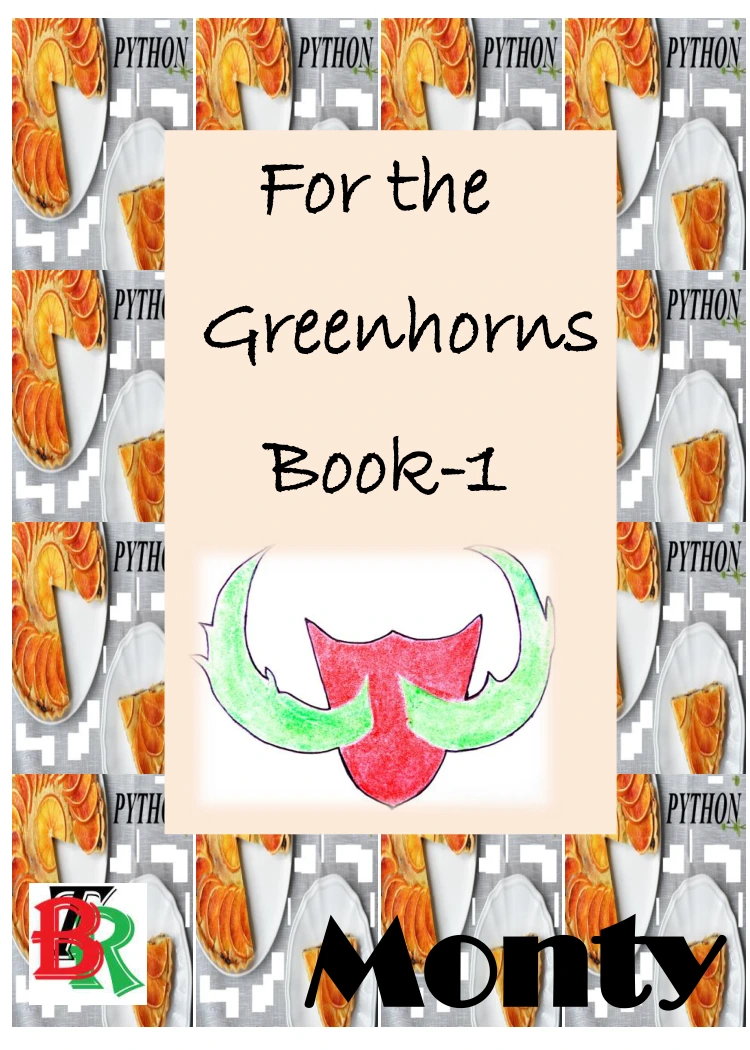
Python for the Greenhorns Book-1
By Monty
A new learner looking for Thonny setup, introductory concepts, and practice exercises.
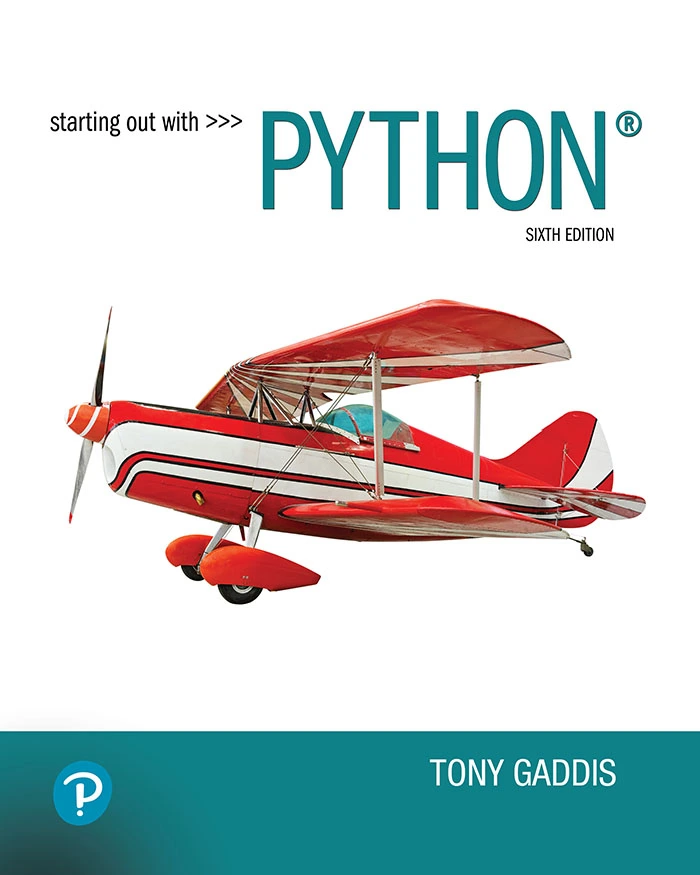
Starting Out with Python, 6th Edition
By Tony Gaddis
A learner who prefers a step-by-step course-style book with examples and exercises.
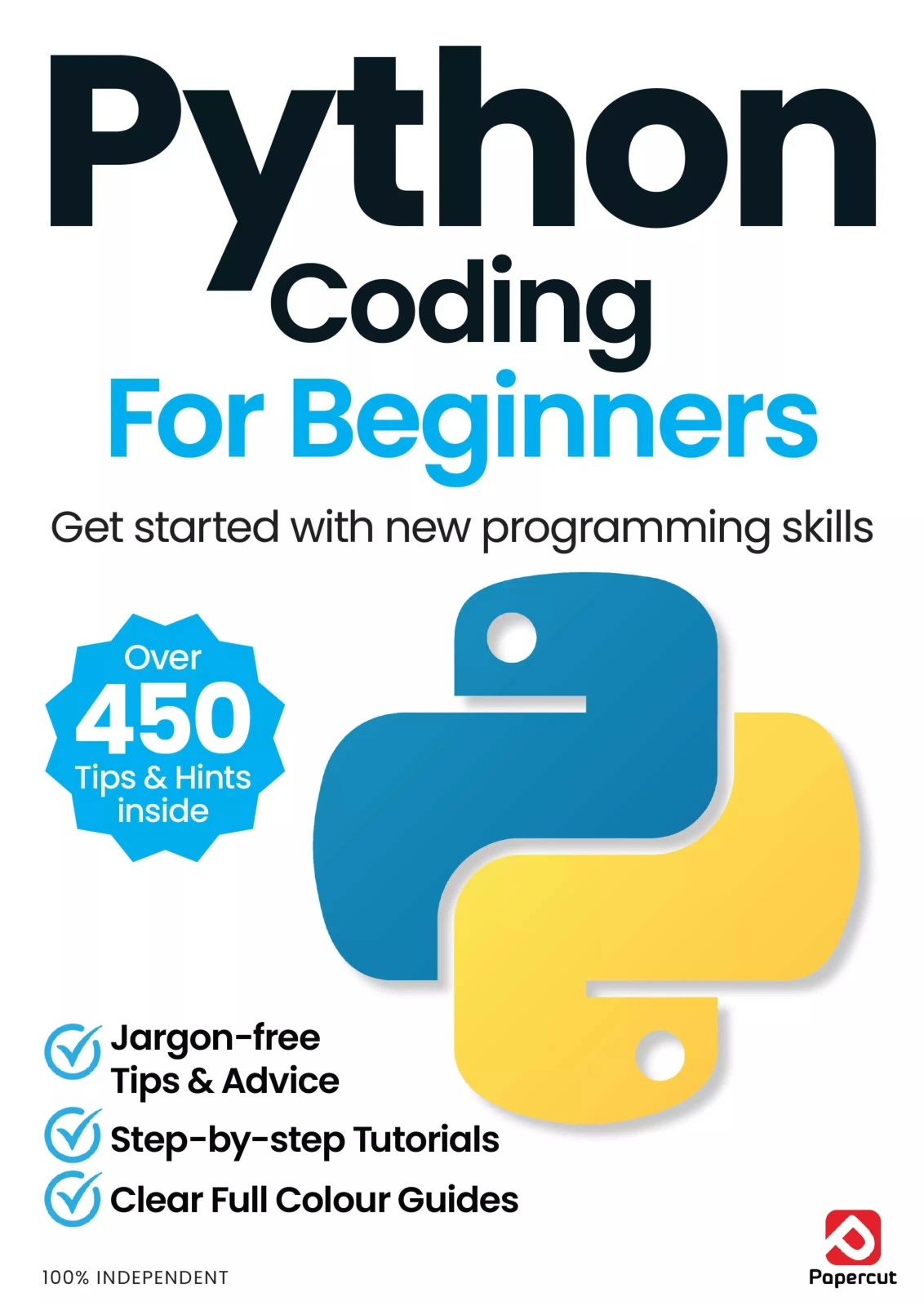
Python Coding for Beginners (19th Edition)
By Papercut
A beginner who wants guided coverage of setup, core topics, and practical examples.
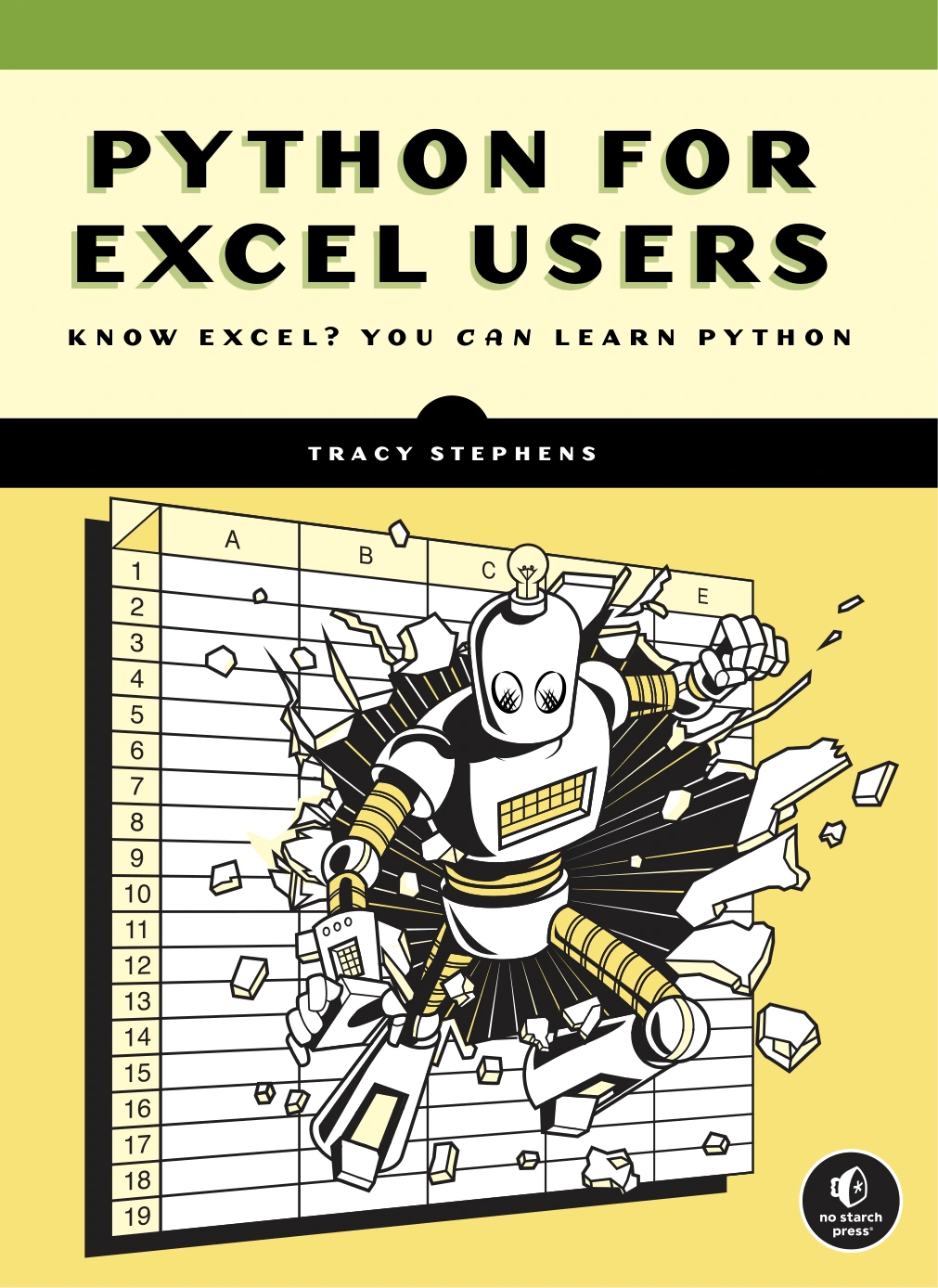
Python for Excel Users: Know Excel? You Can Learn Python
An Excel user interested in Python fundamentals and spreadsheet automation.
These are optional resources, not prerequisites. Python itself and its standard library are freely available, although books and other learning materials may have their own costs. The official Python Tutorial is valuable reference material, but its introduction says it is intended for people new to Python who already have a basic understanding of programming. If you are entirely new to coding, pair it with a more introductory explanation or use it to look up specific topics.
To browse more catalog resources, visit the Python books and resources category.
8. Check your progress and choose what to learn next
You are building a foundation when you can explain what a short program does, make a small change without copying every line, identify and fix a simple error, and complete a modest program from a written plan. You do not need to know every Python feature before trying a project or looking at a new area.
After the fundamentals, choose a direction based on what you want to make:
- Automation: explore scripts for repetitive tasks, while checking that any file or data changes are safe.
- Data analysis: learn how to work with data, then consider suitable libraries when you have a reason to use them.
- Web development: study how web applications work before adding a Python framework.
Specializations use additional tools and concepts. You can postpone them until basic variables, conditions, loops, data structures, and functions feel familiar.
Frequently asked questions
Can I start learning Python without previous coding experience?
Yes. Begin with a resource that explains programming basics rather than assuming you already know them. Learn one concept at a time, run examples, and make small changes so you can see how the instructions affect the result.
Do I need advanced mathematics to learn Python?
Basic Python exercises do not require you to begin with advanced mathematics. The math needed later depends on what you choose to do; data science or scientific computing may involve more mathematical ideas than a simple text-based program.
Can I learn Python for free?
Python and its standard library are freely available, and official documentation is available online. You can start with those resources and a suitable editor or learning environment. Paid books and courses are optional learning aids, not a requirement for trying Python.
How long does it take to learn Python?
There is no reliable single timeline for everyone. It depends on your starting point, how often you practise, and what you mean by “learn.” Use concrete milestones instead: run a script, explain a short example, fix a basic error, and finish a small project.
Should I learn Python libraries before the basics?
Usually, learn enough core Python to understand variables, conditions, loops, collections, and functions first. Then explore a library when it supports a project you want to make. Libraries are easier to use when you can recognize the language structures around them.
Your next step
Open a Python environment, run print("Hello, Python!"), and change the message. Next, ask for a name and use it in a greeting. Small, deliberate experiments are a practical way to begin learning Python from scratch—and they give you a solid starting point for a project of your own.