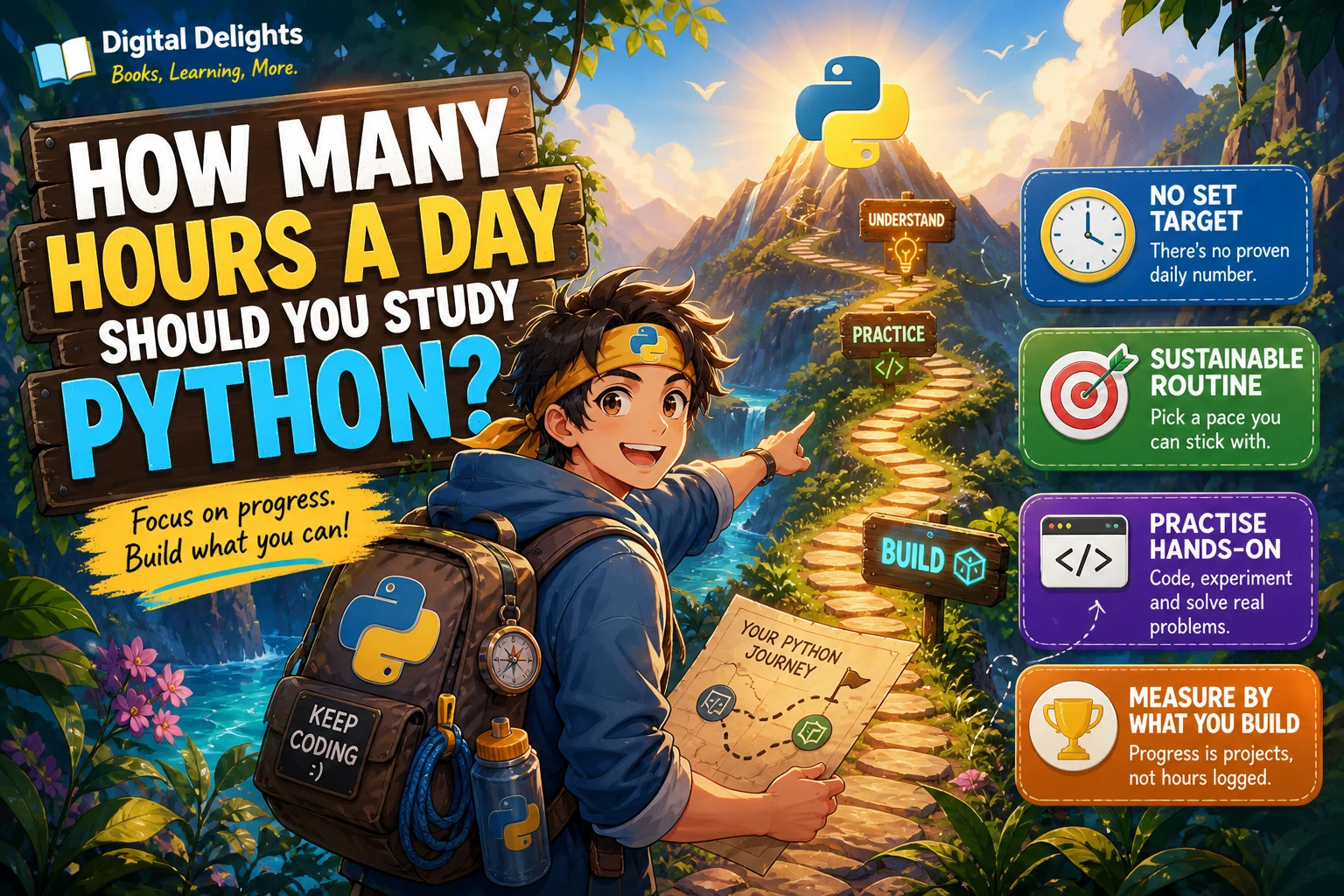
How Many Hours a Day Should You Study Python?
There is no evidence-backed number of hours that every Python learner should study each day. The right amount depends on what you want to do with Python, whether you have programmed before, and how much time you can realistically protect for learning. A short, repeatable session that includes writing code can be more useful than a longer session spent only reading.
If you need a place to start, try a focused 30-minute session and adjust it after a week or two. Treat that as a practical experiment, not a proven formula. This guide explains how to tailor your study time, make each session productive, and measure progress by what you can do rather than by hours logged.
How Much Time Should You Set Aside for Python?
Set aside enough time to learn one manageable idea, use it in code, and notice what still feels unclear. For one learner that might be 20 minutes; another may prefer an hour or more. The time itself is not a measure of skill, and the available research does not establish an optimal daily Python study duration.
Instead of starting with a deadline or a demanding schedule, ask: What can I consistently fit into my week, and what small task do I want to be able to complete next? A routine you can sustain gives you regular opportunities to practise and check your understanding.
Choose a Learning Goal Before Choosing a Schedule
“Learn Python” can mean very different things. Understanding basic syntax is a smaller goal than building a useful application or learning to work with data. Define a near-term outcome so you can choose relevant material and tell when a study session has helped.
- Learn the fundamentals: Work on variables, strings, conditions, loops, functions, and basic data structures. Aim to explain what your code does and make small changes without simply copying an example.
- Write small programs: Practise combining fundamentals in scripts, such as a number-guessing game, a simple calculator, or a program that organizes text or files.
- Explore a particular area: Once you can write basic Python, focus on a goal such as spreadsheet automation, data analysis, web testing, or machine learning. Each direction calls for different tools and further learning.
Keep the first goal modest and specific. “Make a program that asks for a number and reports whether it is even” is easier to plan and assess than “become good at Python.”
Adjust Your Study Time to Your Starting Point
If you are new to programming
Give yourself room to learn both Python syntax and general programming ideas, such as how a program follows instructions, stores information, and makes decisions. You may need to pause to interpret unfamiliar terms or work out why code behaves in a particular way. That is normal; it does not mean you need to increase your daily hours.
The official Python tutorial states that it is intended for readers who already have a basic understanding of programming. If Python is your first language, choose beginner material that explains programming concepts as well as Python syntax, rather than assuming you already know them. Read the Python tutorial’s stated audience.
If you have programmed in another language
You may recognize ideas such as variables, loops, and functions, so your early study can focus more on Python’s syntax, built-in data structures, and conventions. You still need hands-on practice: familiarity with programming concepts does not automatically show how Python handles a particular task.
What Should a Python Study Session Include?
Make room for doing, not just reading. A useful session can combine a short explanation, active coding, and a brief review. The proportions below are planning examples, not a tested learning formula.
- Choose one small topic. For example, practise
ifstatements, loops, or writing a function. Avoid trying to cover several unrelated concepts at once. - Learn or review the idea. Read a short section or follow one example. Before moving on, describe in your own words what the code is doing.
- Type and change the code. Run an example, alter an input or condition, and predict what will happen before you run it. When there is an error, read the message and investigate rather than immediately replacing the code.
- Try a small variation. Use the same idea in a slightly different problem. This helps reveal whether you understand the concept or only recognize the example.
- Write down the next question. Note what confused you and the next small task you want to try. You will have a clear place to resume.
If you prefer a structured, hands-on route through Python basics and projects, Python Bookcamp: Exercises and Projects covers core topics including variables, conditions, loops, data structures, functions, debugging, and files. For extra practice with loops after you have met the basics, Python Code Examples – 2: Solved Exercises to Practice focuses on solved loop exercises.

Python Bookcamp: Exercises and Projects
New Python learners who want to work through basics such as variables, loops, functions, and files alongside exercises and projects.
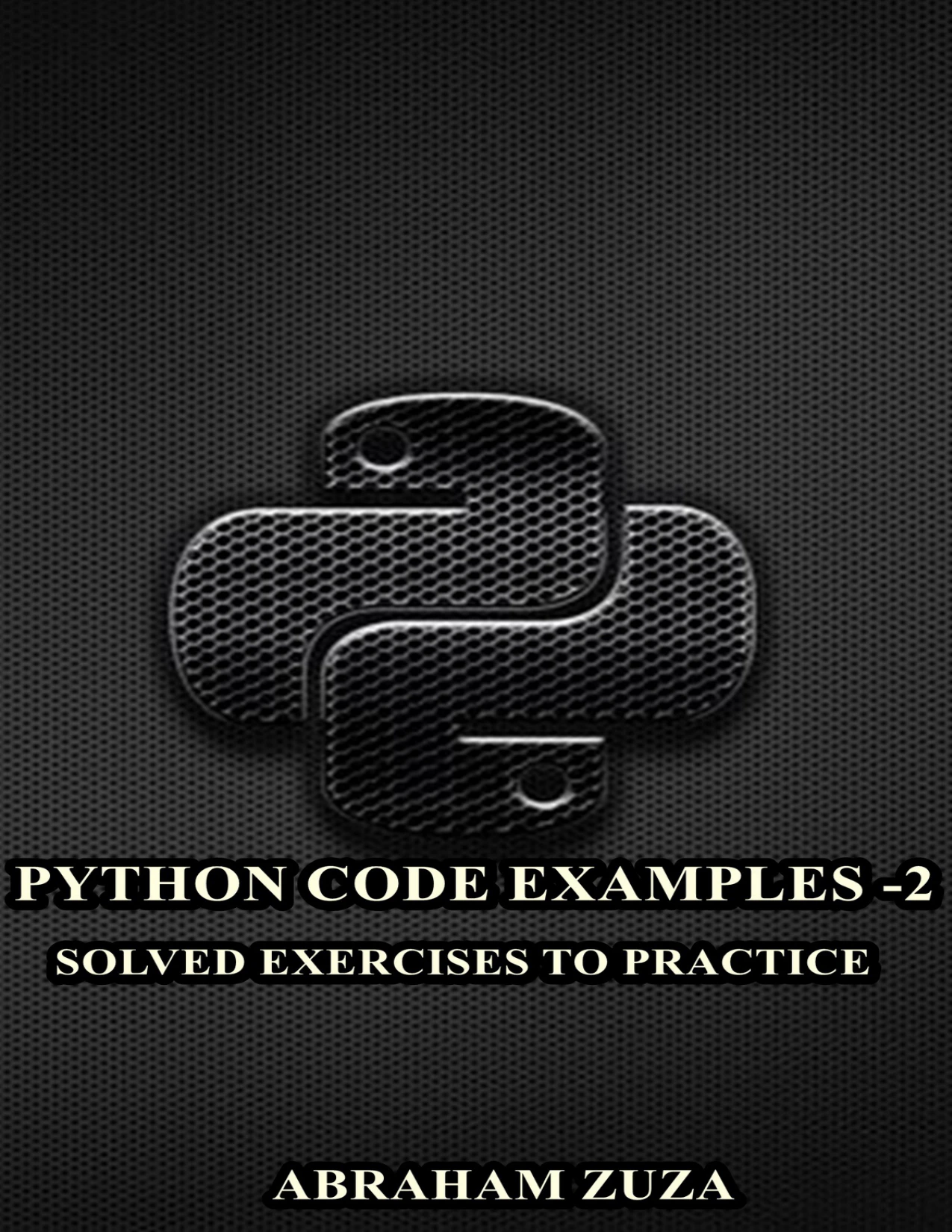
Python Code Examples – 2: Solved Exercises to Practice | Python Code Examples – 2
By Abraham Zuza
Learners who have encountered Python basics and want examples involving for loops, while loops, range, and break.
Flexible Study Routines to Try
Use these as starting formats, not as claims about the ideal amount of study. Choose the one that fits your day, then adjust it based on whether you are getting meaningful coding practice and can return to it reliably.
| Available time | Possible session | When it may fit |
|---|---|---|
| About 20 minutes | Review one concept, then write or modify a short code example. | Busy days or maintaining a regular learning habit. |
| About 30–45 minutes | Study one topic, work through an example, and solve a small variation. | A balanced session when you have time to practise as well as read. |
| About 60–90 minutes | Break the time into focused blocks, with a pause between them; use the later block for a project or review. | Days when you have more time and can stay focused without rushing. |
You do not have to study every day. If daily sessions make your schedule difficult to maintain, pick a pattern that fits your other responsibilities. The useful test is whether you return to Python often enough to keep working toward your next concrete task.
For a simple first experiment, schedule 30 minutes for a few sessions, including hands-on coding. At the end of the week, ask whether the sessions felt manageable and whether you can now explain or use something you could not before. Keep, shorten, or lengthen the sessions based on that reflection.
Measure Progress by What You Can Do
Hours are easy to count, but they do not show what you understand. Check your progress with small demonstrations of skill:
- Can you explain what a short program does without reading a line-by-line explanation?
- Can you change an example to use a different input or condition?
- Can you write a small function and test it with more than one input?
- Can you find and correct a simple error by reading the code and the error message?
- Can you build a small program by combining concepts you have already studied?
If a task is still difficult, use that as information about what to practise next. It is not a reason to judge yourself by the number of hours you have studied.
Common Mistakes That Make Study Time Less Useful
- Reading without writing code: Explanations can help, but set aside time to run code and make changes yourself.
- Trying to study for an unrealistic stretch: A schedule that repeatedly gets abandoned is a signal to make the plan more manageable, not to blame yourself.
- Moving on before practising: Understanding an example while reading is different from applying its idea to a new task.
- Comparing hours with someone else: Prior experience, goals, available time, and learning materials vary. Another person’s schedule cannot tell you what yours should be.
- Expecting one fixed finish line: Basic scripting, building projects, and developing a specialization are different learning goals. Define the one you mean before estimating the work.
Frequently Asked Questions
Is one long Python study session better than shorter sessions?
The supplied research does not establish that one session length is best. Choose a format you can focus on and maintain. If a long block feels tiring, divide it into shorter focused periods and include time to write code.
Can I learn Python if I have only a little time each day?
You can make progress with a limited schedule by choosing a small topic and using some of the time to practise it. A short session might involve changing one example, solving one small problem, or reviewing a concept and testing it in code. There is no supported daily minimum that applies to every learner.
How can I tell whether my Python study routine is working?
Look for things you can now explain, modify, or build. If you can apply a concept to a slightly different problem, your practice is doing more than filling time. If not, revisit the idea or try a smaller exercise before increasing your study hours.
How many hours a day should a beginner study Python?
There is no evidence-based daily target specifically for beginners. Start with a realistic block of time, such as a 20- or 30-minute planning experiment, and include hands-on practice. Adjust it according to your progress, energy, and schedule rather than treating that example as a required amount.
The Takeaway: Choose a Sustainable Routine
There is no universal answer to how many hours a day you should study Python. Let your goal, prior experience, and available time shape your routine. Start with a manageable session, write code during it, and review what you can now do. If the routine is hard to maintain, change the plan; if it feels manageable, continue and gradually choose more challenging tasks.
For more programming learning resources, browse the Python collection at Digital Delights.
Sources
- The Python Tutorial — Python documentation. Used to clarify that the tutorial assumes prior programming familiarity.