How Fast Is Python Compared with Other Programming Languages?
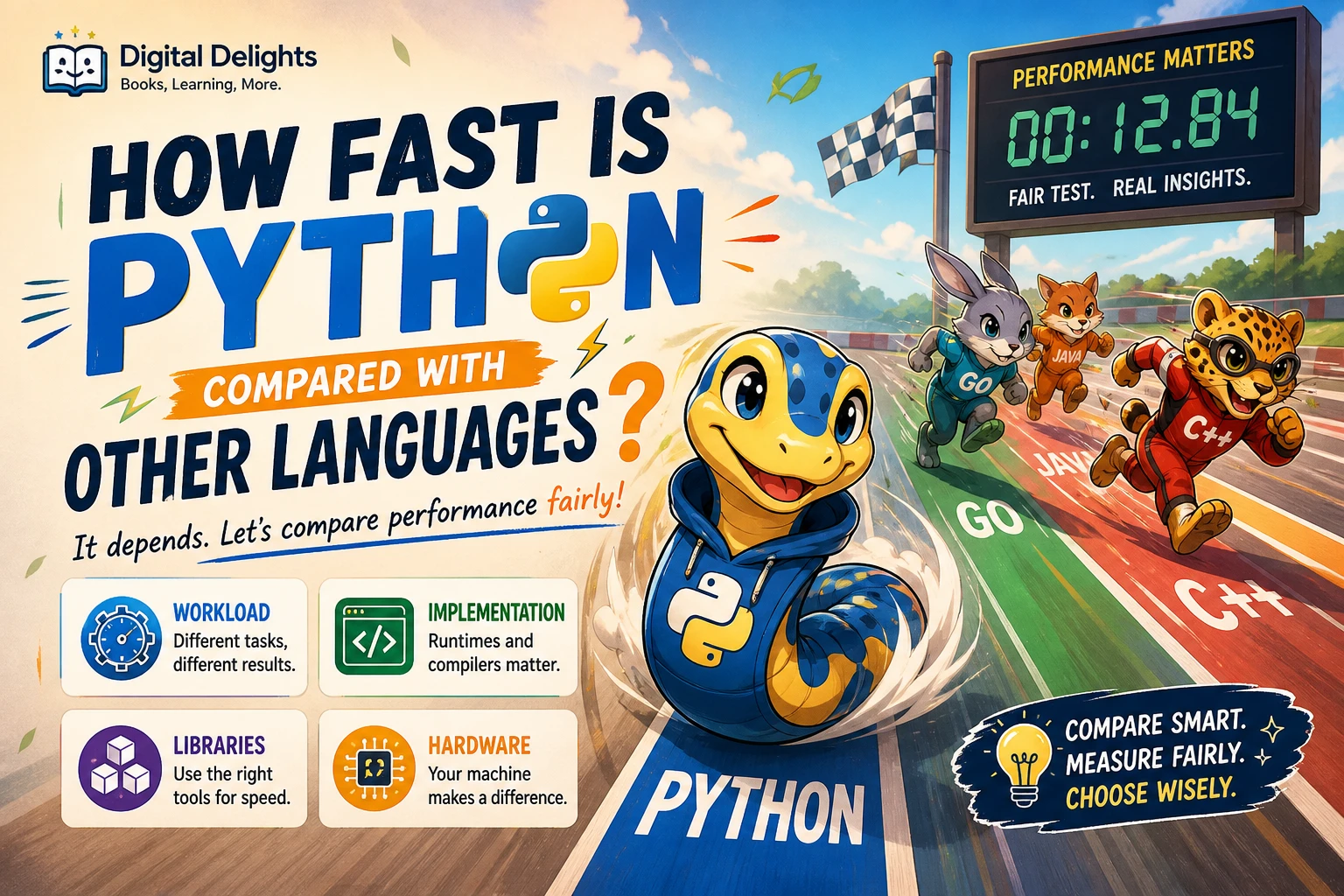
There is no universal speed ratio for Python versus other languages. The result depends on what the program does, which Python implementation and libraries it uses, and the hardware and software environment. A small CPU-intensive loop, a program waiting for a network response, and a data task handled by an optimized library are different workloads—and can produce very different comparisons.
In broad terms, Python code running through the standard CPython interpreter can have more overhead than equivalent code in a compiled language for some CPU-heavy tasks. But that does not mean every Python program is slow, or that another language will automatically make a particular application faster. This guide explains what “fast” means, how workload changes the comparison, and how to benchmark before deciding whether performance should affect your language choice.
What does “fast” mean?
People use “fast” to describe several different things. Before comparing languages, decide which measure matters for the problem you are solving:
- Execution time: How long does one task or request take?
- Throughput: How many tasks or requests can the program complete in a given period?
- Startup time: How long does the application take to launch and become ready?
- Memory use: How much memory does it need while running?
- Responsiveness: Does the application respond quickly enough for a person or another system?
A language might be a good fit for one of these goals without being best for all of them. For example, an application can have a quick startup but modest throughput, or high throughput while using more memory. Define the metric first, then compare implementations against it.
Python speed compared with compiled languages
Comparisons with C, C++, Rust, or Java often focus on raw execution time. That can be useful for CPU-heavy work, but a language name alone does not predict a program’s speed. Python’s official documentation notes that performance can vary across implementations and operating systems, and recommends measuring the actual problem rather than assuming one general ranking.
As a broad tendency, a tight computation written directly in Python may spend more time on interpreter and runtime work than an equivalent, well-optimized native implementation. Compilers and runtimes also make optimization choices of their own, so the difference depends on the code, implementation, and task. Treat that as a reason to test—not as a fixed multiplier or a guarantee that one language will win.
| Approach | What to expect in a comparison | What can change the result |
|---|---|---|
| Python code running on CPython | Convenient for many tasks; direct, CPU-intensive loops can include interpreter overhead. | Implementation, Python version, libraries, and the amount of work in Python code. |
| C, C++, or Rust implementation | Can be a strong option when tight control and CPU performance are important. | Compiler settings, algorithms, developer choices, and whether the comparison is equivalent. |
| Java application | Performance depends on the runtime, warm-up, and workload, among other factors. | Runtime configuration, startup versus steady-state measurement, and application design. |
| Python using native libraries | Python can coordinate work that a library performs outside ordinary Python-level loops. | Library implementation, data sizes, setup costs, and how much time remains in Python itself. |
This table describes comparison factors, not a benchmark ranking. The Python programming FAQ discusses performance variation and measurement considerations in its guidance on Python performance.
Why Python can perform well in real applications
A program written in Python is not necessarily doing all of its work in Python code. Many Python libraries provide an accessible interface to operations implemented in optimized native code. In that pattern, Python organizes data and calls the library; the library handles a large operation internally. The practical performance then depends on the library and workload as well as on Python.
This distinction matters in data processing and scientific work. A benchmark that compares a Python loop with a compiled loop may answer a different question from one that compares two applications using their respective optimized libraries. Include the real library calls and data sizes if those are part of the program you care about.
There can also be trade-offs that a runtime measurement alone will not capture. Python may make a solution quicker to write or easier to adapt, while another implementation could require more development effort. The relevant choice is often the total cost of meeting the application’s performance and maintenance needs—not a language ranking in isolation.
How the workload changes the comparison
CPU-heavy calculations
Repeated arithmetic, large numbers of operations, and algorithmic loops can make language and runtime overhead more visible. If this is your workload, measure the central operation with realistic input sizes. Check that both versions use comparable algorithms and perform the same work before drawing conclusions.
I/O-bound applications
A program waiting for a network response, disk operation, or another external service may spend much of its time waiting rather than computing. In that case, changing languages may not reduce the main delay. Look at the source of the wait, the number of simultaneous operations, and how the application handles them.
Data processing and library-backed tasks
For work built around established data or numerical libraries, the cost of calling a library, preparing data, and moving results may matter as much as the language-level code. Benchmark the complete operation with representative data, not just a tiny fragment that leaves out important setup.
Concurrent workloads
Concurrency results depend on the runtime build, the type of work, and library compatibility. Do not assume that adding threads will speed up CPU-bound Python code. CPython has offered free-threaded builds since Python 3.13, but extensions that are not compatible may enable the GIL again. For background and compatibility details, see the official Python free-threading guide.
How to benchmark Python fairly
A useful benchmark answers a specific question about a real task. It should not merely produce a number that sounds decisive.
- Choose a representative task. Use inputs, data sizes, and operating conditions similar to the application you are evaluating.
- Make the work equivalent. Compare the same result and algorithm where possible. Include relevant library use rather than comparing unlike implementations.
- Record the environment. Note the language and runtime versions, implementation and build options, operating system, hardware, and dependencies.
- Measure the right thing. Decide whether you care about a single operation’s time, throughput, startup, memory, or another outcome.
- Repeat and inspect results. Avoid relying on one run. Consider warm-up and other environmental effects where relevant.
- Find the bottleneck before rewriting. Establish which part consumes time, then test changes against that part.
For timing small Python snippets, the standard library’s timeit tool is intended for reasonably accurate measurements. For example, from a terminal you could run:
python -m timeit -s "data = list(range(10000))" "sum(data)"That example measures a small operation; it does not establish how an entire application will perform. Also note that timeit disables garbage collection by default. That may be suitable for some comparisons, but could misrepresent a workload where garbage collection is part of the task. The official timeit documentation explains its behavior.
Profilers can help locate time-consuming parts of a program, but they are not substitutes for a fair benchmark. Python’s programming FAQ warns that profiling can add overhead and distort a comparison between Python and C. Use a profiler to investigate where time goes; use an appropriate timing method to compare performance.
When should speed affect your language choice?
For learning, scripting, prototypes, and many applications, it is reasonable to begin with the language and tools that let you build and test the solution effectively. Do not switch languages just because of a general claim that Python is slow. First check whether the performance target is actually being missed.
If measurement shows that a specific component is too slow, consider these steps before replacing an entire application:
- Confirm the program is using an appropriate algorithm and data structures.
- Reduce unnecessary repeated work or data movement.
- Check whether an established library can handle the expensive operation.
- Optimize and remeasure the bottleneck, keeping the test task consistent.
- Consider implementing only the performance-critical component in another language if simpler changes are insufficient.
For beginners deciding what to study, performance is only one factor. Readability, the type of project, available libraries, development time, and the skills you want to build also matter. Once you already program in another language, a practical comparison resource such as Python for Programmers can help orient you to Python’s language features and data-oriented topics; it is not a substitute for workload-specific benchmarking.
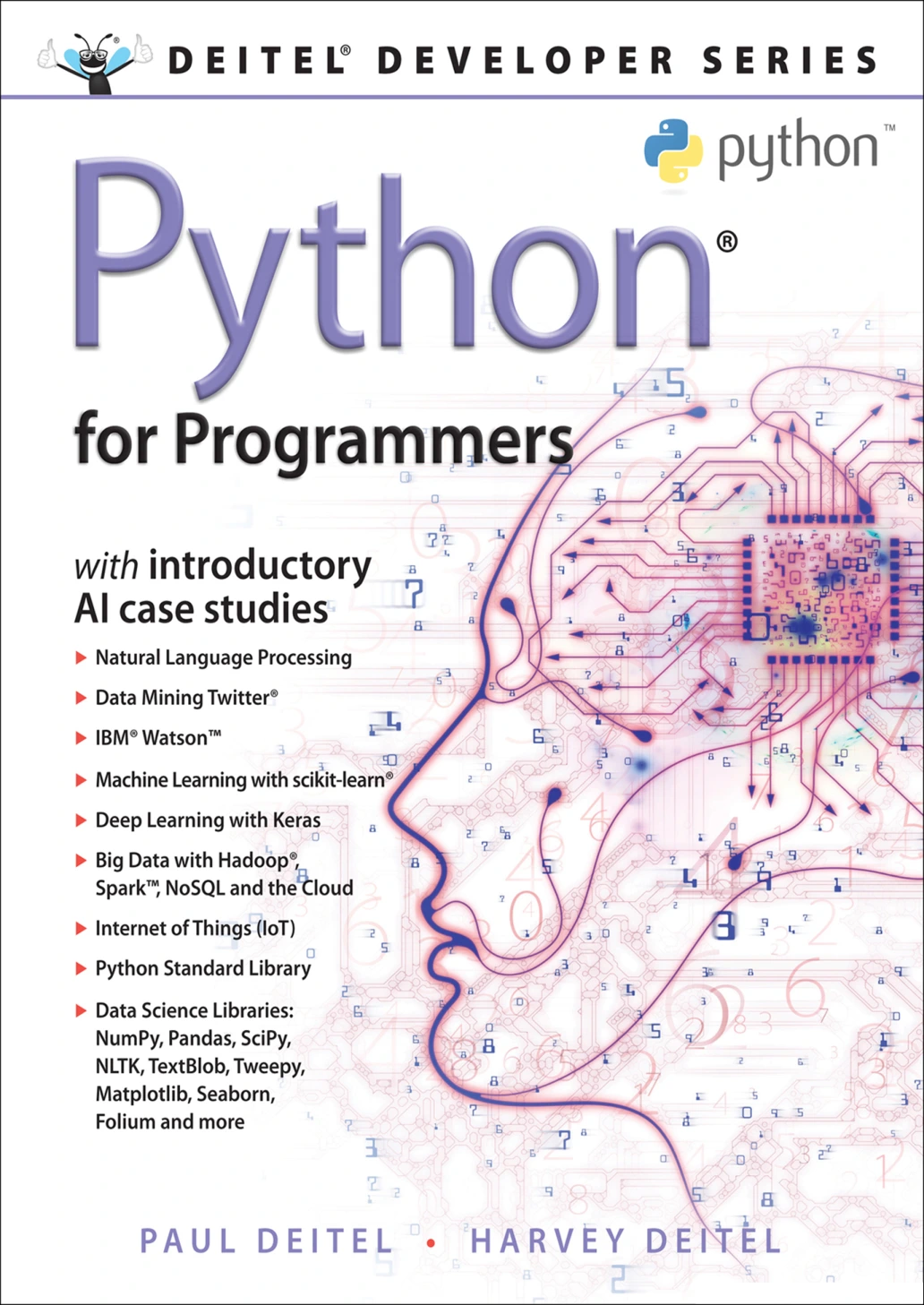
By Paul Deitel
Readers with prior programming experience who want an introduction to Python features and data-oriented topics.
Frequently asked questions
Is Python slow compared with other programming languages?
Not in every situation. Some CPU-heavy work written directly in Python can be affected by interpreter overhead, while I/O-bound or library-backed work may behave differently. The task and implementation determine the result.
How many times slower is Python than C++ or Java?
There is no reliable universal multiplier. A defensible comparison needs a defined task, equivalent implementations, named versions and builds, and a documented environment. The supplied official guidance does not establish one fixed cross-language ratio.
Can Python be fast enough for data processing?
It can be suitable, particularly when the workload uses libraries that perform substantial work outside ordinary Python-level loops. Test the actual data sizes and operations you expect to use rather than inferring performance from a small code snippet.
Should I rewrite a slow Python program in another language?
Not before measuring it. Identify the bottleneck, check the algorithm and libraries, and benchmark a targeted change. Rewriting can help in some cases, but it may not address the real source of delay.
Does Python support parallel execution?
Python concurrency depends on the implementation, build, workload, and extensions in use. CPython free-threaded builds are available, but extension compatibility can affect whether the GIL remains disabled. Check the current runtime and library documentation for the environment you plan to use.
Conclusion
Python’s speed compared with other languages is a workload-specific question, not a contest with one universal winner. Direct CPU-heavy Python code may face overhead that matters for some tasks; native libraries, I/O waits, runtime choices, and application design can change the practical comparison. Define what “fast” means for your project, benchmark a representative task, and optimize the measured bottleneck before choosing a different language.