How Can a Complete Beginner Start Learning Python?
The simplest way to learn Python is to get a small program running, understand what each line does, and change it yourself. You do not need to choose a specialization, install a collection of frameworks, or memorize every command before you begin.
Start with a working Python 3 environment and one genuinely introductory resource. Learn variables, conditions, loops, collections, and functions through short exercises, then combine those skills in a modest project. A text quiz or expense tracker is a more manageable first target than a complete website or machine-learning system.
This guide explains how to learn Python from scratch: what to set up, which concepts to study first, how to practise, and how to recognize progress. The goal is not to finish the language. It is to become able to write, explain, and improve a small program of your own.
1. Choose a small goal before choosing your tools
A useful first goal describes something your program will do, not a subject you want to master. Instead of “learn artificial intelligence,” try “ask three questions and report a quiz score.” You can later connect basic programming skills to a larger interest.
- Interested in everyday tools? Start with a calculator or unit converter.
- Interested in games? Start with a text quiz or number-guessing game.
- Interested in data? Start with a list of expenses and calculate the total.
Keep the first version deliberately small. An expense tracker can initially use amounts written directly in the code. User input and saving to a file can come later. This separates learning a new concept from solving several unfamiliar problems at once.
You can also begin with simple exercises before choosing a project. Your first goal might be no more complicated than entering a name and displaying a personalized greeting.
2. Set up Python and run your first program
Choose Python 3 and a simple working environment
Use the official Python downloads page to choose a current stable Python 3 release for your operating system. Avoid preview releases for your first learning environment, and do not assume that an older book’s installation screenshots still match the current installer.
You need two basic things: the Python interpreter, which runs your code, and somewhere to write it. IDLE, Python’s editor and shell, is one possible starting option. Its documented features include an interactive shell, a code editor, syntax highlighting, automatic indentation, and debugging tools. It is an option, not a requirement or a universally best editor.
If you are using a school or work computer, check whether software installation is allowed. A browser-based Python environment can be a temporary alternative, although its file access and available features may differ from a local installation. You do not need both environments to start.
Understand the shell and a saved script
The interactive shell lets you enter code and see a result immediately. It is useful for short experiments. If it displays a >>> prompt, that prompt belongs to the shell; you do not type it as part of your code.
A script is a saved file containing Python code. Python files normally use the .py extension. Scripts are useful when you want to keep a program, change it, and run it again.
For your first saved program, open a new editor file, enter the following code, save it as hello.py, and run it using your environment’s run command:
name = "Sam"
print("Hello, " + name + "!")
Expected output:
Hello, Sam!The first line gives the name name a string value. A string is text enclosed in quotation marks. The second line combines pieces of text and displays the result.
Your first exercise: replace Sam with another name. Then add a second print() line that displays something you want to build. This small change establishes the habit of making examples your own.
3. How to learn Python fundamentals in a useful order
The following roadmap is an editorial learning sequence, not a rigid rule. Its topics broadly align with those covered in the official Python Tutorial, including numbers, text, control flow, functions, data structures, files, and exceptions.
| Stage | What to learn | Small exercise |
|---|---|---|
| Values and basic interaction | Variables, numbers, strings, printing, and input | Ask for a name and display a greeting. |
| Decisions | Comparisons and if, elif, and else |
Respond differently to a correct and incorrect quiz answer. |
| Repetition | for and while loops |
Display a sequence of numbers or repeat a question. |
| Collections | Lists and dictionaries | Store expenses in a list or associate questions with answers. |
| Reusable code | Functions, parameters, and return values | Write a function that converts a measurement. |
| Working beyond one script | Modules, files, and exceptions | Save a result and handle an invalid numeric input. |
Learn input and types together
A common early surprise is that user input is text, even when someone types digits. For a calculation, you need to convert that text to a suitable numeric type.
minutes_text = input("How many minutes? ")
minutes = int(minutes_text)
hours = minutes / 60
print("Hours:", hours)
If the user enters 90, the final line displays Hours: 1.5. Here, input() collects text, int() converts valid integer text to an integer, and division produces the hour value.
For this initial exercise, enter a whole number. Later, try entering ninety and investigate the resulting error. That gives exception handling a concrete purpose rather than making it another definition to memorize.
Postpone tools that do not serve your current goal
You do not need to begin with web frameworks, machine-learning libraries, complex class hierarchies, or several package managers. Learn enough of the language to understand your program before adding another layer.
This does not mean those topics are unimportant. It means their value becomes clearer when you have a problem they can help solve. Classes, for example, can wait until you are comfortable organizing a small program with functions and collections.
4. Practise by changing code, not just copying it
Following an example can help you get started, but successful copying does not show whether you can make programming decisions independently. Use this practice cycle:
- Read: identify the task the example solves.
- Run: observe its actual output.
- Explain: describe each line in ordinary language.
- Modify: change a value, rule, or requirement.
- Rebuild: close the example and recreate a smaller version.
For the minutes converter, modifications could include accepting decimal minutes, converting hours into minutes, or displaying a sentence instead of a label. Change one thing at a time so you can connect each change to its effect.
Make each study session end with an observable result
A manageable session might include reading one concept, writing a short example, and changing it. The session does not need to follow a scientifically optimal duration; no such schedule is established by the supplied sources.
Choose a routine you can repeat. Before stopping, leave a note such as “Next: reject negative minutes.” That is easier to return to than the vague instruction “study more Python.”
Use errors as specific clues
When a program fails, resist changing several lines at once. Try this sequence:
- Read the final error line to identify the error type and message.
- Find the referenced line in your own file. For syntax errors, also inspect the nearby lines.
- Compare what you expected with the values the program actually received.
- Reduce the problem to the smallest piece of code that still produces it.
- Make one change and run the program again.
For example, this code uses inconsistent spelling:
score = 3
print(socre)
In this standalone example, socre has not been defined, so Python raises a NameError. The fix is to use the same name on both lines—not to reinstall Python.
Keep a short error log with the message, cause, and fix. It can become a useful personal reference. If you ask someone for help, include a minimal example and the error message, but remove passwords, private information, and confidential data.
5. Build a first project and check your progress
Choose a project that combines concepts you have already practised. Write its requirements in plain language before writing code.
Project option: a text quiz
- Ask a question.
- Read the answer.
- Check whether it is correct.
- Display feedback and track a score.
Start with one question. Add several questions only after the first version works. This project connects strings, input, conditions, and eventually loops and collections.
Project option: a simple expense tracker
- Store a few sample expense amounts.
- Calculate their total.
- Compare the total with a budget.
- Display how much remains or how much the budget was exceeded.
Use invented sample data while learning. Add interactive entry, categories, and file saving as separate improvements rather than initial requirements.
Project option: a unit converter
Build on the minutes example by putting conversion logic inside a function. Later, offer a choice of conversions and handle invalid input. This gives functions and exceptions a practical role.
Measure progress through abilities, not chapters completed
You are developing a usable foundation when you can:
- Explain what your program does and why each main part exists.
- Predict the output of a short piece of familiar code.
- Change a requirement without replacing the whole program.
- Locate and correct a simple error.
- Build a small program from a written description without following a complete solution.
Looking up syntax is compatible with these milestones. The important distinction is whether you understand how to use what you find.
Afterward, choose a direction: automation for repetitive tasks, data analysis for tables and summaries, or web development for applications accessed through a browser. You do not need to pursue all three.
6. Choose one learning resource that matches your needs
The official Python Tutorial explicitly assumes basic programming knowledge. It is useful documentation, but a reader who has never programmed may need a gentler main resource. Python.org’s beginner guidance provides broader starting points for learning the language.
When choosing a book or course, look for explanations of setup, runnable examples, exercises, and opportunities to combine concepts. Prefer a resource whose early chapters you can understand over one that promises the largest number of topics.
The following Digital Delights titles offer different starting approaches. This comparison uses the supplied catalog descriptions; it is not a ranking of teaching effectiveness.
| Reader need | Catalog resource | Scope and trade-off |
|---|---|---|
| Introductory setup and practical tutorials | Python Coding for Beginners (19th Edition) — Papercut | Covers setup, saving and running code, core concepts, troubleshooting, files, and graphics. Its catalog emphasizes a structured, visual introduction; check that setup guidance matches your system. |
| A sequenced introduction to language fundamentals | Python Programming for Beginners: Learn Python in a Step by Step Approach, Complete Practical Crash Course to Learn Python Coding — White Belt Mastery | Progresses from values and variables to control flow, collections, functions, classes, files, CSV, and JSON. The broad scope is useful as a continuing guide; you need not tackle every later topic immediately. |
| Project-oriented lessons with an organized routine | Python Projects for Beginners: A Ten-Week Bootcamp Approach to Python Programming — Connor P. Milliken | Organizes learning around weekly and daily tasks, including setup with Anaconda and Jupyter Notebook and a receipt-printing program. Follow its chosen environment consistently; the ten-week structure is not a universal completion deadline. |
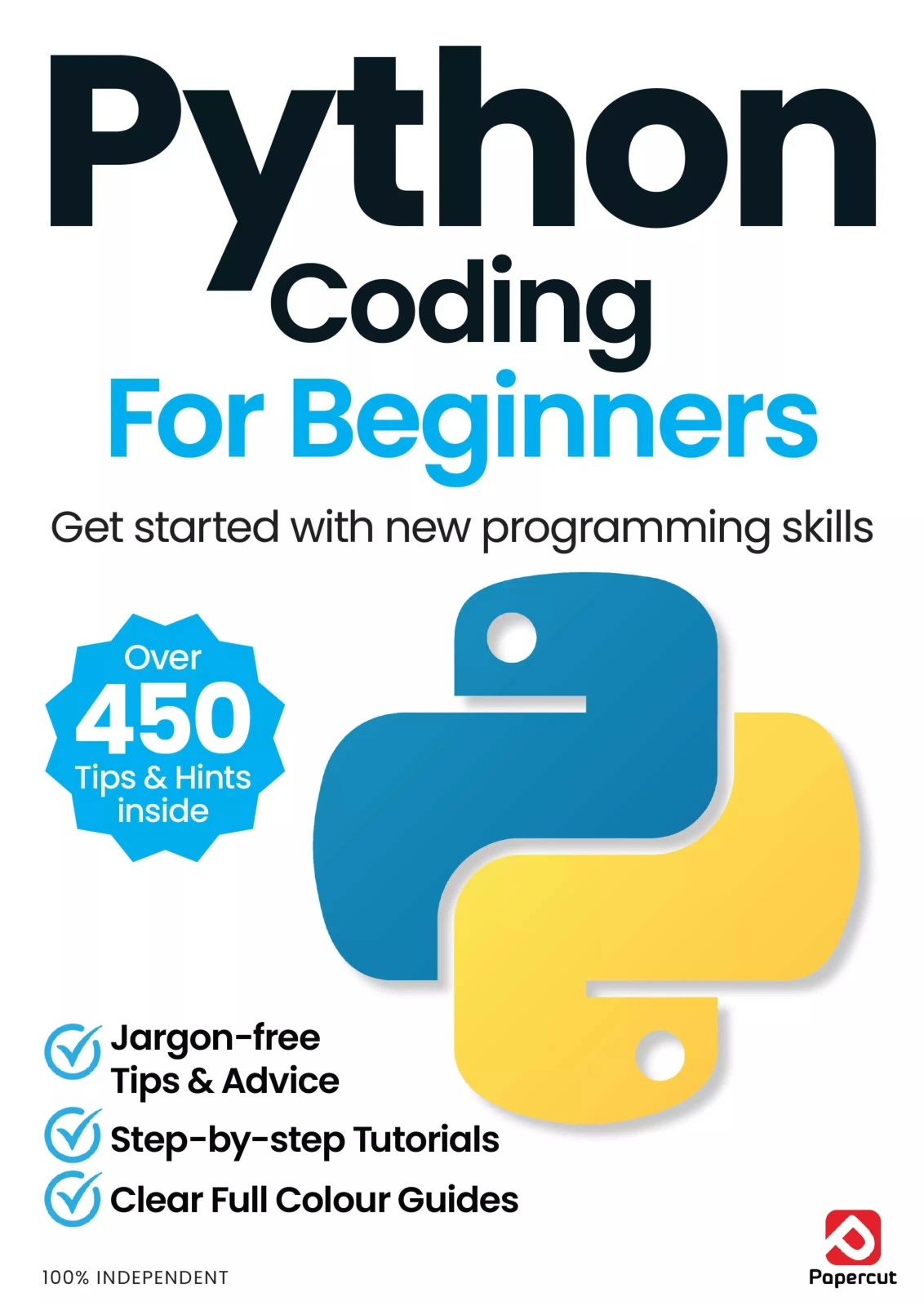
Python Coding for Beginners (19th Edition)
By Papercut
New programmers who want a structured, visual introduction before moving into files and graphics.
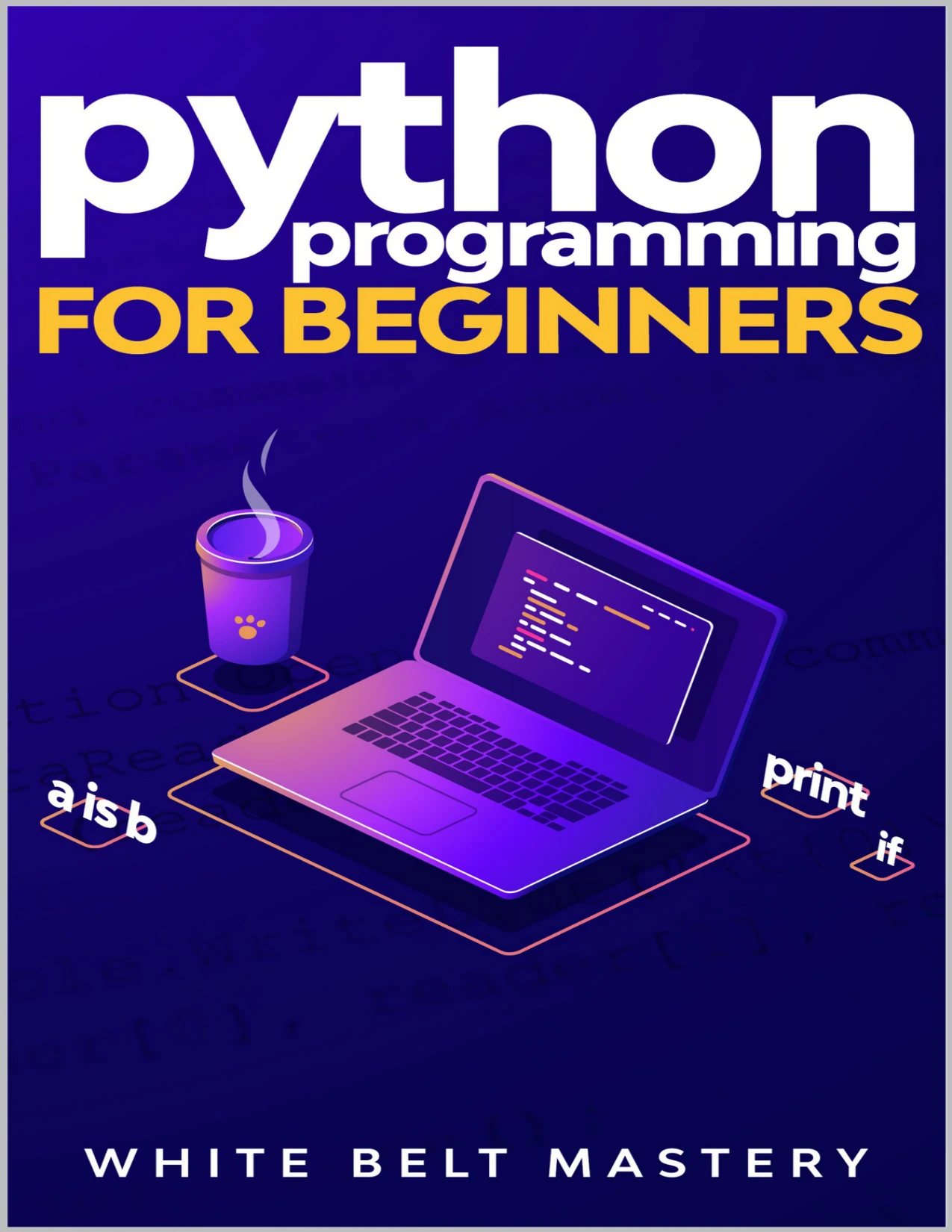
Learners who prefer ordered explanations and examples progressing from basic values to more structured programs.
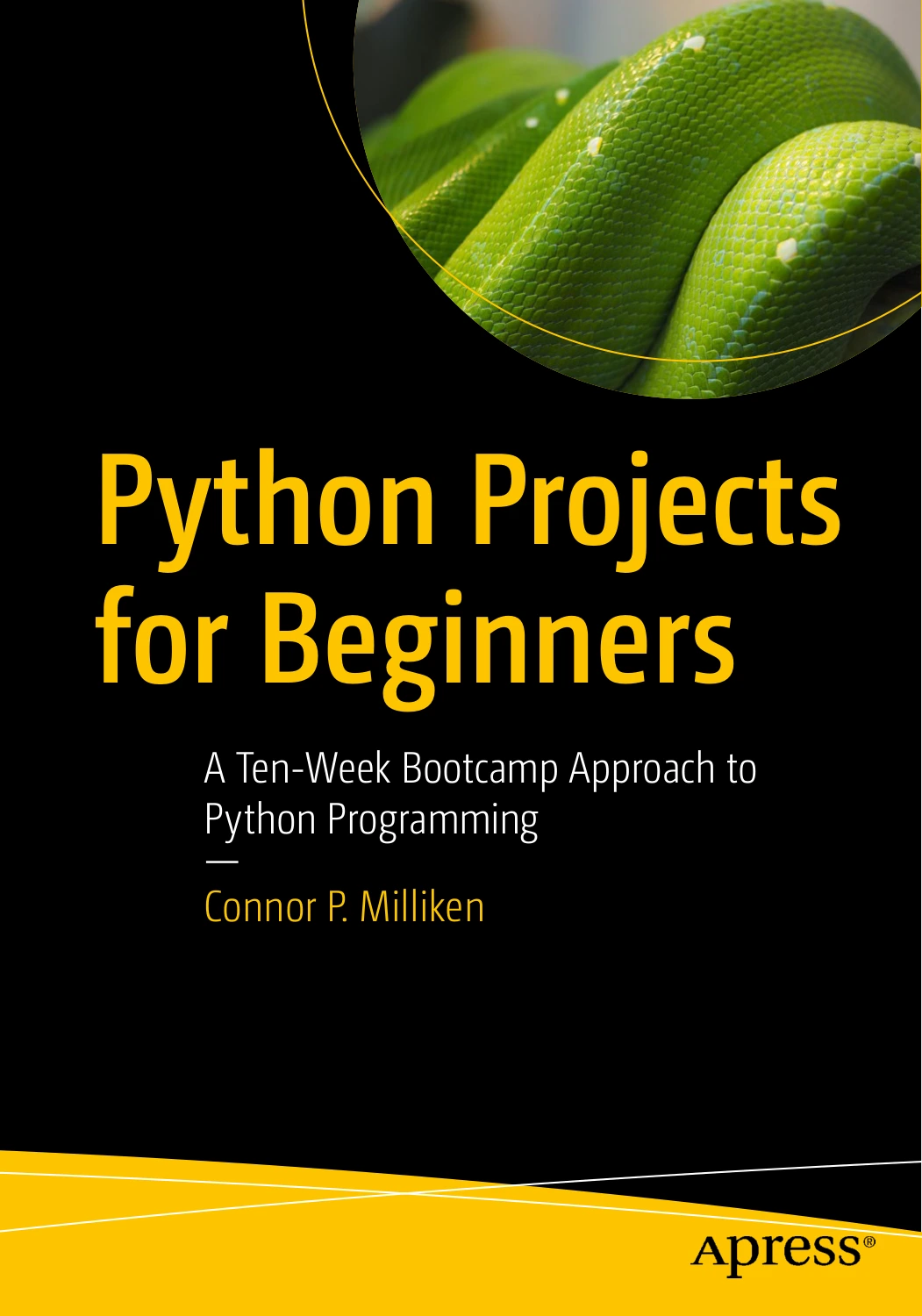
Python Projects for Beginners: A Ten-Week Bootcamp Approach to Python Programming
Self-directed beginners who want a task-based routine and are willing to follow an Anaconda and Jupyter Notebook workflow.
Choose one main resource, not all three. Use documentation to answer specific questions and add another resource only when you can identify a genuine gap. You can browse the Digital Delights Python collection when you know which topic you want to explore next.
7. Avoid these common beginner mistakes
- Switching resources whenever a lesson becomes difficult. First reduce the example and identify exactly what you do not understand.
- Copying code without predicting or explaining its behavior. Add a small modification after every guided example.
- Choosing an oversized first project. Build one working feature before adding accounts, graphics, external services, or databases.
- Following old setup instructions without checking them. Consult current official guidance when installer screens or commands differ.
- Treating every error as a failed lesson. Record the cause and correction so the error contributes to your understanding.
- Expecting to remember everything. Keep notes and look up details while practising how to solve problems.
Frequently asked questions
Do I need previous coding experience to learn Python?
No previous coding experience is needed to begin with introductory lessons. Choose material that explains programming itself, not just Python syntax. The distinction matters because some resources, including the official tutorial, assume you already understand basic programming concepts.
Do I need advanced maths to start learning Python?
Not for the starter exercises here. Greetings, text quizzes, and simple expense totals rely on basic logic and arithmetic. More mathematical topics may become relevant if you later pursue areas such as statistics, machine learning, or scientific computing.
Can I learn Python for free?
Yes. Python’s interpreter and standard library are freely available, as stated in the official tutorial, and official documentation is available online. A paid book or course can provide structure, but purchasing one is not necessary merely to obtain Python or begin practising.
How long does it take to learn Python?
There is no reliable universal deadline. Your available practice time, previous experience, and goals affect the path. Define a useful first milestone—such as independently writing a quiz—and evaluate progress by what you can explain, modify, and debug.
Should I learn from a book, videos, or documentation?
Choose a format you can follow actively. Pause videos to write code, work through book examples, and use documentation for specific questions. The supplied evidence does not establish that one format produces better learning outcomes for everyone.
What should I learn after the basics?
Let a project guide the next step. A file-processing task can lead into automation; a table of results can lead into data analysis; an interactive site can lead into web development. Add libraries and tools when you understand the need they address.
Your next step: run, change, and explain one program
Start with hello.py. Run it, change the name, and add another line of output. Then explain the program without reading an accompanying explanation.
From there, choose one introductory resource and one small project. Repeat the same pattern: learn a concept, apply it, make a change, and solve the next specific problem. That gives you a practical route from reading about Python to writing it yourself.
Sources and further reading
- Python.org: Download Python — official starting point for selecting an available Python release.
- Python documentation: IDLE — reference for the editor, interactive shell, and documented features.
- The Python Tutorial — reference for core language topics, free availability, and the tutorial’s assumed programming knowledge.
- Python.org: Python for Beginners — introductory learning guidance and resource discovery.