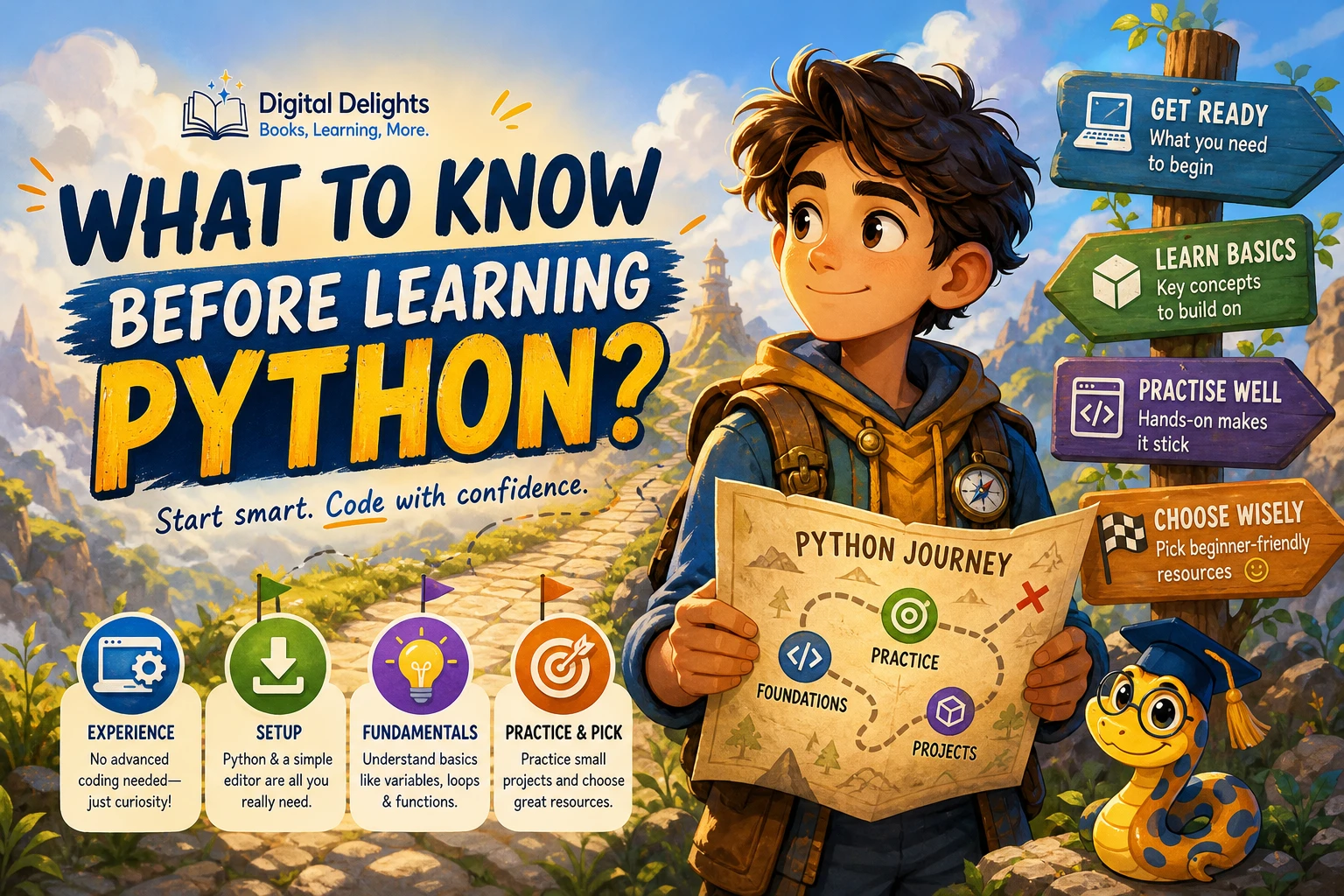
What Should You Know Before Learning Python?
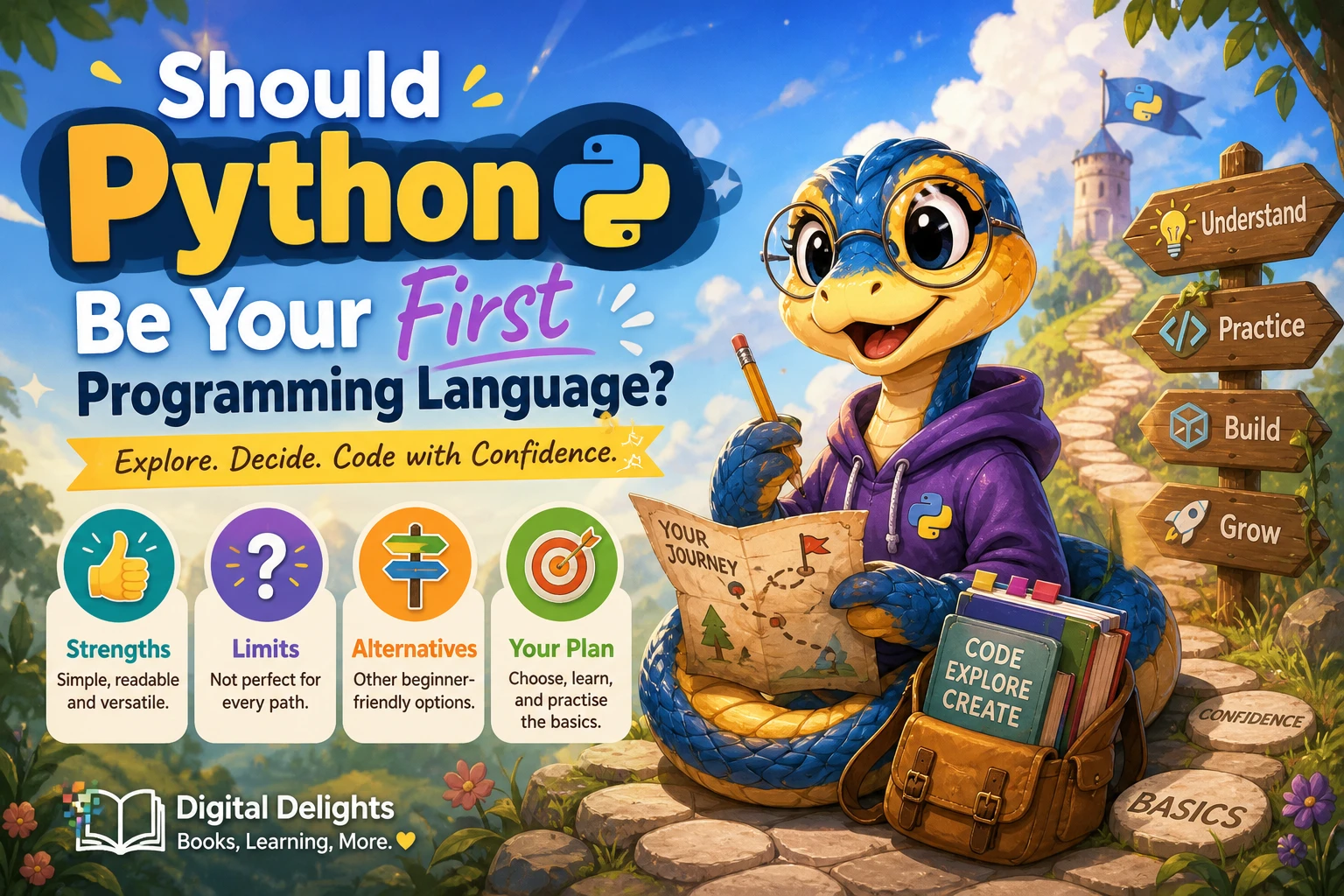
You do not need to know another programming language before starting Python. You can begin with a computer, a way to run Python code, and a beginner-friendly learning resource. The key is to start with small, understandable programs and practise changing them—not to master every tool or concept before you write your first line.
Before you begin, it helps to know what experience is useful, what software you need, which concepts to learn first, and how to practise without getting overwhelmed. Here is a practical starting point, whether you are completely new to coding or learning Python for a specific project.
Do You Need Programming or Math Experience to Learn Python?
No prior programming experience is required to start learning Python. However, make sure your first learning resource is designed for someone new to programming. Python’s official tutorial says it is intended for people who are new to Python but already have a basic understanding of programming. Python.org separately points people who are new to programming toward beginner resources. In other words, a language can be approachable while a particular tutorial still assumes background knowledge.
Math is not a universal prerequisite for learning basic Python. What you need depends on what you plan to do with it. Simple scripts, text processing, and many introductory projects can begin with everyday arithmetic and logical thinking. Data analysis, scientific computing, graphics, and machine learning may involve more statistics, algebra, or other mathematics as you progress. You can learn the relevant math alongside those topics rather than treating advanced math as a reason not to begin.
If you are entirely new to coding, look for explanations of basic programming ideas as well as Python syntax. If you have programmed before, the official tutorial may be a useful reference for learning Python’s features and conventions.
What Do You Need to Get Started?
You need a computer and a way to write and run Python code. You can install Python on your computer or use an online coding environment that runs code in a browser. An online environment can reduce setup steps at first; a local installation gives you more control over files and tools. Neither choice is a test of whether you are a “real” programmer.
If you install Python locally, follow the instructions for your operating system. The official documentation provides separate setup guidance for Windows, macOS, and Unix-like systems. Python’s releases change over time: as of October 9, 2026, Python.org lists Python 3.14.8, released September 30, 2026. Check the Python downloads page for the current release rather than relying on a version number in an older guide.
You will also need a place to write code. This might be a basic text editor, an editor with programming features, or the environment included in a beginner course. Pick one that lets you write and run a short program without distracting you. You can change editors later; there is no single choice you must make before learning the language.
Keep your first setup simple
- Use a current supported Python 3 release or a beginner-friendly online environment.
- Choose an editor or coding environment that is easy for you to open and use.
- Run a short program, such as
print("Hello, world!"), to confirm that your setup works. - Do not install extra packages until a project or lesson actually needs them.
Python includes a standard library of built-in modules, while third-party packages are distributed separately. You do not need to learn package management before writing your first small program. When you later install packages, follow the instructions for your project and operating system. Python’s setup documentation describes venv as a way to keep an application’s packages separate from system-wide installations; avoid changing system Python packages casually, especially on Linux.
What Should You Learn First?
Start with the ideas that let you read and write short programs. A sensible beginner sequence is:
- Values and variables: Store information and give it a name.
- Basic data types: Work with numbers, text, and true-or-false values.
- Conditions: Use
ifstatements to make a program respond to different situations. - Loops: Repeat an operation without copying the same instructions over and over.
- Collections: Use lists to keep ordered items and dictionaries to connect keys with values.
- Functions: Group instructions into reusable pieces that can accept information and return results.
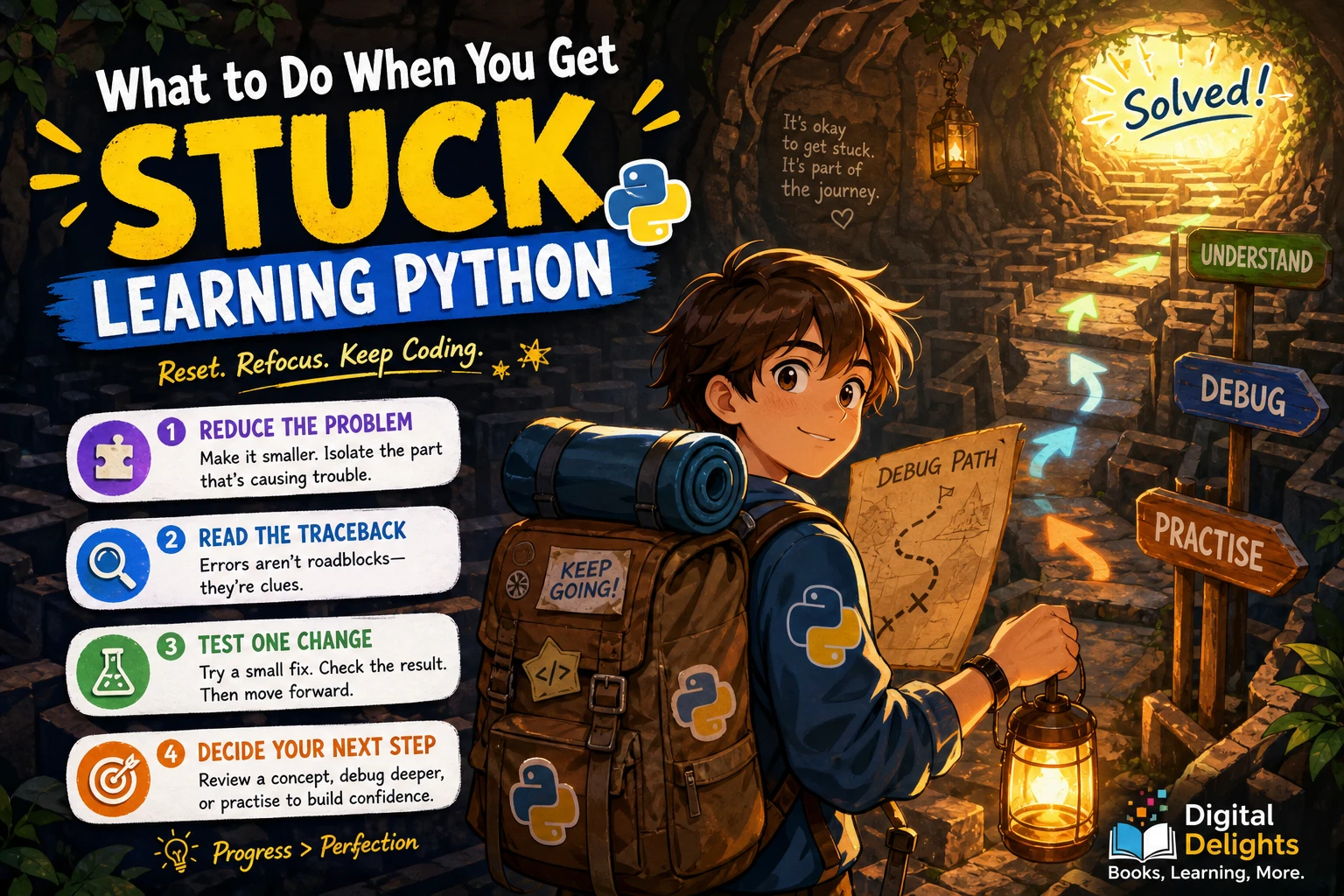
- Errors and debugging: Read error messages, check assumptions, and correct problems step by step.
These concepts build on one another, but you do not need to understand every detail before moving forward. Learn enough to try a small example, then revisit an idea when it appears in a project. Reading code, running it, and changing one part at a time helps make abstract terms concrete.
A small example to experiment with
name = input("What is your name? ")
for _ in range(3):
    print(f"Hello, {name}!")
This brief program asks for text, stores the response in a variable, repeats an action with a loop, and displays a formatted message. Try changing the number of repetitions or the words in the message. That small experiment lets you practise by inspecting what changes when you edit the code.
How Can You Make Python Learning Practical?
Reading explanations can help you recognize a concept, but writing code gives you a chance to use it. A manageable practice routine is to read or watch a short lesson, type the example yourself, run it, and then make one or two changes. If the result is unexpected, use that as a prompt to investigate rather than immediately replacing the code with a copied solution.
Once basic variables, conditions, loops, and functions feel familiar, try small projects with clear boundaries. For example, make a tip calculator, a number-guessing game, a simple quiz, or a program that totals items in a list. Keep the first version small. Add features only after you have a working starting point.
Exercises can provide structure when you are unsure what to build. Python Programming Exercises, Gently Explained is described in the catalog as a collection of 42 short problems with hints and explanations. It may suit learners who have met some fundamentals and want focused prompts for practising them. A broader problem-based option is Python Workout, Second Edition (MEAP V03), which is organized around exercises across Python topics. The catalog identifies it as an early-access edition, so check the product details to understand the edition before choosing it.
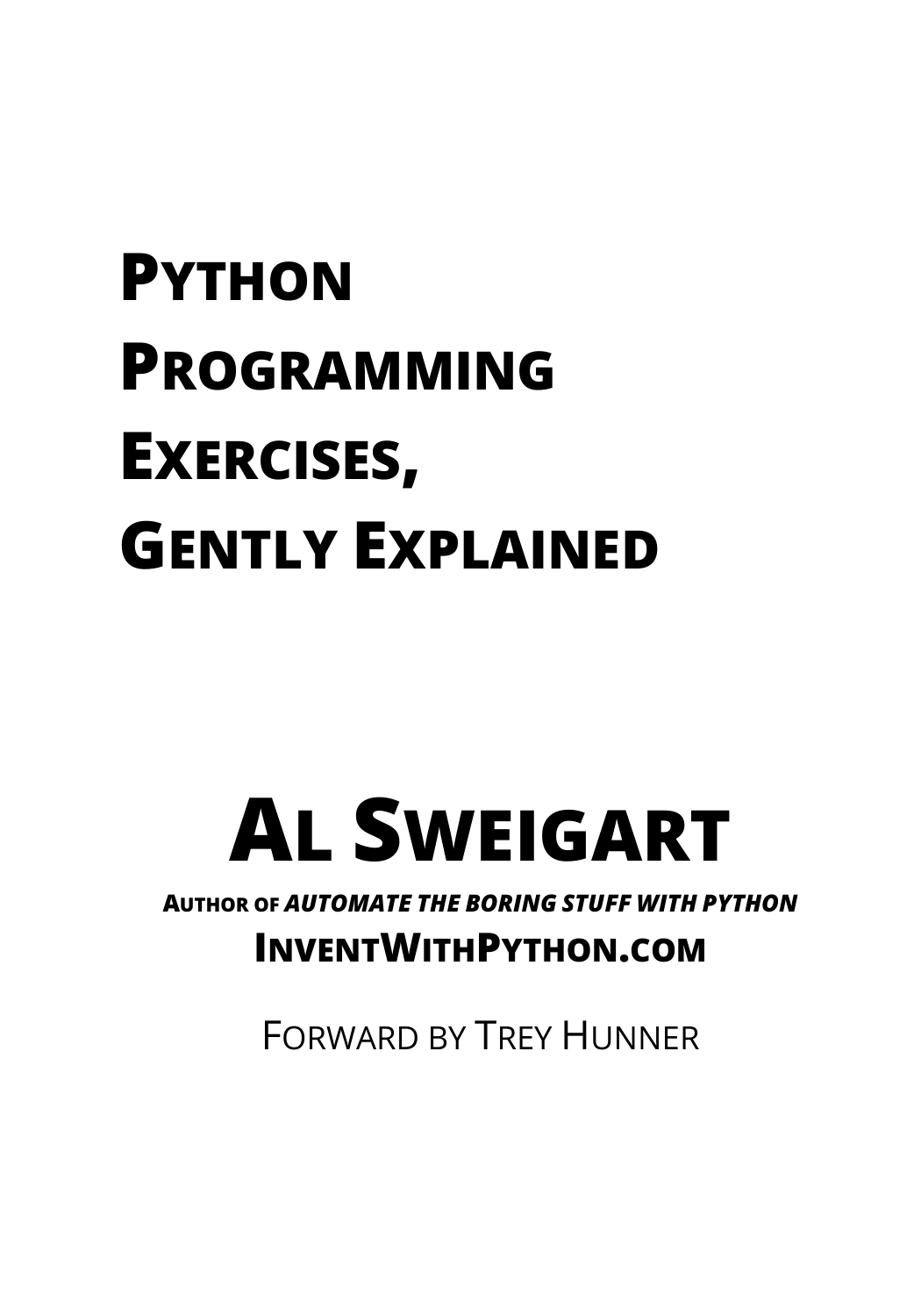
Python Programming Exercises, Gently Explained
By Al Sweigart
Learners who know some Python fundamentals and want exercises with hints and explanations.
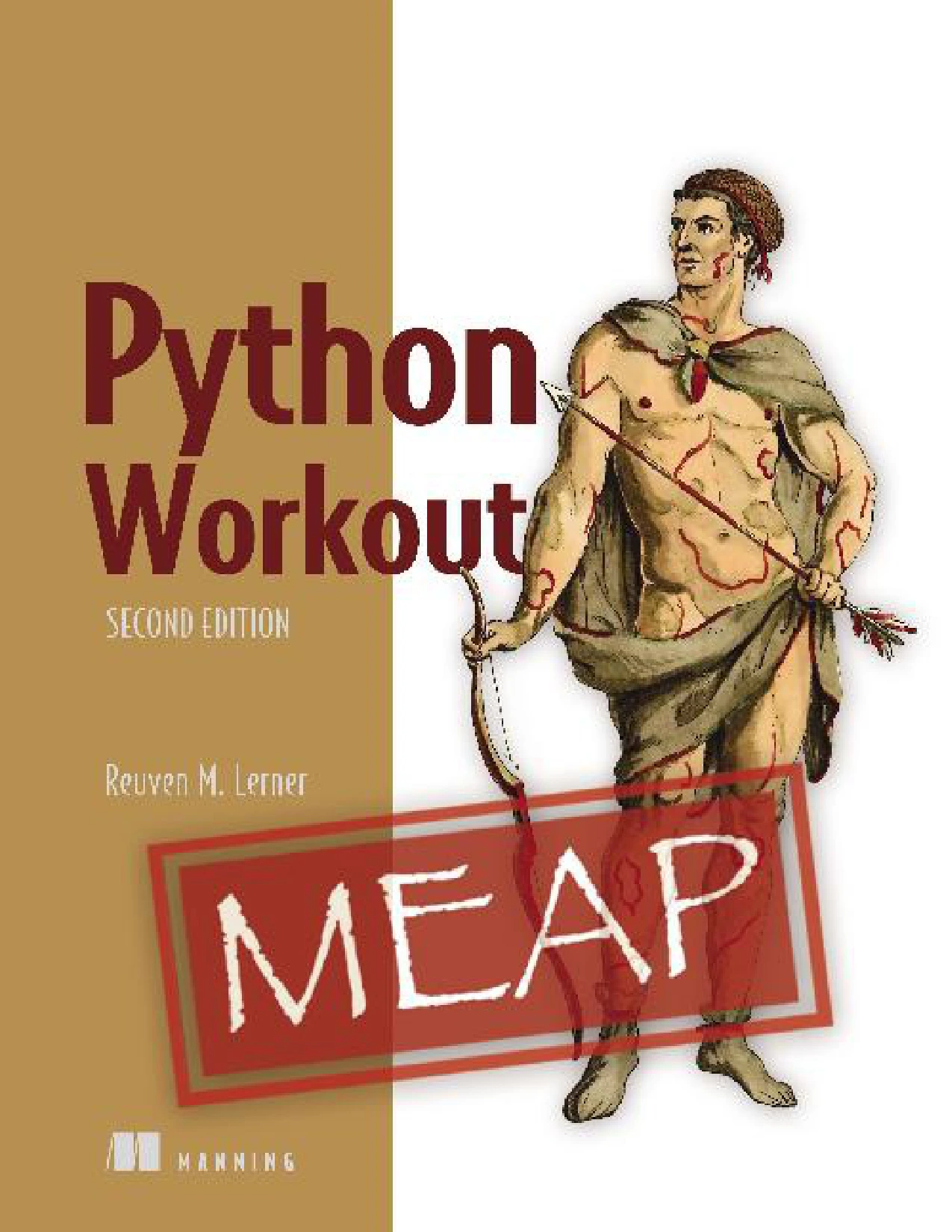
Python Workout, Second Edition (MEAP V03)
Learners ready to practise Python topics through exercises who have reviewed the MEAP edition details.
Common Beginner Misconceptions to Leave Behind
“I need the perfect editor before I can start.”
You do not. An editor is a tool, not a programming prerequisite. Use a simple setup that lets you run code; explore more advanced editor features when you have a reason to use them.
“I need to learn every package first.”
You do not need to install a collection of libraries before you can write useful beginner programs. Python’s built-in features are enough for many early examples. Add a third-party package when a particular project calls for it, and learn its installation steps in context.
“I should read a whole book before trying anything.”
It is fine to use a book or course as a guide, but pair explanations with short attempts of your own. If you want a structured introduction, The Python Apprentice covers topics such as Python basics, collections, functions, exceptions, files, testing, and debugging. For readers who prefer a beginner-oriented, step-by-step format, Python Coding for Beginners (19th Edition) includes setup guidance and introductory programming topics. These catalog descriptions can help you compare subject coverage; choose based on your starting point and preferred format, not on an assumed universal “best” book.
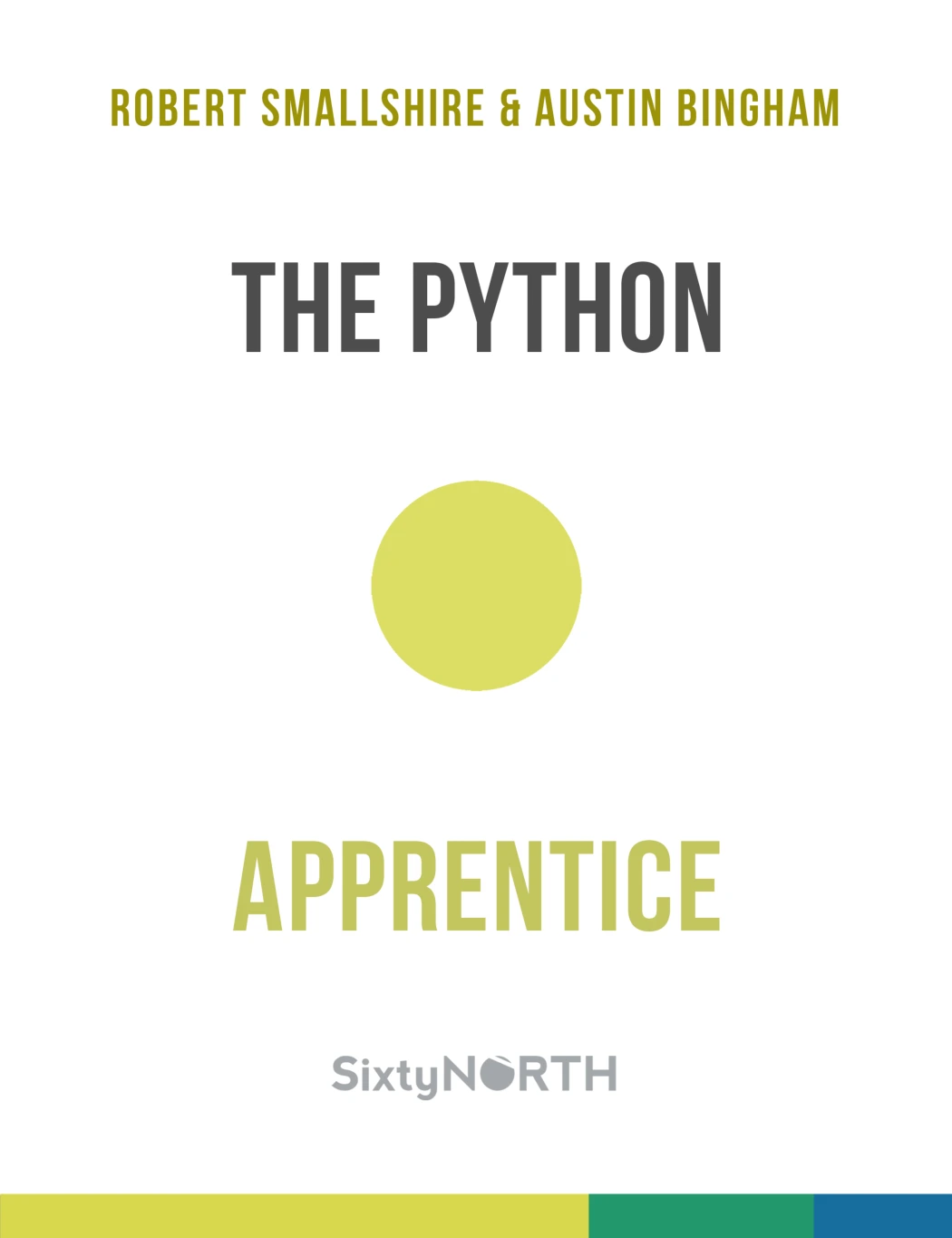
New Python learners or readers seeking a structured refresher that also covers testing and debugging.
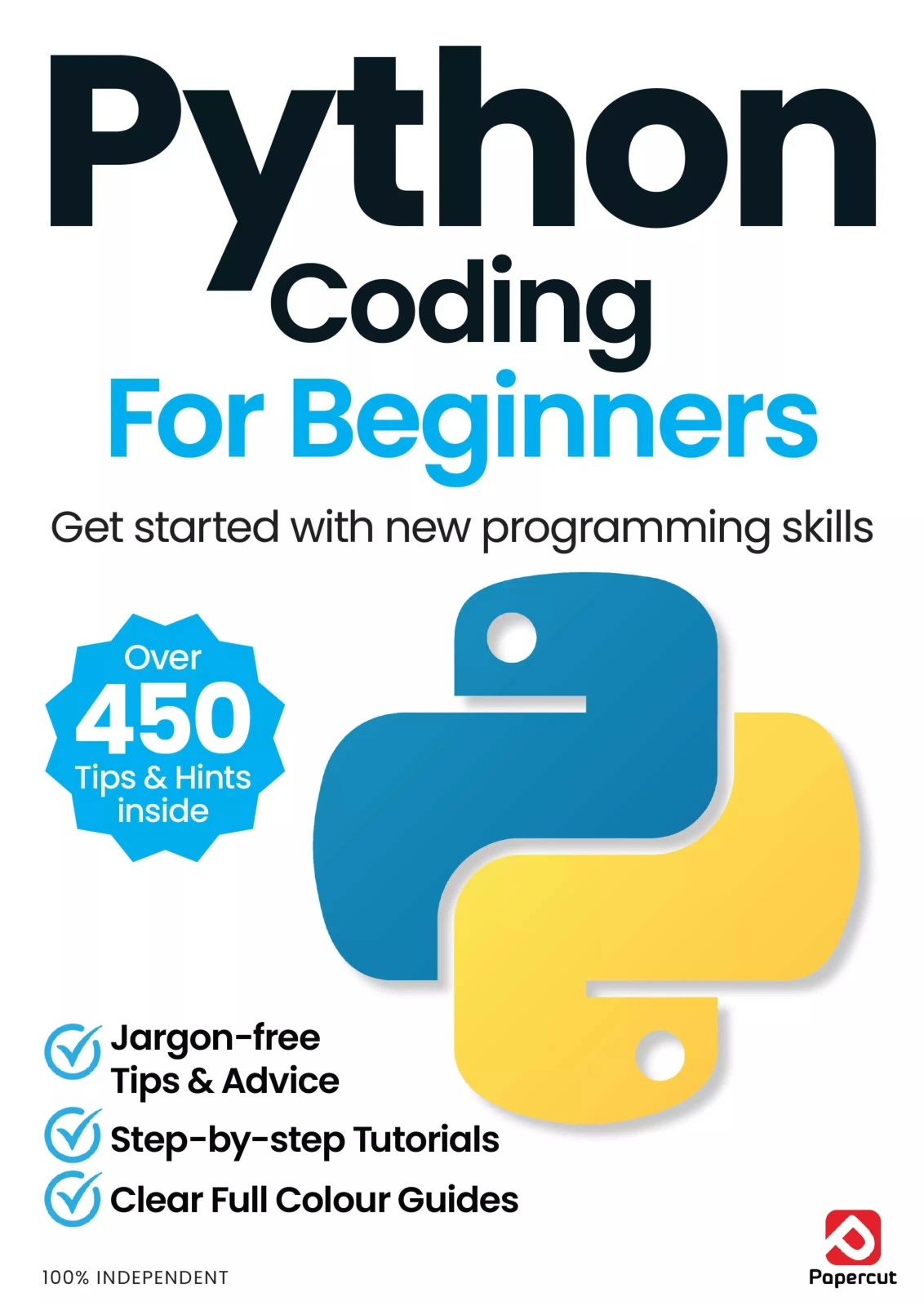
Python Coding for Beginners (19th Edition)
By Papercut
Readers new to programming who want step-by-step setup guidance and foundational material.
“I have to choose a specialization immediately.”
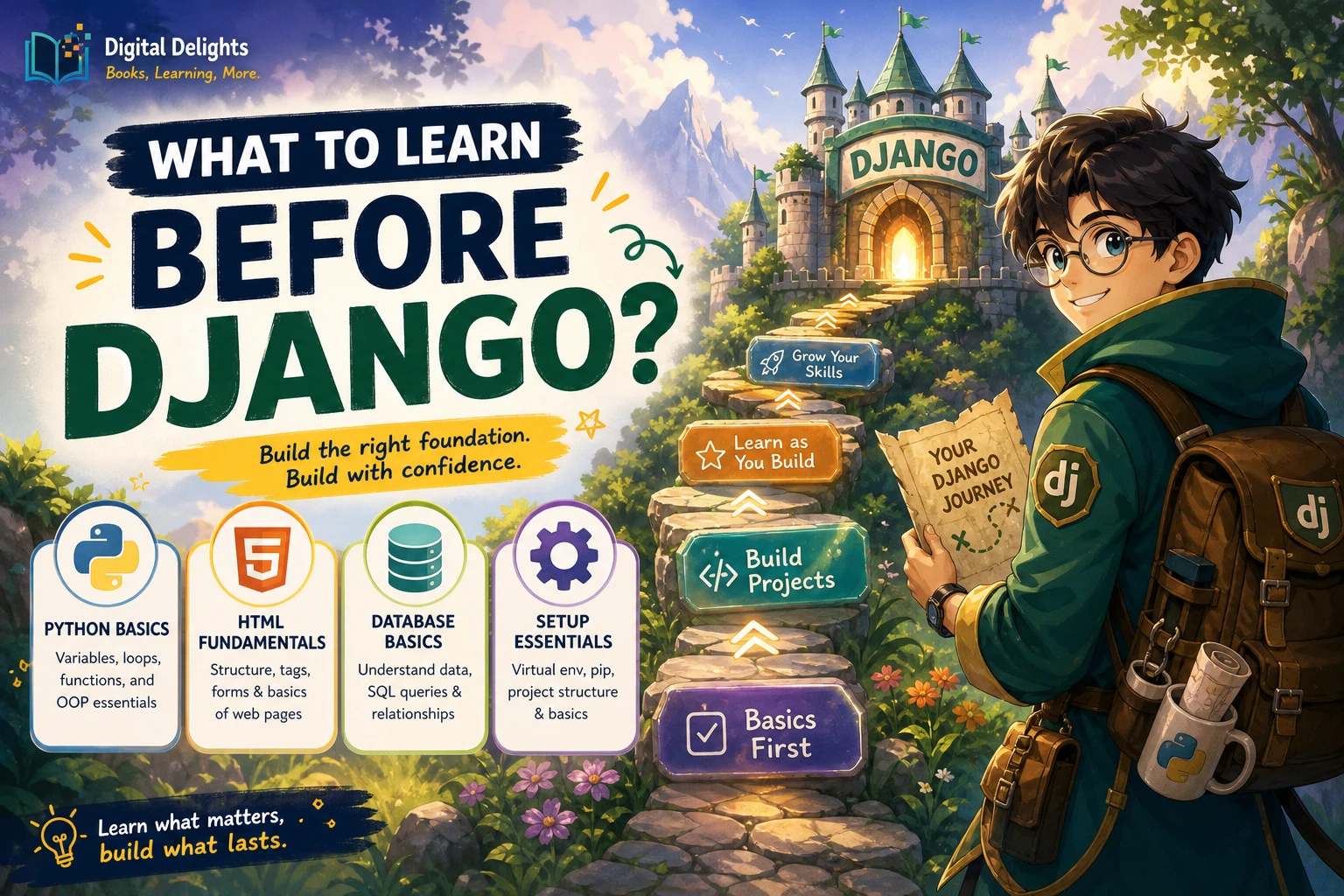
You can learn the foundations before deciding whether you are interested in automation, data work, web development, or another area. A small general-purpose project can help you discover what you enjoy. Specialization becomes more useful once you have enough Python basics to understand the tools a particular area requires.
How Should You Choose a Python Learning Resource?
Match the resource to what you need next. A complete beginner may value clear explanations and setup instructions; someone who knows basic syntax may get more from exercises. Look at the listed subject coverage and assumed knowledge before choosing. You can also browse the Python books and resources category for related learning materials.
| Your situation | Resource to consider | Why it may fit |
|---|---|---|
| New to Python and looking for a structured foundation | The Python Apprentice | The catalog describes a progression from core Python topics to files, testing, and debugging. |
| New to programming and want beginner-oriented setup guidance | Python Coding for Beginners (19th Edition) | Its catalog description includes installation and step-by-step introductory material. |
| Know some fundamentals and want short practice problems | Python Programming Exercises, Gently Explained | The catalog describes 42 short exercises with hints and explanations. |
Descriptions and contents are useful for comparing scope, but they cannot tell you which format will suit every learner. If you are unsure, choose a resource that makes its assumed experience level clear and gives you a way to practise the material.
Frequently Asked Questions
Do I need math to learn Python?
You can begin learning Python without advanced mathematics. The math you need later depends on your goals: data science, scientific computing, and machine learning can involve more mathematical ideas than many introductory scripts or text-based projects.
Should I learn another programming language before Python?
No. You can start with Python as your first programming language. Choose introductory material intended for people who are new to coding; some Python documentation and tutorials assume that you already understand basic programming.
Which Python version should I install?
Use a current Python 3 release and follow the installation guidance for your operating system. Version information can change, so check the official Python downloads page when you are ready to install.
Do I need to use the command line?
Not necessarily for your first exercises. A browser-based environment or an editor with a run button may be enough to get started. The command line is useful for running scripts and following many installation instructions, so it is worth learning gradually when your projects call for it.
Should I start with the official Python tutorial?
It depends on your experience. The official tutorial is intended for readers who are new to Python but already have basic programming knowledge. If you have never programmed before, start with material aimed at complete beginners, then use the official tutorial as a reference when it suits your level.
A Simple Way to Begin
You do not need to plan an entire programming career before writing your first Python program. Pick a beginner-appropriate resource, choose a basic environment, learn a few core concepts, and use them in small experiments. When you encounter a new tool or topic, add it because it helps with the next problem—not because you think you must learn everything in advance.