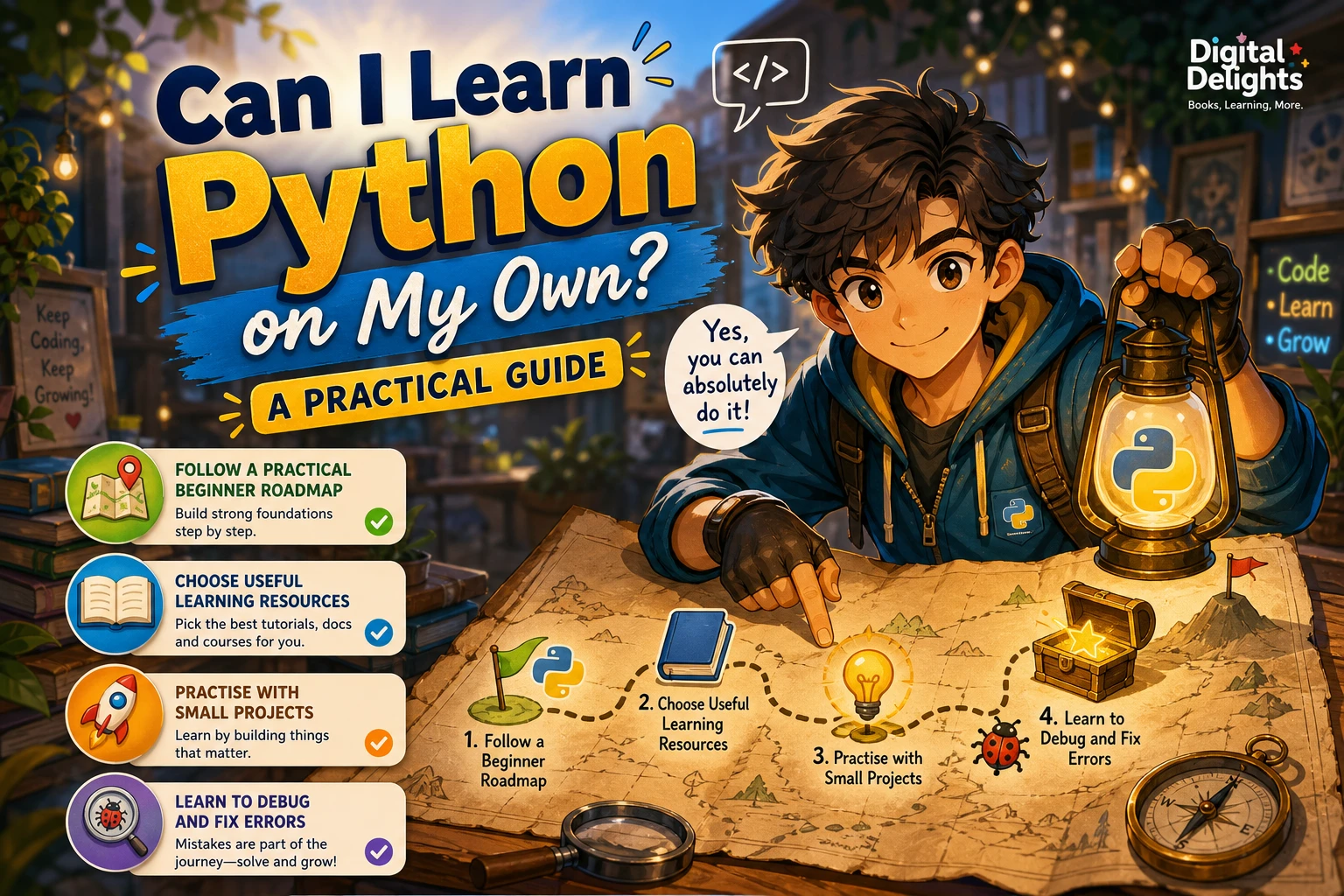
Can I Learn Python on Your Own? A Practical Guide
Yes—you can learn Python on your own. Python’s official beginner guidance welcomes people who are new to programming and points them toward introductory resources and tools. That makes self-study a realistic option, though it does not guarantee a particular pace or outcome for every learner.
The most useful approach is to combine explanations with regular coding: learn one idea, try it in a short program, and gradually build projects of your own. This guide covers what you need to begin, a practical learning path, ways to work through errors, and how to choose between tutorials, books, and projects.
Can you learn Python on your own?
You do not need previous programming experience to begin. Python’s official beginner guidance is intended to help new programmers get started, including choosing tools and finding introductory material.
Learning independently does mean taking responsibility for your next steps. You will need to practise, make sense of errors, and decide when to consult another explanation. Those are manageable parts of the process, but no single resource or schedule works equally well for everyone.
What do you need to get started?
You can begin with a computer and a way to run Python code. Depending on your setup, that may mean installing Python and choosing a code editor or integrated development environment (IDE). If you already have a course or book in mind, check whether it recommends a particular Python version or tool.
- A way to run Python: install Python or use a learning environment that lets you execute Python code.
- An editor or IDE: choose a tool that makes it straightforward to write, save, and run small programs.
- A first learning resource: start with the official Python beginner resources or a structured introduction.
- Time to experiment: make changes to examples and run them, rather than only reading explanations.
The official Python tutorial introduces core language concepts and is useful as a reference, but its documentation says it is not comprehensive. Treat it as a starting point, not as the only material you will ever need.
A practical self-study path for Python
Move from basic building blocks to programs that solve small, concrete problems. You do not need to understand every Python feature before you make something useful.
1. Learn the basic building blocks
Begin with values and variables, strings and numbers, comparisons, and simple expressions. Then practise writing conditional statements and loops. These let a program make decisions and repeat actions.
For example, you could write a program that asks for a person’s name and prints a greeting. Next, change it so it responds differently depending on the input. The aim is to understand what each line does, not to memorise a finished example.
2. Work with collections and functions
Learn how lists and dictionaries store related information, then use functions to give repeated tasks a clear name. A small contact list, for instance, could store names and phone numbers and use a function to look up one person.
When you meet a new concept, try changing the example: add another item, change an input, or make the program handle an unexpected value. Small modifications help you see how the parts fit together.
3. Practise files, exceptions, and debugging
After you can write short programs, explore reading from and writing to files, handling exceptions, and debugging. These topics help when a program needs to preserve information or respond more clearly when something goes wrong.
Try a simple task such as saving a list of notes to a text file. If the program behaves unexpectedly, check the error message and test one change at a time.
4. Build small projects
Choose a project small enough to finish, then add features gradually. Ideas include:
- A quiz that asks questions and tracks a score
- A number-guessing game
- A to-do list saved to a file
- A simple calculator that handles a few operations
- A program that organises information from a small text file
Projects reveal which concepts you understand and which ones you need to revisit. Keep the first version modest: getting a basic program working is more useful than planning a large application that never gets started.
5. Pick a direction after the fundamentals
Once you are comfortable with basic syntax, collections, functions, and simple debugging, choose a direction based on what you want to make. Data analysis, automation, web development, and games each call for additional tools and concepts. You can learn those next steps when a project gives you a reason to use them.
How can you practise and get unstuck?
Getting stuck is a normal part of writing programs. Use a repeatable troubleshooting process rather than changing several things at once:
- Describe the problem: write down what you expected and what happened instead.
- Read the error message: look for the file, line, and kind of error it identifies.
- Reduce the example: remove unrelated code until you have a small version that still shows the issue.
- Check one assumption: print a value or test a small expression to see what the program is doing.
- Consult a focused resource: search the documentation or your learning material for the specific feature involved.
- Ask a precise question if needed: include a small code example, the error message, and what you already tried.
These steps are practical ways to investigate a coding problem, not a guarantee that every issue will be easy to solve. Keep a short note of errors you have fixed; the explanation may help when you encounter a similar problem later.
Should you use a tutorial, book, or project?
Each format can serve a different purpose. A tutorial can introduce concepts in sequence, a book may provide a more structured path, and projects give you a reason to apply what you have learned. You can combine them rather than choosing only one.
| Resource | Useful when you want | Keep in mind |
|---|---|---|
| Official tutorial | A reference for core language concepts and examples | The official Python tutorial is not comprehensive, so you may need other explanations or practice. |
| Structured book | A guided sequence with topics introduced in an organised order | Check that its examples and setup instructions suit the Python version and tools you plan to use. |
| Exercises | Short tasks that make you apply concepts actively | Attempt each task before reading a solution or explanation. |
| Personal project | A practical goal that connects several concepts | Start small and add features as your understanding grows. |
If you prefer a guided introduction, Getting Started with Python covers fundamentals such as variables, conditions, loops, functions, and data types, with exercises and code examples. For a fast, practice-led introduction that includes Q&A sessions, exercises, and projects, consider Python Bootcamp: A Rapid Crash Course Featuring Q&A Sessions, Exercises, and Projects. If you already have the basics and want more hands-on tasks, Python Bookcamp: Exercises and Projects focuses on Python exercises, case studies, and projects.
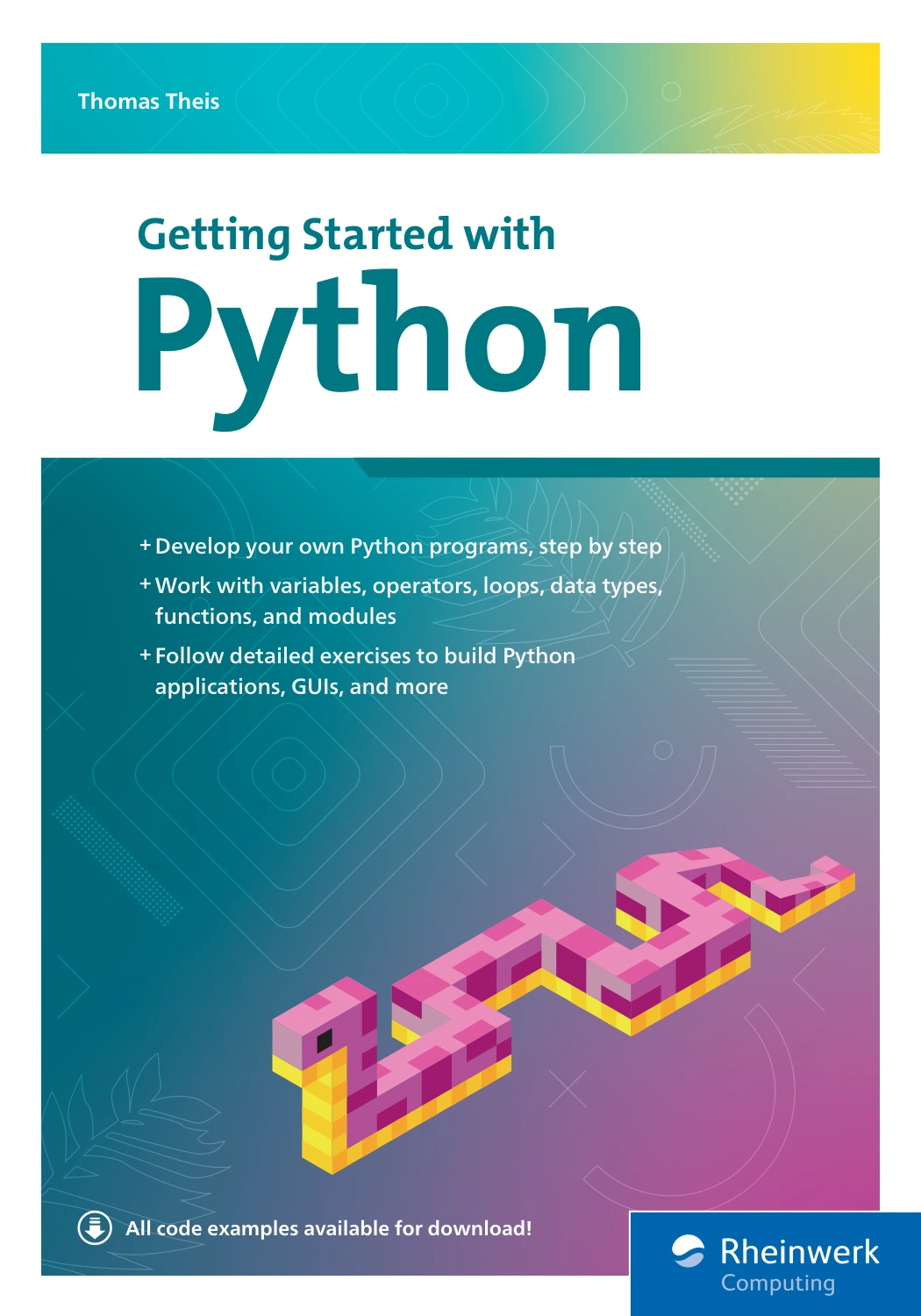
By Thomas Theis
Beginners who want a guided sequence from basic commands and syntax toward broader programming topics.
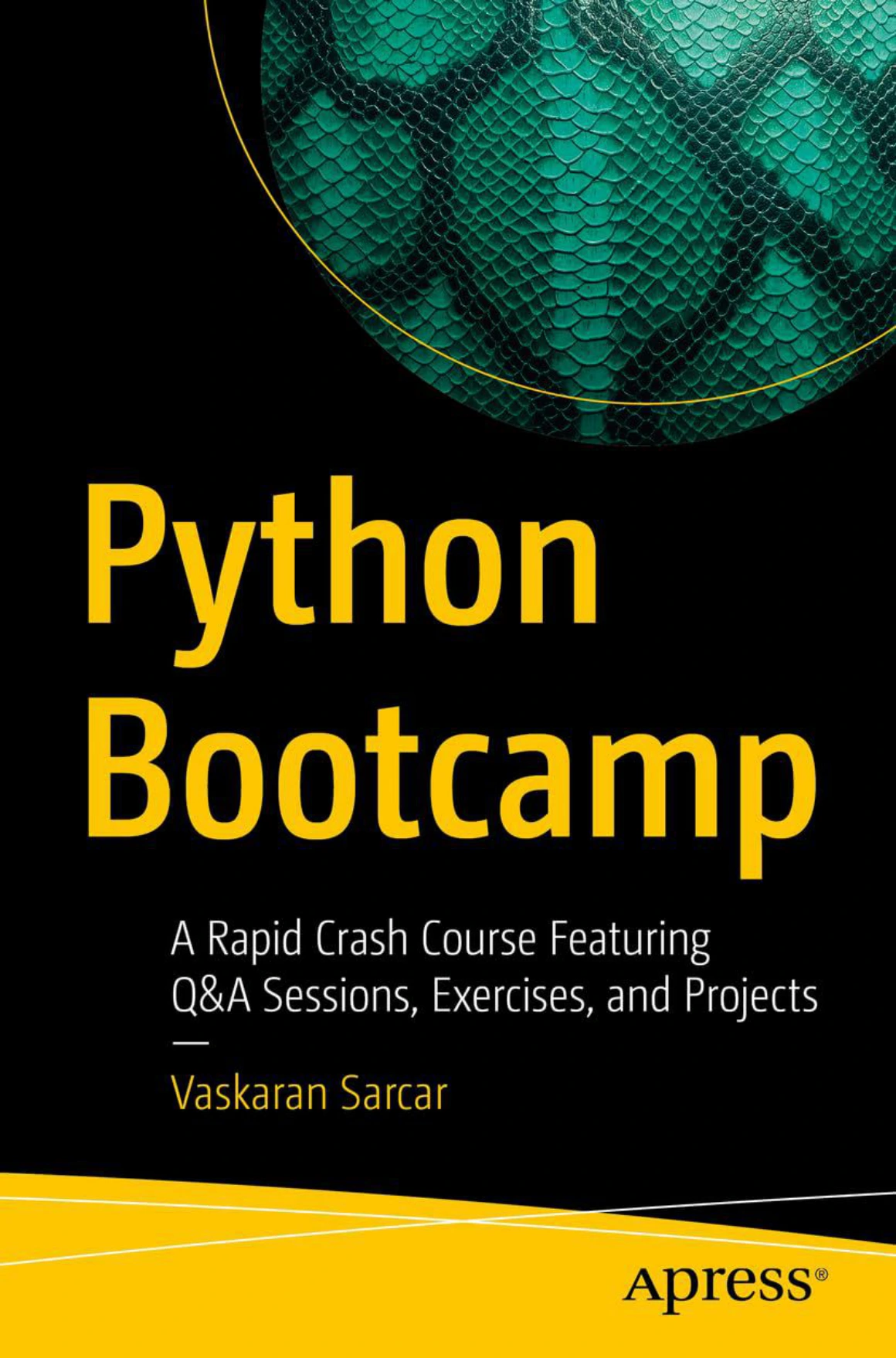
Python Bootcamp: A Rapid Crash Course Featuring Q&A Sessions, Exercises, and Projects
Learners who prefer a fast-paced introduction that pairs explanations with practice.

Python Bookcamp: Exercises and Projects
Learners who want additional practical tasks after or alongside learning the basics.
These are different approaches rather than a ranking. Choose the one that fits how much structure you want and whether you are currently looking for explanations, guided practice, or project ideas. You can browse more titles in the Python collection.
Common self-study pitfalls to avoid
- Reading without writing code: pause after an explanation and try the idea in a short program.
- Switching resources constantly: choose one main introduction and use other material to clarify specific questions.
- Waiting until you feel fully prepared to build: small projects can help you discover what to learn next.
- Expecting errors to explain themselves: read the message, reduce the example, and test your assumptions.
- Trying to learn every topic at once: focus on fundamentals before adding a specialised library or framework.
Frequently asked questions
Do I need programming experience to learn Python by myself?
No prior programming experience is required to begin with the official beginner resources. You will still need to practise using your computer to write, save, and run code as you learn.
Do I need to take a course to learn Python?
A course is not the only way to start. You can use official documentation, a book, exercises, and personal projects. A course may be helpful if you prefer a fixed sequence or scheduled instruction, but the available sources do not establish that one learning format is best for everyone.
What should I do when my Python code does not work?
Read the error message, check the line it points to, and reduce the code to a small example. Test one possible cause at a time. If you ask someone for help, share the relevant code, the full error message, and what you expected to happen.
When should I move beyond beginner material?
Move on when you can use basic syntax, conditionals, loops, collections, and functions in small programs, and can investigate simple errors. You do not need to know every language feature; choose the next topic when a project or goal calls for it.
Conclusion: start small and keep writing code
You can learn Python independently, and you do not need to master the whole language before starting. Choose one beginner resource, run the examples, practise the fundamentals, and build a small project that interests you. When you run into trouble, use the error message and documentation to investigate it one step at a time.