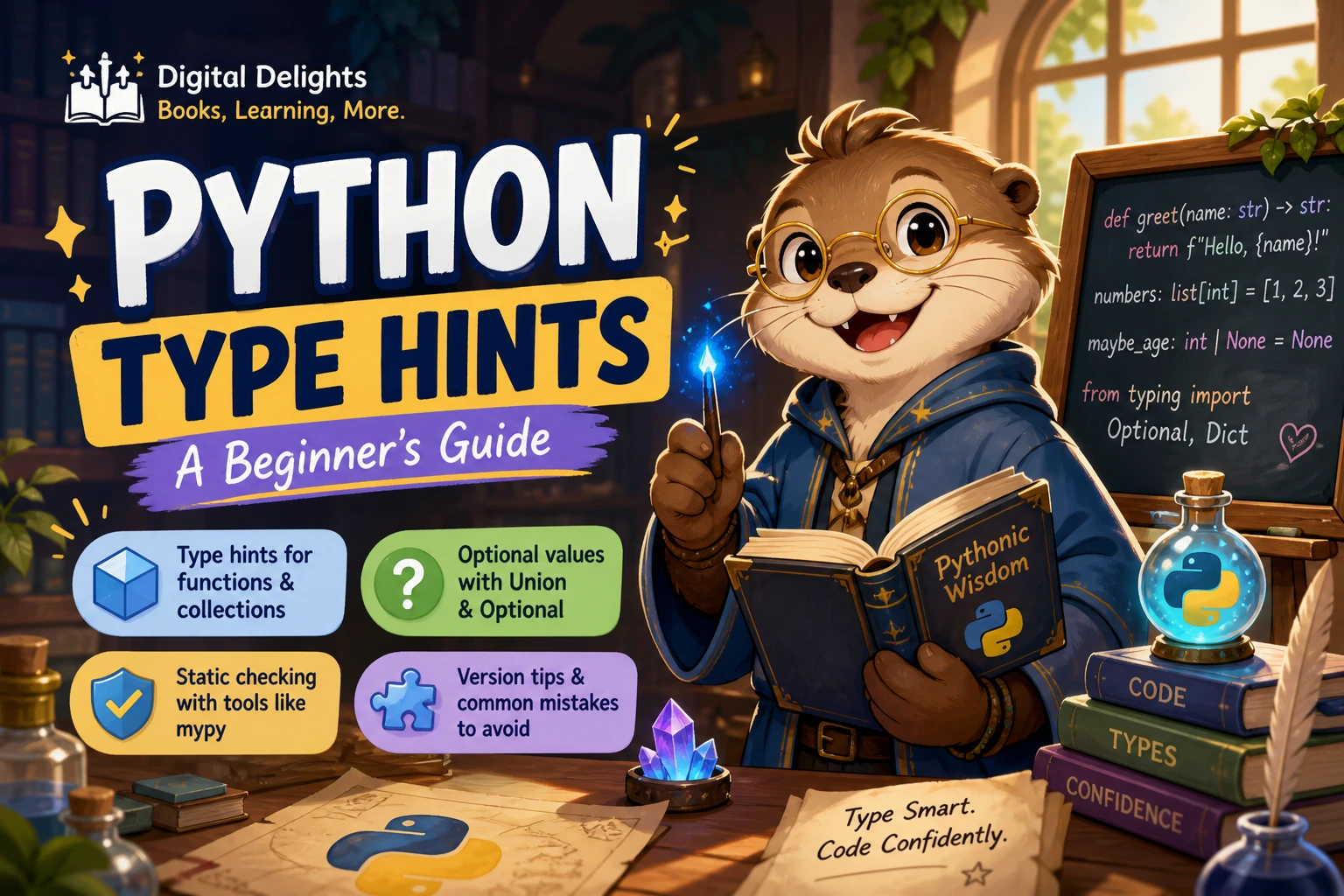
Python Type Hints: A Beginner’s Guide
Python type hints let you describe the kinds of values your code is intended to use. You can annotate a function’s inputs and return value, for example, or show that a variable is expected to hold a string. The important caveat: Python does not enforce these hints when a program runs. A type checker or a code editor can use them to flag possible mismatches, but the annotations alone do not validate data.
If you already understand basic functions and built-in types such as int and str, you can start using hints right away. This guide covers the everyday syntax, collections, optional values, version compatibility, and a simple way to add hints to a program you already have.
What are Python type hints?
Type hints—also called type annotations—are labels that document the types a function or variable is designed to work with. They make the intention behind code more visible to readers and can help static analysis tools spot potential inconsistencies.
For example, an annotation can indicate that a function expects two integers and returns an integer. Python still executes the function without automatically checking that contract. The official typing documentation explains that type hints are primarily for tools such as type checkers, IDEs, and linters—not runtime enforcement.
Basic Python type-hint syntax
Use a colon after a parameter name to annotate its expected type. Use an arrow to indicate a function’s return type:
def add_tax(price: float, rate: float) -> float:
    return price * (1 + rate)
Here, price and rate are annotated as floats, and the function is expected to return a float. These annotations communicate intent; they do not stop someone from calling add_tax("ten", 0.2). That call may fail when the function tries to perform arithmetic, but not because Python automatically checked the annotation.
Annotating variables
You can also add an annotation to a variable:
username: str = "Mina"
tries: int = 3
is_ready: bool = True
Variable annotations can help readers and compatible tools understand the expected value. They do not prevent a later assignment of a different type at runtime.
Annotating functions that return no useful value
Use None as the return annotation when a function performs an action but has no meaningful return value:
def greet(name: str) -> None:
    print(f"Hello, {name}!")
This says the function is expected not to return a useful result. It does not mean the function accepts None as its name argument.
Common types and collections
For everyday code, many annotations use familiar built-in types:
strfor textintfor whole numbersfloatfor floating-point numbersboolforTrueorFalseNonefor the absence of a value
For a collection, you can describe both the container and the type of its contents. In Python 3.9 and later, built-in collection types can be written with square brackets:
scores: list[int] = [86, 91, 78]
prices: dict[str, float] = {"notebook": 4.5, "pen": 1.25}
list[int] communicates that the list is intended to contain integers. dict[str, float] indicates string keys and float values. As with other hints, these annotations do not automatically inspect or validate each item when the program runs.
For projects that support Python versions before 3.9, older generic forms from the typing module may be needed, such as List[int] and Dict[str, float]. Check the syntax against the project’s minimum supported Python version rather than assuming every environment accepts the newest forms.
Optional values and unions
A value that may be one of several types is described with a union. For example, a function might accept either a number or text:
def show_id(value: int | str) -> None:
    print(value)
The int | str syntax works in Python 3.10 and later. In earlier compatible code, the equivalent can be written using Union[int, str] from typing.
When a value may be None
If a value can either be a string or None, include both possibilities in its type:
def display_name(name: str | None) -> str:
    if name is None:
        return "Guest"
    return name
For Python versions before 3.10, Optional[str] from the typing module is a familiar alternative. It means that None is one of the allowed values; it does not mean the argument can simply be omitted.
Omitting an argument is different from passing None
A default value controls whether a caller can leave an argument out. A nullable type describes which values the argument may contain. These are separate choices:
def find_user(user_id: int, nickname: str | None = None) -> None:
    ...
Here, nickname can be omitted because it has a default. Its type also says that, when supplied, it may be a string or None. The Python 3.12 typing documentation distinguishes default-valued parameters from types that allow None.
How are Python type hints checked?
Python runs your program; a separate type checker can analyze your code and report places where the implementation may not match its annotations. Editors may also use hints to offer completions, show expected argument types, or highlight likely mistakes. The exact checks and editor features depend on the tools and their configuration.
A useful way to think about the difference:
- At runtime: Python executes the code. Hints alone do not reject a value for having the “wrong” type.
- During static analysis: A checker examines the code and annotations to identify possible type mismatches before or apart from running it.
- In an editor: Editor support may use annotations to provide code navigation and suggestions.
Type hints are not a replacement for validating untrusted input. If data comes from a user, a file, or a network request, write runtime checks that confirm it has the format and values your program needs.
Choose syntax for your Python version
Type annotations have evolved over several Python releases, so the project’s minimum supported version matters. The notable syntax milestones covered in the official documentation are:
- Python 3.9: built-in generic forms such as
list[int]. - Python 3.10: the union operator, such as
int | str. - Python 3.12: the
typestatement for declaring a type alias.
These are syntax-version requirements, not a recommendation that every learner immediately upgrade a project. If you work in an older environment, use syntax it supports or check whether a compatibility option is appropriate. The Python documentation notes that typing_extensions can provide some newer typing features on older Python versions. Confirm compatibility for your particular feature and setup.
Common beginner mistakes
- Expecting annotations to validate input. A hint describes intended use; add runtime validation when the program must reject invalid data.
- Confusing a default with a nullable type. A default makes an argument omittable. A type such as
str | Nonesays thatNoneis an allowed value. - Assuming a variable annotation locks its value. An annotation does not stop a later assignment of another type while the program runs.
- Using
Anyandobjectas if they mean the same thing.Anypermits dynamic, largely unchecked operations in type analysis.objectcan represent an unknown value while still requiring operations to be safe for an object of unknown type. - Using syntax without checking the supported Python version. In particular, remember the version requirements for built-in generics and the
|union syntax. - Trying to annotate everything before understanding the code. Start with clear function inputs and outputs, then add detail where it makes the code easier to reason about.
A practical next step: annotate one function
Take a small function you already understand and add annotations for its parameters and return value. For example, a function that counts words might start like this:
def count_words(text: str) -> int:
    return len(text.split())
Then consider the function’s actual boundaries. Can text be missing? Can it be None? Does the function always return an integer? Make the annotations reflect the intended behavior, not a guess about what would look sophisticated.
- Choose a short function with a clear purpose.
- Annotate its parameters and return value.
- Run the program as usual to check its behavior.
- Use a type checker or editor feature if available, and review any warnings in context.
- Adjust the code or annotations when they do not describe the same expectations.
If you want a structured reference for applying Python techniques, Python How-To: 63 Techniques to Improve Your Python Code includes type hints among its practical topics. For a broader language guide that also covers type hints, Python Distilled may suit readers who want to explore core Python beyond this single feature. You can also browse the Python learning resources available at Digital Delights.
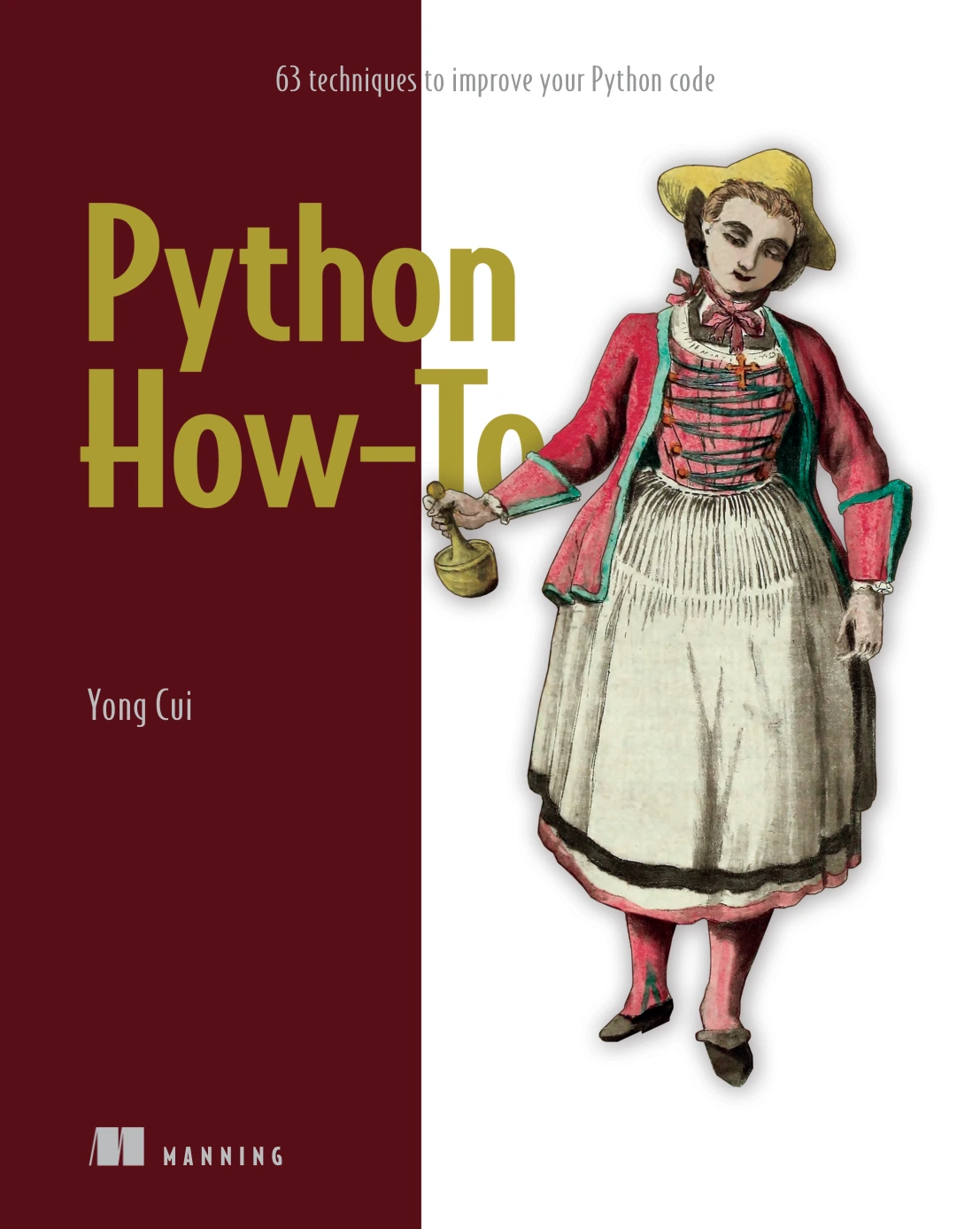
Python How-To: 63 Techniques to Improve Your Python Code
By Yong Cui
Learners who know basic Python and want a practical resource covering type hints and other coding techniques.
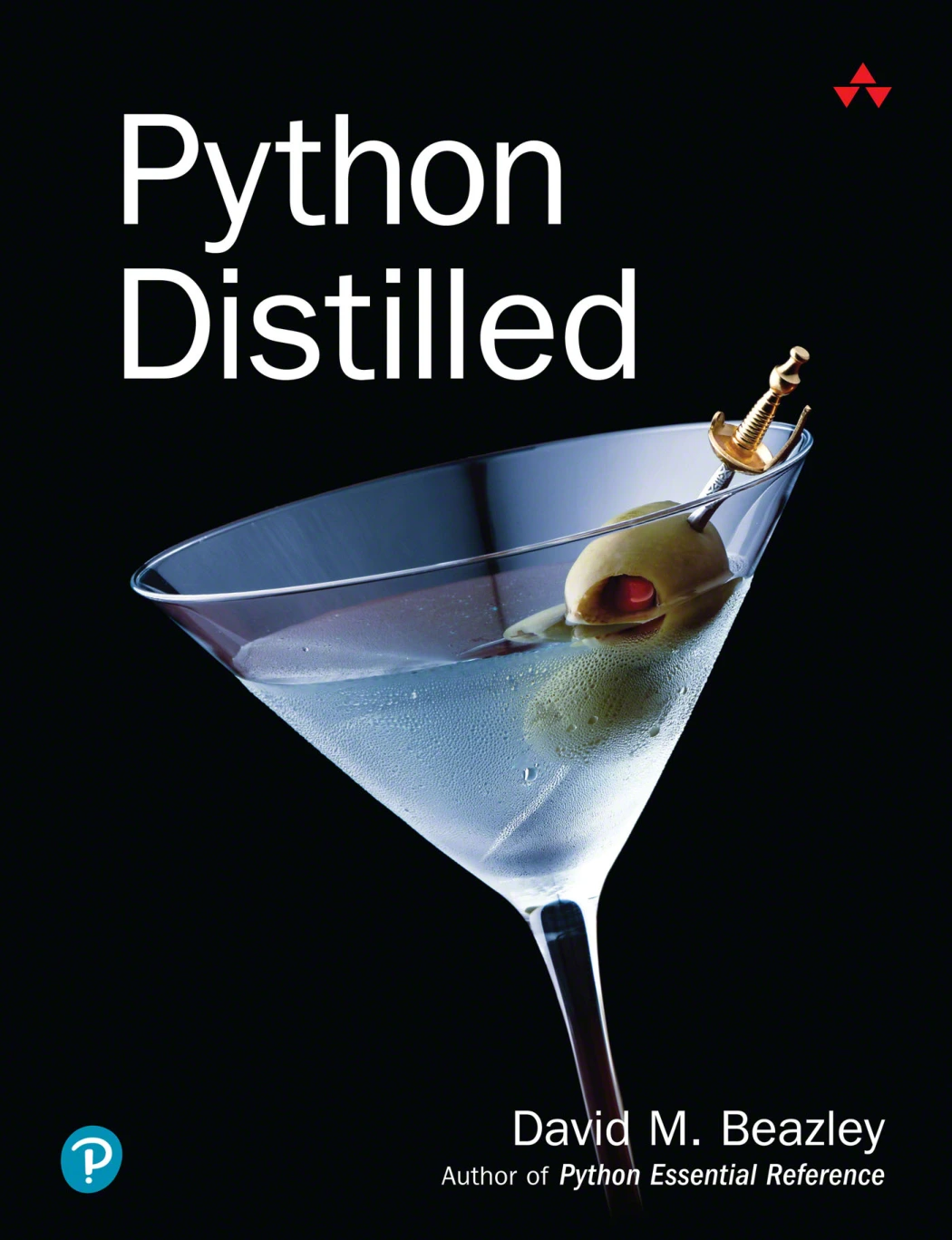
Readers ready to explore Python language features beyond introductory annotations.
Frequently asked questions
Are Python type hints required?
No. Python code can run without type hints. They are optional annotations that can help communicate intended types and support analysis tools.
Do type hints change how Python runs my program?
Not by themselves. Python does not automatically enforce type hints at runtime. A separate checker can analyze them, and an editor may use them to provide coding assistance.
Do type hints slow down a Python program?
Ordinary type annotations are not runtime checks, so they do not add the kind of automatic input validation that would inspect each value during execution. The supplied research does not establish a general performance comparison for every annotation pattern or tool; measure a specific application if performance is a concern.
What does Optional[str] mean?
Optional[str] means the value may be a string or None. It does not, on its own, make a function argument optional to omit. A default value such as = None is what lets a caller leave that argument out.
Should beginners use Python type hints?
They can be useful once you understand basic functions and types. Start with straightforward parameter and return annotations, and use a checker or editor to see how the annotations are interpreted. You do not need to learn advanced typing features all at once.
Key takeaway
Python type hints describe the values your code is intended to use, and they help tools reason about that intention. Begin with simple function annotations, be precise about whether None is allowed, and match newer syntax to your project’s supported Python version. Remember that hints are not runtime validation: when your application must verify actual input, implement explicit checks.