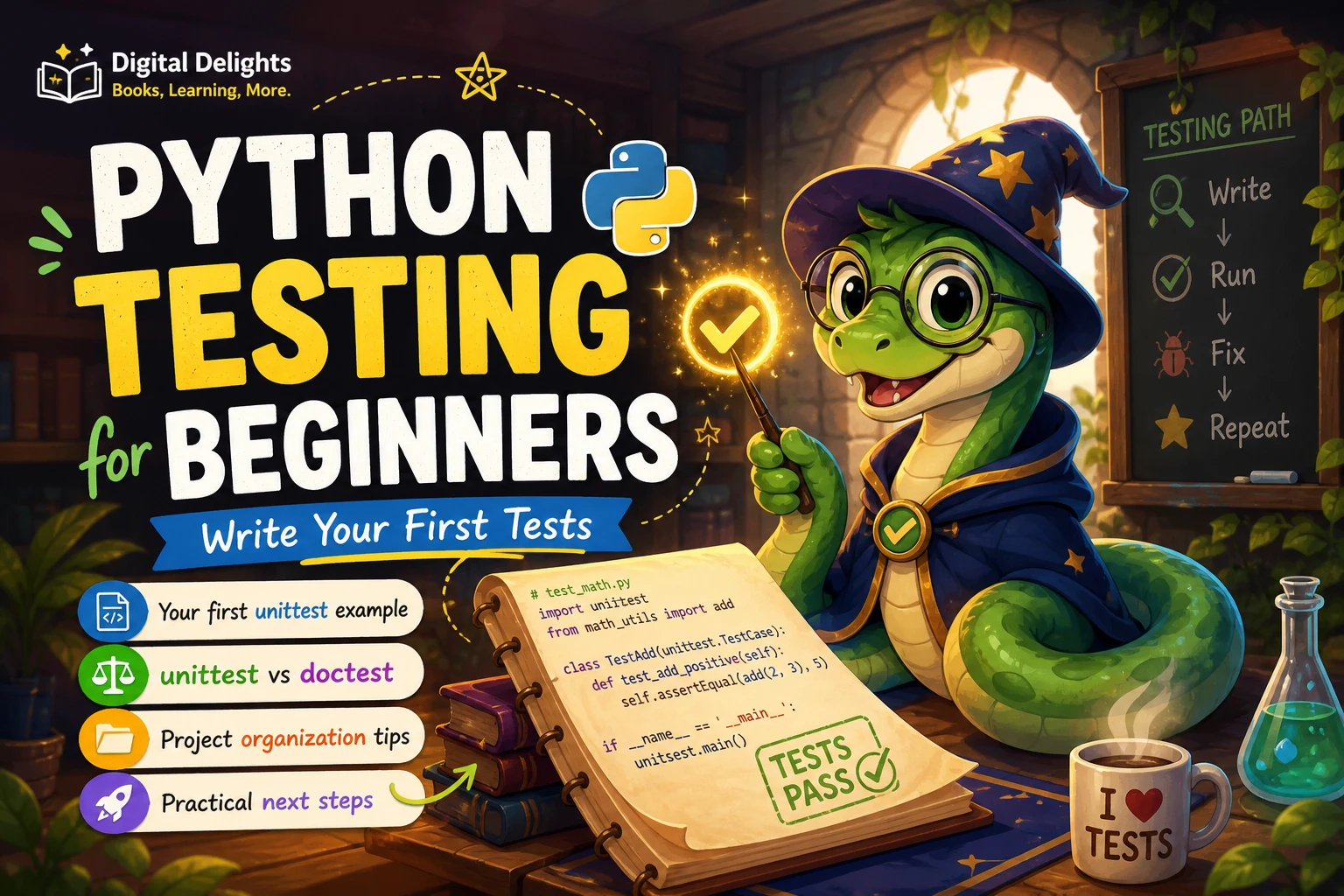
Python Testing for Beginners: Write Your First Tests
When a Python program produces the wrong result, it can be hard to tell whether the problem is in the logic, an unusual input, or a change made somewhere else. Tests give you a repeatable way to check what your code should do. They do not guarantee that a program has no bugs, but they can catch mistakes early and show when a change has affected behavior you meant to keep.
If you are learning Python testing for beginners, start with one small function and a clear expectation. This guide walks through a first test with Python’s built-in unittest framework, explains where doctest fits, and shows how to organize tests as a project grows. You do not need to install a testing package to try the examples.
What does a Python test check?
A test supplies an input to a piece of code and checks whether the result matches an expected outcome. For example, a function that adds two numbers should return their sum. A test makes that expectation explicit so you can check it again whenever you edit the function.
Here is a small function:
def add(a, b):
    return a + b
You can check its behavior with an assertion:
assert add(2, 3) == 5If the expression on the right side of == does not match the function’s result, Python raises an AssertionError. This is a useful first demonstration, though a testing framework helps you group checks, run them consistently, and see clearer results when a check fails.
Write and run your first test with unittest
unittest is included with Python. It provides test cases and assertion methods for checking how code responds to inputs. The official documentation also describes support for shared setup and cleanup and for discovering test modules in a project (Python unittest documentation).
Save the function in a file named calculator.py:
def add(a, b):
    return a + b
In the same folder, create test_calculator.py:
import unittest

from calculator import add


class TestAdd(unittest.TestCase):
    def test_adds_two_numbers(self):
        self.assertEqual(add(2, 3), 5)


if __name__ == "__main__":
    unittest.main()
Open a terminal in that folder and run:
python -m unittestIf your system uses a separate command for Python 3, try python3 -m unittest. The exact command depends on how Python is installed and configured on your computer.
How to read the result
- A passing test: The test ran and its assertion matched the actual result. A passing check confirms only the behavior that check covers.
- A failing test: The test ran, but an assertion or another part of the test raised an error. Read the reported test name and traceback to locate the failing check, then compare the actual behavior with what you expected.
A failure is information, not a reason to delete the test automatically. The function may be wrong, the expectation may be mistaken, or the test may be supplying an input your code does not handle. Investigate which explanation fits before changing anything.
Choose between unittest and doctest
These tools solve related but different problems. unittest is useful when you want named test cases organized in test files. doctest checks examples written in a Python interactive-session style, comparing the displayed result with the expected output. The official doctest documentation describes uses such as checking examples in documentation and regression testing.
| Tool | A useful fit | What to keep in mind |
|---|---|---|
unittest |
Several checks, named test methods, or a growing group of tests | Tests live in test code, separate from the function being checked. |
doctest |
Short examples in docstrings or documentation that should remain runnable | It compares displayed output; exact-output checks can be fragile when output order is not guaranteed. |
Here is a small doctest example. Save it in greetings.py:
def greet(name):
    """Return a greeting.

    >>> greet("Ada")
    'Hello, Ada!'
    """
    return f"Hello, {name}!"
Run the example check from the terminal with:
python -m doctest -v greetings.pyChoose based on what you are checking rather than assuming one tool is always better. A short example that documents a function may suit doctest; a collection of behavior checks may be easier to maintain as unittest cases.
Organize tests as your Python project grows
For a small project, keep the code and its test file easy to find. A simple layout might look like this:
my_project/
    calculator.py
    test_calculator.py
As the project expands, you can group tests in a directory, for example tests/, and use clear file and function names that start with test. Python’s unittest discovery can search for importable test modules matching a filename pattern. The standard discovery command, python -m unittest discover, is useful when you want the framework to find tests rather than name each test file individually; see the official discovery guidance.
You may also choose to use a virtual environment when your project relies on installed packages. Python’s venv module creates an environment with project-specific packages; it is not required for the standard-library examples in this article. The Python venv documentation explains that environments are intended to be disposable and generally recreated rather than moved.
Common beginner testing mistakes
- Checking only the usual input: Test a typical case, but consider a boundary or unusual case too. For
add, for instance, you might also check a negative number or zero. - Writing a vague expectation: Make the expected result concrete. A test should make it clear what input is being checked and what result you expect.
- Testing details that can change unnecessarily: Prefer checking meaningful behavior over incidental formatting or ordering. Exact text-output comparisons can be brittle when the output is not guaranteed to appear in a fixed order.
- Ignoring a failed test: Read the failure and traceback. Decide whether the code, test input, or expected result needs attention before proceeding.
- Assuming a pass proves everything works: A passing test means that particular check passed. Add other tests for other important behaviors; no small set of checks covers every possible input.
A practical next step: test a small program
Choose a function you already understand, such as a calculator operation, a text-cleaning helper, or a function that counts words. Write down what it should do before writing the test. Then try this process:
- Pick one behavior and one input.
- Write the expected result in plain language.
- Turn that expectation into an assertion.
- Run the test and read the result.
- Add another test for a different meaningful input.
- Change the function deliberately, rerun the tests, and observe whether a check catches the change.
Keep the first exercise small. The purpose is to learn how expectations, code, and test results relate—not to build a large testing system before you have a program worth testing.
If you want a structured resource that includes testing among broader Python topics, the catalog describes Python 101 as covering debugging, testing with doctest and unittest, and related programming skills. For a project-led approach, Tiny Python Projects is described as using small programs and test-driven development with pytest. These are different learning routes: one spans Python fundamentals and tools, while the other centers on building and testing compact projects.
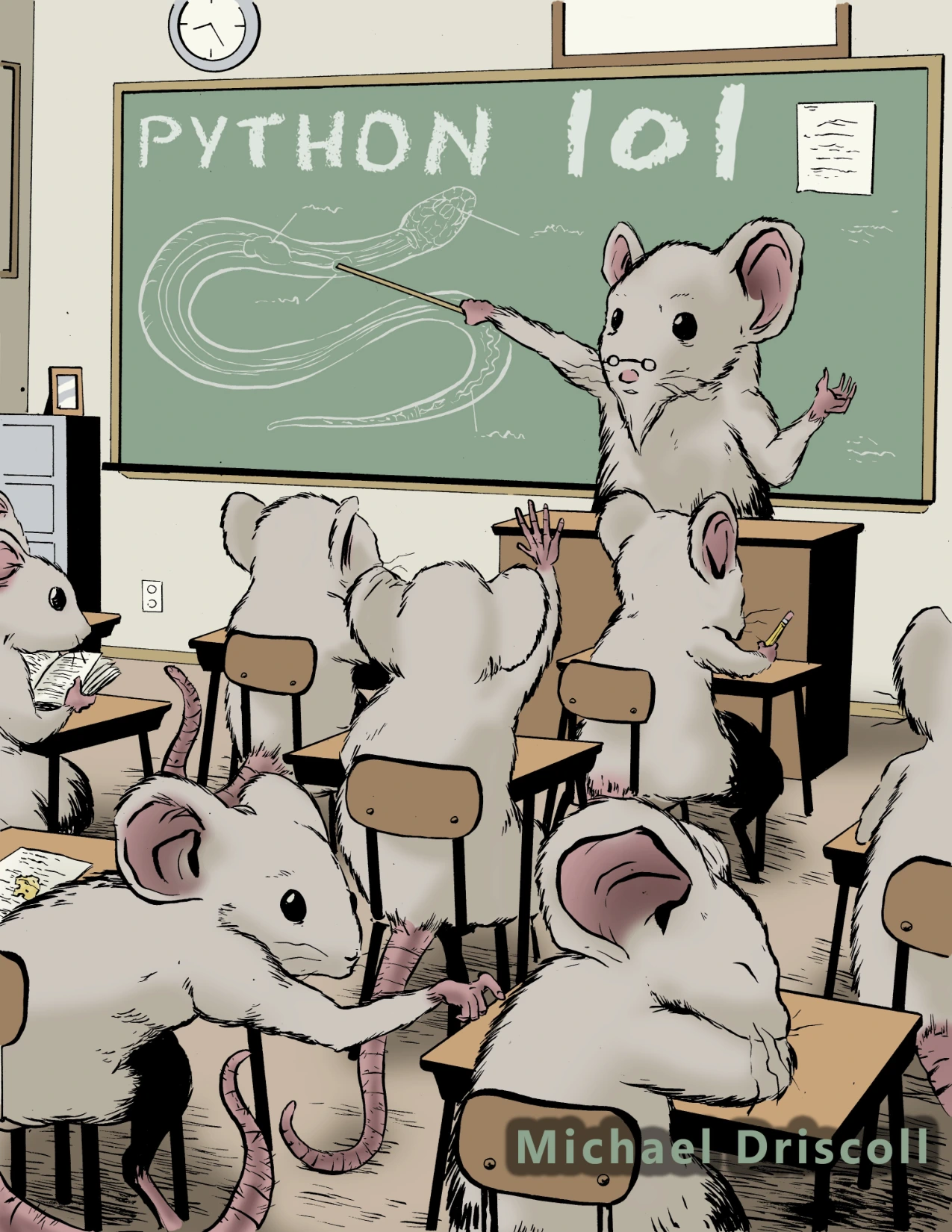
Learners who want a broad Python resource that also covers testing, debugging, and related tools.
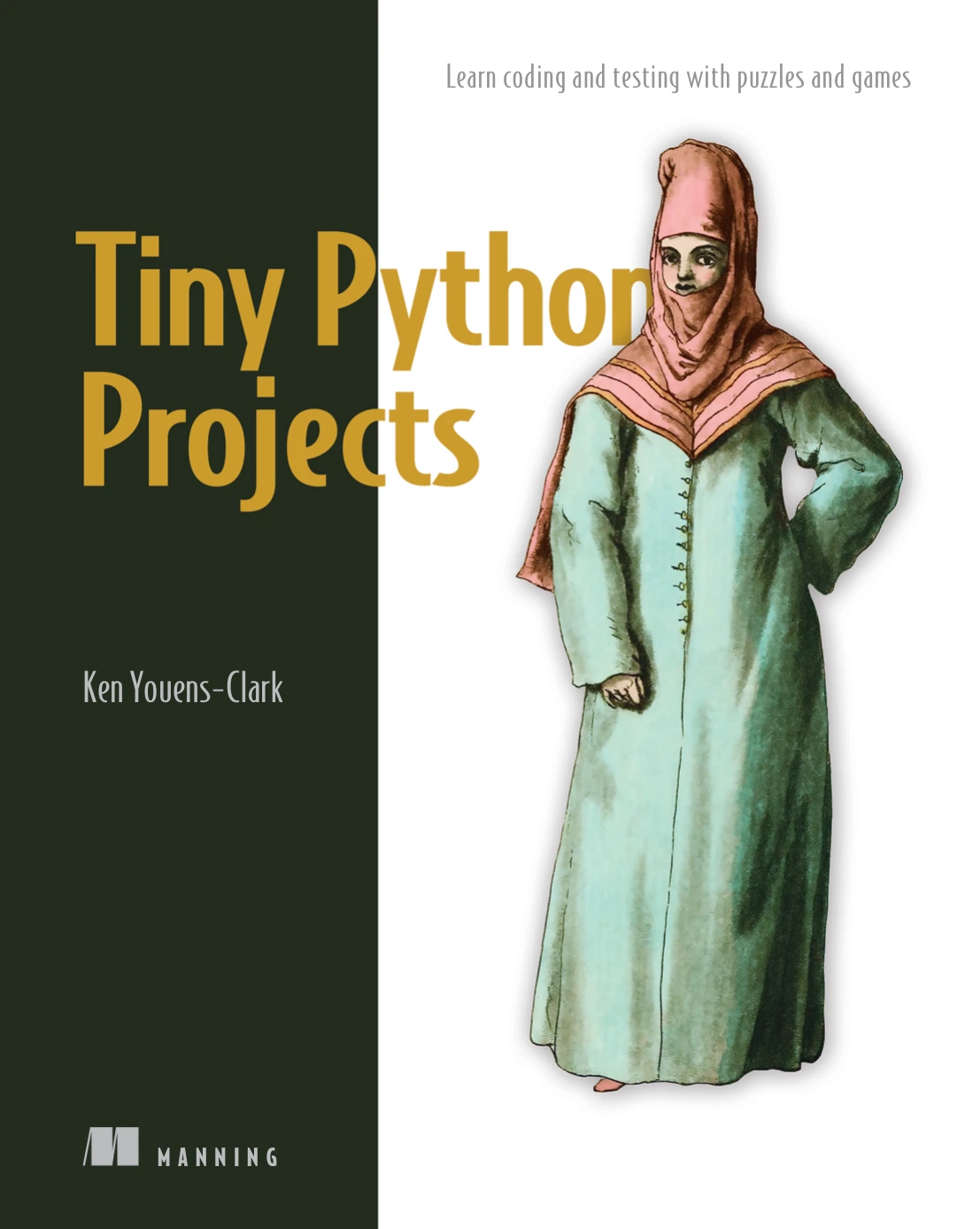
Learners who prefer practicing Python through compact projects and tests.
Frequently asked questions
When should I start testing Python code?
Start once you can run a small function and describe what result you expect from an input. You do not need an advanced project: a simple calculation or text-processing function is enough to learn the basic cycle of writing a check, running it, and interpreting the result.
Do I need to install a testing tool to begin?
No. unittest and doctest are part of Python’s standard library, so the examples here do not require installing a separate testing package. A virtual environment can help isolate project-specific packages, but it is optional for these standard-library examples.
Should beginners choose unittest or doctest?
It depends on the task. Try doctest for short, runnable examples in documentation. Use unittest when you want named test cases organized separately from the code. Neither choice is established as best for every beginner or every project.
What should I do when a test fails?
Read the test name, assertion message, and traceback. Check the input, the expected result, and the function’s actual behavior. A failure can reveal a bug, an incorrect expectation, or an unhandled case; determine which it is before editing the test or code.
Keep the first tests simple
Python testing becomes easier to understand when each test has one clear purpose: give the code an input and check whether its behavior matches an explicit expectation. Begin with a few focused checks, use unittest for structured test cases or doctest for executable examples, and add coverage as your program grows. The habit of checking behavior regularly can make mistakes easier to notice and changes easier to assess.