How to Learn Advanced Python
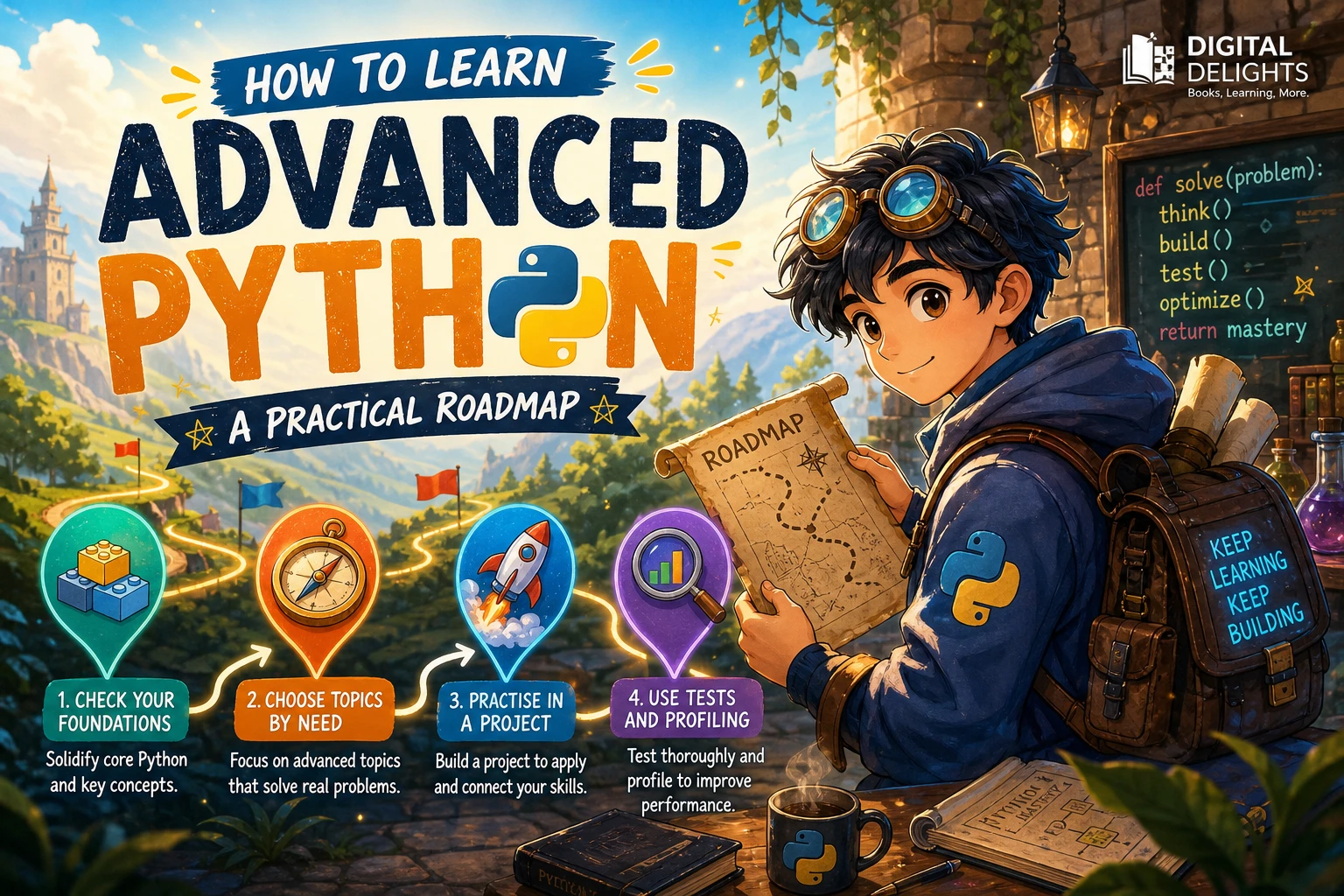
Learning advanced Python is less about collecting obscure syntax and more about understanding how Python behaves when a program grows. Start with the parts of the language you already use, then deepen them through a project: make its interfaces clearer, test its behavior, handle failures deliberately, and investigate performance only when there is a real bottleneck.
There is no single official checklist for “advanced Python.” A useful path depends on the software you want to build. For most learners, a strong next step is to study Python’s data model, iteration, functions, typing, and testing before moving into specialised areas such as concurrency or metaprogramming. The roadmap below helps you choose what to study and put it into practice.
Check Your Python Foundations First
Advanced study is more productive when everyday Python concepts are already familiar. The official Python tutorial is aimed at programmers who are new to Python, rather than people who are new to programming. In practical terms, be comfortable reading and writing ordinary code before treating advanced topics as your next step. The Python Tutorial
Before moving on, check whether you can:
- Write functions with clear inputs, outputs, and responsibilities.
- Use lists, dictionaries, sets, and tuples appropriately.
- Define and use classes when an object-oriented design makes sense.
- Split a program into modules and import code from them.
- Handle expected errors with exceptions instead of hiding failures.
- Read unfamiliar code and explain what it does.
You do not need to know every library or memorise every method. You do need enough fluency that basic syntax is not the main obstacle while you study how Python’s features fit together.
Choose Advanced Python Topics by Need
Advanced Python covers several different areas, not one universal sequence. A publisher’s outline for Fluent Python, 2nd Edition, for example, spans data structures, functions, protocols and typing, iterators and generators, concurrency, and metaprogramming. That range illustrates the breadth of the subject; it is not a required syllabus for every programmer. Fluent Python, 2nd Edition
Use the questions below to choose what to study next. Prioritise topics that solve a problem you have encountered or that will help you understand code you need to maintain.
| Topic | Study it when… | Practice idea |
|---|---|---|
| Python’s data model | You want your own objects to work naturally with built-in operations. | Design a small class with clear equality, representation, or iteration behavior. |
| Iterators and generators | You process sequences, streams, or data that should be handled incrementally. | Turn a collection-processing function into an iterator and compare how it is used. |
| Decorators and context managers | You need to reuse behavior around function calls or resource management. | Build a small decorator or use a context manager to manage a file or temporary resource. |
| Typing and protocols | You want clearer interfaces or better tools for checking how components fit together. | Add annotations to a module and describe the behavior expected from an input object. |
| Testing, packaging, and API design | Your code is becoming difficult to change, reuse, or explain. | Package a small utility, write tests for its public behavior, and document its interface. |
| Concurrency and metaprogramming | A real workload or design problem calls for them. | Build a small, focused experiment and compare its trade-offs with a simpler approach. |
Understand the data model, iteration, and functions
Begin by investigating how familiar Python operations work with different objects. Explore iteration, special methods, callable objects, and the difference between an object’s behavior and its implementation. Then study generators and decorators in context: understand what they make easier, what they obscure, and when a plain function is clearer.
A useful exercise is to take a small, repetitive piece of code and improve its design without adding cleverness for its own sake. For example, if several functions repeat the same setup and cleanup, examine whether a context manager would make that lifecycle easier to follow. If a sequence is built entirely in memory but only consumed one item at a time, consider whether an iterator would be a better fit.
Learn typing and interface design together
Type annotations can make a function’s expected inputs and outputs easier to understand, especially when a project has several modules or collaborators. Learn to annotate ordinary functions and collections first. Then explore protocols and other ways to describe behavior, rather than assuming every object must belong to one particular class.
Typing is most useful when it clarifies a boundary: what a function accepts, what it returns, and what behavior a component depends on. Keep annotations aligned with the Python versions and tools your project supports.
Treat testing and packaging as core skills
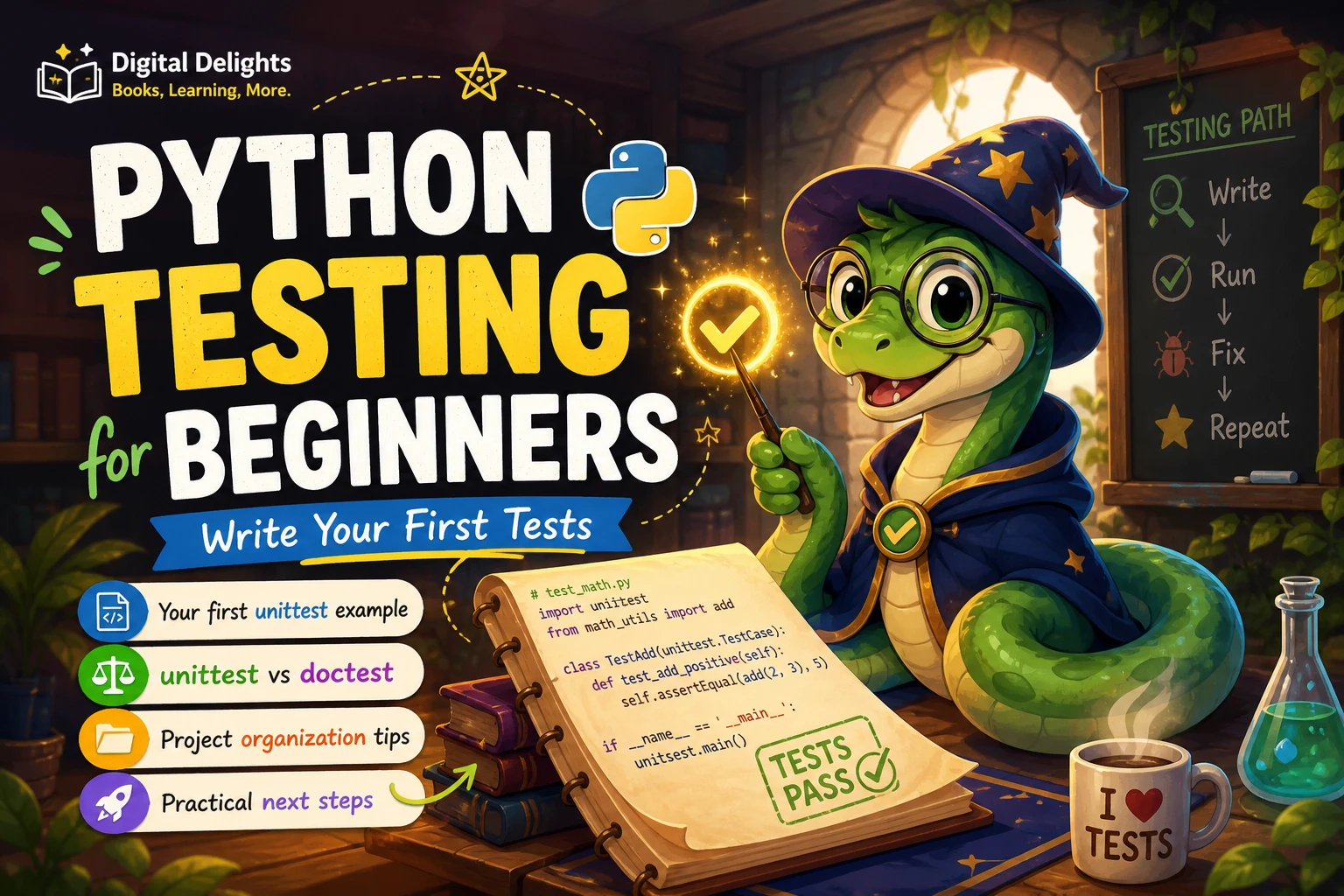
Advanced code is not automatically maintainable code. Tests help you check that changes preserve intended behavior; packaging and documentation help other people use a module without needing to know its internal details. Practise by giving a small project a clear public interface, testing expected behavior and edge cases, and writing a short explanation of how to use it.
Also practise debugging: reproduce a failure, reduce it to a small example, inspect the relevant state, and verify the correction with a test. These habits often provide more practical value than learning a feature simply because it sounds sophisticated.
Follow a Project-Led Learning Path
A project gives advanced concepts a reason to exist. Choose something small enough to finish but substantial enough to have multiple functions or modules. Examples include a command-line utility, a file organiser, a data-cleaning script, or a simple package that solves a recurring task.
- Build a working first version. Use familiar Python rather than trying to demonstrate advanced features.
- Identify friction. Look for duplicated logic, confusing interfaces, unhandled errors, or code that is difficult to test.
- Study one relevant concept. Choose a topic that addresses a specific issue in the project.
- Refactor in small steps. Make one change at a time and check that the project still behaves as intended.
- Add tests and documentation. Explain the public behavior, assumptions, and failure cases.
- Review what you learned. Note which design choices helped and which added complexity without enough benefit.
This is an editorial learning approach, not a guaranteed formula. The aim is to connect each new idea to code you can inspect, run, and improve.
Measure before changing performance
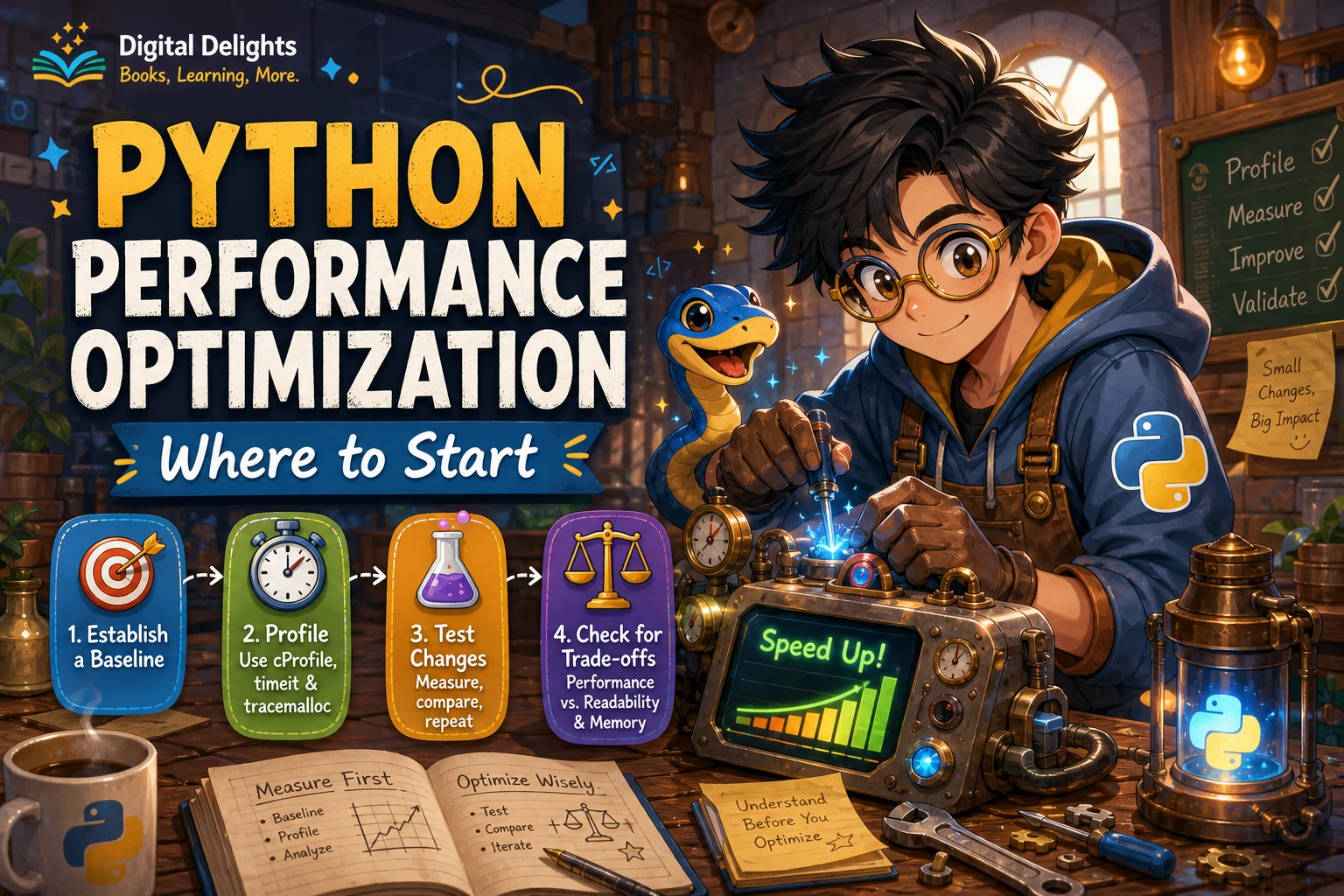
When a program feels slow, first identify which part is slow and under what conditions. The Python documentation describes cProfile and profile as profiling tools and notes limitations in profiler timing. Use measurement to guide investigation, then compare behavior before and after a change rather than assuming a rewrite is faster. Python profiling documentation
Start with the simplest change that addresses the measured issue. A more complex algorithm, caching layer, or concurrent design can bring new maintenance costs, so confirm that the improvement matters for your use case.
Keep Examples Compatible with Your Python Version
Python features and library behavior can vary between versions. Before using a feature from a tutorial or book, check the documentation for the interpreter you use and the version your project supports. This is particularly important when learning from older examples or working in an environment where you cannot choose the Python version freely.
Official release information can help you identify version-specific changes, but check the relevant documentation for the exact feature you plan to use. Avoid assuming that code written for one version or build configuration will behave identically in another. Python release information
Common Mistakes When Learning Advanced Python
- Trying to learn everything at once. Choose a small number of topics that connect to your projects instead of treating every advanced feature as a milestone.
- Using complex features without a clear benefit. A concise, familiar solution is often easier to maintain than an intricate abstraction.
- Copying snippets without tracing them. Run examples, change their inputs, and explain what each part contributes before adapting them.
- Optimising before measuring. Find the actual bottleneck first, then test whether a change improves it.
- Ignoring version requirements. Check which Python version the example assumes and what your own project can use.
- Reading without building. Turn each topic into a small change or experiment in code you can revisit.
Choose a Resource That Matches Your Next Step
Match a book or course to the gap you want to address. A beginner guide is useful when core syntax is still unfamiliar; a focused resource may be more efficient when you already know what topic you need to practise. Digital Delights’ Python collection includes resources at different stages.
For a broader language reference, Programming with Python covers topics including decorators and generators alongside fundamentals, data structures, modules, and object-oriented programming. The catalog describes it as a measured, thorough guide; it is not presented as a course devoted exclusively to advanced Python. It may suit readers who want to revisit the language’s concepts in depth, while learners seeking a specialised topic can use its contents to identify what they need next.
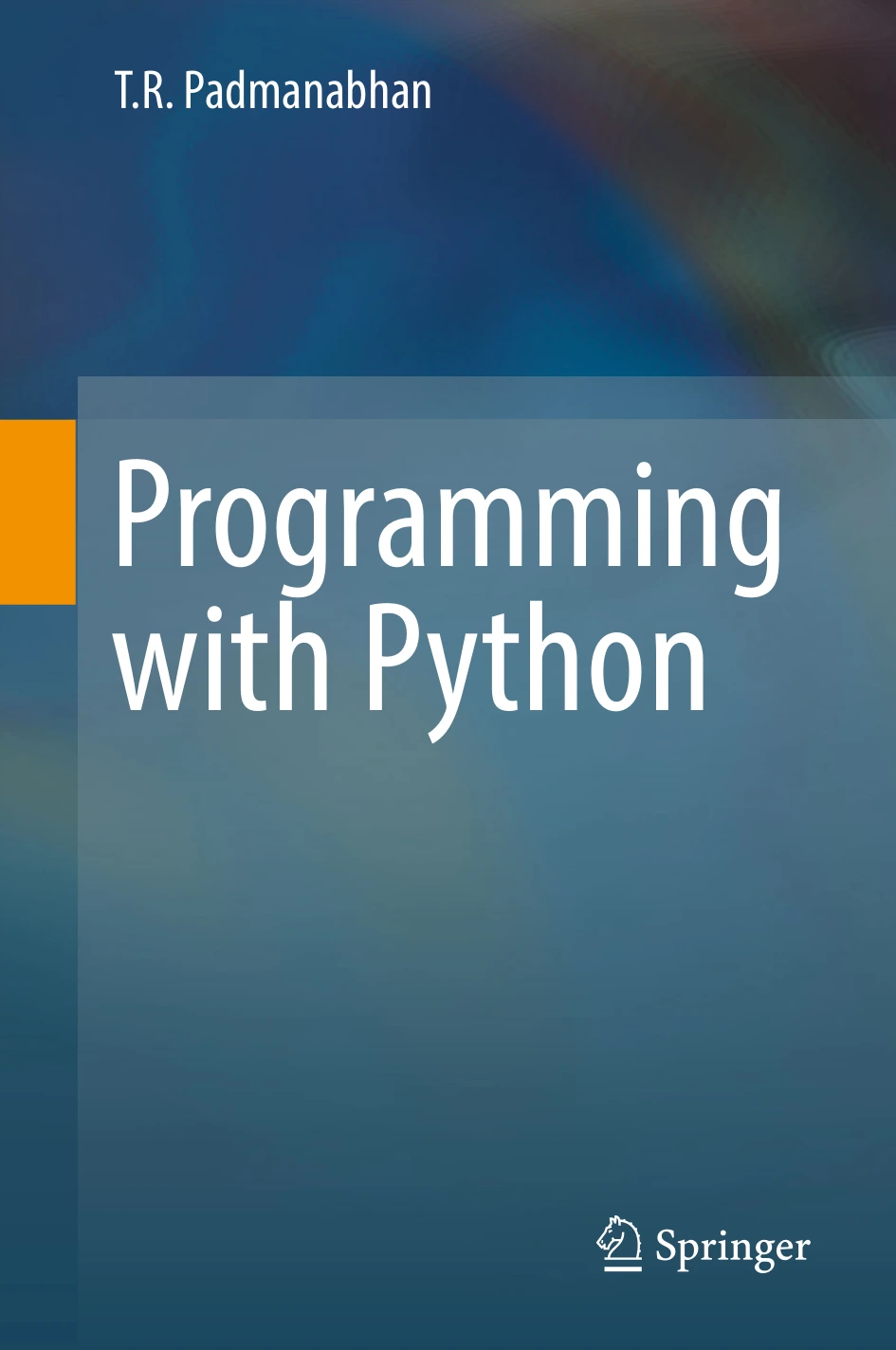
Readers who want to revisit Python fundamentals and study topics such as decorators and generators in a broader language guide.
Frequently Asked Questions
What should I know before learning advanced Python?
Be comfortable writing functions, using common data structures, working with modules, defining basic classes, and handling exceptions. You should also have enough general programming experience to follow control flow and debug simple problems. If basic syntax still demands most of your attention, strengthen those foundations first.
Which advanced Python topics should I learn first?
Start with topics that improve code you already write. The data model, iteration, generators, functions, typing, testing, and API design are useful areas to explore, but there is no mandatory order for every learner. Choose based on your projects and the kinds of code you need to read or maintain.
How should I practise advanced Python?
Build or extend a small project, then use one new concept to address a real design or maintenance problem. Add tests, examine errors deliberately, document the interface, and review the result. For performance work, profile first and compare the change rather than relying on intuition alone.
Conclusion
To learn advanced Python, make your next step specific: choose a project, identify a limitation, study the language feature or development practice that addresses it, and test the result. Build depth gradually in areas such as iteration, typing, testing, and design. Reserve specialised topics like concurrency and metaprogramming for problems that actually call for them. A maintained project gives you a practical way to turn advanced concepts into skills you can use.