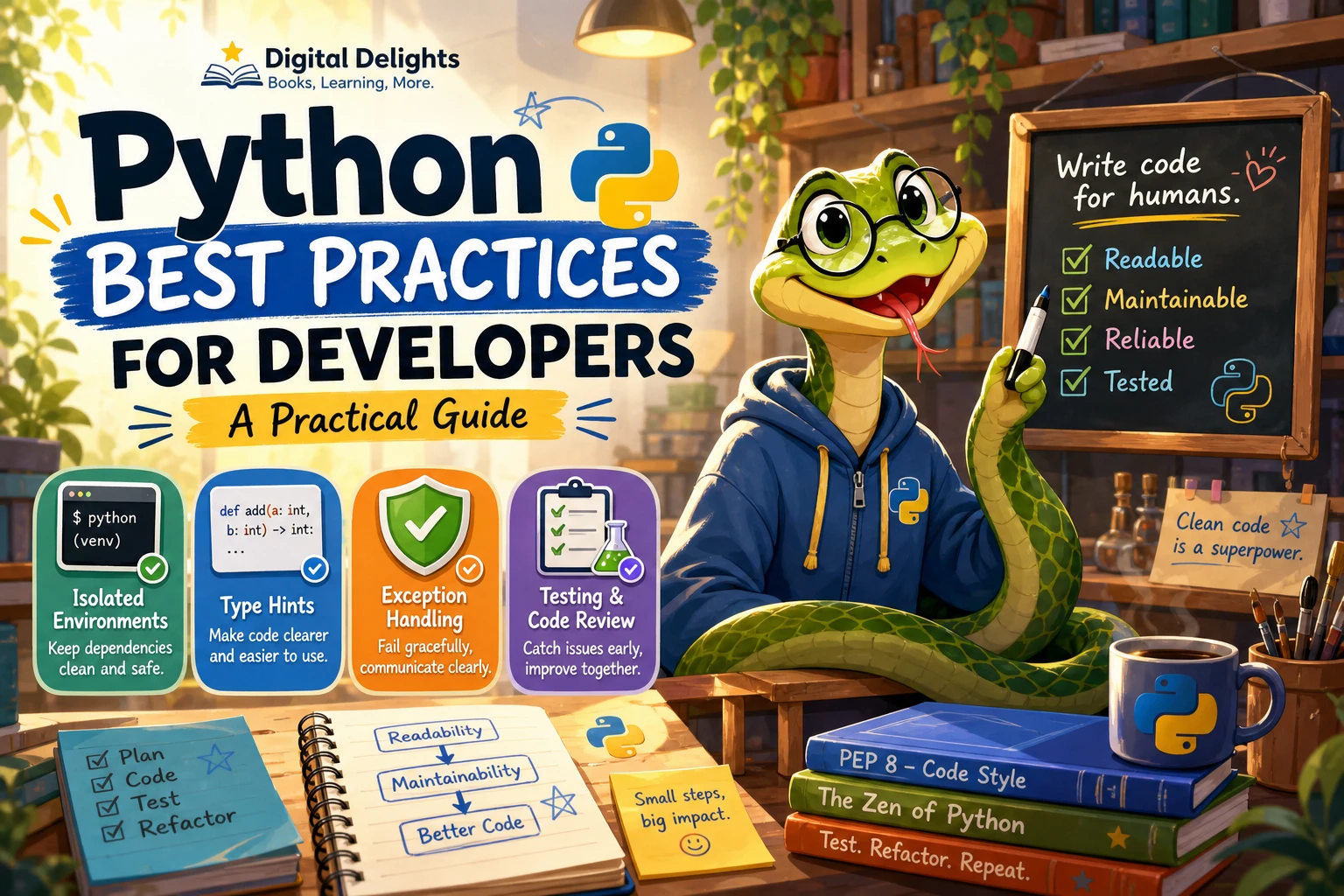
Python Best Practices for Developers: A Practical Guide
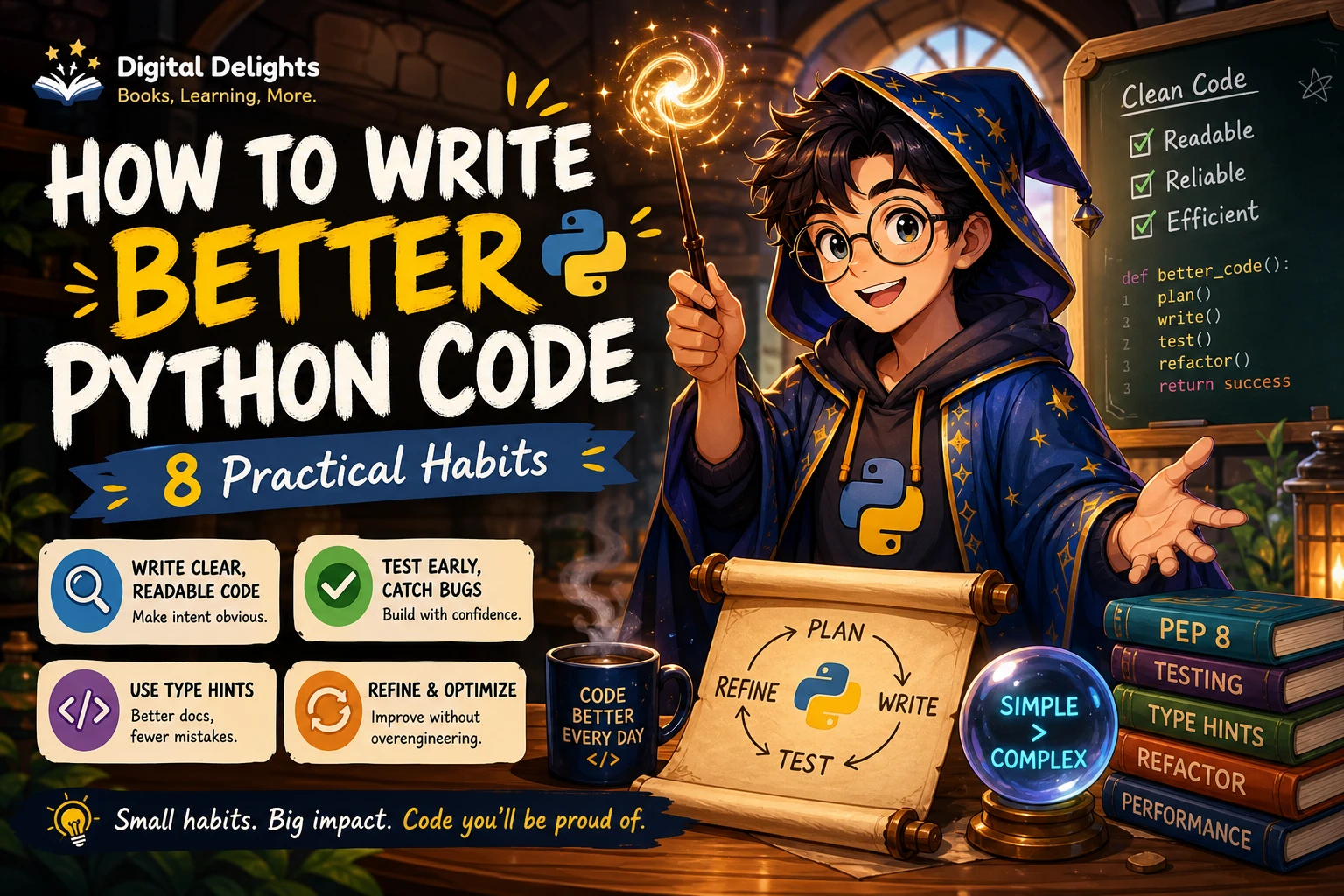
Python best practices are useful defaults for making code easier to understand, test, and maintain—not rules to follow without considering the project. Start with a supported Python version, keep dependencies isolated, choose clear names, and write focused tests. Add type hints and automated checks when they help your team reason about the code.
This guide walks through those habits with practical examples. The aim is not to prescribe one toolchain for every developer, but to help you make sound, explainable choices and avoid common problems as a project grows.
Start with a supported Python version and an isolated environment
Choose a Python version that is supported and compatible with your project’s dependencies and deployment platform. As of October 9, 2026, Python.org lists Python 3.14.8, released September 30, 2026, as the latest stable Python 3 release; Python 3.15 is listed as a prerelease. Python.org lists Python 3.14 support through October 2030 and Python 3.13 security fixes through October 2029. These details can change, so check the current Python release and support information before setting a project’s version policy.
Once you have selected an interpreter, use an isolated environment for project dependencies. Python’s built-in venv module creates an environment using the interpreter that runs it. For example:
python -m venv .venvActivate the environment using the command appropriate for your operating system, then install the project’s dependencies there. Keep a dependable record of the dependencies and instructions needed to recreate the setup. A virtual environment is generally not portable between locations or machines, so recreate it from the project’s dependency information rather than treating the environment directory as a transferable artifact. See the Python documentation on virtual environments.
For a team, also document the Python version and the command used to install dependencies. That gives colleagues and deployment systems a shared starting point without requiring everyone to use identical computers.
Make code readable and consistent
Readable code reduces the effort needed to understand what a program is doing. Prefer names that communicate purpose, keep functions focused, and organize related behavior together. A reader should not have to decode abbreviations or trace a long function just to understand one small task.
For example, a name like active_users communicates more than au. A function named calculate_invoice_total is easier to interpret than process_data when its job is specifically to calculate an invoice.
Useful habits include:
- Choose descriptive names. Use names that distinguish the role of a value, function, or class.
- Keep functions cohesive. If a function validates input, loads files, transforms data, and sends an email, consider separating those responsibilities.
- Prefer straightforward control flow. Avoid adding layers of abstraction when a clear, direct solution is enough.
- Keep related code together. Organize modules around understandable areas of responsibility.
- Agree on conventions as a team. Consistency in formatting and organization makes shared code easier to review.
There is no need to turn every short operation into a separate function. A useful question is whether a distinct name or boundary makes the code easier to understand, test, or change. If it does not, extra structure may be needless complexity.
Use type hints where they help
Type hints can communicate the intended inputs and outputs of a function. They can also provide information for editors and external static-analysis tools. They are most helpful when they clarify an interface, document a non-obvious data shape, or make a larger codebase easier to navigate.
def format_name(first: str, last: str) -> str:
    return f'{first.strip()} {last.strip()}'
Do not treat annotations as runtime validation. Python does not enforce type annotations when a program runs; external tools may use them to identify potential issues, but they do not replace checks on untrusted or variable input. The official typing documentation explains the role of type hints.
Adopt annotations gradually if that fits the project. For example, a team might prioritize public functions, complex data structures, or code that changes frequently. How extensively to annotate—and how strict to make static checks—is a project decision, not a universal requirement.
Handle errors deliberately
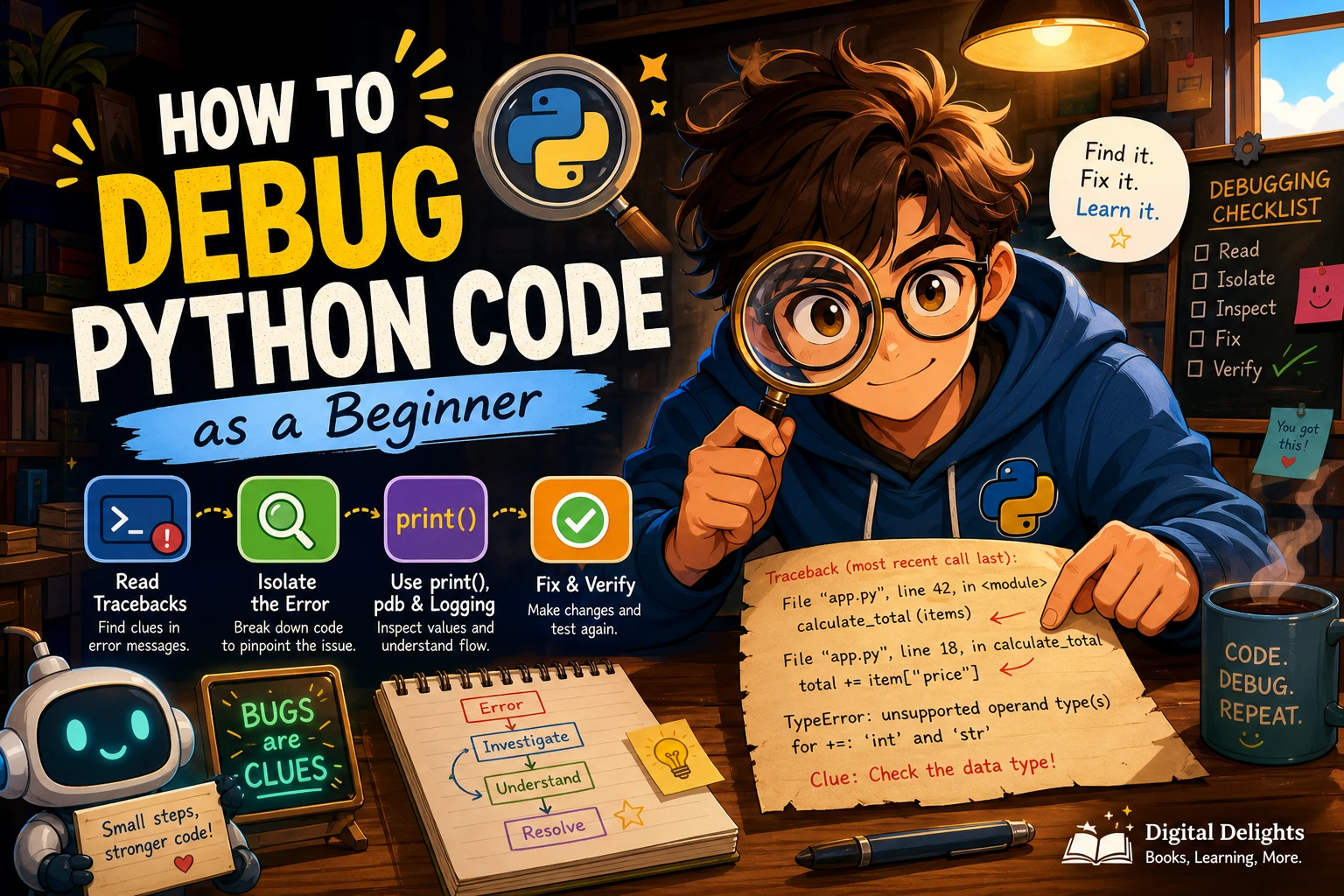
Catch an exception when your code can take a useful, specific action: recover, add context, show a clear message, or translate the error at a boundary between system components. Catch the exception you expect rather than hiding every possible failure.
try:
    quantity = int(raw_quantity)
except ValueError:
    print('Enter a whole number for the quantity.')
A broad handler such as except Exception: can hide programming mistakes or unrelated failures if it simply continues or reports that everything is fine. If a broad handler is genuinely needed at a boundary—for example, to log a failure before it is re-raised—make that purpose clear and avoid suppressing the error silently.
The Python tutorial recommends handling specific expected exceptions and allowing unexpected ones to propagate when there is no meaningful recovery. See the Python tutorial on errors and exceptions.
Test behavior and review changes
Tests help make expected behavior explicit and give developers a way to check that a change has not broken an important case. Begin with the behavior that matters: typical inputs, important edge cases, and failures the program is supposed to handle. Choose a test framework that suits the project’s needs; the available evidence does not establish one framework as best for every team.
For a function that formats names, tests might check normal input and whitespace handling. For a function that parses user input, include valid values and invalid values. Keep tests focused enough that a failure points toward the behavior that needs attention.
Code review can complement tests. Before merging a change, reviewers can ask:
- Does the code meet the intended requirement?
- Are names and function boundaries understandable?
- Are expected errors handled without concealing unexpected ones?
- Do the tests cover the important behavior and relevant edge cases?
- Are dependencies, configuration, or documentation affected?
- Is the solution more complicated than the problem requires?
Review is not a substitute for running tests, and tests do not automatically prove that a design is easy to maintain. Used together, they offer different ways to examine a change.
Use formatting and static checks selectively
Formatters, linters, and type checkers can automate parts of a team’s review process. A formatter can apply consistent layout; a linter can flag selected patterns; and a type checker can analyze annotations. These tools solve different problems, so choose them based on the codebase, team preferences, and maintenance cost.
Before adopting a check, agree on what it should catch and how the team will respond to its findings. Start with a manageable configuration, run checks consistently, and adjust when they create noise or fail to help. There is no single tool setup supported as the right choice for every Python project.
Automation is most useful when it makes expectations repeatable. It should help developers focus their attention, not create a growing collection of rules no one understands.
Common Python best-practice pitfalls
- Using broad exception handling to keep a program running. This may conceal a defect instead of providing a useful recovery path.
- Adding complexity too early. Abstractions and layers should solve a real problem, not anticipate every possible future change.
- Installing project dependencies into a shared environment. Isolate dependencies so projects are less likely to interfere with each other.
- Moving a virtual environment between machines. Recreate the environment from dependency information; virtual environments are generally non-portable.
- Assuming annotations validate data at runtime. Use appropriate runtime checks when input must be validated.
- Copying team rules without considering context. Conventions and tool settings should support the project rather than become ends in themselves.
A practical starter checklist
Use this checklist when starting a project or improving an existing one:
- Choose a supported Python version that works with the project’s dependencies and deployment target.
- Create an isolated environment and document how to recreate it.
- Record the dependencies and the commands needed to set up and run the project.
- Use descriptive names and keep functions focused on understandable tasks.
- Add type hints where they clarify interfaces or support useful static checks.
- Catch specific expected exceptions and decide deliberately what should happen next.
- Test important behavior, including relevant edge cases and expected failures.
- Review changes for clarity, correctness, tests, and unnecessary complexity.
- Adopt formatting, linting, and type-checking tools only where they help the team.
Further reading on Python design and code quality
If you want to explore maintainability beyond a checklist, Practices of the Python Pro focuses on Python software design, separation of concerns, testing, and structuring larger systems. It may suit developers who want to think about how code is organized as a project grows.
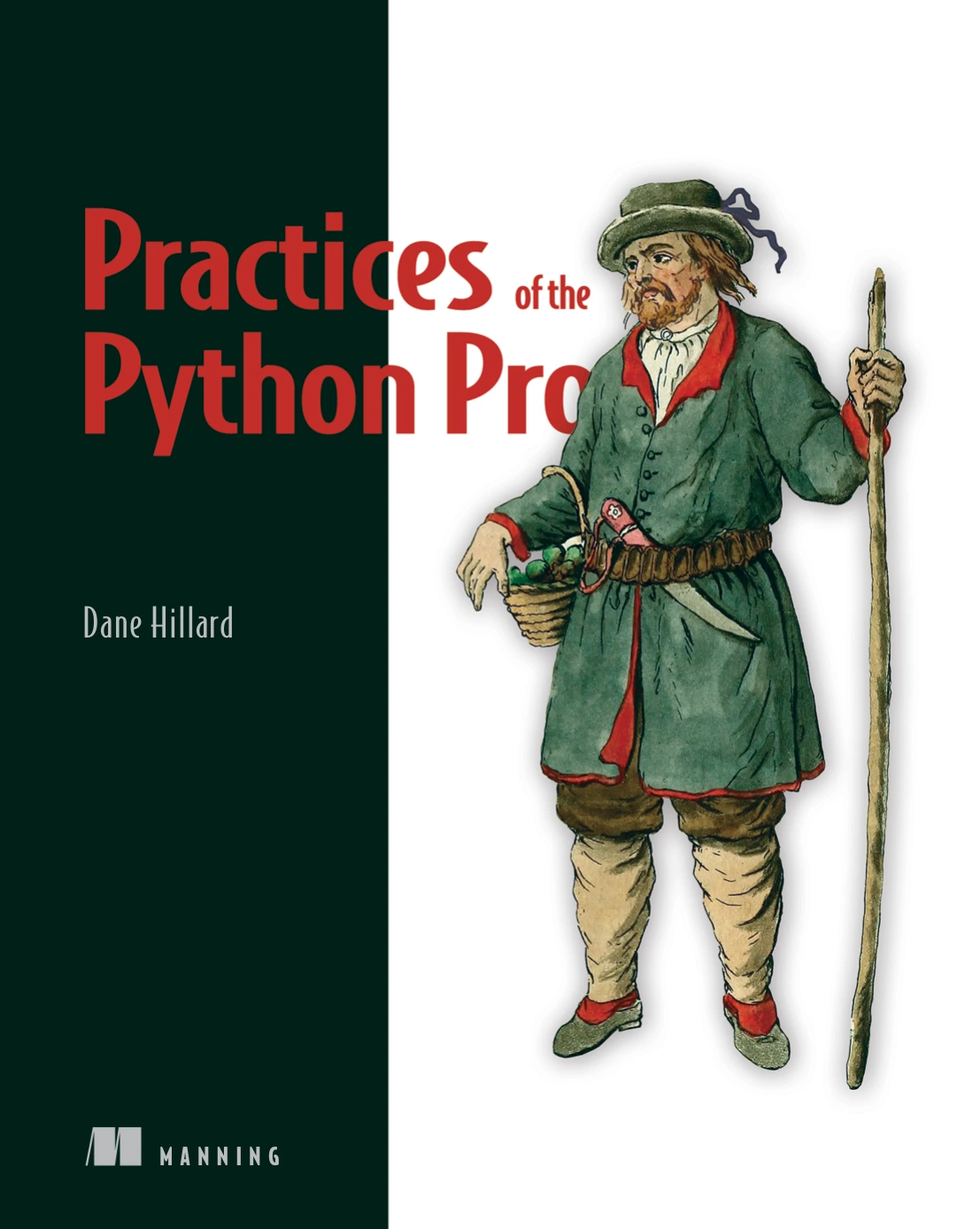
By Dane Hillard
Developers interested in separation of concerns, testing, and organizing larger Python systems.
For shorter, topic-based guidance, Effective Python: 125 Specific Ways to Write Better Python, Third Edition covers Python idioms, language features, testing, debugging, robustness, and performance. It may suit readers who prefer focused recommendations they can consult by topic.
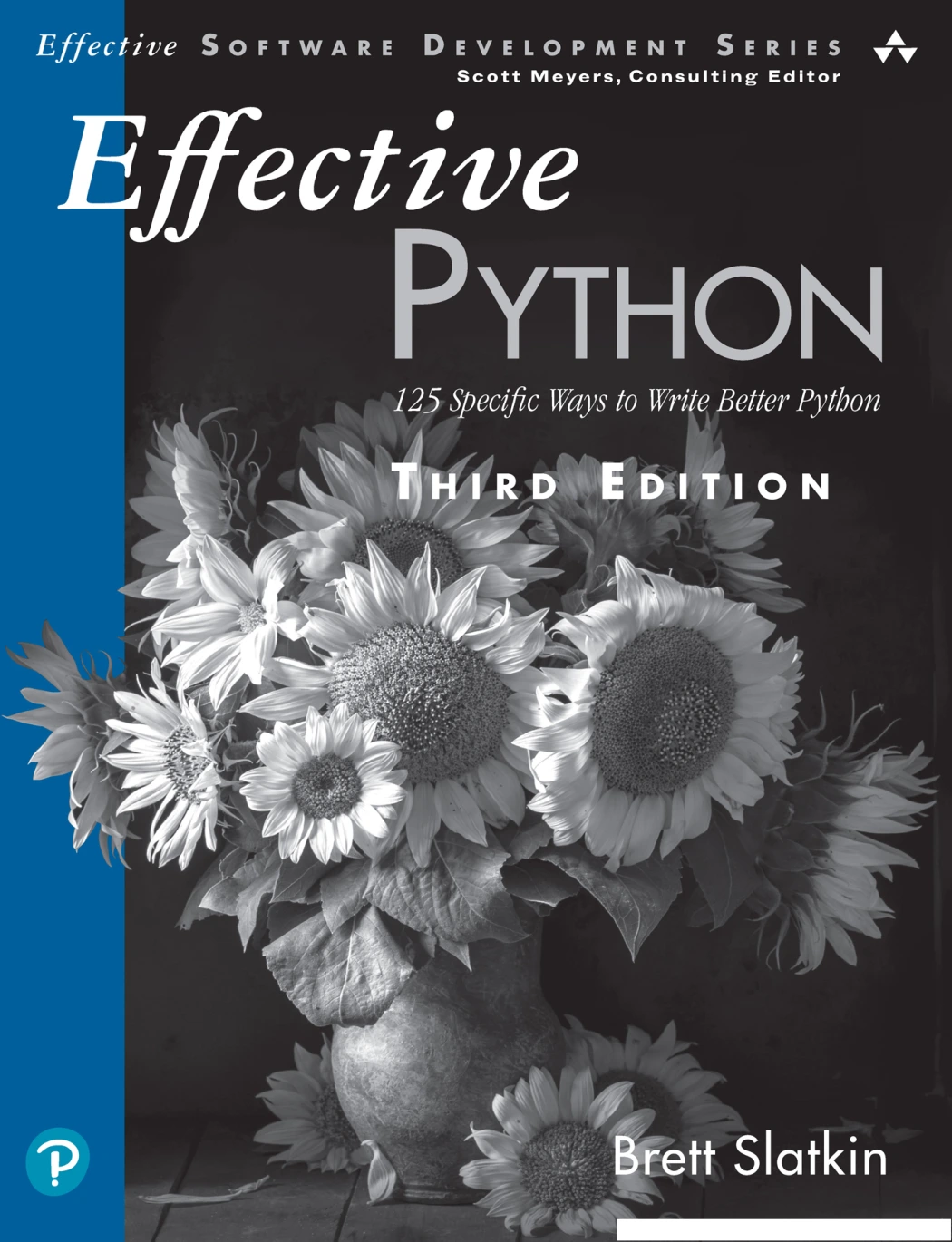
Effective Python: 125 Specific Ways to Write Better Python, Third Edition
Readers who want topic-based guidance spanning language features, testing, debugging, robustness, and performance.
Frequently asked questions
What are the most important Python best practices?
Start with a supported Python version, isolate project dependencies, write readable and focused code, handle expected errors specifically, and test important behavior. Add type hints and automated checks when they make the code easier to understand or maintain.
Should I use a virtual environment for every Python project?
An isolated environment is a practical default for project-specific dependencies. It helps keep one project’s installed packages separate from another’s. Record how to recreate the environment, since the environment itself is generally not portable.
Do Python type hints enforce types when the program runs?
No. Python’s runtime does not enforce type annotations. Editors and external static-analysis tools can use them, but runtime validation requires appropriate checks in the program.
Which formatter, linter, or type checker should I use?
Choose tools according to your team’s workflow, codebase, and maintenance needs. The supplied evidence does not establish one universally best tool or configuration. Begin with a clear purpose for each check and review whether it remains useful.
How should I choose a Python version for a project?
Check the current Python support status, the versions supported by your dependencies, and the requirements of your deployment environment. Document the version the project targets and recheck the official release information when updating that policy.
Conclusion
Good Python practices make code easier to work with over time, but they are most effective when applied with judgment. Set up a reproducible project environment, favor clear structure, handle errors with intent, and test the behavior that matters. Use annotations and automation where they provide real value, and revisit your choices as the project changes.
Sources
- Download Python | Python.org — release and support snapshot checked October 9, 2026.
- Virtual Environments and Packages — Python 3.14 documentation.
- typing — Support for type hints.
- Errors and Exceptions — Python 3.11 tutorial.