How to Master Python Beyond the Basics
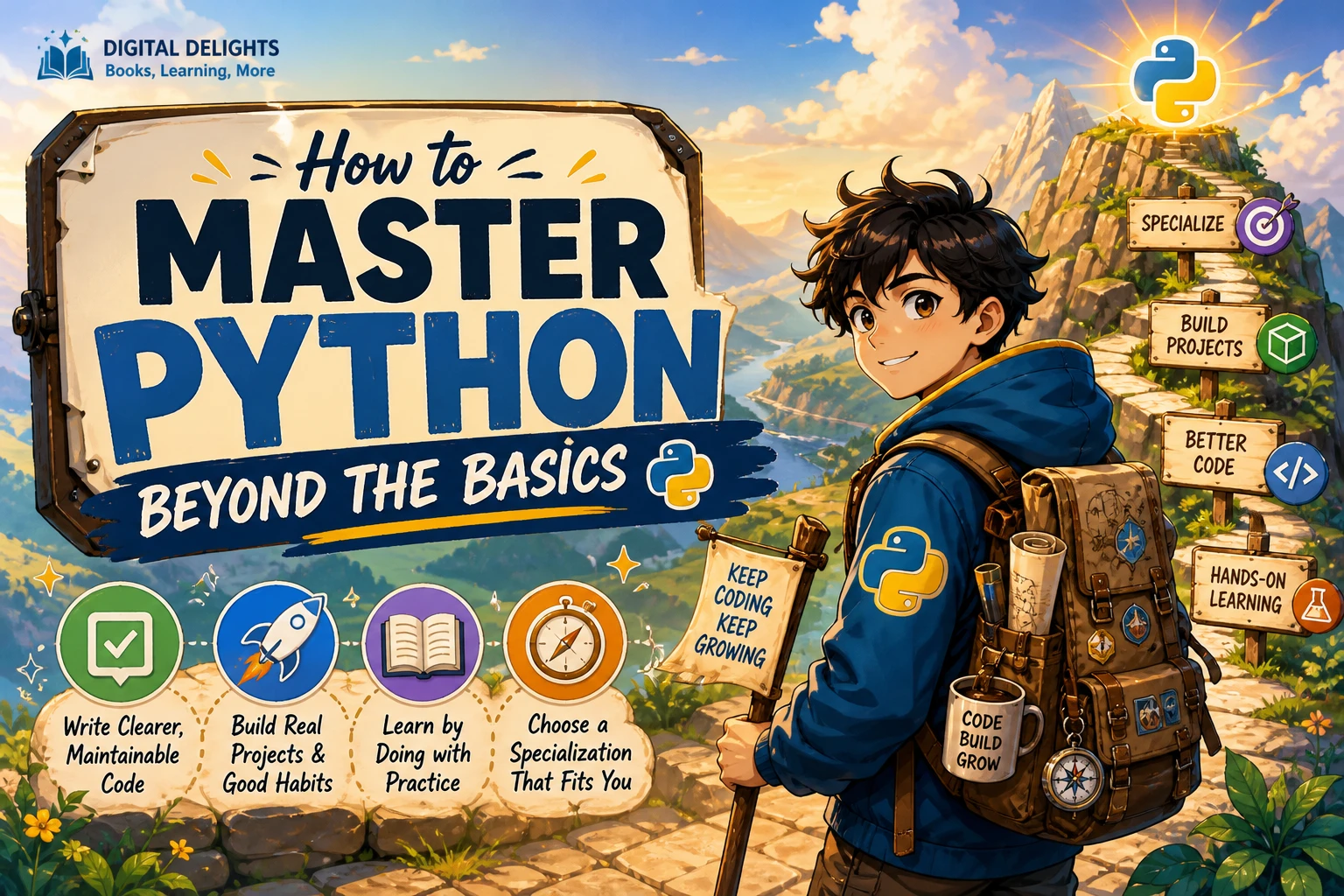
Knowing Python syntax is a useful start, but progress beyond the basics comes from using it to solve problems well. That means writing code you can understand later, separating a project into manageable parts, checking that changes still work, and choosing advanced topics for a reason—not collecting features for their own sake.
A practical starting point is familiarity with core syntax, functions, collections, modules, and basic error handling. From there, build a small program, improve its structure, and learn the tools and concepts your project actually needs. This guide lays out that path, explains common detours, and helps you choose a direction such as data analysis, automation, web development, or machine learning.
What does it mean to master Python beyond the basics?
Python mastery is not memorizing every feature or writing the most complicated code possible. It is being able to choose an appropriate approach, make your code readable, handle expected failures, and maintain a program as it grows. For one learner, that might mean automating a repetitive task; for another, it might mean preparing data or building a web application.
There is no single agreed boundary between beginner and advanced Python. A helpful working definition is: you can move from a small script to a reliable, organized project, and you can explain why your code is structured the way it is. One publisher’s intermediate-level framing similarly emphasizes practical workflow and code quality after a beginner tutorial, but that is one useful perspective rather than a universal curriculum (No Starch Press, Beyond the Basic Stuff with Python).
Strengthen the Python fundamentals you already know
Before adding advanced techniques, revisit the fundamentals in the context of real programs. A concept you once used in a short exercise can behave differently when it is part of a larger task with changing data and multiple functions.
- Functions: Give each function a clear responsibility. Use parameters and return values to make inputs and outputs understandable.
- Collections: Choose among lists, tuples, dictionaries, and sets based on how the data will be used. Practice updating, searching, and transforming collections without making the logic hard to follow.
- Exceptions: Handle errors that your program can reasonably anticipate. Avoid catching every possible exception if doing so would hide the underlying problem.
- Modules: Move related code into separate files when a single script becomes difficult to navigate. Keep the organization simple enough that a reader can find the important parts.
- Classes and objects: Learn how object-oriented design can group related state and behavior, but do not create classes automatically when a function or data structure is clearer.
Then explore features that address a concrete need. For example, generators can produce values as an iterator rather than requiring you to build and hold a complete list first. That can be useful when processing a sequence incrementally; the Python tutorial discusses generator expressions and their potential memory advantage over equivalent list comprehensions (Python tutorial: Classes and generators).
Build project habits that make your code easier to maintain
As a project grows, good habits matter as much as knowing more syntax. Start with a structure that fits the size of the task, and add tools when they solve a real problem.
Keep project dependencies separate
Use a virtual environment for a project that depends on installed packages. It isolates that project’s packages from other applications, which can help prevent dependency conflicts. The official Python documentation explains how to create and use virtual environments (Python tutorial: Virtual environments and packages).
Record the packages your project needs and include basic setup instructions. That makes it easier for you—or another person—to recreate the working environment later.
Make names and structure do some of the explaining
Prefer names that reveal a function’s purpose, and split long tasks into smaller steps with meaningful boundaries. Comments are useful for explaining a reason or a non-obvious decision; they are less useful when they merely repeat what an obvious line of code does.
Use type hints as communication, not a safety guarantee
Type annotations can make intended inputs and outputs clearer and can be used by editors and static-analysis tools. They do not, by themselves, make Python check those types at runtime. Treat hints as helpful documentation and tool support, not as a substitute for validating external input or testing behavior. The Python typing documentation describes this distinction.
Test changes and investigate bugs systematically
Write a few checks for the parts of your program where mistakes would have a noticeable effect. When something breaks, reproduce the problem with a small example, inspect the relevant inputs and outputs, and change one thing at a time. A repeatable debugging process is more useful than randomly editing code until the error disappears.
Learn by building a project you can improve
Choose a small project connected to something you care about: a file organizer, a personal reading log, a simple expense summary, or a tool that cleans a data file. Keep the first version narrow. The aim is to finish a useful slice of functionality, not to design a large application before you have written any code.
- Define the smallest useful outcome. For a reading log, that might mean adding a book and listing saved entries.
- Write a working first version. Use concepts you already know instead of pausing to study every possible technique.
- Separate responsibilities. Once the program works, separate input, processing, and output where doing so makes the code easier to follow.
- Add checks. Test ordinary cases as well as likely edge cases, such as an empty file or invalid input.
- Refactor with a purpose. Improve a section when you can identify a specific problem: repeated logic, unclear names, a difficult-to-test function, or a module doing too many things.
- Document how to use it. Write brief setup and usage instructions, including any dependencies or assumptions.
This cycle—build, inspect, test, and revise—gives new concepts somewhere to fit. It also helps you notice which gaps are worth studying next.
Choose a Python specialization that matches your goals
Once you can build and revise a modest project, choose a direction based on the problems you want to solve. You do not need to commit permanently; one focused project can help you decide whether a field interests you.
| Path | Good fit if you want to… | Possible next project |
|---|---|---|
| Data analysis | Work with, summarize, and explore datasets. | Clean a spreadsheet and produce a short summary of its patterns. |
| Automation | Reduce repetitive computer tasks. | Sort files into folders or process a batch of text files. |
| Web development | Build applications that respond to requests and present information online. | Create a small catalog or task-tracking application. |
| Machine learning | Explore systems that learn patterns from data. | Work through a small, well-defined prediction or classification exercise after strengthening data and Python fundamentals. |
These are different routes, not a ranking. Pick one that gives you a concrete problem to work on, then learn the libraries and concepts relevant to that project. Digital Delights’ Python book category can help you browse resources across Python topics.
Follow a practical roadmap for learning Python further
Use this sequence as a flexible guide, not a fixed timetable. Move forward when you can apply a skill in your own code, and revisit earlier steps when a project exposes a gap.
- Review the core language. Refresh functions, collections, modules, exceptions, and the object-oriented ideas you encounter in your code.
- Complete a small project. Keep its scope manageable and solve a problem you can describe clearly.
- Improve code quality. Make names, functions, and files easier to understand; add tests and type hints where they help.
- Learn practical project setup. Use a virtual environment and record the steps needed to run the project.
- Choose a specialization. Follow your interest into data, automation, web development, or another area, and build a second project that uses its tools.
- Study deeper language features as needed. Explore generators, algorithms, or other advanced topics when they clarify a problem you have met—not just because they sound advanced.
Common mistakes that slow down Python progress
- Reading without writing code: Reading can introduce a concept, but writing and revising your own examples shows where your understanding is incomplete.
- Chasing advanced topics too early: Metaprogramming or complex framework patterns will be easier to assess after you can organize and test ordinary programs.
- Copying a project without understanding it: Use examples as references, then change a requirement, explain the relevant code, and implement a small feature yourself.
- Starting too large: A narrow project that you can finish and improve is more useful than an ambitious idea that never reaches a working version.
- Optimizing before finding a bottleneck: First make the behavior correct and identify where time or memory is actually being spent. Then investigate a targeted improvement.
- Treating one learning path as universal: The next useful topic depends on your goals and the project in front of you.
Python resources for your next step
A useful resource should match the skill you are trying to build. These catalog titles cover distinct needs; they are options to consider, not independent rankings or guarantees of learning outcomes.
| Resource | Focus | Who it may suit |
|---|---|---|
| Python How-To: 63 Techniques to Improve Your Python Code | Practical techniques for clearer, more maintainable Python, including data structures and type hints. | Learners who know the basics and want to improve everyday code. |
| Python for Professionals: Learning Python as a Second Language | Python’s data model, collections, object-oriented programming, generators, imports, and other language details. | People who already program in another language and want to learn Python as a second language. |
| Mastering Algorithms with Python: A Practical Approach to Problem Solving and Python Implementation | Algorithm design strategies such as divide and conquer, greedy methods, and dynamic programming, implemented in Python. | Learners who want to develop algorithmic problem-solving skills. |
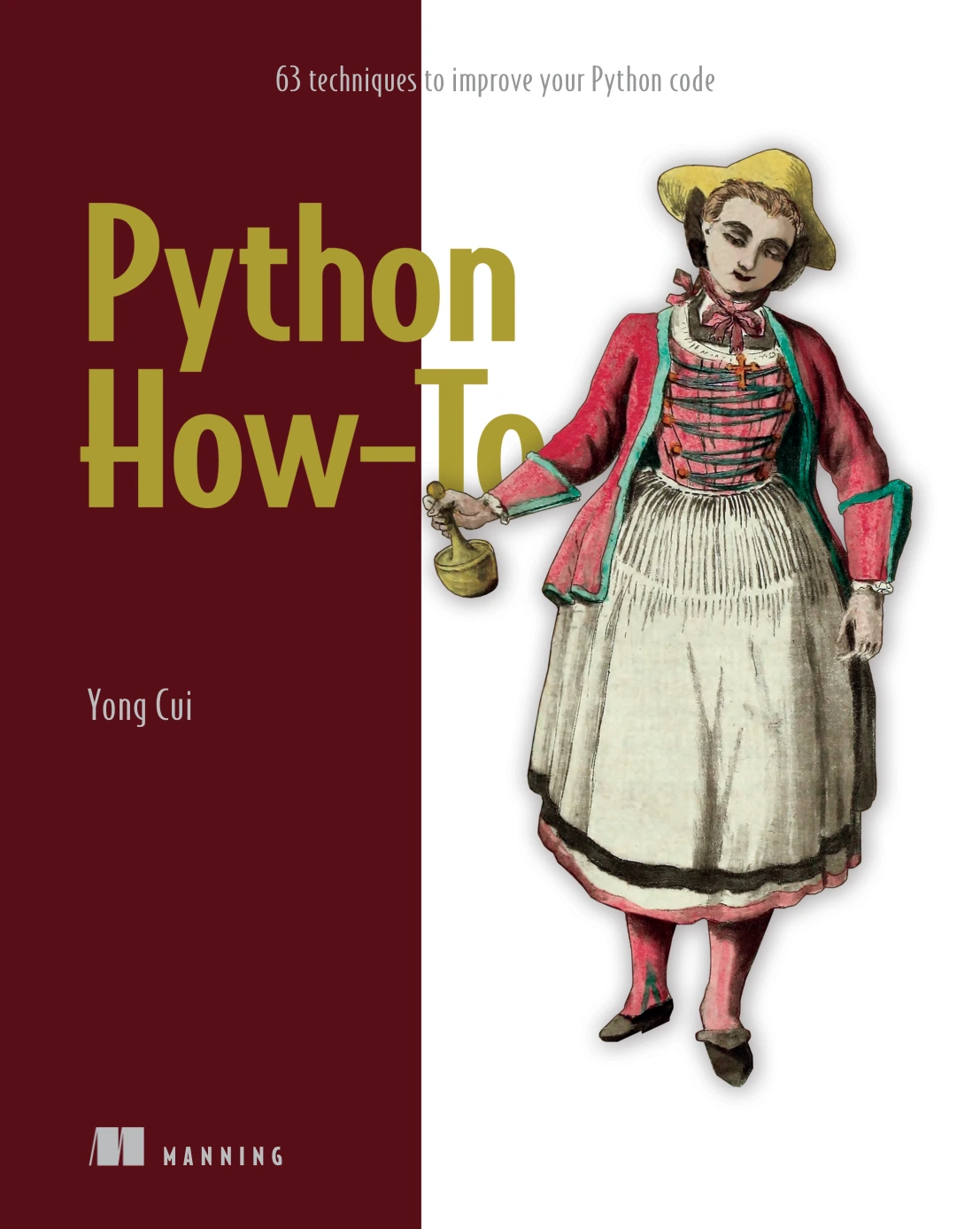
Python How-To: 63 Techniques to Improve Your Python Code
By Yong Cui
Learners who know Python basics and want practical techniques for clearer everyday code.
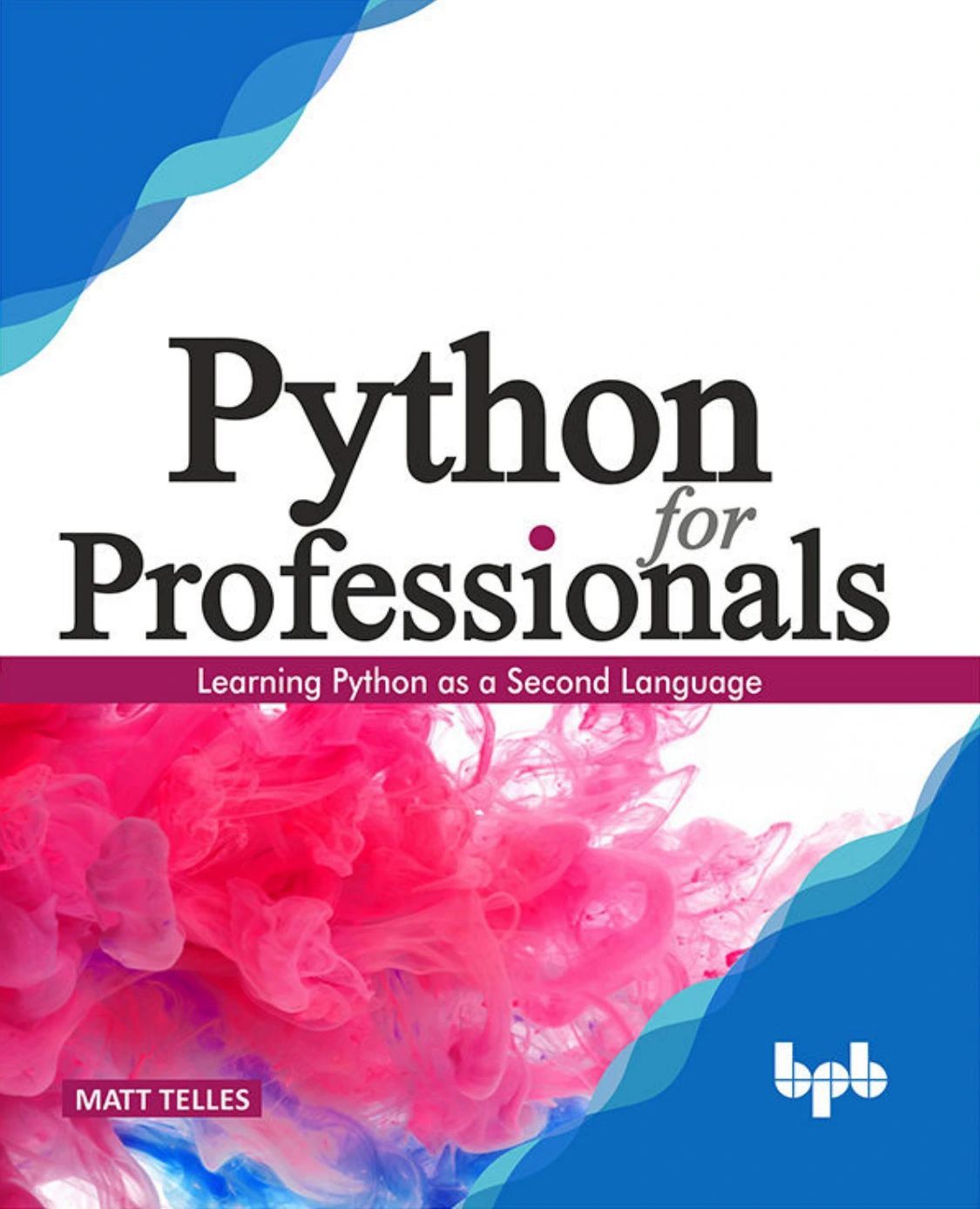
Python for Professionals: Learning Python as a Second Language
By Matt Telles
Programmers who already know another language and want to learn Python as a second language.
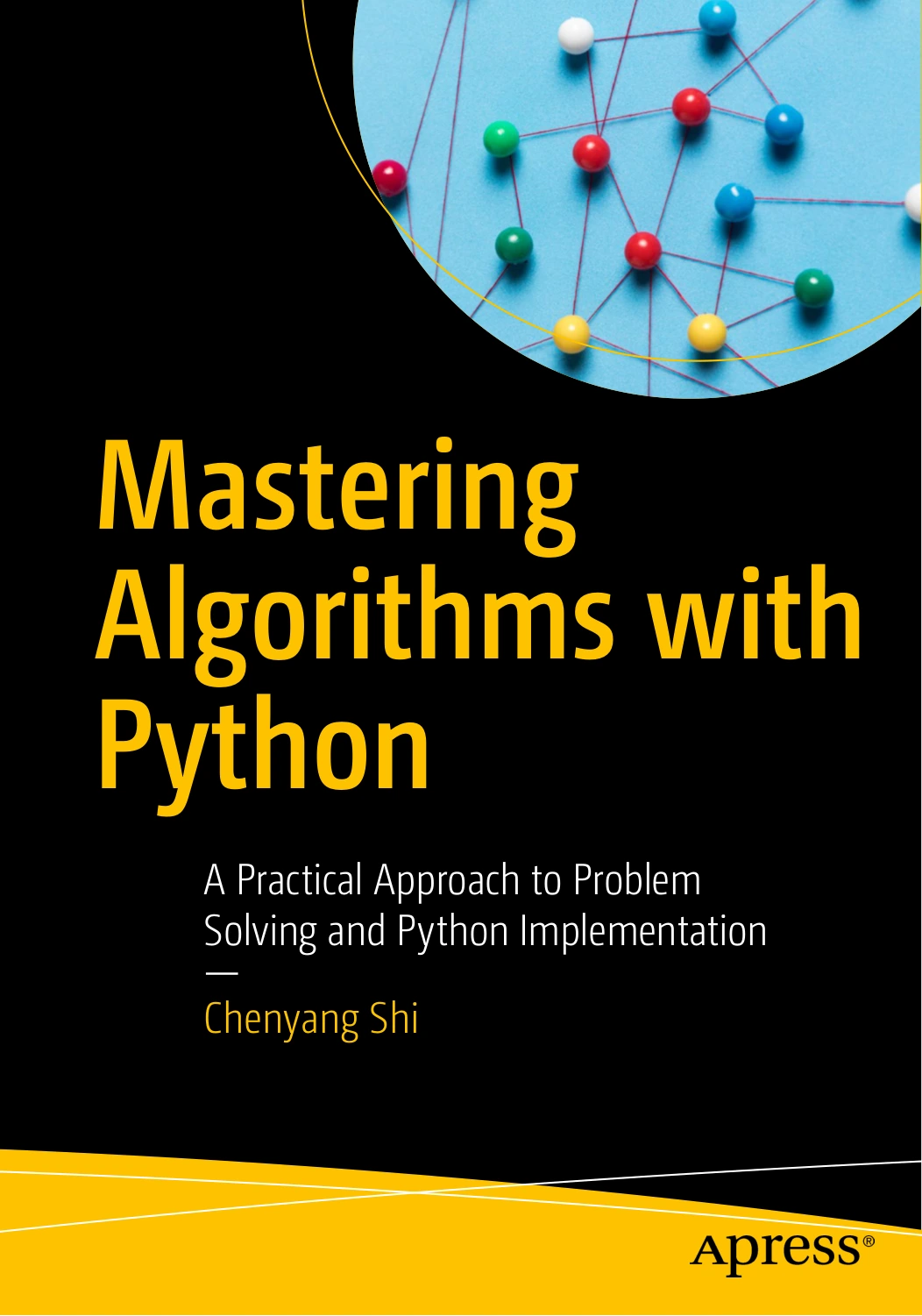
Mastering Algorithms with Python: A Practical Approach to Problem Solving and Python Implementation
By Chenyang Shi
Learners ready to study divide and conquer, greedy methods, and dynamic programming.
Frequently asked questions about mastering Python
What should I know before learning advanced Python?
Be comfortable reading and writing basic programs that use functions, common collections, modules, and simple error handling. You do not need to know every language feature before starting a project; use the project to identify what to learn next.
What should I learn after the basics of Python?
Build a small project, then strengthen whichever area it reveals: code organization, testing, project dependencies, data handling, or a topic in your chosen specialization. There is no single required order for every learner.
How do I choose a Python specialization?
Start with the kind of problem you want to solve. If you enjoy examining information, try a data-focused project; if you want to remove repetitive steps, try automation; if you want to build applications, explore web development. Treat an initial project as a way to test your interest, not a permanent commitment.
Do I need to learn object-oriented programming to master Python?
It is useful to understand classes and objects, especially when working with code that uses them. But not every program needs a class. Choose the simplest structure that keeps the project understandable.
How long does it take to master Python?
There is no evidence-based timeline here that applies to everyone. Progress depends on your starting point, the time you can devote to practice, and what you mean by mastery. Focus on completing projects and improving them rather than measuring progress against an arbitrary deadline.
Your next step: build, then revise
To move beyond Python basics, choose one small problem and write a working solution. Then make it clearer, add checks for important behavior, and document how to run it. That process gives you practical experience with the language and reveals which topic is worth learning next.