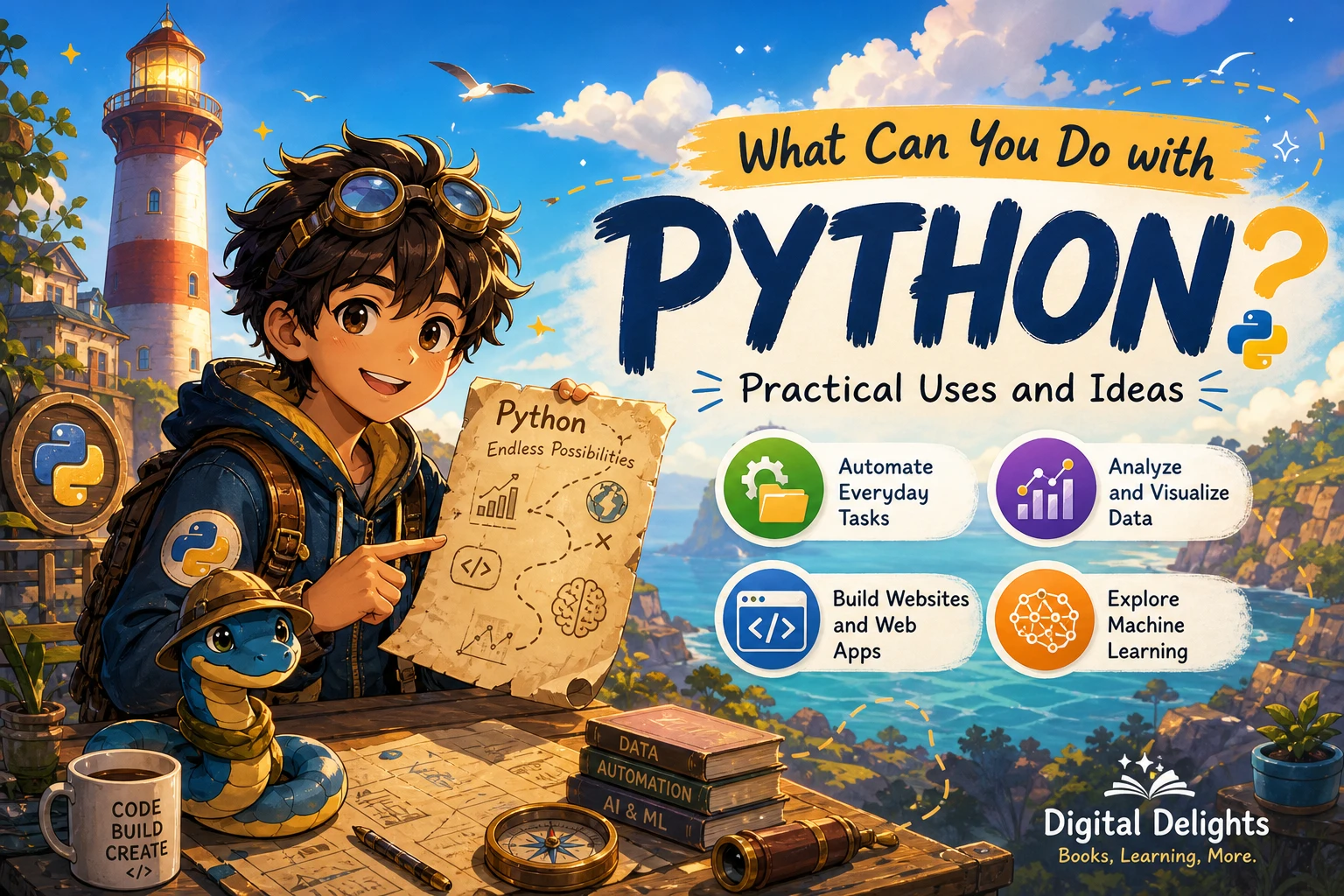
What Can You Do with Python?
Python can help you automate repetitive tasks, organize and analyze data, build web applications, write software tests, and explore machine learning. It can also be used for desktop interfaces and projects that connect code to hardware. The best use depends on what you want to make: a short script may need only Python’s built-in tools, while a specialized application may call for additional packages or frameworks.
Below, you’ll find practical examples of what Python can do, project ideas for beginners, and a way to choose a useful next step without assuming Python is the right tool for every job.
What can you do with Python? Six common uses
Python is a general-purpose programming language, so it is used across several kinds of work. Python.org lists areas including web development, scientific and numeric computing, education, desktop graphical interfaces, software development, and business applications. These are examples of its range, not a promise that one language is ideal for every project.
1. Automate repetitive tasks and work with files
Python can handle routine actions that would otherwise take repeated manual effort. For example, a script could sort files into folders, rename a group of documents according to a pattern, extract information from text files, or prepare a recurring report. Python’s standard library includes tools for working with files, archives, subprocesses, JSON, and other common formats, so some small automations can begin without installing extra packages.
Automation is a practical first direction if you have a clear, repetitive task and want to understand how code can make it more consistent. Start with a copy of your files and test the script on a small sample before using it on important data.
2. Analyze and visualize data
Python can load, clean, organize, summarize, and visualize datasets. This can help with questions such as which categories appear most often, how values change over time, or whether two measurements seem to move together. Built-in tools can handle basic data tasks, while separately installed libraries are commonly used for more specialized analysis and charts.
If you already work in spreadsheets, you could begin by automating a small, familiar task rather than trying to learn every data tool at once. Python for Excel Users: Know Excel? You Can Learn Python is a catalog resource aimed at spreadsheet users moving into Python. For a deeper focus on cleaning and working with tabular data, Python for Data Analysis: Data Wrangling with pandas, NumPy, and Jupyter, Third Edition covers those tools and workflows.
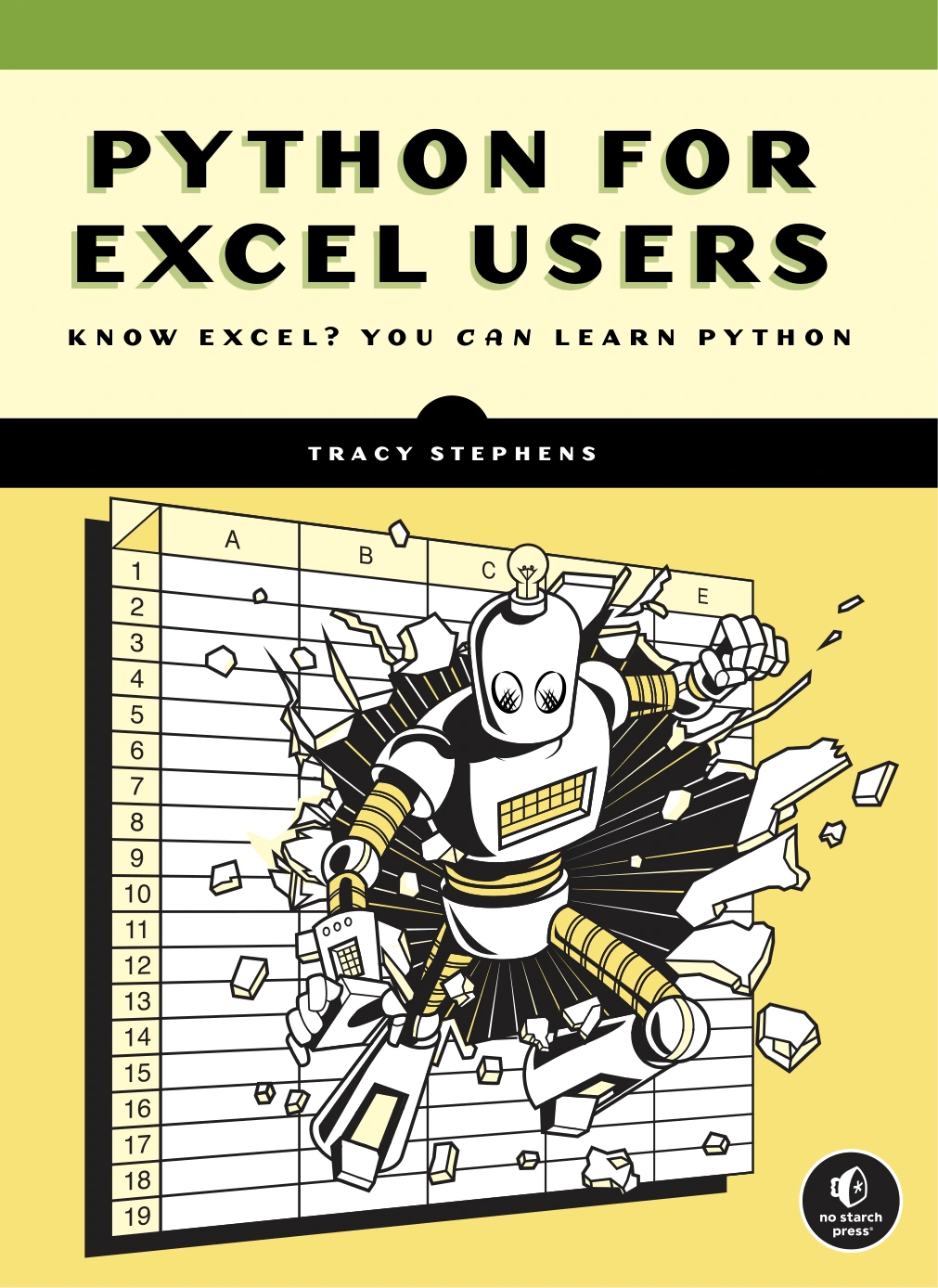
Python for Excel Users: Know Excel? You Can Learn Python
Readers who know Excel and want to learn Python for spreadsheet-related work.
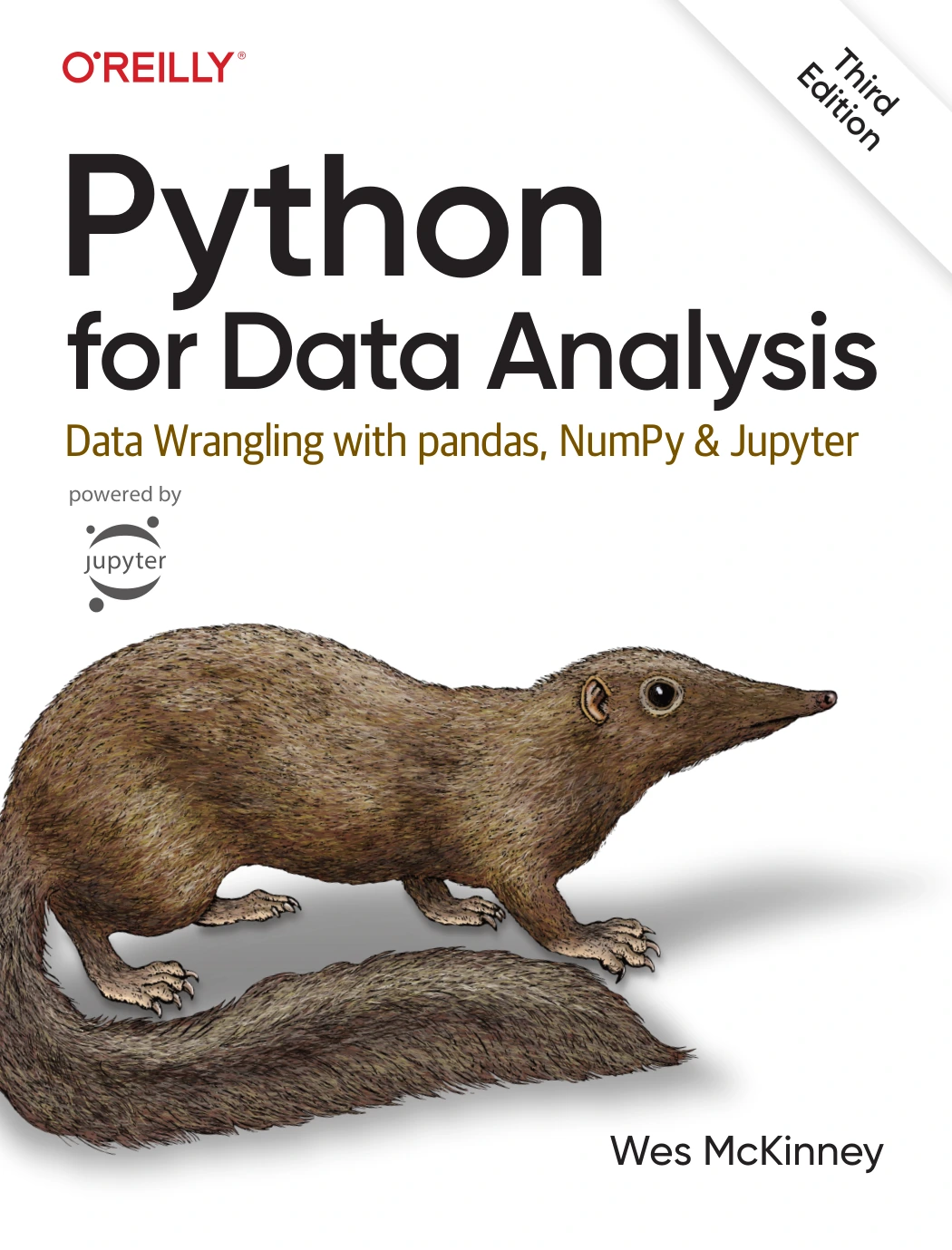
Python for Data Analysis: Data Wrangling with pandas, NumPy, and Jupyter, Third Edition
By Wes McKinney
Readers ready to explore pandas, NumPy, Jupyter, and tabular data workflows.
3. Explore machine learning
Python can be used to build machine-learning workflows: preparing data, training a model, checking how it performs, and applying it to a task such as classification or recommendation. This is a more advanced path than writing a small script. It usually involves learning Python fundamentals first, then becoming familiar with data handling and the machine-learning tools used for a particular project.
For readers ready to study that direction, Python Machine Learning By Example, Fourth Edition focuses on implementing machine-learning concepts through Python examples, including work with common machine-learning libraries. Treat it as a next-stage resource rather than a prerequisite for getting started with the language.
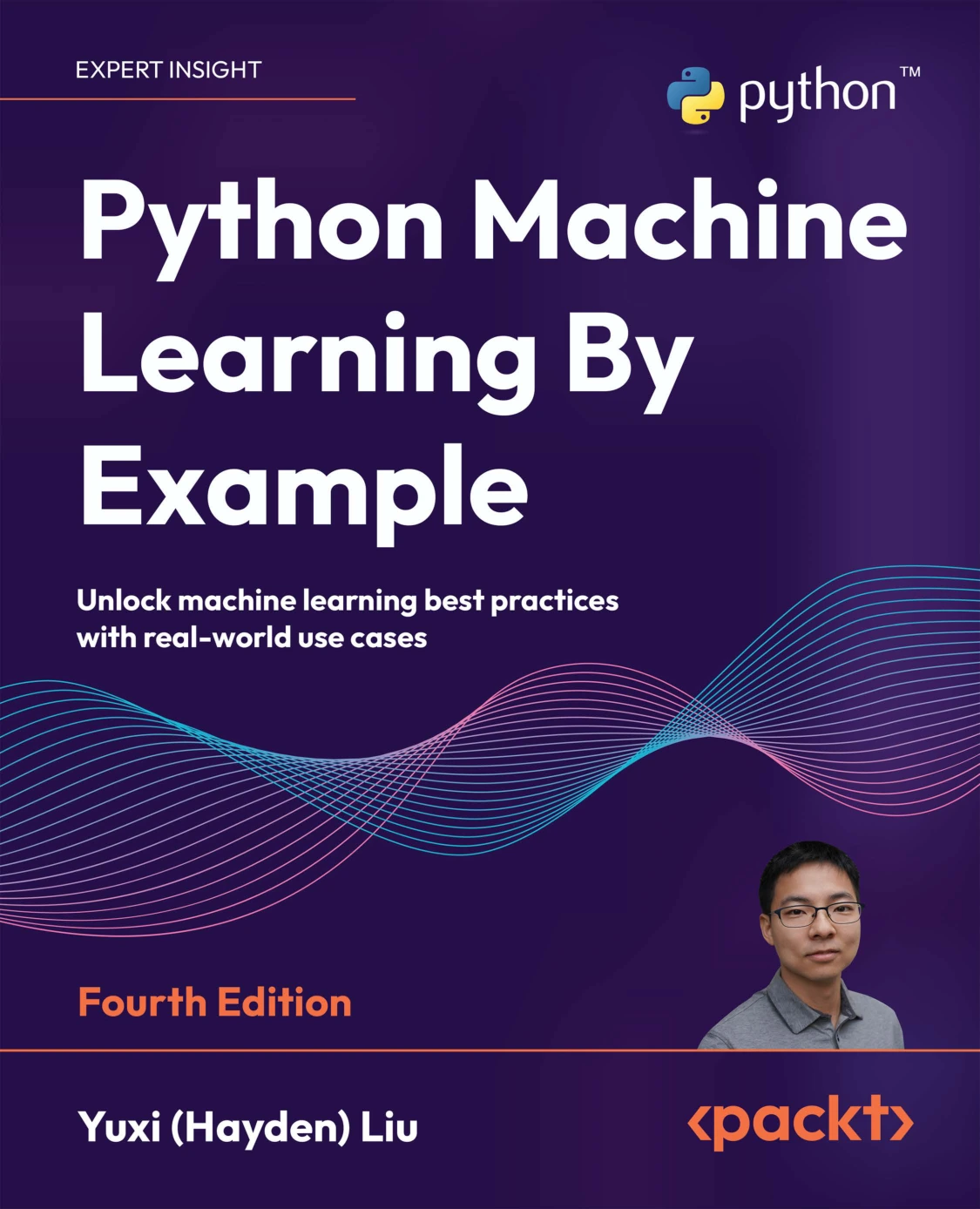
Python Machine Learning By Example, Fourth Edition
Learners who know some Python and want to study machine-learning examples.
4. Build websites and networked services
Python can be used to create web applications and services. A web project might accept information from a user, apply rules to it, store or retrieve data, and return a page or response. Larger projects typically use a web framework or other packages, in addition to Python itself.
The language’s standard library also includes networking and data-handling facilities. The specific tools you choose depend on what the application needs to do; learning Python does not require starting with a web framework.
5. Write scripts, developer tools, and software tests
Python can help developers automate parts of their own workflows, process text, run utility scripts, and check whether software behaves as expected. One example is browser testing: a test script can open a page, interact with controls, and check results. That work uses additional browser-automation tooling rather than Python alone.
If browser testing is your goal, Selenium WebDriver Recipes in Python is a practical, task-focused resource covering browser interactions, element location, waits, and debugging. It is most relevant once you have enough Python familiarity to follow and adapt code examples.
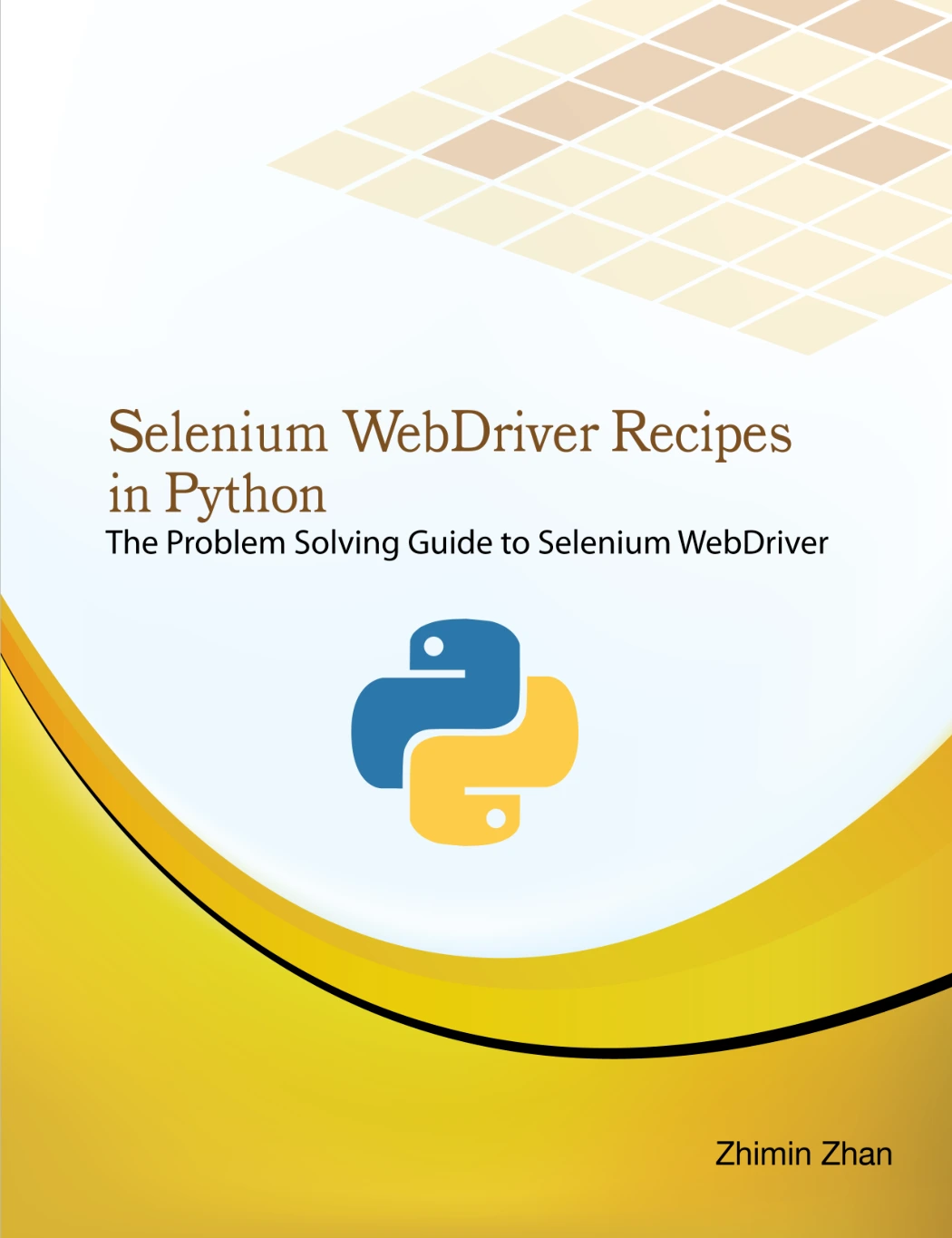
Selenium WebDriver Recipes in Python
By Zhimin Zhan
Python learners interested in browser automation and software testing.
6. Create desktop interfaces and hardware projects
Python can be used to make desktop graphical interfaces, and it can also be part of projects that interact with hardware. The right approach depends on the device, interface, and components involved. A Raspberry Pi project, for instance, can combine Python code with electronics or sensors; it is a different kind of learning project from a web app or a data analysis script.
Learn Raspberry Pi Programming with Python: Learn to Program on the World’s Most Popular Tiny Computer (Second Edition) connects Python learning with Raspberry Pi, Linux, electronics, and project work. Consider it if you are especially interested in making code interact with a physical device.
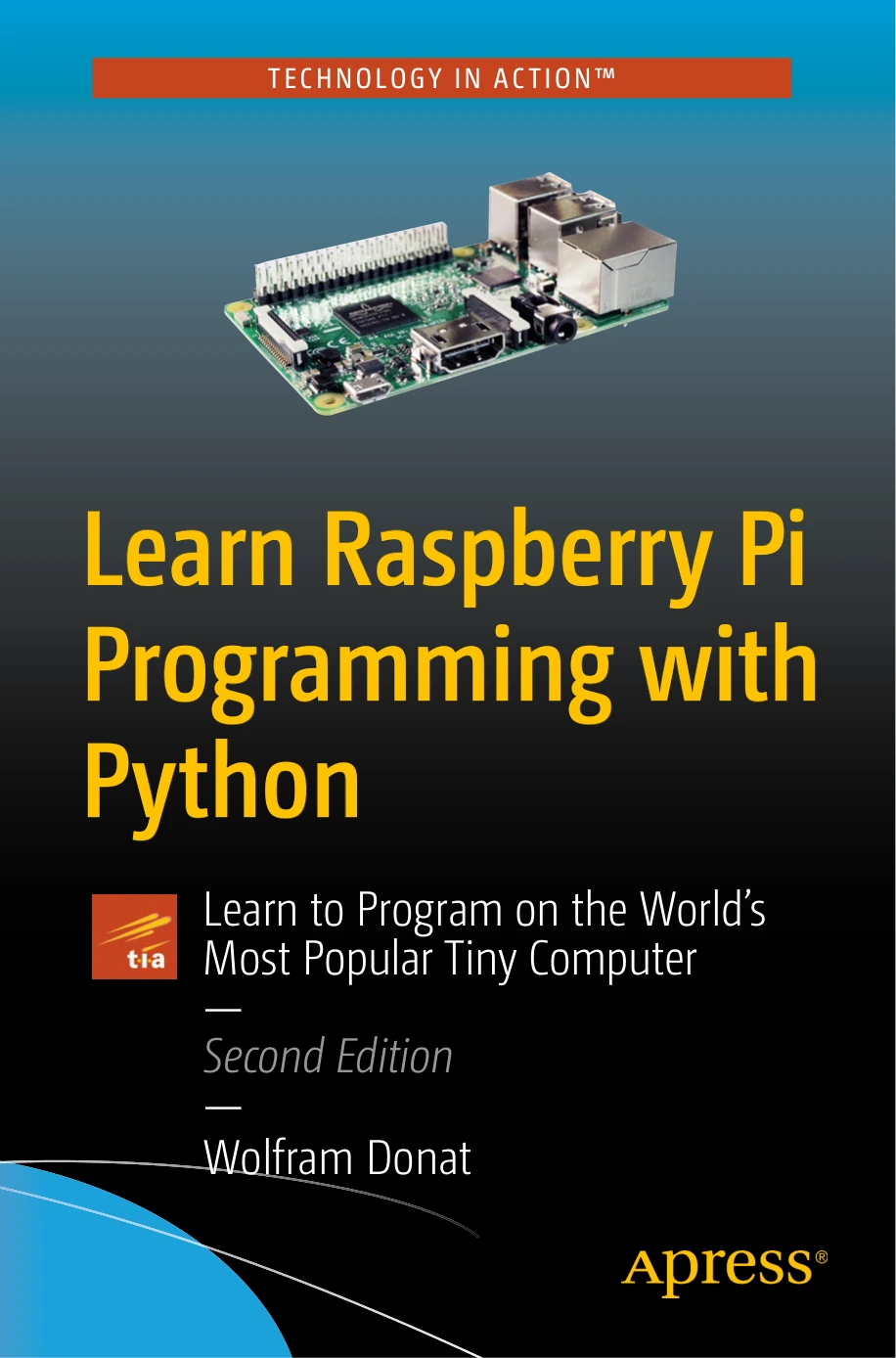
Readers who want to combine Python, Raspberry Pi, Linux, and electronics.
What tools do you need to use Python?
It helps to separate Python itself from the wider ecosystem around it:
- Python and its standard library: The standard library comes with Python and provides modules for many common tasks, including file operations, working with JSON, networking, and interacting with databases such as SQLite.
- Third-party packages: These are add-ons installed separately when a project needs capabilities beyond the built-in tools.
- Frameworks and development tools: These help structure particular kinds of projects, such as web applications, data work, or browser testing.
You do not need to install a large collection of tools before learning basic Python. Start with the language’s fundamentals and add a package when your project gives you a reason to use one. Check the documentation for a chosen library or framework for its installation steps and compatibility requirements.
Beginner Python project ideas
Small projects are a useful way to connect programming concepts to a result you can inspect. These are illustrative starting points, not guaranteed outcomes or measures of how quickly anyone will learn.
- File organizer: Write a script that sorts a test folder by file type or moves files with a chosen naming pattern.
- Text summary: Count words or repeated terms in a sample text file and save the summary to a new file.
- Simple data chart: Read a small dataset, calculate a few summary values, and create a chart using an appropriate plotting package.
- Basic web app: Make a small application that accepts an input and returns a result, following the instructions for a web framework.
- Browser test: Automate a simple interaction on a test page and check whether the expected result appears.
- Hardware experiment: If you have suitable equipment, use a Raspberry Pi project to explore how code can respond to hardware inputs.
Choose a project with a visible, limited goal. For example, “sort these sample files into three folders” is easier to plan and check than “automate my computer.”
How to choose your Python learning direction
Begin with what you want Python to help you do. You can then focus your practice instead of trying to learn every application area at once.
| If you want to… | A useful starting direction | A project to try |
|---|---|---|
| Reduce repetitive computer work | Python basics and file handling | Organize a sample folder |
| Work with spreadsheet-style information | Data structures and data analysis | Summarize a small table and chart a result |
| Make a website or service | Python fundamentals, then a web framework | Build a small page that processes an input |
| Explore predictions or recommendations | Python, data preparation, then machine learning | Follow a guided model example and inspect its evaluation |
| Test websites automatically | Python basics and browser automation | Check a simple interaction on a test page |
| Connect code with electronics | Python and a suitable hardware platform | Follow a small Raspberry Pi project |
For a structured introduction before choosing a specialization, Python Programming for Beginners: Learn Python in a Step by Step Approach, Complete Practical Crash Course to Learn Python Coding covers core concepts such as variables, control flow, data structures, functions, files, and classes. If you prefer a practice-led route, Python Bookcamp: Exercises and Projects focuses on exercises and case-study-style practice. The right choice depends on whether you want a guided fundamentals sequence or a stronger emphasis on doing.
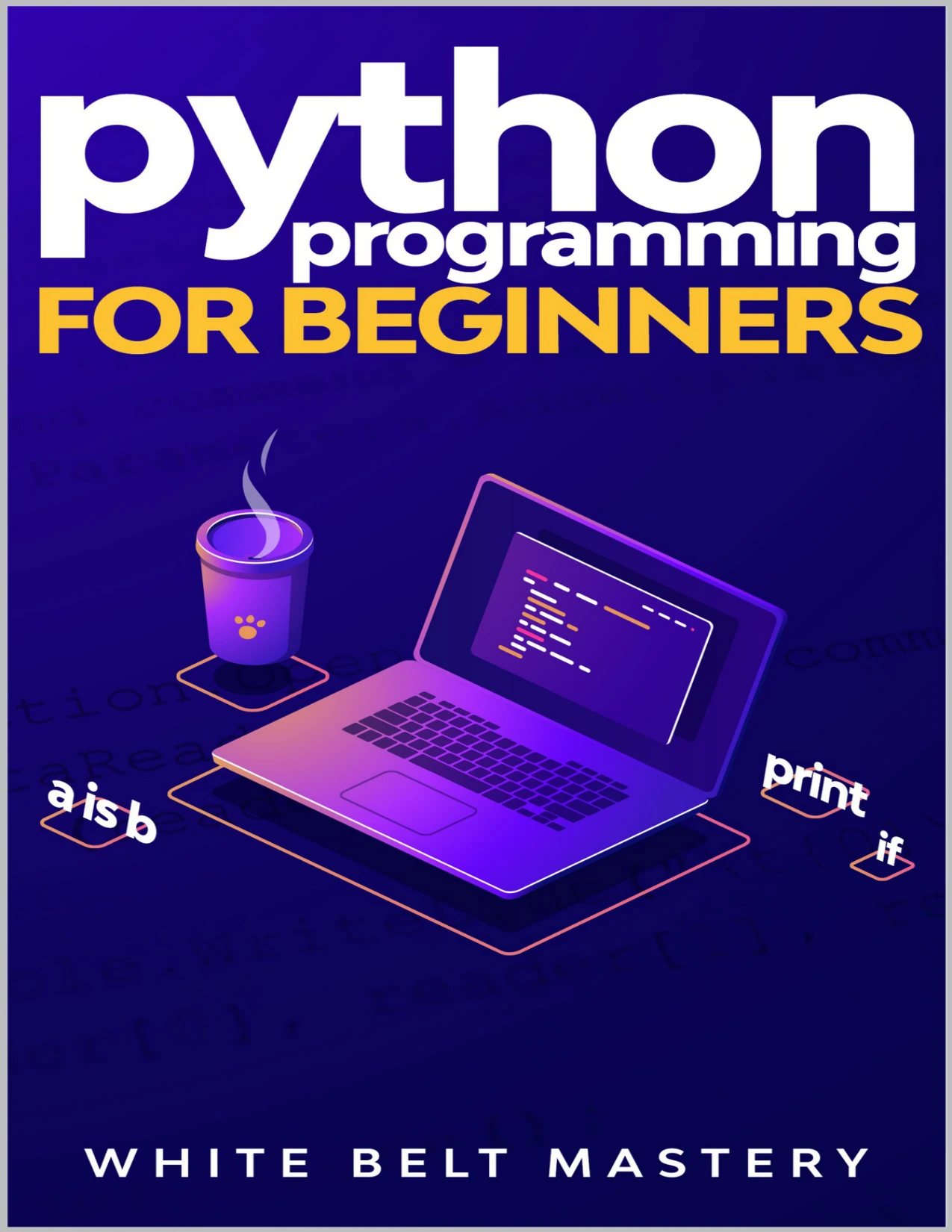
New programmers looking for step-by-step coverage of core Python concepts.

Python Bookcamp: Exercises and Projects
Beginners or returning learners who want hands-on Python practice.
Python’s limits and trade-offs
Python’s range does not mean it is the best choice for every task. The official sources cited below describe applications and tools, but they do not establish that Python is faster, more suitable, or less costly than another language for a particular project. Those questions depend on the application, its technical requirements, the libraries available, and the environment where it will run.
Before committing to a project, check whether its required platform, framework, or hardware supports the Python version and packages you plan to use. For a learning project, keep the scope small enough that you can complete and understand it. For a larger technical decision, compare the project’s actual requirements rather than relying on a general claim that one language is always best.
A practical next step for beginners
- Learn the essentials: Practise variables, basic data types, conditions, loops, functions, and common collections such as lists and dictionaries.
- Write small programs: Type and run examples, change them, and observe how the output changes.
- Pick one real task: Choose a small automation, data, web, testing, or hardware project that interests you.
- Add tools only when needed: Use Python’s built-in features where they fit; learn a package or framework when your chosen project calls for it.
- Build on what you learn: Once the basic version works, add one improvement, such as input validation, clearer output, or a saved result.
For a more general reference as your programs grow, Python How-To: 63 Techniques to Improve Your Python Code covers practical techniques for writing clearer, more maintainable Python. It is better suited to readers who have started coding than to someone looking for a first introduction.
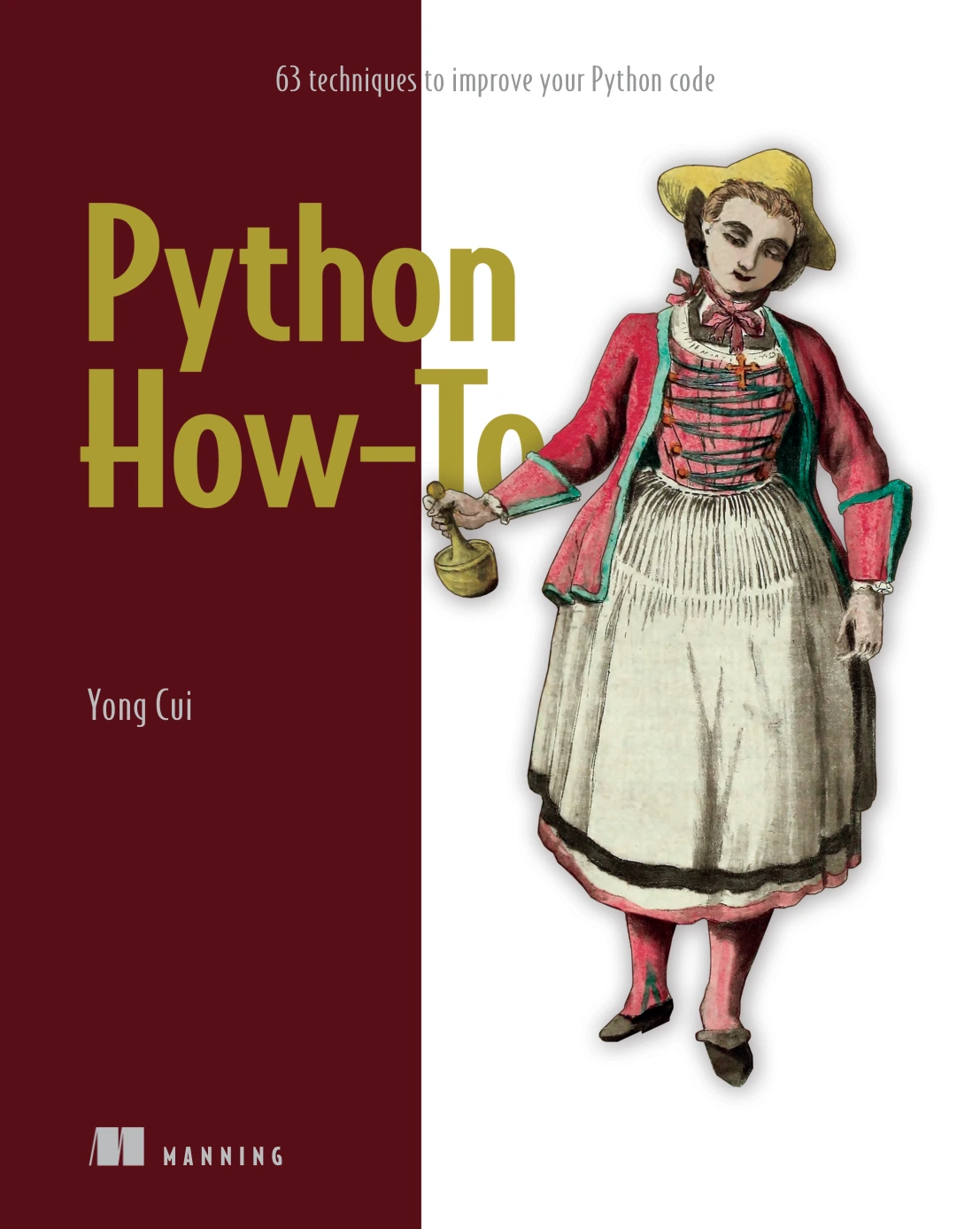
Python How-To: 63 Techniques to Improve Your Python Code
By Yong Cui
Readers who already code in Python and want to improve everyday programming practices.
Frequently asked questions about Python
Can a complete beginner learn Python?
Yes, a complete beginner can start learning Python, but learning resources have different assumptions. Python.org presents material for people new to programming, while the official Python tutorial says it is intended for people new to Python who already have some basic programming understanding. Choose a beginner resource that explains programming concepts as well as Python syntax, and expect to practise rather than learn everything by reading alone.
Do you need to install extra packages to use Python?
No. Python includes a standard library with tools for many common tasks. Some projects require third-party packages or frameworks, which you install separately. Begin with the tools your task needs instead of adding packages without a clear purpose.
What is a good first Python project?
Choose something small with an easy-to-check result, such as sorting sample files, counting words in a text file, or summarizing a small dataset. A manageable project gives you a reason to use basic concepts while keeping the number of new tools low.
Can Python be used to build websites?
Yes. Python is used in web development, including for web applications and services. A project generally uses additional web tools or a framework alongside Python; the choice depends on what you are building.
Is Python suitable for every programming project?
No single language is automatically the right choice for every project. Suitability depends on requirements such as the target platform, available tools, and the work the software must perform. Check those needs before choosing a language or framework.
Conclusion
Python can be used for a wide range of practical work, from small file-handling scripts to data analysis, web applications, software testing, machine learning, desktop interfaces, and hardware projects. You do not need to pursue all of those areas. Learn the fundamentals, try one small project, and then choose the tools and learning resources that match the direction you want to explore.
Sources
- Applications for Python | Python.org — examples of Python application areas, including web development, scientific and numeric work, desktop interfaces, and business applications.
- The Python standard library — Python documentation — built-in modules and facilities for common programming tasks.
- About Python | Python.org — broader examples of Python use, including network programming and software development.
- The Python Tutorial | Python documentation — the tutorial’s stated audience and prerequisites.