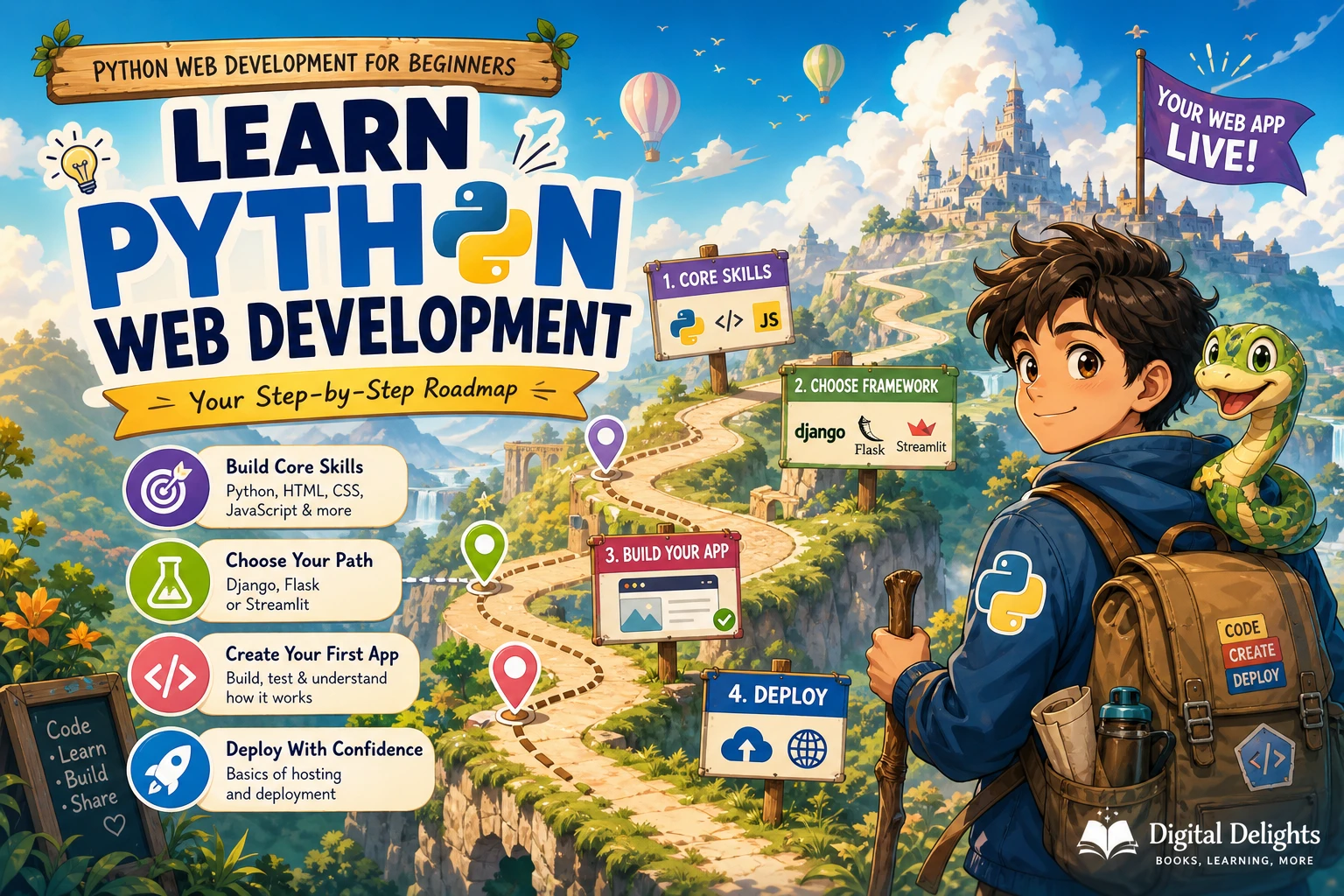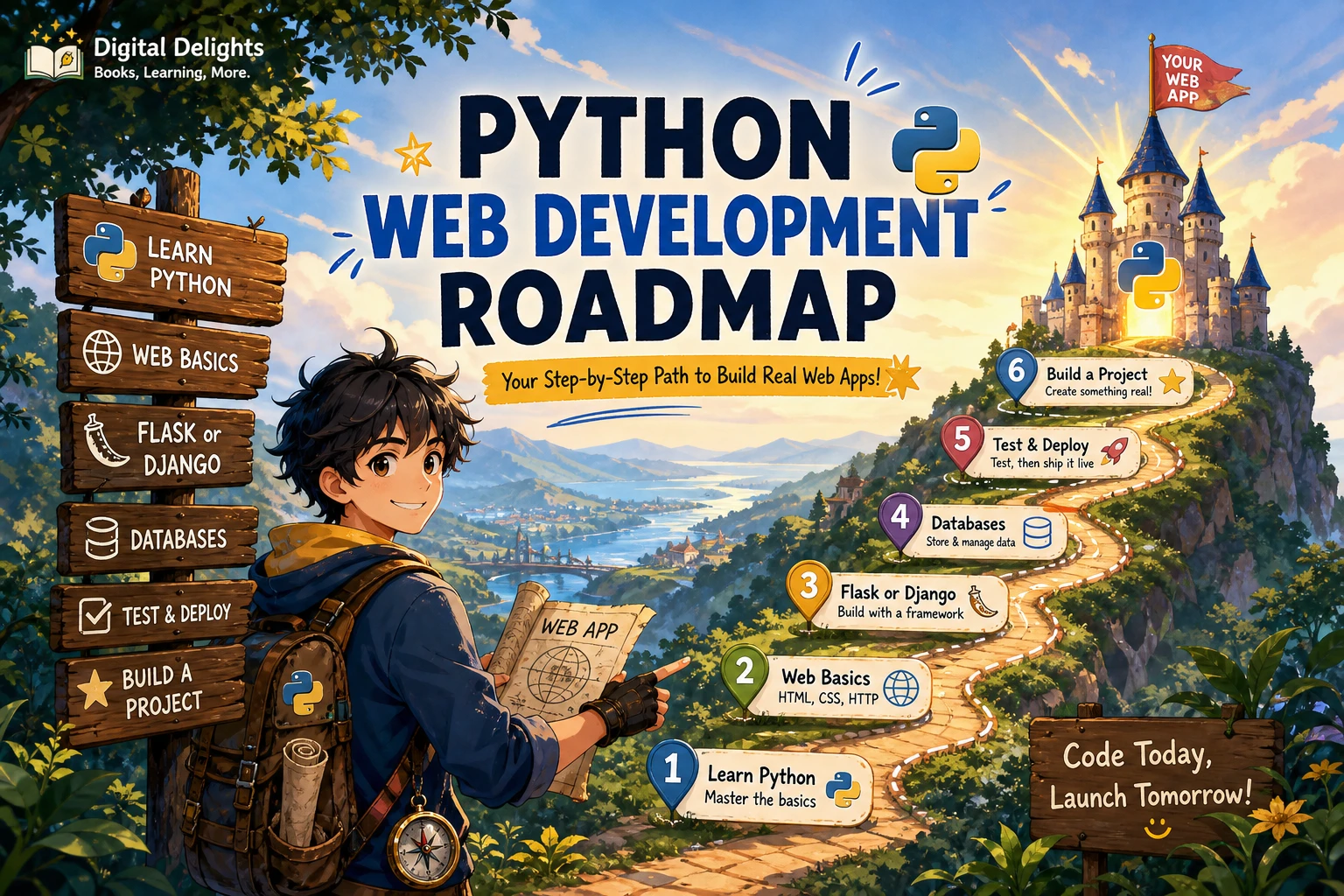
Learning Python is a useful start, but building websites with it also means understanding how browsers and servers communicate, how pages are structured, and how an application stores and protects data. A practical Python web development roadmap is: learn programming fundamentals, set up a reliable coding workflow, study basic web concepts, choose one Python framework, build a small database-backed application, then add tests, security practices, and deployment.
If you have never coded before, begin with basic programming ideas before moving into web frameworks. If you already know another language, you can move through Python fundamentals more quickly. Either way, learn one layer at a time and use a small project to connect the pieces.
Step 1: Learn programming and Python fundamentals
Before writing a web application, get comfortable reading and writing simple Python programs. You do not need to master every feature of the language first, but you should be able to understand how data moves through a program and how to break a task into smaller steps.
Focus on:
- Values and variables: strings, numbers, booleans, and assigning names to data.
- Conditions and loops: using
if,for, andwhileto control what a program does. - Collections: using lists and dictionaries to organize related information.
- Functions: grouping reusable instructions and passing information between parts of a program.
- Errors and exceptions: interpreting error messages and responding to expected problems.
- Modules and files: dividing code into manageable pieces and reading or writing simple files.
Practise by writing small programs before you build a website: a unit converter, a command-line quiz, or a simple task list are useful exercises. Try changing a program, predicting what will happen, and then running it. That habit helps you learn to reason about code instead of only copying examples.
For a structured overview of fundamentals through web frameworks including Flask and Django, Unlocking Python: A Comprehensive Guide for Beginners is one catalog option. Its supplied description covers core Python topics as well as introductory framework material; it can serve as a broad reference rather than a substitute for building and debugging your own projects.
Unlocking Python: A Comprehensive Guide for Beginners
Beginners seeking a broad reference that moves from Python basics toward web frameworks.
The official Python tutorial is aimed at people new to Python but expects a basic understanding of programming. If you are completely new to coding, take time to learn the concepts above before relying on that tutorial as your only starting point: The Python Tutorial.
Step 2: Set up a development workflow
A web project is easier to manage when its files, dependencies, and changes are organized from the beginning. Learn these tools while your projects are still small, rather than waiting until a larger application becomes difficult to untangle.
- Command line: practise moving between folders, listing files, and running a Python script.
- Git: learn to save a set of changes, review what changed, and return to a previous version when needed.
- Virtual environments: create a separate environment for each project so its installed packages do not get mixed with other projects.
- Dependencies: install packages for a project and keep a clear record of what it needs.
A common first command for creating a project environment is python -m venv .venv. The exact command used to activate it varies by operating system and shell, so follow the instructions for your setup. Python’s venv documentation explains that virtual environments isolate project packages and should be recreated rather than moved or committed to source control: Python virtual environments.
Keep your source code in version control, but do not put the environment folder itself in your repository. As you follow a tutorial, also note which Python and framework versions it uses. That makes it easier to spot why instructions may differ on your computer.
Step 3: Learn the web essentials
Python may run the server-side part of your application, but a browser-facing website also relies on web standards and front-end files. You do not need to become a front-end specialist before using Flask or Django. You do need enough context to understand what the browser sends and what the server returns.
- HTML describes the structure and content of a page, including headings, links, forms, and input fields.
- CSS controls presentation, such as spacing, colors, and layout.
- HTTP is the request-and-response protocol involved when a browser asks a server for a page or sends form data.
- URLs identify web resources and often map to application routes.
- Forms let users submit information, which the server needs to check before using.
- JavaScript adds behavior in the browser. Start with the basics; you can deepen your knowledge when a project needs more client-side interaction.
Try building a plain HTML page with a heading, a few links, and a form before connecting it to Python. This helps separate browser-side issues from server-side issues when something does not work.
Step 4: Choose one Python web framework
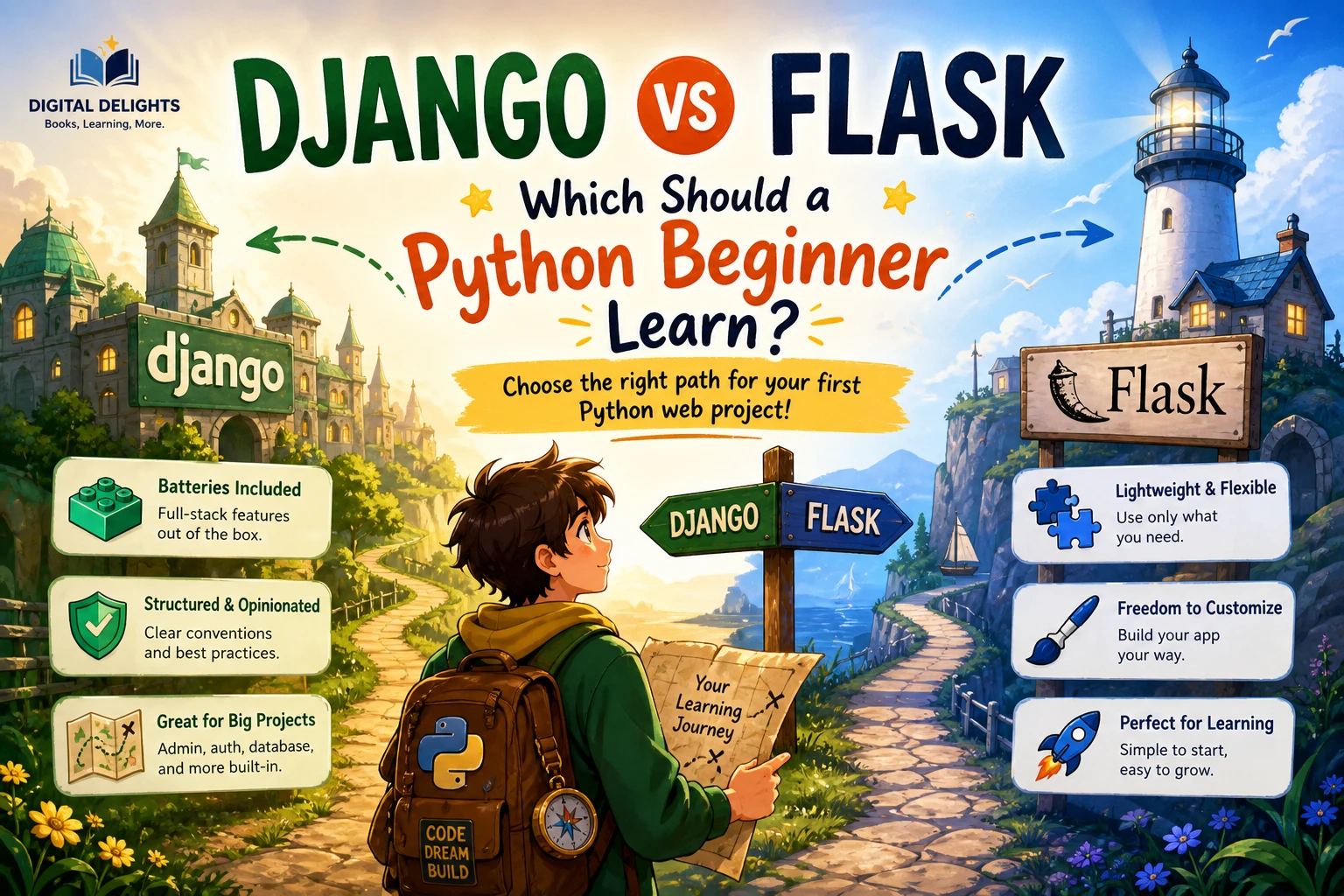
Flask and Django are both reasonable framework paths, but there is no evidence here that one is universally better for beginners. Choose based on the kind of project you want to make, the structure you prefer to learn, and the quality and currency of the learning material available to you. Most importantly, start with one framework rather than trying to learn both at once.
When a Flask-first route may suit you
Flask can be a practical starting point if you want to make a small application and learn how its parts fit together as you add them. A focused Flask tutorial can help you connect routes, views, templates, and forms in a compact project. Digital Delights’ catalog includes A Quick step by step guide to learning web development with Python and Flask, described as an introductory guide covering web basics, routes, templates, forms, and a practical lab. Check its version context against current framework documentation before following setup instructions.
Learners who know some Python and want a concise introduction to making a Flask application.
When a Django-first route may suit you
Django may be a fit if you want to learn within a more structured framework path and your project calls for a fuller set of application components. Whichever path you choose, check the current official framework documentation for supported Python versions and setup details. The supplied research does not include a current Django or Flask compatibility matrix, so this article does not prescribe a particular framework release.
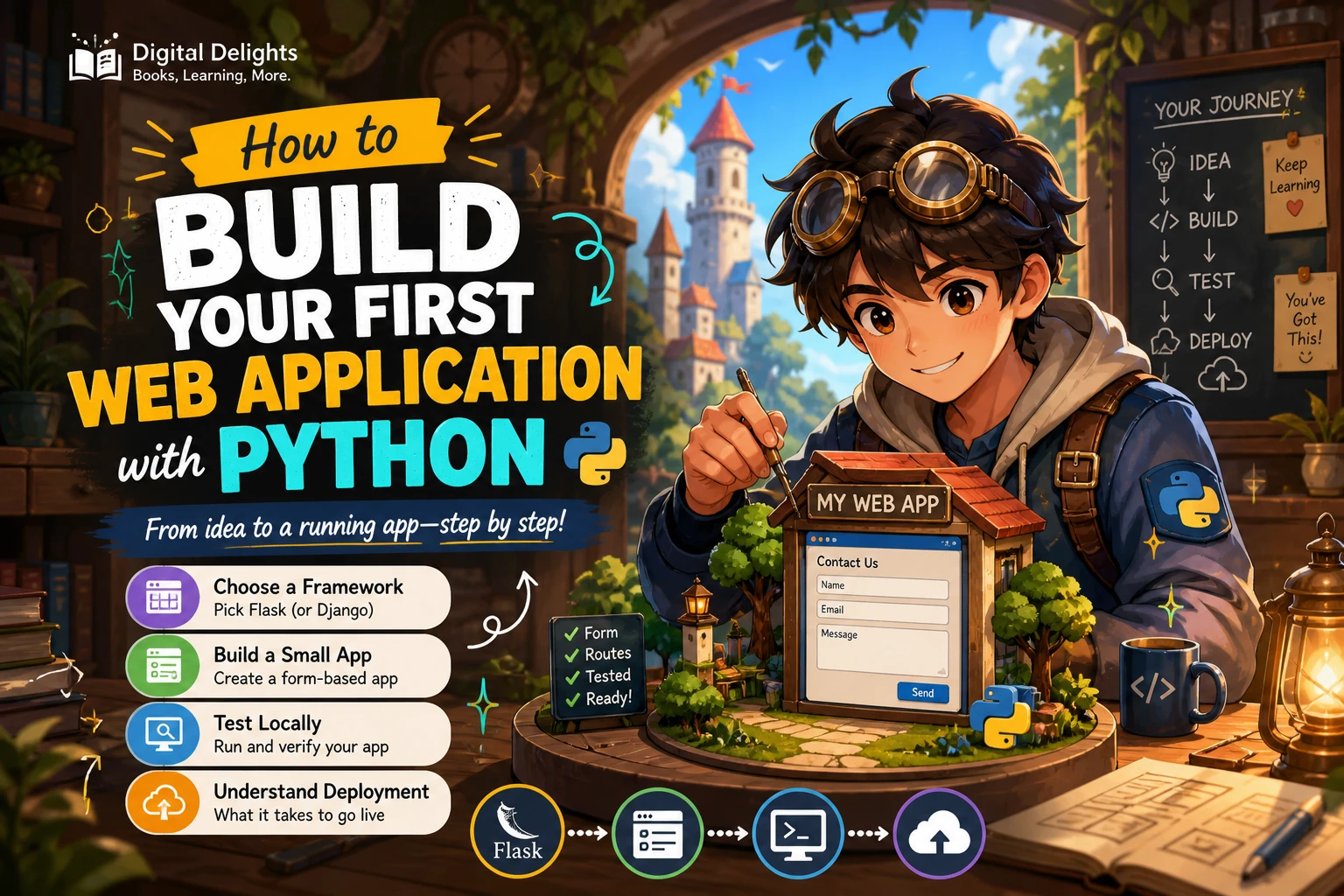
Step 5: Build a small web application
Once you know enough Python and web basics to follow a tutorial, put them together in one complete application. Avoid beginning with a large social network, online shop, or multi-user platform. A compact project makes it easier to understand each part and finish a working version.
A simple reading list or personal bookmark app could include:
- Routes or views: pages for viewing the list, adding an item, and opening an item’s details.
- Templates: HTML pages that display information supplied by the Python application.
- Forms: fields for a title, link, or short note.
- Input validation: checks for missing or malformed values before the application saves them.
- A database-backed feature: save, retrieve, update, and delete records so information persists after a restart.
Build the smallest useful version first. For example, begin by displaying a list, then add one form, then connect storage. Keep the code readable and make one change at a time. When you can explain how a browser request reaches your Python code and how the resulting page is produced, you are building a useful mental model of the application.
Step 6: Add testing, security, and deployment
A project that runs on your computer is a good learning milestone, not the end of the roadmap. Before sharing it, learn the basic practices that make applications easier to check, safer to configure, and possible to run outside your development environment.
Test the important behavior
Start with tests for the parts most likely to break: whether a route returns the expected response, whether invalid form data is rejected, and whether saved records can be retrieved correctly. Tests do not need to cover every line to be useful. Their purpose is to make expected behavior clear and help catch regressions as you change the app.
Handle data and configuration carefully
Validate user-submitted data on the server; do not assume browser checks are enough. Learn your framework’s guidance for authentication, permissions, and safe database access before adding accounts or private information. Keep secret configuration, such as credentials, out of public source code, and do not publish real secrets in a repository.
Understand deployment basics
Deployment means preparing an application to run in a hosting environment, not just copying a development folder to a server. Learn how configuration differs between local development and production, how dependencies are installed, and how to inspect application errors. Follow current instructions for your chosen framework and hosting platform; deployment steps can change over time.
Step 7: Finish a portfolio project and keep learning
Choose a project with a clear purpose and a small first release. A reading tracker, recipe organizer, study planner, or event listing can give you practice with pages, forms, stored data, and tests without requiring a complicated product. Write down what the first version will do—and what it will leave out.
A practical project checklist:
- Describe the problem and the intended user in a few sentences.
- List the essential pages and the information each page needs.
- Sketch the data you need to store before choosing database details.
- Build one working feature from the browser to the database.
- Add validation and tests for the most important behaviors.
- Document how to run the project and which versions or dependencies it expects.
- Review the framework’s current documentation before deployment or major upgrades.
After finishing one application, decide what to learn next from the problems you encountered. You might deepen your database knowledge, improve your HTML and CSS, explore APIs, or study a second framework. A broader resource such as Learn Python Programming, Fourth Edition covers Python development topics including APIs and application development; it may be relevant once you are ready to extend your foundations beyond a first web app.
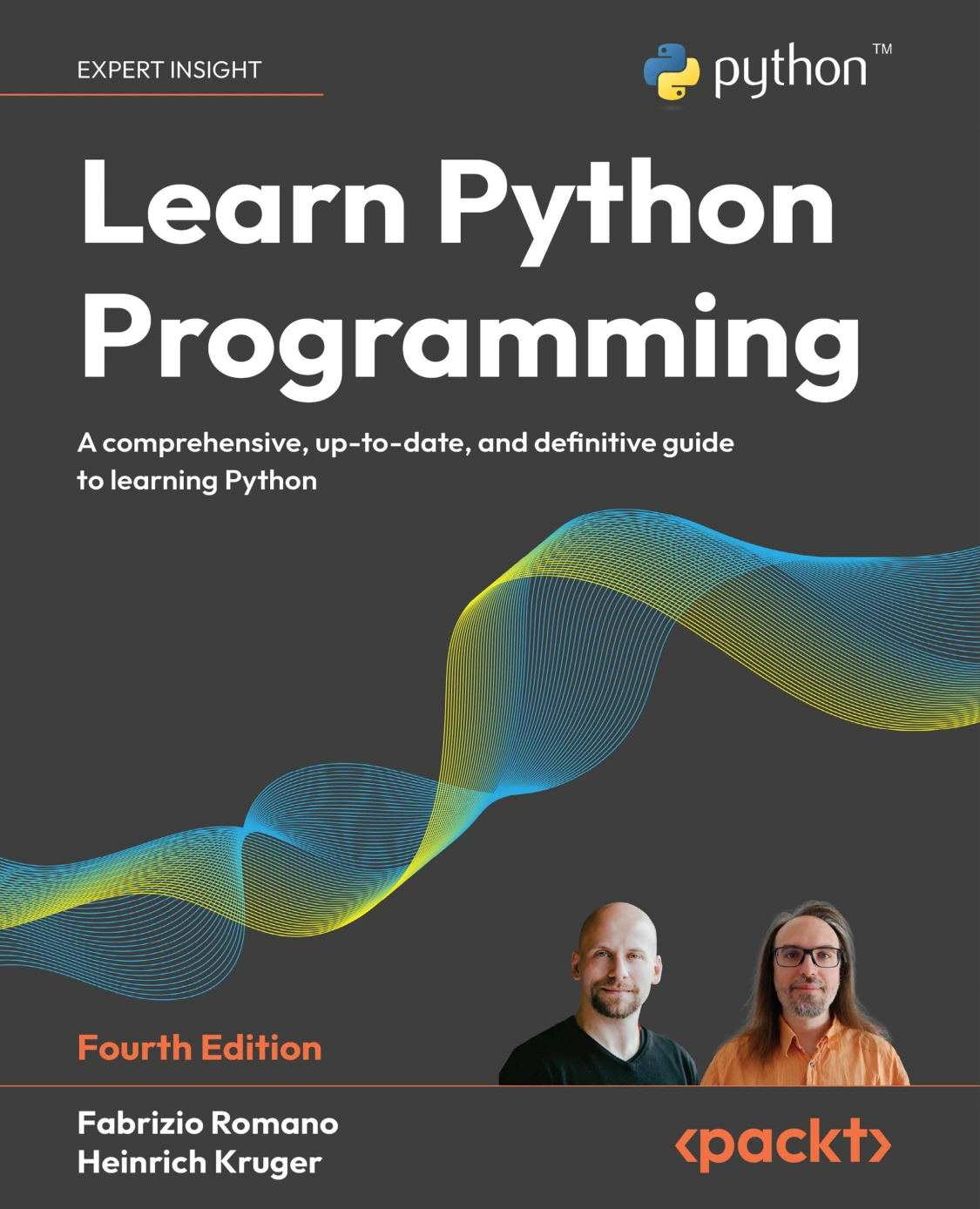
Learn Python Programming, Fourth Edition
Learners who have started the fundamentals and want a broader Python development reference.
Common beginner pitfalls to avoid
- Starting frameworks before learning basic Python: framework code is harder to understand if variables, functions, and data structures are unfamiliar.
- Trying to learn Flask and Django simultaneously: learn one complete path first, then compare frameworks with a clearer basis.
- Skipping HTML, forms, and HTTP: these concepts explain what the browser sends and what your server needs to handle.
- Copying tutorials without changing anything: add a small feature or adapt an example so you practise making decisions yourself.
- Following old instructions blindly: compare the tutorial’s Python and framework versions with current official documentation before installing or troubleshooting.
- Building too much at once: reduce the scope until you can complete one useful feature from start to finish.
Frequently asked questions
Do I need prior coding experience to learn Python web development?
No, but complete beginners should learn basic programming concepts before tackling a web framework. If you already understand variables, conditions, loops, and functions in another language, you can focus on Python’s syntax and conventions first. The Python tutorial itself expects some general programming knowledge, even though it is for readers new to Python.
Should I learn JavaScript before Python web development?
You do not need to become proficient in JavaScript before building a server-rendered Python application. Learn enough HTML and CSS to understand pages and forms, and enough JavaScript to recognize basic browser-side behavior. Add more JavaScript when your project requires it.
Should I learn Flask or Django first?
There is no established universal winner in the supplied evidence. Flask can suit a focused first application, while Django can suit learners who prefer a more structured framework path. Choose one according to your project and learning materials, check current version compatibility, and finish a small app before switching.
What should my first Python web development project be?
Choose something small that stores and displays information, such as a reading list, recipe organizer, or study planner. Include a few routes, a template, a form, server-side validation, and a database-backed feature. Add tests and deployment only after the basic flow works.
Which Python version should I install?
Choose a current stable Python release and confirm that it is supported by the framework and packages you plan to use. Python.org listed Python 3.14.8 as the latest stable release on October 9, 2026, with Python 3.15 in prerelease status at that time. This is time-sensitive guidance, so check the current Python downloads page and your framework’s documentation before installing.
Conclusion: Follow the sequence, then build
A useful Python web development roadmap moves from programming fundamentals to a dependable project workflow, web basics, one framework, a complete small application, and then testing, security, and deployment. You do not need to learn every tool before starting. Build a modest project, use current documentation when versions matter, and let the next learning step come from what the project teaches you.
Sources and further reading
- The Python Tutorial — Python documentation
- Download Python — Python.org
venv— Python documentation- Beginning Django: Web Application Development and Deployment with Python — O’Reilly (an older listing; verify version compatibility before using dated instructions)