How to Learn Python Web Development: A Beginner’s Roadmap
To learn Python web development, build your skills in a practical order: learn core Python, understand how websites and web requests work, choose a framework for your goal, then build and publish a small application. You do not need to master every part of Python before you begin—but you should be comfortable writing functions, working with data, and tracing simple errors.
This roadmap takes you from those foundations to a first working web app. It also explains how to choose between Django, Flask, and Streamlit, what to practise, and why a program that works on your computer still needs more work before it is ready for other people to use.
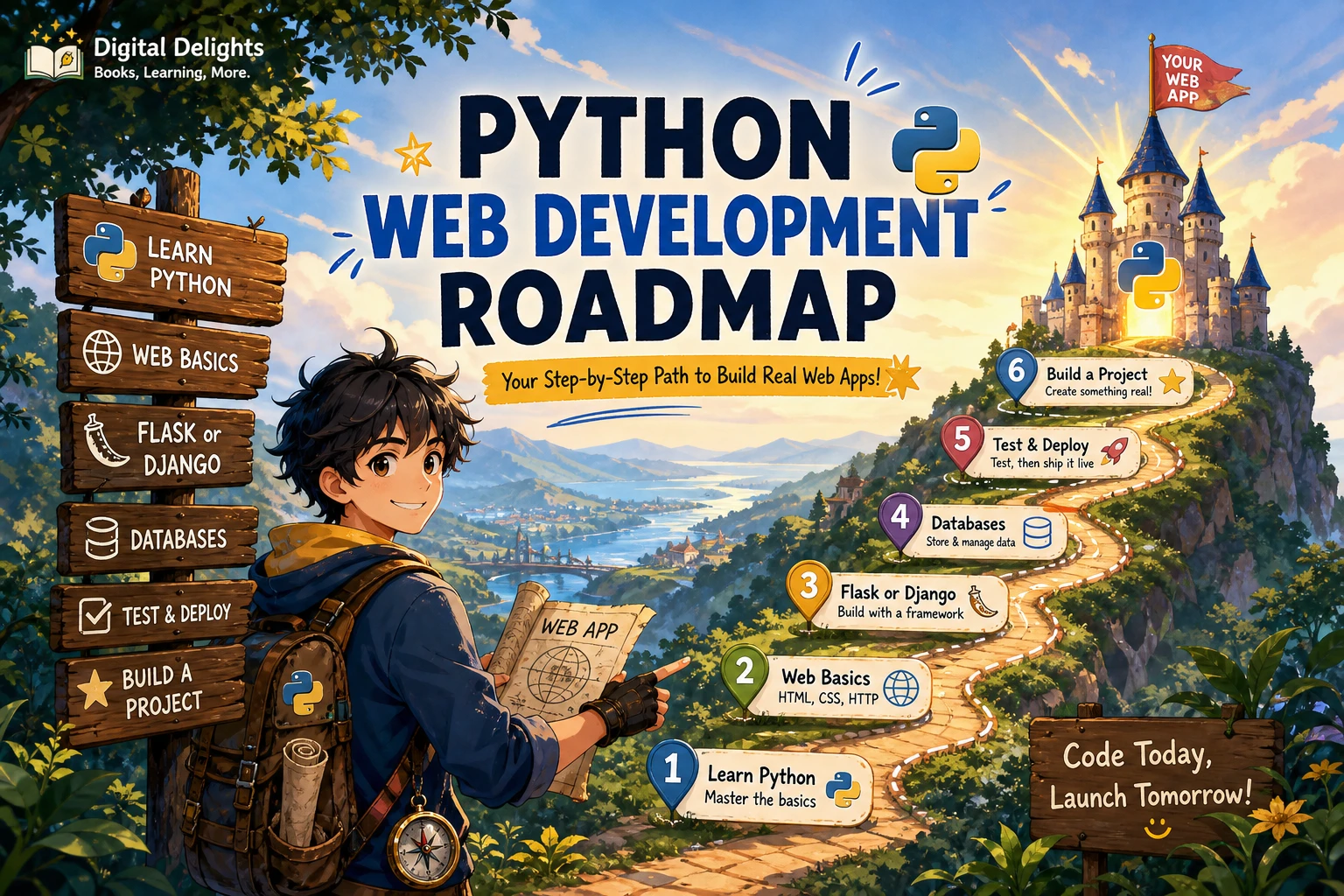
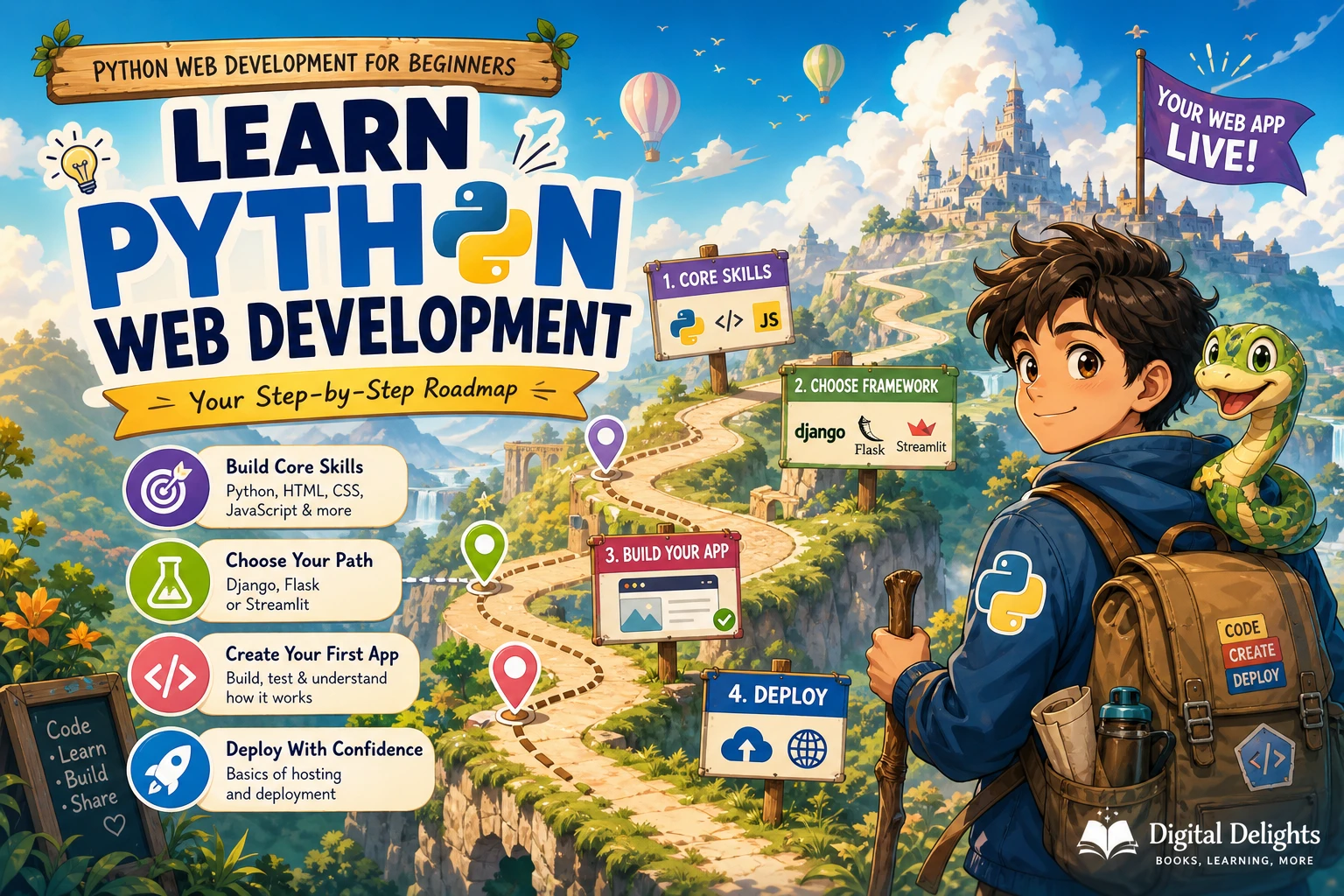
The Python web development roadmap
- Learn Python fundamentals: variables, collections, conditions, loops, functions, modules, and debugging.
- Study the web basics: HTML, CSS, URLs, forms, and HTTP requests and responses.
- Set up a project with a supported Python version and an isolated virtual environment.
- Choose a framework that matches the kind of application you want to build.
- Make a small app that handles input and stores or displays useful information.
- Add tests, improve the app’s structure, and learn the basics of safe deployment.
Use the steps as a learning sequence rather than a rigid checklist. You can learn some web concepts while building, and the right framework depends on your project.
1. Learn enough Python to build with confidence
Before starting a framework tutorial, get familiar with the language features you will use repeatedly. Aim to read and write short programs that use:
- Variables, strings, numbers, lists, and dictionaries
- Conditions and loops
- Functions with arguments and return values
- Modules and imports
- Exceptions and basic debugging
- Classes, at least well enough to recognize them in framework code
You do not need to master every Python feature first. The official Python Tutorial introduces core language concepts and notes that it is not a comprehensive reference. Treat it as a foundation: practise writing small programs, then return to the documentation when a web project introduces something unfamiliar.
If you want a structured introduction before choosing a framework, Unlocking Python: A Comprehensive Guide for Beginners covers core Python topics and includes introductions to Django and Flask, among other applications of the language. It may suit learners who want to connect language basics with possible next steps.
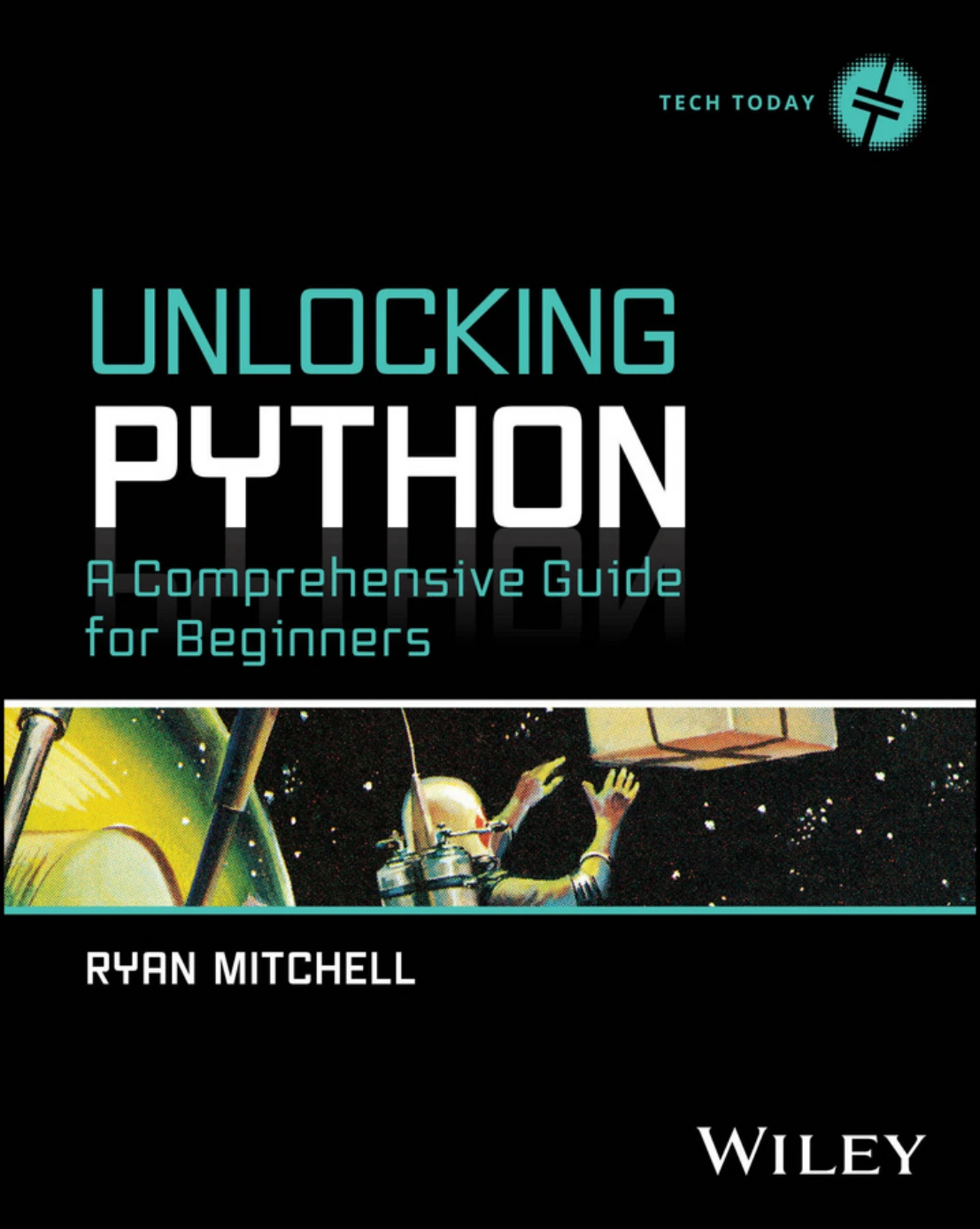
Unlocking Python: A Comprehensive Guide for Beginners
Beginners who want coverage of core Python topics and introductions to Django and Flask.
2. Understand the web beyond Python
A web framework helps connect Python code to a website, but it does not replace the basic ideas behind the web. Learn what happens when a browser asks a server for a page and how the server responds. Start with these concepts:
- HTML describes the structure and content of a page.
- CSS controls how that content is presented.
- URLs identify pages and other resources.
- HTTP requests and responses carry information between a browser and a server.
- Forms let users submit information such as a search term or a note.
You do not have to become a front-end specialist to make a Python-backed site. Still, a basic grasp of HTML and CSS makes framework templates easier to understand, while understanding requests and responses helps explain why a route returns a page, redirects a user, or reports an error.
3. Set up a clean Python project
Install a stable Python release that is supported by the framework and hosting service you plan to use. Then create a separate environment for each project and install its packages there. This helps keep one project’s dependencies from interfering with another’s.
Python’s venv documentation explains how to create isolated environments. Learn how to activate the environment, install a package, and record project dependencies. The documentation also advises against moving virtual environments or committing them to source control; keep the project’s dependency information instead.
Make a simple habit of checking which Python interpreter and environment are active before installing packages or running the app. Many early setup frustrations come from installing a dependency into one environment and running the code from another.
4. Choose a framework for the application you want to make
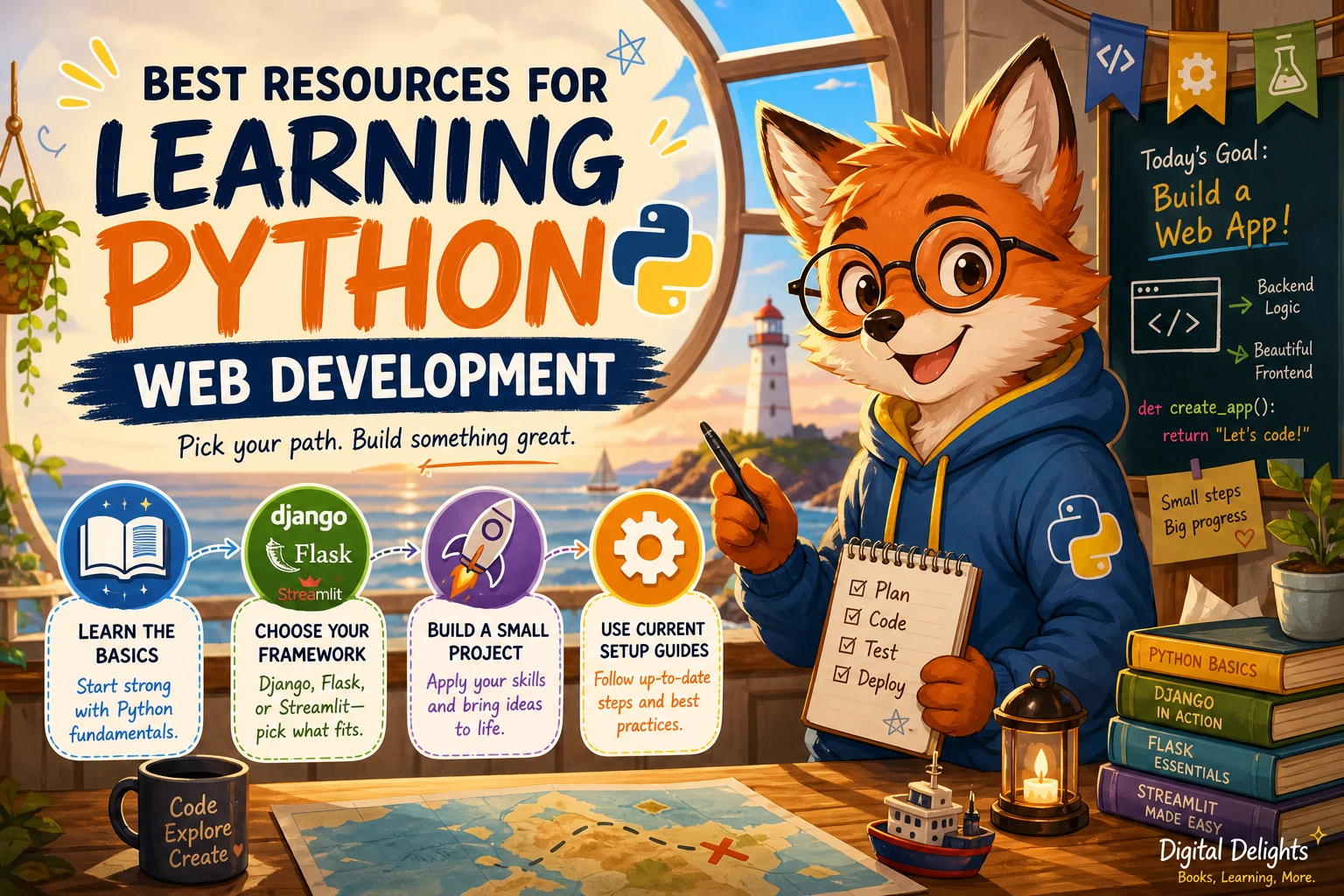
Django, Flask, and Streamlit serve different kinds of projects. There is no single choice that is right for every beginner. Consider what you want to build and how much structure you would find useful.
| Option | A reasonable fit when | What to keep in mind |
|---|---|---|
| Django | You want to learn a structured approach to building a conventional website or web application. | A Django project can bring together URLs, views, templates, data models, forms, and other application features. Learn those pieces by building one small app rather than trying to study them all in isolation. |
| Flask | You want to start with a smaller application or have a specific Python task to present through a web interface. | You will make more decisions about which parts and tools your application needs. Keep the first project deliberately narrow. |
| Streamlit | You want to turn Python code into an interactive data app, dashboard, or prototype. | It is a Python-first route for data-focused apps, not a direct substitute for learning every aspect of conventional website development. |
For a Django learning path, Django – The Easy Way (3rd Edition) follows a blogging project through setup, templates, models, forms, authentication, APIs, testing, and deployment. If your goal is instead to make an interactive data app, Web App Development Made Simple with Streamlit covers Streamlit features, data-app examples, and deployment. These are options for distinct learning goals, not a ranking of frameworks.
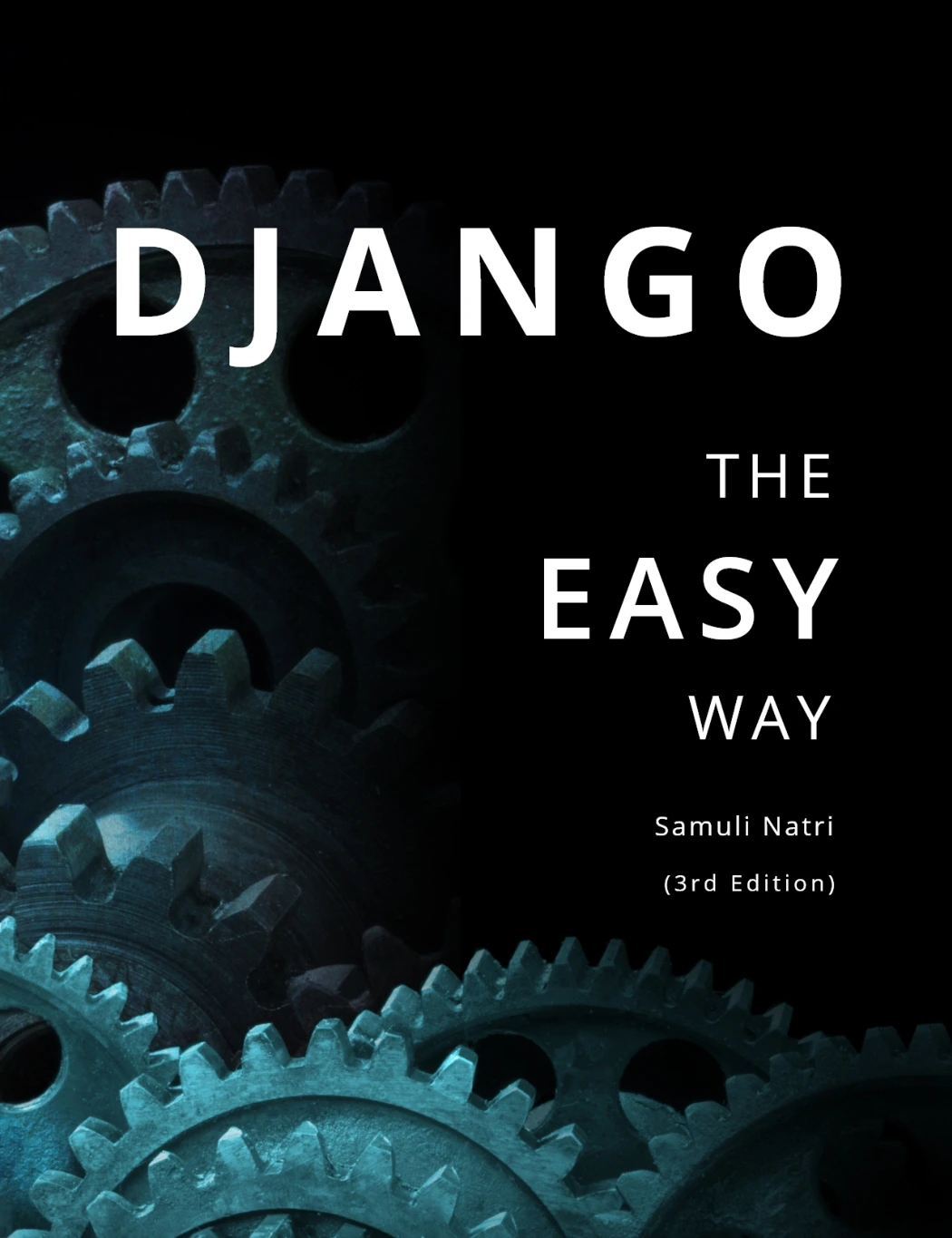
Django – The Easy Way (3rd Edition): How to build and deploy web applications with Python and Django
By Samuli Natri
Learners interested in Django concepts including templates, models, forms, testing, APIs, and deployment.
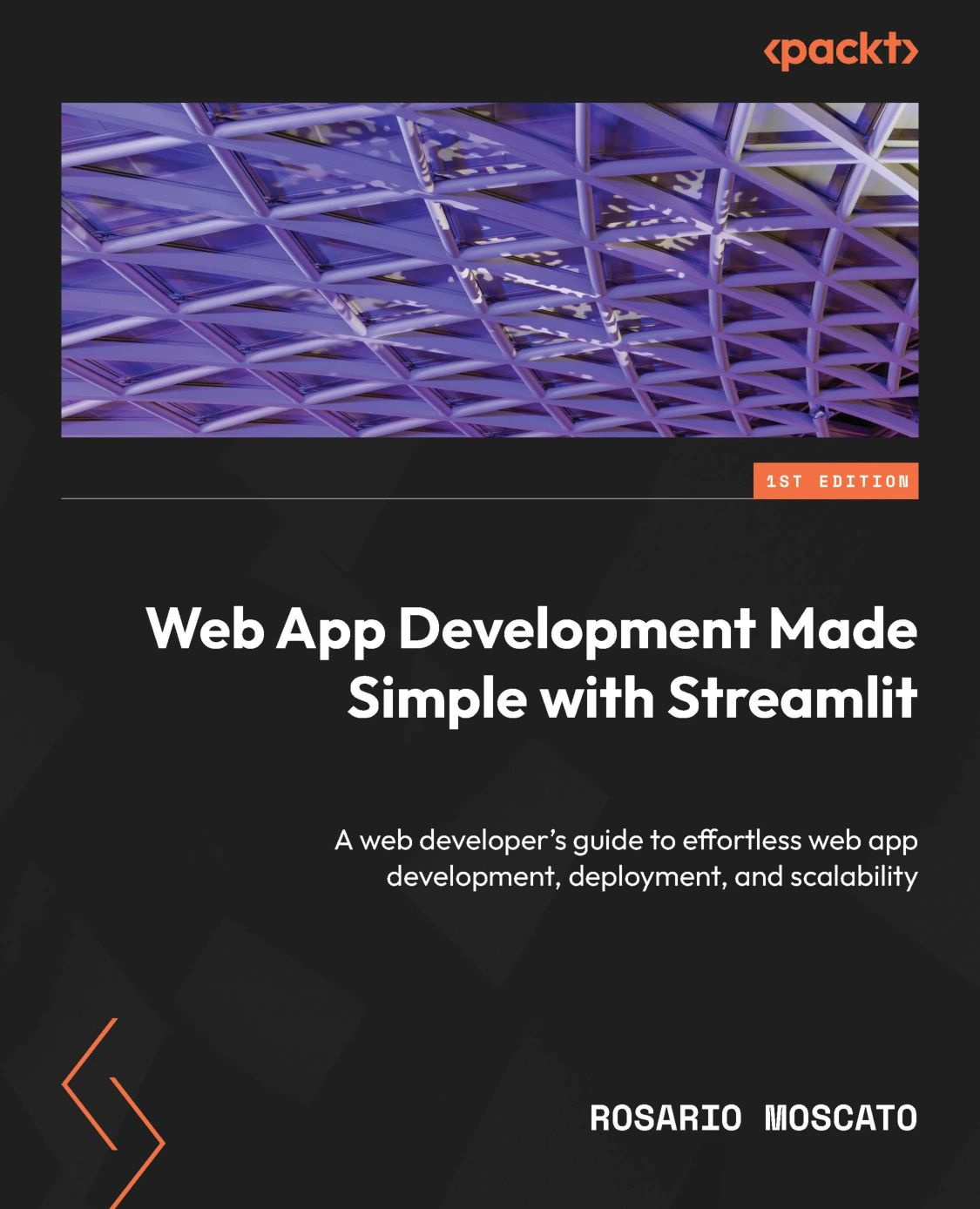
Web App Development Made Simple with Streamlit
Python learners whose goal is to create interactive data apps and explore deployment.
5. Build a small application from start to finish
A notes app or task list is a useful first project because it can begin simply and gain features one at a time. Resist the temptation to add logins, notifications, elaborate styling, and multiple user roles before the basic flow works.
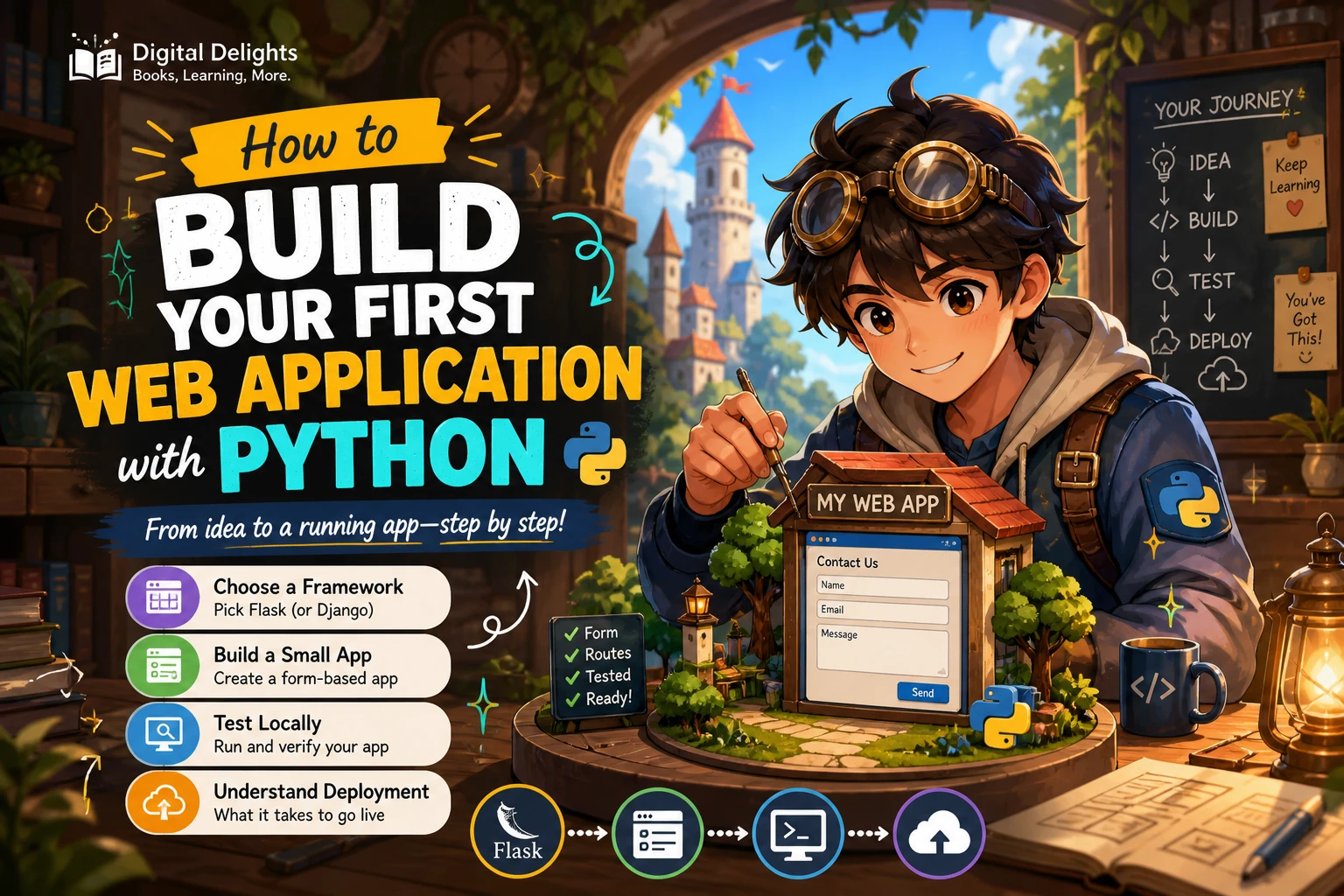
Work through these milestones
- Choose one purpose. For example, let a user save and view short notes.
- Plan the pages and actions. Decide what the user can see and what information they can submit.
- Create a route and a basic page. Confirm the application can respond to a browser request.
- Add a form. Accept user input and validate that it is usable.
- Store and retrieve information. Start with the simplest storage approach that fits the framework tutorial, then learn the database concepts your app needs.
- Handle errors and empty states. Decide what users see when there are no notes or a submitted form is incomplete.
- Test the main actions. Check that creating, viewing, and changing information behaves as expected.
- Review and prepare for deployment. Separate development settings from production concerns and follow the framework and hosting provider’s current instructions.
Keep the first version small enough that you can explain how a browser request reaches your Python code and how the response gets back to the browser. That understanding is more valuable than copying a large tutorial project without knowing how its parts fit together.
6. Practise habits that make web projects easier to maintain
Test the important behaviour
Begin with the features a user relies on: submitting a form, saving information, and seeing the expected result. Tests help you check those behaviours again as the application changes. You can start with a few focused tests rather than attempting to test every line of code.
Use Git and keep changes understandable
Version control gives you a record of how a project changes and a way to recover from mistakes. Save small, meaningful changes and avoid committing local environment folders or private configuration values.
Pay attention to security from the start
Do not assume that input from a form is safe or that development settings are suitable for a public application. Learn the security guidance for your chosen framework, protect secrets, and understand how the framework expects you to handle user input and authentication. Security is not a final decoration to add after deployment.
Organize code for clarity
Use names that explain what a function or variable does. Keep responsibilities understandable, and add structure as the app grows rather than creating layers you do not yet need. A small project is a good place to learn how framework conventions keep code easier to navigate.
7. Learn the difference between local development and deployment
An app running on your own computer is not automatically ready for the public internet. Deployment involves configuring the application for its host, managing dependencies and secrets, and using a production-appropriate setup. Follow the official instructions for the framework and hosting service you select; those requirements can vary and change over time.
Python’s built-in http.server can be useful for learning about basic HTTP behaviour, but the official documentation explicitly says it is not recommended for production and describes its security checks as basic. Do not treat it as a way to publish a real application. See the http.server documentation for that limitation.
After your first deployment, check the application’s core user journey, review its logs, and fix problems before adding features. Publishing a small, understandable app gives you a concrete base for learning more about databases, authentication, accessibility, performance, and operational practices.
Common beginner mistakes to avoid
- Starting a framework before learning basic Python. You do not need mastery, but functions, collections, modules, and debugging will make framework examples much easier to follow.
- Ignoring HTML, forms, and HTTP. A web framework makes these concepts easier to use; it does not make them irrelevant.
- Following tutorials without changing anything. After completing an example, add a small feature or change the data model so you practise making decisions yourself.
- Skipping virtual environments. Isolated project dependencies reduce avoidable setup conflicts.
- Building too much before the first working version. Get one complete user journey working, then expand it.
- Using a development server as a production solution. Use the deployment approach documented for your framework and host.
Frequently asked questions
What Python should I know before learning web development?
Be comfortable with variables, common data structures, conditionals, loops, functions, modules, and basic debugging. You can learn more advanced Python as your projects require it; complete mastery is not a prerequisite.
Do I need to learn HTML and CSS for Python web development?
Learn the basics. HTML helps you understand page structure and forms, while CSS controls presentation. You can build a Python-backed application without becoming an expert in either, but knowing the fundamentals makes it easier to understand and customize pages.
Should I learn Django or Flask first?
Choose based on the project and the learning material you want to follow. Django is a fit for learning a more structured application with features such as models, templates, and forms. Flask can suit a smaller, focused project. Neither is the universal best choice for every beginner.
What should I build as my first Python web project?
Try a small notes app, task list, or simple catalogue. Include a page, a form, and a way to save and retrieve information. Add features only after the core flow works.
How do I publish a Python web app?
Choose a hosting service that supports your framework, then follow its current deployment instructions alongside the framework’s guidance. Configure dependencies and secrets appropriately, and do not use Python’s built-in http.server as a production server.
Conclusion: learn by finishing a small app
The most useful route into Python web development is a steady progression: learn the Python fundamentals, understand the browser-server basics, choose a framework for your goal, and finish a small project that handles real input. Add tests and deployment only after you understand the basic application flow.
If you are still building your foundations, begin with a beginner-focused Python resource. If you already know the basics, choose a framework guide that matches the kind of application you want to make. Digital Delights has learning resources for Python, Django, and Python-first data apps; use their listed topics to decide whether one fits your next step.