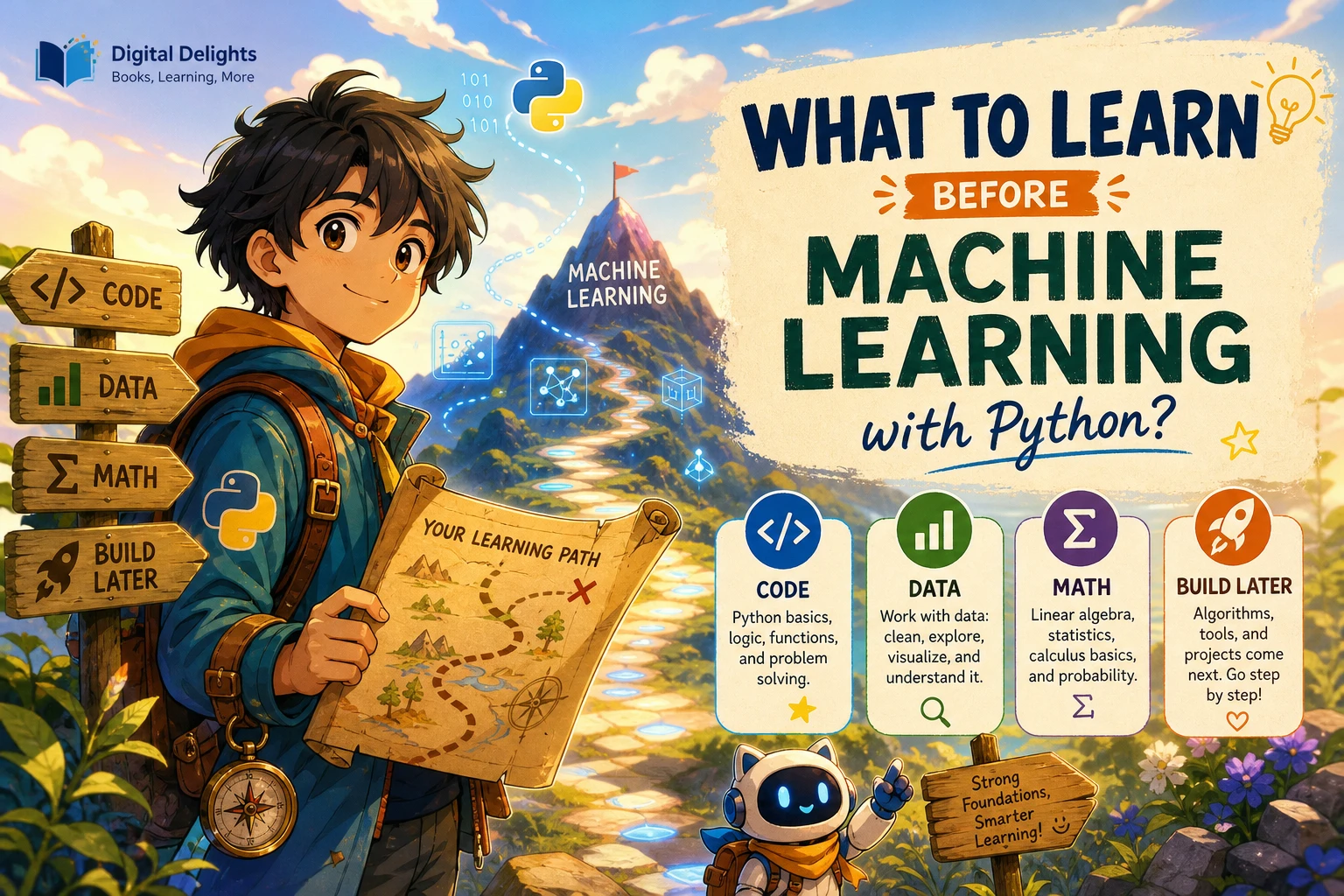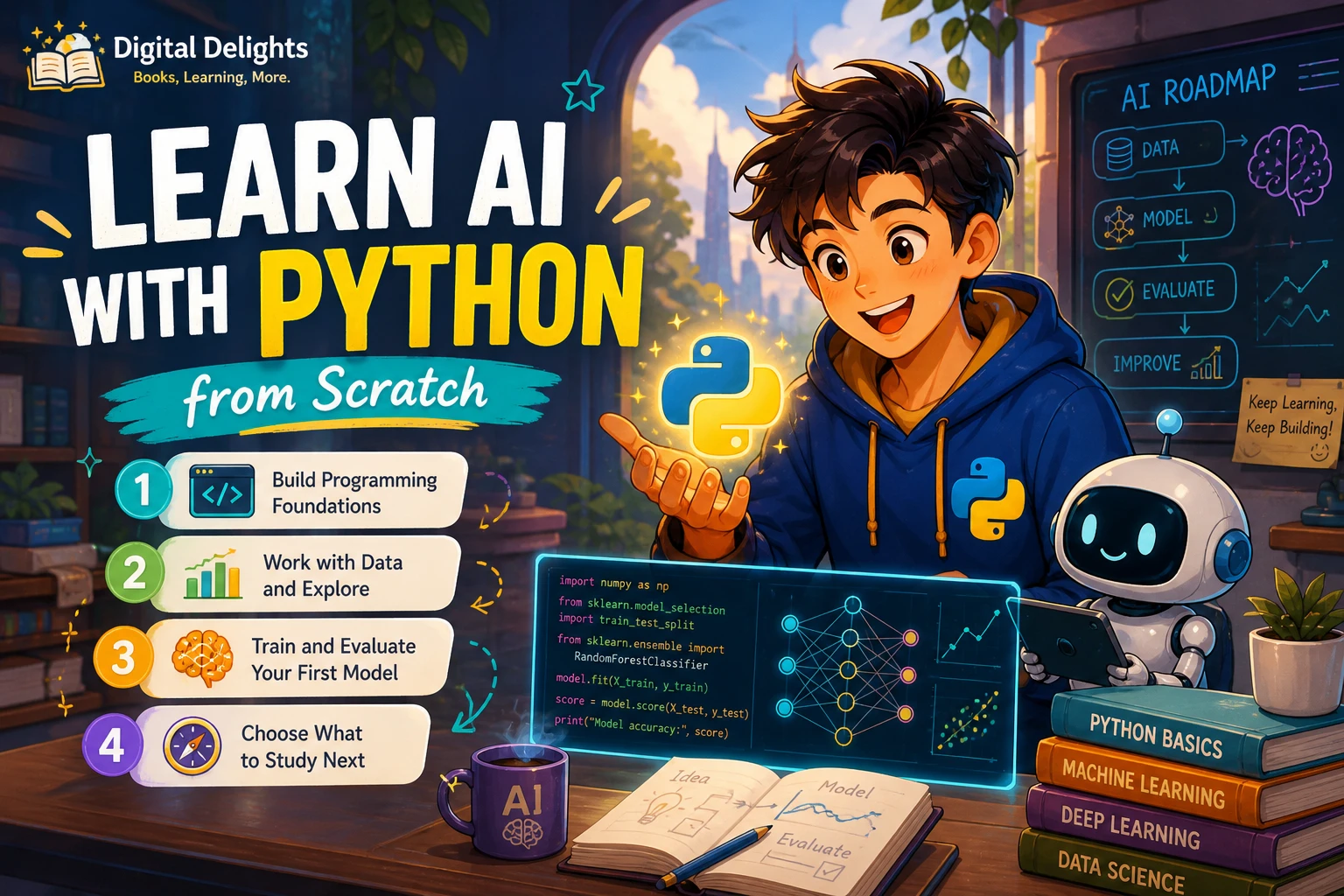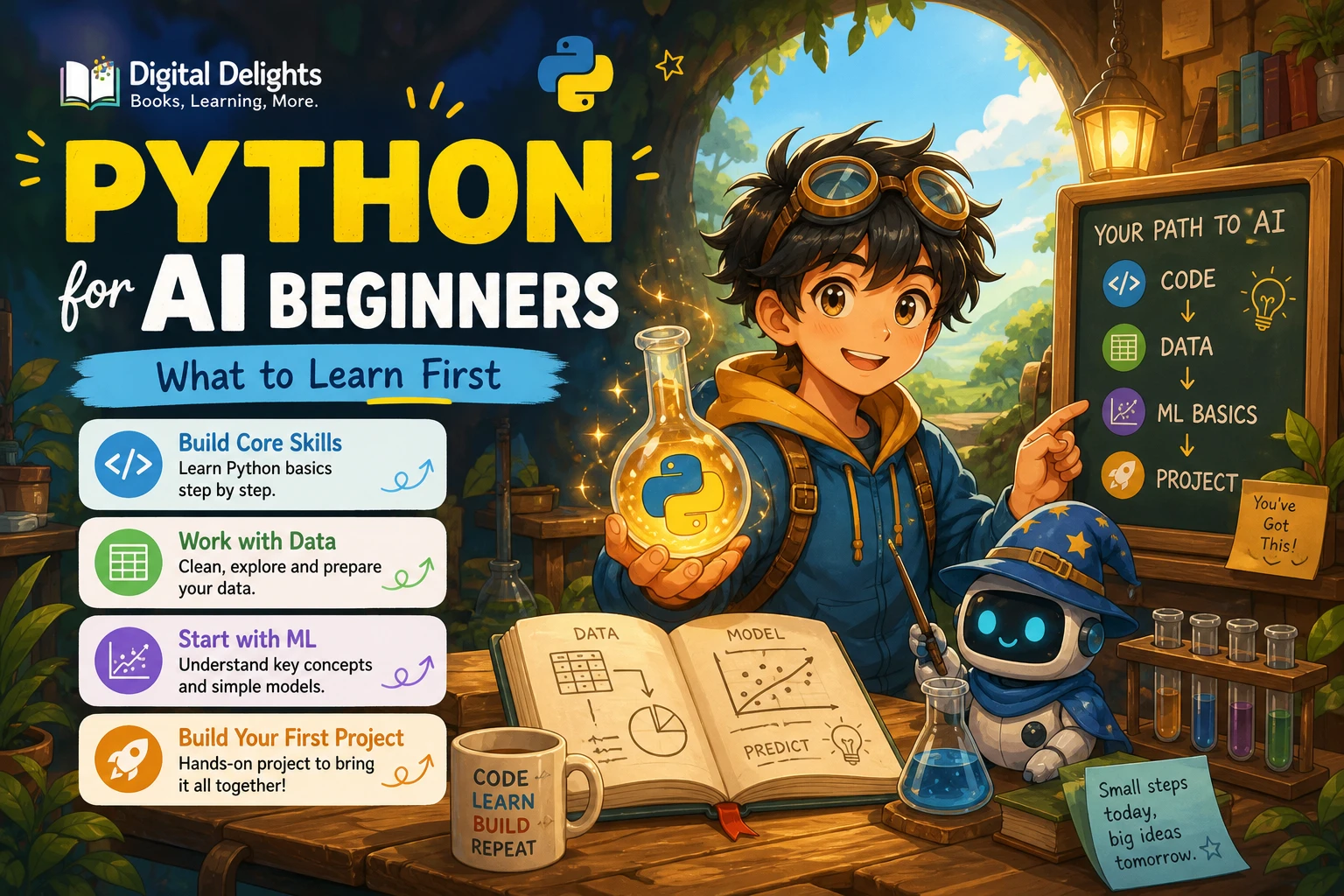
Python for AI Beginners: What to Learn First
If you want to work with AI in Python, start with the language—not a complicated model or a stack of AI libraries. First learn to write small programs using variables, conditions, loops, collections, and functions. Then practise handling data, and move into beginner machine-learning exercises when you can follow and modify ordinary Python code.
You do not need to master every corner of Python before exploring AI. The practical goal is to understand enough code to see what information goes into a program, what it does with that information, and how to investigate an error. This roadmap explains what to learn, what can wait, and how to choose learning resources for your next step.
The short answer: learn Python fundamentals, then work with data
A useful starting sequence is:
- Learn the Python basics you need to write and read short programs.
- Practise by changing examples and building small projects.
- Load, inspect, and summarise simple data.
- Meet NumPy and introductory machine-learning concepts as they become useful.
- Follow a guided project, checking how its model is trained and evaluated.
This is a practical learning path, not a proven universal curriculum. The amount of preparation that helps depends on what you mean by “AI”: using an existing model, building a small machine-learning project, or studying the mathematics and methods behind models in depth.
Which Python skills should you learn first?
Focus on the building blocks that help you understand a program’s flow and work with its inputs and outputs. You can learn more specialised Python features later, when a project calls for them.
1. Variables, values, and basic types
Learn how to assign names to values and recognise common types such as numbers, text, and Boolean values. This helps you follow what information a program is storing and how that information changes.
examples_seen = 12
project_name = "first data check"
is_ready = True
The example is deliberately simple: the important skill is being able to read assignments and understand what each name represents.
2. Conditions and loops
Conditions let a program choose what to do; loops let it repeat an operation. Both appear in everyday scripts, including programs that check records, process lists, or handle repeated user input.
scores = [72, 88, 91]

for score in scores:
    if score >= 80:
        print("Keep this result")
Practise explaining the code in plain language: it checks each score and prints a message when the condition is true.
3. Lists and dictionaries
Lists hold ordered collections of values. Dictionaries associate keys with values. These structures make it easier to organise and inspect information before learning specialised data tools.
- Use a list when you want to work through a collection of items.
- Use a dictionary when you want to look up a value by a meaningful key.
4. Functions and imports
Functions group instructions into reusable units. Imports let a program use code from another module or library. Learn to recognise a function’s inputs, what it returns, and how an imported tool is being used. You do not need to memorise a large catalogue of functions; you do need to be comfortable reading their role in an example.
5. Errors, tracebacks, and basic debugging
Errors are part of programming. Practise reading the last lines of a traceback, identifying the file and line mentioned, and checking the values involved. When an example fails, change one thing at a time rather than replacing the whole program with a new copy. This habit becomes especially useful when an AI project combines code, data, and third-party packages.
The official Python tutorial is a useful reference for language topics, but its documentation notes that it is aimed at people who are new to Python rather than entirely new to programming. A complete beginner may find it easier to start with a paced introductory resource and use the official tutorial to look up concepts.
Practise with small programs before adding AI
Reading code is useful, but you also need to run it, change it, and observe what happens. Before installing a large AI framework, try short programs that build confidence with inputs, collections, functions, and debugging.
Good early exercises include:
- Write a small program that counts how often each word appears in a short text.
- Store a few records in a list of dictionaries and print selected fields.
- Ask for a number, validate the input, and report a result.
- Read a small data file, inspect a few rows, and calculate a simple summary.
- Take a working example, alter one input, and predict how the output will change.
These exercises are not AI projects; they prepare you to understand the data-handling steps that many AI examples depend on. For additional practice, Tiny Python Projects focuses on small, testable programs, while Python Code Examples – 2: Solved Exercises to Practice centres on solved exercises involving loops. The latter is most relevant once you have met basic Python syntax and want to trace working loop examples.
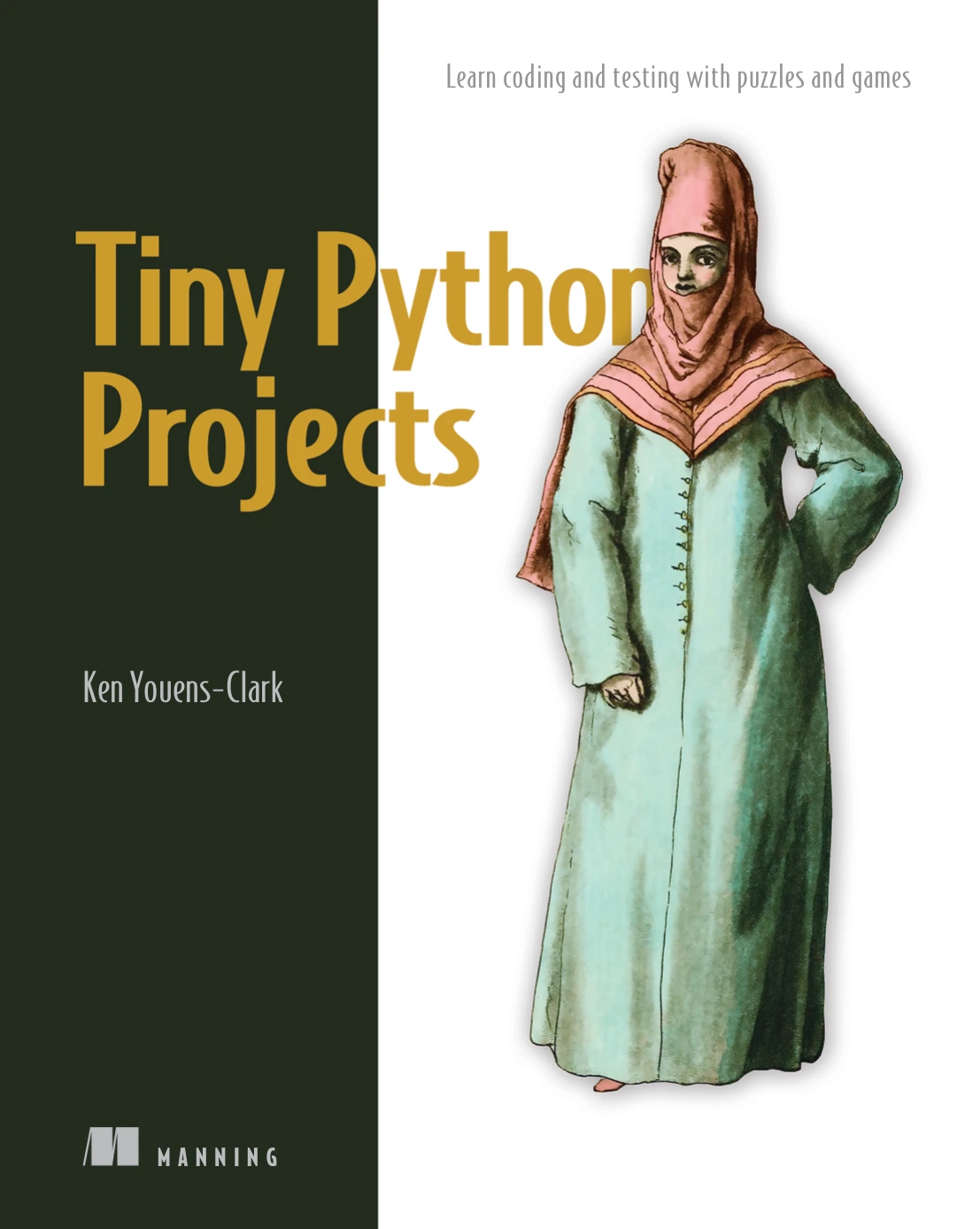
Learners who know some Python basics and want small command-line projects and testing practice.
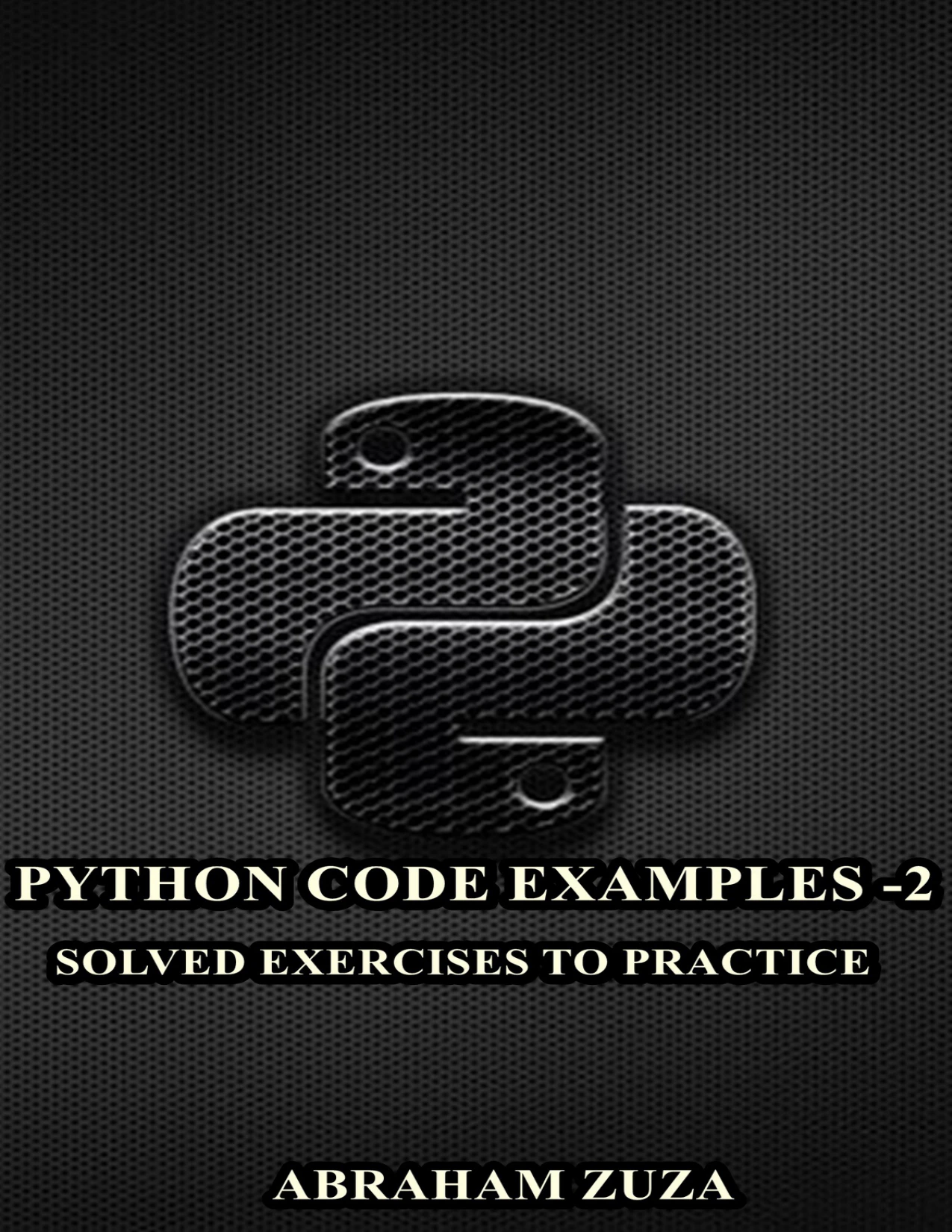
Python Code Examples – 2: Solved Exercises to Practice | Python Code Examples – 2
By Abraham Zuza
Beginners who have encountered Python loops and want to trace solved examples involving for, while, range, and break.
Move from Python basics into AI and machine learning
Once you can follow and modify small programs, begin working with data. Learn to load it, inspect its shape and values, notice missing or unexpected entries, and produce a simple summary. These steps give you a clearer view of what a model will receive, rather than treating a machine-learning example as a magic command.
Meet NumPy when ordinary collections are familiar
NumPy introduces arrays and operations designed for numerical data. You do not have to learn every feature at once. Start by understanding what an array contains and how an operation changes or combines its values. Publisher material on Python machine learning identifies NumPy arrays, array operations, and linear-algebra capabilities as useful foundations; this is a guide to relevant topics, not a requirement to master all of mathematics before beginning.
Learn the mathematics alongside the work
Some basic probability, statistics, and vector ideas help make machine-learning examples easier to interpret. You can introduce those concepts as a project needs them. For example, learn what a model’s evaluation measure tells you when you encounter it, instead of memorising an assortment of metrics in advance.
There is no single maths threshold established by the supplied research. Requirements vary with the goal: applying an existing tool to a guided example is different from developing new methods or analysing why a model behaves as it does. Avoid both extremes—assuming that advanced mathematics is always a prerequisite, or assuming that mathematics never matters.
Understand the project, not only the model call
In a first guided machine-learning project, pay attention to the whole process:
- What data is being used, and what does each part represent?
- Which examples are used to fit the model, and which are used to assess it?
- What does the output mean, and how is the result evaluated?
- What limitations or sources of error might affect the result?
A resource such as Python Machine Learning: Complete and Clear Introduction to the Basics of Machine Learning with Python is described in the catalog as covering introductory machine-learning concepts, models, data science, and a practical project. Its description says it assumes readers already know basic Python, so treat it as a follow-on rather than a first programming book.
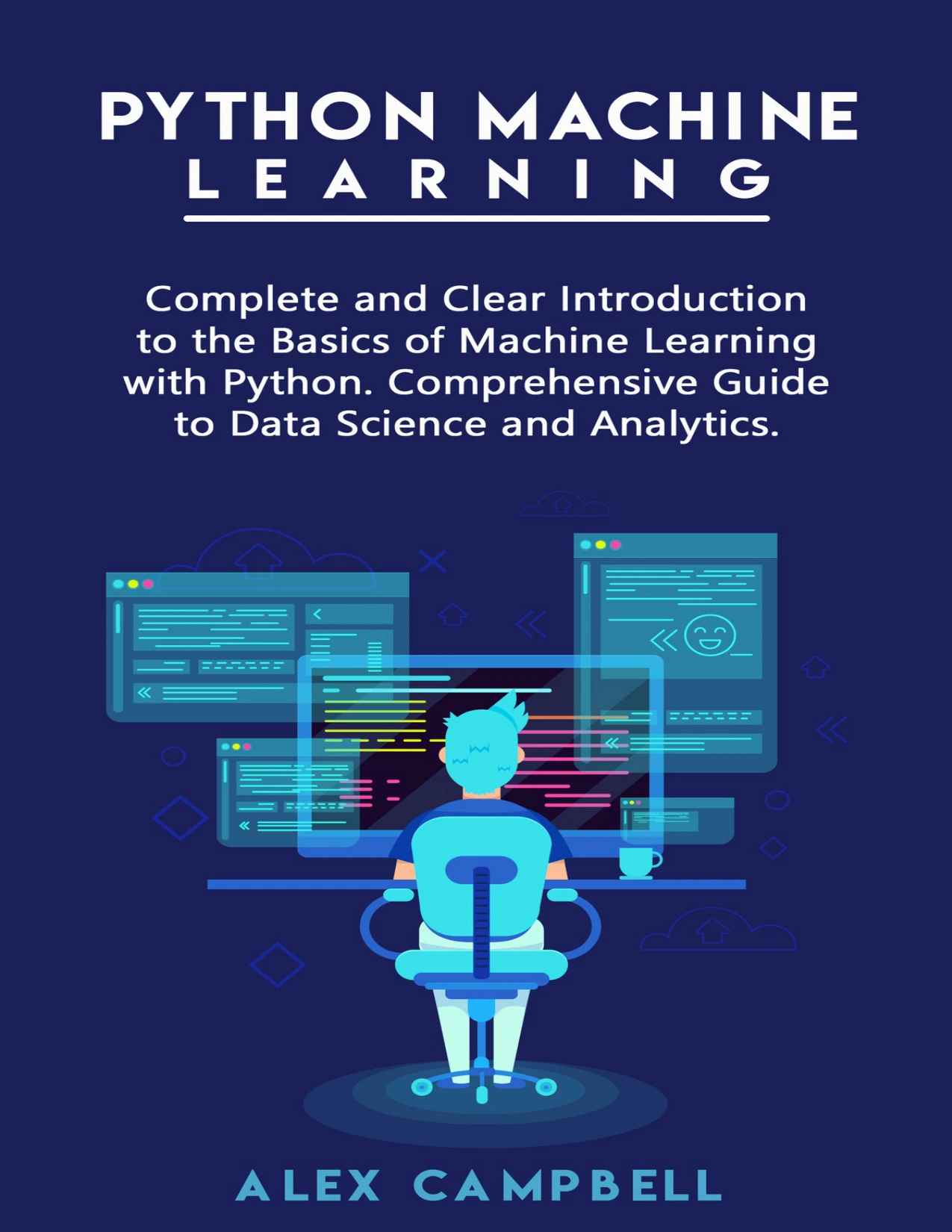
Readers with basic Python who want an introduction to machine-learning concepts, models, data science, and a practical project.
Set up Python without making setup the whole project
Choose a Python installation that works with your operating system and the AI libraries you intend to use. The newest Python release is not automatically the best choice for every project: check the library’s stated compatibility before installing it. Python.org’s release page is one place to check current releases, but it does not by itself establish compatibility for every third-party package.
For separate projects, a virtual environment keeps each project’s installed packages apart. The official Python documentation explains that venv creates isolated environments with their own package sets. This can help avoid dependency conflicts when two projects need different versions of a package. See the Python virtual-environment guide for the documented approach.
Keep setup modest at first. Use one environment for your practice project, record the packages you install, and follow the installation instructions from the library you are learning. If a package will not install, check its compatibility notes before changing several parts of your setup at once.
A practical roadmap for Python for AI beginners
| Stage | Learn or practise | How to know you can move on |
|---|---|---|
| 1. Python essentials | Types, conditions, loops, lists, dictionaries, functions, imports, and basic errors | You can read and alter a short program without copying every line blindly. |
| 2. Small projects | Build short scripts and practise tracing their outputs and fixing mistakes. | You can explain what your program does and find a likely source of a simple error. |
| 3. Data handling | Load, inspect, and summarise a small dataset; learn numerical arrays when useful. | You can describe the data being passed to a guided example. |
| 4. First machine-learning exercise | Follow a beginner project and investigate its inputs, model output, and evaluation. | You can explain the main steps and identify what the result does—and does not—show. |
| 5. Choose a direction | Explore a specific application such as chatbots, data analysis, or another AI use case. | You know which concepts or tools your chosen project actually requires next. |
There is no fixed duration for these stages. Move on when you can explain and adapt the work in front of you, not when you have memorised every language feature.
Common mistakes when starting Python for AI
- Starting with a framework before learning to read Python. A framework can hide the basic flow of data and make errors harder to diagnose. Learn enough Python to follow the example first.
- Watching or reading without writing code. Pause to run examples, alter inputs, and predict outputs. Practice exposes misunderstandings that passive reading can leave hidden.
- Trying to learn every maths topic before beginning. Learn relevant foundations alongside projects, while recognising that deeper work may call for deeper mathematics.
- Copying code without checking its assumptions. Look at the expected input, package requirements, and evaluation method. A working snippet is not proof that its output answers the right question.
- Installing packages into one crowded environment. Use a project environment and check package compatibility to make setup easier to reason about.
Choosing a learning resource for your next step
The right resource depends on what you need next: a first introduction, structured practice, or a step into machine learning. The descriptions below summarize catalog-listed topics; they do not independently establish teaching quality or guarantee a particular outcome.
| Your current need | Catalog resource | Why it may fit |
|---|---|---|
| Beginner Python foundations | Python Programming for Beginners: Learn Python in a Step by Step Approach | The catalog description covers fundamentals including variables, control flow, data structures, functions, files, and exceptions. |
| Concept-led Python study and exercises | Think Python: How to Think Like a Computer Scientist, 3rd Edition | The listed topics include core programming concepts and exercises; the description also discusses Jupyter notebooks and using AI assistants thoughtfully. |
| Short project-based practice | Tiny Python Projects | The catalog describes small command-line projects and test-driven practice. It suits learners ready to apply Python basics. |
| More loop exercises | Python Code Examples – 2: Solved Exercises to Practice | The description lists solved exercises focused on for loops, while loops, range(), and break. |
| First guided machine-learning study | Python Machine Learning: Complete and Clear Introduction to the Basics of Machine Learning with Python | The catalog describes coverage of machine-learning basics and a practical project, and says basic Python is assumed. |
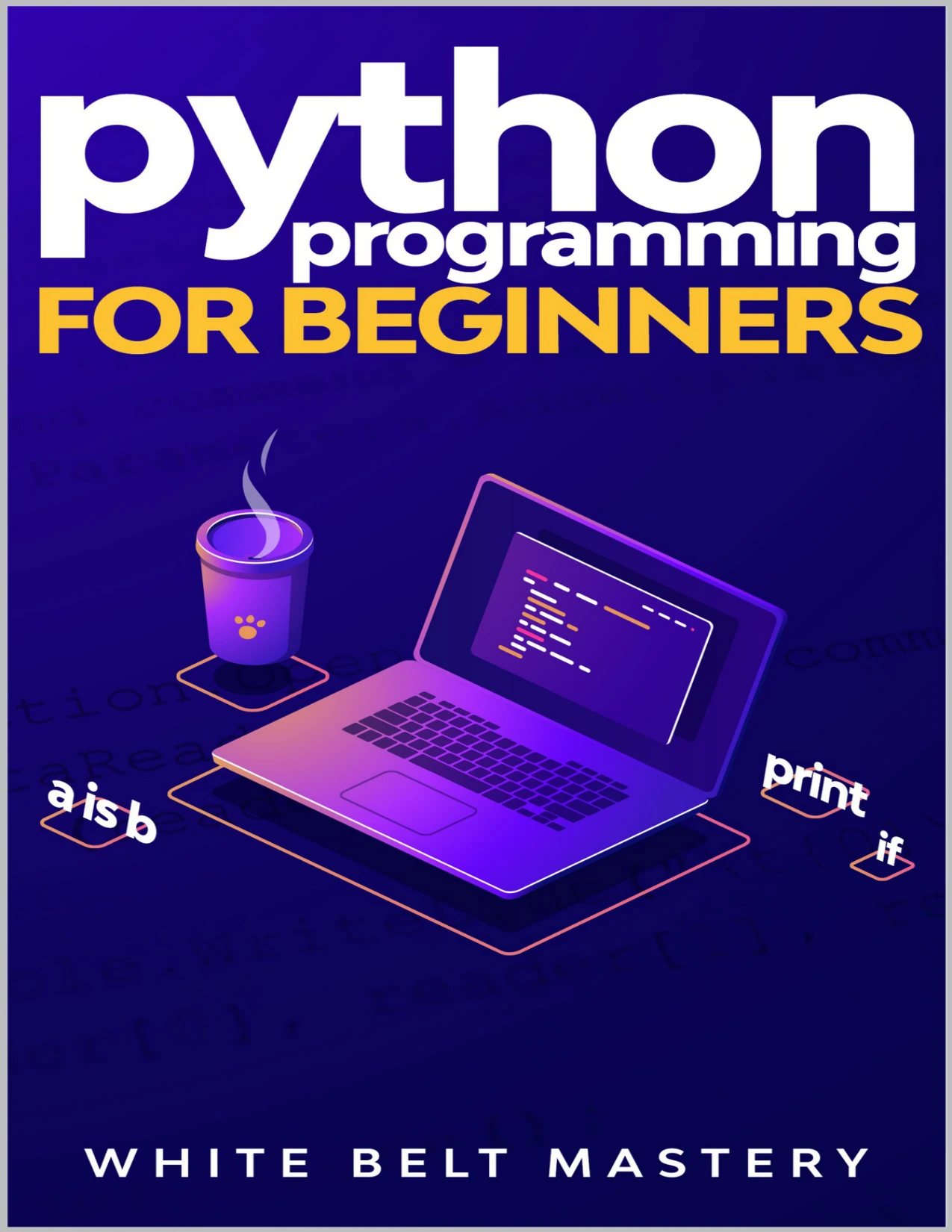
Beginners looking for coverage of variables, control flow, data structures, functions, files, and exceptions.
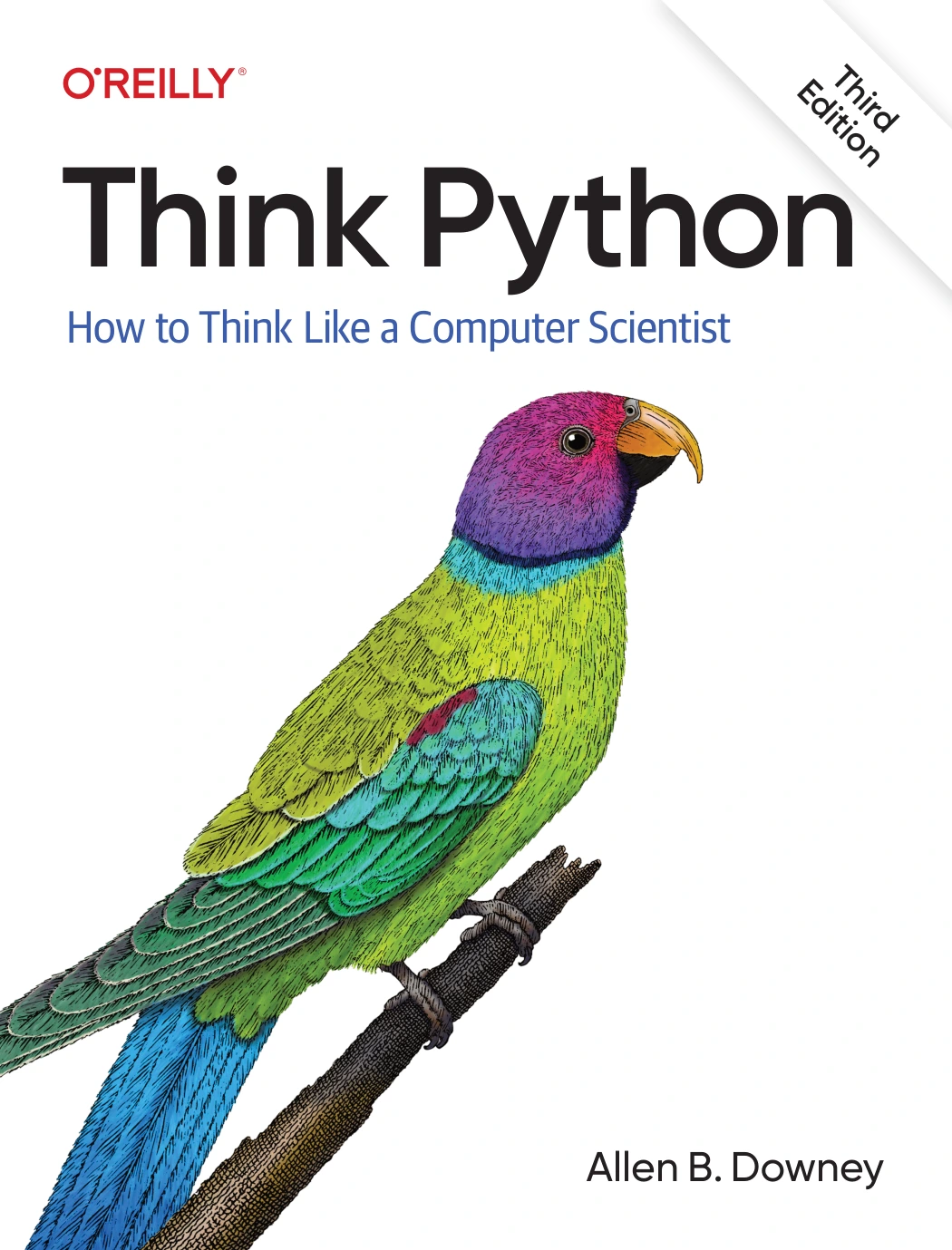
Think Python: How to Think Like a Computer Scientist, 3rd Edition
Self-directed learners wanting practice with core programming ideas, with listed material on Jupyter notebooks and AI-assisted learning.
If you are still learning what variables, loops, and functions do, choose a fundamentals resource before a machine-learning title. You can also browse the Python book collection for related digital learning resources.
Frequently asked questions
How much Python should I know before starting AI?
Learn enough to read and modify short programs using variables, conditions, loops, lists or dictionaries, functions, imports, and basic error handling. Then try a guided data or machine-learning exercise. You do not need to know every Python feature first; the precise threshold depends on the project.
Do I need advanced maths to begin learning AI?
Not necessarily to follow every introductory, guided example, but maths requirements vary by goal. Basic probability, statistics, and vector ideas are useful as you progress. Deeper study of machine-learning methods may require more mathematical understanding. Learn the concepts relevant to the project rather than treating “AI” as one uniform prerequisite.
Do I need previous machine-learning experience?
No prior machine-learning experience is needed to begin learning Python or to try a well-explained introductory exercise. Start with Python basics, then choose a resource that states its prerequisites clearly. Some machine-learning material assumes basic Python even when it does not require previous machine-learning study.
What should my first Python project for AI be?
Begin with a small data task: load a modest dataset, inspect a few records, and produce a simple summary. After that, follow a guided machine-learning project and trace the data, model, and evaluation steps. A small, understandable project is more useful at this stage than an ambitious application assembled from unexplained code.
Which Python version should I install?
Choose a currently supported Python version that is compatible with your operating system and the libraries required by your project. Check the official release information and the library’s own installation guidance rather than assuming the newest release is supported everywhere.
Sources and further reading
- The Python Tutorial — official documentation describing Python language topics and its intended audience.
- Virtual Environments and Packages — official Python documentation for isolated environments.
- Python Releases for macOS — official release information; check package-specific compatibility separately.
- Python Machine Learning By Example — publisher material referencing NumPy arrays, array operations, and linear algebra in machine learning with Python.
Conclusion
For Python for AI beginners, the most useful first step is a working grasp of Python fundamentals, followed by regular practice and small data tasks. Add NumPy, relevant maths, and machine-learning concepts as your projects call for them. Choose resources that match your current stage, check technical prerequisites, and make sure you can explain the code—not merely run it.