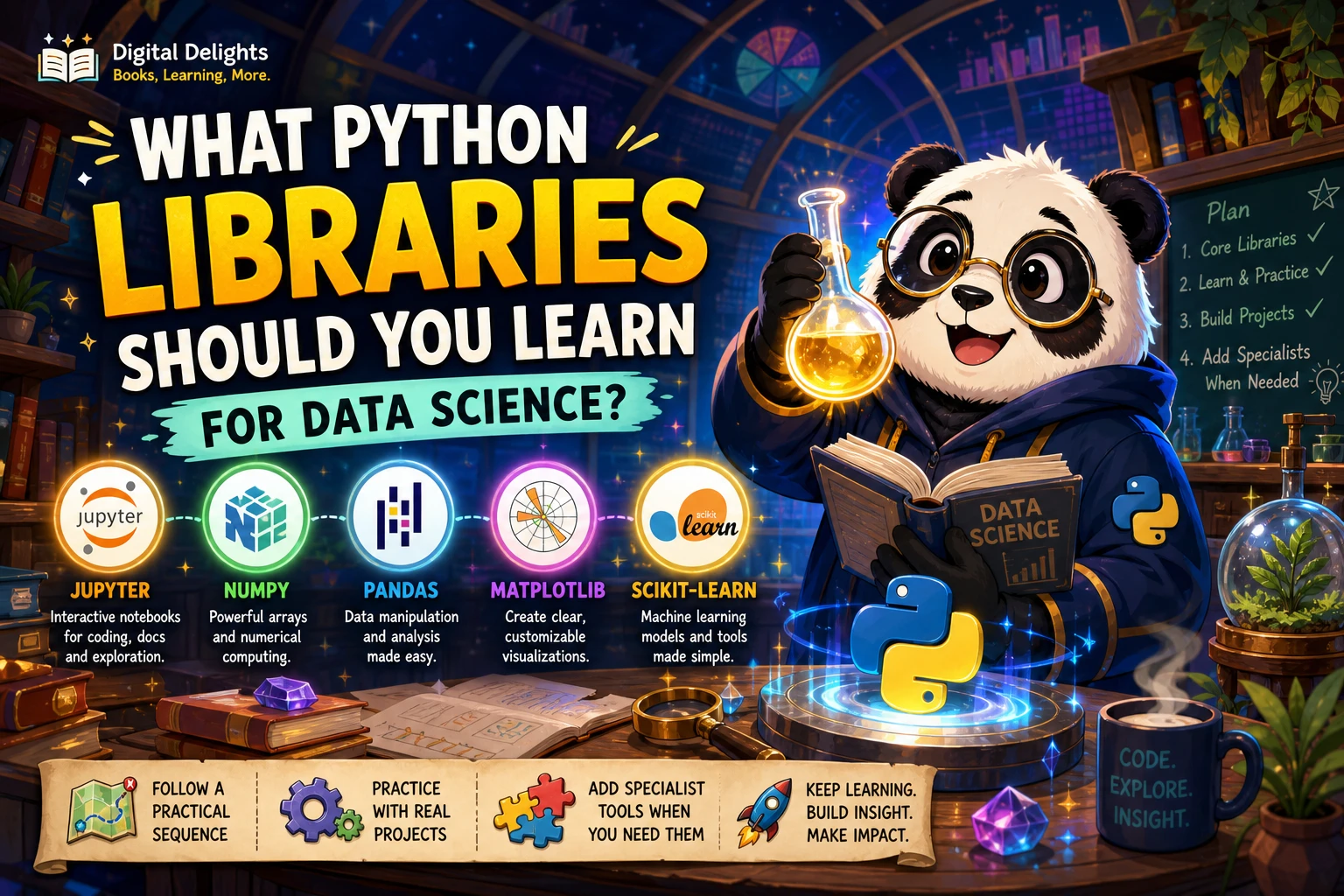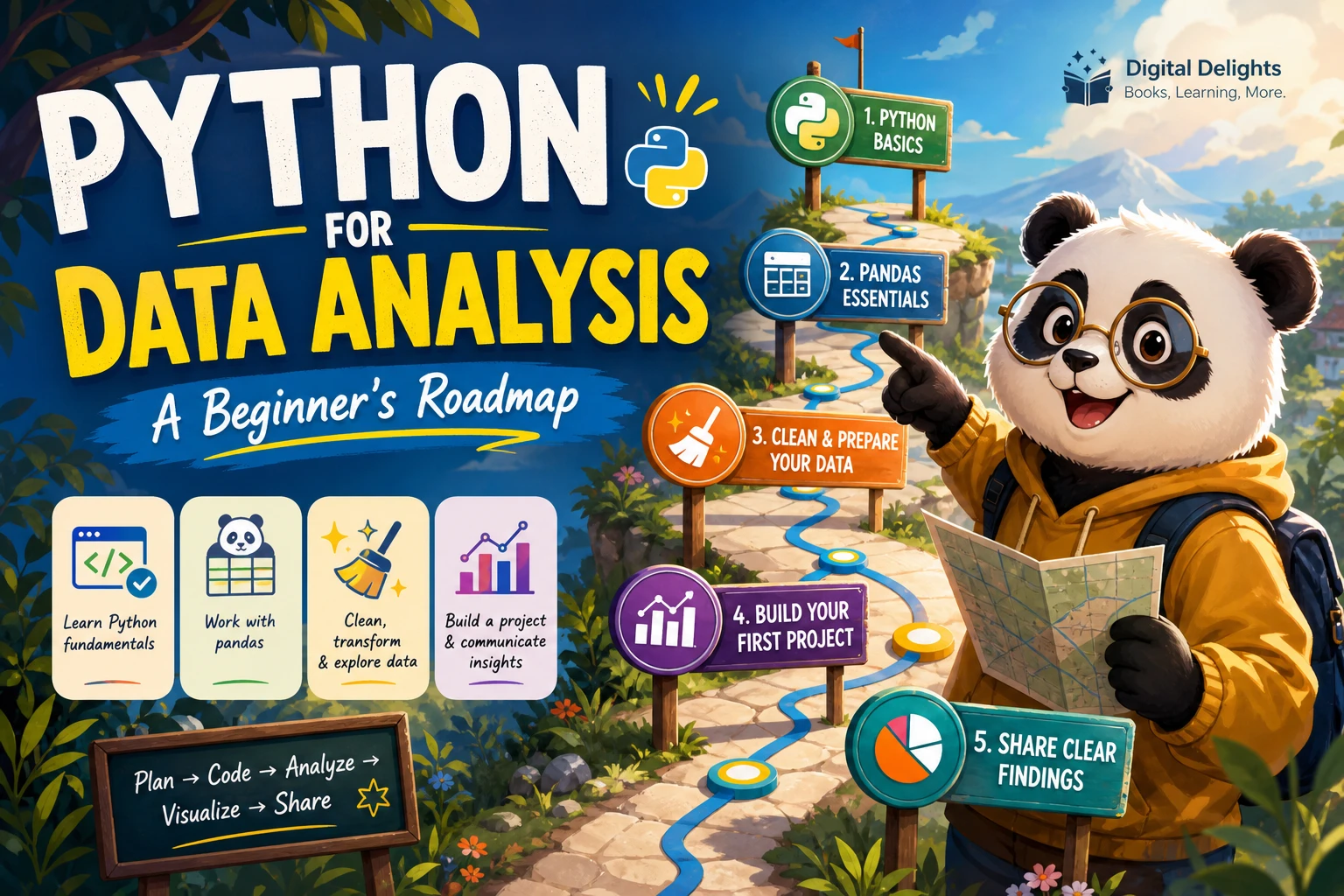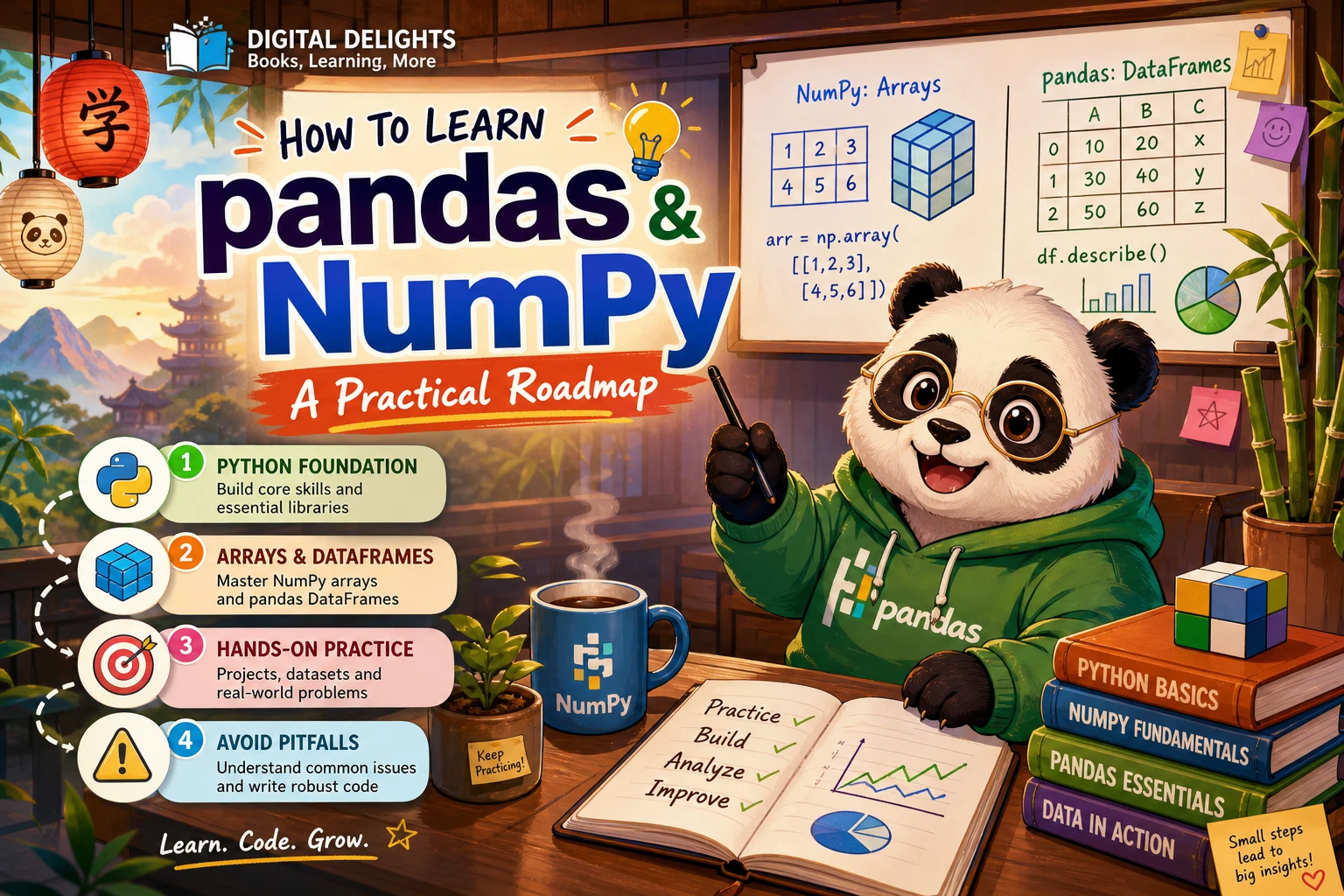
How to Learn pandas and NumPy: A Practical Roadmap
If you want to work with data in Python, learn enough core Python to read and change code, practise NumPy arrays, and then use pandas to explore and transform tabular data. Treat that order as a practical route—not a rule that suits every learner. The important step is to use both libraries on a small dataset and explain what each operation does instead of only copying examples.
Below is a flexible learning path, a small practice project, common pitfalls to watch for, and guidance on choosing a book or other learning resource.
What NumPy and pandas Do
NumPy provides tools for numerical work with arrays. Learn how to create arrays, inspect their shape and data types, select elements, and perform operations across values.
pandas is designed for working with labelled, tabular data. Its main structures are the Series, a labelled one-dimensional sequence, and the DataFrame, a table with labelled rows and columns. You can use pandas to select records, handle missing values, group data, combine tables, and reshape data.
The two libraries often appear together in data workflows, but you do not need to master every NumPy feature before opening a DataFrame. A short NumPy foundation helps you understand array-based operations; then learn pandas through the kinds of tables you expect to work with.
Check Your Python Foundations First
You do not need to be an expert Python programmer, but you will make smoother progress if you can:
- Assign values to variables and recognize common data types.
- Use lists and dictionaries, and understand indexing.
- Write and call simple functions.
- Read a loop and import a module.
- Run a Python script or notebook and interpret a basic error message.
The official Python tutorial covers core language concepts, but its documentation says it is intended for people new to Python who already have some programming understanding. If programming itself is new to you, spend time on beginner Python fundamentals before moving to data libraries.
A Step-by-Step Path to Learn pandas and NumPy
1. Set up a small, repeatable working environment
Choose one way to run Python, such as a notebook or a script, and keep your practice files together. A project-specific environment can help keep one project’s packages separate from others. Python’s documentation explains venv for creating virtual environments and python -m pip for installing packages.
For a new practice project, a typical setup might look like this:
python -m venv .venv
python -m pip install numpy pandas
Commands can vary with your operating system and Python installation. Record the Python and library versions used for each project so you can make sense of differences if you return to it later. See the Python packaging documentation for environment and package-installation guidance.
2. Practise NumPy arrays
Start with small arrays you can inspect by eye. Focus on creating arrays, checking their shape and type, selecting values, and applying an operation to many values at once. For example:
import numpy as np

prices = np.array([12.0, 18.5, 9.0])
with_tax = prices * 1.1

print(prices.shape)
print(with_tax)
Before moving on, make sure you can explain what each line returns and why multiplying the array changes each element. Practise selecting one value, a range of values, and values that meet a simple condition. These small exercises build familiarity with array indexing and vectorized operations.
3. Learn pandas using simple tables
Move to a DataFrame and practise a few operations at a time. Learn how to inspect column names and data types, select columns and rows, filter records, and calculate a summary. Then practise checking for missing values, grouping records, combining tables, and reshaping data.
For instance, create a tiny DataFrame and group it by a category:
import pandas as pd

data = pd.DataFrame({
    "item": ["notebook", "pen", "notebook"],
    "amount": [3, 5, 2]
})

summary = data.groupby("item")["amount"].sum()
print(summary)
Ask yourself what the grouping key is, which column is being summarized, and what the result represents. Writing a one-sentence explanation after each operation is a useful check that you understand more than the syntax.
4. Combine both libraries on one small dataset
Choose a modest CSV or another tabular dataset that interests you. Work through it in a deliberate sequence:
- Load the data and inspect a few rows, column names, and data types.
- Identify missing or inconsistent values and decide how to handle them.
- Select and filter the rows relevant to a clear question.
- Use pandas to group or summarize the records.
- Use NumPy where a numerical array operation is useful.
- Write down the question, the transformations, and the result in plain language.
Keep the project small enough to finish. The aim is not to use every function you have seen; it is to practise making understandable choices with data.
A Practice Project: Summarize a Simple Dataset
Imagine a table of transactions with columns for date, product, region, and amount. Use it to answer a question such as, “Which products had the largest total amount in each region?”
- Inspect: Check whether dates, amounts, and category columns look as expected.
- Clean: Decide what to do with missing amounts, blank product names, or inconsistent region labels. State your choice rather than silently dropping data.
- Transform: Select relevant columns, filter records if needed, and group by region and product.
- Summarize: Calculate totals and sort the results to make them easier to interpret.
- Explain: Document the question, key steps, assumptions, and what the output does—and does not—show.
This project gives you practice with the central skills in the roadmap: selection, missing-data decisions, grouping, numerical work, and explaining a workflow.
Common Sticking Points
- Treating every structure as interchangeable. A Python list, a NumPy array, a pandas Series, and a DataFrame behave differently. Check the type and shape of an object instead of guessing.
- Copying indexing code without tracing it. Pause to identify whether a selection refers to a row, a column, or both, and inspect the result.
- Ignoring missing values. First find where values are absent; then decide whether to keep, remove, or fill them based on the question and data. There is no single cleanup choice that fits every dataset.
- Trying to learn too many features at once. Practise a small set of operations on one dataset before adding new techniques.
- Assuming older examples match your setup exactly. Libraries change. Check the date and stated versions of a book or tutorial, and consult current documentation when code differs.
Choosing a pandas and NumPy Learning Resource
Pick a resource that matches both your Python experience and the way you prefer to learn. A beginner who still needs language fundamentals may want a broader Python introduction; someone comfortable with Python can choose a focused data-analysis guide. Look for worked examples, clear explanations of indexing and data cleaning, and exercises or projects that make you explain the result.
Python for Data Analysis: Data Wrangling with pandas, NumPy, and Jupyter, Third Edition is a focused option in the Digital Delights catalog. Its listed coverage includes NumPy, pandas, Jupyter, data loading and cleaning, grouping, reshaping, and time series. The publisher describes this edition as updated for Python 3.10 and pandas 1.4 and dates it to August 2022, so check current documentation if an example behaves differently in a newer setup. The book’s sequence is one useful way to organize the subject, not evidence that every learner must follow the same order.
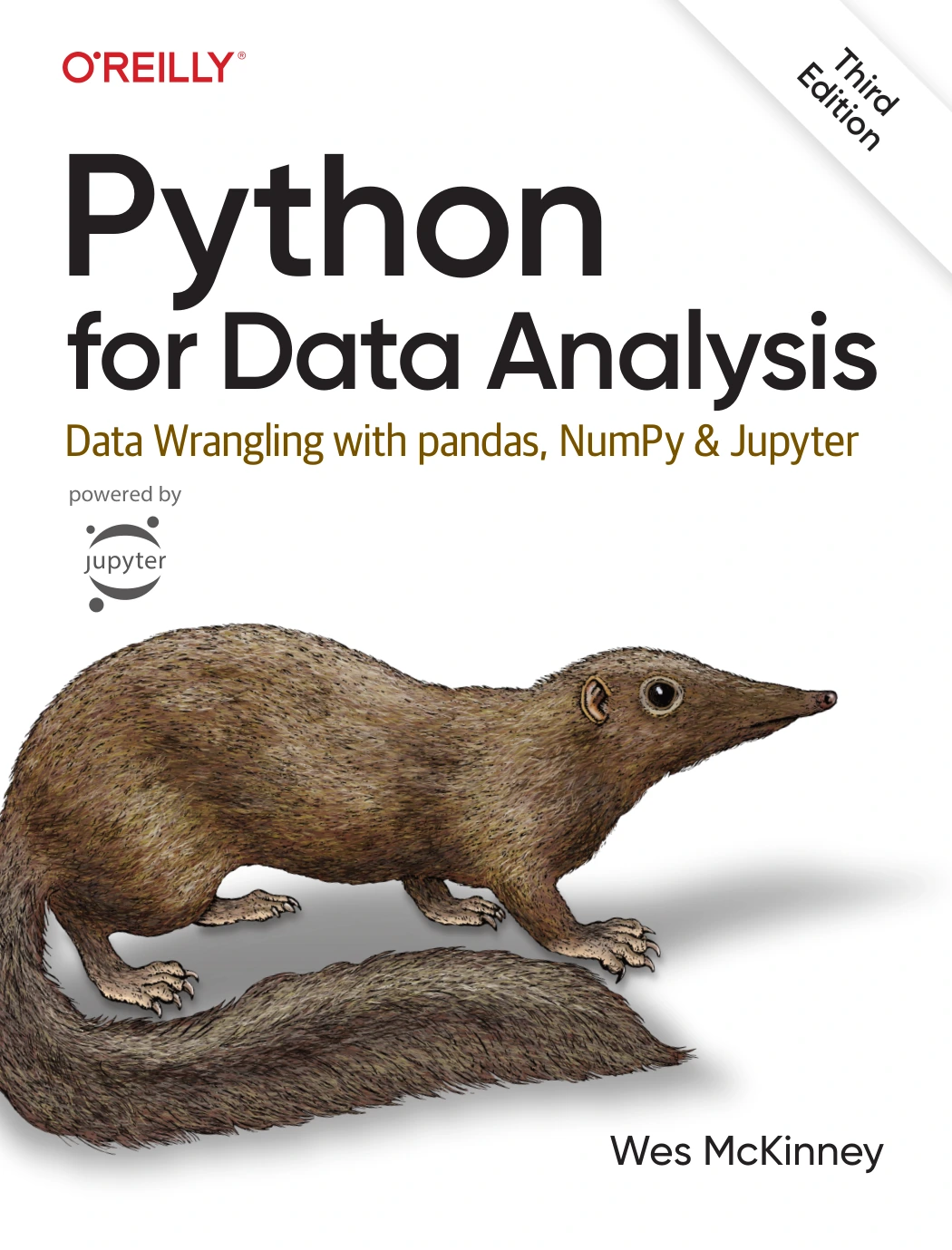
Python for Data Analysis: Data Wrangling with pandas, NumPy, and Jupyter, Third Edition
By Wes McKinney
Python learners ready to study tabular data work through guided examples and coverage of both libraries.
If you are comparing a book with free documentation or tutorials, try a sample section first. Can you run the example, explain each step, and adapt it to a slightly different dataset? That is a more useful fit test than the number of topics listed in a description.
Frequently Asked Questions
Do I need to know Python before learning pandas and NumPy?
Some basic Python knowledge helps. Be comfortable with variables, functions, lists and dictionaries, indexing, loops, imports, and running code. If those ideas are unfamiliar, learn them first; the official Python tutorial is aimed at readers who already have some programming understanding.
Should I learn NumPy or pandas first?
A practical route is to practise basic NumPy arrays and then move into pandas tables. However, the available sources do not establish that this is the best order for everyone. If your immediate task is a DataFrame analysis, you can begin with pandas while learning the array concepts you encounter along the way.
How can I practise pandas and NumPy?
Use a small tabular dataset and answer one clear question. Inspect its structure, handle missing data deliberately, filter records, group or summarize values, and document your steps. Add NumPy operations when they help with numerical work, and explain the output in your own words.
How do I know whether I understand the libraries?
Try to describe what an operation does before running it, predict the general form of its result, and adapt the code when a column or condition changes. If you can explain your choices and reproduce the workflow on a different small dataset, you are moving beyond copying examples.
Build Understanding Through Small Data Tasks
To learn pandas and NumPy, start with the Python skills you need to read code, practise array basics, then apply pandas to manageable tables. Make each exercise answer a real question, inspect the results, and explain your data-cleaning decisions. Use learning material that suits your starting point, and verify version-specific examples against current documentation. A clear, repeatable workflow matters more than memorizing a long list of methods.