What Python Concepts Should Beginners Learn First?
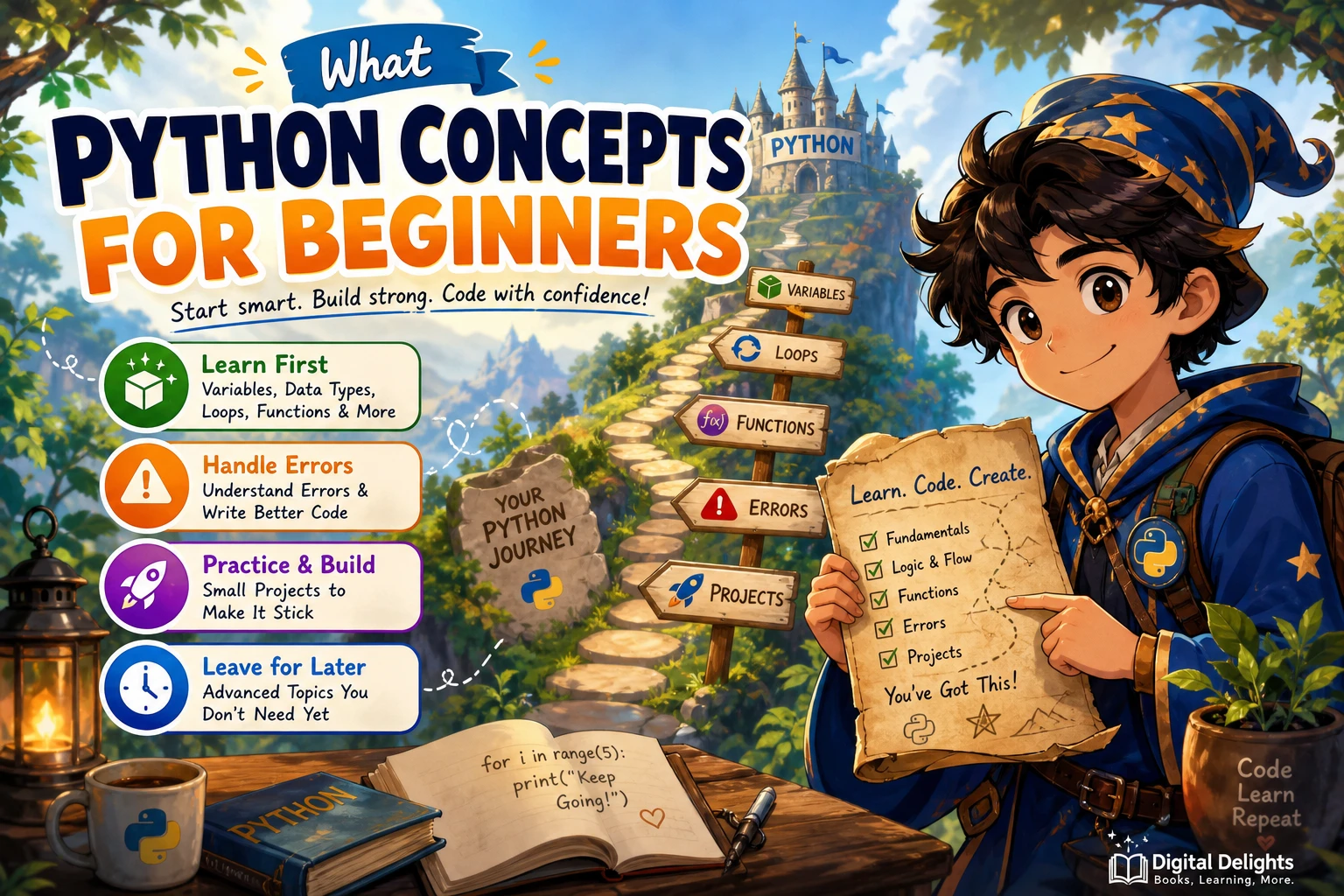
When you start learning Python, it is tempting to jump between tutorials, tools, and advanced topics. A more manageable route is to learn how to run code, understand basic values, make decisions, repeat actions, work with collections, and write small functions. Then practise reading errors and organizing code into simple modules.
This sequence is a practical starting point, not a rule that every learner must follow. The official Python tutorial covers many of the same foundations, but it says it assumes readers already have a basic understanding of programming. If you are new to coding altogether, take time to understand the ideas behind the syntax as well as Python itself.
Python concepts for beginners: the short answer
Start with the interpreter and simple scripts, then learn variables and common data types, if statements, loops, lists and dictionaries, and functions. As you practise, get comfortable reading error messages, handling likely problems, and importing code from modules. Classes and more specialized features can wait until you have a reason to use them.
The official Python tutorial offers a useful reference for the language’s topic areas. Treat its order as a curriculum model rather than proof that there is one best sequence for every learner.
1. Learn to run Python code
Before studying many language features, find out how to run a few lines of Python. The interactive interpreter lets you enter an expression and see its result immediately. A script is a saved file you can run again, which is useful once a task takes more than a few lines.
Try a simple expression in the interpreter:
print("Hello, Python!")
4 + 6
Then save a small program in a .py file and run it. This distinction helps you understand where code goes and how you can repeat or change it. Follow the setup instructions for your chosen course or device; you do not need to master every editor or development tool at the start.
2. Understand names, values, and data types
Programs work with values: numbers, text, and other pieces of information. A variable name lets you refer to a value later. Begin with a few common types and practise using them in expressions:
- Integers and floats: whole numbers and numbers with decimal parts.
- Strings: text, written between quotation marks.
- Booleans: the values
TrueandFalse, often used in decisions.
name = "Mina"
items = 3
has_paid = False
print(name, items)
Practise combining values, comparing numbers, and building strings. The goal is not to memorize a list of types; it is to recognize what kind of information your program is handling and what operations make sense for it.
3. Use conditions and loops to control what happens
Control flow is how a program chooses what to do and when to repeat an action. An if statement runs code when a condition is true. A loop repeats code, often once for each item in a collection or until a condition changes.
score = 72

if score >= 60:
    print("Pass")
else:
    print("Try again")
Start with clear examples. Practise comparing values, combining conditions, and tracing which branch runs. Then use a for loop to process items and a while loop when repetition depends on a condition. Pay attention to indentation: in Python, it marks which instructions belong inside a condition or loop.
4. Work with lists and dictionaries
Collections let you handle related information without creating a separate variable for every item. Two useful starting points are lists and dictionaries.
- Lists keep an ordered sequence of items. You can access an item by its position and loop through the sequence.
- Dictionaries associate keys with values, making them useful when you want to look up information by a meaningful label.
tasks = ["read", "practise", "review"]
for task in tasks:
    print(task)

learner = {"name": "Mina", "lessons_done": 3}
print(learner["name"])
Try adding, changing, and retrieving items. Learn to choose a list when order and sequence matter, and a dictionary when you want to look up a value using a key. These collections make it easier to build programs that handle more than one piece of information.
5. Write functions with parameters and return values
A function groups instructions under a name so you can reuse them. Parameters let a function receive information; a return value lets it send a result back to the code that called it.
def total_with_tax(amount, rate):
    return amount * (1 + rate)

bill = total_with_tax(20, 0.1)
print(bill)
Practise writing small functions that do one clear job. For example, a function might convert minutes to seconds or count items in a list. Distinguish between printing a result and returning it: printed text appears for a person to see, while a returned value can be used by another part of the program.
6. Read errors, handle exceptions, and use imports
Errors are part of writing code. When something fails, read the traceback from the bottom up to find the error type and message, then inspect the line it identifies. Change one thing at a time and run the program again. This is more useful than randomly editing code until an error disappears.
Python distinguishes syntax errors, which prevent code from being parsed as intended, from exceptions that occur while a program is running. Some exceptions can be handled with try and except when you can anticipate a problem, such as invalid user input. The Python documentation on errors and exceptions explains these distinctions.
Next, learn the basics of imports. A module is a file of Python code whose definitions can be reused elsewhere. You can import a standard-library module when you need one of its tools, or split a small project into files once keeping everything together becomes awkward. You do not need to learn packaging or project distribution before you can write useful beginner programs.
What Python topics can beginners leave for later?
You can write useful small programs before learning every feature of the language. Classes are worth learning, but they are easier to understand when you have already practised with functions and collections. Start with the basic idea of creating and using an object, then explore more detail when a project calls for it.
Other topics that can usually wait until they solve a real problem include:
- Inheritance and intricate object-oriented design
- Decorators and generators
- Advanced type hints and metaprogramming
- Packaging and publishing reusable libraries
- Frameworks and specialized libraries unrelated to your current goal
This does not mean these features are unimportant. It means they are easier to place in context after you have written programs that need them. The official tutorial introduces classes after several foundational topics, but that ordering alone does not prove one teaching approach is best for everyone.
A small practice path for Python beginners
Use short programs to connect each concept to something you can run. One possible progression is:
- Expressions: print a greeting and calculate the result of a few arithmetic expressions.
- Variables and conditions: ask for a number and report whether it is above or below a chosen value.
- Loops and collections: keep a short list of tasks and print each one.
- Functions: move a repeated calculation into a function that accepts inputs and returns a result.
- Errors and input: handle an input that cannot be converted into the type your program expects.
- Combine the pieces: make a small quiz, unit converter, or command-line task list.
Keep the project modest. A useful first project gives you a reason to practise the fundamentals without requiring several unfamiliar libraries or a complicated setup.
Common beginner pitfalls to avoid
Reading without writing code
Reading an explanation can make a concept feel familiar, but writing and changing code shows whether you can use it. After reading an example, retype it, predict what it will do, and make one small change.
Memorizing syntax in isolation
Syntax matters, but it becomes easier to remember when it solves a problem. Practise a concept in a short program instead of trying to learn a long list of rules before using them.
Skipping error messages
An error message is information about what went wrong, not a sign that you should abandon the task. Read the message, check the referenced line, and test a small correction.
Starting several advanced topics at once
It is easy to collect tutorials on web frameworks, data science, and machine learning before the basics feel comfortable. Choose one immediate goal. Add specialized tools when you can explain what you want them to help you do.
Choosing a beginner Python learning resource
Look for a resource that matches both your starting point and how you prefer to practise. A structured introduction can help you move through fundamentals in sequence; an exercise-focused guide can give you problems to solve once you know the basic vocabulary.
For a broad introduction covering topics such as variables, data types, conditionals, loops, functions, and classes, see Coding in Python: Tips and Tricks to Coding with Python Using the Principles and Theories of Python Programming. If you already know some fundamentals and want more practice, Python Workout, Second Edition (MEAP V03) is described in the catalog as an exercise-led resource. The listing identifies it as an early-access MEAP edition, so check that edition detail when deciding whether it suits your needs.
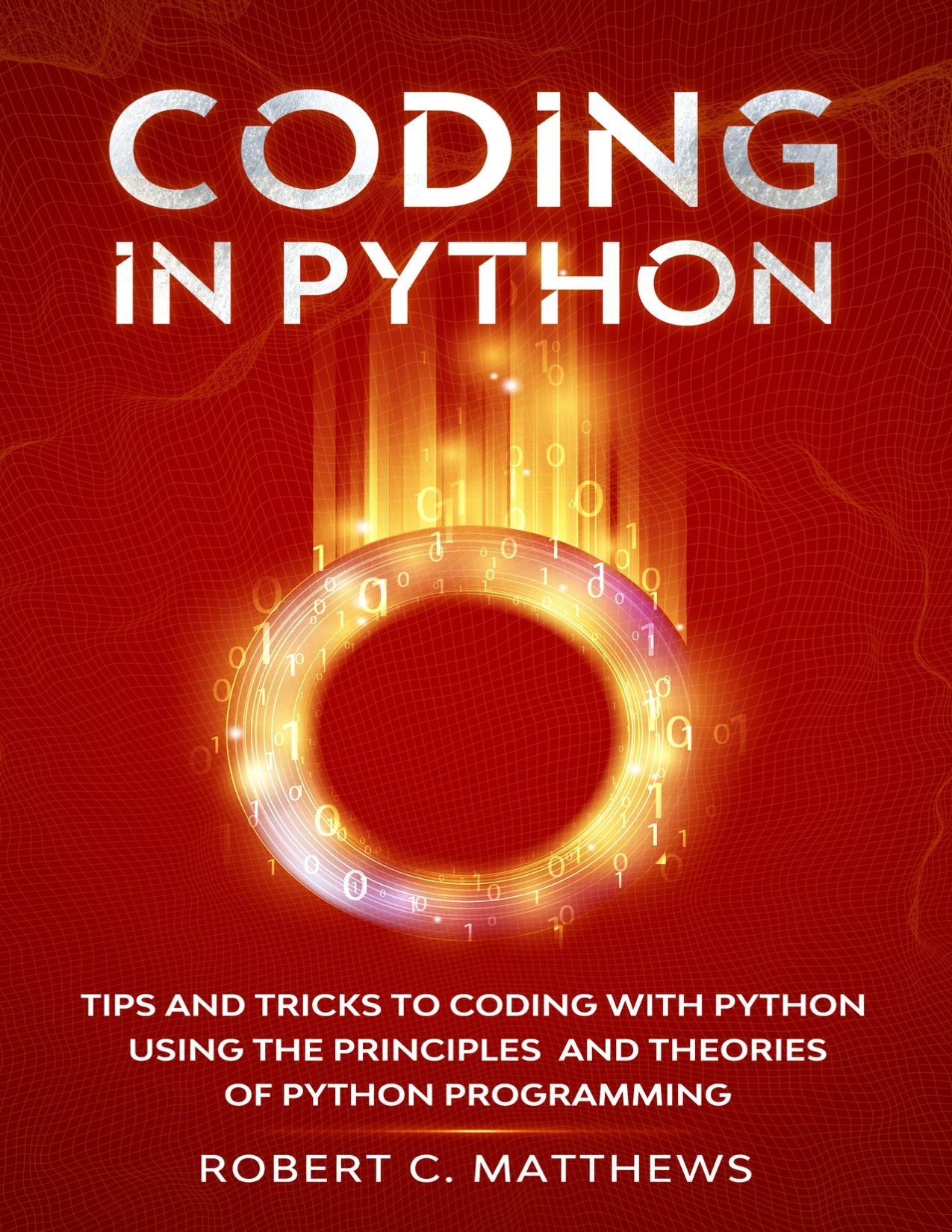
Beginners who want a broad introduction covering topics including variables, data types, control flow, functions, and classes.
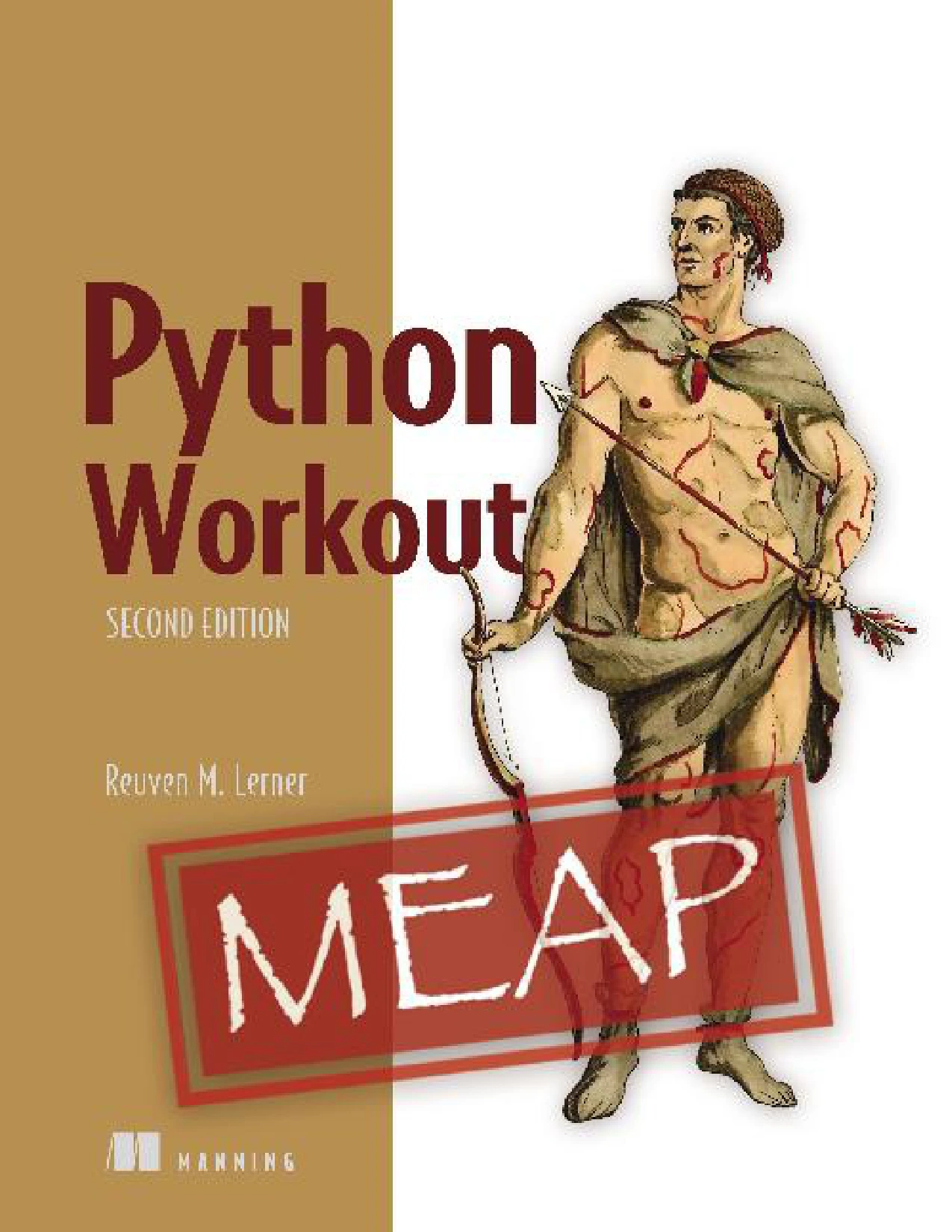
Python Workout, Second Edition (MEAP V03)
Learners who already know some Python fundamentals and want to apply them through exercises; the catalog identifies this as an early-access MEAP edition.
You can also browse the Python book collection for resources related to your next learning goal.
Frequently asked questions
Do I need programming experience before learning Python?
No. You can begin without prior programming experience, but you will be learning general programming ideas alongside Python syntax. The official tutorial expects a basic understanding of programming, so a complete beginner may benefit from starting with slower, more guided lessons and small exercises.
Should I learn Python classes early?
You can postpone detailed class design until you are comfortable with variables, collections, conditions, loops, and functions. Learn the basic idea when a project makes it useful, then build on it as needed. There is no evidence in the supplied research that one classes-first approach works best for every learner.
Which Python version should I use as a beginner?
Follow the version required by your course, workplace, or project. As of October 9, 2026, Python.org lists Python 3.14.8, released September 30, 2026, as the latest listed 3.14 maintenance release. That is a dated release detail, not a requirement to use that version in every learning environment. See the Python.org release page for its details.
How should I practise Python concepts?
Write short programs that combine one or two new ideas, then change them and observe the result. For example, use a list and a loop to display tasks, then write a function to add a new task. Practise reading errors as part of the process rather than treating them as separate from learning.
Conclusion
Start with running code, values and data types, conditions, loops, collections, and functions. Add error handling and simple imports as your programs grow. Use small projects to make each concept useful, and postpone advanced features until you have a reason to explore them. A steady sequence of practice is more manageable than trying to learn the entire Python ecosystem at once.