How to Get Better at Python by Solving Problems
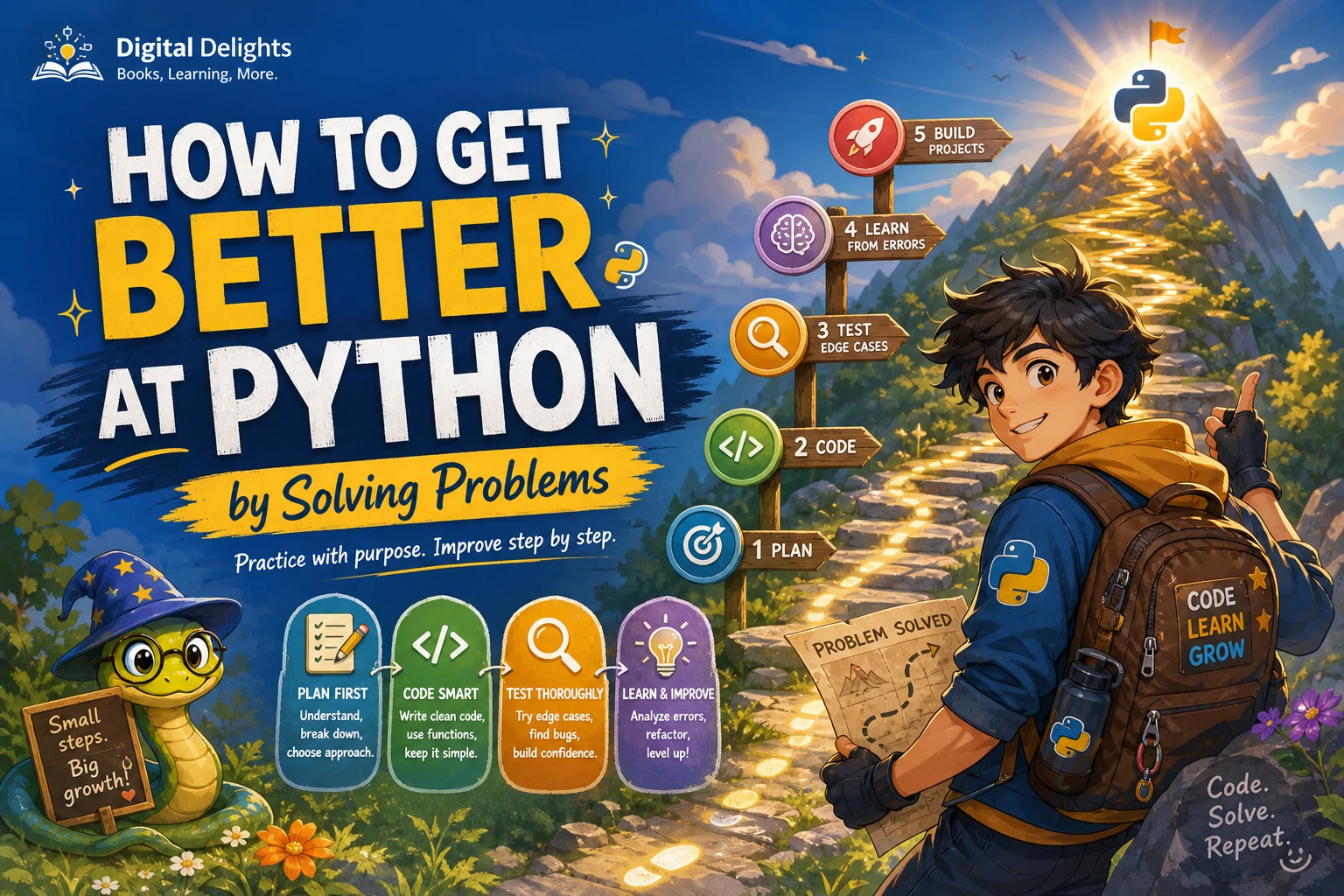
Reading Python explanations can help you recognize code, but solving problems is what makes you practise turning an idea into a working program. A useful approach is to understand the task, plan a small solution, write it, test it with more than one input, and learn from what breaks. Then revisit the code to make it clearer.
You do not need to start with difficult puzzles or large projects. Begin with fundamentals and manageable tasks, then gradually combine ideas in projects. This guide walks through a repeatable problem-solving process, shows it with a small example, and explains what to do when you get stuck.
Build the basics before tackling problems
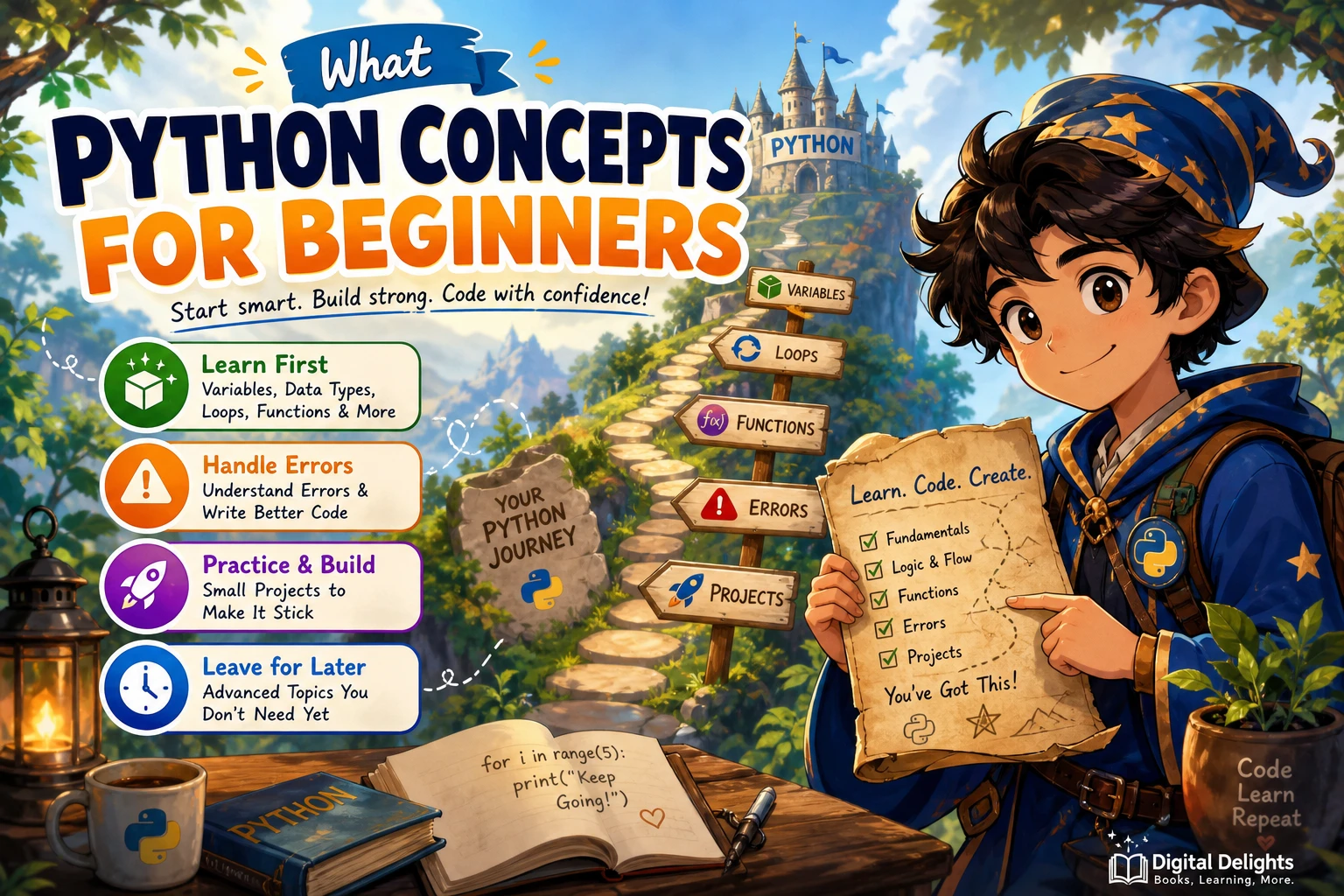
Before attempting problems that combine many ideas, become comfortable with the building blocks you will use repeatedly:
- Variables and types: storing values such as numbers, strings, and Boolean values.
- Conditionals: choosing what a program does with
if,elif, andelse. - Loops: repeating an action with
fororwhile. - Functions: grouping steps into reusable units with inputs and return values.
- Core data structures: using lists, dictionaries, sets, and tuples to organize information.
You do not have to master every feature before practising. Learn enough to try a problem, then look up a concept when you need it. The official Python tutorial covers topics including control flow, data structures, modules, and errors, but it expects readers to have some basic programming knowledge. If you are completely new to coding, pair it with a beginner-friendly introduction rather than treating it as a first course in programming.
Use a repeatable Python problem-solving loop
When a task feels confusing, resist the urge to start typing immediately. Move through these steps instead. The process is a practical habit, not a formula that guarantees a particular result.
- Restate the task. Describe the goal in your own words. Identify what information the program receives and what it should return or display.
- Clarify assumptions. Ask what should happen with empty input, unexpected values, duplicates, or other unusual cases. If the prompt is unclear, record the assumption you are making.
- Break the task into steps. Divide it into smaller actions that can be described without Python syntax.
- Write a basic plan. Use plain language or pseudocode. Keep the first plan simple; you can improve it after you have a working version.
- Implement one part at a time. Write a small amount of code, run it, and check what it does before adding more.
- Test more than the example. Try a typical input, a boundary case, and an unusual or empty input when relevant.
- Read failures and revise. Use the error message and traceback to help locate the problem. Once the solution works, simplify names or steps that make it harder to understand.
This approach helps separate different questions: Is the plan correct? Is the Python syntax valid? Does the implementation handle the inputs the task allows?
Example: count vowels in a string
Suppose the task is to count the vowels in a piece of text. First define the expected behaviour: take a string, count each occurrence of a, e, i, o, or u, and treat uppercase letters as vowels too. In this example, y is not counted.
A plain-language plan could be: make the text lowercase, examine its characters one at a time, add one whenever a character is a vowel, and return the total.
def count_vowels(text):
    vowels = "aeiou"
    return sum(1 for character in text.lower() if character in vowels)

print(count_vowels("Python practice"))  # 4
print(count_vowels("AEIOU"))            # 5
print(count_vowels(""))                 # 0
The first test checks ordinary text, the second checks uppercase input, and the third checks an empty string. These tests reflect the assumptions we set out; they are not proof that every possible program is correct. If the requirements changed—for example, to count accented vowels—you would need to define and test that behaviour too.
After the basic version works, ask whether the function name and variable names make their purpose clear. For a short function like this, the direct version is easy to read. There is no need to make it clever just to use more Python features.
What should you do when you get stuck?
Getting stuck is part of the process. Instead of restarting randomly or immediately copying a complete solution, use the point of confusion to decide what to try next.
- Read the prompt again. Check the required output and any restrictions you may have missed.
- Try a smaller example. Trace the input by hand and write down what the program should do at each step.
- Reduce the problem. Temporarily solve one part, or use a shorter input that makes the logic easier to see.
- Inspect the error message. Syntax errors and exceptions are different kinds of problems. Python’s documentation explains both and shows how tracebacks point to where an exception occurred. See the Python guide to errors and exceptions.
- Use a hint or reference selectively. If you have made a genuine attempt and still cannot progress, look for the smallest hint that helps you take the next step.
- Rebuild the idea yourself. After reading an explanation, close it and write the solution again from your own understanding. Then test it.
Keep track of what caused the difficulty: a language feature, a misunderstood requirement, a missed edge case, or a logic error. That note gives you a useful target for your next practice session.
Move from short exercises to small projects
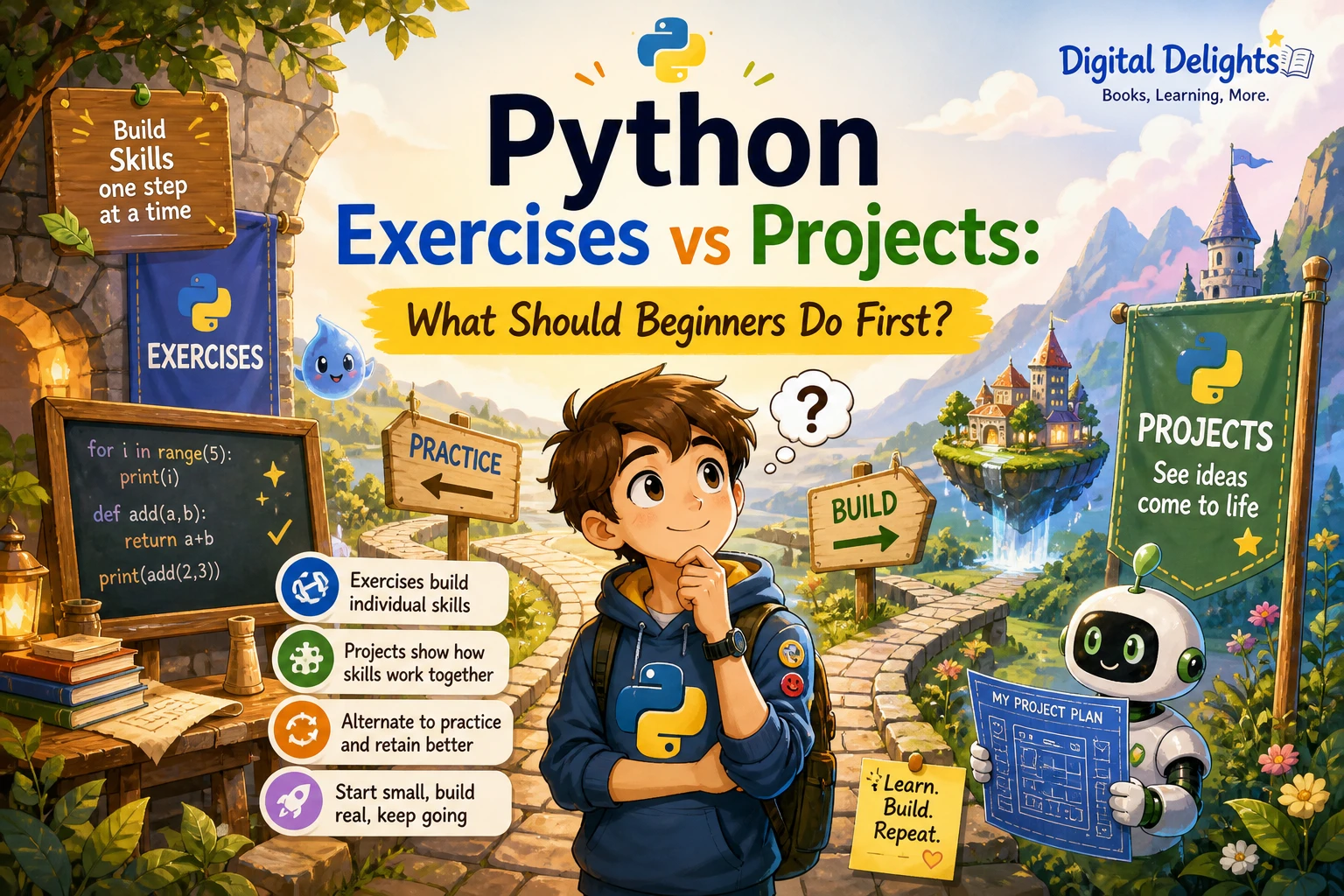
Short exercises let you focus on a specific idea, such as loops or dictionaries. Projects ask you to combine ideas and make choices the instructions may not spell out. Both formats can be useful, but there is no supplied evidence that one format is universally better for learning.
A sensible progression is to solve a few bounded tasks, then use the same concepts in a small project. For example, after practising strings, loops, and functions, you could write a text-based word counter. Start with a clear, limited goal: accept a piece of text and report the number of words. Later, you might add file input or show the most frequent words.
Choose a project small enough to finish in stages. Write down its inputs, outputs, and first working version before adding optional features. If the project starts feeling too large, break it into functions or return to a smaller exercise that isolates the part you do not yet understand.
Common Python practice mistakes
- Looking at the answer too soon: give yourself time to interpret the prompt and make a plan before consulting a solution.
- Testing only the sample input: try other cases that follow the requirements, especially empty or boundary cases.
- Choosing problems that are far beyond your current tools: difficulty can be useful, but if you cannot make a first step, practise the missing concept separately.
- Chasing clever code: prioritize a correct, understandable solution before considering alternatives.
- Moving on without reviewing: after solving a problem, explain the key idea in your own words and note what you would change next time.
- Reading without writing code: follow explanations by closing the book or page and recreating the important steps yourself.
More than one implementation can be correct. First check whether it meets the requirements. Then consider readability, how it handles valid inputs, and whether its performance matters for the task at hand. There is no single universally best solution independent of context.
A flexible routine for regular practice
You do not need a rigid schedule to practise consistently. Use a repeatable session structure and adjust its length to your time and energy:
- Pick one small problem connected to a concept you are learning.
- Write down the input, expected output, and a few test cases.
- Plan and implement a first version, running it as you go.
- Test an ordinary case and at least one useful edge case.
- Review the code and write down one thing you learned or want to revisit.
Across a week or other convenient practice period, you might alternate new exercises with reviewing an earlier solution or extending a small project. Treat this as an adaptable suggestion, not a proven ideal timetable. The useful measure is whether you are actively reasoning, testing, and learning from the work—not how many problems you can mark complete.
Choosing Python practice resources
A good resource should fit the kind of practice you need now. Compare the format and level before choosing; no title is best for every learner.
| Resource | Practice format | Could suit |
|---|---|---|
| Python Programming Exercises, Gently Explained | 42 short problems with plain-language explanations | Learners who want manageable exercises and guidance as they practise |
| Python Workout, Second Edition (MEAP V03) | A sequence of varied exercises across Python topics; the catalog identifies this as the MEAP V03 early-access edition | Learners ready to practise applying concepts across a broader set of exercises |
| Real-World Python: A Hacker’s Guide to Solving Problems with Code | Hands-on projects based on historical and scientific challenges | Readers who already know Python fundamentals and want to combine them in larger programs |
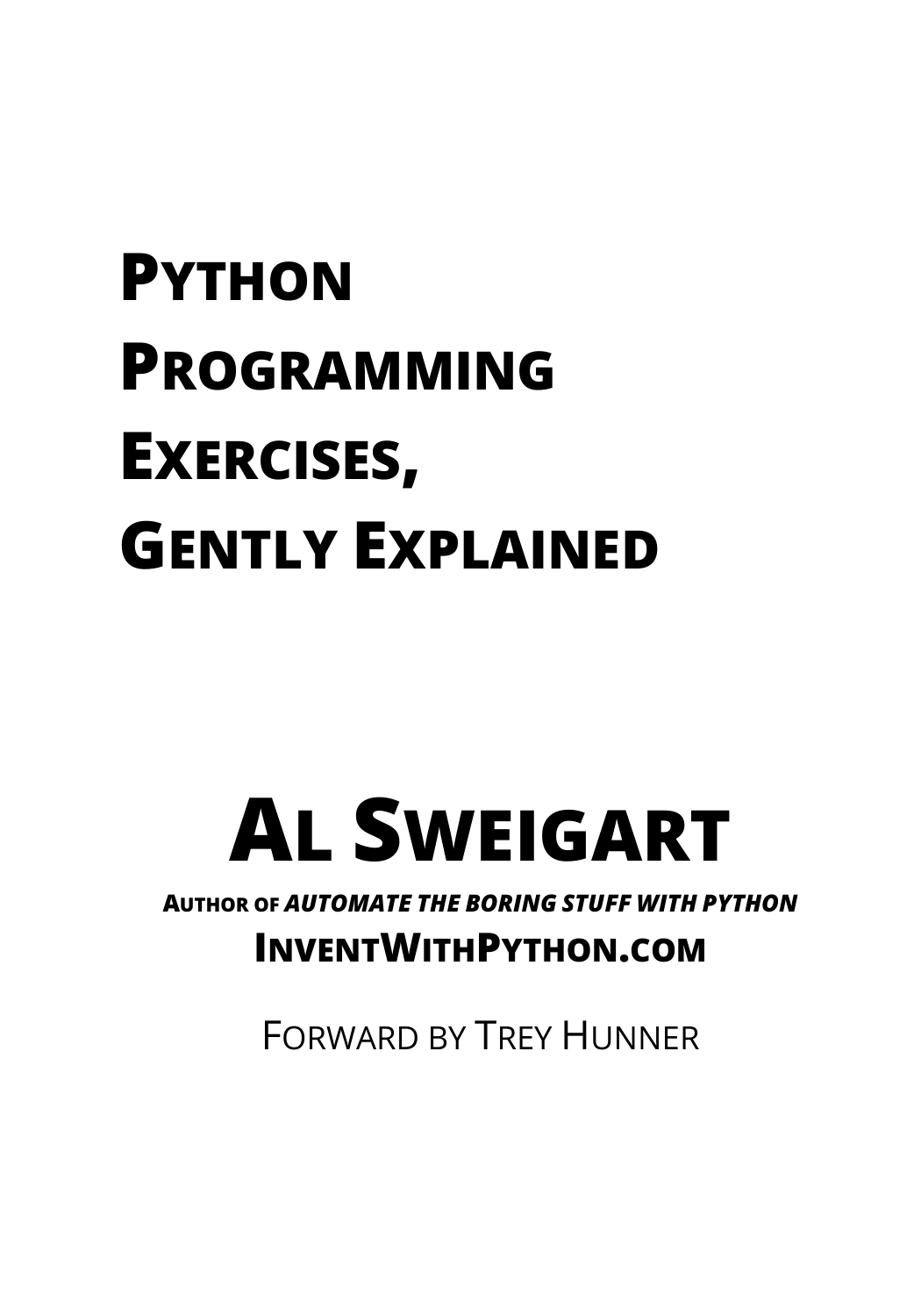
Python Programming Exercises, Gently Explained
By Al Sweigart
Learners looking for 42 manageable exercises with explanations.
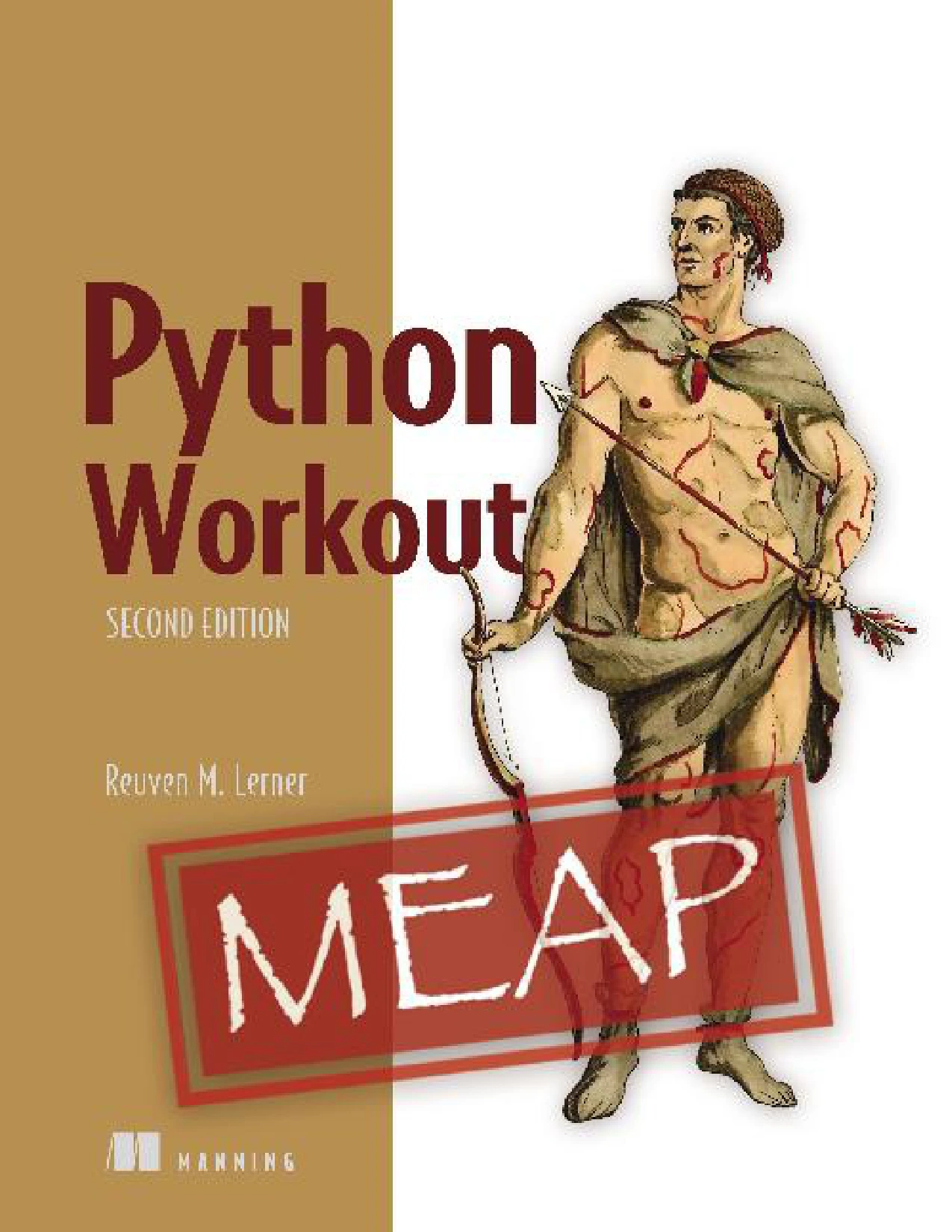
Python Workout, Second Edition (MEAP V03)
Learners ready for broader practice; the catalog identifies this as the MEAP V03 early-access edition.
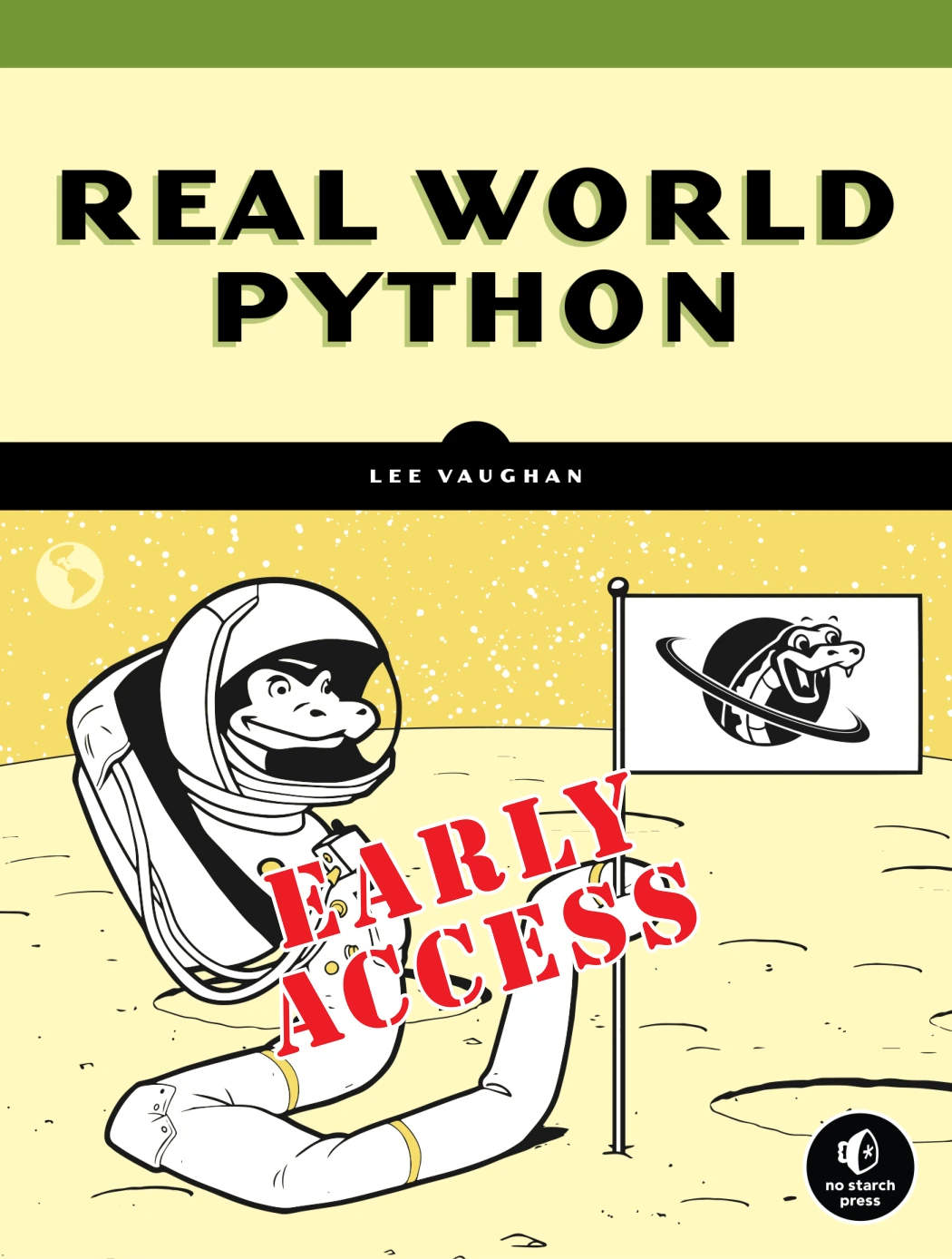
Real-World Python: A Hacker’s Guide to Solving Problems with Code
By Lee Vaughan
Readers familiar with Python fundamentals who want to combine skills in larger programs.
For more options, browse the Python book and learning-resource category. Before starting any book or tutorial, check whether its examples match your Python version and learning goals. Python’s documentation also includes a short tour of standard-library testing tools such as doctest and unittest; these are options to explore as your programs grow, not prerequisites for every beginner exercise (Python standard-library tutorial).
Frequently asked questions
What should I know before solving Python problems?
Start with variables, conditionals, loops, functions, and basic data structures such as lists and dictionaries. You can begin practising before you feel expert; choose tasks that let you use one or two concepts at a time, and look up unfamiliar features as needed.
How long should I try before looking at a solution?
There is no universal time limit. First make a genuine attempt: restate the task, test a small example, and write a basic plan. If you are still blocked, use a hint or explanation to uncover the next step, then close it and recreate the solution yourself.
Does every Python problem have one correct answer?
No. A problem may have several implementations that produce the required result. Check correctness against the requirements first, then compare clarity and any relevant trade-offs. A more complicated solution is not automatically a better one.
When should I start building Python projects?
You can start with a small project once you can use a few fundamentals—such as variables, conditionals, loops, and functions—with some confidence. Keep the first goal narrow, and add features only after the simplest version works.
Keep improving one solution at a time
Getting better at Python is not just a matter of finishing more exercises. Practise understanding the task, making a plan, writing a clear first version, testing different inputs, and learning from errors. Then review what you wrote and try another problem that builds on it. Solve, test, understand, and improve—that cycle gives each practice problem a purpose.