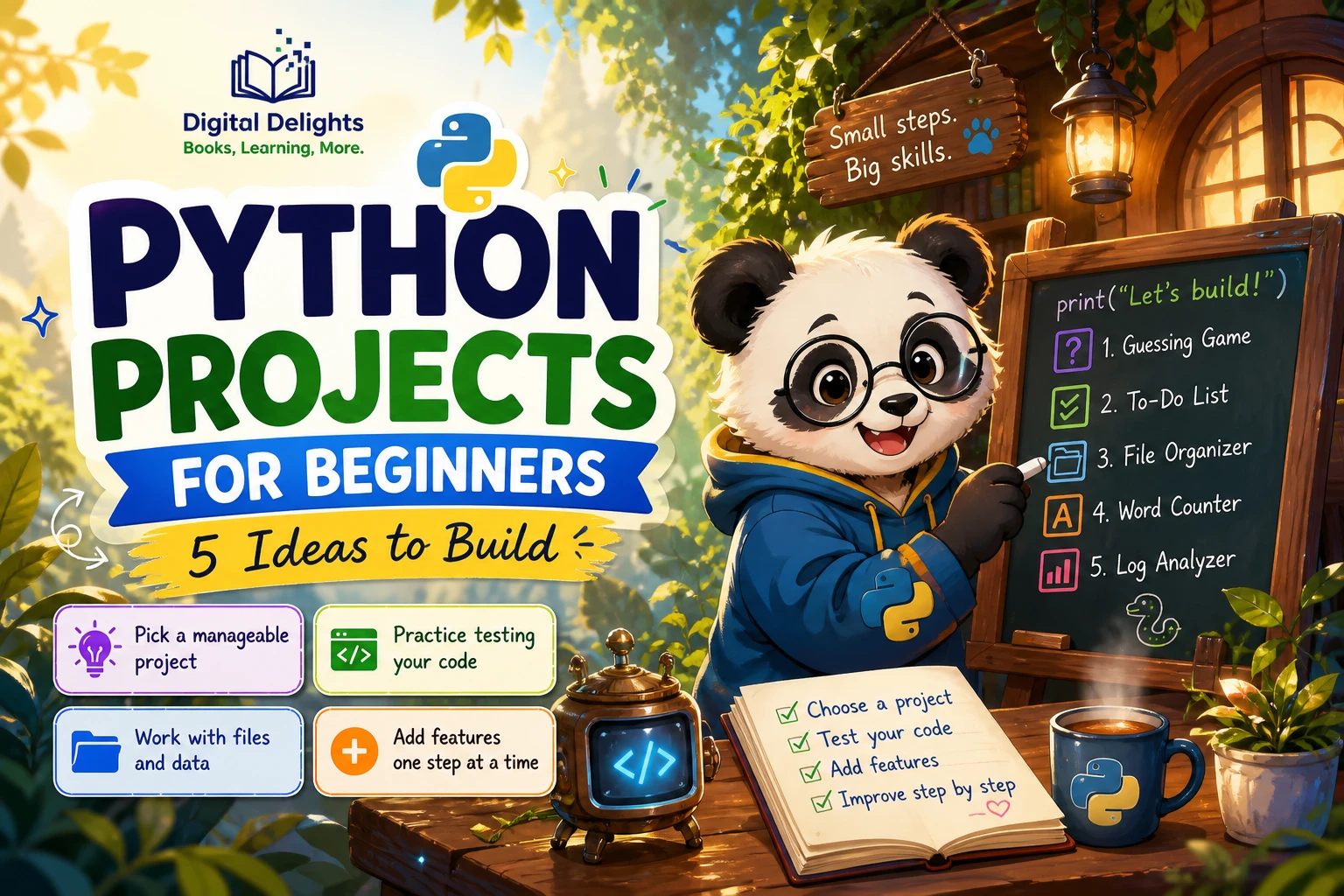
Python Projects for Beginners: 5 Ideas to Build
Python concepts make more sense when you use them to solve a small, concrete problem. A short project gives you a reason to practise variables, conditions, loops, functions, and eventually files or data—without needing to plan a large application from the start.
If you are new to programming, begin with a project that uses only a few ideas you already know. Build a basic version, check that it works, and then add one improvement. This guide moves from simple games to file-based and data projects, with optional extensions to help you keep practising at a comfortable pace.
How to Choose Your First Python Project
A good first project is small enough to finish and interesting enough to make you curious about the next step. You do not need a unique idea: a familiar game or useful personal tool is a fine starting point. The learning comes from understanding the code, making decisions, and improving the result—not from choosing an impressive-sounding project.
- Match the project to what you know. If you have used input, conditions, and loops, try a quiz or guessing game. If you have begun working with lists and functions, consider a basic to-do list.
- Add one unfamiliar challenge at a time. For example, first make a quiz work in the terminal, then add a score. Avoid combining file storage, a graphical interface, and several new libraries in your first attempt.
- Choose something you can describe simply. “Ask five questions and show a score” is a clearer first target than “build a complete learning platform.”
- Recreate, then change. Studying a small example can help you see how its parts fit together. Afterward, rewrite it yourself and change a rule, prompt, or feature. No Starch Press describes this kind of small-program practice in its collection of self-contained examples; that is one possible format, not proof that copying is the best method for every learner (The Big Book of Small Python Projects).
If you are completely new to programming, take time to learn the basic vocabulary and how to run a Python file before tackling an open-ended project. The official Python Tutorial notes that it is intended for people new to Python who already have a basic understanding of programming, so it may not be the gentlest first step for someone with no coding experience.
5 Python Projects for Beginners, from Games to Data
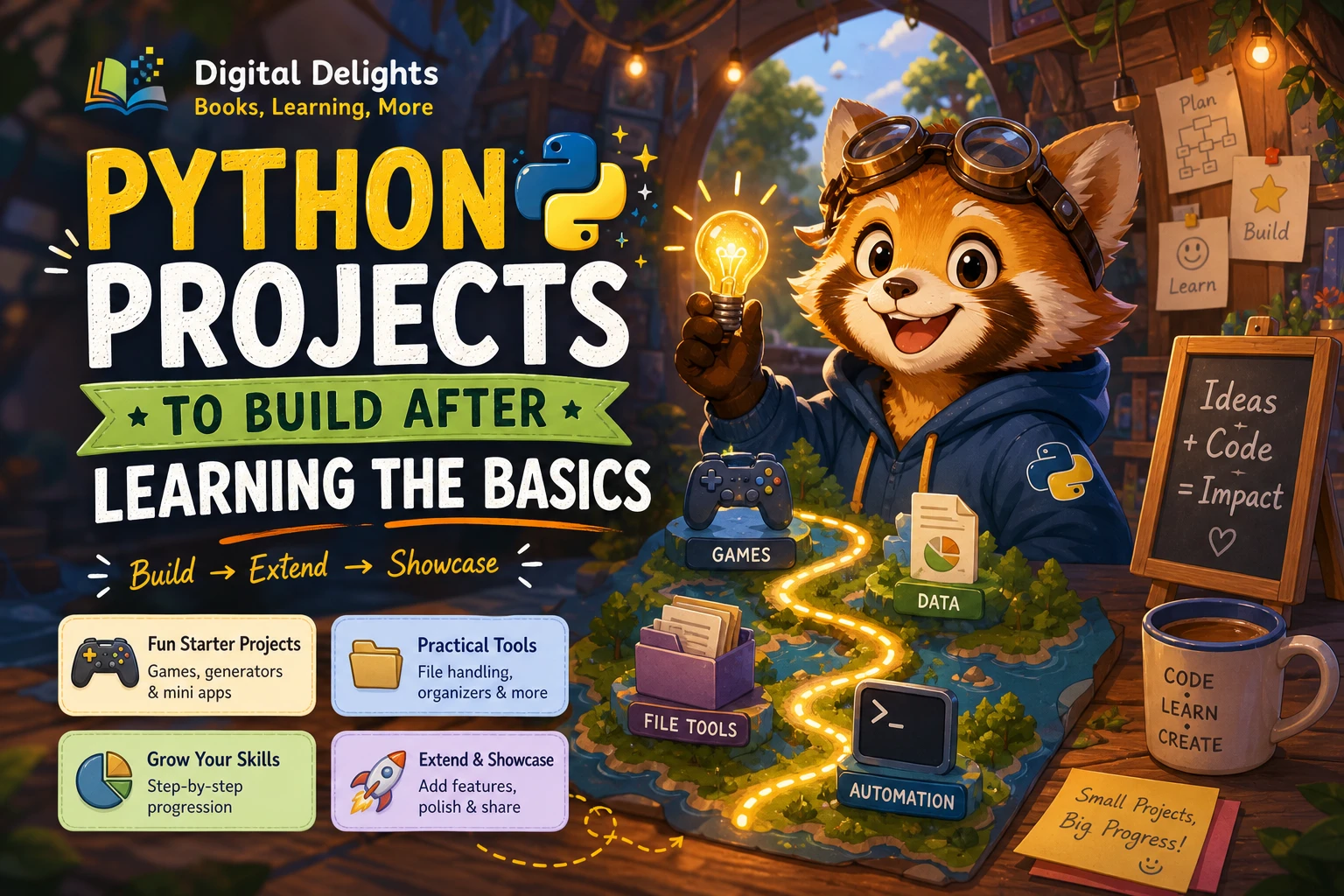
Try these ideas in order if you want a gradual progression, or choose the one that feels most appealing. The sequence is a practical suggestion, not a research-backed ranking of which project teaches the most.
1. Number-Guessing Game
Make a program choose a number within a range, ask the player to guess it, and tell them whether each guess is too high or too low. Continue until the player gets it right or uses all their attempts.
Practise: input, integer conversion, comparisons, conditionals, loops, and random number generation.
Start simply: choose a fixed range and a set number of attempts. Make sure the program responds sensibly if someone enters text instead of a number.
Try next: count guesses, offer a replay option, or let the player choose a difficulty range. Keep the first version in the terminal; a graphical interface can wait.
2. Text Quiz
Create a short quiz that asks questions, checks answers, and displays a final score. You can begin with questions written directly into the program, then reorganize them as your code becomes more familiar.
Practise: strings, comparisons, conditionals, variables, and lists or dictionaries if you want to store several questions together.
Try next: accept answers without worrying about capital letters, give feedback after each response, or shuffle the question order. Decide what should happen when an answer is blank or misspelled.
3. Password Generator
Build a command-line program that asks for a desired password length and generates a string from a set of permitted characters. This is a useful way to practise combining smaller pieces of code into one clear task.
Practise: strings, loops, functions, user input, and validation. You can use Python’s standard library for random selection rather than adding a third-party package.
Try next: let the user choose whether to include digits or punctuation, reject an invalid length, and explain the choices the program made. Treat this as a coding exercise, not as a security recommendation for handling sensitive credentials.
4. To-Do List or File Organizer
A to-do list lets you add, view, and remove tasks in the terminal. Start by keeping tasks in a list while the program runs. Once those operations work, consider saving and loading the list from a file so it remains available after the program closes.
A file organizer is another option at this stage: list files in a chosen folder and sort them by a simple rule. Begin by displaying what the program would move before you allow it to make changes.
Practise: lists or dictionaries, functions, file handling, and careful input checks. File operations introduce real consequences, so test with a temporary folder and sample files rather than valuable documents.
Try next: add a completion status to tasks, search for a task, or provide a preview and confirmation step before moving files.
5. Simple Data-Summary Tool
Make a small program that reads structured data, such as a CSV file of personal reading logs or practice times, and reports a few useful totals. For instance, it could count entries, calculate a simple average, or identify the most frequent category.
Practise: reading files, handling rows of data, converting values, calculating summaries, and displaying results clearly.
Start simply: use a small sample file with a handful of rows. Check what happens when a field is missing or a number is not formatted as expected. You do not need a data-science library for a basic summary.
For a broader example of project topics—including scripting, data management, databases, and testing—see the description of Python Projects. That title was published in 2014, so treat it as an example of project breadth rather than a current guide to setup or library compatibility.
Optional: A Raspberry Pi Project
If you have a Raspberry Pi and want to connect code to physical components, try a simple sensor or LED project after you are comfortable with basic Python. Hardware adds setup and troubleshooting work, so it is fine to begin with a simulated or terminal-based version first.
Raspberry Pi Cookbook: Software and Hardware Problems and Solutions, Fourth Edition covers Raspberry Pi tasks that include Python programming and hardware projects. It may suit learners who want their Python practice to involve a board, sensors, or other components.
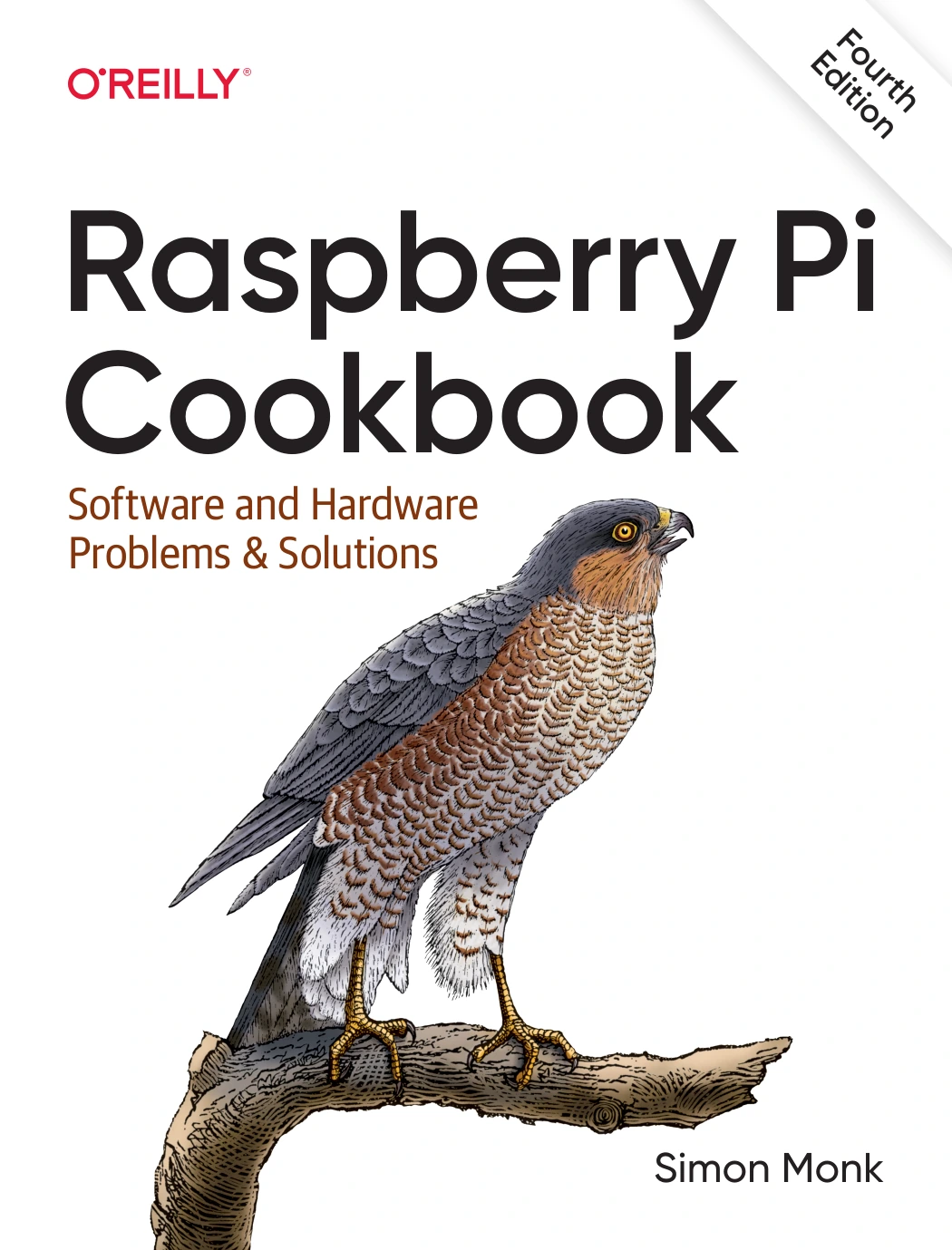
Raspberry Pi Cookbook: Software and Hardware Problems and Solutions, Fourth Edition
By Simon Monk
Learners who want to practise Python with Raspberry Pi hardware, sensors, or other components.
Make a Small Project More Challenging
Once the basic version works, choose one extension that helps you practise a skill you have recently learned. These additions can turn a short exercise into a more complete program without requiring a complete redesign.
- Validate input: handle blank entries, unexpected text, and values outside the accepted range.
- Save progress: store a score, task list, or summary in a file, then read it back the next time the program runs.
- Separate work into functions: give repeated actions or distinct tasks their own named functions.
- Improve messages: tell the user what went wrong and what they can do next.
- Add a command-line option: let someone choose a mode or file without editing the source code.
- Write a short README: explain what the program does, how to run it, and what you learned while building it.
Choose only one or two improvements at first. Adding features is useful when it gives you a reason to practise; it becomes distracting when the project grows faster than your understanding.
Practise More Than Getting the Program to Run
A program that runs once is a useful milestone, but it is not the only measure of progress. Use the project to practise planning, testing, and revising as well as writing code.
- Write down the smallest working version. For a quiz, that might mean asking one question and showing whether the answer is correct.
- Break the task into steps. Plan the prompts, input, decision, and result separately before trying to solve everything in one block.
- Test expected and unexpected inputs. Try a correct answer, an incorrect answer, a blank response, and a value in the wrong format.
- Read error messages carefully. Check the line mentioned, inspect the values involved, and change one thing at a time while debugging.
- Refactor after it works. Rename unclear variables, remove repeated code, and move related actions into functions when that makes the program easier to follow.
- Return to it later. Explain the code in your own words or add a feature without following the original steps. If that feels difficult, revisit the parts you do not yet understand.
Project-based learning is often iterative: build, review, and improve. The Python Software Foundation’s education toolkit discusses project-based learning as an approach, but it does not establish that one particular project format guarantees better results (Project-Based Learning).
Common Beginner Project Pitfalls
- Starting too big: a full game, social network, or complex automation system can hide many separate problems. Reduce the idea to one action that you can finish and test.
- Copying without changing anything: following an example can show you how code is structured, but make sure you can explain what each part does. Then alter the rules or add a feature yourself.
- Installing libraries too early: extra packages bring setup and compatibility questions. Use Python’s built-in features when they are enough for the first version.
- Ignoring edge cases: consider what happens with empty input, unexpected characters, or a missing file—not only the ideal path.
- Assuming one project proves mastery: finishing a project shows you completed that task. It does not mean every Python concept is understood; practise the ideas again in a different context.
- Expecting every old example to run unchanged: examples may rely on a particular Python version or external package. Check the project’s stated requirements and current package documentation rather than assuming compatibility.
A Simple Plan for Your Next Python Project
- Pick one small idea, such as the number-guessing game or text quiz.
- List the concepts you already know and one new challenge you want to practise.
- Build the simplest working version before adding optional features.
- Test normal, incorrect, and unexpected inputs.
- Make one improvement and write down what you learned.
If a structured guide would help you move from Python fundamentals into project work, Python Crash Course: A Comprehensive and Fast-Paced Introduction to Python Programming for Beginners and Experienced Developers Alike includes foundations such as loops, data structures, functions, and project chapters covering games, automation, task management, and data analysis.
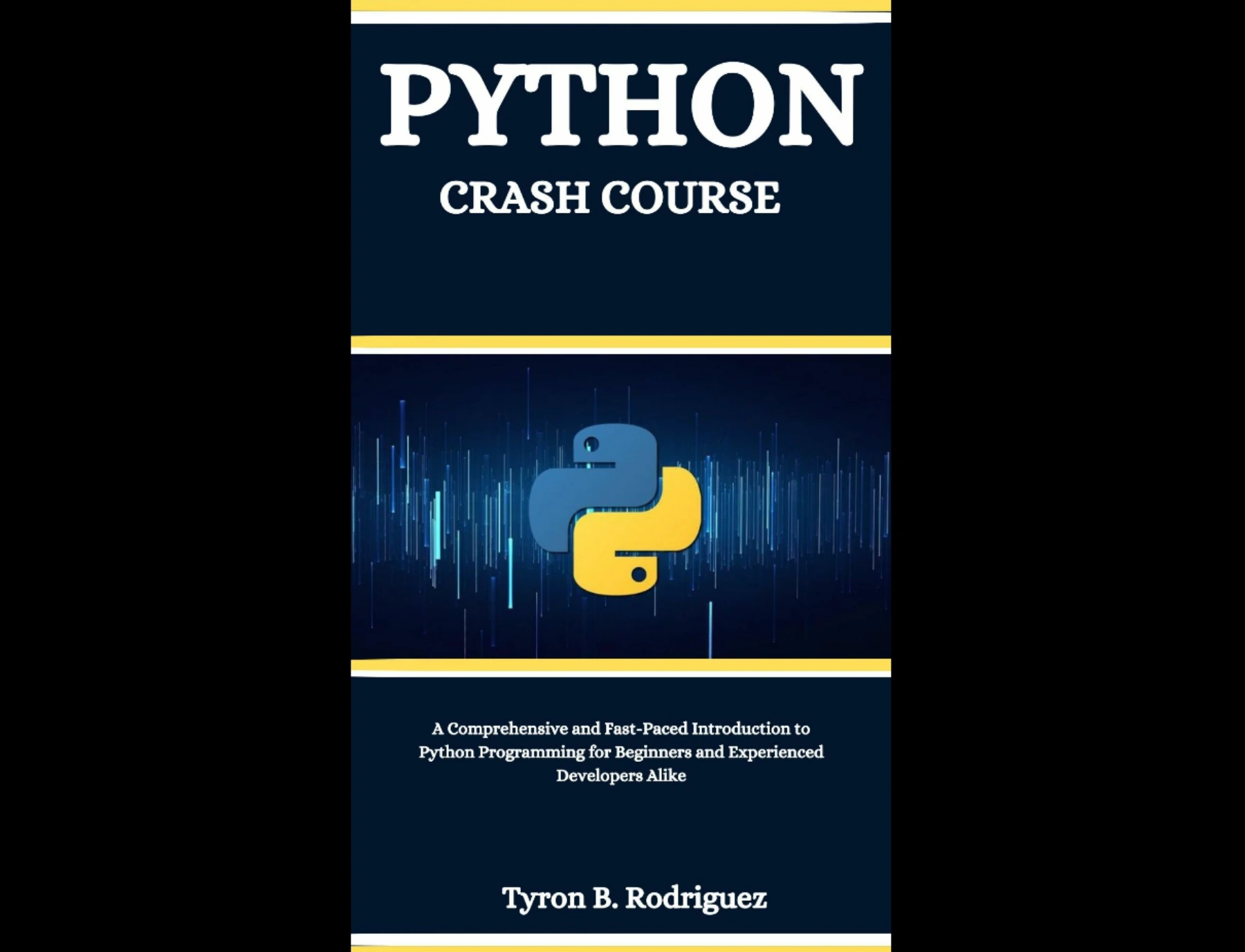
Readers looking for a structured route through Python basics, games, automation, task management, and data analysis projects.
For a resource whose catalog description emphasizes practical projects and Python tutorials, Python & Linux Coding Manual – Issue 7, 2025 includes examples such as a number-guessing game, password generator, text adventure, and other scripts. If you prefer a beginner-focused guide that builds through Python basics and practical examples, Python Coding for Beginners (19th Edition) covers fundamentals including variables, functions, conditions, loops, and file handling.
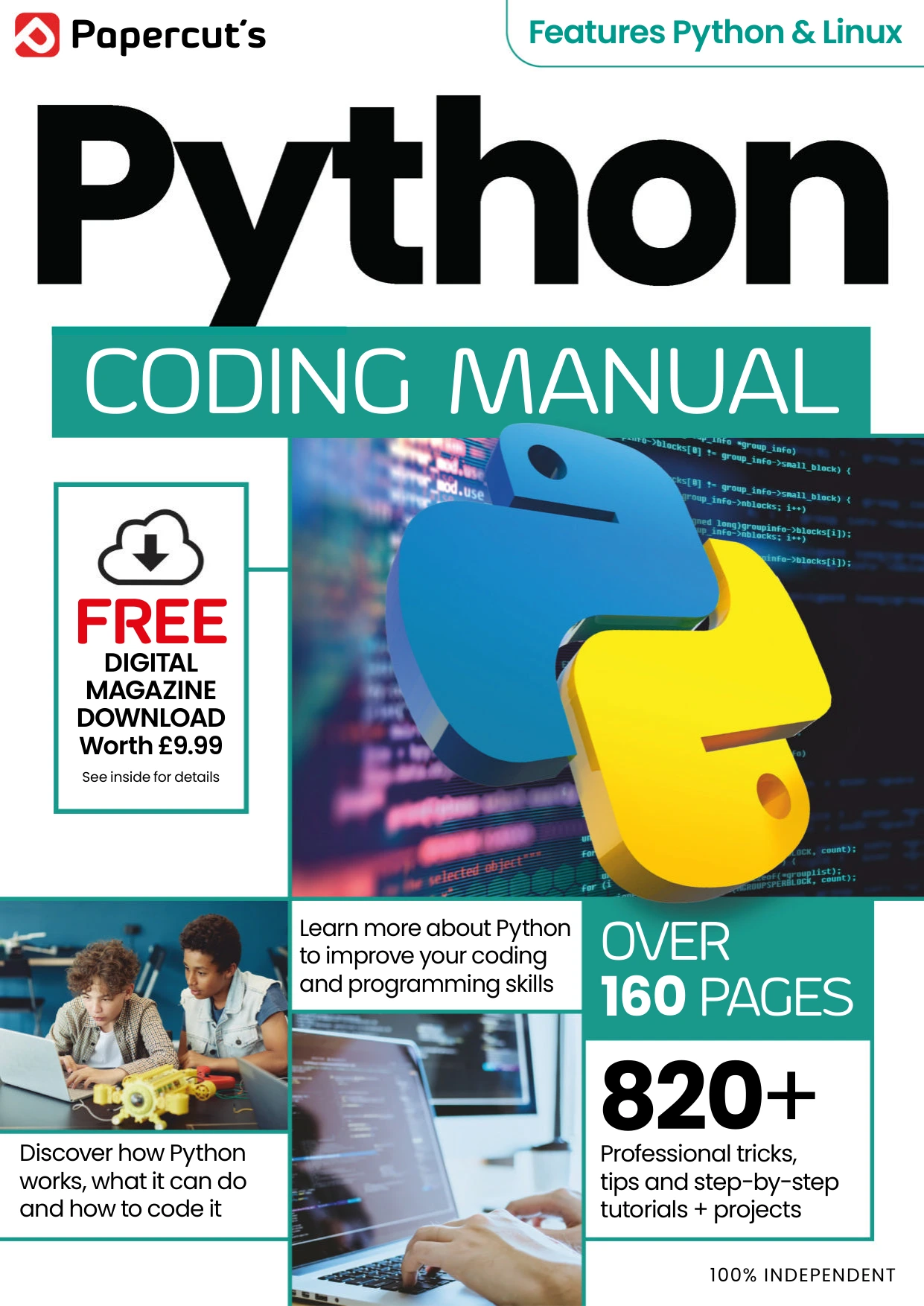
Python & Linux Coding Manual – Issue 7, 2025
Learners interested in practising through sample games, utilities, and other small Python programs.
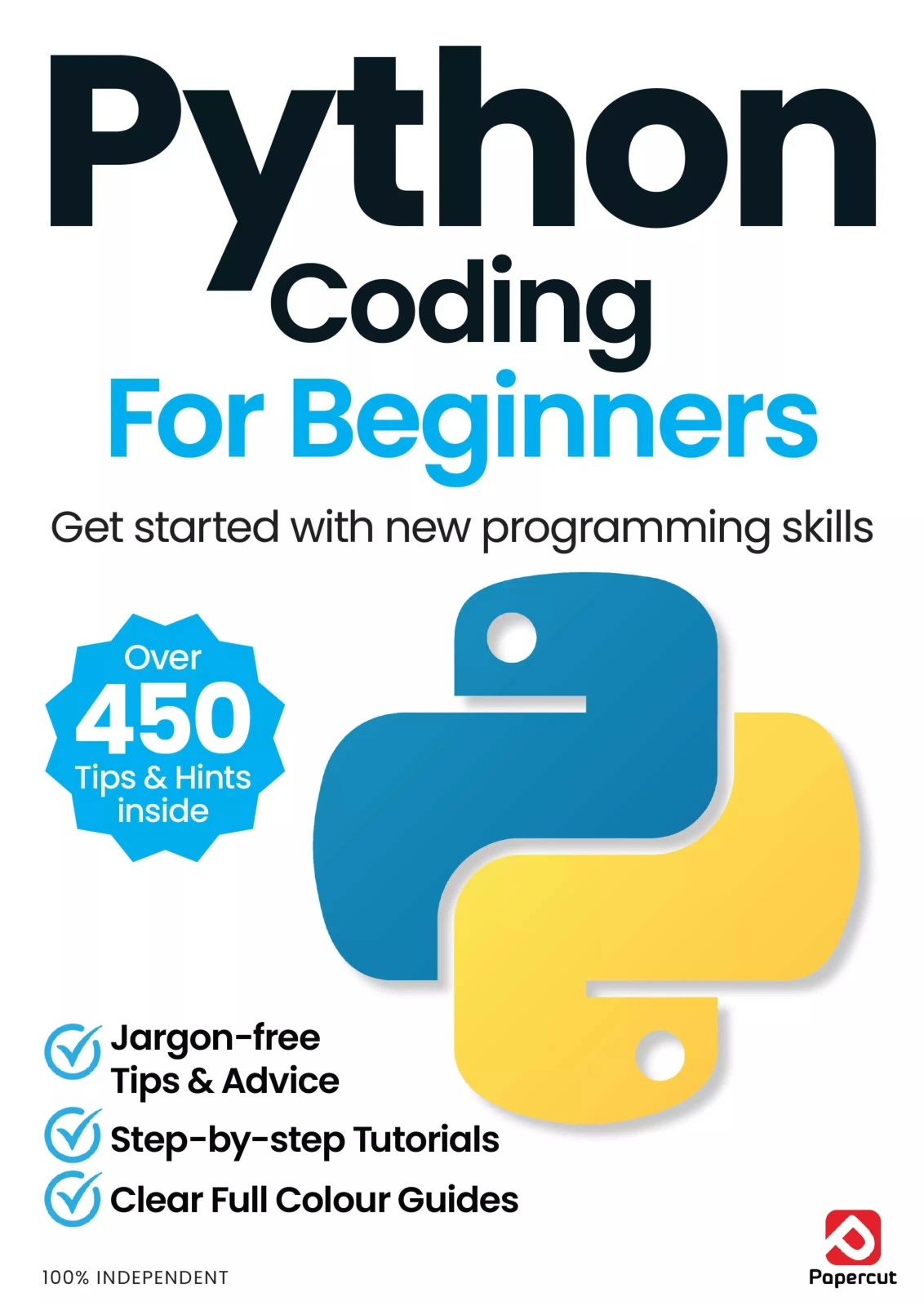
Python Coding for Beginners (19th Edition)
By Papercut
New learners who want step-by-step Python material covering fundamentals and practical projects.
Digital Delights also has a Python resources category for browsing related digital books. Choose a resource that matches the skill you want to practise, then keep the project itself small enough to finish.
Frequently Asked Questions
What Python project should a beginner try first?
A number-guessing game is a practical first choice if you have learned input, conditionals, and loops. It has a clear goal and can be extended gradually with input validation, a guess counter, or a replay option. A one-question quiz is another manageable starting point.
Can I practise Python without installing extra libraries?
Yes. Many small projects—quizzes, guessing games, simple to-do lists, and basic file summaries—can be made with Python’s built-in features. Add an external library only when you understand what it contributes and need it for the project.
Should I follow a tutorial or build from scratch?
Either can be useful. A tutorial or example can help you see a project’s structure, while building independently gives you practice making decisions. A balanced approach is to study a small example, recreate its basic behaviour, then change or extend it without simply copying each step.
How can I make a beginner project more challenging?
Add one feature at a time. Try validating input, saving data to a file, organizing repeated code into functions, or writing clearer error messages. Test the new behaviour before adding another feature.