Python Projects to Build After Learning the Basics
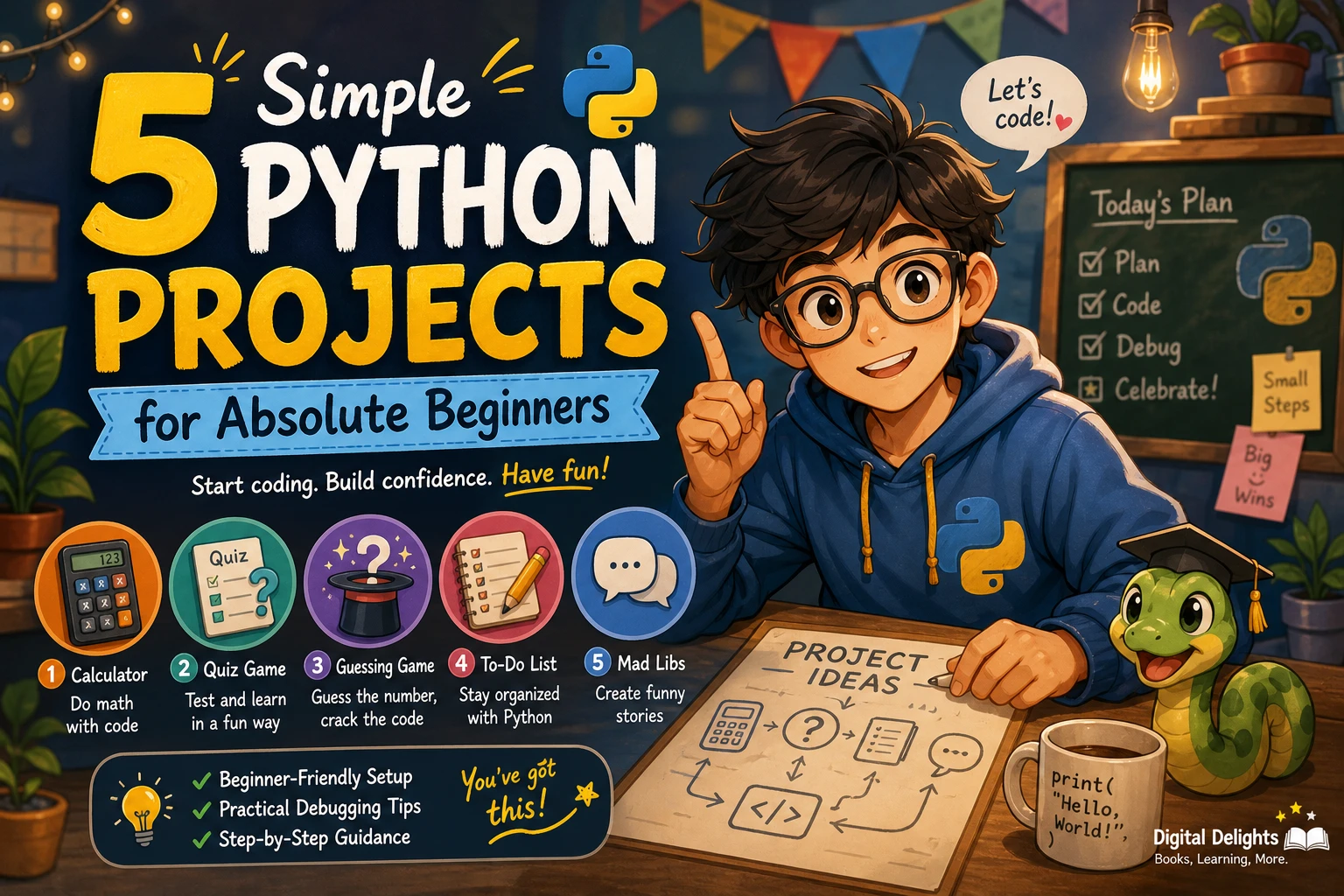
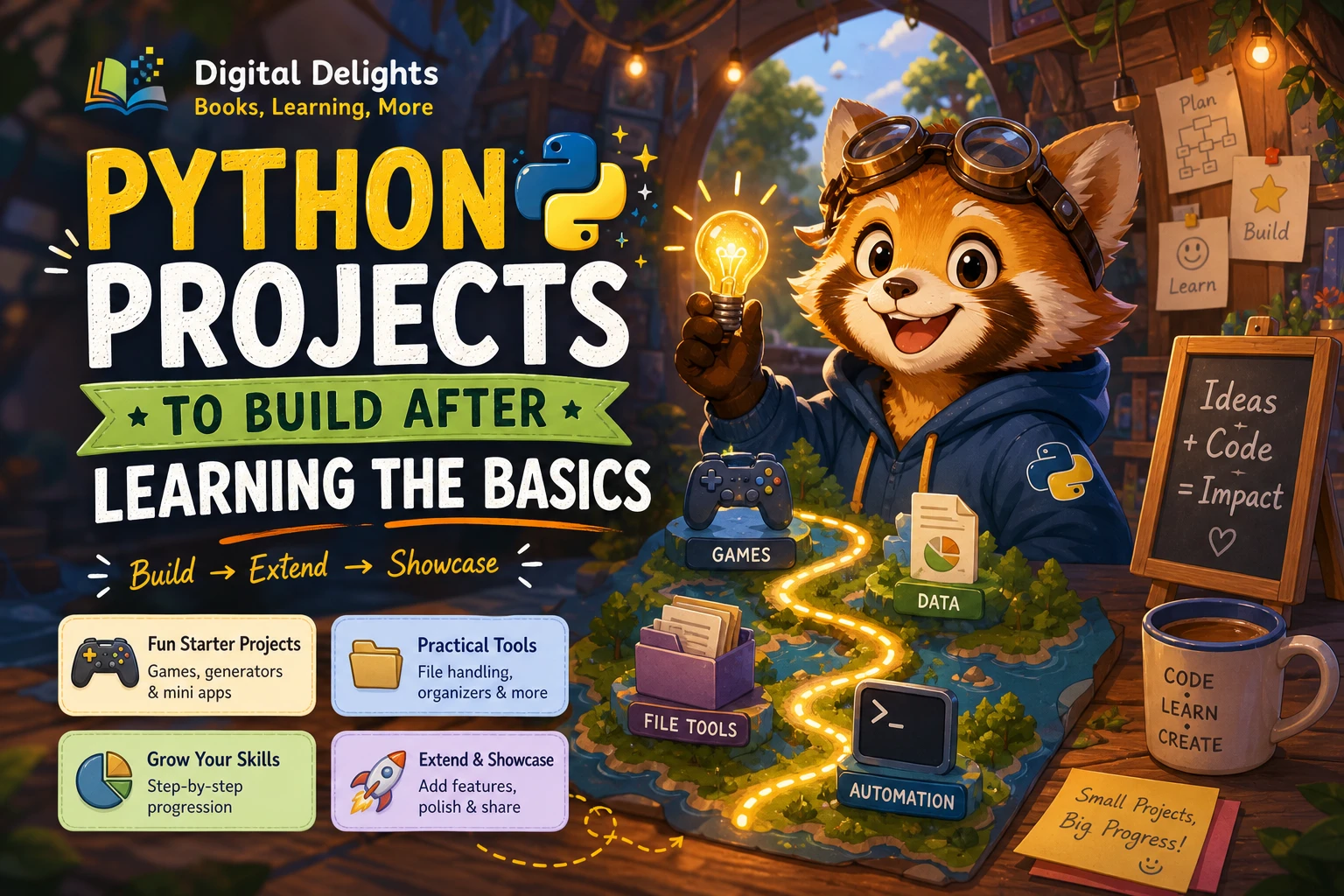
Once you can write variables, loops, and functions, the best next step is to use them in a program of your own. Start with a small game or generator that runs in one sitting. Then move on to a project that saves information or works with files. This progression gives you practical problems to solve without requiring a stack of unfamiliar tools at the outset.
Below are beginner-friendly Python project ideas, a way to choose one, and a simple progression for adding features. You do not need to master every part of Python first: begin with the concepts you know, and scale the project down whenever too many new ideas arrive at once.
Are You Ready to Build a Python Project?
You are ready to try a small project if you can use the basics below, even if you still need to look up syntax now and then:
- Store and update information with variables.
- Make decisions with
ifandelse. - Repeat actions with a
fororwhileloop. - Group reusable steps into functions.
- Work with lists or dictionaries to organize related values.
- Read an error message and use it to investigate what went wrong.
You do not need to know every library or programming technique before starting. If an idea requires several unfamiliar tools, reduce its scope. For a web app, for example, first make the underlying Python program work in the terminal. Add a web interface later.
Python Projects for Beginners: Ideas to Try
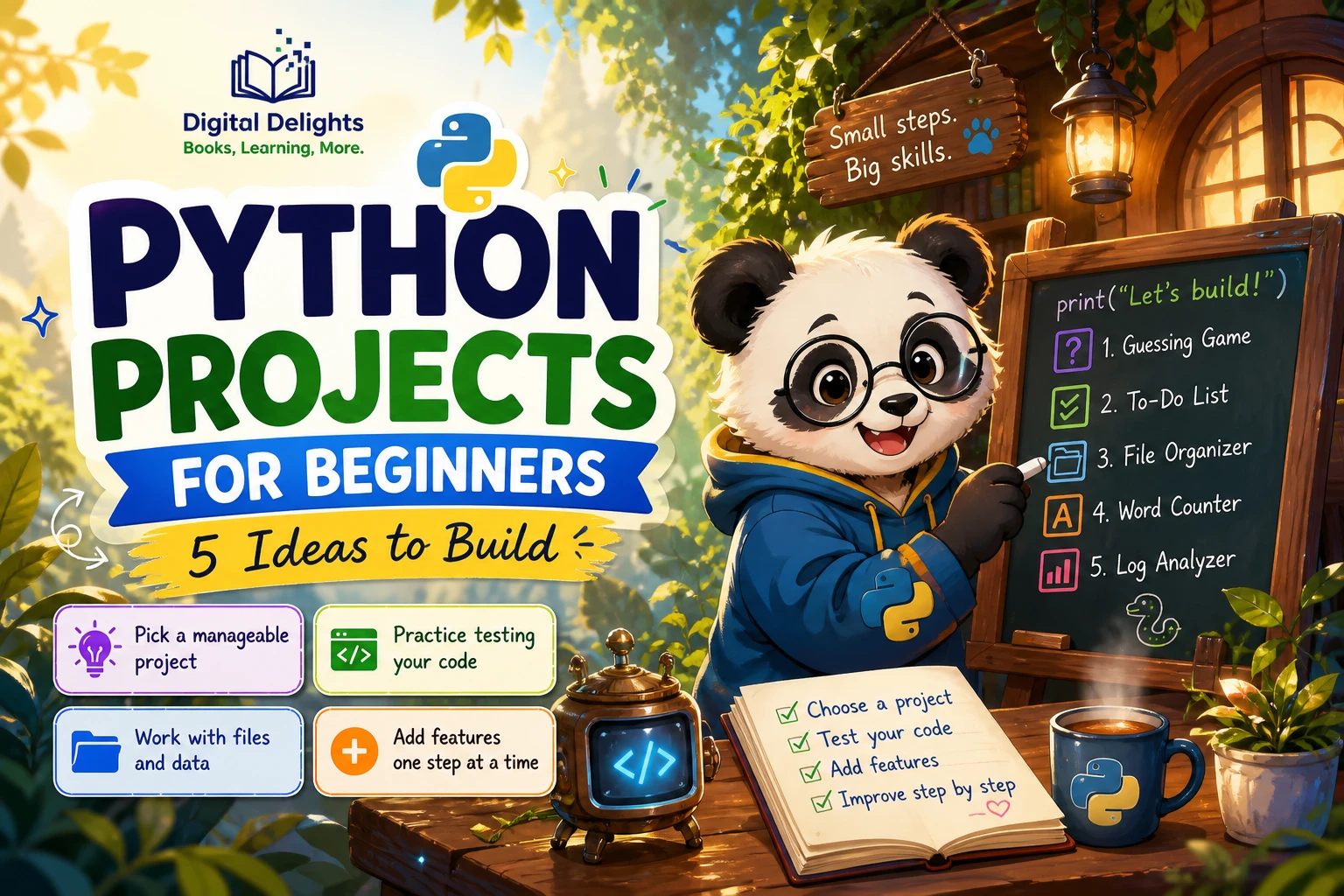
Choose an idea you find interesting and keep its first version small. Each project below can begin with core Python and grow as you learn.
1. Number-Guessing Game
Have the program choose a number, ask the player to guess, and respond with a hint such as “too high” or “too low.” This gives you a clear way to practise input, conditions, loops, and a stopping rule.
Start small: Set a fixed answer and allow repeated guesses. Extend it: Add a limited number of attempts, difficulty levels, or a replay option. If the loop becomes confusing, make one guess work before adding the next.
2. Quiz or Text Adventure
A quiz can store questions and answers, check each response, and keep a score. A text adventure uses similar building blocks but lets a player make choices that change what happens next.
Start small: Make three questions or a few linked scenes. Extend it: Track correct answers, add branches, or store questions in a list of dictionaries. This is a useful choice if you want to practise organizing information and separating repeated actions into functions.
3. Random Name, Password, or Story Generator
A generator selects or combines items from lists to create an output. A name generator might combine an adjective and a noun; a story prompt tool could select a character, setting, and situation. A password generator can also be a learning exercise, but do not treat a homemade tool as a substitute for a trusted password manager.
Start small: Create a few lists and choose one item from each. Extend it: Ask the user for a theme, let them generate another result, or save their favourite outputs.
4. Expense or Score Tracker
Build a command-line tracker that accepts a label and a number, stores each entry, and shows a total. It might track personal spending, game scores, reading sessions, or another set of records that interests you.
Start small: Keep entries in memory while the program runs. Extend it: Save and reload the records using a file, then add a summary such as the total by category. Python’s documentation explains file input and output and working with JSON data; these are useful options when you are ready to make a program’s data persist (Python tutorial: Modules).
5. File Organizer or CSV/JSON Utility
A small utility can sort a chosen set of files by extension, summarize rows in a CSV file, or read and display records stored as JSON. These projects introduce practical file handling, but start with a test folder or sample data rather than making changes to important files.
Start small: List the files or print a summary without changing anything. Extend it: Add a preview, ask for confirmation before moving files, or handle missing and incorrectly formatted input gracefully. Keep the program focused on one predictable task before trying to automate a whole workflow.
6. A Small Data or Web App
After you are comfortable with functions, files, and basic debugging, consider a small app that displays a dataset or accepts user input. A library can simplify the interface, but packages bring setup and compatibility questions that a first project may not need.
If building interactive Python data apps is your next goal, Web App Development Made Simple with Streamlit covers Streamlit features, interactive widgets, data displays, and deployment. It is a more suitable resource for learners ready to move beyond a standalone beginner script and explore app development.
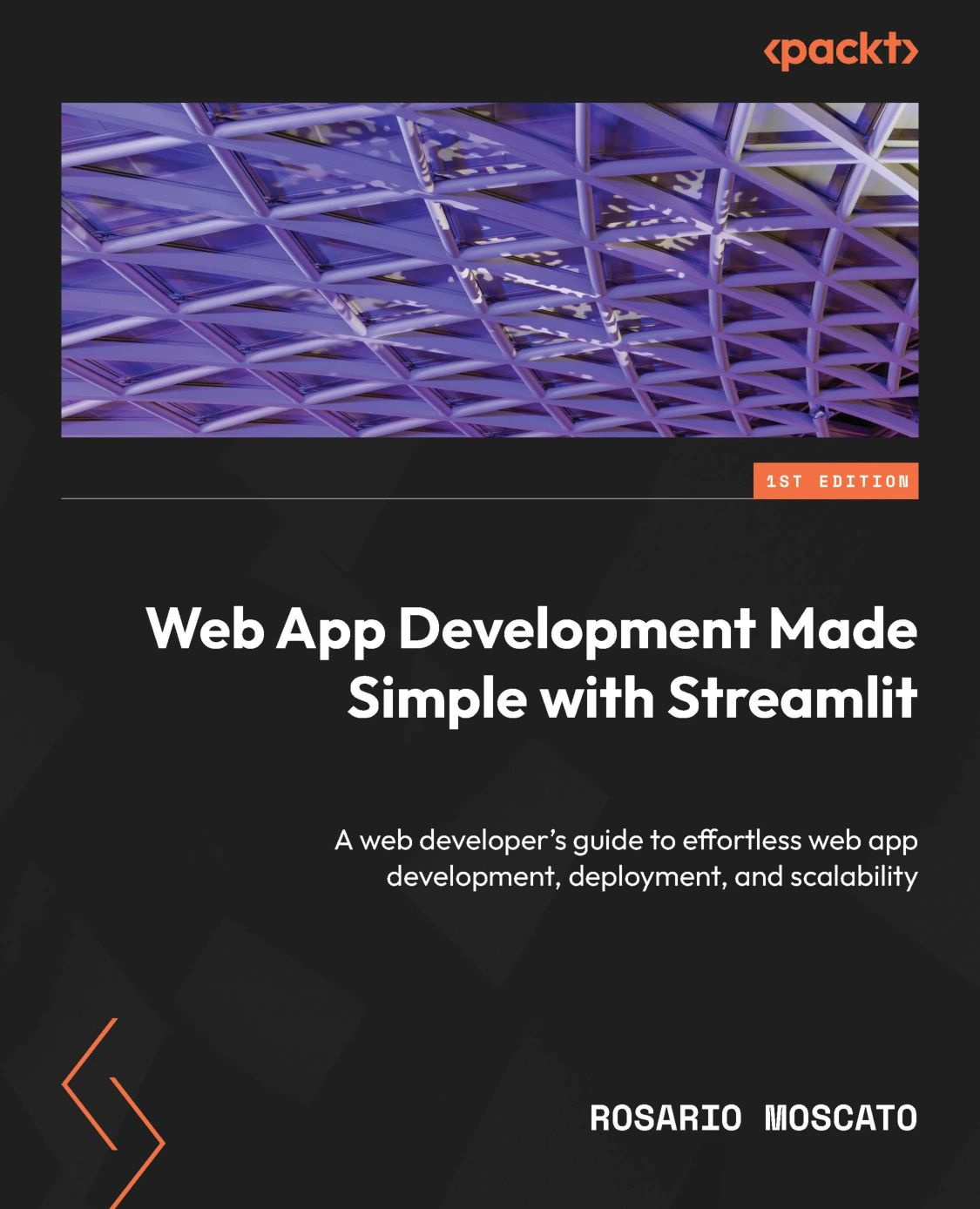
Web App Development Made Simple with Streamlit
Python learners interested in Streamlit apps, widgets, data displays, and deployment.
A Practical Progression for Your First Python Project
Rather than jumping straight to the most ambitious version, make a working program and add one kind of complexity at a time. This is an editorial learning path, not a proven universal sequence; adapt it to your existing skills and the project you chose.
- Build the smallest complete version. A quiz can ask one question and return whether the answer is correct. A tracker can accept one record and display it.
- Use functions for repeated jobs. Separate tasks such as asking a question, checking an answer, or displaying a summary. Give each function a clear purpose.
- Make input more robust. Decide what should happen if someone enters an unexpected response, an empty value, or text where a number is expected.
- Save and reload information. Add file storage only when keeping data between runs would make the project more useful. Python’s official tutorial covers modules and related building blocks that help organize code as a program grows (Python tutorial: Modules).
- Add a report or simple interface. Show totals, scores, or a concise status message. Consider a graphical or web interface only if it serves a real need in the project.
- Install a package only when it solves a specific problem. If you do add third-party packages, check the project’s requirements and use a virtual environment to keep its packages separate. The Python documentation describes creating one with
python -m venv(Python tutorial: Virtual environments and packages).
How to Make a Python Project Your Own
Following an example can help you understand how a program is structured, but the learning continues when you make decisions yourself. One useful approach is to get a basic version running, then change one part and observe what happens.
- Change the inputs: Let a quiz accept questions from a list or let a tracker accept a category.
- Change the rules: Adjust the number of guesses, scoring system, or conditions in a game.
- Change the output: Add a summary, a clearer message, or a saved result.
- Explain the program: Write a short README describing what it does, how to run it, and any limitations.
- Test an ordinary mistake: Try an empty response or an invalid value and check whether the program handles it clearly.
For small games, simulations, and generators, No Starch Press describes self-contained projects and encourages readers to modify examples rather than only reproduce them (The Big Book of Small Python Projects). For a later step into practical automation, its workbook lists tasks such as renaming files and working with spreadsheets and documents; treat those as possible project directions, not a requirement for every beginner (Automate the Boring Stuff with Python — Workbook).
Common Beginner Project Pitfalls
- Picking an oversized idea. A project that combines a web framework, database, user accounts, and an external API can involve too many new concepts at once. Make a small local version first.
- Copying code without understanding it. Pause at each unfamiliar line. Try changing one value or removing one feature, then predict and check the result.
- Adding features before the core works. Get the basic path working first. Add extra options only after you can run and explain the simple version.
- Ignoring errors and unusual input. Try a few likely edge cases, such as blank input or an unexpected choice. Use clear feedback instead of letting the program fail without explanation.
- Installing packages too early. Use Python’s built-in features when they are enough. A package adds value when it helps accomplish a specific goal, not simply because a project can use one.
- Editing important files during experiments. Use copies or sample files while testing organizers and data tools. Start by previewing planned changes before applying them.
Choosing a Learning Resource for Project Practice
If you want structured practice alongside your own experiments, choose a resource that matches the work you want to do next. Python Bookcamp: Exercises and Projects is described in its catalog listing as a hands-on guide with exercises, case studies, and projects covering Python fundamentals. It may suit learners who want guided practice before or alongside building an independent project.

Python Bookcamp: Exercises and Projects
Learners who want guided practice with Python fundamentals, case studies, and projects.
For readers moving toward interactive applications, Web App Development Made Simple with Streamlit focuses on creating Python-based apps with Streamlit. That is a more specialized next step than a small terminal game or file utility, so it makes sense once you are comfortable with basic Python and want to explore app interfaces.
You can also browse the Python book collection for resources covering different stages and interests. A book can provide a sequence of exercises, but choose a project that you can explain and adapt yourself rather than relying on reading alone.
Frequently Asked Questions
What should I know before starting a Python project?
It helps to know how to use variables, conditionals, loops, functions, and basic collections such as lists or dictionaries. You should also be willing to read error messages and test your code. You do not need to know every Python feature first.
Which Python project should I build first?
Choose a small project with a clear result, such as a number-guessing game, a short quiz, or a random prompt generator. Pick the one that interests you, then keep its first version simple enough to finish and understand.
How can I make a beginner project more challenging?
Add one feature at a time. You might validate input, split repeated tasks into functions, save data to a file, or produce a summary. Test each change before moving on to another one.
What should I build after a beginner Python project?
Extend the project with file storage or a small report, or try a practical utility such as a file organizer or CSV reader. If you want a web or data app, learn the relevant package and setup basics separately before combining them with your project.
Build Small, Then Build Further
A useful first Python project is not necessarily impressive in size. It is one you can complete, explain, and improve. Start with a game, quiz, or generator; then try handling files or saved data once the basics feel familiar. Give each new feature a clear purpose, and let your interests guide the next project.