What Can You Actually Build with Python?
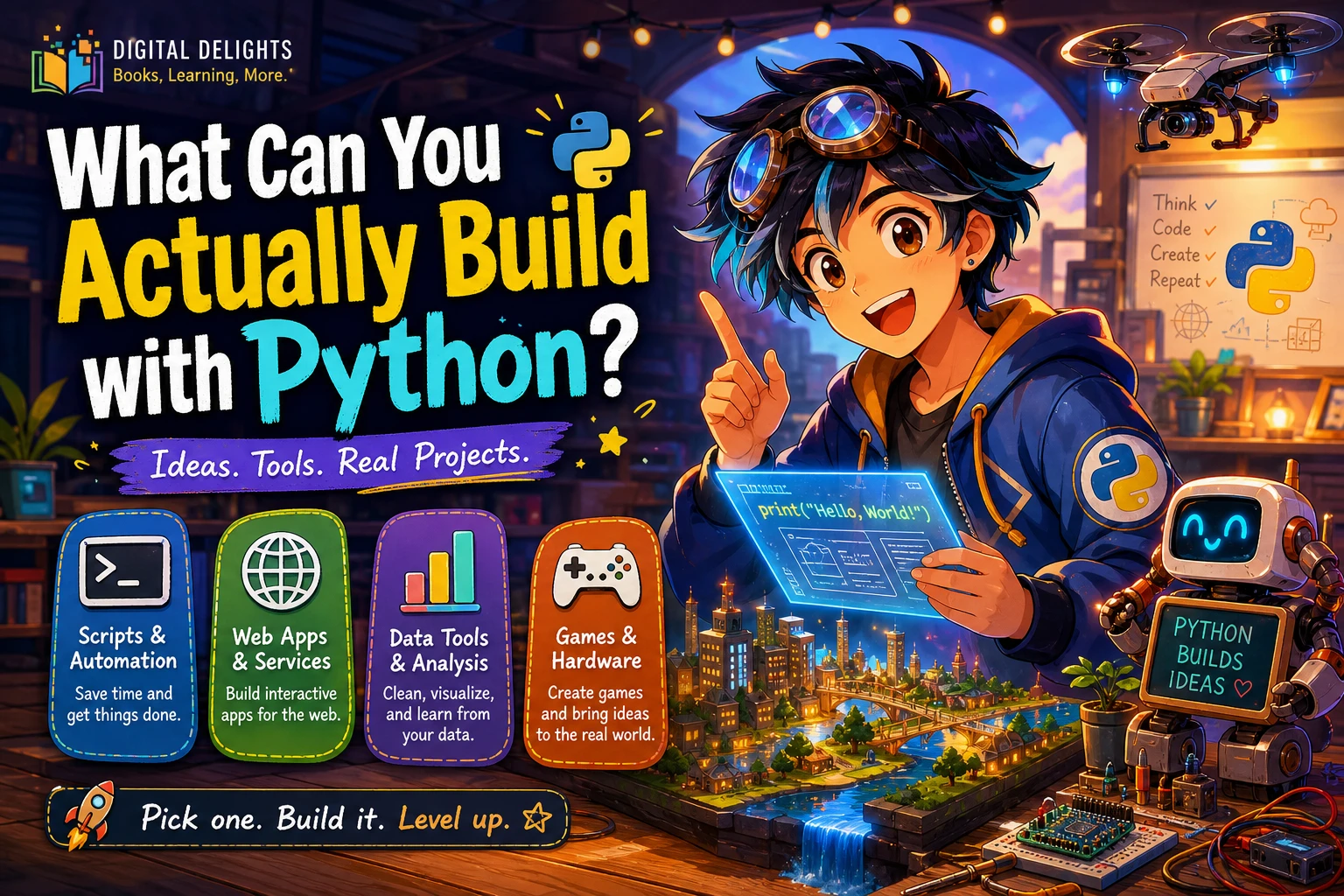
Python can do much more than automate repetitive tasks. You can use it to organize files, create websites and APIs, analyze data, build desktop utilities, experiment with machine learning, make small games, and control hardware such as a Raspberry Pi. The key distinction is that some projects can start with Python’s built-in tools, while others need libraries, frameworks, or an online service.
In practical terms, the best first project is one that solves a small problem you understand. Below are realistic examples of what Python can build, what each usually requires, and how to choose a manageable starting point.
What can you build with Python?
Python is used in areas including web development, scientific and numeric computing, desktop graphical interfaces, education, software development, and business applications. Python.org gives examples ranging from web frameworks and Tkinter-based interfaces to business systems. That range shows what the language is used for; it does not mean Python is automatically the best choice for every project.
For a beginner, the useful answer is: Python can build anything from a short script to a complete application, but the size of the project changes the tools and knowledge you will need.
Practical things to build with Python
1. Automation scripts and command-line tools
A small script is often the quickest way to see Python do something useful. You could make a tool that sorts downloads into folders, renames a batch of photos, combines text files, checks a list of web addresses, or creates a recurring report from local data.
Python’s standard library includes tools for working with files, operating-system features, command-line arguments, CSV and JSON data, and tests. That means some modest automations need no extra package at all. For browser interaction, spreadsheets, or other specialized tasks, you may need a third-party library, and its setup and compatibility requirements become part of the project.
If you want structured practice with practical scripting recipes, Python Automation Cookbook, Third Edition focuses on tasks such as data processing, reporting, spreadsheets, and web automation.
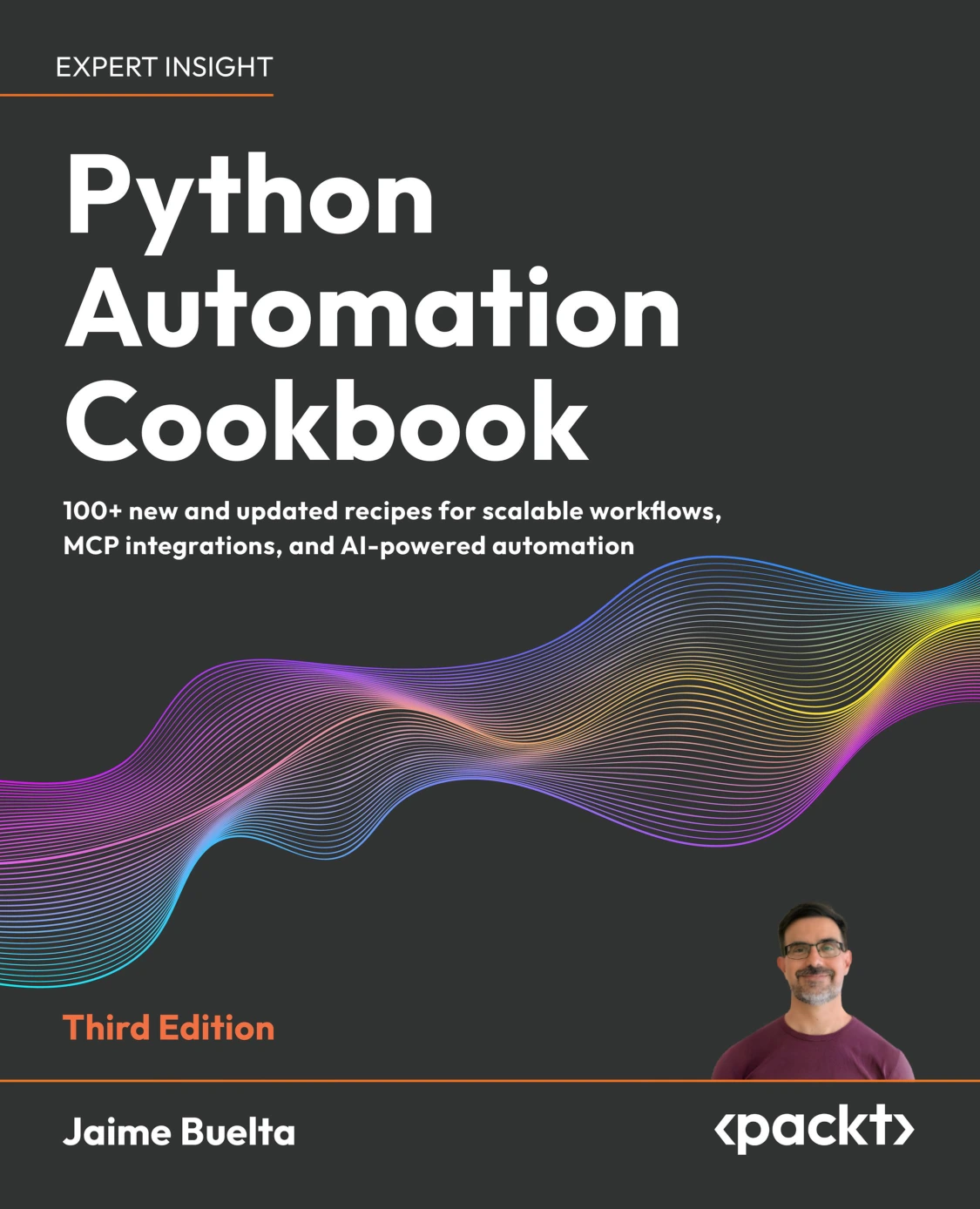
Python Automation Cookbook, Third Edition
By Jaime Buelta
Learners looking for Python recipes related to data processing, reporting, spreadsheets, or web automation.
2. Websites, APIs, and web applications
Python can run the server-side logic behind a website or web service. For example, you might build a small appointment system, a searchable catalog, a personal reading log, or an API that returns information to another application. A web framework supplies conventions and tools for handling requests, routes, and other parts of the application.
A finished web app typically involves more than Python code: you may need a database, configuration for deployment, and a hosting environment. The work also includes checking security and managing updates. For an interactive data-focused app built around a Python workflow, Web Application Development with Streamlit covers Streamlit interfaces, data display, databases, and cloud deployment.
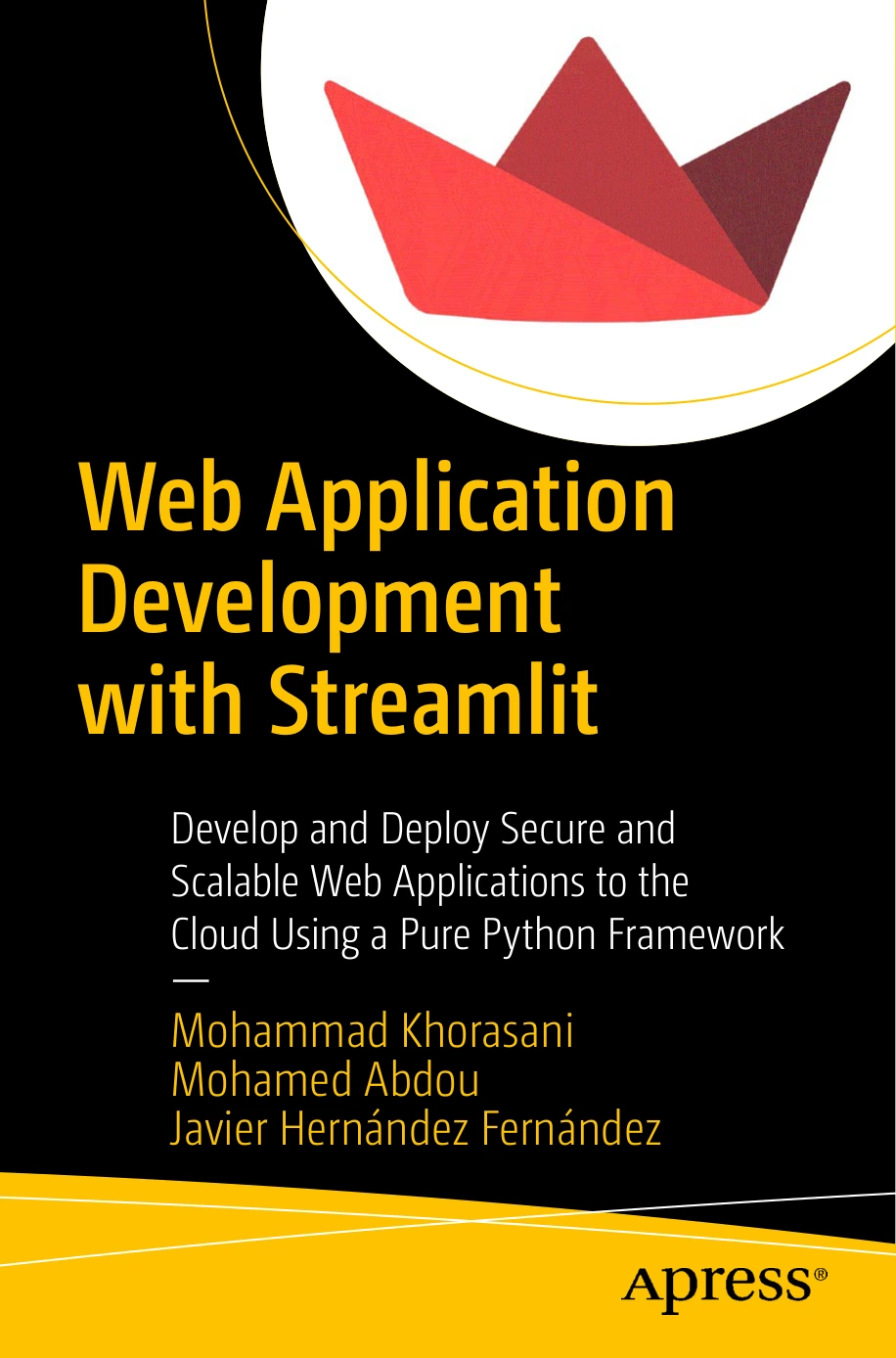
Readers interested in Streamlit apps, data displays, databases, and cloud deployment.
3. Data analysis, charts, and reports
Python can help turn a spreadsheet or collection of records into a useful summary. A first data project might read a CSV file, calculate totals by category, find missing values, and save a chart or short report. This kind of work is useful for personal budgets, survey results, sales records, or other tabular information.
For more involved analysis, learners often add libraries for tables, calculations, and charts. A sensible first goal is not “build an AI system”; it is to load a dataset, ask a clear question, and explain the result. Once the basics are comfortable, Python 3 and Machine Learning Using ChatGPT / GPT-4 covers topics including Pandas, data preparation, machine-learning methods, and model evaluation.
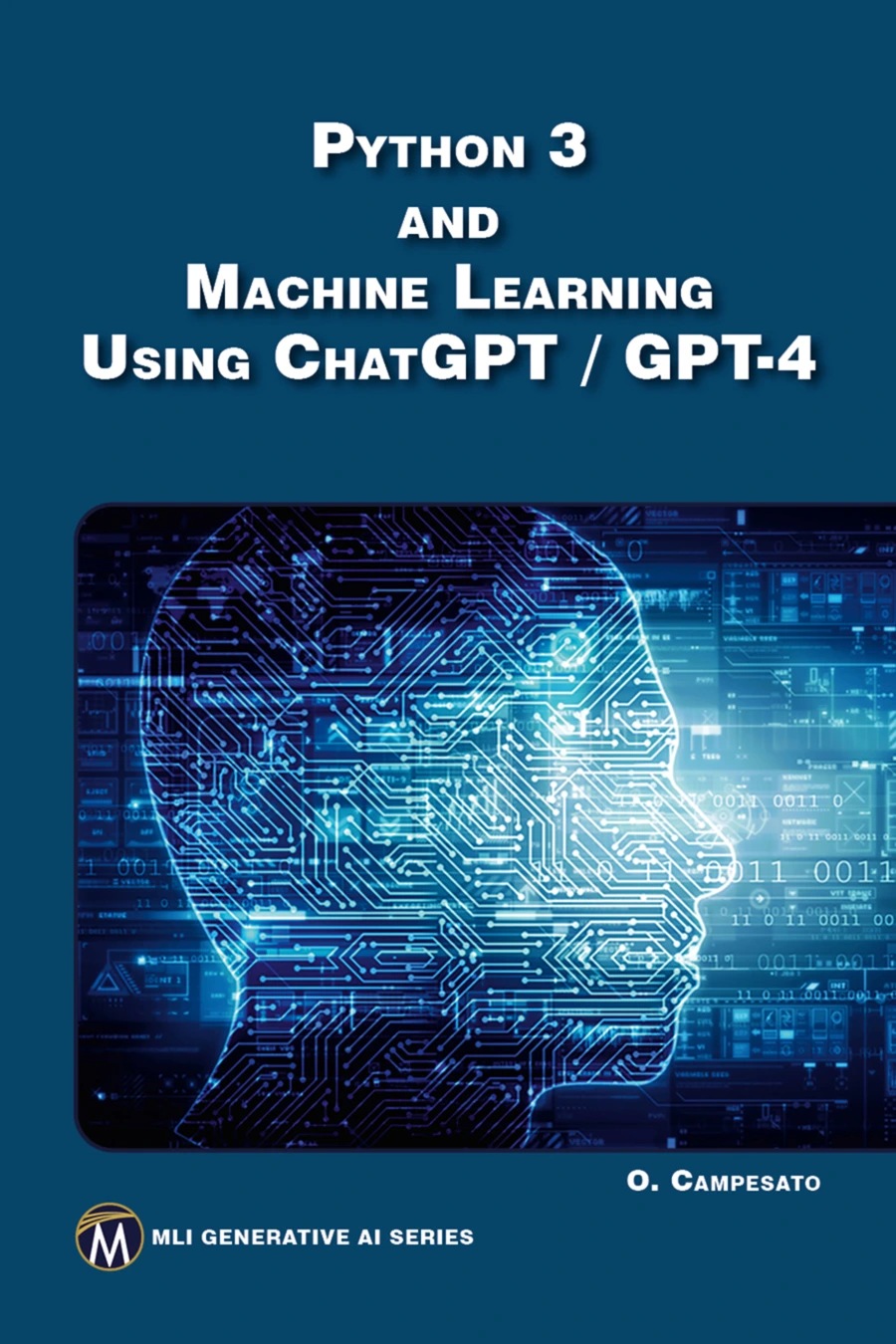
Python 3 and Machine Learning Using ChatGPT / GPT-4
Readers seeking coverage of Pandas, data preparation, machine-learning methods, and evaluation.
4. Machine-learning experiments
Python can be used to build programs that classify examples, make predictions from data, or recommend items. A beginner-friendly experiment could compare a few simple categories in a small prepared dataset. A more advanced project might train and evaluate a model, then put the result behind a simple interface.
Machine learning is a step beyond basic Python: it calls for suitable data, additional libraries, and a way to test whether a model performs as intended. A model that produces an answer is not necessarily a useful or reliable model. If you already know the fundamentals and want project-based study, Python Machine Learning By Example, Third Edition covers practical work with data preparation, model training, evaluation, and tools such as scikit-learn, TensorFlow, and PyTorch.
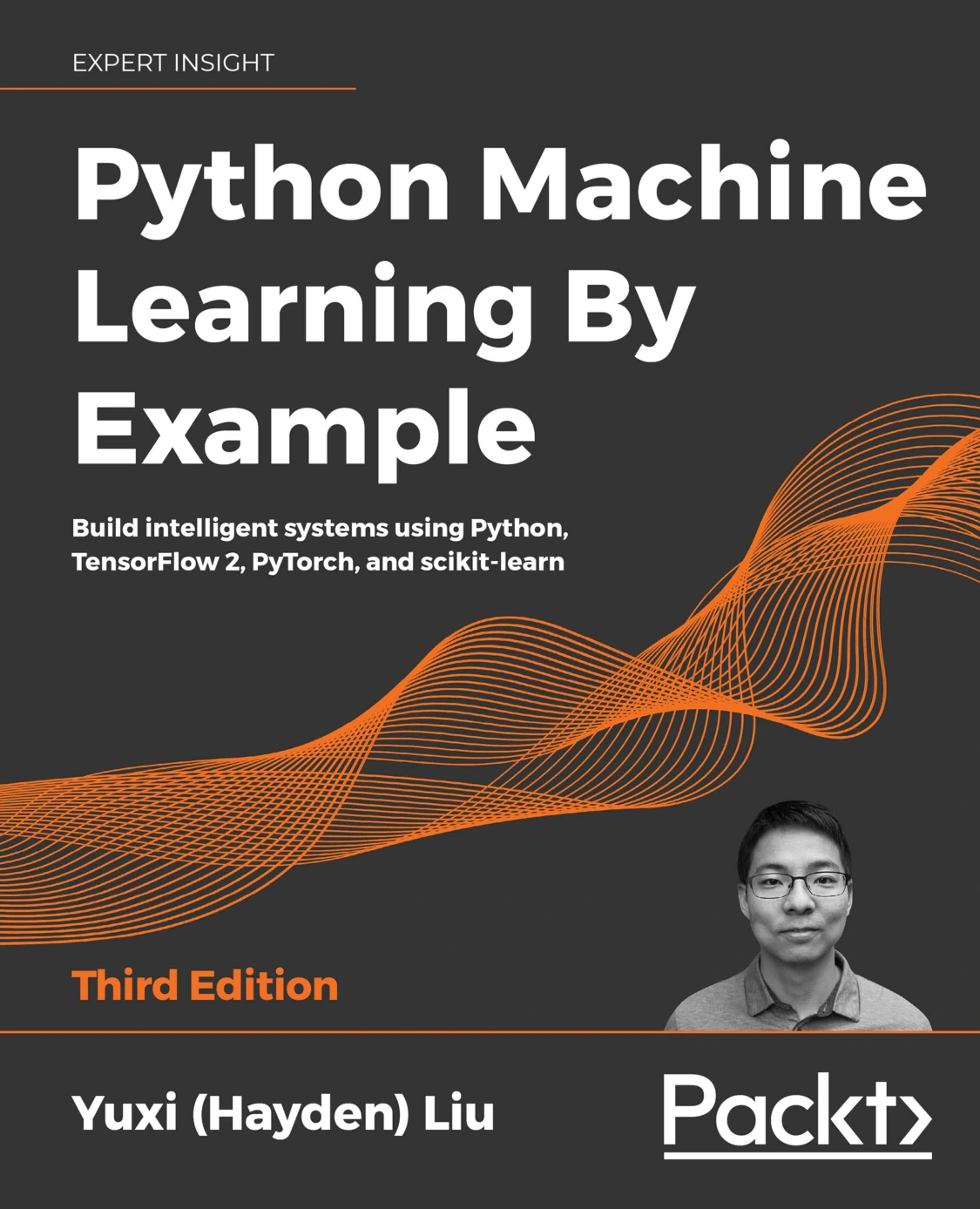
Python Machine Learning By Example, Third Edition
Learners ready to explore data preparation, model training, evaluation, and common ML frameworks.
5. Desktop utilities and graphical interfaces
A Python program does not have to live in a terminal. You can make a small desktop utility with buttons, text fields, menus, or windows—for example, a unit converter, a personal checklist, or a form that organizes notes. Python’s standard library includes Tkinter, though available modules and behavior can depend on the operating system and how Python was built.
Start with a single task and a small interface. A useful first version might accept a value, perform one calculation, and show the result. Packaging and distributing an app to other people adds separate work, so treat that as a later step rather than part of the first exercise.
6. Games and creative projects
Python can make small games and interactive experiments: a number-guessing game, a quiz, a text adventure, or a simple graphical game. These projects are a good way to practise conditions, loops, functions, and handling player input. Some graphical projects use additional libraries or game-focused tools.
There is a difference between making a playable learning project and building a large commercial game. The larger goal brings broader requirements for graphics, performance, deployment, and ongoing development. Compare the tools against those requirements rather than assuming one language is right for every game. For short, testable exercises that include puzzles and games, Tiny Python Projects offers a practice-oriented route through small programs.
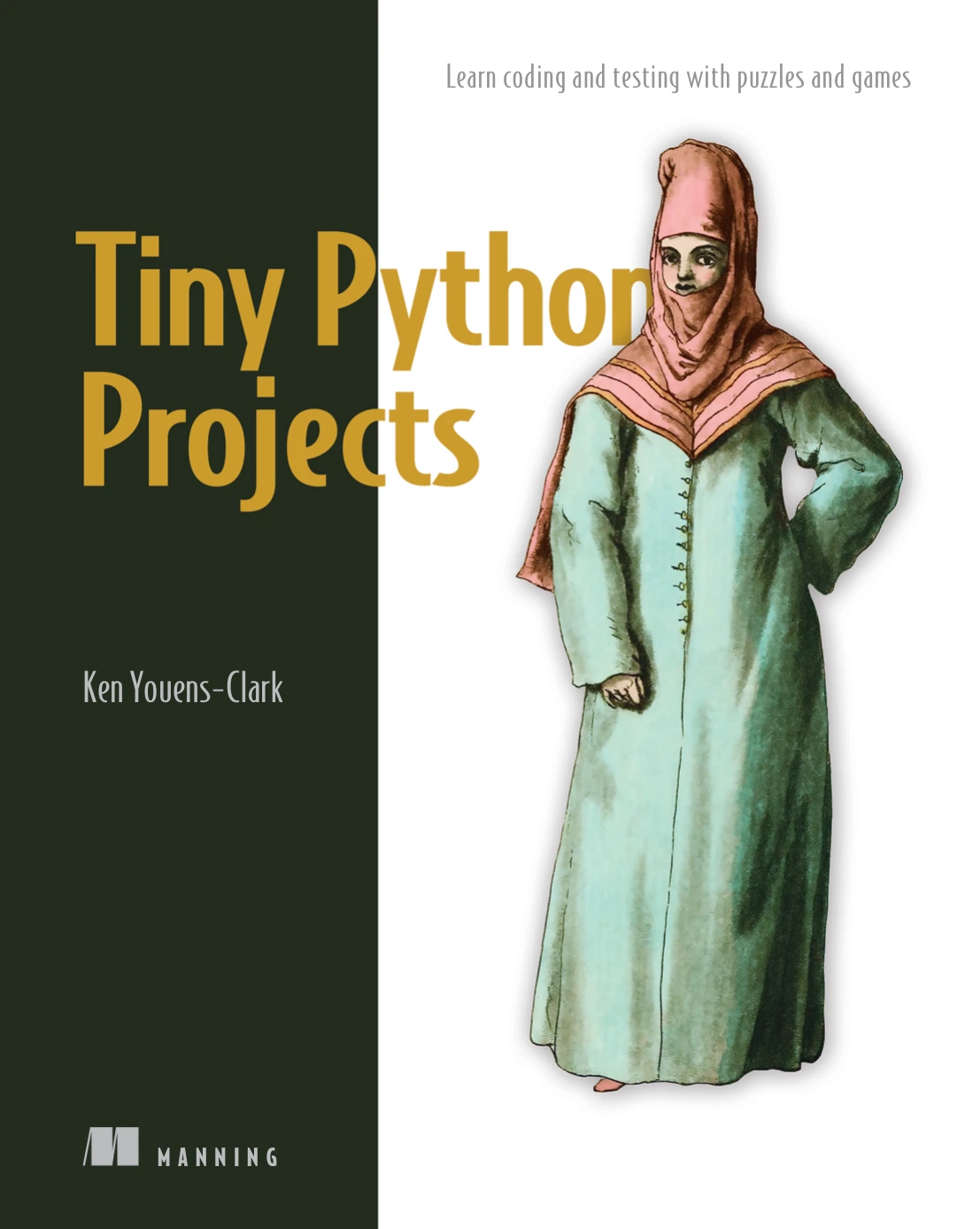
Beginners who want short programming exercises, puzzles, and command-line projects.
7. Raspberry Pi and hardware projects
Python can also interact with a small computer such as a Raspberry Pi. Depending on the board and connected components, a project might read a sensor, control a light, or collect information from a device. Hardware work adds practical considerations that ordinary scripts do not have, including the board, wiring, operating system, and any required libraries.
For a guided introduction that combines Raspberry Pi setup with Python programming and projects, see Raspberry Pi 4 2020 Beginners Programming Guide. Because this guide is from 2020, check that its setup instructions match your board and current software before following hardware-specific steps.
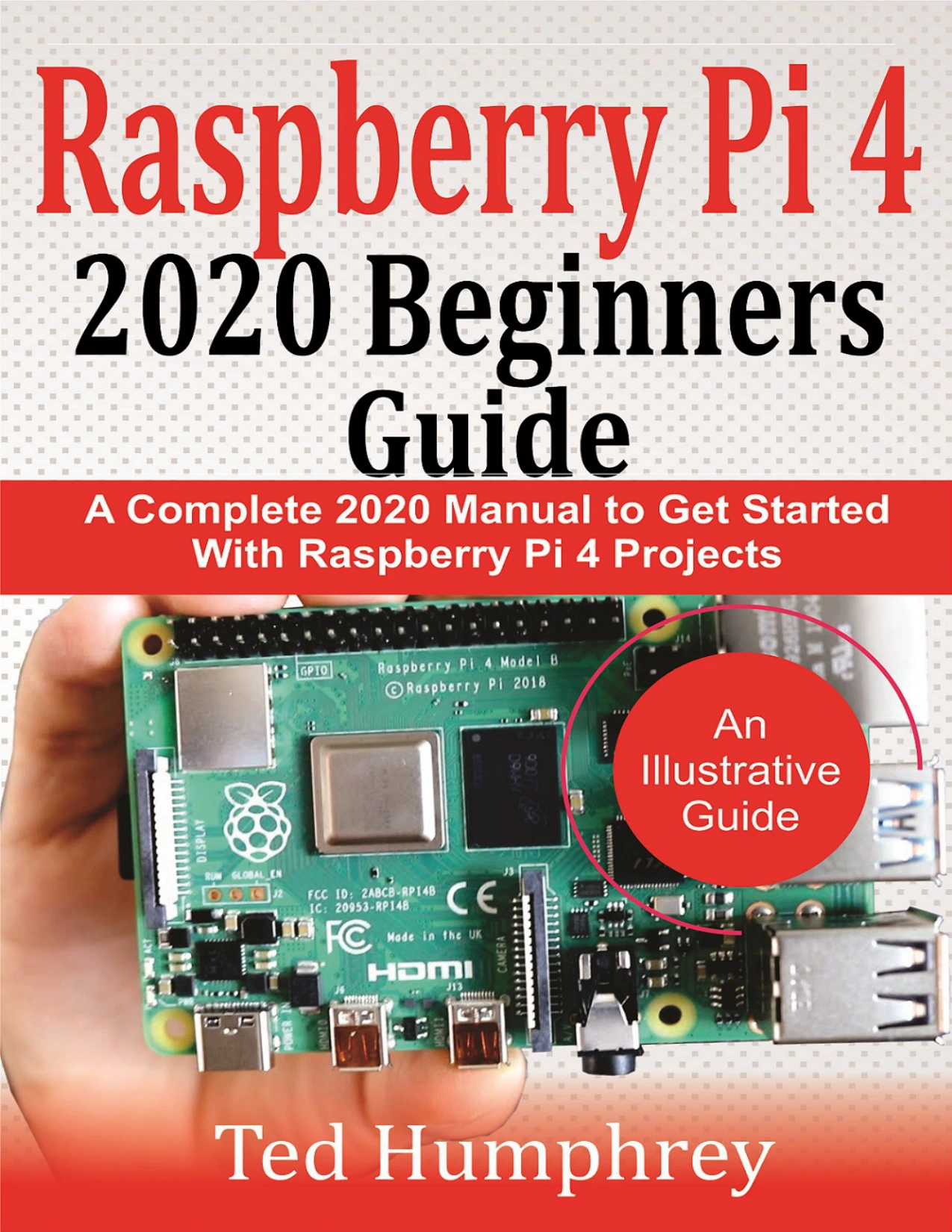
By Ted Humphrey
Readers seeking a guide to Raspberry Pi 4 setup, Python, and practical Pi projects; its 2020 instructions should be checked against current hardware and software.
What does a Python project need?
Think of a project as three layers: the Python language, optional packages or frameworks, and the environment where the finished program runs. A small file-organizing script may need only Python and the standard library. A web service needs a framework and a place to run. A data or machine-learning project may rely on external packages and suitable data.
| Project idea | Likely starting point | What may be added |
|---|---|---|
| File organizer | Python and file-handling tools | Extra checks for unusual file types or safe previewing |
| CSV report | Python and CSV handling | Data-analysis or charting libraries |
| Web app or API | Python basics and a web framework | Database, deployment environment, and security work |
| Desktop utility | Python and a GUI option such as Tkinter | Packaging or platform-specific adjustments |
| Machine-learning experiment | Python fundamentals and a defined dataset | Machine-learning libraries and evaluation methods |
| Raspberry Pi build | Python and a compatible board setup | Components, wiring, and hardware-specific software |
These are starting points, not universal recipes. Python’s standard-library documentation notes that some modules depend on the operating system or build configuration. Check the requirements for your chosen packages and project before committing to a setup.
How to choose your first Python project
Choose a project with an output you can recognize and a small enough scope to finish. A useful progression is:
- Make a tiny command-line program. Ask for input, make a decision, and print a result—for example, a simple quiz or unit converter.
- Work with a file. Read a small CSV or text file, calculate or reorganize something, and save a result. Keep an untouched copy of the original data.
- Improve the program. Split repeated work into functions, handle invalid input, and test a few normal and edge cases.
- Choose a direction. Move toward websites, data analysis, desktop interfaces, hardware, or machine learning based on what you enjoyed.
Do not start by trying to build a full social network, online store, or sophisticated AI assistant. Break the idea into one useful feature. For example, a reading-list app could begin as a local file that stores titles, then gain search, and only later become a web application.
If you are still getting comfortable with variables, loops, functions, files, and errors, Python Coding for Beginners (19th Edition) covers these fundamentals alongside graphics and a focused introduction to gaming. The small-project approach in Tiny Python Projects can be a useful next step when you want to practise by building.
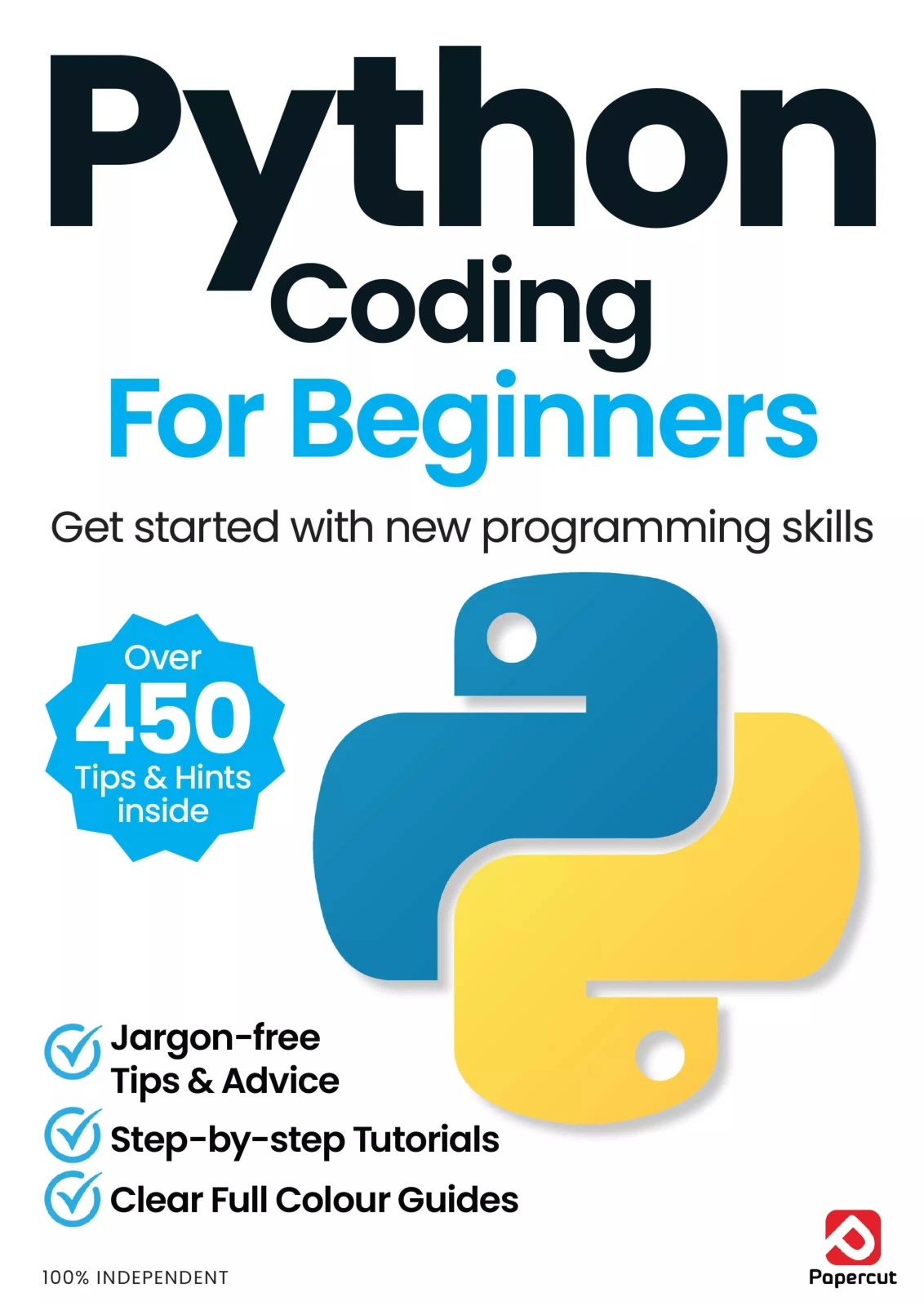
Python Coding for Beginners (19th Edition)
By Papercut
New learners seeking coverage of Python fundamentals, files, errors, graphics, and gaming.
When might Python not be the best fit?
Python’s range does not settle the tool choice for every project. If your requirements depend on very high performance, a particular mobile platform, or a complex commercial game, compare suitable tools and frameworks against the actual constraints. The supplied references establish Python’s broad application areas, but do not provide comparative benchmarks or enough evidence to declare a universal winner for those cases.
There can also be limits in a particular runtime environment. For example, Python’s documentation notes that WebAssembly environments restrict or change access to capabilities such as processes, networking, and files. The practical question is not just “Can Python do this?” but “Can this project run reliably in the environment I need, with the tools I can support?”
Frequently asked questions
Is Python only for automation?
No. Automation is one useful application, but Python is also used for web development, scientific and numeric computing, desktop interfaces, and business applications. The official Python applications page lists these areas and examples.
Can a beginner build an app with Python?
Yes. A beginner can start with a small command-line or desktop program and build up gradually. A web or data app is also possible, but usually introduces additional tools and setup. Keep the first version narrow so you can complete and test it.
Do you need another language to use Python?
Not for every project. A basic script can be written in Python alone. Web interfaces, mobile experiences, or specialized integrations may involve other technologies, depending on the framework and where the program needs to run. Check the requirements of the particular project rather than assuming a second language is always required.
Can Python make games?
Yes. Small games such as quizzes, text adventures, and simple graphical games are reasonable learning projects. Larger games may have requirements that lead you to compare Python with game-focused tools and other technologies.
Choose a project, then learn the tools it needs
Python is useful because it can support many kinds of projects, from small scripts to applications that use data, networks, interfaces, or hardware. You do not need to learn every field before you begin. Pick a small outcome, make a working first version, and add libraries or frameworks only when the project calls for them.
To explore related learning resources, browse the Python collection at Digital Delights and choose material that matches the kind of project you want to make.
Sources
- Applications for Python | Python.org — examples of Python application areas.
- The Python standard library documentation — built-in modules and platform considerations.
- About Python | Python.org — overview of Python and its ecosystem.
- Introduction | Python documentation — notes on differences in WebAssembly environments.