Best Python Courses for Beginners: How to Choose the Right One
The best Python course for a beginner depends on what “beginner” means to you. If you have never programmed, look for lessons that explain basic ideas as well as Python syntax. If you already know another language, you may prefer a faster course with practical projects. Format matters too: some learners follow video instruction more easily, while others prefer reading, exercises, and time to experiment.
Based on the course descriptions available for this guide, Talk Python: Python for Absolute Beginners is a possible fit for learners starting from zero, while Learn to Code with Python 3 offers a longer video-based route. These are matches to stated features, not independently tested rankings. Use the comparison and selection advice below to check which option fits your needs—and whether its materials are current.
Best beginner Python courses at a glance
The options below are video courses identified in the supplied research. Course pages describe their advertised format and subject matter; they do not provide an independent comparison of teaching effectiveness. Check the provider’s page for current availability, access terms, syllabus details, and any updates before enrolling.
| Option | Format | Stated starting point | Approach described | Potential fit |
|---|---|---|---|---|
| Talk Python: Python for Absolute Beginners | Video course | No previous programming or Python knowledge required, according to its listing | Introduces programming concepts alongside Python, with exercises and small games | Someone new to programming who wants guided video lessons and hands-on activities |
| Learn to Code with Python 3 | Video course | Its listing says no previous programming experience is required | Advertised as a 17-hour beginner course covering setup, fundamentals, object-oriented programming, HTTP, and networking | A learner seeking a longer, broad video path; check version and lesson freshness first |
| The Python Tutorial | Online documentation | Useful as a reference or supplement; the tutorial says it is not comprehensive | Introduces Python and the interpreter | A learner who wants an official reference alongside a course, rather than an assumed standalone course for a complete novice |
“Best fit” here means the option’s stated format and scope appear aligned with a particular learner’s needs. It does not mean the courses have been tested against one another or shown to produce better outcomes.
Course picks by learner type
For people completely new to programming
Talk Python: Python for Absolute Beginners is described by its listing as requiring no prior programming or Python experience. It includes hands-on exercises and small games, and is presented as a way to learn programming ideas while beginning Python. That makes it a reasonable candidate if you want an instructor-led video path instead of learning syntax in isolation. Review the current syllabus and sample material to see whether its pace and explanation style work for you.
View the course listing for Talk Python: Python for Absolute Beginners.
For a longer video-based path
Learn to Code with Python 3 is listed as a 17-hour beginner-oriented course. Its advertised topics extend from setup and Python fundamentals to object-oriented programming, HTTP, and networking. That broader scope may suit learners who want a substantial video sequence rather than a short introduction. The listing says no previous programming experience is required, but the supplied information does not identify a specific Python 3 release. Check the course page and its downloadable examples for version guidance before committing.
Review the Learn to Code with Python 3 course description.
For project-led learning alongside a course
If you learn best by making things, consider whether the course gives you work to complete—not only demonstrations to watch. One book-based option is Python Practice Lab: Learn How to Code through Interactive Examples. Its catalog description outlines interactive Python projects, including chatbot-style programs, recommendation systems, and image tools. It is a book/workbook resource, not a video course, so it may work as a project-oriented supplement rather than a substitute for instruction.
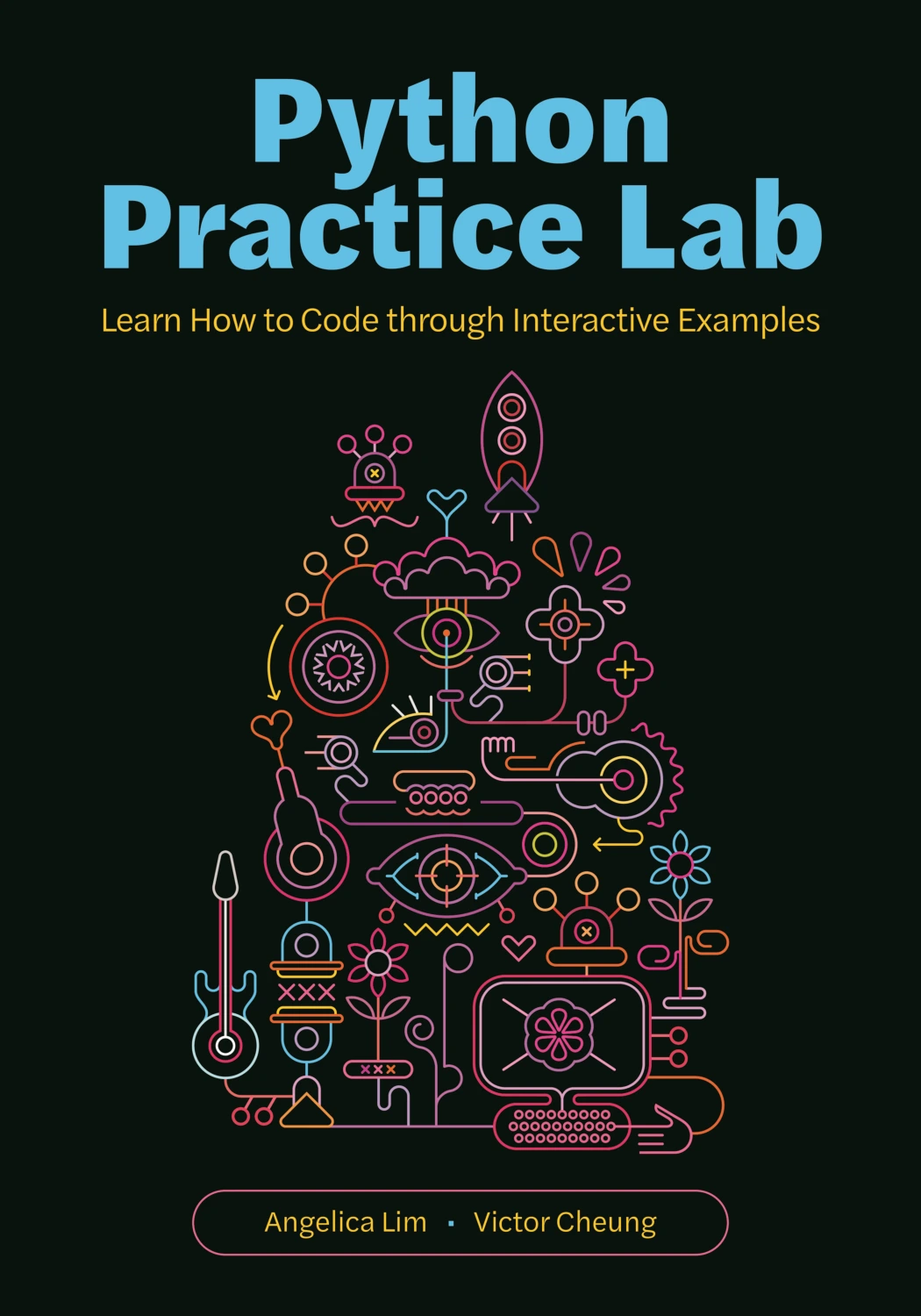
Python Practice Lab: Learn How to Code through Interactive Examples
By Angelica Lim
Learners who want to study interactive examples involving chatbots, recommendation systems, and image tools.
For a broader fundamentals-to-projects reading path, Python Crash Course: A Comprehensive and Fast-Paced Introduction to Python Programming for Beginners and Experienced Developers Alike is described as covering core Python topics and applying them through projects. Again, treat it as a book-based learning resource, not as a course listing.
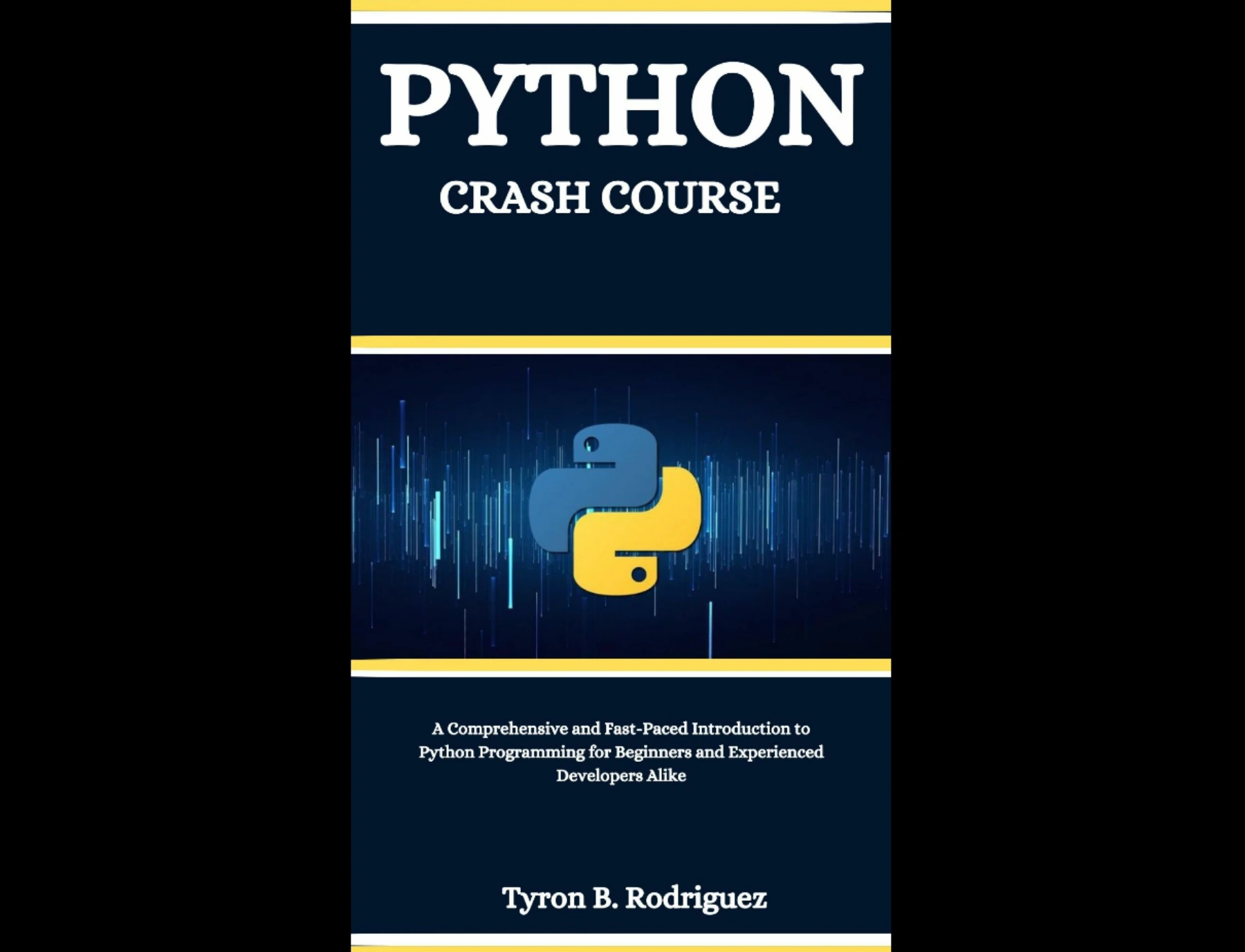
Readers seeking Python fundamentals with projects applying the concepts.
How to choose a Python course
1. Match the prerequisite to your actual experience
“Beginner” can mean new to Python, new to coding, or simply new to a particular topic. If you have never written code, choose a course that says it welcomes learners with no programming background and explains concepts such as variables, conditions, and loops. If you have coded before, you may be comfortable moving faster, but still check how much Python-specific explanation is included.
2. Pick a format you will actively use
Video lessons can make it easy to follow a demonstration and hear an instructor explain a concept. Written instruction can be easier to revisit, search, and work through at your own pace. Neither format removes the need to practise. A strong personal fit is the format that helps you write and revise code regularly—not just consume lessons.
- Choose video if you benefit from a guided sequence, narrated demonstrations, and scheduled lesson units.
- Choose reading and exercises if you like to pause, review explanations, and work through problems at your own pace.
- Combine formats if you want a course for structure and a book or reference for extra practice.
3. Check what the syllabus actually teaches
Before enrolling, look for a sensible progression: setup, basic values and variables, decisions, loops, functions, common data structures, and small programs that bring those ideas together. Topics such as web development, data analysis, and machine learning can be useful later, but a course that advertises many specializations may not spend much time teaching the fundamentals. Decide whether you want a general introduction or a course aimed at a specific result.
4. Look for practice, not just demonstrations
Watching someone type a solution can make a concept feel familiar before you can use it independently. Check whether the course asks you to write code, solve exercises, modify examples, or complete projects. Try each example yourself before watching the solution. When your code fails, read the error, isolate the problem, and make a change; debugging is part of learning, not a sign that you are unsuited to programming.
5. Verify Python-version and setup guidance
Course titles and descriptions may not tell you whether every lesson, package, or download has been updated for the Python version you plan to use. Check the course’s stated version, installation instructions, and any notes about changed tools or dependencies. Python’s official tutorial introduces the language and interpreter, but explicitly describes itself as not comprehensive; it can be useful alongside a course, while a complete novice may need more guided explanation. Read the official Python tutorial’s scope and introduction.
The supplied research also identifies Python 3.14.8, released September 30, 2026, as the latest feature-series maintenance release it found as of October 9, 2026. That dated detail is not a guarantee that a particular course works with that release. Check the Python 3.14.8 release page and the course provider’s own compatibility guidance.
A practical learning plan after enrolling
A course is most useful when you turn each lesson into something you can do without following along. Use a repeatable cycle rather than trying to finish the videos as quickly as possible:
- Set up and run a small program. Follow the course’s installation instructions, then confirm you can run and edit a basic script.
- Learn one fundamental at a time. Practise variables, conditions, loops, functions, and collections in short examples. Write a version from memory after following the lesson.
- Change the examples. Alter inputs and expected results so you can see what the code is doing. Explain the purpose of each line in your own words.
- Debug deliberately. When an error appears, read its message, identify the relevant part of the code, and test one possible fix at a time.
- Build a small project. Combine several concepts in a simple tool, text-based game, or personal tracker. Keep the scope small enough to finish and improve.
- Use supplements selectively. If you need more guided practice, a resource such as Python Code Examples – 2: Solved Exercises to Practice | Python Code Examples – 2 focuses on solved loop exercises. It is a practice book, not a video course; use its examples to study the reasoning, then attempt variations without looking at the solutions.
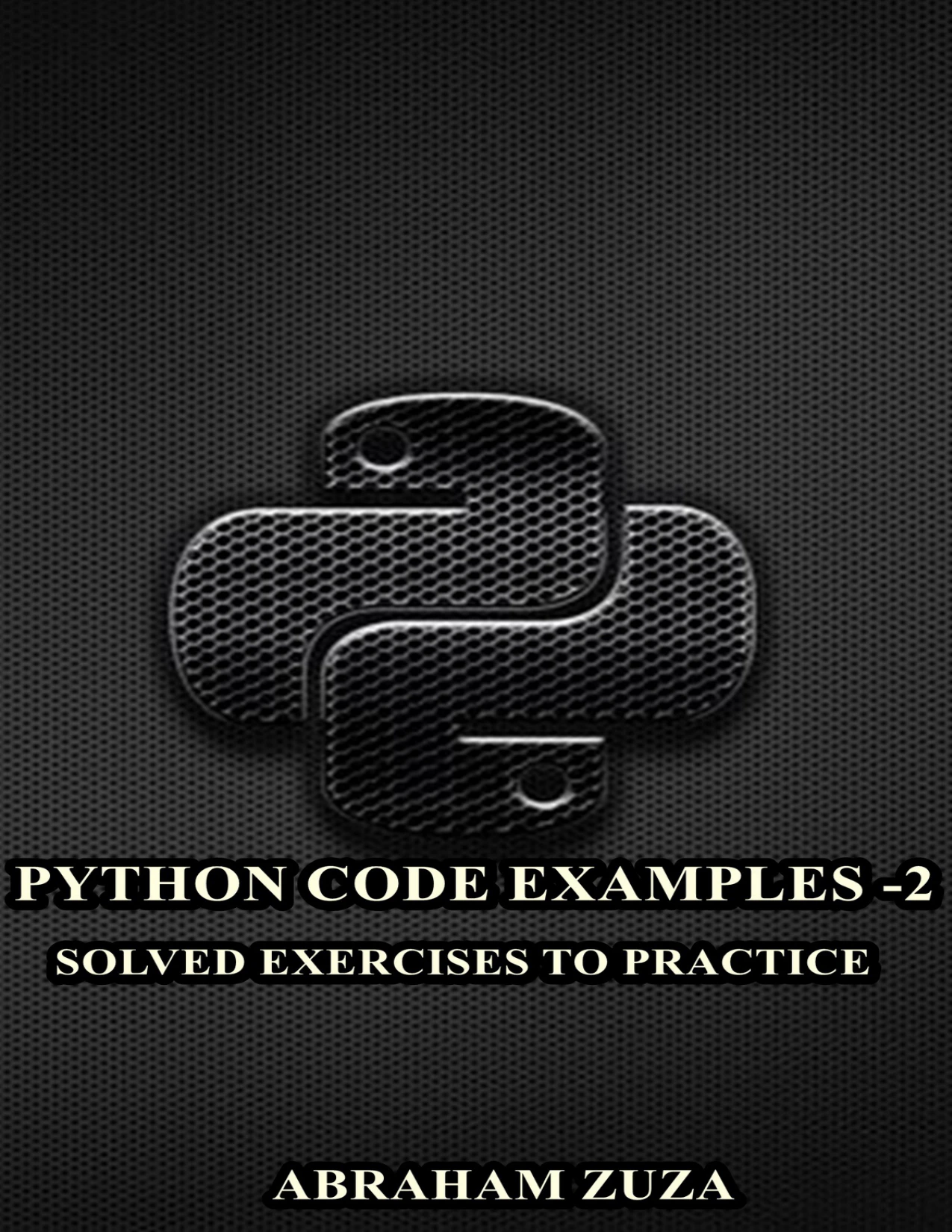
Python Code Examples – 2: Solved Exercises to Practice | Python Code Examples – 2
By Abraham Zuza
Learners who have met Python basics and want to examine and adapt solved loop exercises.
Digital Delights’ Python collection includes additional book-based resources. Compare their stated topics with the skills you are practising, and choose a supplement only when it fills a real gap.
Common beginner pitfalls
- Choosing by the word “beginner” alone. Confirm whether the course assumes prior coding knowledge, not merely prior Python knowledge.
- Watching without writing code. Pause lessons and reproduce examples yourself; then change them to test your understanding.
- Starting with a specialty too early. Data science, machine learning, and web frameworks make more sense after you can work comfortably with basic Python.
- Ignoring setup and version details. Check the course’s Python version, software requirements, and the current status of its exercises or downloads.
- Trying to learn from too many resources at once. Choose one main path and use additional books or documentation to answer specific questions or add practice.
- Expecting progress to come only from finishing lessons. Measure progress by what you can write, explain, and debug without copying a demonstration.
Frequently asked questions
Can I learn Python with no programming experience?
Yes. Look for a course that explicitly welcomes people new to programming and begins with basic concepts rather than assuming you already know how code works. The supplied listing for Talk Python: Python for Absolute Beginners states that no previous programming or Python knowledge is required. You will still need to practise by writing code yourself.
Is a video course better than a book?
There is no universally better format. Video offers guided demonstrations; a book can be convenient for pausing, revisiting a topic, and working through material at your own speed. Either can teach useful concepts, but neither guarantees understanding without active practice. You can pair a course with a book or exercise resource if that combination suits how you learn.
Do I need to know math before learning Python?
You can begin basic Python without advanced mathematics. Early programming lessons focus on ideas such as storing values, making decisions, repeating actions, and organizing code. More specialized uses may involve additional mathematics, but you can start with fundamentals and learn relevant math when your goals call for it.
How can I tell whether a course is up to date?
Check the stated Python version, the date or update notes on the provider’s page, and whether installation directions and downloadable exercises still work with the environment you intend to use. A course that says “Python 3” may not specify compatibility with a particular release. When that detail matters, ask the provider or review its current support information.
What should I build after learning the basics?
Choose a small project that uses concepts you have already studied: for example, a quiz, a text-based guessing game, a simple expense tracker, or a script that organizes files. Start with a clear, limited goal. Once it works, add one improvement, such as input validation or saving information to a file.
Conclusion
The best Python courses for beginners are the ones whose prerequisites, format, practice work, and scope match your starting point. If you are new to all programming, consider a course that says it begins from zero; if you want a longer video sequence, inspect the syllabus and Python-version guidance before enrolling. Then spend at least as much attention writing, testing, and debugging code as watching lessons. A book or exercise resource can provide extra practice, but should be labelled and chosen as a supplement when that is what it offers.
Sources and further reading
- Talk Python: Python for Absolute Beginners — course listing for its stated prerequisites and advertised approach.
- Learn to Code with Python 3 — course listing for advertised duration and topics.
- The Python Tutorial — official documentation, including its note about the tutorial’s scope.
- Python Release Python 3.14.8 — release information referenced for the dated version note.
Course information above reflects provider descriptions and the supplied research. No independent course comparison, learner-outcome study, pricing check, or confirmation of current availability was supplied.