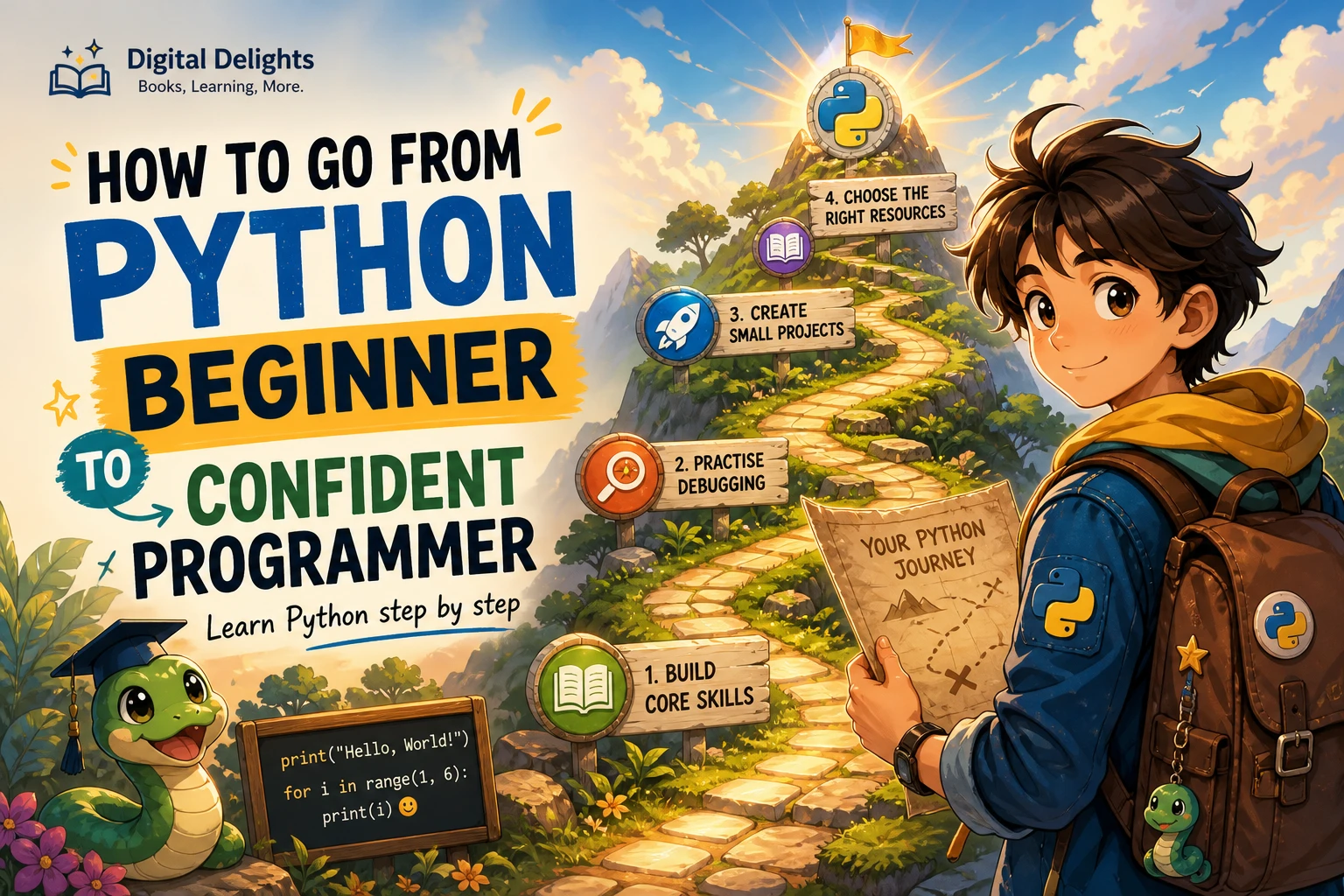
How to Go from Python Beginner to Confident Programmer
Confidence in Python does not mean remembering every function or writing code without mistakes. It means being able to turn a problem into manageable steps, write and run a solution, make sense of errors, test a change, and look up unfamiliar details when needed.
A reliable way to get there is to learn the fundamentals in a sensible order, practise by writing code yourself, and gradually apply what you know in small projects. This roadmap explains how to learn Python from the beginning, build practical habits, and choose resources that fit your current level.
A practical roadmap for learning Python
Start with the basic building blocks, then combine them to solve increasingly complete problems. The sequence below is a useful editorial roadmap, not the only possible curriculum.
- Expressions, variables, and data types: Learn how Python evaluates expressions and represents numbers, text, and Boolean values. Practise assigning values, converting between types, and displaying results.
- Conditions and loops: Use
ifstatements to make decisions and loops to repeat work. Pay attention to how conditions are evaluated and when a loop should stop. - Functions and collections: Put reusable steps into functions. Learn to store and work with groups of information using lists and dictionaries, and choose a structure that suits the task.
- Files and exceptions: Read from and write to files, and learn how to handle situations such as missing or incorrectly formatted input.
- Testing and small projects: Check that your code behaves as expected, including for unusual inputs, then use several concepts together in a small project.
The official Python tutorial covers many core language topics, but it says it is intended for people who already have some general programming understanding. If you are new to programming altogether, treat it as a reference to return to rather than assuming it must be your first complete course. Read the Python tutorial’s introduction.
Set up a simple Python learning environment
You do not need a complicated toolchain to begin. You need a working Python interpreter and a way to edit and run code. Python.org provides installation guidance and points learners toward editor and IDE options. Start with Python.org’s getting-started resources.
Choose a stable Python release unless a class, project, or required package calls for another version. Check that your learning material and any packages you plan to use support the version you install. The research checked for this article reports Python 3.14.8 as the latest final release on October 9, 2026, and Python 3.15 as a pre-release; check the current Python downloads page for the latest status before installing.
Once setup is complete, make a folder for practice programs. Give files useful names, run them often, and keep early experiments small. The aim is to reduce setup friction so most of your learning time goes into understanding code.
Practise actively, not just by reading
Reading can introduce an idea, but writing and changing code helps reveal whether you can use it. For each new concept, try a simple cycle:
- Read or watch one explanation.
- Type the example yourself rather than copying it blindly.
- Run it and describe what each important line does.
- Change one detail, such as an input, condition, or value.
- Predict what will happen, run the program, and compare the result with your prediction.
When an exercise is difficult, spend time attempting it before looking at a solution. Break the task into smaller questions: What information does the program need? What should it produce? Which steps can be handled separately? If you do consult an answer, close it and recreate the solution in your own words.
Keep a short record of problems you encounter and how you resolved them. Notes such as “I used a string where a number was needed” or “my loop did not update its stopping condition” are more useful than copying a long block of code without context.
Learn to debug by investigating one thing at a time
An error message is information about what Python could not do, not a verdict on your ability. Read the final line first to identify the reported error type and message, then inspect the referenced line and the nearby code. Check spelling, punctuation, indentation, data types, and the values being passed into the relevant function.
For a problem that does not produce an error but gives the wrong result, make the program’s behaviour easier to observe. Print a key variable, test a smaller input, or temporarily simplify the calculation. Change one thing at a time so you can tell which edit affected the result.
After a fix, run the program again with the original input and at least one other relevant case. This helps confirm that the change addressed the cause rather than hiding one symptom.
Move from guided exercises to independent projects
You do not need to master every Python feature before starting a project. Begin when you can use a few basic concepts and are willing to look up what you do not yet know. Choose something small enough to finish, then add complexity only after the first version works.
Possible first projects include:
- A simple tracker: Store a short list of tasks, expenses, or reading sessions and let the user add or view entries.
- A text-based quiz: Ask questions, compare responses with expected answers, and keep a score.
- A file-processing script: Read lines from a text file, count or filter entries, and save a summary.
Before coding, write down what the program should do in plain language. Divide that description into smaller tasks, such as collecting input, processing it, and displaying a result. Build one task at a time. A minimal working version is a better starting point than a long wish list of features.
When the basic version works, improve it: handle empty input, make the output clearer, save information between runs, or separate repeated work into functions. Each addition gives you a specific problem to solve and a chance to practise.
Build habits that make your progress stick
Test ordinary and unusual cases
Do not check only the example that made your program work. Try an empty value, a different valid value, or an input that should be rejected. Ask what should happen at the boundaries of the task. For a quiz, for example, test both a correct and an incorrect response; for a file script, consider what should happen if the file contains no entries.
Read documentation and other code with a question in mind
Documentation is useful when you need to answer a specific question: what arguments does this function accept, what does it return, or what happens in an edge case? Start with the relevant section and try a small example. Reading other people’s code can also help you notice naming, structure, and problem-solving choices, but focus on understanding one small piece at a time.
Revisit and improve earlier work
After learning functions or collections, return to a project you made earlier. Can you remove repeated code, give variables clearer names, or separate a task into smaller functions? Revising familiar code is a practical way to see how new concepts improve a program.
Common beginner pitfalls to avoid
- Jumping between tutorials: Following several explanations at once can leave you with disconnected fragments. Choose one main learning path and use other sources to clarify particular questions.
- Copying without explaining: If you cannot describe what a line does, pause and experiment with a smaller example before building on it.
- Starting with an oversized project: A large app can involve many unfamiliar problems at once. Reduce it to a small first version and add features step by step.
- Trying to memorize everything: Focus on understanding common ideas and learning how to find reliable information when you need a detail.
- Treating confusion as failure: Debugging and revising are normal parts of programming. Use each error to form a testable question about what the code is doing.
Choose Python learning resources that fit your stage
A good resource should match what you need now. If you are new to programming, look for a clear progression through basic concepts and examples. If you already understand the fundamentals, targeted exercises can help you practise and notice gaps in your understanding. These formats complement each other; the available sources do not establish that one format works best for everyone.
| Your current need | Resource to consider | Why it may fit |
|---|---|---|
| A structured introduction to core concepts | Starting Out with Python, 6th Edition | The catalog describes a progressive introduction covering fundamentals, functions, data structures, files, exceptions, and object-oriented design. |
| Extra practice after learning the basics | Python Workout: 50 Essential Exercises (MEAP Version 3) | The catalog describes an exercise-focused resource organized around 50 exercises in areas including strings, collections, files, and functions. Its MEAP version label is part of the listed title. |
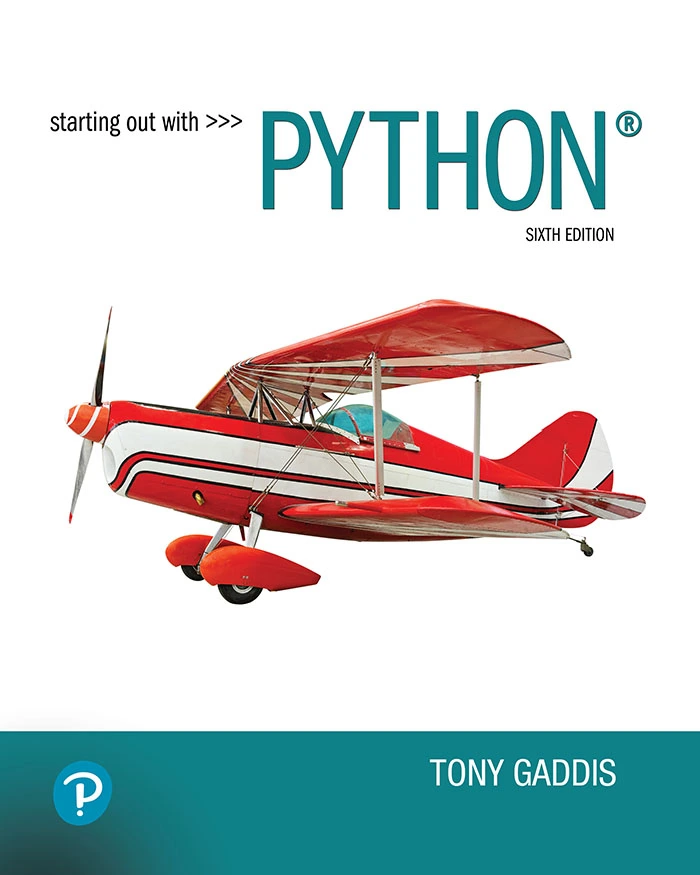
Starting Out with Python, 6th Edition
By Tony Gaddis
Beginners who want a progressive introduction to programming fundamentals, functions, data structures, files, exceptions, and object-oriented design.
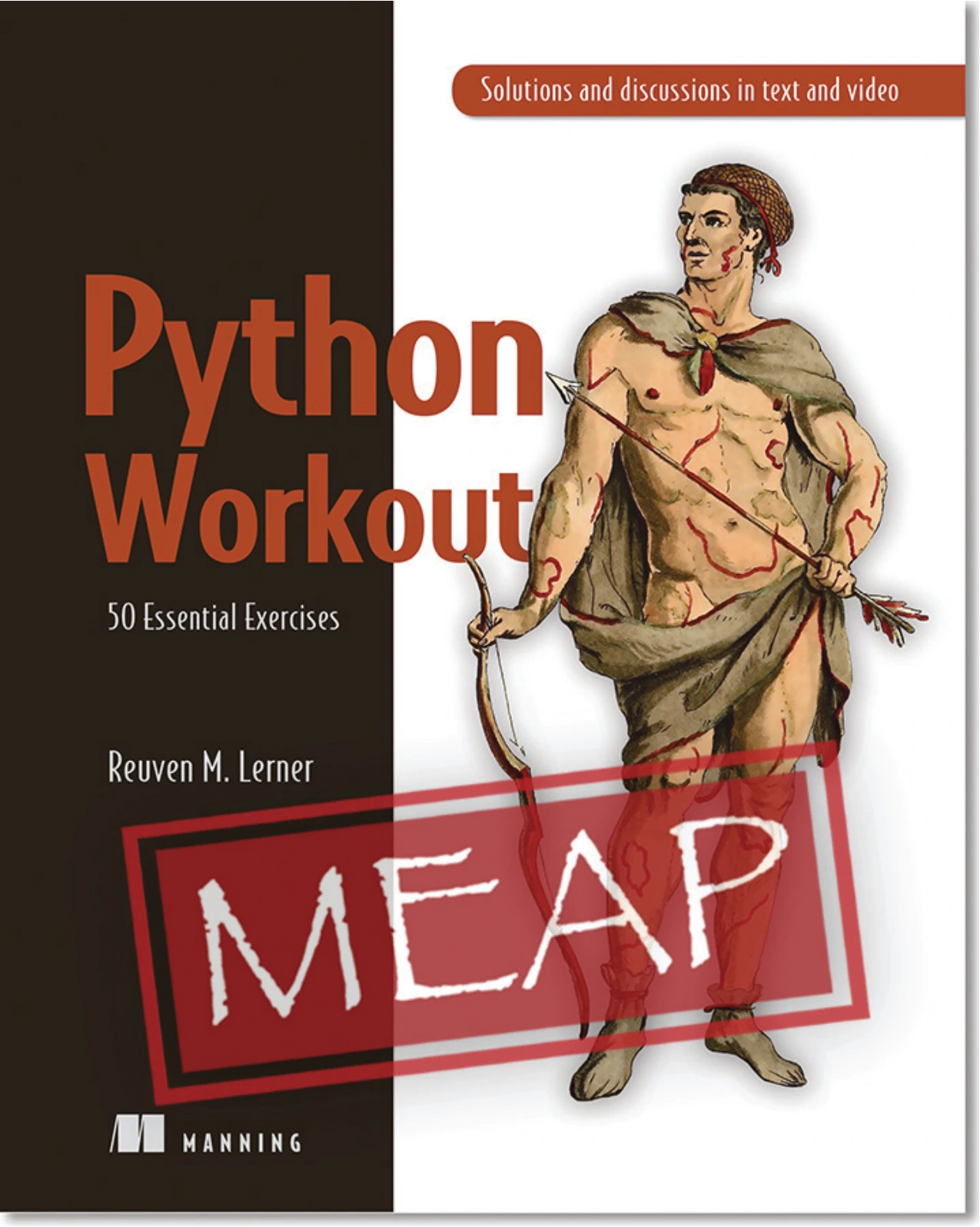
Python Workout: 50 Essential Exercises (MEAP Version 3)
Learners who have started the fundamentals and want focused practice with topics such as strings, collections, files, and functions.
The first resource is suited to learners who want a guided route through foundational topics. The second is aimed at practising concepts you have already begun learning; an exercise book is not a substitute for an introductory course if you are starting from zero. Publisher and catalog descriptions explain coverage, but they do not prove that a particular book will produce a specific learning outcome.
For further browsing, Digital Delights has a Python book category. Choose a resource by its contents and your learning stage, not by assuming that the longest book or the most advanced-sounding title is automatically the best fit.
Frequently asked questions about learning Python
Can I learn Python with no programming experience?
Yes. Python.org separates resources for people who are new to programming from material for people who already program. Start with a beginner-oriented explanation of programming concepts, then work through Python fundamentals with small examples and exercises. The official Python tutorial is useful, but its introduction says it expects some general programming understanding.
When should I start building Python projects?
Start with a small project once you can use a few basic ideas, such as variables, conditions, loops, and simple functions. You do not need to know the whole language first. Keep the first version limited, and use the project to identify what to learn next.
How do I get better at debugging Python?
Read the error message carefully, inspect the line it identifies and the nearby code, and test a small example. For incorrect results, observe key values and change one thing at a time. Then rerun the program with more than one relevant input to check the fix.
How long does it take to feel confident with Python?
There is no dependable timeline that applies to every learner. The research reviewed for this article does not establish a standard measure of programming confidence or a guaranteed number of hours. Progress depends on your starting point, practice opportunities, and the kinds of problems you want to solve. Track what you can now do independently rather than comparing your pace with an arbitrary deadline.
A repeatable path from beginner to confident programmer
Learn one concept, practise it in code, apply it to a small problem, and review what happened. Repeat that cycle while gradually adding functions, data structures, files, error handling, and testing. Confidence grows from being able to work through unfamiliar problems—not from never needing help or never making mistakes.
Python.org’s beginner resources and the official Python tutorial can support your learning, while a well-matched book or exercise resource can give you a more structured way to practise. Keep projects modest, make your reasoning visible, and return to earlier code as your skills develop.