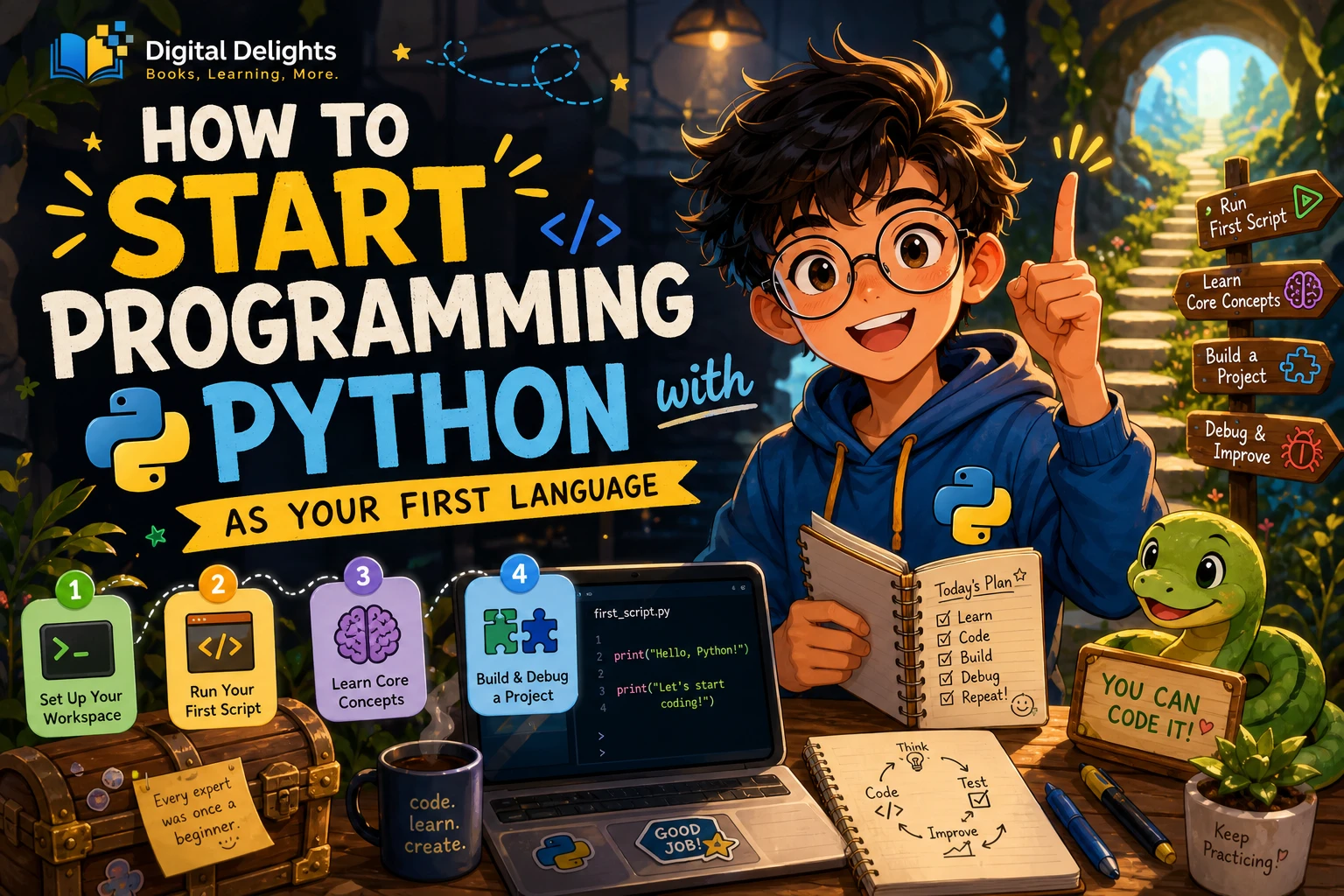
How to Start Programming with Python as Your First Language
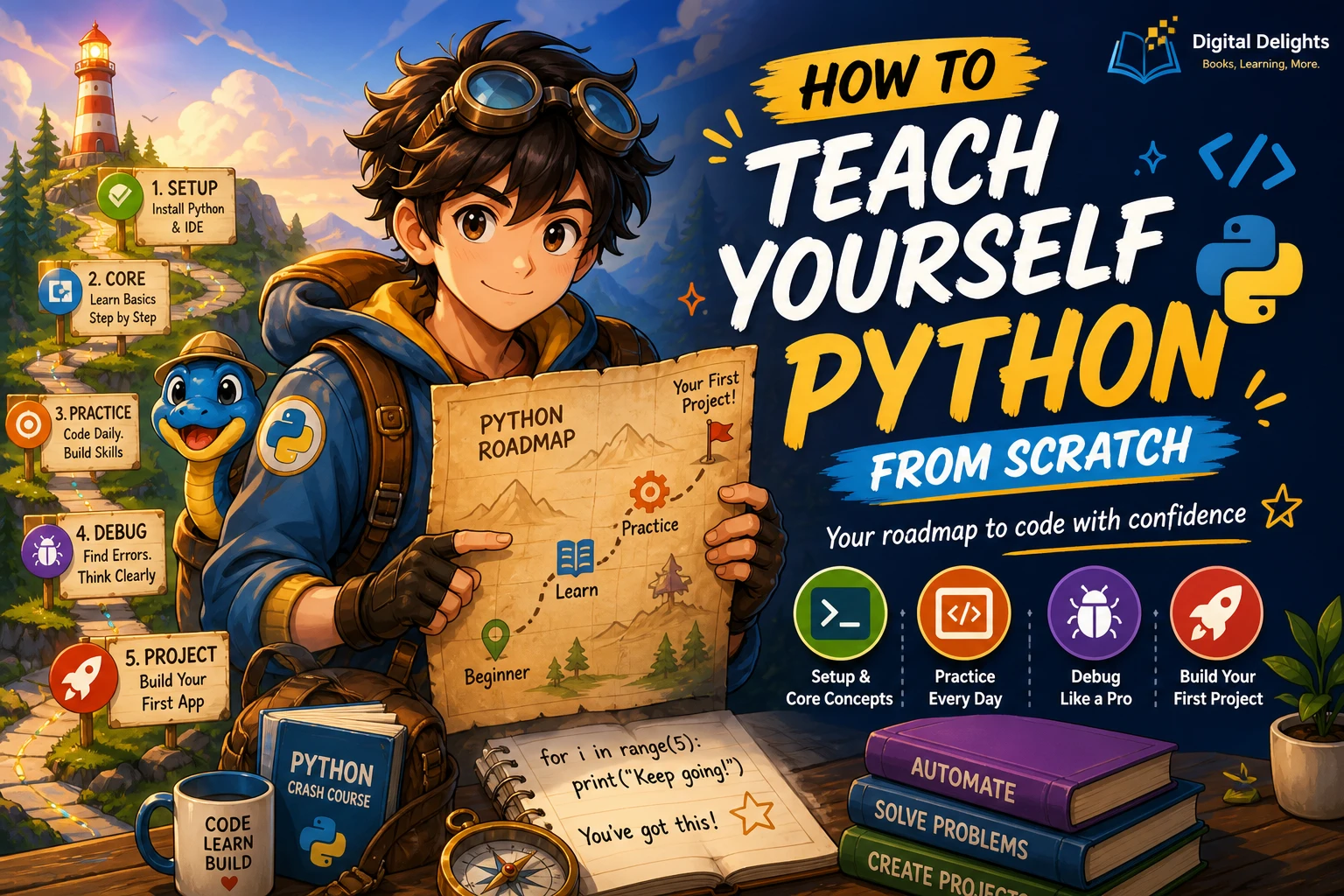
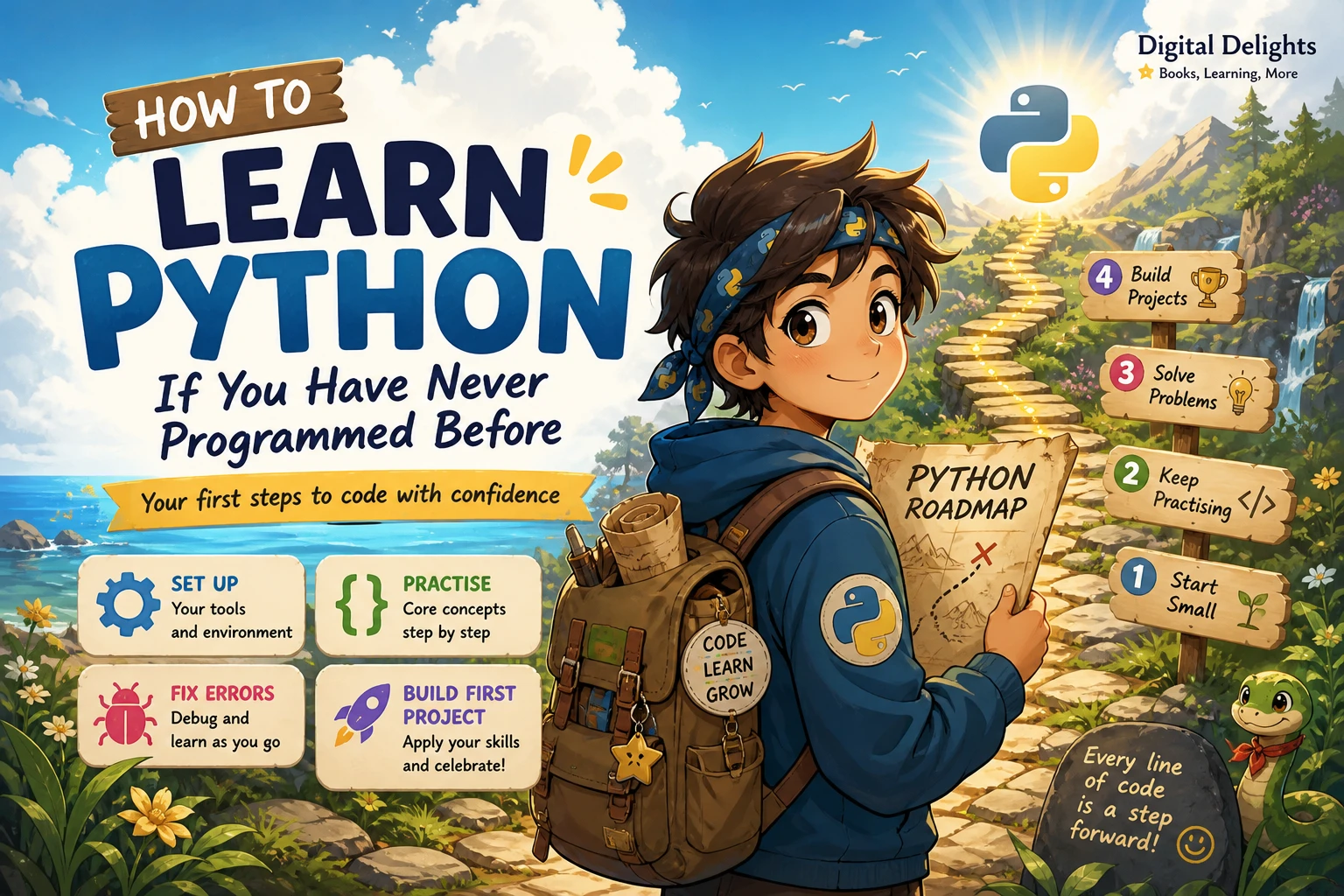
If you have never programmed before, begin with a small, working setup—not a long list of tools or a rush to study advanced topics. Install a supported stable release of Python 3, choose a basic code editor, run a short saved program, and practise changing it. Then learn core ideas such as variables, conditions, loops, and functions by applying them to small tasks.
This guide walks through that path, from understanding your tools to making a simple quiz and learning from errors. The goal is not to memorize every Python feature. It is to become able to write, run, explain, modify, and troubleshoot a small program.
Why consider Python as your first language?
Python is an interpreted language with an interactive prompt, a standard library, and syntax that many new learners find approachable. These characteristics make it possible to try short instructions quickly and build programs without first learning a large amount of setup. They are reasons to consider Python, not proof that it is the right first language for everyone or every goal. The official Python tutorial describes the language and its features.
Learning to program is broader than learning Python syntax. You are also practising how to break a problem into steps, represent information, make decisions, repeat work, and check whether a result is correct. Python gives you a way to express those ideas in code.
One useful distinction: official documentation is valuable when you need an accurate explanation of a feature, but Python’s own tutorial says it assumes some basic programming knowledge. A complete beginner may find a guided introduction easier as a first course, then use the documentation as a reference.
Set up Python and understand your tools
For your first program, keep the setup simple: Python, an editor where you can save a plain-text file, and a way to run that file. You do not need to install extra packages or choose a complex development environment before writing your first lines of code.
What do the interpreter, editor, terminal, and script do?
- Python interpreter: Reads and runs Python instructions.
- Editor: Lets you write and save code in a file, such as
hello.py. - Terminal or command prompt: A place to enter commands, including a command to run a saved script.
- Script: A file containing instructions that Python can execute.
Python also has an interactive prompt, where you can enter an instruction and see a result immediately. That is useful for quick experiments. A saved script is better for work you want to keep, rerun, and edit.
How do I install Python on my computer?
Use the official Python downloads page to choose a supported stable release, then follow the setup instructions for your operating system. Windows, macOS, and Unix-like systems have different setup guidance, so do not assume one platform’s installation steps apply to another. Start with the official Python downloads page and the documentation for Python setup and usage.
After installation, confirm that Python runs using the method documented for your system. Command names can differ across platforms and installations. If you follow a book or tutorial, check that its instructions match your operating system and a supported Python release.
Write, run, and change your first program
Create a file called greeting.py in your editor and enter:
name = input("What is your name? ")
print("Hello, " + name + "!")
Run the saved file with the appropriate Python command for your computer. If the program runs, it asks for your name. After you enter a name, it prints a greeting such as:
What is your name? Sam
Hello, Sam!
Here is what the lines do:
input(...)displays a question and waits for the person running the program to type a response.name = ...stores that response in a variable calledname.print(...)displays the greeting. The plus signs join the text and the stored response.
Do more than copy the example. Change the question, personalize the greeting, or print a second sentence. Run the program again and notice how your edits change its behaviour. Making a small change and observing the result is an early way to connect code with what it does.
Learn Python fundamentals in a useful order
Move from ideas you can use immediately toward concepts that help organize larger programs. For each topic, write a short example and make one small change before moving on.
1. Variables, values, and input
Learn how to store and use values such as text and numbers. Practise combining text, accepting input, and converting input to a number when you need to do arithmetic. An exercise: ask for two numbers and display their sum. Remember that information collected with input() is text initially, so a numeric calculation requires an appropriate conversion.
Ready to move on when: you can explain what each variable holds and why a conversion is needed in your example.
2. Comparisons and conditions
Comparisons let a program check a condition; an if statement lets it choose what to do. Try a program that asks for a password and prints one message when the response matches a value and another when it does not. Think through both outcomes before running it.
Ready to move on when: you can describe which condition is checked and what happens in each branch.
3. Loops and collections
A loop repeats instructions. A list holds a sequence of values, while a dictionary associates keys with values. Practise displaying each item in a short list, then try storing quiz questions and answers in a structure you can look up. Begin with a few clear examples rather than trying to build a large data-driven program at once.
Ready to move on when: you can predict how many times a loop runs and describe what each item represents.
4. Functions and return values
A function gives a task a name so you can use it in more than one place. Functions can accept inputs, perform steps, and return a result. For practice, write a function that takes a name and returns a greeting. Then call it with different names.
Ready to move on when: you can explain what information goes into the function and what, if anything, comes back.
5. Files and basic error handling
Once you can work with values and functions, try reading or writing a small text file. Learn to recognize common errors and handle situations your program should anticipate. Do not start with complicated file formats or external libraries; first understand the simplest task your program needs to do.
Ready to move on when: you can describe what the program should do if the expected file or input is unavailable.
Build a small project: a command-line quiz
A short quiz combines input, conditions, variables, and eventually loops and functions. Start with one question and add features only after the basic version works.
- Ask one question. Store the response in a variable.
- Check the answer. Use a condition to decide whether it is correct and display a clear response.
- Keep score. Start a score variable at zero and increase it for a correct answer.
- Add more questions. Repeat the question-and-check pattern, or use a loop once you understand the individual steps.
- Organize the code. Move repeated work into a function when you can explain what the function receives and returns.
Before calling the quiz finished, consider more than the perfect run. Try a correct answer, an incorrect answer, and an unexpected response such as blank input. Decide what the program should do in each case. This turns a tiny exercise into practice thinking about requirements and edge cases.
Debug errors and practise independently
An error does not mean you cannot program; it gives you information to investigate. Read the final line of the error message first, then look at the line of code it identifies. Check spelling, punctuation, indentation, and whether a variable has been created before you use it.
- Indentation errors: Check that the lines belonging to a condition, loop, or function are consistently indented.
- Undefined names: Check for a misspelled variable or a value you meant to define earlier.
- Input conversion problems: Check whether the value is text when your code expects a number.
- Unexpected results: Print or inspect intermediate values to find where the program begins to behave differently from your expectation.
Use a repeatable practice cycle: predict → run → modify → explain. Predict what a short piece of code will do, run it, change one thing, and explain the result in your own words. When something breaks, change one detail at a time so you can see which change matters.
Measure progress with observable tasks rather than a fixed deadline. Can you write a small program without copying every line? Can you explain its variables and conditions? Can you find and fix a straightforward error? Those are practical signs that you are building a usable foundation.
Choose a learning resource and your next direction
Choose a resource for the kind of support you need. A structured guide can provide an ordered path through concepts; an exercise-led resource gives you more prompts for active practice; reference documentation can clarify a particular feature once you know what to look up. You can combine these approaches, but avoid switching between several beginner courses before finishing a small program.
| What you need | Catalog resource | Why it may fit |
|---|---|---|
| A guided introduction | Getting Started with Python | The catalog description covers fundamentals, exercises, debugging, and examples, making it a possible fit for learners who want a structured sequence. |
| More exercises and projects | Python Bookcamp: Exercises and Projects | Its described focus on exercises, case studies, and projects may suit readers who want to learn by working through examples. |
| Follow-on techniques after the basics | Python How-To: 63 Techniques to Improve Your Python Code | The catalog presents it as practical material on code quality and maintainability, so it is better considered after you have some Python basics. |
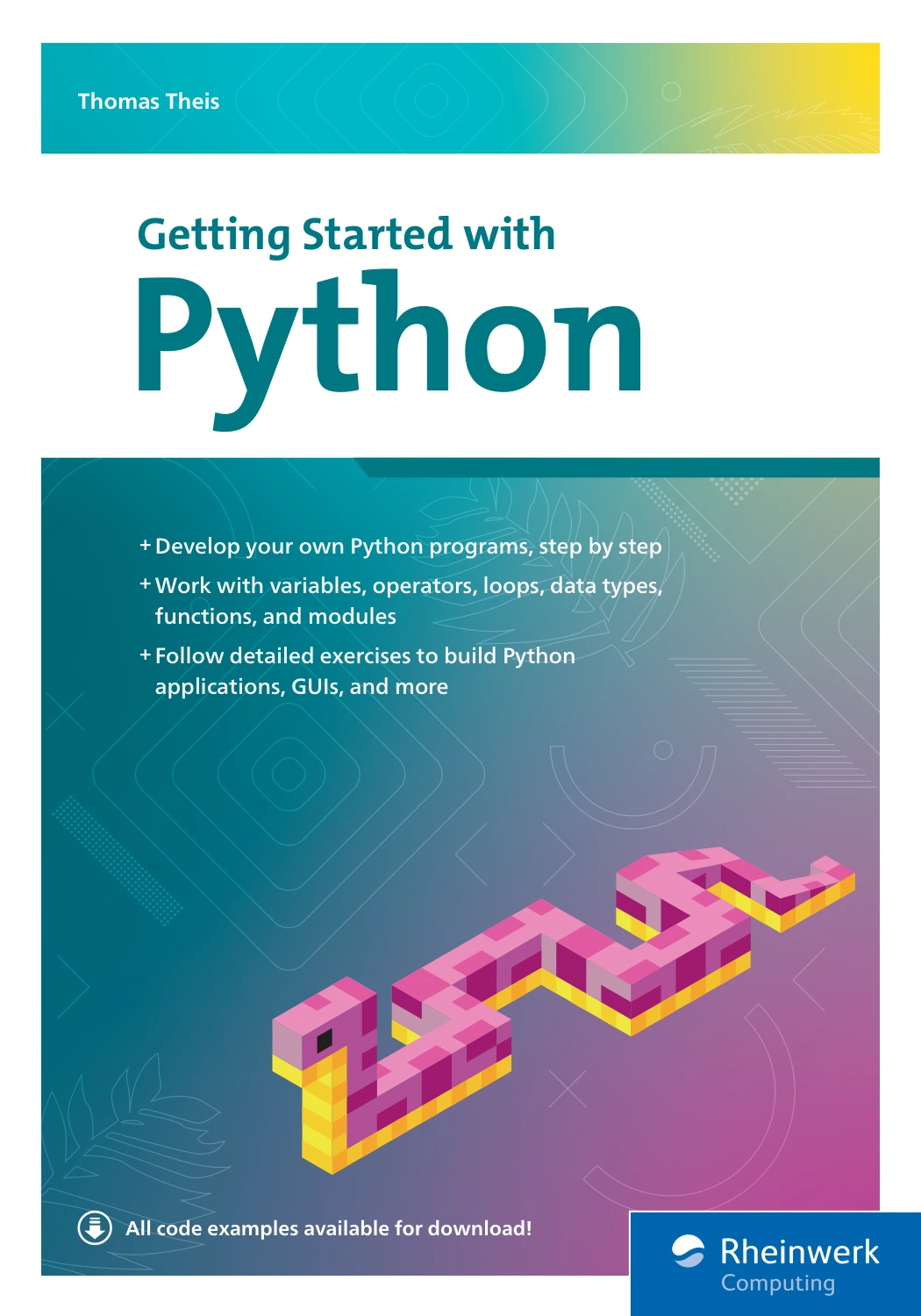
By Thomas Theis
Beginners seeking a guided sequence with exercises, examples, and debugging topics.

Python Bookcamp: Exercises and Projects
Learners who want to practise Python basics through exercises and case studies.
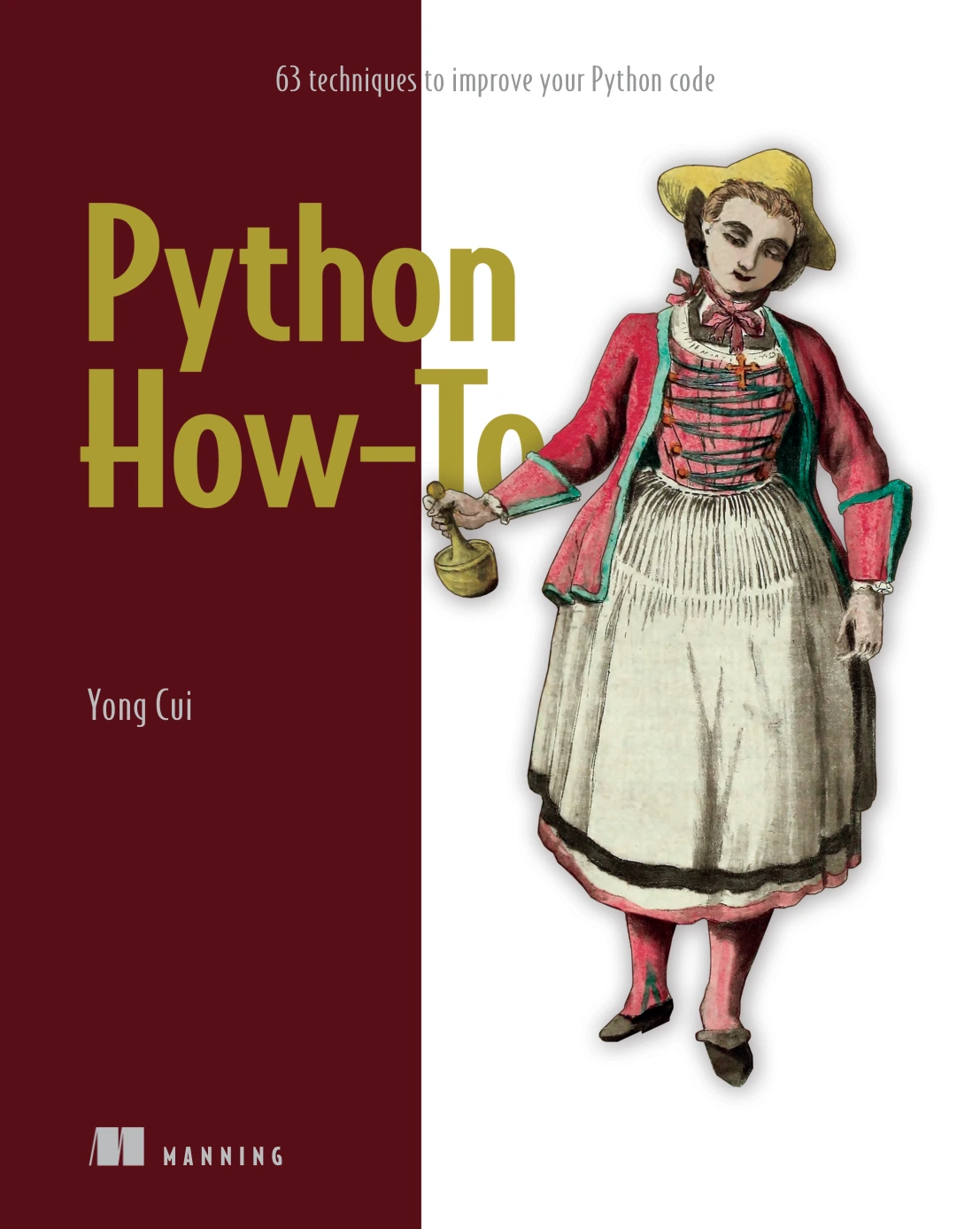
Python How-To: 63 Techniques to Improve Your Python Code
By Yong Cui
Readers who already know basic Python and want practical techniques for clearer, more maintainable code.
These are options based on their catalog descriptions, not claims of comparative testing or a universal ranking. Before choosing, consider whether the resource’s level, topics, and learning format suit your current needs.
After the fundamentals, choose a direction based on something you want to make. Python can be used in areas such as automation, data work, and web development, but you do not need to pick a specialization before learning basic programming. Start with a small, relevant task and add tools only when the task calls for them. When a project does need third-party packages, Python’s documentation explains how virtual environments and packages can keep project dependencies separate.
Frequently asked questions
Can I start learning Python without programming experience?
Yes. You can begin with basic instructions, variables, conditions, and loops without having programmed before. Choose beginner-oriented teaching for your first steps; Python’s official tutorial assumes some prior programming knowledge, so it may work better as a reference than as your only starting course.
Do I need advanced mathematics to start programming in Python?
No advanced mathematics is needed to write simple programs and learn the basic language concepts in this guide. The mathematics you need later depends on what you choose to build. Begin with ordinary logical reasoning and small problems, then learn additional math if a particular area requires it.
How long does it take to learn Python?
There is no single reliable timetable for everyone, and the available evidence here does not establish a fixed time to competence. Progress depends on your goals, prior experience, and the time you can spend practising. Set a concrete milestone—such as building and explaining a small quiz—instead of relying on a promised number of days.
When should I learn classes, packages, and virtual environments?
Learn classes when a project gives you a reason to organize related data and behaviour that way; they do not have to be your first topic. Packages and virtual environments become useful when a project depends on external libraries or needs its own isolated setup. Begin with the standard tools and introduce these ideas as the work calls for them.
Your next step
Create and run the greeting program, change one line, and explain what the change does. Then build the one-question version of the quiz. Keep the first project small enough that you can understand every part of it; that is a practical way to start programming with Python and build confidence through work you can inspect and improve.
Sources and further reading
- The Python Tutorial — language overview and stated audience.
- Download Python — official release downloads.
- Python Setup and Usage — platform-specific setup documentation.
- Virtual Environments and Packages — documentation on isolated environments and packages.