What Is the Easiest Way to Learn Python?
The easiest way to learn Python is to choose one beginner-friendly resource, write code alongside each lesson, and gradually build a small program you actually want to use. You do not need to start with machine learning, a complicated development environment, or a stack of programming books.
The important distinction is whether you are new to programming or simply new to Python. Complete beginners need explanations of how programs work, not just a tour of Python syntax. Experienced programmers can move more quickly through those foundations.
This is a practical learning recommendation, not a proven ranking of methods. The aim is to reduce unnecessary decisions: start somewhere simple, practise one idea at a time, and use small projects to discover what you understand—and what still needs work.
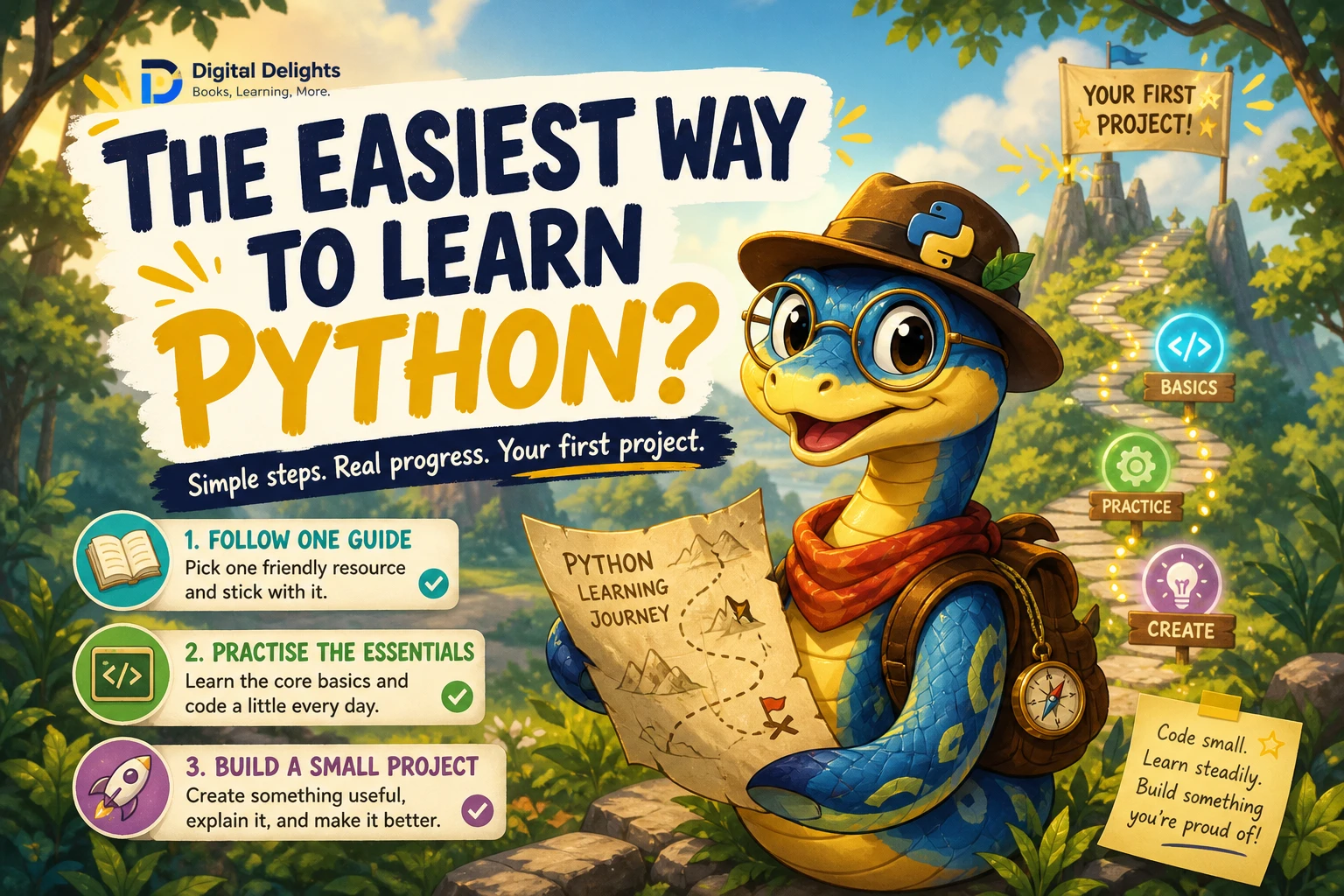
The easiest way to learn Python: one resource, regular practice, one small project
A manageable starting path has five parts:
- Choose instruction that matches your experience. Look for explicit beginner explanations if you have never programmed before.
- Get a simple place to run Python. Your first goal is to execute a short program, not configure every tool a developer might eventually use.
- Learn the core building blocks. Start with values, variables, decisions, repetition, collections, and functions.
- Change every example you study. Predict what your change will do, then run the code and compare the result.
- Build a small useful program. A quiz, expense summary, or text-based task list gives those concepts a purpose.
Use one resource as your main guide. You can consult other explanations when something is unclear, but avoid restarting from chapter one every time you find a different course.
If you have never programmed before
Choose a resource that explains terms such as variable, loop, function, and error before expecting you to use them. Your early objective is to understand how instructions turn inputs into outputs.
For example, a spending summary receives amounts, adds them together, and displays a total. That simple input–processing–output pattern is enough to begin thinking through a program.
If you already know another programming language
You can focus more directly on Python’s syntax, collection types, modules, exceptions, and conventions. The official Python tutorial is particularly relevant here: it explicitly assumes a basic understanding of programming, rather than teaching programming from scratch.
Start with a simple place to run Python
Three terms are worth understanding before you begin:
- Interpreter: the software that executes Python code.
- Interactive shell: a place to enter a statement or expression and see its result immediately.
- Script: a saved file containing Python code, usually with a
.pyextension.
A straightforward local route is to install a stable Python 3 release using the official instructions for your operating system, then use a simple editor and shell such as IDLE if it is included in your installation. Follow your chosen resource’s setup chapter rather than combining several unrelated installation guides.
Windows, macOS, and Linux do not always launch Python with the same command or install it in the same way. Avoid changing system settings simply because an old tutorial says to do so. First establish which installation your editor is using.
Your first setup check
- Open your Python shell or editor.
- Run
print("Hello, Python!"). - Save that statement in a file named
hello.py. - Run the saved file using your editor’s run command.
- Change the message, save again, and rerun it.
You are ready to continue when: you can edit, save, and run a script, and explain which file produced the output.
If installing software is not possible on your device, a browser-based Python environment can be a temporary starting point. Check its limits before relying on file storage or third-party packages, and do not upload private information to an unfamiliar service.
Leave web frameworks, data-science packages, and elaborate editor extensions for later. None is needed for the first exercises below.
Learn Python essentials in a useful order
You do not need to memorise the language before building anything. Learn enough of each concept to solve a small problem, then revisit it in a slightly different setting.
| Stage | What to learn | Small exercise | Completion check |
|---|---|---|---|
| Values and variables | Numbers, strings, assignment, printing, and input | Ask for a name and display a personalised greeting | You can explain the difference between a variable’s name and its value |
| Decisions | Comparisons and if, elif, and else |
Compare a spending total with a budget | You can make each branch run with a suitable input |
| Repetition | for and while loops |
Display each item in a short list | You can explain what repeats and when it stops |
| Collections | Lists and dictionaries | Store expenses with amounts and categories | You can retrieve, add, and change an item |
| Functions | Parameters, return values, and reusable steps | Write a function that calculates a total | You can call it with different data |
| Files and errors | Reading, writing, and basic exception handling | Save a summary and handle an invalid numeric entry | You can explain what happens when an expected input is missing or invalid |
One detail beginners often encounter: input() returns text. A value entered as 12 needs conversion before you can use it as a number. For a whole-number exercise, that might mean int(); an entry such as twelve will need separate handling.
You can postpone classes, decorators, and advanced comprehensions until a lesson or project gives you a reason to use them. Postponing them is not skipping the fundamentals; it is controlling the number of new ideas you face at once.
Turn examples into understanding
Seeing code work is only the beginning. Use this practice loop with each example:
- Predict: write down the output you expect.
- Run: execute the code and compare it with your prediction.
- Change: alter one value or instruction.
- Explain: describe why the output changed.
- Recreate: close the example and rebuild a small version from memory, consulting references when necessary.
The point is not to avoid looking things up. It is to distinguish understanding a solution from recognising one you have just read.
Build an expense summary in small steps
Start with three whole-number expenses. This is a learning example, not an accounting application:
expenses = [12, 8, 15]
total = sum(expenses)

print("Total spent:", total)
The total is 35. Before running it again, add another amount and predict the new result. Then replace sum() with a loop that starts at zero and adds each expense. Both versions give you something useful to explain.
Next, add categories and a function:
expenses = [
    {"category": "food", "amount": 12},
    {"category": "travel", "amount": 8},
    {"category": "food", "amount": 15},
]

def total_for_category(records, category):
    total = 0
    for record in records:
        if record["category"] == category:
            total += record["amount"]
    return total

food_total = total_for_category(expenses, "food")
print("Food total:", food_total)
This prints Food total: 27. The function combines four concepts: a list holds the records, dictionaries describe each record, a loop visits them, and a condition selects the matching category.
Try these changes one at a time:
- Calculate the travel total.
- Add another food expense and predict the result.
- Request a category that has no records.
- Change the function so it calculates all spending, regardless of category.
When you reach file handling, save a summary:
with open("expense_summary.txt", "w", encoding="utf-8") as file:
    file.write(f"Food total: {food_total}\n")
The with statement manages the file while the indented code writes to it. The "w" mode replaces an existing file with the same name, so practise in a dedicated folder with disposable files. For this step, storing one summary line is enough; reloading a complete expense history can be a later feature.
Use a debugging checklist instead of guessing
When something fails, narrow the problem before changing the code:
- Read the error message. Note its type and the line it identifies.
- Inspect nearby code. Check spelling, indentation, quotation marks, and brackets.
- Inspect the values. Print a variable and, where helpful,
type(variable). - Reduce the example. Use one record or one function call instead of the entire program.
- Change one thing. Rerun the same test so you know whether the change helped.
Also distinguish an error message from an incorrect result. A program can run successfully and still calculate the wrong total. Small examples with known answers help you check both.
Choose a learning resource that fits your starting point
Books, courses, videos, and documentation serve different purposes. Choose by how you will use the material, not by an unsupported claim that one format works best for everyone.
- Books: useful when you want a sequence to follow and explanations you can revisit. Keep an editor open while reading.
- Guided courses: useful when you want a defined progression. Check whether exercises require you to write code independently.
- Videos: useful for observing setup or a walkthrough. Pause to reproduce and modify the example.
- Documentation: useful for checking language behaviour and looking up details. The official tutorial assumes prior programming knowledge, so it may need a beginner companion.
Four Digital Delights resources to compare
The following catalog titles offer different starting points. Treat them as alternatives or optional complements—not a required reading list.
| Reader need | Resource | Relevant catalog coverage |
|---|---|---|
| A structured introduction with questions and practice | Python Bootcamp: A Rapid Crash Course Featuring Q&A Sessions, Exercises, and Projects | Python 3 setup, introductory explanations, Q&A sessions, exercises, and projects. Its opening setup material focuses on Windows. |
| Foundations with room to develop software habits | The Python Apprentice | Core types, collections, functions, modules, exceptions, files, testing, and debugging. |
| Fundamentals reinforced through case studies | Python Bookcamp: Exercises and Projects | Variables, decisions, loops, collections, functions, exception handling, debugging, and file operations. |
| Additional exercises after initial instruction | Python Workout, Second Edition (MEAP V03) | Practice with numbers, strings, collections, files, and functions. This is the MEAP V03 early-access edition, not the final published edition. |
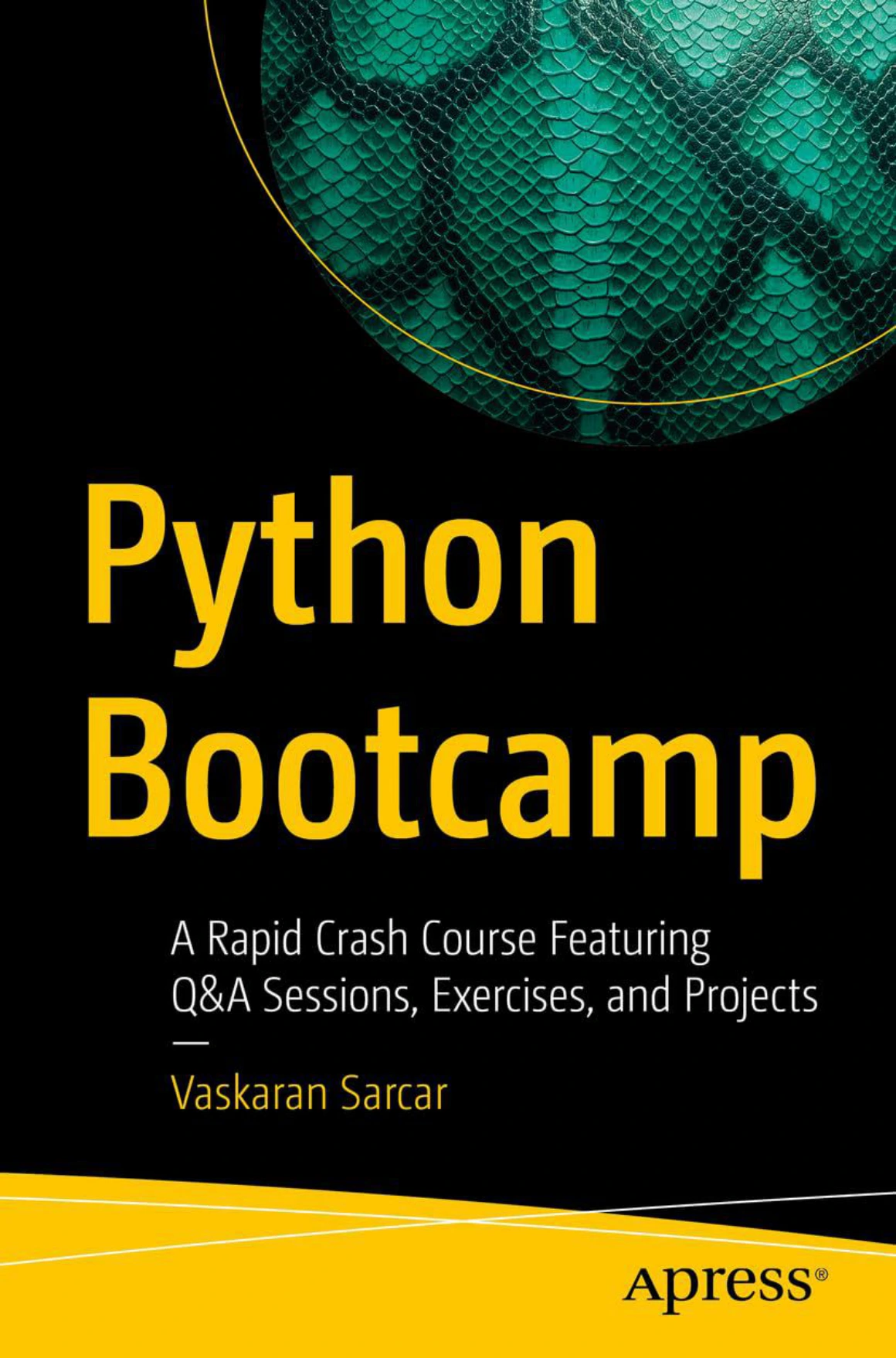
Python Bootcamp: A Rapid Crash Course Featuring Q&A Sessions, Exercises, and Projects
New programmers seeking Python 3 instruction with Q&A sessions, exercises, and projects; opening setup coverage focuses on Windows.
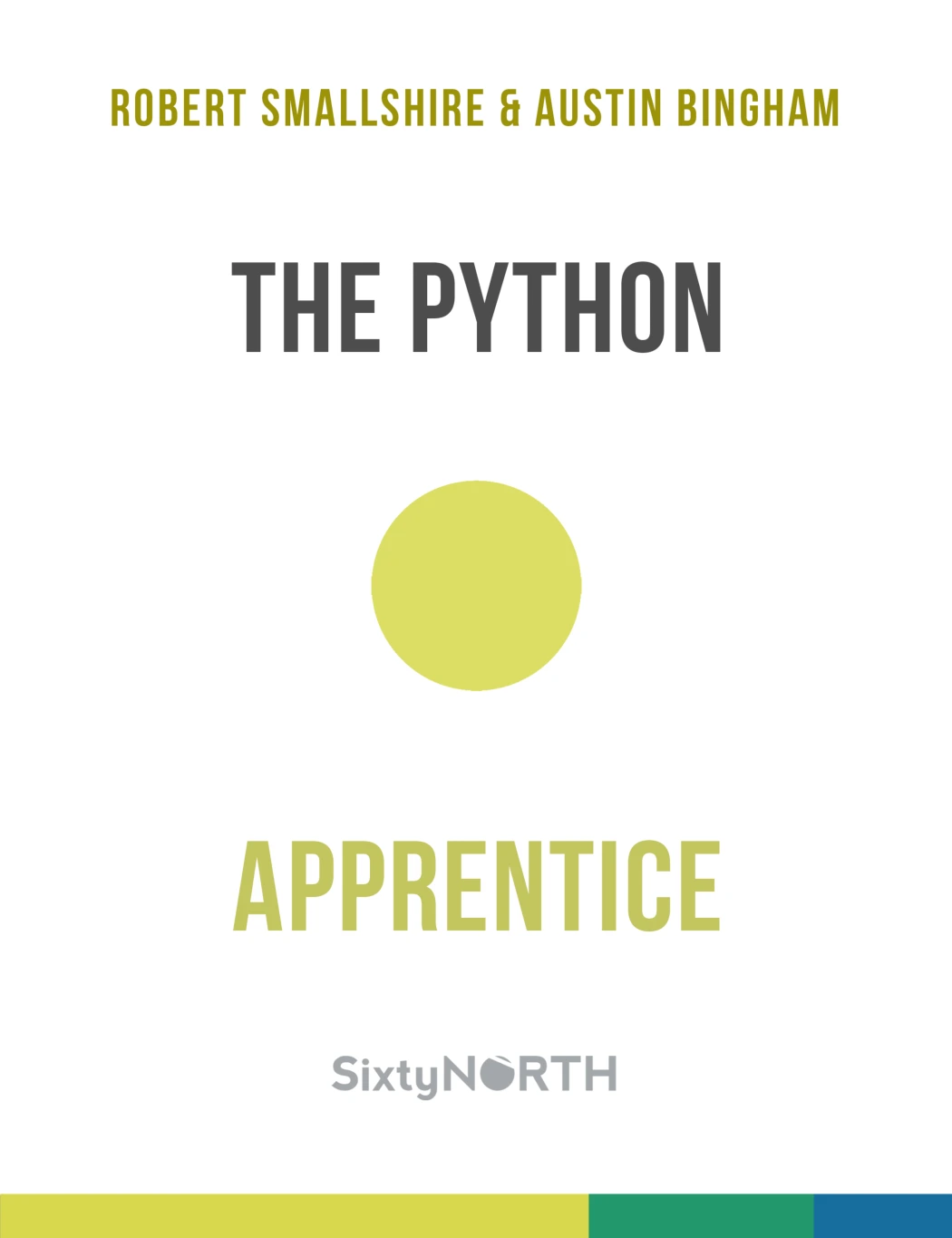
Learners who want core Python concepts followed by files, exceptions, testing, and debugging.

Python Bookcamp: Exercises and Projects
Beginners or returning learners looking to connect syntax, collections, functions, and file handling through exercises and case studies.
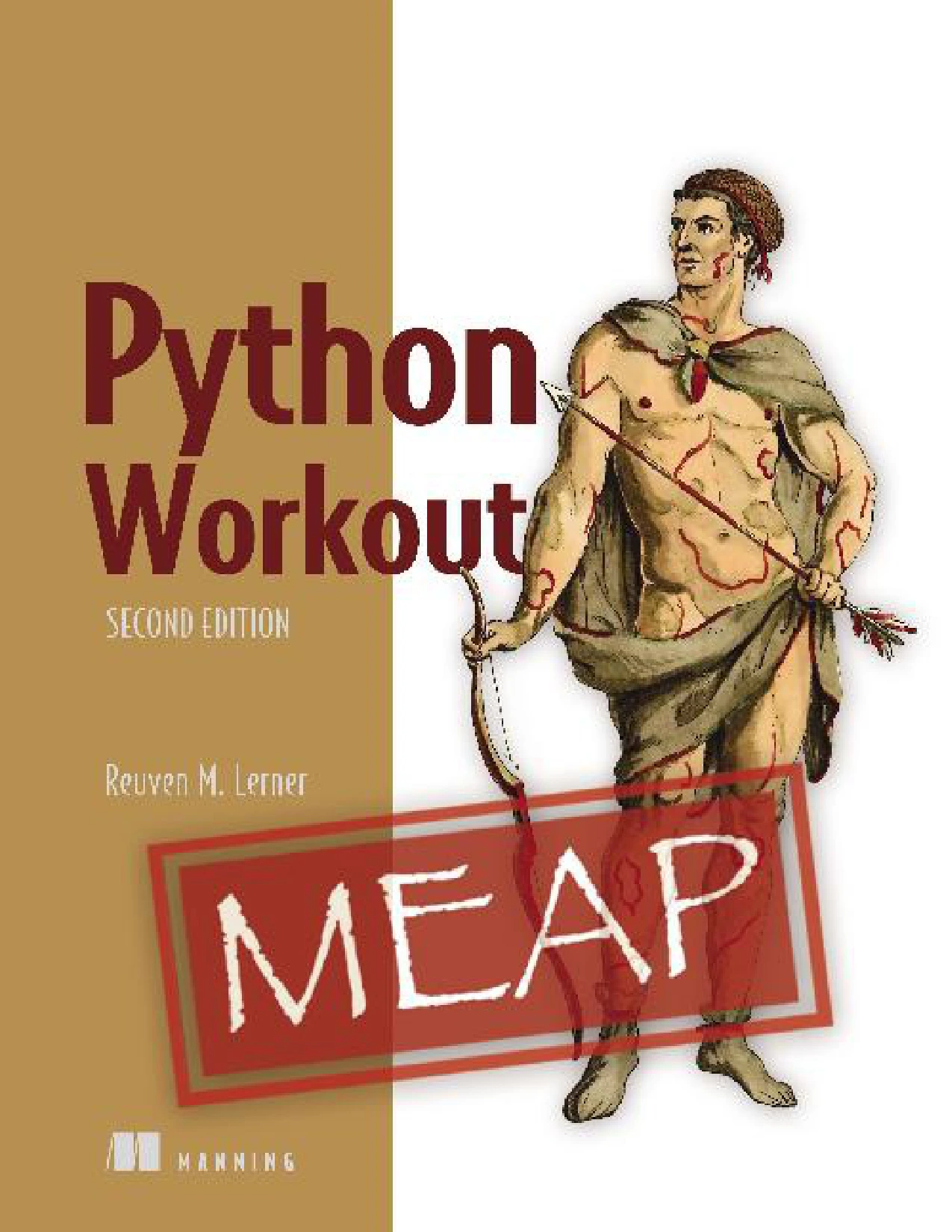
Python Workout, Second Edition (MEAP V03)
Readers seeking additional practice with numbers, strings, collections, files, and functions who are comfortable using the MEAP V03 early-access edition.
If you are unsure, decide whether you need more explanation or more independent practice. Choose an introductory guide for the first need; consider an exercise-focused companion for the second. Overlapping coverage is not a reason to buy several resources immediately.
Before following a book’s installation or package instructions, check that they match your operating system and software versions. A useful explanation can outlast a specific setup command.
Avoid mistakes that make learning harder
Switching resources whenever a lesson becomes difficult
A different explanation can help, but repeated restarts can leave you with several introductions and no completed program. Identify the exact sticking point—such as return values or dictionary access—and look for help with that concept.
Copying code without testing your understanding
After reproducing an example, change an input, add a condition, or remove a line and predict the result. If you cannot explain a section, reduce it until you can.
Choosing an oversized first project
A full shopping website, chatbot platform, or machine-learning system introduces many problems beyond Python fundamentals. Shrink the idea: display three products, respond to three text commands, or summarise a tiny dataset.
Using AI assistance to skip the thinking
If you use an AI assistant, ask for a hint, a plain-language explanation, or a question that helps you find the mistake. Treat generated code as something to inspect and test, not an answer you automatically understand. Do not share passwords, personal records, or confidential code.
Treating every error as evidence you cannot program
An error tells you that a particular instruction or assumption needs attention. Keep a short note of the cause and correction. That gives you a personal reference for recurring issues without turning each one into a fresh mystery.
Check progress by capability, not a mastery deadline
A more useful question than “Have I finished learning Python?” is “What can I now do without a step-by-step solution?”
Use these milestones:
- I can create and run a script.
- I can use a condition and a loop to solve a small task.
- I can choose a list or dictionary and explain why.
- I can write a function that accepts input and returns a result.
- I can investigate a simple error.
- I can add a feature to my own program and check its output.
Once those skills feel usable, choose a direction that interests you:
- Automation: begin with a script that lists or summarises files. Use copies before attempting operations that modify them.
- Data analysis: begin with a small table and questions about totals, categories, or missing entries.
- Web development: begin with a small application that accepts an input and displays a result, then learn the framework it requires.
You do not need to pursue all three. A concrete goal helps you decide which new tools are worth learning next.
Frequently asked questions
Can I learn Python without programming experience?
Yes. Start with material that teaches programming concepts as well as Python syntax. Use small exercises to connect terms such as variable, loop, and function with observable behaviour.
Do I need to pay for Python learning resources?
No. The official Python tutorial states that the interpreter and standard library are freely available for major platforms. A paid resource is optional; its value should come from suitable explanations, organisation, or practice—not from being necessary to run Python.
How long does learning Python take?
There is no supported universal timeline in the sources used here. Your starting knowledge, goals, and opportunities to practise matter. Track whether you can build, explain, debug, and extend a small program rather than relying on a fixed mastery deadline.
Should I start with the official documentation?
If you already understand programming, the official tutorial is a reasonable starting point. If you are completely new, use beginner instruction first or alongside it: the tutorial explicitly assumes basic programming knowledge.
Do I have to memorise Python syntax?
You need to understand what your code does, but you can consult references for syntax and library details. Try writing a small solution yourself, then look up the specific part you need rather than copying an entire answer.
Your next step: finish one small exercise
Choose one introductory resource, open a Python environment, and write a program that displays a greeting or totals three expenses. Change it, predict its output, and explain the result.
For further reading, browse the Python learning resources at Digital Delights with a specific need in mind: an introduction, clearer explanations, or additional exercises. The goal is not to collect more material. It is to turn the material you choose into code you understand.
Source note
The official Python tutorial supports the distinction between programming beginners and readers new to Python, and the availability of the interpreter and standard library. Book coverage and edition descriptions above are based on the supplied Digital Delights catalog entries, linked in the comparison table. The learning sequence and practice suggestions are editorial guidance, not measured claims about the fastest or universally easiest method.