How to Learn Python from Scratch
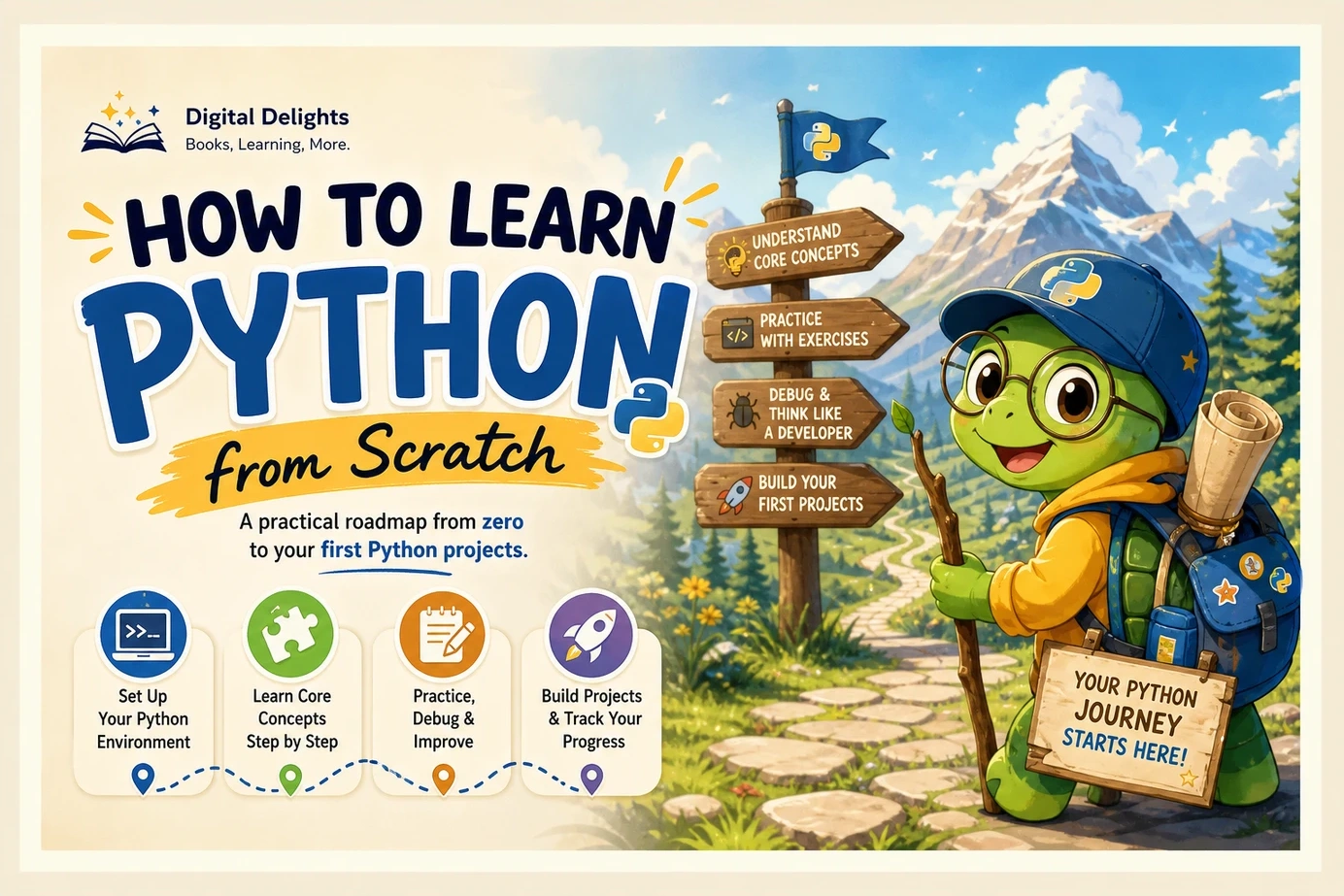
To learn Python from scratch, start by running a small program, then learn variables, conditions, loops, data structures, and functions. Practise each idea by changing code and solving a short problem. Once those building blocks make sense, combine them into a modest project, such as a quiz, task list, or expense summary.
You do not need to choose a specialization or collect a shelf of programming books before you begin. Your first goal is simpler: make a program work, understand why it works, and change it without losing track of its logic. This guide gives you a milestone-based route through setup, practice, debugging, and project building. Paid learning resources are optional: the Python interpreter and standard library are freely available, as the official Python documentation explains.
1. Start with a goal and a simple setup
Choose something small that you would enjoy making. A quiz is useful for practising decisions; a task list gives you a reason to work with collections; an expense summary connects programming with numbers and files. Keep that goal in mind, but do not try to build the finished version immediately.
Understand the tools before installing more of them
- Interpreter: The software that executes your Python code.
- Code editor: The application where you write and save that code. An integrated development environment, or IDE, adds tools such as a run button and debugging features.
- Terminal: A text-based window where you enter commands to start programs or work with files.
- Python shell: An interactive session, often showing a
>>>prompt, where you can run Python statements directly. - Script: A saved file of Python code, usually ending in
.py.
These distinctions prevent a common setup mistake: entering a terminal command inside the Python shell, or entering Python code at the terminal’s ordinary command prompt.
Choose your setup path
Use the official Python downloads page to choose a supported Python 3 release. Avoid choosing a version solely because an older book uses it, and check library compatibility when you eventually add specialist tools.
- Windows: Follow the official Windows installation guidance. The supplied guidance describes the Python Install Manager and commands such as
pythonandpy. Check the current instructions rather than relying on an old installer screenshot. - macOS: Choose the macOS installation option provided by Python.org and follow its accompanying instructions. Once installed, check whether
python3 --versionidentifies the interpreter you intend to use. - Linux: Check whether
python3 --versionalready works. If Python is missing or unsuitable, follow your distribution’s installation instructions. Do not remove or replace an operating-system-managed Python installation just to follow a lesson.
On Windows, check the interpreter using python --version or py --version, as appropriate for your setup. These are terminal commands, not Python statements. If the command is not recognized, return to the installation instructions before troubleshooting your program.
Run your first saved program
Create a folder for your learning files. In your editor, save a file named hello.py containing:
name = input("What is your name? ")
print(f"Hello, {name}!")
Run it using your editor’s run command. Alternatively, open a terminal in the same folder and use the interpreter command that works on your computer:
python hello.pyDepending on your setup, that command may instead be python3 hello.py or py hello.py. Choose one appropriate command; you do not need to run all three.
First milestone: You can save the file, run it, answer its question, and change the greeting. That is more meaningful than simply completing an installation.
2. Learn Python fundamentals in manageable stages
The following Python learning roadmap is an editorial recommendation, not a proven optimal teaching order. It groups concepts around what you can do with them. The Python Tutorial provides a broader coverage checklist, including control flow, functions, data structures, modules, files, exceptions, and classes.
Stage one: variables, strings, numbers, input, and output
A variable gives a name to a value. A string represents text. Numbers let you calculate, and input and output allow your program to communicate with a person.
Learn how to assign values, perform arithmetic, combine or format text, and convert appropriate input into a number. Pay particular attention to types: "12" is text, while 12 is an integer. They look similar but behave differently.
Exercise: Ask for a number of minutes and convert it into seconds. Then change the program to accept decimal values. Finally, consider what should happen when someone enters a word instead of a number.
Stage two: conditions, loops, lists, and dictionaries
Conditions let a program choose what happens next. Loops repeat work. Lists hold sequences of values, while dictionaries connect keys with values—for example, a task name with its completion status.
Practise comparisons, if statements, for loops, and while loops. Learn to add items to a list, retrieve them, and iterate over them. With dictionaries, practise looking up and updating a value by its key.
Exercise: Store several quiz questions and answers. Ask each question, check the response, and keep a score. Decide whether capitalization and surrounding spaces should affect the result.
Stage three: functions, modules, files, and exceptions
A function gives a reusable operation a name. Parameters supply its inputs, and a return value lets another part of the program use its result. A module organizes code you can import. Files let information survive after the program closes.
Exceptions are signals that something went wrong during execution. Learn to handle specific expected problems, such as an invalid number, rather than hiding every possible error.
Exercise: Write a function that calculates a quiz percentage from a score and question count. Decide what it should do when the question count is zero. Later, save the result to a file.
Introduce classes when a project gives them a clear purpose, such as representing several objects with related data and behavior. You can write useful small scripts before learning inheritance or advanced object-oriented design.
3. Practise by changing code—not just copying it
Reading a solution and recognizing its syntax is different from creating one. Use this routine to turn examples into active practice:
- Read: Identify the inputs, calculations, decisions, and outputs.
- Predict: Write down what you expect to happen before running the code.
- Run: Compare the actual result with your prediction.
- Change: Alter one requirement, input, or condition.
- Recreate: Close the example and rebuild a smaller version from memory.
Try the following expense-summary example once lists, loops, and functions are familiar:
def total_expenses(amounts):
    total = 0.0
    for amount in amounts:
        total += amount
    return total

expenses = [12.50, 8.00, 4.25]
total = total_expenses(expenses)

print(f"Total: {total:.2f}")

if total > 20:
    print("Over the practice budget.")
else:
    print("Within the practice budget.")
The list contains three amounts. The function visits each amount and adds it to a running total. It returns that total, which the final section displays and compares with a practice budget. For these inputs, the displayed total is 24.75, followed by Over the practice budget.
Follow-up challenges:
- Change the budget into a named variable.
- Predict the result when the expense list is empty.
- Calculate the average expense, handling the empty-list case explicitly.
- Ask the user for amounts and handle invalid entries.
This is a learning example, not an accounting system. Its purpose is to make the flow of data visible. Do not add categories, charts, and file storage until you can explain the basic calculation.
Use a manageable practice session
For each session, choose one concept, one exercise, and one small modification. End by writing a sentence about what you learned and a question you still have. This is a suggested routine, not an evidence-based minimum schedule.
If you use an AI assistant, ask for a hint, an explanation, or additional test cases before requesting a complete solution. Check generated code and avoid sharing passwords, private files, or other sensitive information. You should still be able to explain the final program yourself.
4. Learn how to troubleshoot errors
Debugging belongs in your learning plan from the beginning. A program that fails gives you a specific problem to investigate.
Read the error message before changing the code
Consider this deliberately incorrect example:
age = input("Age: ")
next_year = age + 1
input() returns text, so the second line tries to add an integer to a string. The resulting TypeError points to incompatible types. Converting suitable input with int(age) addresses that mismatch, but a nonnumeric answer then needs separate handling.
For runtime errors, start with the last line of the traceback to identify the exception and message. Then examine the referenced line in your own file. Syntax errors may instead show a location and marker that help you find malformed code.
- Read the exception type and message.
- Find the relevant line in your code.
- Inspect the values and types involved, using temporary
print()statements if helpful. - Reduce the problem to the smallest example that still fails.
- Change one thing and run it again.
Recognize common beginner problems
- Indentation: Check which statements belong inside a condition, loop, or function. Keep indentation consistent.
- Type mismatches: Check whether a value is text, a number, or another kind of object before using it.
- Name errors: Check spelling and whether the variable was assigned before use.
- File paths: Check the filename and the folder from which the program is running. Relative paths depend on the current working directory.
- Logic errors: If the program runs but produces the wrong result, inspect intermediate values and test a simpler input.
When asking for help, include the relevant code, exact error message, expected result, actual result, and interpreter version. A small text example is easier to diagnose than a screenshot of an entire project.
5. Build a first project in small increments
A suitable first project combines familiar concepts without introducing too many new tools. Start with a terminal-based program rather than a graphical interface or deployed website.
| Project | Concepts to practise | Smallest working version | Next improvement |
|---|---|---|---|
| Number-guessing game | Input, conditions, loops, and a standard-library module | Choose a secret number and respond to guesses | Handle invalid input and count attempts |
| Text-based task list | Lists, functions, and menu choices | Add and display tasks during one session | Save tasks and reload them later |
| Expense summary | Numbers, collections, loops, and files | Calculate a total from a small set of amounts | Read a CSV file and summarize categories |
Write a short specification first
For a task list, your initial specification might be: “The user can add a task, view all tasks, and quit.” That is enough for a first version.
Build one action, check it, then add another. Once the main behavior works, handle invalid choices and empty lists. Add storage last, so you can distinguish problems with the program’s logic from problems with reading and writing files.
Project milestone: You can explain the program’s inputs, outputs, functions, and limitations, and make a small change without following a tutorial line by line. Looking up syntax is still allowed.
6. Choose learning resources that match your needs
Select one main beginner resource and use documentation for reference. Several overlapping introductions can create more switching than progress.
The official Python Tutorial explicitly assumes general programming knowledge. It is valuable for learning the language, but a first-time programmer may need slower explanations and more guided exercises alongside it.
Two catalog-listed Digital Delights resources offer different starting points:
| Resource | Catalog-supported coverage | Who it may suit |
|---|---|---|
| Python Programming: The Fundamental Beginner’s Guide to Learning Python | Setup, editor selection, first programs, variables, operators, conditions, loops, data structures, and functions | A complete beginner seeking a foundation-first introduction |
| Python Coding for Beginners (19th Edition) | Introductory tutorials, Windows and Linux setup, core language features, troubleshooting, files, exceptions, graphics, and gaming topics | A learner who wants step-by-step tutorials with practical applications |
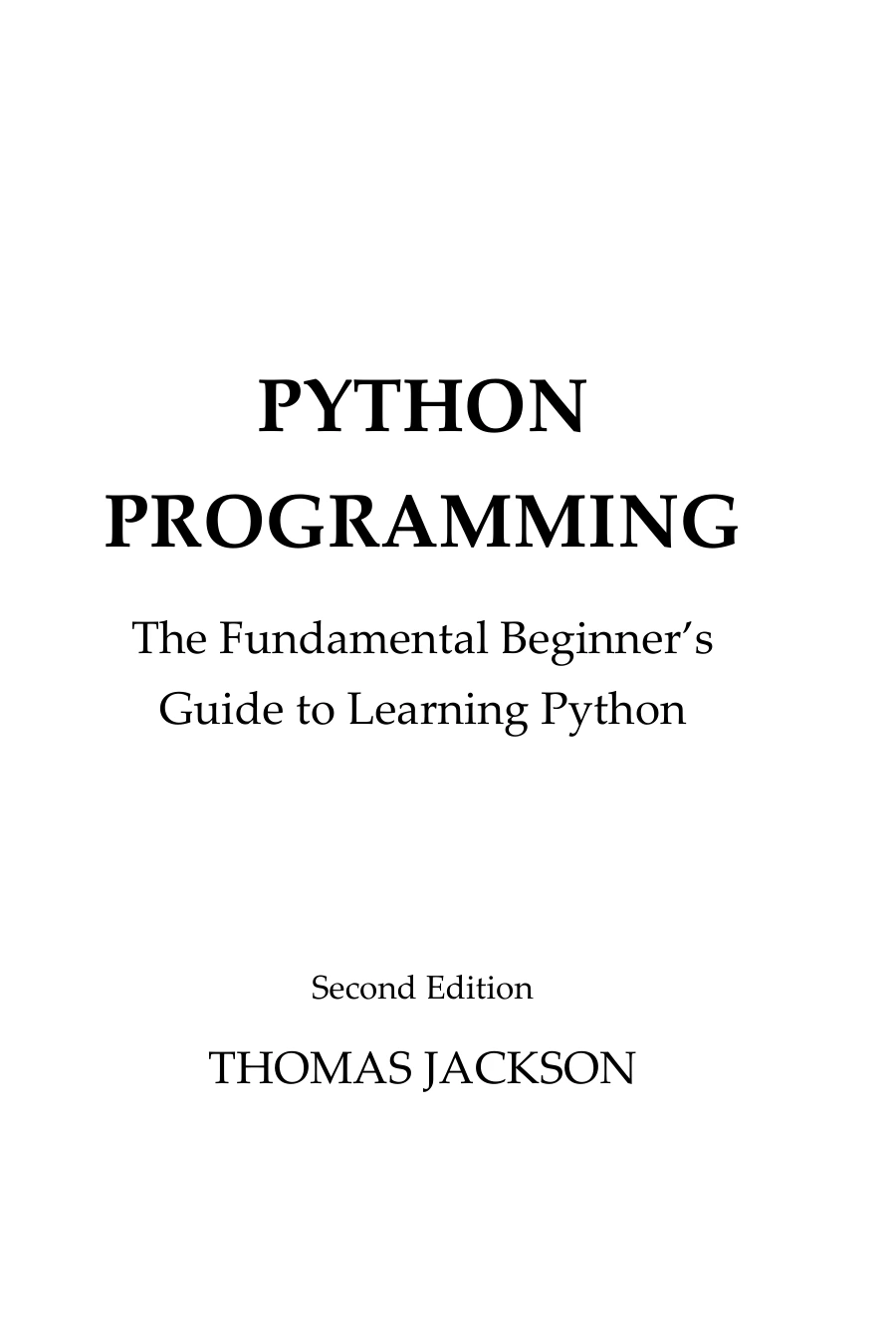
Python Programming: The Fundamental Beginner’s Guide to Learning Python
New programmers seeking an introduction that includes setup, first programs, and core language concepts.
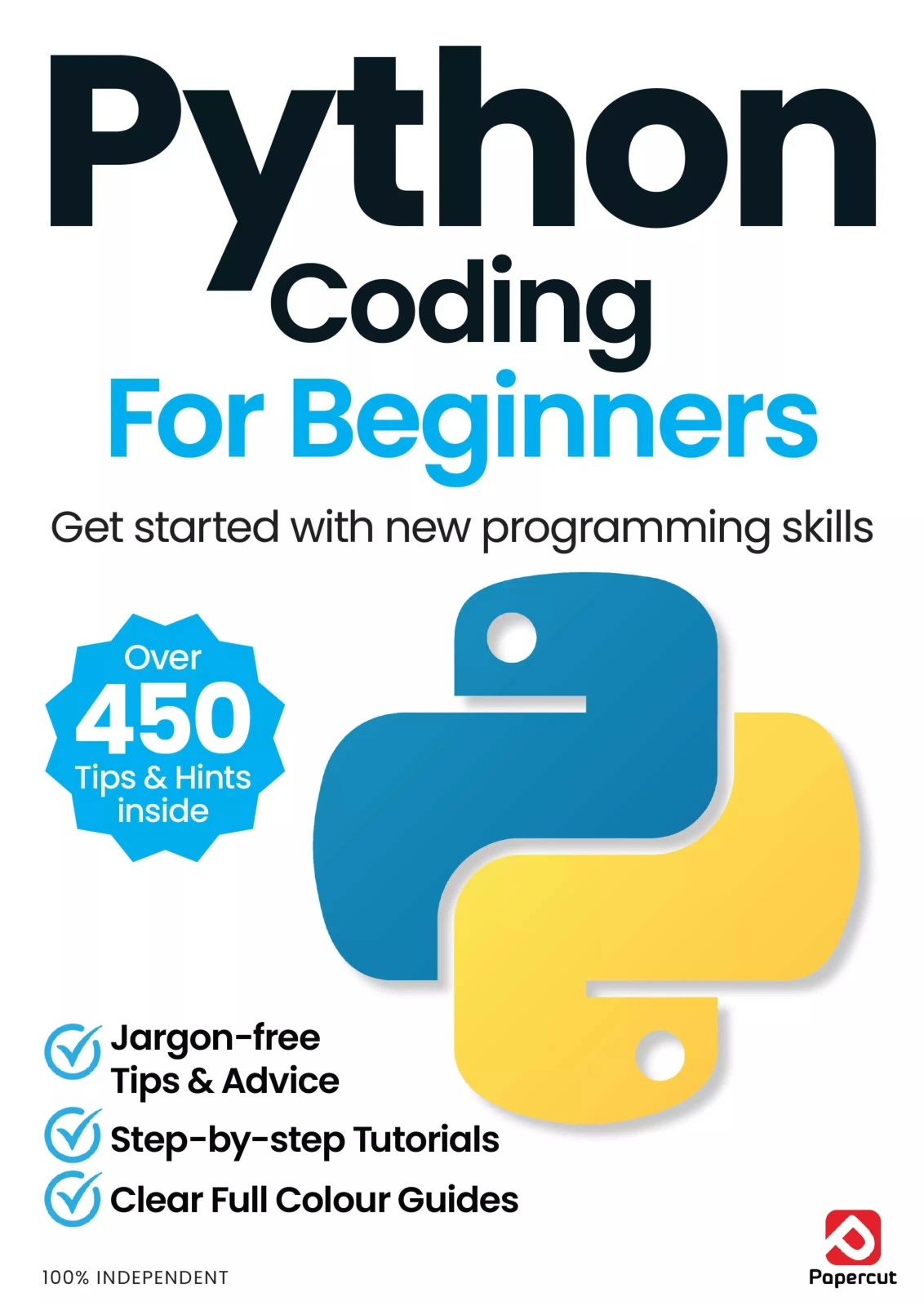
Python Coding for Beginners (19th Edition)
By Papercut
Learners looking for step-by-step coverage of basics, files, exceptions, graphics, and gaming topics.
Both supplied listings describe English-language PDF resources. The comparison reflects catalog coverage, not independently measured learning effectiveness. Check current installation instructions separately, since software setup can change after a resource is published.
Before choosing any Python book, ask:
- Does it assume previous programming knowledge?
- Does its table of contents cover the concepts you need next?
- Does it provide practice you will actually complete?
- Can you read it comfortably while coding?
- Can you distinguish lasting programming concepts from version-specific instructions?
If you want to explore alternatives, the Python books collection at Digital Delights provides an optional browsing step. You do not need several books to begin.
7. Decide what to learn after the basics
Choose a direction after completing a small project. Let a problem you want to solve determine the next tool, rather than trying to learn every Python library.
- Automation: Practise working with folders, text files, CSV data, and repeatable tasks. Test file-changing scripts on disposable copies first.
- Data analysis: Learn to inspect, clean, summarize, and visualize a dataset. Understand what the columns mean before focusing on library commands.
- Web development: Learn the relationship between requests, responses, HTML, and stored data, then choose one framework.
- Machine learning: Build programming and data-handling confidence first, then study model evaluation and the mathematical ideas relevant to your task.
For that later machine-learning direction, Python Machine Learning By Example, Fourth Edition covers practical examples alongside preprocessing, classification, evaluation, and tuning. It is a follow-on option, not a prerequisite for learning Python fundamentals.
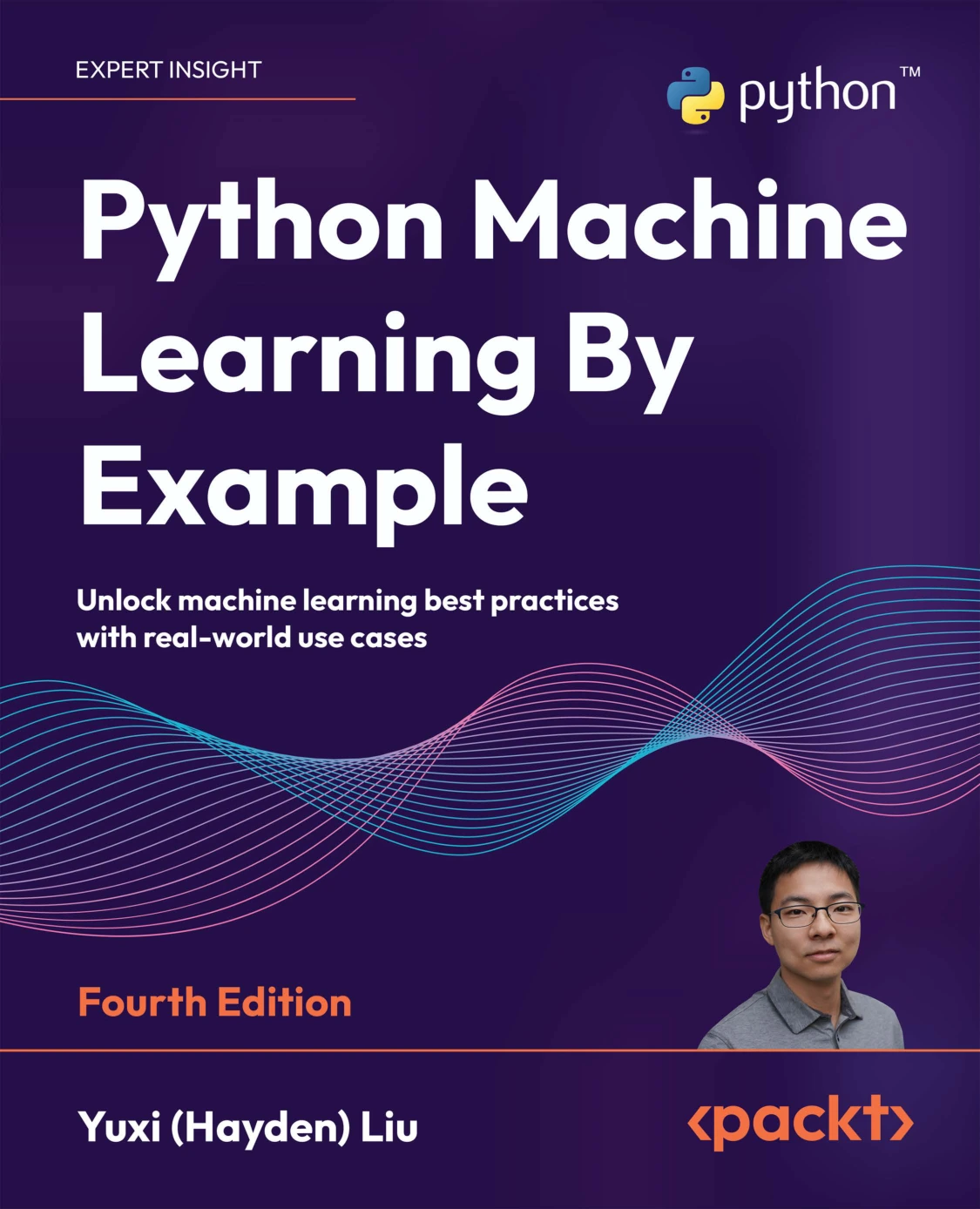
Python Machine Learning By Example, Fourth Edition
Readers moving beyond fundamentals toward preprocessing, classification, model evaluation, and tuning.
Add packages and virtual environments when needed
A third-party package adds functionality beyond your own code and Python’s standard library. A virtual environment separates a project’s package installations from those of other projects. The official virtual-environment documentation explains why this matters when applications need different package versions.
When a project first requires third-party dependencies, learn to create an environment:
python -m venv .venvUse python3 or py instead if that is your interpreter command. Activation instructions differ by operating system and shell, so follow the documentation for your setup. Once the intended environment is active, use python -m pip for package management and check that you are working with the intended interpreter.
You can postpone this step while writing your first scripts with the standard library. It becomes relevant when dependencies enter the project.
8. Frequently asked questions
Can I learn Python without previous coding experience?
You can start with no previous coding experience. Choose material that teaches programming concepts as well as Python syntax. Begin with short programs whose behavior you can follow, then combine those concepts gradually.
Do I need advanced mathematics to learn Python?
The beginner exercises here use basic arithmetic, comparisons, and logical reasoning. Mathematical needs depend on your later goals: machine learning and scientific computing can introduce topics that a task-list program does not require.
Can I learn Python for free?
Yes. Python itself and its standard library are freely available, and the official documentation is accessible online. A paid book is an optional way to obtain a structured explanation, not a requirement for using the language.
How long does it take to learn Python from scratch?
There is no supported universal timetable. Your starting knowledge, available practice time, and target tasks all matter. Track what you can do independently: run a script, write a function, diagnose an error, handle a file, and finish a small project.
Should I memorize Python syntax?
Focus on understanding concepts and knowing what to look up. Repeated use can make common syntax familiar, but remembering every method is not the goal. Explaining why your code works is a more useful check.
When am I ready to move beyond beginner tutorials?
Try an independent project when you can combine input, conditions, loops, collections, and functions. Continue using references, but aim to decide the program’s structure yourself and explain its behavior on both normal and unexpected inputs.
Your next step: complete one small learning loop
Start with a saved script today, not an elaborate study system. Run it, change it, and explain what happened. Then choose one exercise that introduces the next concept you need.
- I can save, run, and modify a Python script.
- I can distinguish text from numbers and other basic values.
- I can use a condition and a loop intentionally.
- I can organize a repeated operation into a function.
- I can investigate an error rather than making random changes.
- I can read or write a file.
- I can finish and explain a small project.
Use these checks to find your next learning task, not to award yourself a deadline. The aim is steady independence: turning a small idea into code you understand.
Sources and further reference
Technical reference points come from the official Python Tutorial, downloads page, Windows guidance, and virtual-environment documentation linked in the relevant sections. Book comparisons are based on the supplied Digital Delights catalog descriptions and linked product listings; they are not comparative tests or outcome guarantees.