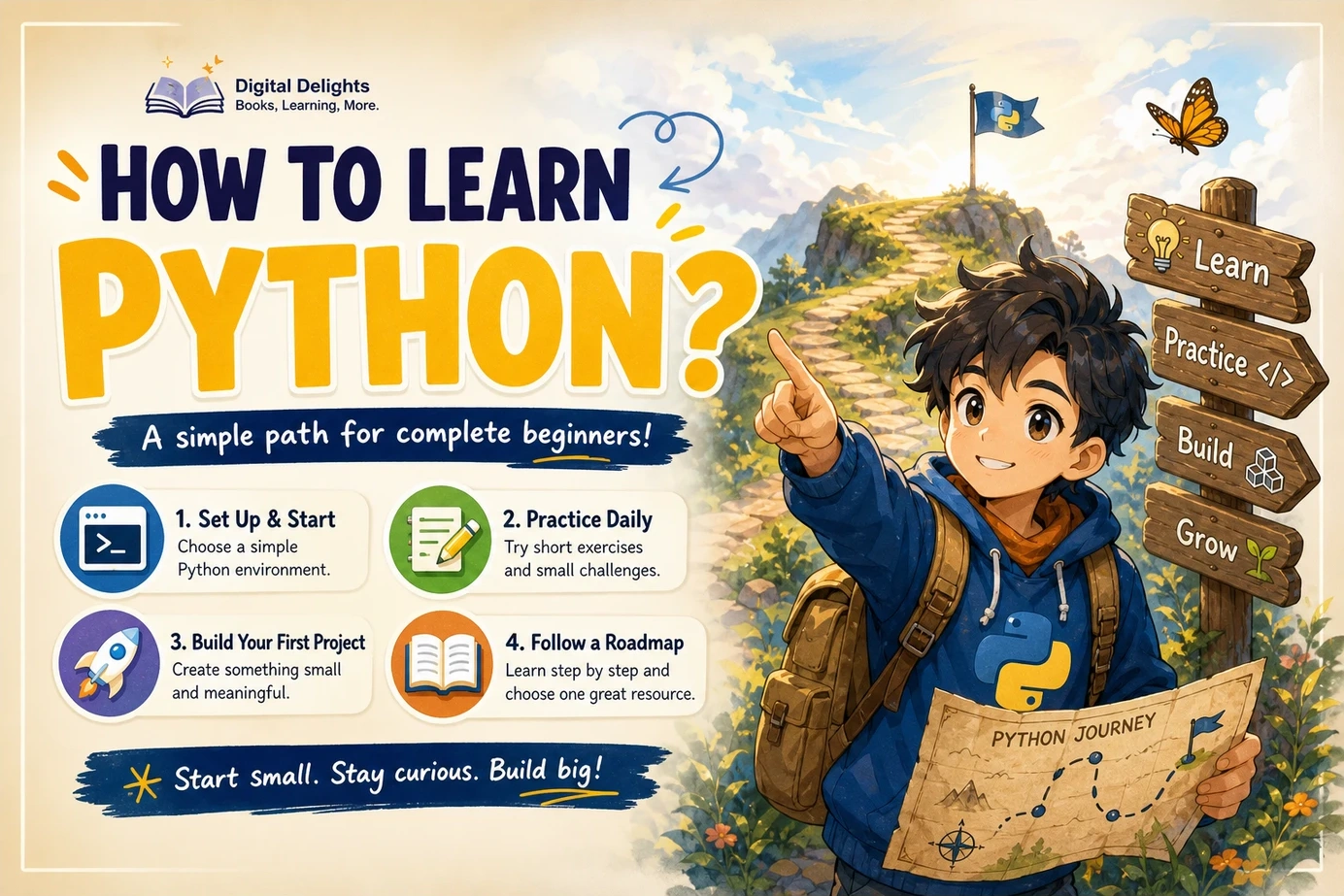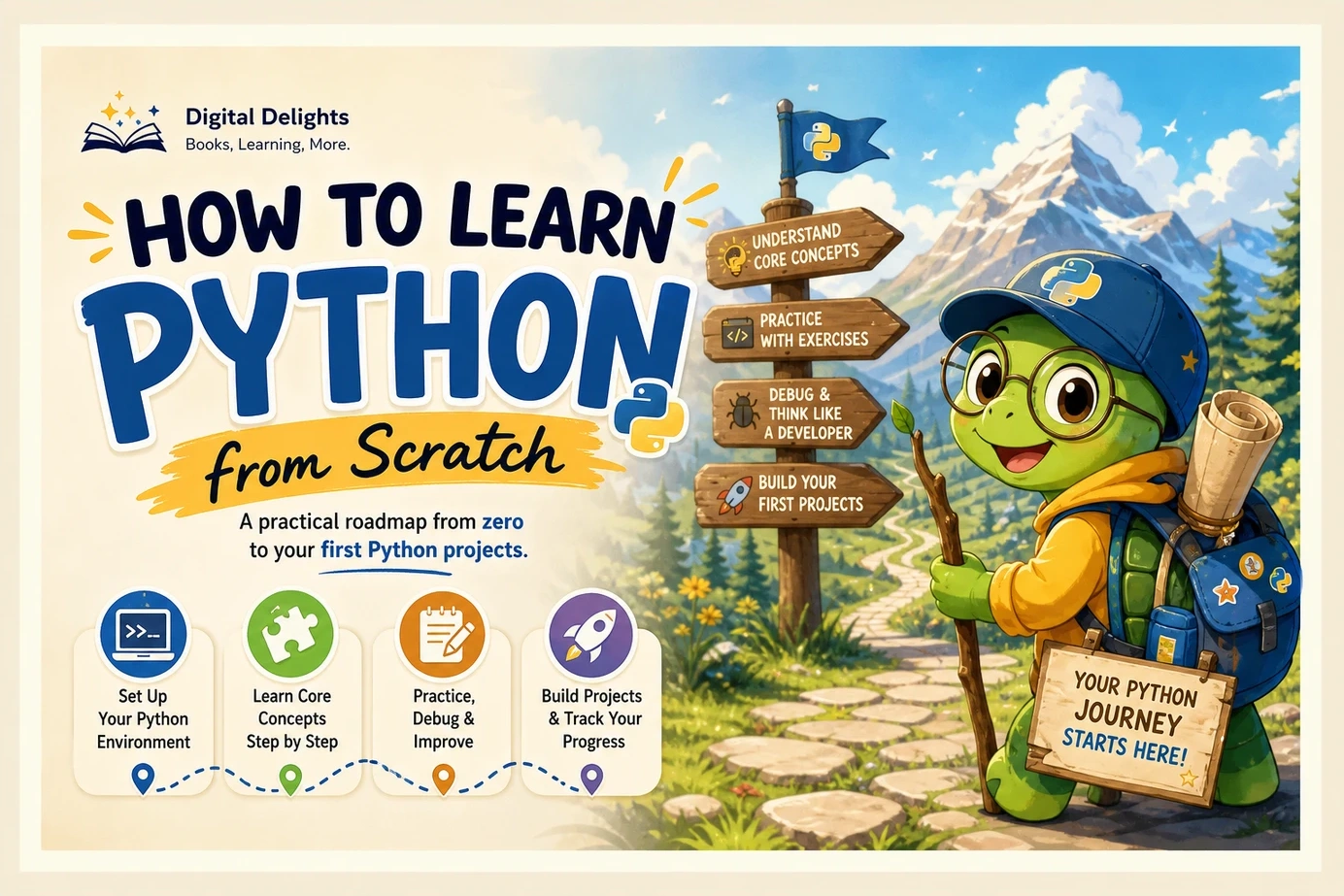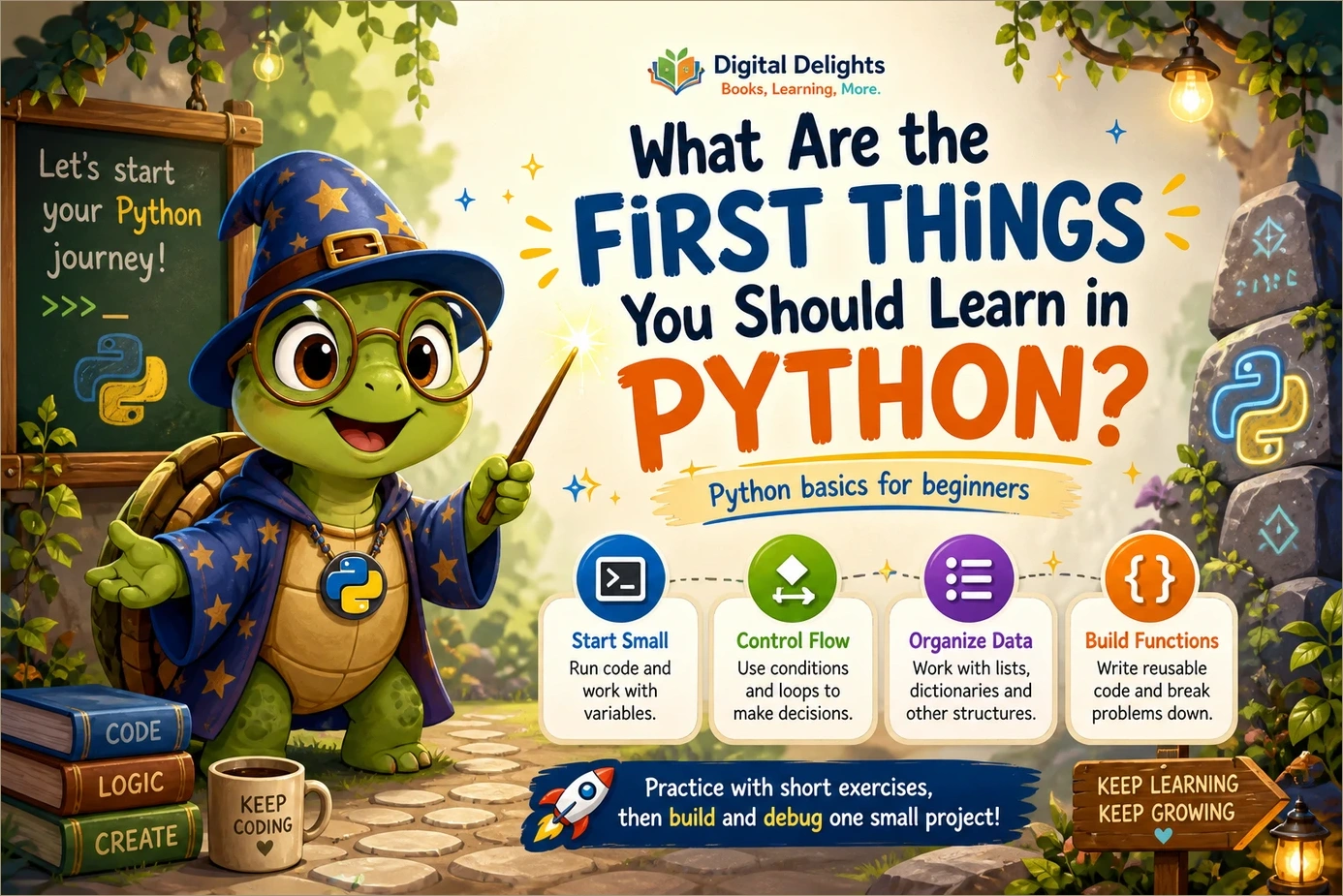
What Are the First Things You Should Learn in Python?
The first things to learn in Python are how to run code, use variables and basic data types, accept input, make decisions, repeat tasks, work with collections, and write functions. Learn to investigate errors alongside those topics, then add imports and file handling.
You do not need to begin with machine learning, a web framework, or a long list of advanced features. Your first useful milestone is smaller: write a program, explain what it does, change a requirement, and fix something when it goes wrong.
This guide to Python basics for beginners gives you a suggested learning sequence, short examples, and exercises that build toward a small working project. It is a practical roadmap rather than a proven optimal learning order. If one concept needs more practice, stay with it before adding another.
Python basics for beginners: your starting roadmap
Use this sequence to keep your learning manageable:
- Run a short program: understand where to type code and how to execute it.
- Represent information: learn variables, numbers, strings, and Booleans.
- Interact with a user: display results and read input.
- Control the flow: use conditions and loops.
- Organize data: work with lists and dictionaries first.
- Organize behavior: create functions with parameters and return values.
- Handle everyday problems: investigate errors, import modules, and read or write files.
- Combine the pieces: build and modify one small program.
These topics align with the coverage of the official Python tutorial, although this roadmap groups them differently. The tutorial assumes some general programming knowledge, so a complete newcomer may need more explanation and exercises than the documentation alone provides.
1. Get Python running and understand how code executes
Start with a supported stable Python 3 release from the official Python downloads page. Choose the installer appropriate to your operating system, or use an existing learning environment that provides Python 3. You do not need several editors or a complicated development setup to begin.
Understand the interpreter and a saved script
There are two useful ways to run your first code:
- Interactive interpreter: enter an instruction and see its result immediately. This is useful for checking a calculation or trying a string operation.
- Saved script: put instructions in a file such as
greeting.py, then run that file. This is useful when your program has several steps and you want to keep it.
In a terminal, a saved file might be run with python greeting.py, python3 greeting.py, or py greeting.py, depending on your installation. Run the command from the folder containing the file. In an editor, use its Python run command.
# Display a greeting
print("Hello, Python!")
The output is Hello, Python!. The line beginning with # is a comment: it explains something to the reader rather than performing an action.
Also notice indentation as soon as you encounter code blocks. In Python, indentation is part of the program’s structure, not just visual decoration. Use consistent indentation; four spaces per level is a sensible starting convention.
Try it: save the greeting, run it, change the message, and run it again. If the old message still appears, check whether you saved the file and whether you are running the correct one.
2. Learn variables, basic types, and input/output
A variable name lets you refer to a value. Begin with a few everyday types:
- Integers: whole numbers, such as
12. - Floating-point numbers: numbers such as
2.5. - Strings: text, such as
"Python". - Booleans:
TrueandFalse.
learner_name = "Sam"
lessons_completed = 3
practice_hours = 2.5
ready_to_practise = True

print(learner_name)
print(lessons_completed + 1)
Learn assignment with =, arithmetic with operators such as +, -, *, and /, and how parentheses group a calculation. You can explore unfamiliar values with type(), but you do not need to memorize every possible type.
Remember that input starts as text
input() returns a string, even when the user types digits. Convert that text before using it in a numeric calculation. The official tutorial’s input/output and basic-values sections provide the technical background for these operations.
kilometres_text = input("Distance in kilometres: ")
kilometres = float(kilometres_text)
metres = kilometres * 1000

print(f"That is {metres} metres.")
Entering 2.5 produces That is 2500.0 metres. The f before the final string allows values to be inserted inside braces.
For now, this program expects valid numeric input. If you enter hello, conversion raises an error. That is a useful limitation to notice; you will handle it later rather than pretending every input will be correct.
Try it: change the program to convert minutes into seconds. Before running it, predict the result for a specific input.
3. Make decisions and repeat tasks
Programs become more useful when they can choose an action and repeat work. Learn comparisons such as ==, !=, <, and >, then use them in conditions.
number = -4

if number > 0:
    print("Positive")
elif number == 0:
    print("Zero")
else:
    print("Negative")
This prints Negative. Notice the distinction between =, which assigns a value, and ==, which compares values.
Use for loops for collections and ranges
for number in range(1, 4):
    print(number)
This prints 1, 2, and 3 on separate lines. The stopping value in range() is excluded.
Use while loops when repetition depends on a condition
remaining = 3

while remaining > 0:
    print(remaining)
    remaining = remaining - 1
The update to remaining matters. Without it, the condition would stay true and this loop would keep running. Conditions, range(), and loop behavior are covered in the official tutorial’s control-flow guidance.
Try it: put the numbers -2, 0, and 5 in a list, then use a loop to classify each as negative, zero, or positive. This combines repetition with a decision instead of treating them as separate tricks.
4. Store related information in collections
Prioritize lists and dictionaries because they give you useful ways to represent small, familiar problems. Learn what each structure is for before memorizing its methods.
| Collection | Main idea | Beginner example |
|---|---|---|
| List | An ordered collection you can change | Shopping items or quiz questions |
| Dictionary | Values associated with keys | An item name and its quantity |
| Tuple | An ordered collection whose entries cannot be reassigned | A pair of coordinates |
| Set | A collection of unique values | Distinct words found in a sentence |
For lists, practise indexing, adding an item, and iteration:
shopping = ["rice", "beans", "apples"]
shopping.append("bread")

print(shopping[0])

for item in shopping:
    print(item)
The first index is 0, so shopping[0] gives "rice". For dictionaries, practise creating a key-value pair and looking up its value:
quantities = {"rice": 2, "beans": 3}
print(quantities["rice"])
That lookup produces 2. A lookup for a missing key raises KeyError; later, you can learn when a membership check or get() is appropriate. The official tutorial explains these structures in its data-structures chapter.
Try it: use sample shopping data to calculate a total:
sample_costs = {"rice": 3, "beans": 2, "apples": 4}
total = 0

for cost in sample_costs.values():
    total = total + cost

print(total)
The sample total is 9. These are illustrative values, not current shop prices. Extend the example with another item and predict how the total will change.
5. Turn repeated logic into functions
A function gives a name to a piece of behavior. It can accept information, perform an operation, and return a result that other code can use.
def kilometres_to_metres(kilometres):
    return kilometres * 1000

result = kilometres_to_metres(2.5)
print(result)
Here, kilometres is a parameter: the name used inside the function. The value 2.5 is an argument: the information supplied when calling it.
Understand return versus print
print()displays information.returnsends a value back to the code that called the function.
A converter that returns a number can be reused in a calculation, displayed to a user, or saved to a file. Keeping calculation and display separate makes that reuse easier.
Learn basic scope at this point too: a name assigned inside a function is generally local to that function. Prefer passing values in through parameters and returning results rather than relying on variables scattered across the program.
Try it: refactor your minutes-to-seconds converter into a function. Call it with three different inputs, including zero. You have reached a useful milestone when you can reuse the function without copying its calculation.
6. Investigate errors, import modules, and work with files
Debugging belongs throughout your learning, not at the end. When something fails, ask what you expected, what actually happened, and which instruction caused the difference.
Read errors instead of immediately replacing the code
- Syntax error: Python cannot parse the code, perhaps because a colon or closing quote is missing.
- Runtime error: execution reaches an operation that fails, such as converting unsuitable text to a number.
- Logic error: the program runs but produces the wrong result.
For a traceback, start with the final error type and message, then inspect the referenced line in your own code. A ValueError from numeric conversion calls for a different investigation than a NameError from a misspelled variable.
Catch specific exceptions when you have a sensible response to them. For example:
def kilometres_to_metres(kilometres):
    return kilometres * 1000

try:
    kilometres = float(input("Distance in kilometres: "))
except ValueError:
    print("Please enter a number, such as 2.5.")
else:
    result = kilometres_to_metres(kilometres)
    print(f"That is {result} metres.")
The try block covers the conversion; the handler explains invalid input. Avoid a blanket handler that hides unrelated programming mistakes. The official tutorial’s errors and exceptions chapter explains exception handling in more detail.
Understand imports before installing packages
An import makes a module available to your program. Some modules come with Python’s standard library, so using a module does not automatically require a separate download.
import random

secret_number = random.randint(1, 10)
print(secret_number)
This selects an integer from 1 through 10, inclusive. It is enough to begin experimenting with a guessing game; you do not need a framework.
Save a result to a text file
result = "2.5 kilometres is 2500 metres."

with open("conversion.txt", "w", encoding="utf-8") as file:
    file.write(result + "\n")
The with statement handles closing the file after the block. The "w" mode writes a file and replaces existing contents, so use a practice filename rather than a file containing important information. A relative filename is resolved from the program’s current working directory, which may differ from the script’s folder. File modes and text encoding are explained in the tutorial’s input and output chapter.
Try it: combine the converter’s valid-input branch with file writing. Then read the saved text using "r" mode and file.read(). Keep numeric-input errors separate from file-access errors: they have different causes and need different responses.
7. Combine the basics in one small project
Choose a project with a clear finish line. A command-line quiz is a useful option because it can bring together collections, input, conditions, loops, and functions without extra dependencies.
A manageable first quiz
- Store three questions and their answers.
- Display one question at a time.
- Read the player’s answer.
- Compare it with the expected answer.
- Track and display the final score.
Build the smallest version first: one question, one answer, and one comparison. Then add multiple questions. Once that works, decide whether answers should ignore capitalization or surrounding spaces. That decision gives you a reason to learn methods such as lower() and strip().
Alternatively, build a small expense tracker using fictional data. Accept an item and amount, store entries, and calculate a total. Leave accounts, charts, and complex reporting out of the first version.
Use a readiness checklist instead of a deadline
You are ready to move beyond an introductory exercise when you can:
- Explain what each main section of the program does.
- Predict a result before running the code.
- Change a requirement without replacing the entire program.
- Check ordinary, boundary, and invalid inputs.
- Investigate an error message and make a targeted correction.
- Identify repeated logic that belongs in a function.
For the converter, useful checks include 2.5, 0, blank input, and nonnumeric text. Also decide whether negative distances should be rejected: successful conversion does not necessarily mean the value makes sense for your task.
Introduce package tools when you need an outside dependency
Before installing your first third-party package, learn about pip and virtual environments. A virtual environment keeps a project’s installed packages separate from those used by other projects. The official virtual environments and packages guide explains creation, activation, and package management.
An environment can be created with python -m venv .venv, using the Python command appropriate to your installation. Activation commands vary by operating system and shell, so follow the documentation for your setup. Once the environment is active, use its interpreter for package installation and execution.
You can postpone advanced class design, decorators, asynchronous programming, frameworks, and machine-learning libraries until a project gives you a reason to learn them. Postponing them is about reducing distractions, not declaring them unimportant.
8. Choose a resource that supports your next step
A learning resource should match the gap you are trying to fill. If running a script is still confusing, choose guided fundamentals. If you understand examples but struggle to create your own program, choose exercises and small projects.
These three catalog resources at Digital Delights offer different starting points. Their descriptions establish subject coverage and intended audience, not a ranking or a guarantee of learning outcomes.
| Your current need | Resource | Why it fits |
|---|---|---|
| A guided foundation with practice | Python Bookcamp: Exercises and Projects | Covers setup, variables, collections, conditions, loops, functions, debugging, and files through lessons and case studies. |
| Small programs with explicit checks | Tiny Python Projects | Uses command-line projects, puzzles, and test-driven exercises involving strings, collections, files, and pytest. |
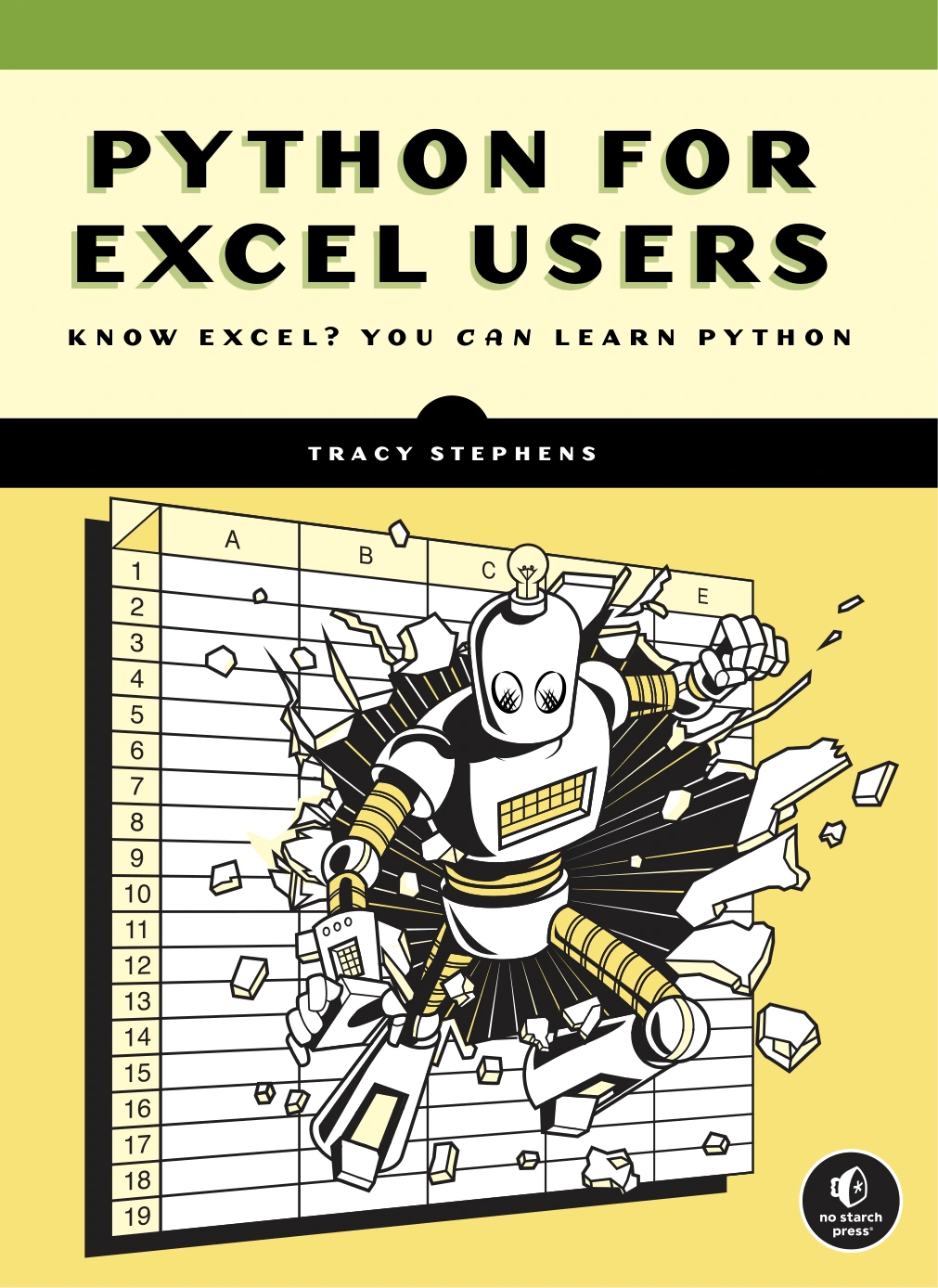
| A route connected to spreadsheet work | Python for Excel Users: Know Excel? You Can Learn Python | Introduces fundamentals for non-programmers through spreadsheet-oriented examples and data-handling tasks. |

Python Bookcamp: Exercises and Projects
New or returning learners who want setup, core syntax, debugging, and file handling in one practice-oriented resource.
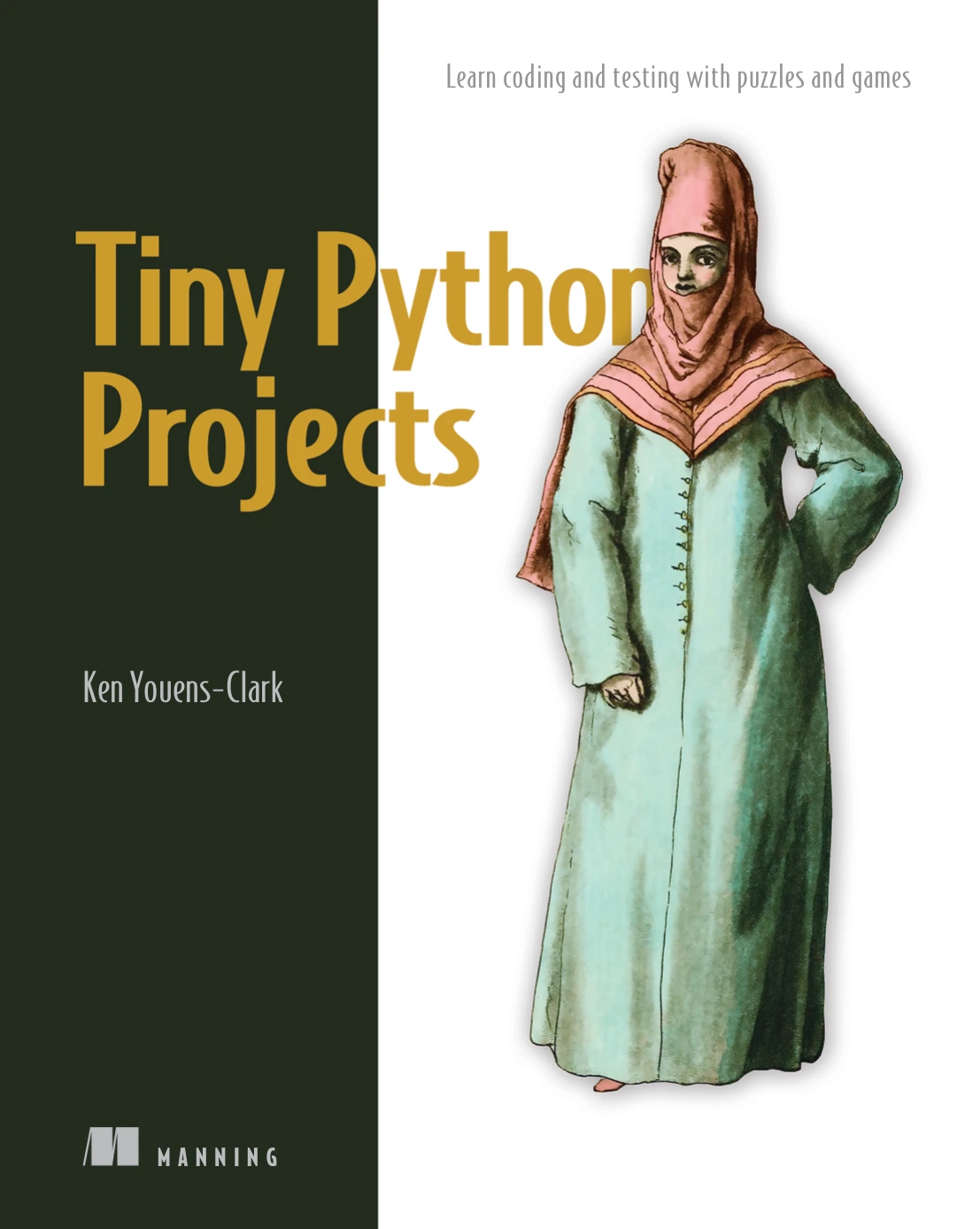
Learners interested in puzzles, command-line skills, and checking program behavior through pytest-based exercises.
Python for Excel Users: Know Excel? You Can Learn Python
Excel users without a programming background who prefer examples connected to familiar data and spreadsheet tasks.
Choose one main resource rather than starting all three at once. Work through its examples, make small changes, and keep a separate program where you apply what you learn. When your goal becomes more specific, browse the Python books and learning resources for a relevant next step.
Common beginner mistakes to avoid
- Only reading code: predict its behavior, run it, and alter something meaningful.
- Copying without understanding: explain each new line before adding more.
- Changing several things after an error: make one targeted change so you can understand its effect.
- Installing tools too early: keep the first exercises focused on Python rather than package configuration.
- Ignoring awkward inputs: try zero, empty text, missing items, and invalid values where relevant.
- Confusing familiarity with independence: after following an example, rebuild a smaller version without looking at it.
Frequently asked questions
Do I need previous programming experience to learn Python?
No. You can begin with Python, but choose explanations that teach programming concepts as well as Python syntax. The official tutorial is a useful reference, though it assumes basic programming knowledge rather than teaching every concept from scratch.
Should I learn classes immediately?
Not necessarily. First become comfortable with values, conditions, loops, collections, and functions. Learn basic classes when your resource introduces them clearly or when your project needs related data and behavior grouped together. Advanced object-oriented design can wait.
Do I need to memorize Python syntax?
You need familiarity, not perfect recall. Practise common patterns and look up details when necessary. More importantly, understand what a piece of code does and whether it solves the problem you intended.
When should I start using libraries?
Use standard-library modules when they help a small project. Introduce third-party libraries when you have a specific task for them and can follow the inputs, outputs, and errors in your own code. Learn virtual environments before adding external dependencies.
How long should I spend on the basics?
Use demonstrated skills rather than a fixed timeline. Move forward when you can build, explain, modify, and debug a small program. If you can follow a tutorial but cannot change it independently, spend more time on smaller exercises.
Your next step: build something small and change it
Start with the greeting, build the converter, and then turn its calculation into a function. After that, choose a quiz or another small program with a clear purpose.
The aim is not to finish a checklist of Python features. It is to understand how data and instructions combine into a working result. Once you can modify that result and investigate its failures, you have a practical foundation for choosing automation, data analysis, web development, or another direction.
Sources and further reading
- The Python Tutorial — reference material for interpreter use, values, control flow, functions, collections, modules, files, and exceptions.
- Virtual Environments and Packages — official guidance on isolated environments and package management.
- Download Python — the official place to check available releases and installers.