What Is the Best Way to Start Learning Python?
The best way to start learning Python is to choose one resource that matches your experience, practise each concept in a small program, and gradually build something without following instructions line by line. You do not need to choose a specialization, buy several books, or assemble a complicated development environment before you begin.
If Python is your first programming language, start with guided explanations and exercises. If you already program in another language, you can move more quickly through familiar concepts and focus on how Python handles them.
This guide gives you a practical starting sequence, a first script, small project ideas, and a way to choose learning resources. Treat the roadmap as an adaptable plan—not a scientifically established fastest method or a promise of mastery within a fixed number of days.
1. Choose a starting point that matches your experience
If you are completely new to programming
You are learning two things at once: Python syntax and how to break a problem into instructions a computer can execute. Choose material that explains both. A useful beginner lesson should help you understand what a variable represents, why a condition selects one path rather than another, and how a loop repeats work.
Start with a resource that includes short examples and exercises. After each explanation, write something yourself—even if it is only a few lines. Finishing a chapter is less informative than being able to use its ideas in a different situation.
If you already know another programming language
The official Python tutorial is a reasonable starting point because it explicitly assumes a basic understanding of programming. It introduces Python rather than teaching programming entirely from scratch.
Pay particular attention to Python’s collections, iteration, function arguments, exceptions, and modules. When you recognize a familiar concept, try a small example rather than assuming its behavior matches the language you already know.
Choose a reason to practise, not a permanent career path
A modest goal gives your exercises direction. You might want to summarize expenses, organize a reading list, or create a quiz. You can change direction later; the fundamentals below support many kinds of Python work.
A helpful first goal is specific enough to describe in one sentence: “Read a list of expenses and calculate the total” is easier to start than “Learn data science.”
2. Set up Python and run your first program
Choose a supported, stable Python 3 release that is compatible with your learning material. Use the official Python downloads page for current release information rather than relying on an old screenshot or a patch-version recommendation in a book.
For your first lessons, you need an interpreter to execute Python and an editor to save your code. An integrated editor can bring these together. Use the setup instructions for your operating system and chosen resource; there is no need to compare every editor before writing your first script.
Understand the shell and a saved script
- Interactive shell: you enter a statement and see its result immediately. It is useful for quick experiments.
- Saved script: you put instructions in a file ending in
.pyand run the file. It is useful for programs you want to keep and change.
When a tutorial shows >>>, that usually represents the interactive prompt. Do not copy those prompt characters into a script.
Write a first input-and-output script
Create a file called hello.py and save this code:
name = input("What is your name? ")
print(f"Hello, {name}! Let's learn Python.")
Run it with your editor’s Python run command. If your setup uses a terminal, open the folder containing the file and run it with the command your installation provides, such as python hello.py or python3 hello.py.
The program collects text with input(), stores it under the name name, and inserts it into the greeting. Now change the message, ask a second question, and print both answers. That small modification is your first exercise.
If it does not run, separate setup problems from code problems. “Command not found” suggests a command or installation issue. A Python error pointing to a line in the file suggests something in the program needs attention.
3. How to learn Python: follow a practical sequence
Learn enough of each topic to use it, then revisit it as your programs become more demanding. You do not need to memorize every method before moving forward.
| Stage | What to learn | A useful practice task |
|---|---|---|
| Values and basic interaction | Variables, numbers, strings, conversion, input, and output | Ask for a quantity and calculate a total |
| Decisions and repetition | Comparisons, booleans, if, for, and while |
Check an answer and repeat a question |
| Collections | Lists and dictionaries, followed by tuples and sets | Store several items and look up information by name |
| Reusable code | Functions, arguments, return values, imports, and modules | Move a repeated calculation into a function |
| Programs that handle imperfect situations | Files, exceptions, tracebacks, and basic tests | Read sample data and explain what happens when input is invalid |
Start with values, conditions, and loops
Learn the difference between text and numbers early. For example, input() returns text; asking someone for their age does not automatically produce a number. Converting that answer is a separate operation, and invalid text needs handling once you introduce exceptions.
With conditions, explain the rule in ordinary language before coding it. With loops, identify what changes on each repetition and what stops the repetition. This is especially important with while loops.
Choose collections by the question you need to answer
- List: “What items do I have, in sequence?”
- Dictionary: “What value belongs to this key?”
- Set: “Which distinct values are present?”
- Tuple: “Which fixed group of values belongs together?”
These are starting mental models, not complete definitions. Practise with lists and dictionaries first, then explore the differences through examples.
Add functions when a task has a clear purpose
A function lets you name a piece of work and use it again. Practise separating calculation from interaction: one function can calculate a result, while other code asks questions and prints the answer. That separation makes the calculation easier to check with different inputs.
Introduce virtual environments when dependencies appear
You can begin with built-in features and the standard library. When a project requires third-party packages, learn to create a virtual environment and install packages into it.
The official guide to virtual environments and packages explains why separate environments matter: applications may need different, incompatible package versions. Package isolation is useful project housekeeping, not a reason to postpone your first lesson.
4. Turn each lesson into a small program
Reading can introduce an idea, but writing code reveals whether you can use it. Try this practice cycle:
- Read one explanation and its example.
- Predict what the example will output before running it.
- Run it and compare the result with your prediction.
- Modify one meaningful detail, such as the input or condition.
- Rebuild a similar program with the example out of sight.
If you cannot rebuild it yet, identify the missing step. You might understand a loop but not know how to collect its results. That is a specific learning problem you can investigate, rather than a general conclusion that you are “bad at coding.”
Project 1: a number-guessing game
Start with a fixed secret number. Ask for a guess and report whether it matches. Then add “too high” and “too low” messages. Once that works, allow repeated guesses.
Keep the first version small. Random number generation, attempt limits, and input validation can be later improvements. Each addition should solve one new problem.
Project 2: a text-based quiz
Store questions and answers, ask each question, and count correct responses. This combines collections, loops, and conditions.
Before adding more questions, decide what should happen with capitalization and extra spaces. Try examples deliberately: does Paris match paris? Should it? Your answer becomes part of the program’s requirements.
Project 3: an expense summary using sample data
This example groups sample expenses by category. It needs no additional packages:
def totals_by_category(expenses):
    totals = {}
    for category, amount in expenses:
        totals[category] = totals.get(category, 0) + amount
    return totals


sample_expenses = [
    ("food", 12),
    ("transport", 5),
    ("food", 8),
]

summary = totals_by_category(sample_expenses)

for category, total in summary.items():
    print(f"{category}: {total}")
The expected totals are food: 20 and transport: 5. The function builds a dictionary, adding each amount to the total for its category. get(category, 0) supplies a starting value when the category has not appeared before.
Use these extensions as separate exercises:
- Add another category and predict its total.
- Call the function with an empty list and inspect the result.
- Print a grand total alongside the category totals.
- Later, replace the sample list with data read from a file.
The example uses whole-number sample amounts to keep the lesson focused. It is a collection-and-function exercise, not a production financial application.
5. Choose one main resource—not a stack of books
A main resource gives you a sequence; documentation helps answer specific questions along the way. You do not need to purchase a book to learn Python, but a structured digital book can be useful if you prefer a guided reading path.
The following Digital Delights options have different emphases according to the supplied catalog descriptions. They are alternatives to consider, not a required shopping list or an independently tested ranking.
| Resource | Who it may suit | Catalog-supported emphasis |
|---|---|---|
| Python Bootcamp: A Rapid Crash Course Featuring Q&A Sessions, Exercises, and Projects | New programmers who want an introductory, practice-led route | Python 3 setup, runnable examples, questions, exercises, and projects; its opening setup coverage includes Windows |
| Python Bookcamp: Exercises and Projects | Learners who want fundamentals connected through case studies | Variables, collections, conditions, loops, functions, exceptions, debugging, and files |
| The Python Apprentice | Learners seeking foundations followed by a closer look at Python’s behavior and development practices | Core types, functions, modules, object references, scope, files, unit testing, and debugging |
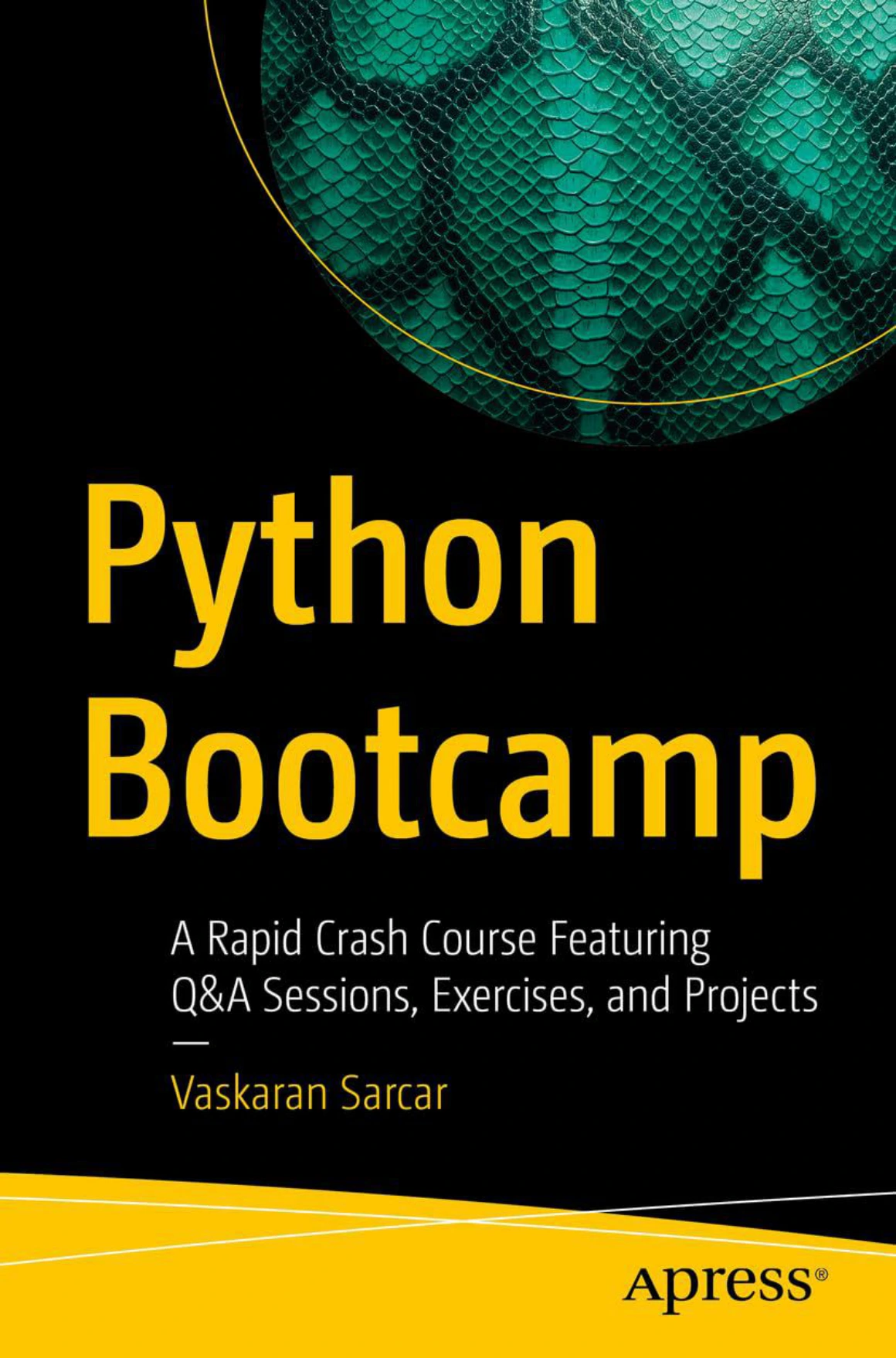
Python Bootcamp: A Rapid Crash Course Featuring Q&A Sessions, Exercises, and Projects
New programmers seeking Python 3 explanations with questions, exercises, and projects; opening setup guidance includes Windows.

Python Bookcamp: Exercises and Projects
Learners who prefer case studies connecting core syntax, collections, functions, debugging, and file handling.
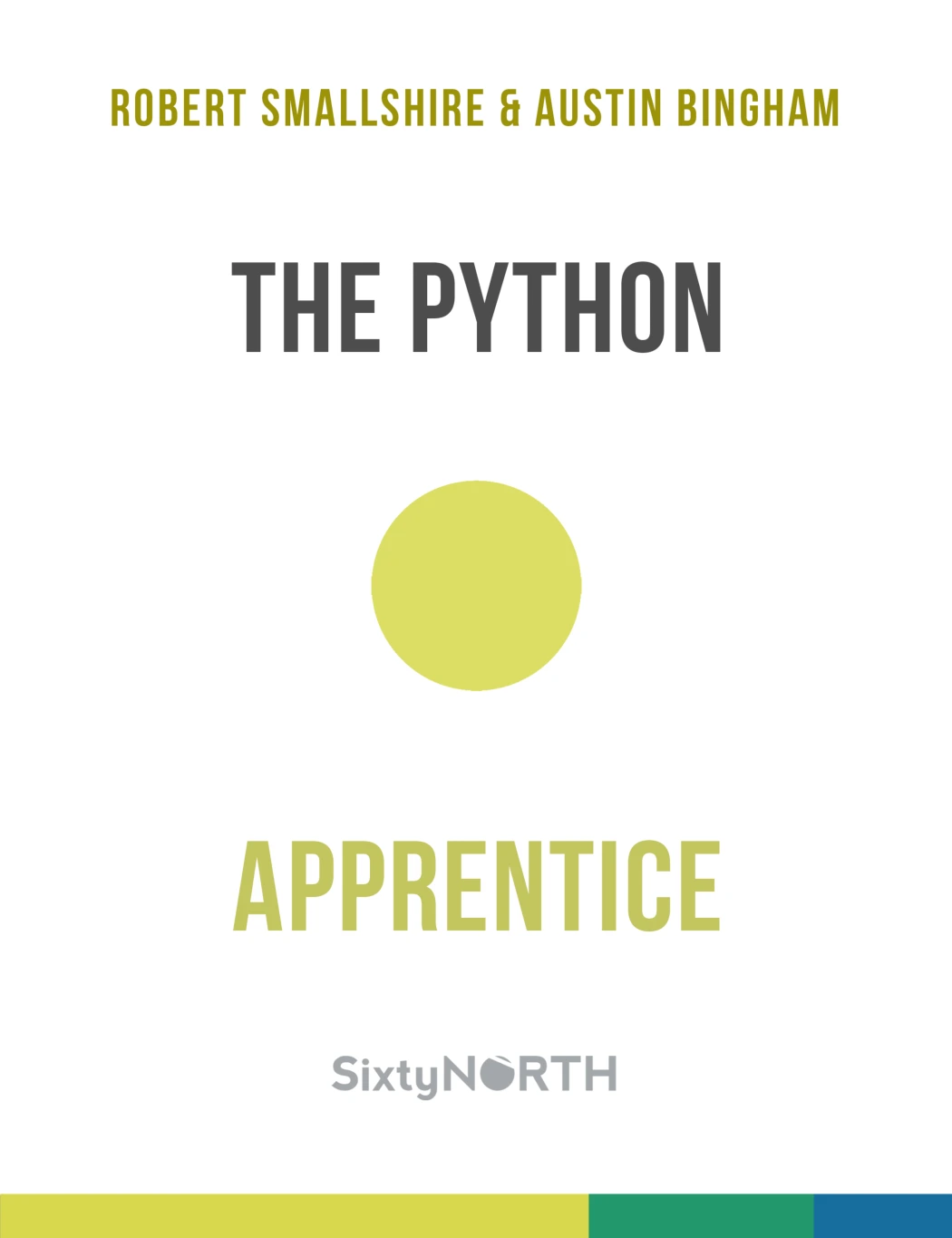
Readers interested in understanding references and scope alongside core Python, testing, and debugging.
Before choosing, check the description and any available preview. Ask whether the explanation assumes prior programming knowledge, whether you can follow the setup on your computer, and whether the exercises ask you to write code rather than merely read it.
Use one resource as your main route. If a concept remains unclear, consult another explanation for that particular topic rather than restarting an entire course.
Save code-improvement resources for a later stage
Once you have small working programs to improve, Python How-To: 63 Techniques to Improve Your Python Code offers focused techniques involving readable, maintainable code, collection choices, type hints, examples, and challenges. Its role here is a later companion—not the first thing a complete beginner must study.
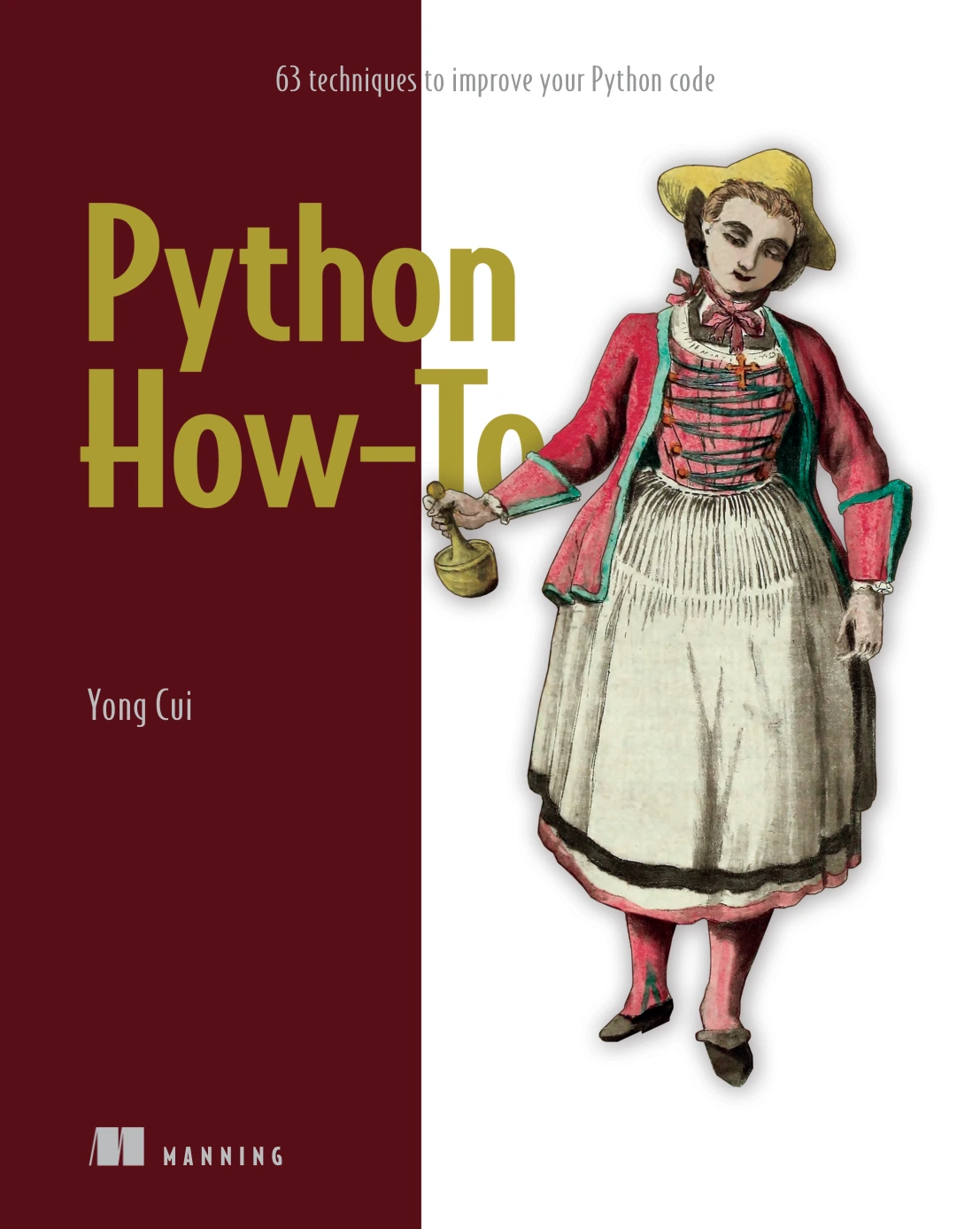
Python How-To: 63 Techniques to Improve Your Python Code
By Yong Cui
Learners with working code who want focused techniques for readability, maintainability, collection choices, and type hints.
6. Avoid common beginner traps
Switching resources whenever the work gets difficult
Before changing resources, locate the difficulty. Is an explanation missing, is setup failing, or do you need more practice? Switching may help with a genuine mismatch, but it does not replace solving exercises.
Copying code without understanding it
After using an example, explain what each part contributes and change a requirement. If you use an AI assistant, ask for a hint or an explanation of an error before asking for a complete solution. Treat suggested code as something to inspect, run, and check—not as proof of correctness. Do not paste passwords or private information into assistance tools.
Starting with an oversized application
A web platform or machine-learning system can introduce installation, configuration, data, and framework problems at the same time. Begin with a smaller version of the underlying task. A command-line quiz is a manageable first step toward an interactive application.
Treating errors as a verdict on your ability
Read the final error message, locate the relevant line, and inspect the values involved. Change one thing at a time. Keep a short note of the cause and fix so that the same mistake becomes easier to recognize.
For example, a ValueError after converting user input to a number may mean the entered text was not a valid numeric value. Investigate the input before rewriting unrelated parts of the program.
7. Decide what to learn next using skill milestones
Progress is easier to assess through tasks than through days spent studying. You are ready to extend your learning when you can:
- Write a small program from a plain-language description.
- Use a list or dictionary for a clear purpose.
- Break a task into functions with understandable names.
- Follow a traceback to the relevant part of your code.
- Read or write a basic file.
- Check a normal case, an empty case, and an invalid-input case.
- Explain your program without relying on the original tutorial.
You do not need to perform every task perfectly before exploring something new. Use the checklist to identify what still needs practice.
If you want automation
Explore file paths, text processing, CSV data, and small repeatable workflows. Work on copies of files while learning, particularly when a script could rename, overwrite, or delete anything.
If you want data analysis
Move toward tabular data, NumPy, pandas, and visualization. Begin with a small dataset and a specific question, such as totals by category. Learn what the data represents before choosing more elaborate tools.
If you want web development
Learn basic HTTP concepts and how a small application handles a request and returns a response. Choose one framework when you are ready, rather than comparing several before understanding the problem they solve.
Frequently asked questions
Can I learn Python for free?
Yes. Python’s interpreter and standard library are freely available, and its official documentation is accessible online. A paid resource is optional. Choose additional material for the structure or explanations it provides, not because payment is a prerequisite for learning.
Should I start with books or documentation?
If programming itself is new to you, a guided beginner resource may give you a clearer sequence. If you already understand programming, the official tutorial is designed for that starting point. In either case, documentation can serve as a reference when a specific behavior is unclear.
Do I need advanced math to begin learning Python?
No advanced math is needed for the introductory scripts in this guide. You can practise with text, lists, decisions, and ordinary arithmetic. More specialized work may introduce additional mathematics; learn those prerequisites when your goals require them.
How long does it take to learn Python?
There is no supported universal timeline in the research supplied for this article. Prior experience, available time, and the kind of programs you want to write all affect the scope of learning. Measure progress by what you can build, explain, and debug independently.
Your next step: run one script and change it
Start with the greeting script, run it, and make one meaningful change without copying another solution. Then choose a main learning resource and work through the fundamentals while building small programs.
If you prefer learning from digital books, browse the Python books and learning resources at Digital Delights with a specific need in mind: introductory explanations, extra exercises, or later code improvement. You need a workable next step, not a complete library before you begin.
Sources and scope
The roadmap and practice activities are editorial suggestions. The official sources below support the tutorial’s intended audience, Python’s availability, release selection, and package-isolation guidance. They do not establish one universally superior learning method.
- The Python Tutorial — audience, language introduction, and freely available interpreter and standard library.
- Python downloads — current release information; check before installing.
- Virtual Environments and Packages — dependency isolation and package-management concepts.
Book coverage comparisons are based on the supplied Digital Delights catalog entries linked above, not firsthand testing or comparative learner-outcome studies.