How Do I Learn Python Programming?
To learn Python, start with a small goal, set up a working environment, and practise the fundamentals by writing programs you can explain. Then build one useful project and improve it gradually. You do not need to understand every library or choose a career specialization before you begin.
The difficult part is often moving from following instructions to deciding what code to write yourself. A manageable learning path should help you make that transition, not just introduce more syntax. This guide explains how to learn Python in a useful order, what to practise, how to handle errors, and when books or documentation can help. Treat the roadmap as a flexible plan: your starting knowledge and the kind of program you want to build should shape your next step.
1. Choose your starting point and a small learning goal
If you have never programmed before
Start with both programming concepts and Python syntax. A variable stores a value; a condition selects what happens next; a loop repeats an operation; a function groups instructions into a reusable piece of code. Learning what these ideas accomplish matters as much as remembering how to write them.
Choose a resource that explains its examples, includes practice, and assumes no programming background. The official Python beginner guide is a useful starting point for finding introductory guidance.
If you already know another programming language
You can move more quickly through general concepts and concentrate on Python’s syntax, data structures, modules, and conventions. The official Python Tutorial explicitly assumes basic programming knowledge; it is intended for programmers learning Python rather than complete programming beginners.
Choose an initial purpose, not a permanent specialization
A concrete goal gives you somewhere to apply each concept. For example:
- Everyday scripting: summarize a text file or organize a list of tasks.
- Spreadsheet work: calculate totals from exported records.
- Data analysis: answer a simple question about a small dataset.
- Web development: eventually build an application that accepts and displays information.
Keep the first version smaller than the final idea. Before creating an entire budgeting application, write a program that adds expenses and prints a total.
2. Set up Python and run your first program
For local learning, use a supported stable Python 3 release from the official Python downloads page. Check the setup instructions for your operating system and any version requirements in your learning resource. Avoid choosing a prerelease simply because its version number is higher.
Start with one editor and one way to run your code. You need to be able to create a file, save it, run it, and see the result. You can explore more elaborate development tools later.
Understand the interpreter and a saved script
The interactive interpreter lets you enter Python statements and see results immediately. It is useful for checking a calculation or trying a short expression. A script is a saved file containing instructions that run together. Use scripts for exercises you want to keep and extend.
Create a file named greeting.py containing:
name = input("What is your name? ")
print(f"Hello, {name}! You are learning Python.")
Run the file using your editor’s run command. If you use a terminal, a command such as python greeting.py or python3 greeting.py may be appropriate, depending on your installation.
The first line asks for text and stores it in name. The second line inserts that value into a greeting and displays it. If you enter Sam, the greeting becomes Hello, Sam! You are learning Python.
Your first milestone: change the question and greeting, run the file again, and explain which line accepts input and which line produces output.
3. How to learn Python fundamentals in a useful order
The Python Tutorial covers expressions, data structures, control flow, functions, modules, input and output, exceptions, and classes. The sequence below uses those foundations as a practical learning roadmap, not a mandatory curriculum.
Stage A: Values, variables, input, and output
Learn numbers, strings, assignment, arithmetic, and basic conversions. Notice the difference between the number 12 and the string "12". User input arrives as text, so calculations often require converting it to a numeric value.
- Exercise: ask for a number of items and a price, then calculate the total.
- Milestone: explain the values your program receives, how it processes them, and what it displays.
Stage B: Conditions and loops
Use if, elif, and else to make decisions. Use for and while loops to repeat work. Pay attention to indentation: it shows which statements belong inside a block.
- Exercise: build a short quiz that checks answers and counts correct responses.
- Milestone: predict which branch will run and explain when a loop stops.
Stage C: Lists, dictionaries, and functions
Lists let you work with a sequence of values. Dictionaries associate keys with values, such as a category name and an amount. Functions let you name a task, pass information into it, and return a result.
- Exercise: store several expenses and write a function that calculates their total.
- Milestone: process multiple records without writing a separate calculation for every record.
For example:
def total_expenses(expenses):
    total = 0
    for expense in expenses:
        total += expense["amount"]
    return total

expenses = [
    {"category": "food", "amount": 12},
    {"category": "travel", "amount": 8},
]

print(total_expenses(expenses))
This prints 20. Each expense is a dictionary, and the list holds both records. The function starts at zero, adds each amount, and returns the total. Add another record and predict the new result before running it.
Stage D: Modules, files, exceptions, and classes
Learn how to import reusable code, read and write files, and handle expected failures. Introduce classes once you are comfortable with functions and data structures. Classes become easier to understand when you have a reason to group related data and behavior.
- Exercise: save records to a file, then load them in another run of the program.
- Milestone: explain where the data is stored and what should happen when the file is missing or an input is invalid.
You do not have to master inheritance or advanced class design before building useful small scripts. Learn enough to understand your current program, then deepen the subject when a project requires it.
4. Turn examples into independent practice
Reading working code and creating working code are different tasks. To practise both, use this cycle:
- Predict: write down what you expect the example to do.
- Run: compare its behavior with your prediction.
- Explain: describe the important lines in ordinary language.
- Change: modify an input, condition, data structure, or output requirement.
- Recreate: close the example and rebuild a smaller version using your notes.
Looking up syntax is fine. The useful test is whether you can decide what steps the program needs, not whether you can remember every method name.
Read errors as clues
Suppose you write:
age = input("Age: ")
print(age + 1)
This raises a TypeError because age is text while 1 is an integer. Converting the input with int(age) addresses that mismatch, but entering nonnumeric text creates a different problem: a ValueError.
When debugging, ask:
- What error type appears at the end of the traceback?
- Which line in my code does it identify?
- What values and types are involved?
- What assumption did I make about the input?
- What is the smallest change that addresses the cause?
Avoid changing several unrelated lines at once. If the program starts working, you should still be able to explain why.
Use a repeatable practice routine
Choose a schedule you can maintain. A session might include revisiting one previous exercise, learning one concept, and applying it without copying. If time is limited, finish a small task rather than starting several tutorials.
Keep a short learning log with the problem, your mistake, and the correction. This is a suggested routine, not a claim that a particular schedule works best for everyone.
5. Build a small project, then improve it
A beginner Python project should be small enough that you can describe its main steps before writing code. Try this progression:
| Project | First working version | Skills practised | Next improvement |
|---|---|---|---|
| Quiz | Ask questions and display a score | Strings, input, conditions, loops | Store questions in a list and accept different capitalization |
| Expense tracker | Add stored expenses and show a total | Lists, dictionaries, functions | Validate amounts and save records to a file |
| CSV summary tool | Read records and total one numeric column | Files, modules, conversion, exceptions | Report missing fields and summarize by category |
Write the requirements before the code
For an expense tracker, specify what counts as an expense, whether negative amounts are allowed, and what an empty list should produce. Then write the steps in plain language:
- Get or load the expense records.
- Check that each record has an acceptable amount.
- Add the amounts.
- Display the total.
- Save any new records if storage is part of this version.
Build one step at a time. For a file-based project, use sample data and a copy of any important file. Keep experiments separate from records you cannot afford to lose.
Add simple checks
Check a normal case, an empty case, and an invalid-input case. For the earlier total function, these assertions express two expected results:
assert total_expenses([]) == 0
assert total_expenses([{"amount": 5}, {"amount": 7}]) == 12
Use these as learning checks for the function, not as a replacement for validating user input. As your projects grow, learn how to organize repeatable tests.
Introduce packages when you need them
Your first exercises can use Python’s built-in features and standard library. When a project needs third-party packages, learn dependency management alongside installation.
The official virtual-environment documentation explains why applications may need different package versions. A virtual environment keeps a project’s packages separate; venv creates the environment, while pip manages packages.
A typical creation command is python -m venv .venv, using the interpreter command appropriate to your system. Follow the documentation’s platform-specific activation instructions. Record the dependencies your project uses so its setup is understandable later.
6. Choose learning resources that match your needs
Choose one main learning resource and use documentation for targeted questions. Collecting several beginner books is less useful than completing exercises from one and applying the ideas.
For readers comparing digital books, these Digital Delights catalog titles support different learning needs:
| Resource | Suitable starting point | Catalog-supported focus |
|---|---|---|
| Starting Out with Python, 6th Edition | New programmers wanting foundational instruction | Step-by-step explanations, examples, exercises, functions, files, data structures, and classes |
| Getting Started with Python | Learners wanting a guided introduction with a continuing example | Fundamentals, a recurring game example, exercises, debugging, and later application topics |
| Python Bookcamp: Exercises and Projects | Beginners or returning learners seeking practice-led material | Core syntax, functions, exceptions, files, exercises, and recurring case studies |
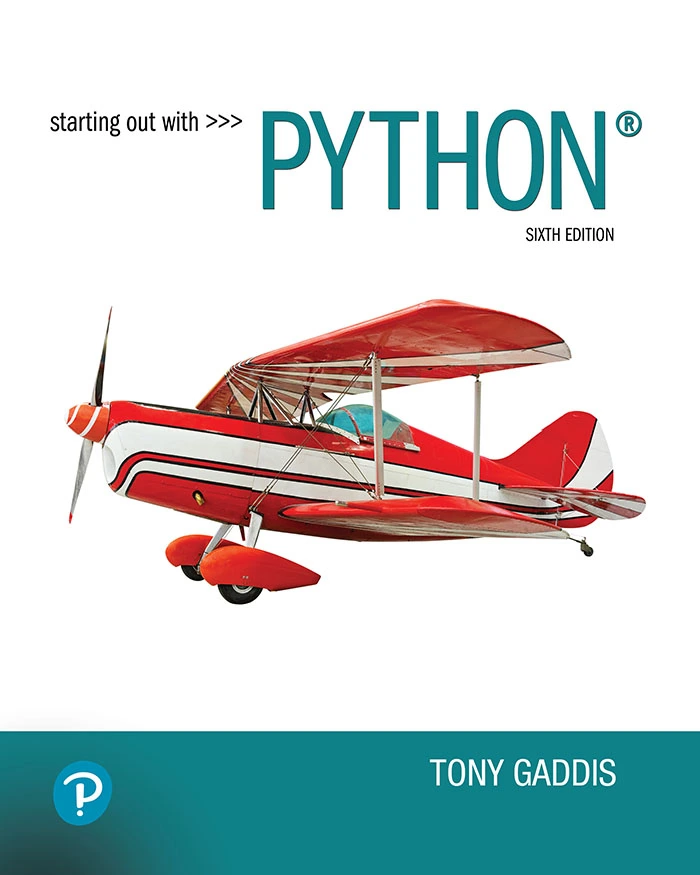
Starting Out with Python, 6th Edition
By Tony Gaddis
New programmers seeking step-by-step explanations and exercises covering core language skills.
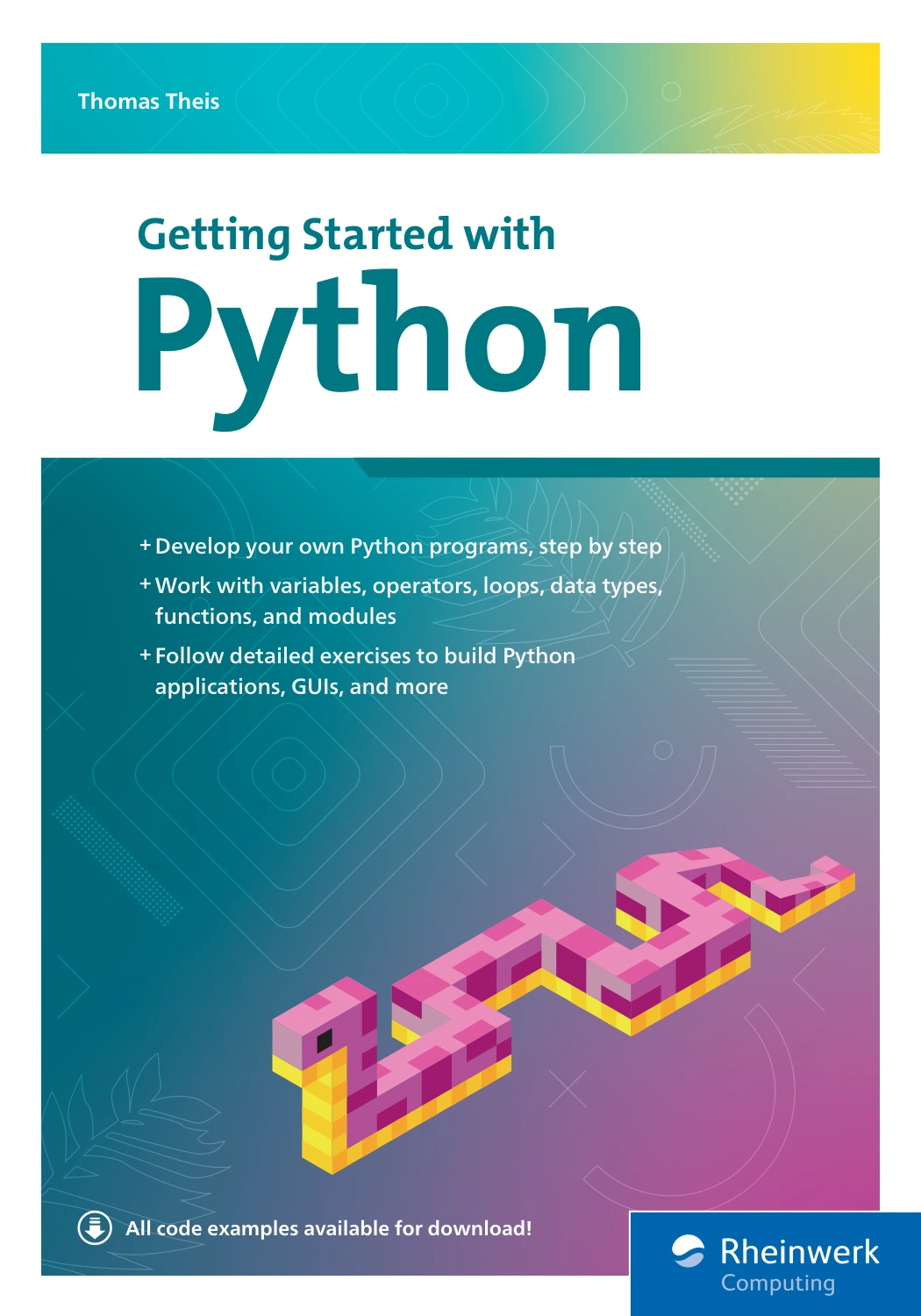
By Thomas Theis
Beginners who want concepts connected through a game example, with debugging and later application topics.

Python Bookcamp: Exercises and Projects
New or returning learners who want to practise fundamentals through exercises and small programs.
These are audience and coverage comparisons, not quality rankings. Check available samples, setup requirements, and accompanying-code access before choosing. A catalog description does not establish that every example works unchanged with your installed software.
Use a book for sequence and explanation, exercises for independent application, and documentation for precise questions. For example, after learning dictionaries in your main resource, consult documentation when you need to understand a particular operation.
7. Decide what to learn after the basics
Choose a next direction once you can write a small program with functions, process a collection of values, and investigate straightforward errors. You can strengthen the fundamentals while exploring an application area.
Spreadsheet automation
If you already work with Excel, practise translating familiar tasks into scripts: cleaning exported records, checking values, or producing repeatable summaries. Python for Excel Users: Know Excel? You Can Learn Python introduces Python concepts through spreadsheet-minded examples and covers automation and practical data handling. This route connects new programming skills to tasks you already understand.
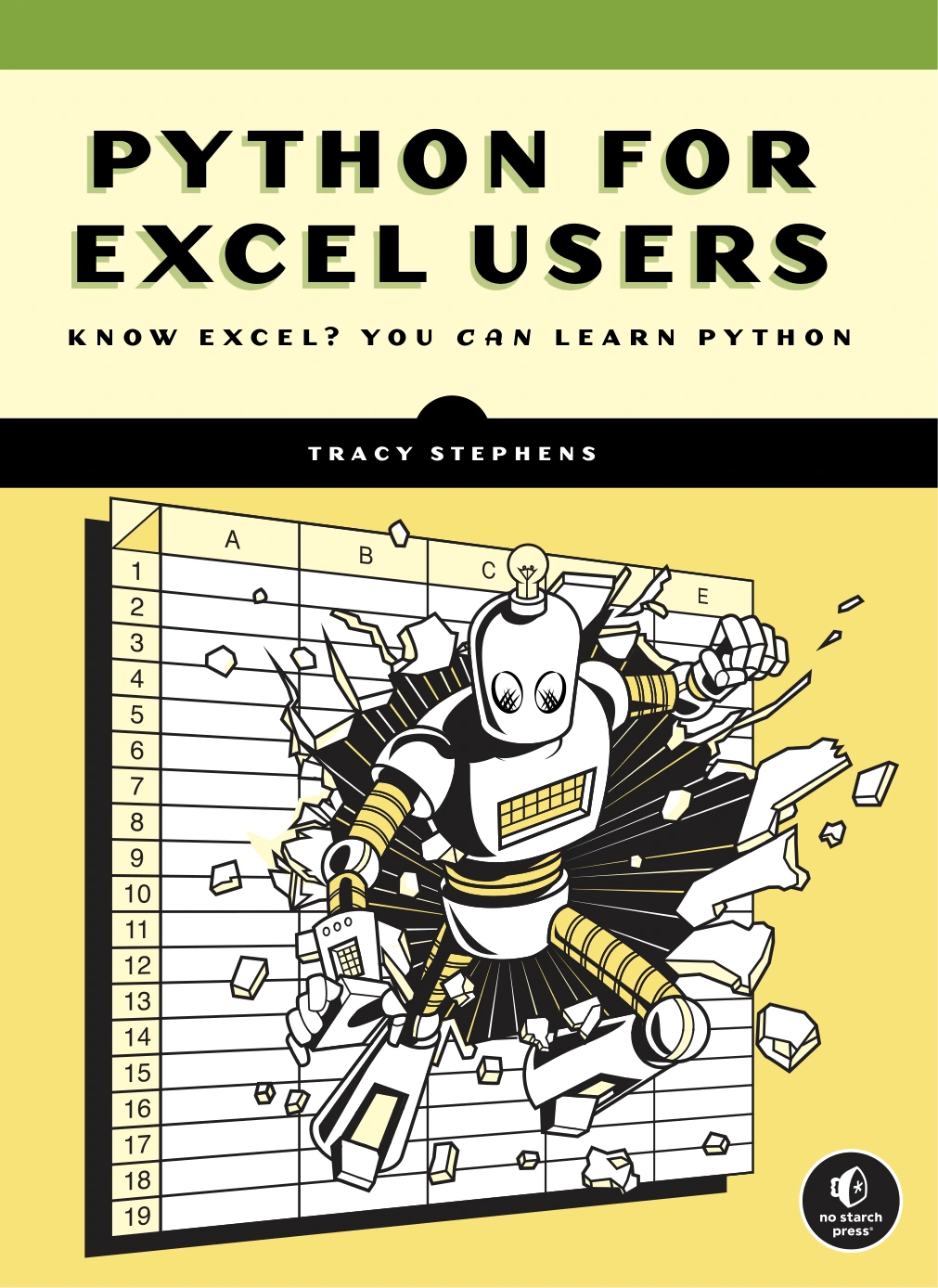
Python for Excel Users: Know Excel? You Can Learn Python
Excel users learning variables, data structures, loops, functions, and scripts through familiar data tasks.
Data analysis and data science
Begin with a question and a manageable dataset. Learn how to inspect the data, identify missing or inconsistent values, and explain the resulting summary. Python for Data Science: A Hands-On Introduction covers data structures and libraries, followed by working with files, APIs, and databases. It offers a data-focused progression rather than a survey of every Python application.
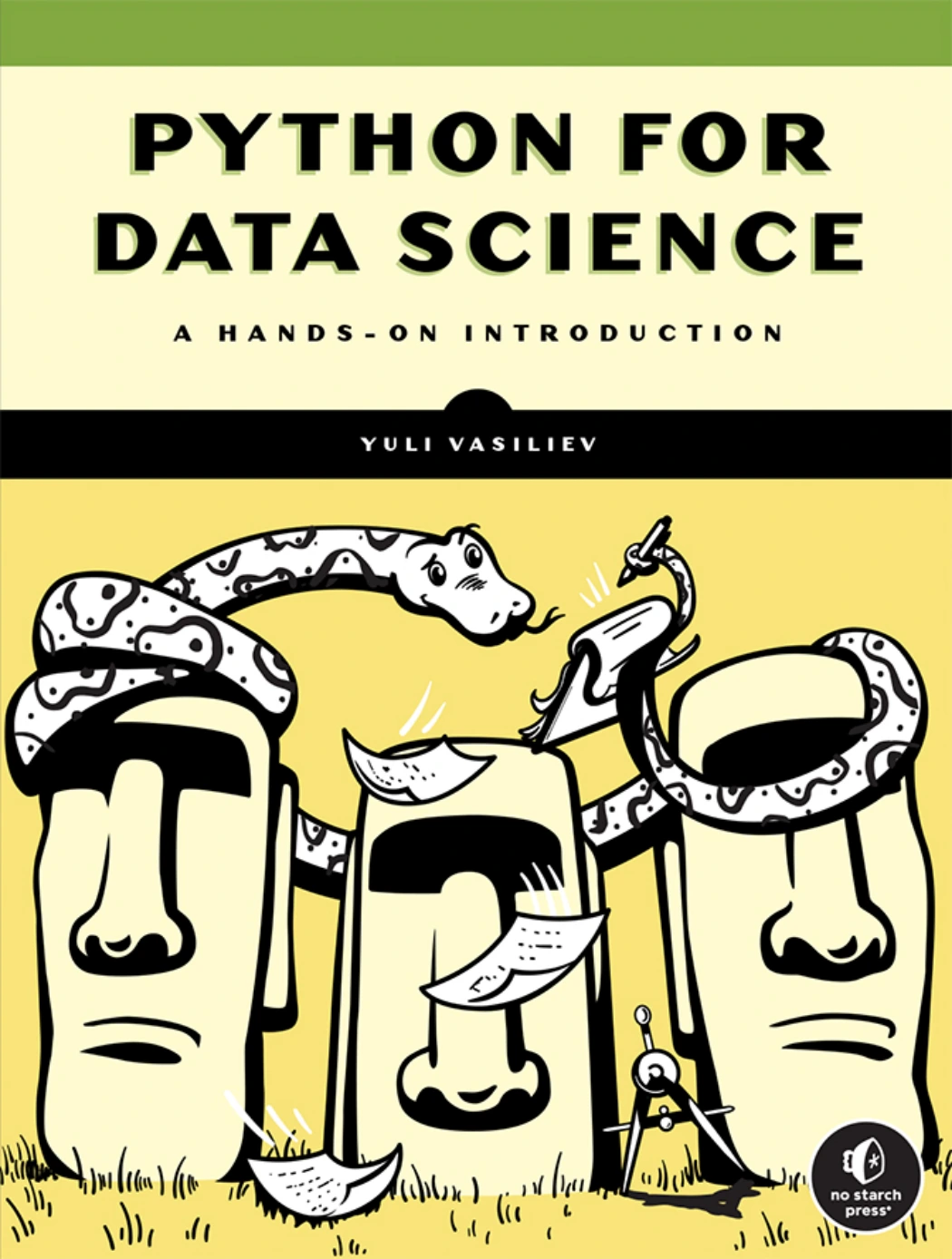
Python for Data Science: A Hands-On Introduction
Data-focused learners interested in Python structures, libraries, files, APIs, and databases.
Machine learning
Build confidence with Python and data preparation before making model training your main focus. Python Machine Learning By Example, Fourth Edition covers practical examples alongside preprocessing, classification, model evaluation, and related concepts. Treat it as a specialization resource, not a substitute for learning basic programming.
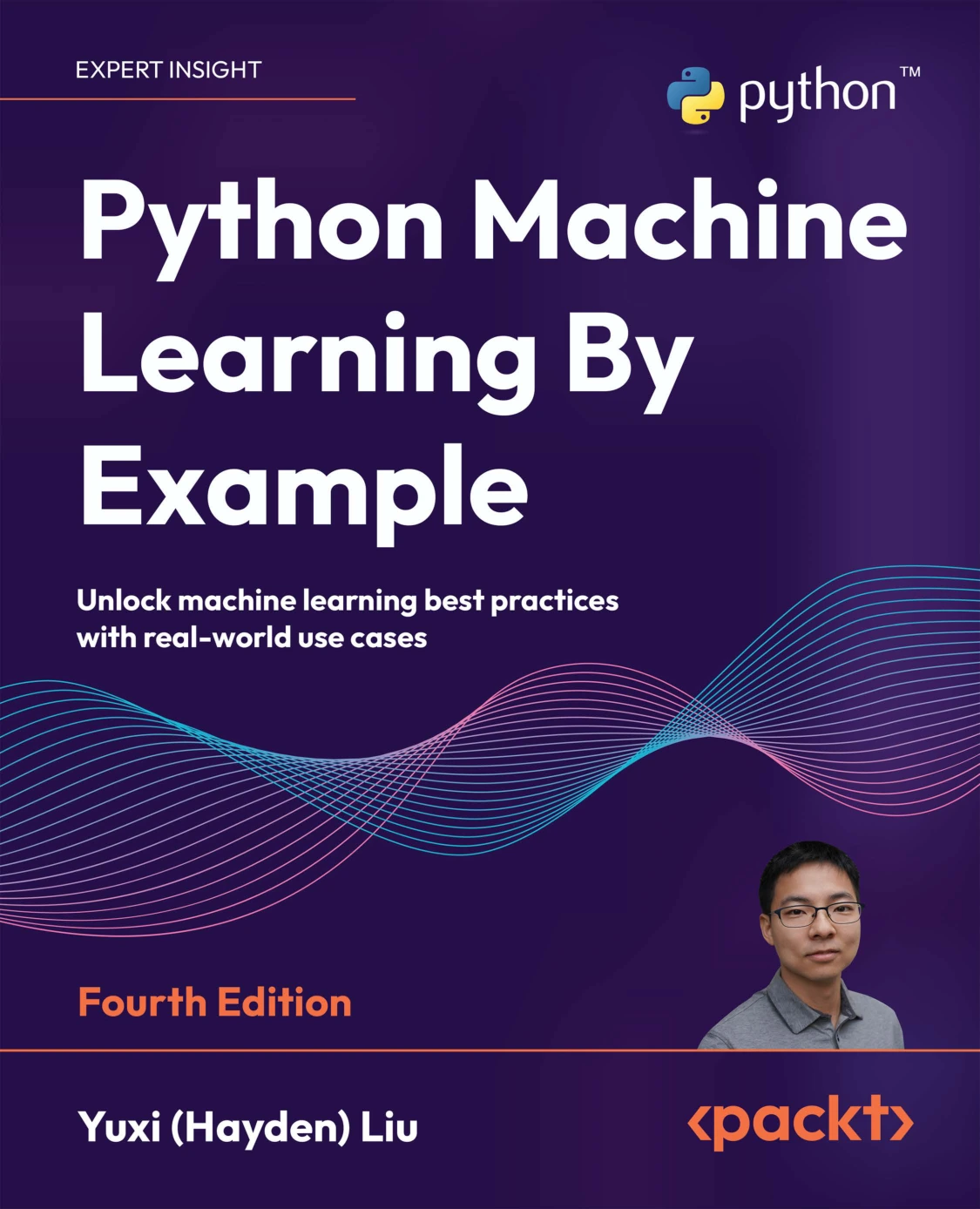
Python Machine Learning By Example, Fourth Edition
Learners ready to explore preprocessing, classification, evaluation, and practical machine-learning examples.
Before following library-heavy examples, check the package versions they expect. When results differ, investigate the environment and data as well as the code.
Web development
Learn the relationship between requests, responses, forms, stored data, and templates. Then choose an introductory framework resource and build a small local application. Keep the first project modest, such as a page that displays and adds tasks. Learn validation and security requirements before exposing it publicly or handling other people’s information.
8. Common mistakes that make progress harder
- Reading without writing: turn each important concept into an exercise.
- Copying unexplained code: identify its inputs, outputs, and decisions before extending it.
- Switching resources repeatedly: finish a meaningful section and project before replacing your main guide.
- Starting too large: reduce the idea to one useful behavior and make that work first.
- Installing packages without a purpose: understand the problem a tool solves before adding it.
- Ignoring errors: read the traceback and check assumptions rather than pasting in an unexplained fix.
- Measuring progress only by completed chapters: also track what you can build, explain, and change independently.
Frequently asked questions
Can I teach myself Python?
You can follow a self-directed path using structured resources, exercises, and documentation. Give yourself concrete tasks and review your solutions. If you get stuck, ask a focused question that includes a small code example, the error, and the behavior you expected.
Can I start learning Python for free?
Yes. Python’s interpreter and standard library are freely available, and the official beginner guidance and documentation are accessible online. A paid book is optional; it may help if you want a particular teaching sequence or practice format.
Do I need advanced mathematics to learn Python?
Not for basic programming exercises such as quizzes, text processing, or simple record summaries. Begin with the arithmetic and logic your task requires. Specialized subjects, including some areas of data science and machine learning, introduce additional mathematical concepts.
How long does it take to learn Python?
There is no single useful deadline because basic scripting, larger application development, and specialized work require different skills. Measure progress through milestones: running a script, writing a function, handling invalid input, completing a project, and modifying it without copying a solution.
Should I use books, videos, or documentation?
Choose a main format you can follow consistently, then judge it by whether you can apply the material. A book can supply structure; a video can demonstrate a workflow; documentation can resolve specific technical questions. None replaces writing your own code.
When am I ready to move beyond beginner exercises?
Try a small independent project when you can break a task into steps and use conditions, loops, data structures, and functions to implement them. You do not need to know everything. You do need to recognize what you do not understand and investigate it.
Your next step: run, change, and explain
Start with the greeting program, change its behavior, and explain the result. Then choose one small project and one main resource. Each new concept should help you make a program do something you understand.
If a structured digital resource would help, explore the Python book collection at Digital Delights with your learning goal in mind. Choose for your current needs, not for the number of advanced topics in the title.
Sources and further reading
- Python For Beginners: introductory guidance and starting resources.
- The Python Tutorial: intended audience and foundational language topics.
- Download Python: current interpreter downloads and release information.
- Virtual Environments and Packages: project environments and package management.