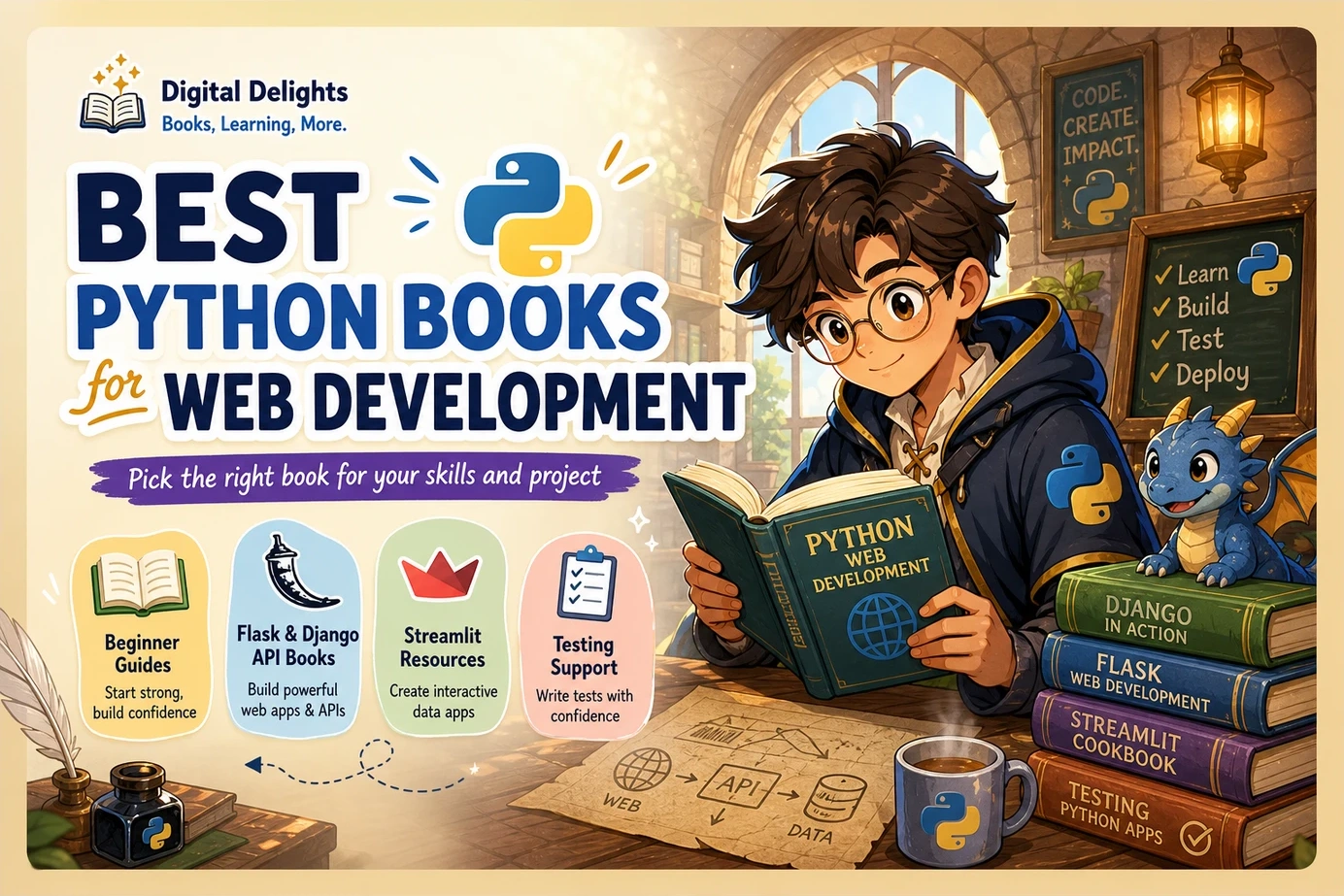
Best Python Books for Web Development
The best Python books for web development depend on what you can already build—and what you want to build next. A complete beginner needs help with functions, data structures, and debugging before authentication or database models will make much sense. Someone who already writes Python scripts needs a different resource: one that connects those skills to a working website, API, or dashboard.
For readers moving from scripts into Flask applications, The Well-Grounded Python Developer is a strong scope-based choice. For a Flask API project, consider Python API Development Fundamentals. For dashboards and data tools, look at Build Python Web Apps with Streamlit. If you are still learning the language, start with a foundation-first guide instead.
This guide compares relevant Digital Delights titles by prerequisites, project focus, and limitations. These are editorial selections based on catalog descriptions and supplied publisher information—not firsthand testing or measured rankings.
Best Python books for web development: quick picks
Choose the row that matches your next project rather than treating the table as a universal ranking. Shortened names appear here for readability; the recommendations below use the full catalog titles.
| Book | Starting point | Main reason to choose it | Important caveat |
|---|---|---|---|
| Unlocking Python | New to programming | Python foundations followed by introductions to Flask APIs and Django | Broad coverage rather than a dedicated framework deep dive |
| Head First Python, Third Edition | Learning Python fundamentals | Visual explanations and activities that lead toward a web application | Also covers data handling and scraping; not exclusively web-focused |
| The Well-Grounded Python Developer | Comfortable with basic syntax and small scripts | Maintainable Flask applications, users, databases, and application design | Check the example environment before starting |
| Python API Development Fundamentals | Basic Python recommended | A Flask recipe-sharing API with validation, authentication, and database work | The supplied edition dates to 2019 |
| Django for APIs | Basic Python and some Django familiarity recommended | Django REST Framework projects, permissions, authentication, and tests | The selected catalog entry specifies Django 3.1 |
| Build Python Web Apps with Streamlit | Already know Python | Dashboards, data apps, CRUD applications, and AI-powered interfaces | A specialist path, not a substitute for every kind of web-development guide |
| Selenium WebDriver Recipes in Python | A working application and basic Python | Browser-test recipes for interactions, waits, and debugging | A testing supplement, not a backend-building course |
How to choose a Python web development book
Start with your Python knowledge
Before choosing a framework-focused book, ask whether you can write a function, work with a dictionary, import a module, and investigate an exception. You do not need to master every language feature. You do need enough confidence to distinguish a Python problem from a framework problem.
If those tasks still require constant lookup, a foundation-first book is usually the more manageable starting point. Otherwise, you may find yourself learning syntax, HTTP, database access, and framework conventions simultaneously.
Choose the application, then the framework
- A browser-facing website: Look for templates, forms, database persistence, user accounts, and permissions.
- An API backend: Prioritize HTTP behavior, request validation, serialization, authentication, authorization, and endpoint tests.
- A dashboard or data tool: Look for interactive controls, data presentation, application state, testing, and sharing or deployment.
- Browser testing: Choose a supplementary resource that helps you verify complete user journeys.
A book can cover several of these areas, but its main project should resemble the work you want to do. Building an interactive data dashboard and building a public API are related learning goals, not identical ones.
Check what happens after the first working page
A first route or page is only the beginning. Before choosing a book, inspect its contents for the next layers:
- Database models and persistent storage.
- Validation of user-submitted data.
- Authentication and access control.
- Tests for successful requests and expected failures.
- Configuration, packaging, and deployment.
- Example code, dependency requirements, and errata.
Not every introductory book needs to cover everything. The important question is whether its omissions fit your stage of learning.
Python foundations before web frameworks
Unlocking Python: A Comprehensive Guide for Beginners
Suited to: New programmers who want to learn Python first while exploring a route into web development.
Unlocking Python: A Comprehensive Guide for Beginners introduces core structures, functions, and classes before moving into modules, exceptions, databases, logging, and unit testing. Its catalog description also identifies REST APIs with Flask and web development with Django.
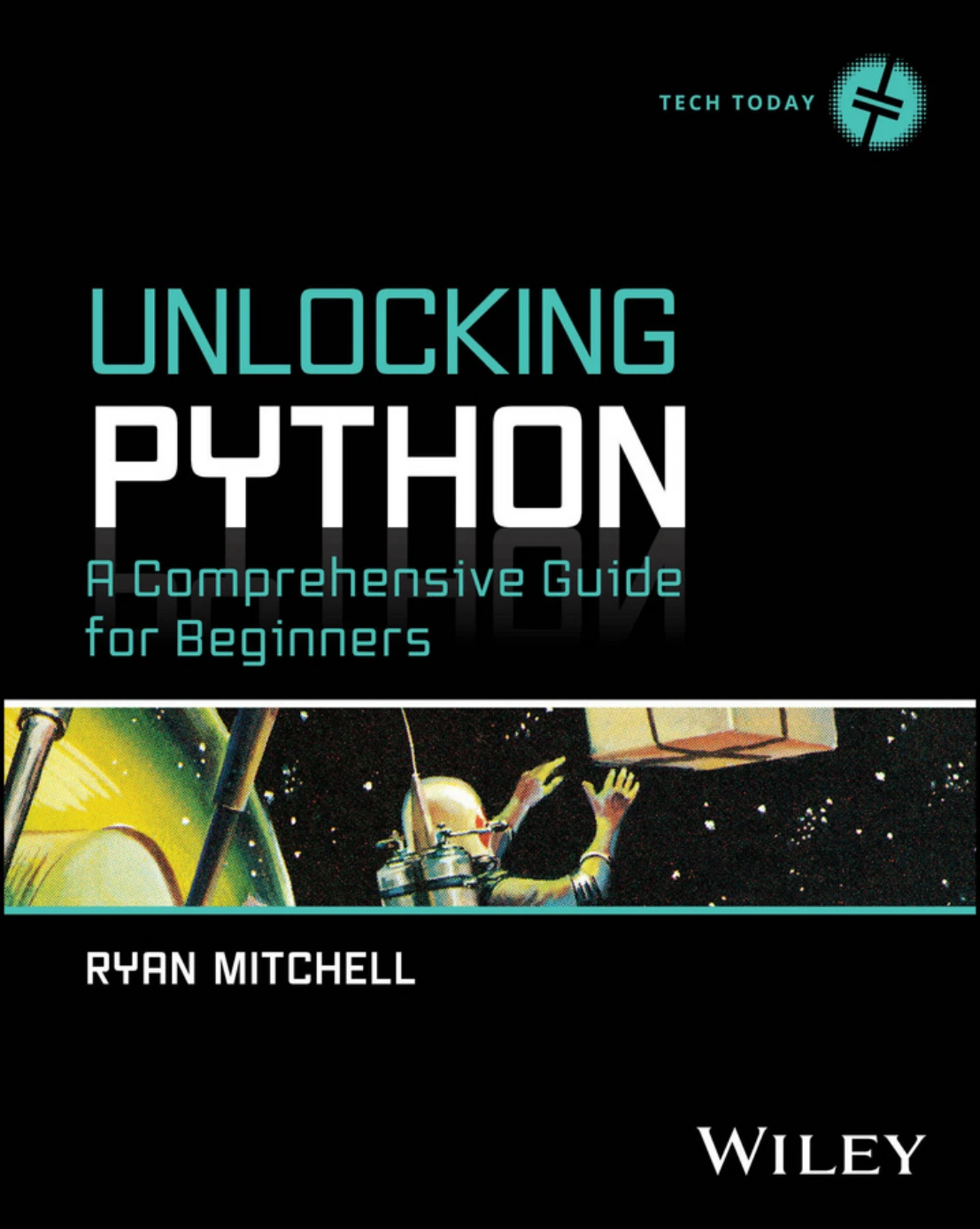
Unlocking Python: A Comprehensive Guide for Beginners
New programmers seeking Python fundamentals before choosing a web framework.
Prerequisites: The catalog positions it for people new to programming.
Limitations: Its scope also includes scraping, data analysis, and machine learning. Choose it to establish foundations and explore options, not on the assumption that it provides exhaustive Django or Flask coverage.
Useful next step: After studying functions and dictionaries, build a small command-line task list. That gives you application logic to reuse when you later add a web interface.
Head First Python: A Learner’s Guide to the Fundamentals of Python Programming, A Brain-Friendly Guide, Third Edition
Suited to: Learners who prefer visual explanations, examples, and activities over a reference-style introduction.
Head First Python: A Learner’s Guide to the Fundamentals of Python Programming, A Brain-Friendly Guide, Third Edition connects Python fundamentals with a working web application. The catalog also describes deployment, HTML work, database integration, and data manipulation.
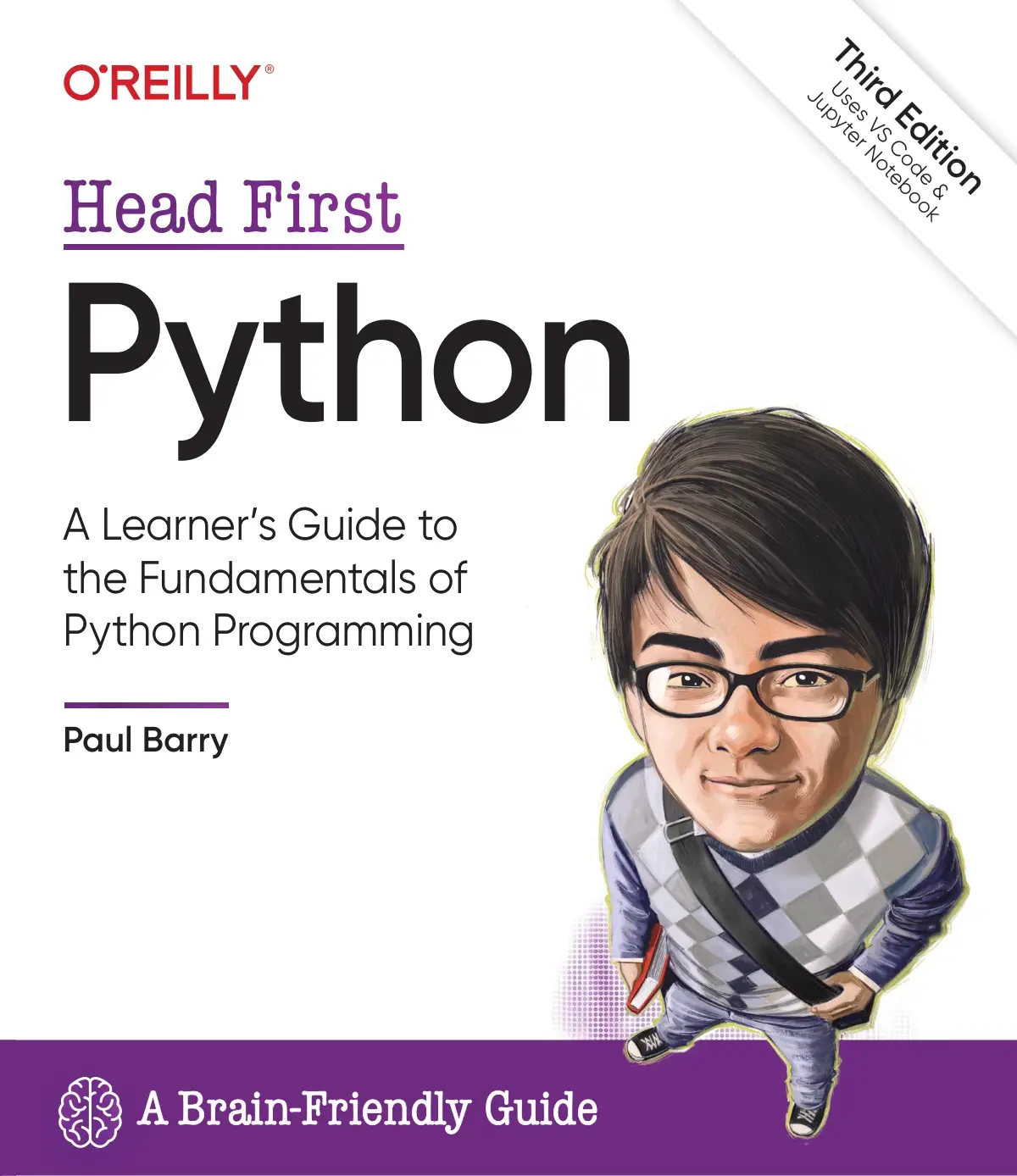
By Paul Barry
Learners who prefer visual explanations and want to connect Python basics with applications and databases.
Prerequisites: It teaches fundamentals, making it a foundation-first option rather than a resource reserved for experienced backend developers.
Limitations: Web development shares space with notebooks, scraping, and data processing. Its relevance comes from connecting Python to applications, not from being a dedicated manual for one web framework.
Choosing between these two: Favor Unlocking Python if you want a broad progression with explicit introductions to both Flask and Django. Favor Head First Python if its visual, activity-based presentation better matches how you learn. You do not need both simply to begin.
Moving from scripts to database-backed websites
The Well-Grounded Python Developer
Suited to: Readers who know basic Python and want to build applications that remain understandable as features accumulate.
The Well-Grounded Python Developer brings together language design habits and Flask application development. Its catalog description covers naming, APIs, exceptions, object-oriented design, user management, authentication, authorization, relational storage, and testing considerations.
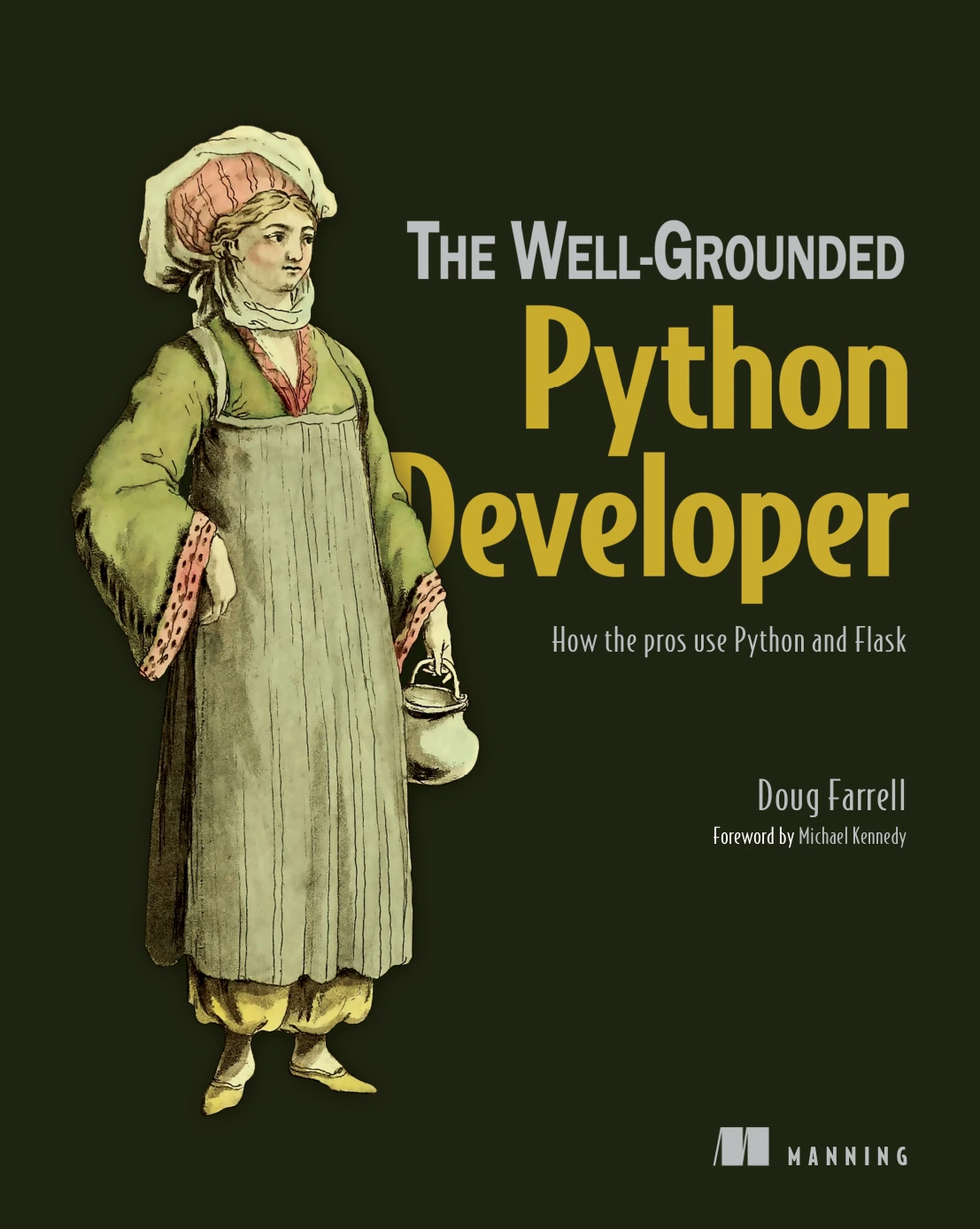
The Well-Grounded Python Developer
By Doug Farrell
Readers with basic Python experience who want application design, user management, and database coverage.
Prerequisites: Basic syntax and experience writing small scripts are the stated starting point.
Limitations: This is not solely a website tutorial. Some of its value comes from broader Python design work, including a drawing and animation project. Readers seeking only the shortest route to a first page may find that broader material less immediately relevant.
Why it belongs here: A database-backed application needs more than working routes. It needs readable code, clear boundaries, and deliberate rules about who can access or change information. This book’s documented scope addresses that transition.
Python books for API development
Python API Development Fundamentals
Suited to: Learners who want to follow a substantial Flask API project rather than stop at a single JSON response.
Python API Development Fundamentals follows a recipe-sharing application called Smilecook. The supplied catalog describes Flask and Flask-RESTful, database work with SQLAlchemy, migrations, JWT authentication, request validation, serialization, and endpoint testing. The catalog identifies the supplied edition as a 2019 Packt publication.
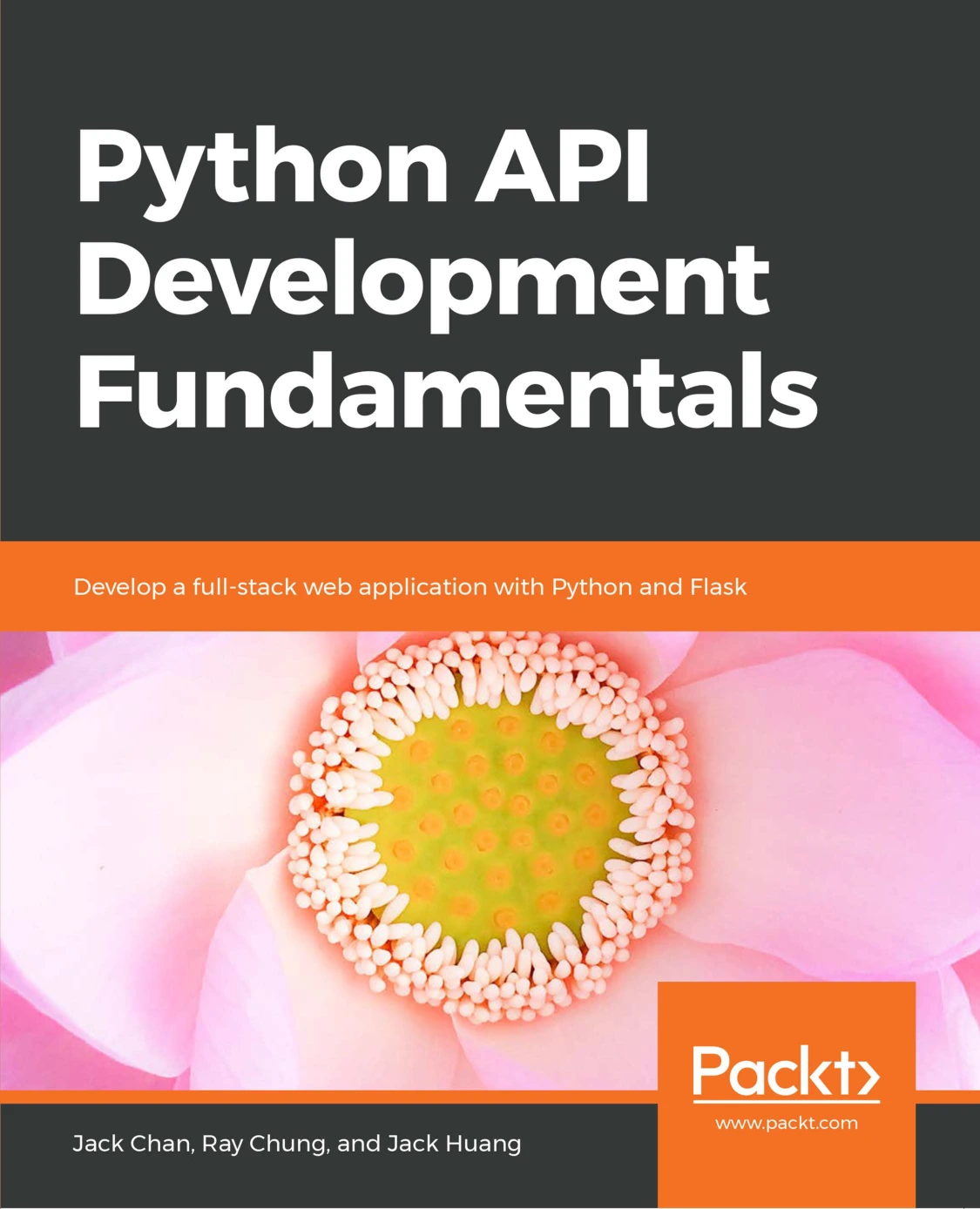
Python API Development Fundamentals
By Jack Chan
Python learners seeking a connected API project with database models, authentication, validation, and testing.
Prerequisites: Basic Python is a sensible preparation. The supplied description does not establish a complete prerequisite list.
Limitations: Treat dependency versions and setup instructions as items to verify before following the project. Publication age alone does not make its application concepts irrelevant, but it also does not establish compatibility with current packages.
Practical reading focus: Pay particular attention to failure cases. What should happen when a request omits a required field, supplies an invalid value, or tries to edit another user’s recipe? Those questions make API study more useful than merely reproducing successful requests.
Django for APIs: Build web APIs with Python and Django
Suited to: Readers interested in API development through Django REST Framework.
Django for APIs: Build web APIs with Python and Django develops library, Todo, and blog APIs. The selected catalog entry covers HTTP and REST concepts, models, views, serializers, tests, permissions, authentication, viewsets, and routers. It also includes a React front end connected to the Todo API.
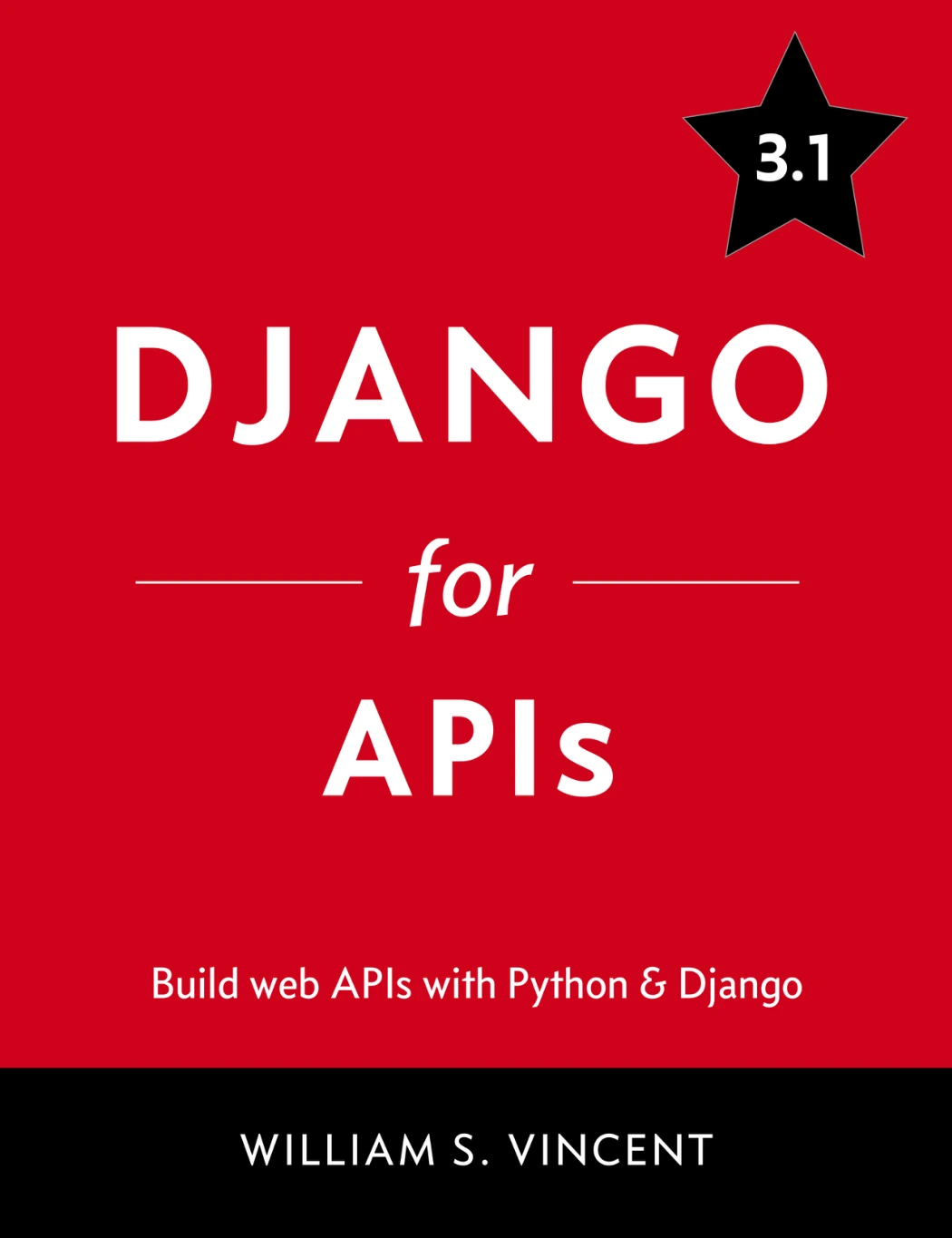
Django for APIs: Build web APIs with Python and Django
Readers choosing Django REST Framework who are prepared to verify an older example environment.
Prerequisites: Basic Python and some Django familiarity are sensible preparation, though the supplied material does not confirm a formal prerequisite statement.
Limitations: The linked catalog entry explicitly lists Django 3.1. Another supplied entry has the same title but different file details, so do not assume that the two downloads are interchangeable or that either represents the latest edition. The author’s Django for APIs page is an additional reference point for the title; confirm the exact download and example environment before choosing.
Choosing between the API books: Pick the Flask title if you want its recipe-sharing project and documented Flask toolchain. Pick the Django title if Django REST Framework is the ecosystem you intend to learn. Avoid learning both stacks at once merely to compare them.
Building dashboards and data apps
Build Python Web Apps with Streamlit
Suited to: Python developers whose immediate goal is a dashboard, data application, or interactive internal tool.
Build Python Web Apps with Streamlit covers the Streamlit workflow and progresses into dashboards, CRUD applications, application structure, AI-powered tools, testing, packaging, and deployment. The supplied catalog describes this scope, with a corresponding Manning publisher page for the title.
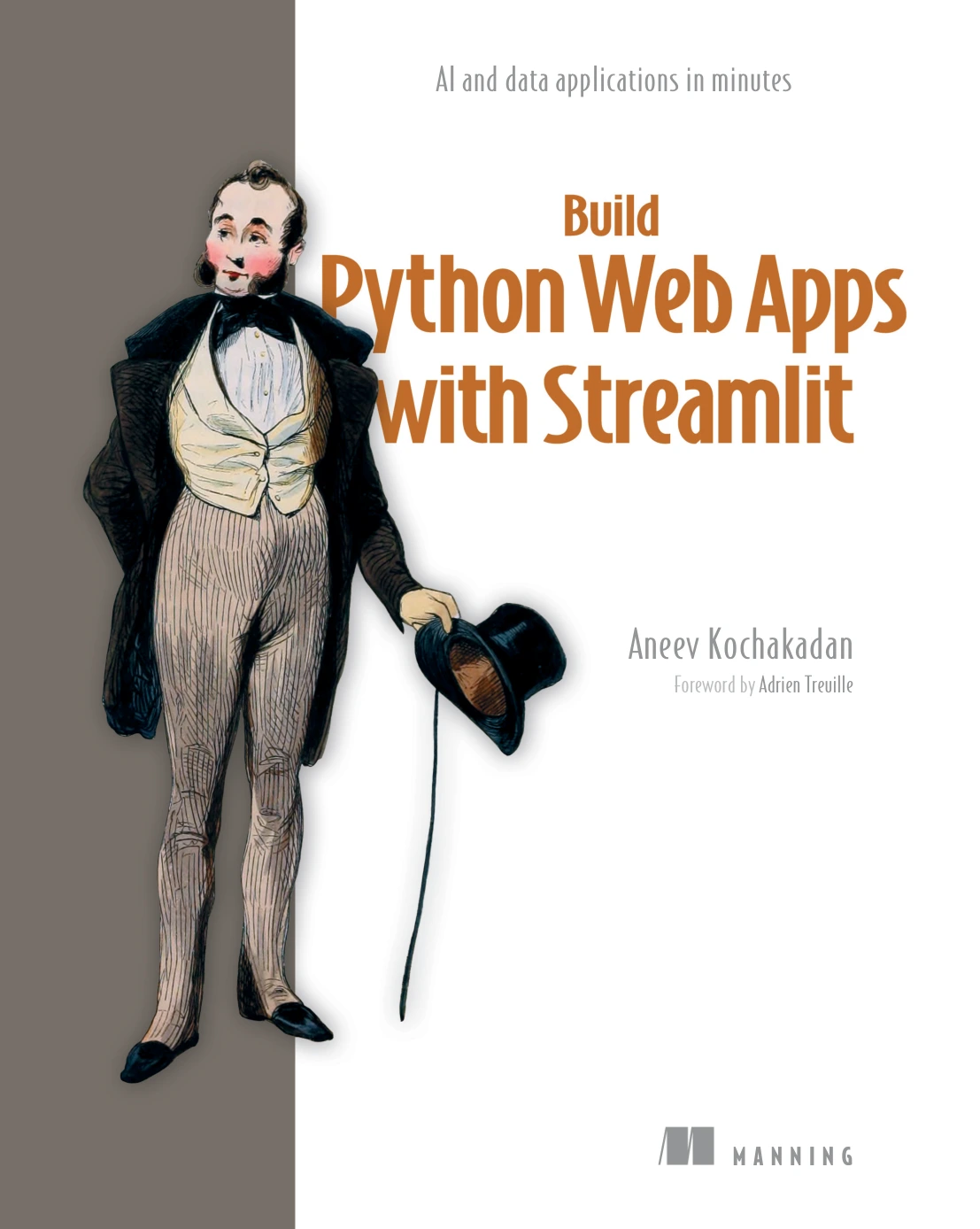
Build Python Web Apps with Streamlit
People who already know Python and want interactive dashboards, data tools, and application-sharing guidance.
Prerequisites: The catalog positions it for readers who already know Python.
Limitations: Its focus is data-oriented web applications. That is useful specialization, but it should not be treated as equivalent to a general course in building every type of website or API backend.
Practice idea: Build an expense dashboard that accepts a sample dataset, filters transactions, and displays summaries. Begin with the data interaction you need; add more advanced features only after the basic workflow is clear.
A supplementary book for browser testing
Selenium WebDriver Recipes in Python
Suited to: Readers who already have a web application and want to test how people interact with it in a browser.
Selenium WebDriver Recipes in Python provides task-focused material on locating elements, interacting with controls, managing windows, handling page loads, using waits, and debugging test scripts. The catalog also describes dynamic pages and more advanced interactions.
Prerequisites: Basic Python and a grasp of the user journey you want to test will make the recipes more useful.
Limitations: It is not a book for learning Django, Flask, or database-backed application design. Use it alongside a development resource, and check recipe compatibility with your browser and Selenium environment.
Practice idea: Automate a journey through your own application: sign in, create an item, confirm it appears, then sign out. Keep this separate from tests of the application’s underlying logic.
Turn one book into a practical learning path
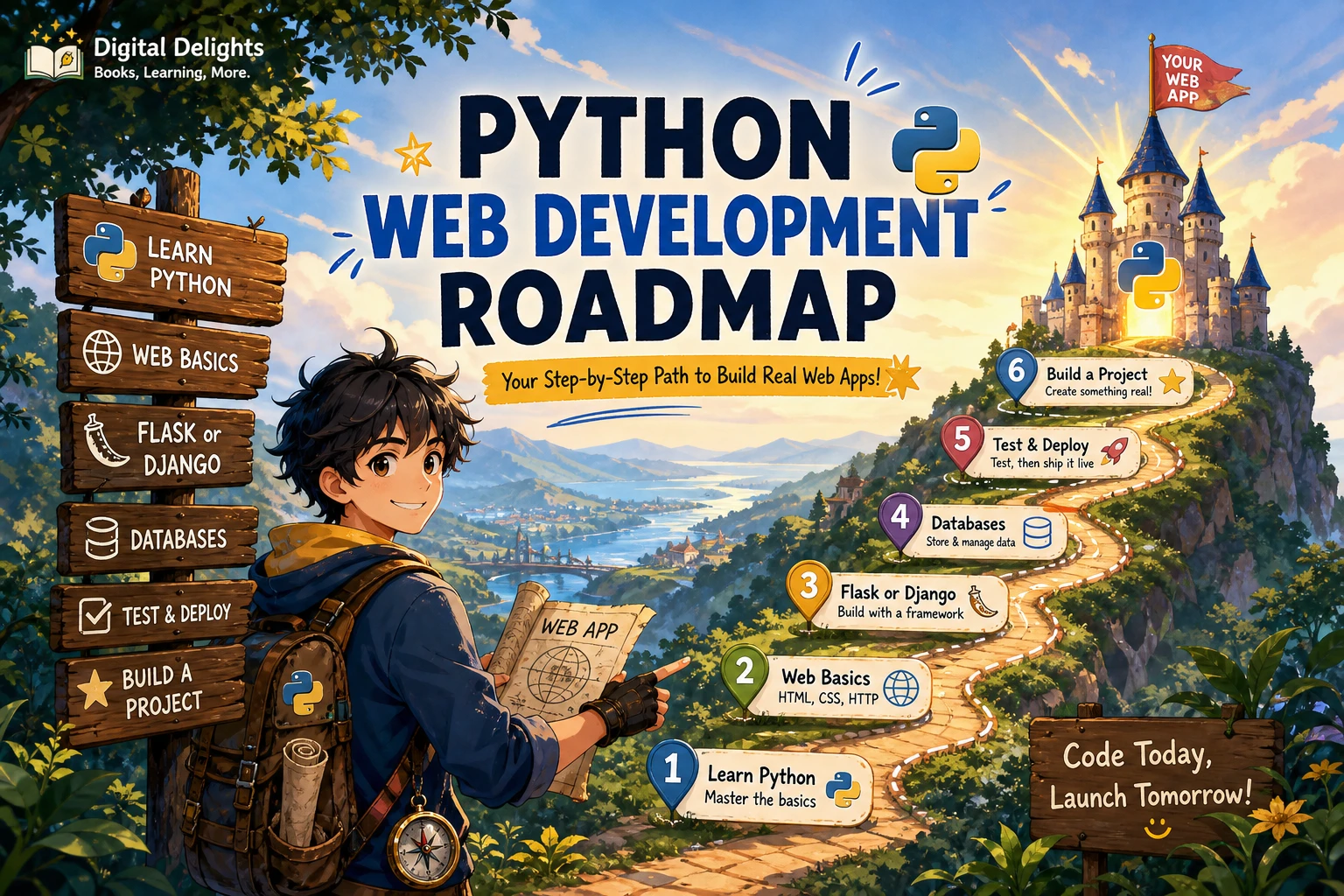
You can make more progress with one relevant book and a finished small application than with several overlapping introductions. Use a task tracker or recipe organizer as a practice project; these are suggested exercises, not claims about projects included in every title.
- Establish the Python foundation. Write functions for creating, finding, updating, and deleting records in memory.
- Choose one application path. Decide whether your first interface is a website, an API, or a data app.
- Build a small working feature. Display records and accept a new record before adding unrelated features.
- Add persistence. Store the records in a database and verify that they survive a restart.
- Define access rules. For a multiuser project, write down who may view, create, edit, or delete each kind of record.
- Test expected failures. Try missing input, nonexistent records, and unauthorized edits—not just the successful path.
- Prepare to share it. Study configuration and deployment requirements, then check whether another person can reproduce your setup.
After each chapter, make one change that the example does not spell out. Add a field, introduce a filter, or write an extra failure-case test. This gives you a concrete way to check whether you understand the design rather than only the sequence of instructions.
Common mistakes when choosing web-development books
- Buying several beginner books with the same purpose. Pick one main introduction and work through it before adding another.
- Choosing by page count. More pages may mean more unrelated subjects, not deeper coverage of your target application.
- Assuming a title proves detailed coverage. Inspect the contents and description rather than relying on a subtitle or bundle size.
- Installing arbitrary package versions. First identify the example’s intended environment; then understand any changes you make.
- Treating working example code as production-ready code. Review security, configuration, error handling, and deployment needs separately.
- Switching frameworks whenever a chapter gets difficult. Investigate whether the obstacle is Python, HTTP, databases, or the framework before starting over.
When selecting a Python runtime, consult the official Python downloads and release information. That is a starting point, not proof that a particular book’s dependencies support your chosen version. Check the framework and companion packages separately.
Frequently asked questions
Should I learn Python before Django or Flask?
Learn enough Python to write functions, use common data structures, import modules, and understand exceptions first. Then begin a small framework project. You do not need to finish every advanced Python topic before building for the web.
Which books suit Python API development?
Python API Development Fundamentals suits a Flask-based project path. Django for APIs suits readers choosing Django REST Framework. In either case, check the edition, dependency requirements, and coverage of validation, permissions, and tests.
Are older framework books still useful?
They can be useful for application structure and request-response concepts, provided you separate those lessons from version-specific instructions. Do not assume older installation commands, integrations, or security examples remain appropriate without checking.
Does a Streamlit book replace a general web development guide?
Not for every goal. It may be the right main resource for a dashboard or data tool. If your goal is a broader website or API backend, choose a resource whose project and coverage match that work.
Do I need to learn frontend development too?
That depends on your project. For a browser-facing website, basic HTML knowledge helps you understand what the application displays. For an API, you can initially focus on requests and responses. You do not need to learn an entire JavaScript framework before making your first backend project.
Choose the book that matches your next application
Start with Unlocking Python or Head First Python if the language itself is still new. Choose The Well-Grounded Python Developer when you are ready to move from scripts into maintainable Flask applications. Use an API-specific guide for backend services, or the Streamlit title when dashboards and data interaction are your main goal.
The relevant product pages at Digital Delights provide a focused next step: compare the documented coverage and confirm the edition before choosing. Then commit to one resource and one small application rather than collecting books without putting them to work.
Sources and selection notes
Book-specific descriptions in this guide draw on the supplied Digital Delights catalog entries linked above. Additional reference points are the author’s Django for APIs page, Manning’s Build Python Web Apps with Streamlit page, and Python’s official downloads page. Documented scope does not establish comparative teaching effectiveness, current dependency compatibility, or independently tested example reliability.