Which Is the Best Book to Learn Python for Non-Programmers?
The best Python book for non-programmers is one that explains programming itself—not just Python syntax—and gives you small tasks you can complete without guessing what the author means. For a business-oriented beginner, Python for Non-Pythonians is a strong starting choice: its catalog description identifies readers with little or no coding experience and includes exercises with solutions. If you already work comfortably in spreadsheets, Python for Excel Users: Know Excel? You Can Learn Python offers a more directly relevant route. If you prefer a scheduled, project-based approach, consider Python Projects for Beginners: A Ten-Week Bootcamp Approach to Python Programming.
These are goal-based editorial choices, not a proven ranking of learning effectiveness. Below, you will find a comparison, a checklist for choosing your first book, and a practical method for turning reading into working code.
What makes a Python book suitable for a complete beginner?
“Beginner” can mean two different things: someone who has never programmed, or an experienced programmer learning a new language. A book written for the second reader may move too quickly for the first.
If you have no coding background, look for a resource that answers basic operational questions as well as conceptual ones: Where do I type this? How do I run it? What should appear? What do I do when it fails?
No assumed programming knowledge
A suitable first book should explain a variable before using it extensively, introduce a function before expecting you to write one, and show why indentation matters. Familiar words such as “string,” “argument,” and “return” have specific programming meanings; a beginner needs those meanings explained.
You do not need a computer science background to start. You do need a resource that does not quietly assume you already have one.
Setup guidance that leads to a working program
Installation is only part of setup. Check whether the book explains how to open its chosen editor or notebook, execute an example, save your work, and run it again.
A long list of tools is not automatically helpful. For your first lessons, one clearly explained environment is more useful than several unexplained alternatives.
Small examples, exercises, and useful feedback
A worked example shows what a solution looks like. An exercise asks you to produce one. Look for both, ideally with solutions or explanations you can consult after making an attempt.
Manageable projects also matter. A receipt generator that you understand is a better early milestone than a large application you can only copy.
A version and support checklist
- Does the book explicitly assume no programming experience?
- Does it identify the Python version used in its examples?
- Does its setup guidance cover your operating system?
- Are examples explained rather than merely displayed?
- Are exercises accompanied by feedback, hints, or solutions?
- Are supporting files and corrections available where needed?
- Does its project focus match something you actually want to do?
Check sample pages or a detailed table of contents where available. A title containing “for beginners” is a useful clue, but not enough evidence on its own.
Choosing the best Python book for non-programmers by goal
The most useful distinction is not “Which book covers the most?” It is “Which book gives me a suitable next task?” The following Digital Delights titles approach that question from different directions.
Beginner Python books compared by reader needs
| Book and author | Suitable reader | Catalog-supported coverage | Selection consideration |
|---|---|---|---|
| Python for Non-Pythonians — Francesco Grossetti and Gaia Rubera | Business-oriented readers with little or no coding experience | Setup, core data types, collections, conditions, loops, functions, classes, pandas, and exercises with solutions | Its business and data-handling emphasis is most relevant when those are your goals. |
| Python for Excel Users: Know Excel? You Can Learn Python — Tracy Stephens | Spreadsheet users learning programming for the first time | Python fundamentals, spreadsheet-minded examples, repetitive-task automation, and practical data handling | Existing Excel knowledge is the starting point; this is not the most direct fit if you rarely use spreadsheets. |
| Python Projects for Beginners: A Ten-Week Bootcamp Approach to Python Programming — Connor P. Milliken | New programmers who prefer a structured routine | Environment setup, Jupyter Notebook, variables, strings, input, conditions, lists, loops, and small programs | The ten-week organization is a study structure, not a guarantee of mastery within that time. |
The comparison reflects catalog descriptions, not firsthand testing. It does not establish which book has the clearest explanations for every reader or which produces better learning outcomes.
For business-oriented beginners: Python for Non-Pythonians
Python for Non-Pythonians is the strongest fit here for readers who want an introduction connected to business data tasks. Its description explicitly addresses people with little or no coding experience.
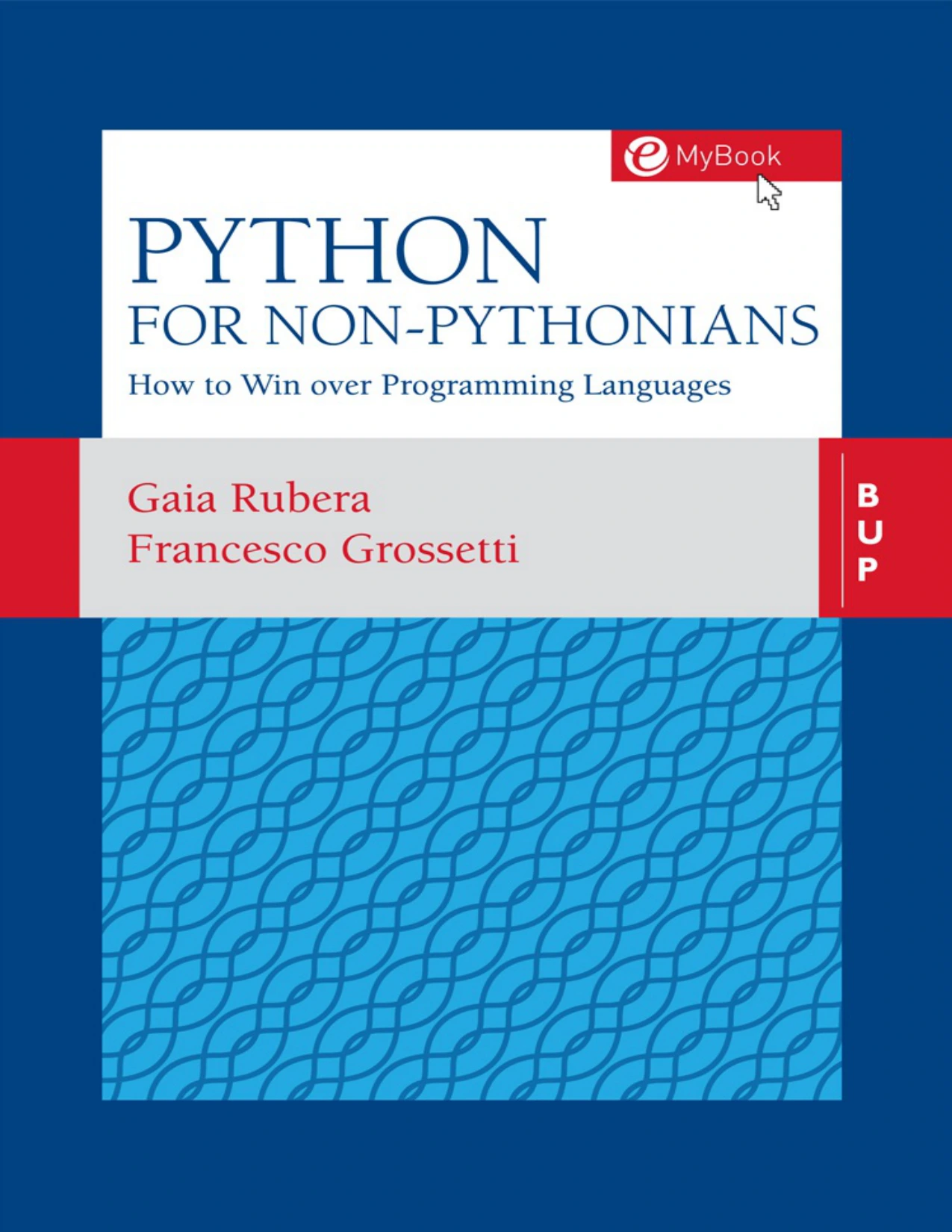
Readers with little or no coding experience who want fundamentals, exercises with solutions, and an introduction to data handling.
The listed progression moves from installation and basic objects into lists, dictionaries, conditions, loops, and functions. Later material introduces classes and pandas, connecting language fundamentals with importing, inspecting, and grouping data.
Its exercises with solutions, “Read the Code” sections, and “Code Bloopers” are relevant selection features. They provide opportunities to write code, interpret it, and examine mistakes rather than only read definitions.
Choose this route if: your motivation is to understand and work with business information. If your main ambition is game development or building websites, the data emphasis may be less closely aligned with your immediate goal.
For spreadsheet users: Python for Excel Users
Python for Excel Users: Know Excel? You Can Learn Python builds on an existing skill rather than treating every reader as a blank slate.
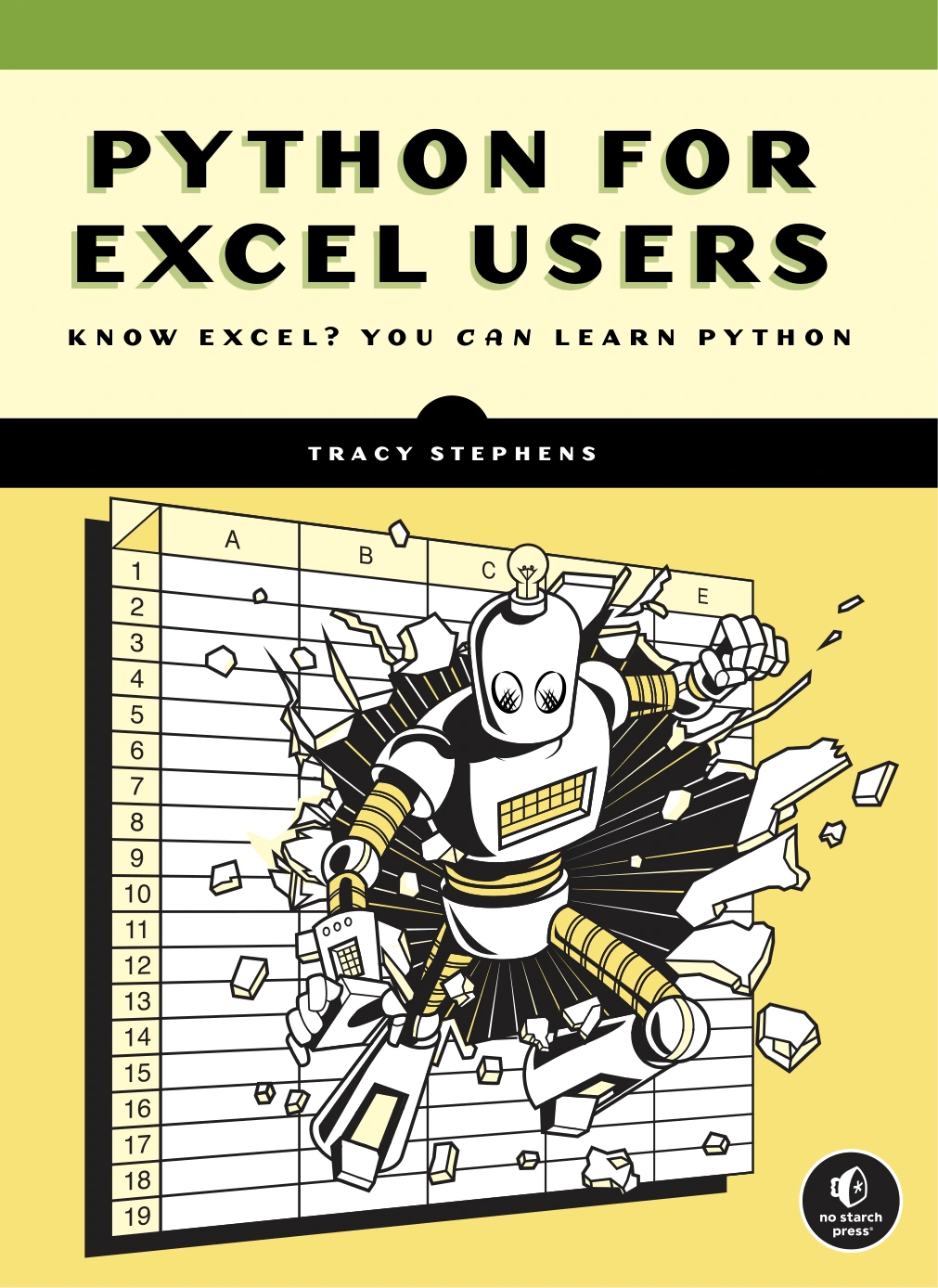
Python for Excel Users: Know Excel? You Can Learn Python
Excel users who want to learn Python through familiar data tasks and explore repetitive-work automation.
Its catalog description connects variables, data structures, loops, functions, and scripts to spreadsheet-oriented examples. It also covers ways to approach repetitive work and the cleaning, organization, and processing of data.
This makes the book a relevant option if your reason for learning Python is specific: perhaps you repeatedly clean exported tables or rebuild similar reports. Familiar tasks give you a way to judge whether your code is doing something useful.
Choose this route if: Excel is already part of your working life. Remember that knowing spreadsheet formulas does not mean Python syntax will be immediately familiar; you are using that experience as a bridge, not skipping the fundamentals.
For a structured routine: Python Projects for Beginners
Python Projects for Beginners: A Ten-Week Bootcamp Approach to Python Programming organizes learning into weekly topics and daily tasks.
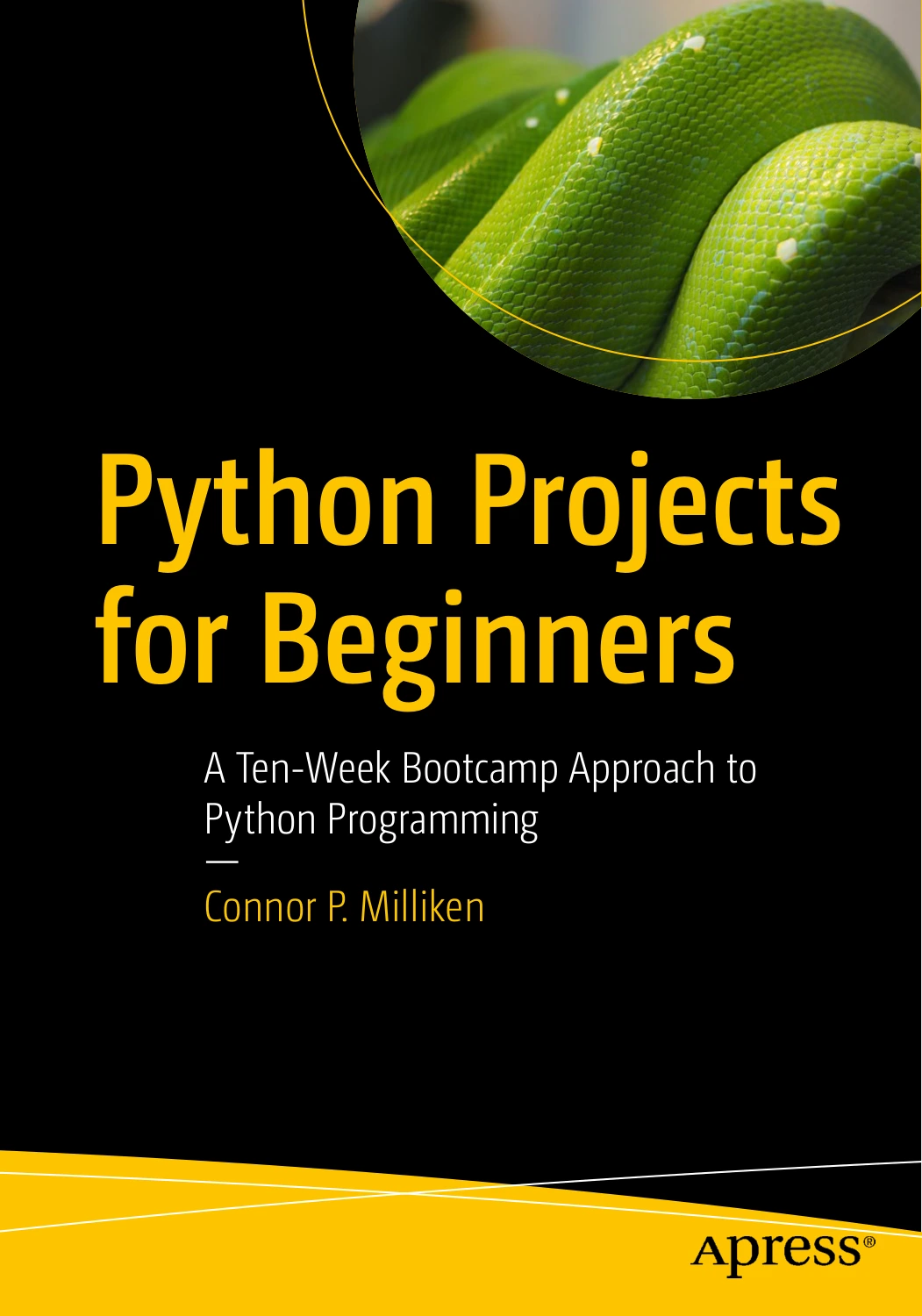
Python Projects for Beginners: A Ten-Week Bootcamp Approach to Python Programming
New programmers who benefit from weekly topics, daily tasks, setup guidance, and small working programs.
The catalog describes setup with Anaconda, Python, the terminal, and Jupyter Notebook, followed by early programs such as a receipt printer. Listed topics include strings, user input, type conversion, conditions, lists, and loops.
The appeal is the sequence: you have a defined task to work on instead of deciding what to study each time you sit down. A small finished program also makes it easier to see how separate concepts work together.
Choose this route if: you benefit from a calendar-like plan. Adjust the pace when necessary. Repeating a lesson until you can change its example independently is more useful than meeting an arbitrary deadline.
Check the author and edition before choosing
Programming-book titles can sound remarkably similar. Confirm the author, full subtitle, edition, and language version before selecting a download. Two books with similar names may have different content, pacing, and prerequisites.
A beginner-friendly title can still use an older Python version
A specific example is Non-Programmer’s Tutorial for Python: Practical Programming For Total Beginners and Experts. Its catalog description states that the examples target Python 2.6 and notes differences that can affect running them in Python 3.
Non-Programmer’s Tutorial for Python: Practical Programming For Total Beginners and Experts
Readers checking version suitability: the catalog states that this edition targets Python 2.6, creating an additional adaptation burden for Python 3 learners.
That makes it a poor default for a new learner using Python 3 who wants examples to run without translation. Programming concepts can remain useful, but adapting syntax adds another task before you have learned the basics.
Do not treat a recent-looking product listing or an approachable title as proof of current code compatibility. Read the version information for the actual edition.
Check project dependencies as well as Python itself
Projects may rely on additional packages, files, or services. Before starting a substantial project, check the book’s setup instructions and any available corrections. A newer interpreter does not by itself establish that every project dependency will work unchanged.
If the book specifies a particular environment, understand those instructions before substituting a different one. When setup problems arise, record the command you ran and the exact error message rather than making several unrelated changes at once.
How to learn from your first Python book
Once you have chosen a suitable book, the next decision is how to use it. Treat each chapter as a source of tasks, not as reading you simply need to finish.
Use a read, run, change, explain cycle
- Read a small section. Focus on one concept rather than an entire chapter of unfamiliar terms.
- Run the example. Compare the result with what the book says should happen.
- Change one thing. Alter a value, a condition, or a piece of text.
- Predict the result. Write down what you expect before running the changed code.
- Explain what happened. Use plain language, including why your prediction was wrong if necessary.
This gives you a practical check on understanding. If you can follow an example but cannot predict the effect of a small change, revisit that concept before adding several more.
Try a small expense calculator
The following is an original practice example, not an extract from any of the books. It uses a list to store amounts, a loop to visit them, and a variable to keep a running total.
expenses = [12.50, 8.00, 19.25]
total = 0

for amount in expenses:
    total = total + amount

print("Total expenses:", total)
The total is 39.75. Before running the program, work through the loop on paper: what value does total have after each amount is added?
Then make small changes:
- Add another expense and predict the new total.
- Use an empty list and explain the result.
- Add a condition that prints a message when the total exceeds your chosen budget.
- Once you have learned functions, move the calculation into a function.
Use fictional amounts while practising. You do not need real financial records to learn the programming pattern.
Attempt exercises before opening solutions
Start by describing the task in ordinary language. For an expense calculator, that might be: “Start at zero, add each expense, and display the total.” Turn those steps into code one at a time.
If you are stuck, consult the smallest hint that helps. After reading a solution, close it and rebuild the program yourself. Recognizing a finished answer and producing one independently are different milestones.
A dedicated exercise collection belongs later in this process. For example, the catalog explicitly describes Python Programming Exercises, Gently Explained as not a first programming book. Understand installation, running scripts, variables, loops, and functions before choosing practice material that assumes those skills.
Keep a short debugging notebook
For each problem, record three things: what you expected, what happened, and what fixed it. Notes such as “I used text where the program expected a number” are more useful than “Python did not work.”
When you ask for help, include a small example, the exact error, and the result you intended. This also helps you separate a setup problem from a misunderstanding of the code.
Common mistakes when choosing a first Python book
- Choosing the broadest book. Extensive coverage is not necessarily the most useful introduction to your immediate goal.
- Confusing “new to Python” with “new to programming.” Check prerequisites explicitly.
- Ignoring edition and version details. Avoid adding unnecessary code-conversion work to your first lessons.
- Collecting books instead of practising. Begin with one main guide and use other resources to answer specific questions.
- Copying projects without changing them. Modify small parts and explain the effects.
- Expecting a book’s schedule to guarantee proficiency. Judge progress by what you can build and explain, not simply by pages completed.
Frequently asked questions
Can I learn Python without previous programming experience?
Yes. Choose a book that explicitly teaches programming from the beginning, including setup, terminology, and small examples. Begin with simple programs and increase their complexity as you learn the necessary concepts.
Which Python book suits someone who already knows Excel?
Python for Excel Users: Know Excel? You Can Learn Python is the most directly matched option in this comparison. Its catalog description uses spreadsheet knowledge as a starting point for Python fundamentals, automation, and data handling.
Can the official Python tutorial replace a beginner book?
Not necessarily. The official Python tutorial states that it is designed for programmers who are new to Python, rather than people who are entirely new to programming. Use it as a supplementary reference when you want to check how a language feature works.
How do I know when I am ready for a practice book?
You should be able to run a saved program, use variables and basic collections, write a condition and a loop, and define a simple function. You do not need to memorize every detail, but you should be able to turn a short plain-English task into an attempted solution.
Should I choose a shorter book or a more comprehensive one?
Choose by sequence and relevance rather than length. A shorter resource can leave important questions unanswered; a larger one can include material you do not yet need. Check whether the early lessons provide a complete route from setup to a small program you understand.
The right first book gives you a workable next step
For business-oriented learning, start by considering Python for Non-Pythonians. For spreadsheet-related goals, consider Python for Excel Users. For a scheduled project-based routine, consider Python Projects for Beginners.
Your next step is modest: choose one resource, follow its setup instructions, and run its first small program. Change something in that program before moving on. That is a more useful beginning than assembling a large reading list.
If you want to explore further, the Python collection at Digital Delights provides a place to browse related resources. Check each title’s audience and prerequisites before adding it to your learning path.
Source note
Book coverage and audience descriptions in this comparison come from the linked Digital Delights catalog entries. The distinction between learning Python and learning programming is supported by The Python Tutorial. Recommendations are editorial judgments about reader fit; comparative learning outcomes and current project compatibility have not been established.