

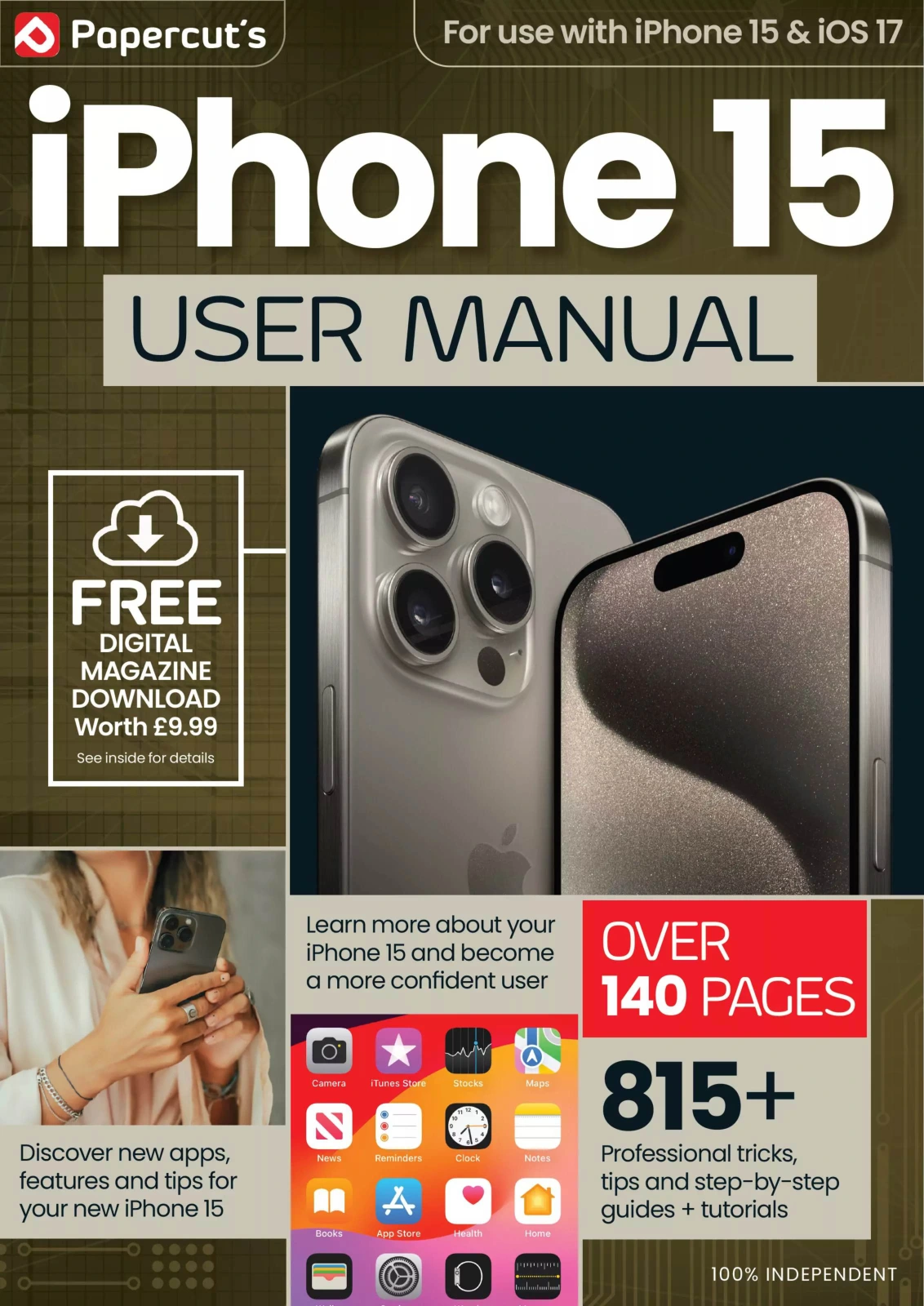
The Complete iPhone User Manual – 20th Edition 2024
Original price was: $13.31.$6.66Current price is: $6.66.

Papercut
Product Specs:
- File Type: PDF
- File Size: 78.8 MB
- Book Language: English
- Total Page Count: 144
- Instant Download
A Practical Companion for iPhone 15 Users
Apple’s iPhone 15 and iOS 17 bring a host of new features, refinements, and hidden tools. This independent guide from Papercut helps you move beyond the basics and use your phone with greater confidence. Whether you’re setting up a new device or exploring what changed in the latest update, the manual offers clear, step-by-step explanations without unnecessary jargon.
What’s Inside the 20th Edition
Across over 140 fully illustrated pages, the manual covers the essentials and the advanced. Early chapters walk you through first-time setup, buttons, ports, Face ID, Touch ID, the Home screen, and getting online. Later sections dive into built-in apps like Mail, Safari, Reminders, Messages, Notes, Calendar, Contacts, Camera, Photos, Wallet, Music, TV, Books, News, and FaceTime.
You’ll also find dedicated coverage of iOS 17–specific features, including StandBy, NameDrop, Focus Filters, and improvements to Siri, Spotlight, and Screen Time. Each new feature is clearly marked, so readers can quickly spot what’s changed.
Plain-English Guidance for Every Level
The instructions are written for real people, not just technical experts. Clear headings, numbered steps, and helpful illustrations make complex tasks approachable. Beginners will appreciate the slow build from basics, while more experienced users can jump directly to the app or function they want to master.
Explore iOS 17’s New Features
If you want to know exactly what iOS 17 adds to your iPhone, the manual has you covered. StandBy turns your charging iPhone into a smart display, NameDrop simplifies contact sharing, and Focus Filters help you tailor apps to your current activity. The guide explains each feature in context, so you understand not just how to use it, but when it can be genuinely useful.
A Guide That Grows With You
From everyday tasks like making a phone call or editing a photo to deeper tools like iCloud Shared Photo Library, route planning, and HomeKit accessories, the manual is designed to be a long-term reference. Because it is produced by Papercut, the team behind popular independent tech magazines, the tone is direct, practical, and up to date.
If you want to feel more in control of your iPhone 15 and explore what iOS 17 can really do, this edition offers a clear, reader-friendly path.
User Reviews
Be the first to review “The Complete iPhone User Manual – 20th Edition 2024”
You must be logged in to post a review.

Android For Beginners
Sold by Papercut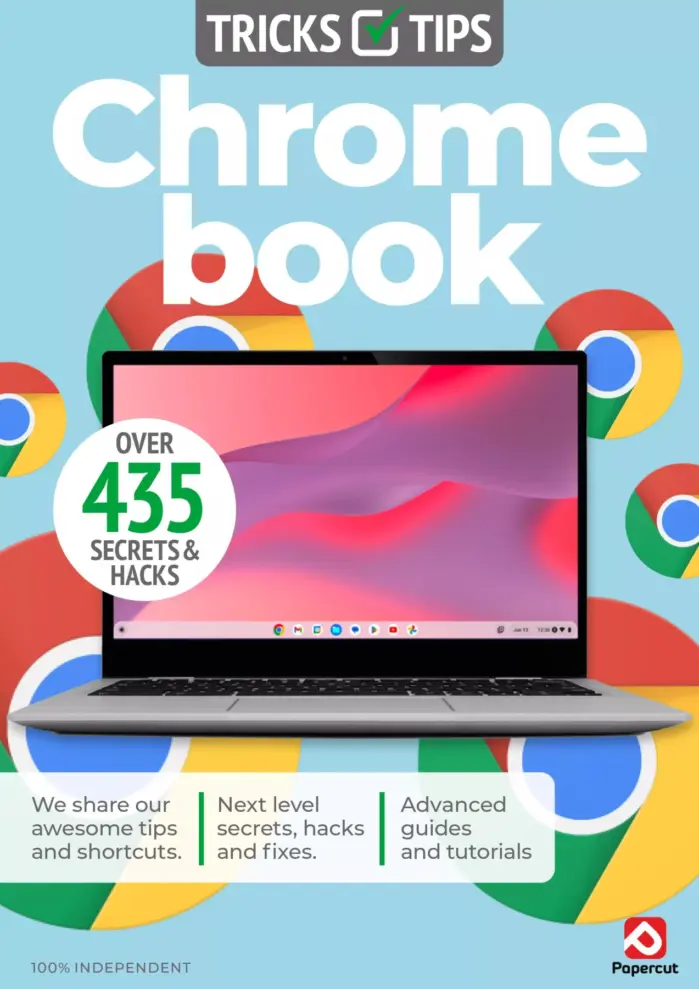
Chromebook Tricks & Tips
Sold by Papercut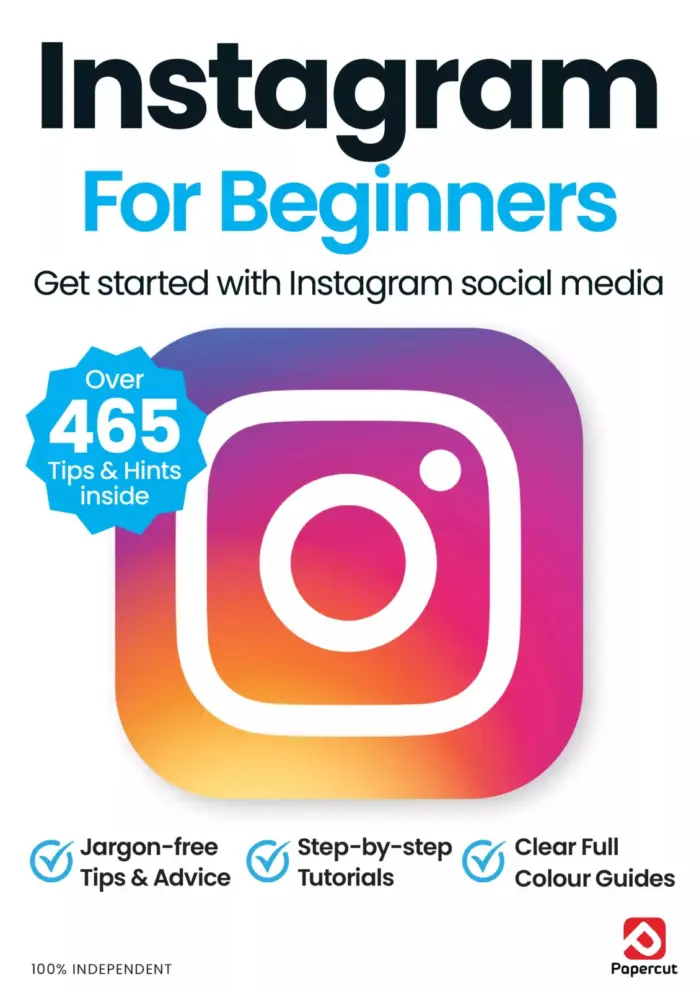
Instagram For Beginners: 19th Edition
Sold by Papercut
Make Your Own PC For Beginners – 20th Edition 2024
Sold by Papercut
Cloud Computing For Beginners – 23rd Edition, 2026
Sold by Papercut
Adobe Photoshop User – Autumn 2025
Sold by Papercut Original price was: $13.31.$6.66Current price is: $6.66.






There are no reviews yet.